
About
Browse background articles on the techniques and history behind PictorX effects, apps, and tools.
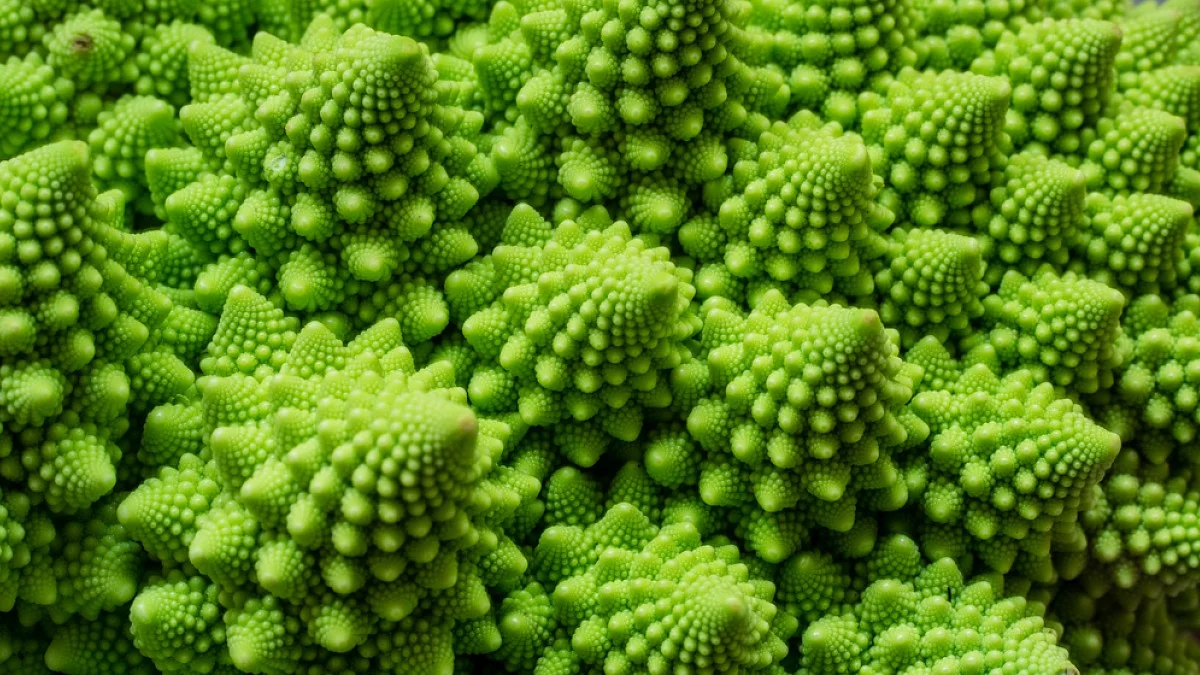
Learn how the Mandelbrot set, Julia sets, Newton fractals, and Nova fractals are generated—and why zooming never runs out of detail.
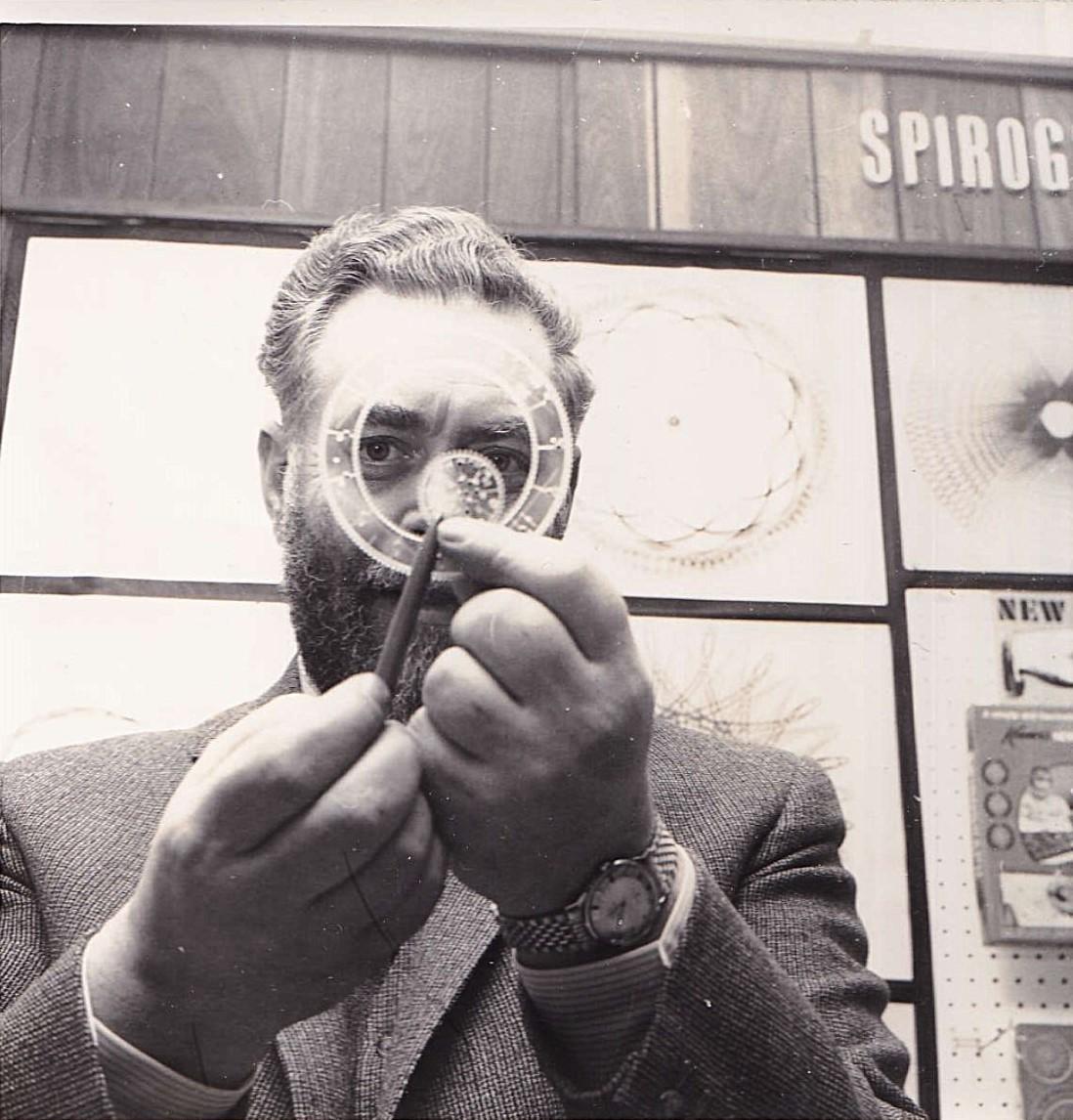
Learn how hypotrochoids and epitrochoids form spirograph curves—R, r, and d, closing conditions, the Denys Fisher toy, and digital mandalas you can draw in PictorX.
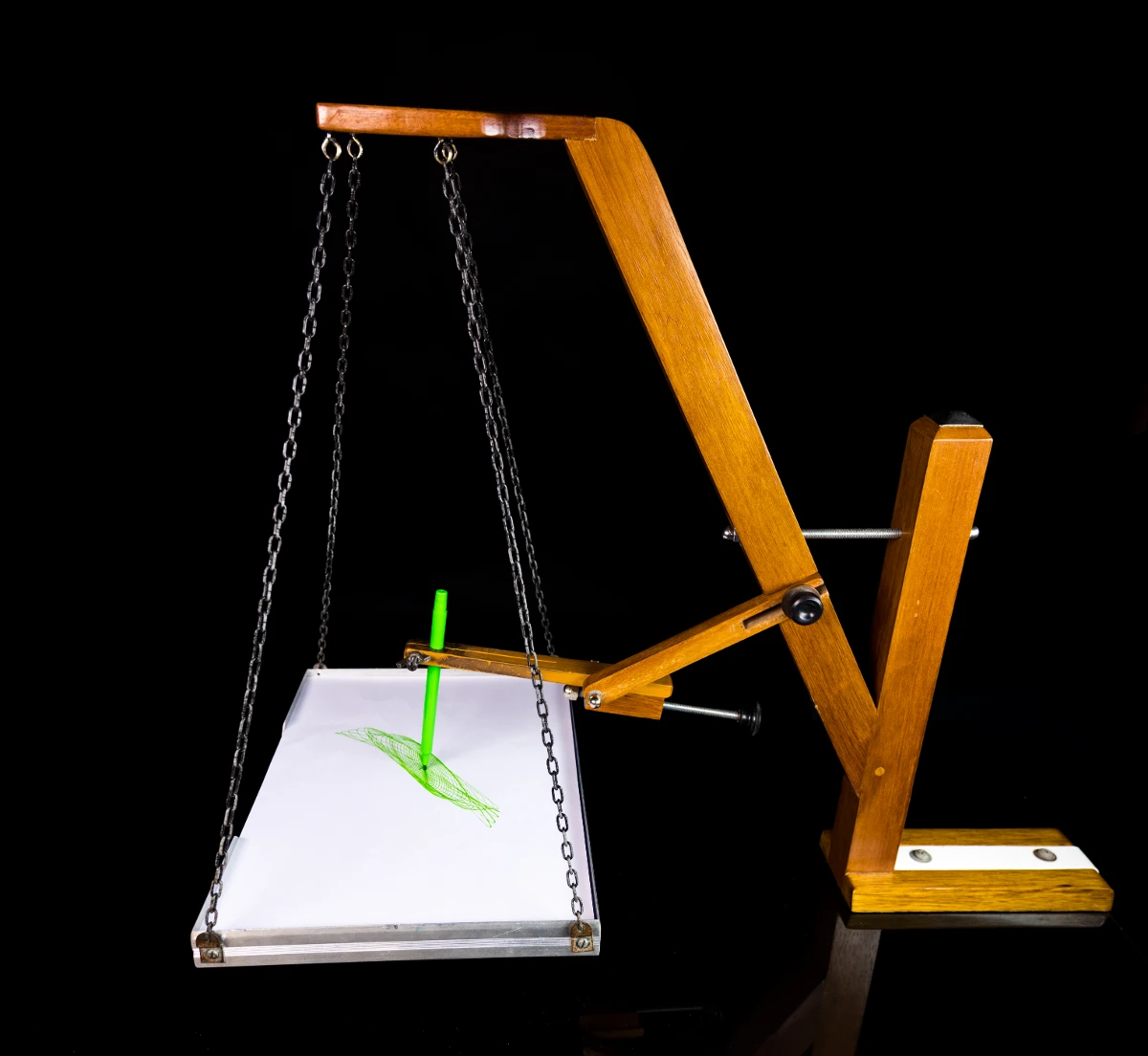
Learn how a Blackburn painting pendulum paints Lissajous figures—two perpendicular oscillators, frequency ratios, damping spirals—and try Painting Pendulum in PictorX.

How a double pendulum turns simple gravity into chaos: coupled angles, sensitive dependence on initial conditions, and why its tip paints stunning light trails in PictorX.
What image feedback and infinite zoom are: recursive canvas transforms, Droste-like echoes, blend and hue drift—and how to try Image Feedback in PictorX.
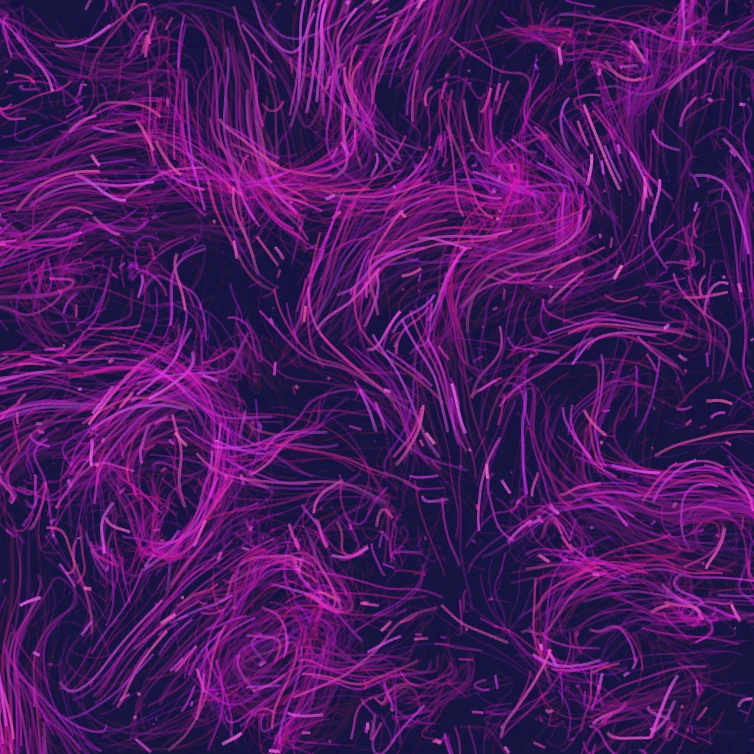
What a flow field is: thousands of particles following curl noise, wind, gravity, and clickable forces—and how to try Flow Field in PictorX.
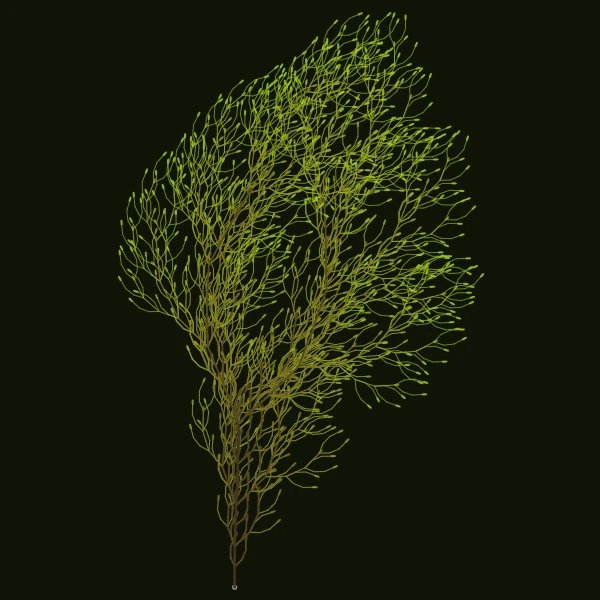
Grow trees, ferns, coral, and ice crystals from Lindenmayer rewrite rules. Turtle graphics walk the axiom in your browser.
How Edward Lorenz's weather equations revealed chaos theory: the butterfly attractor, sensitive dependence on initial conditions, and why long-term forecasts fail.
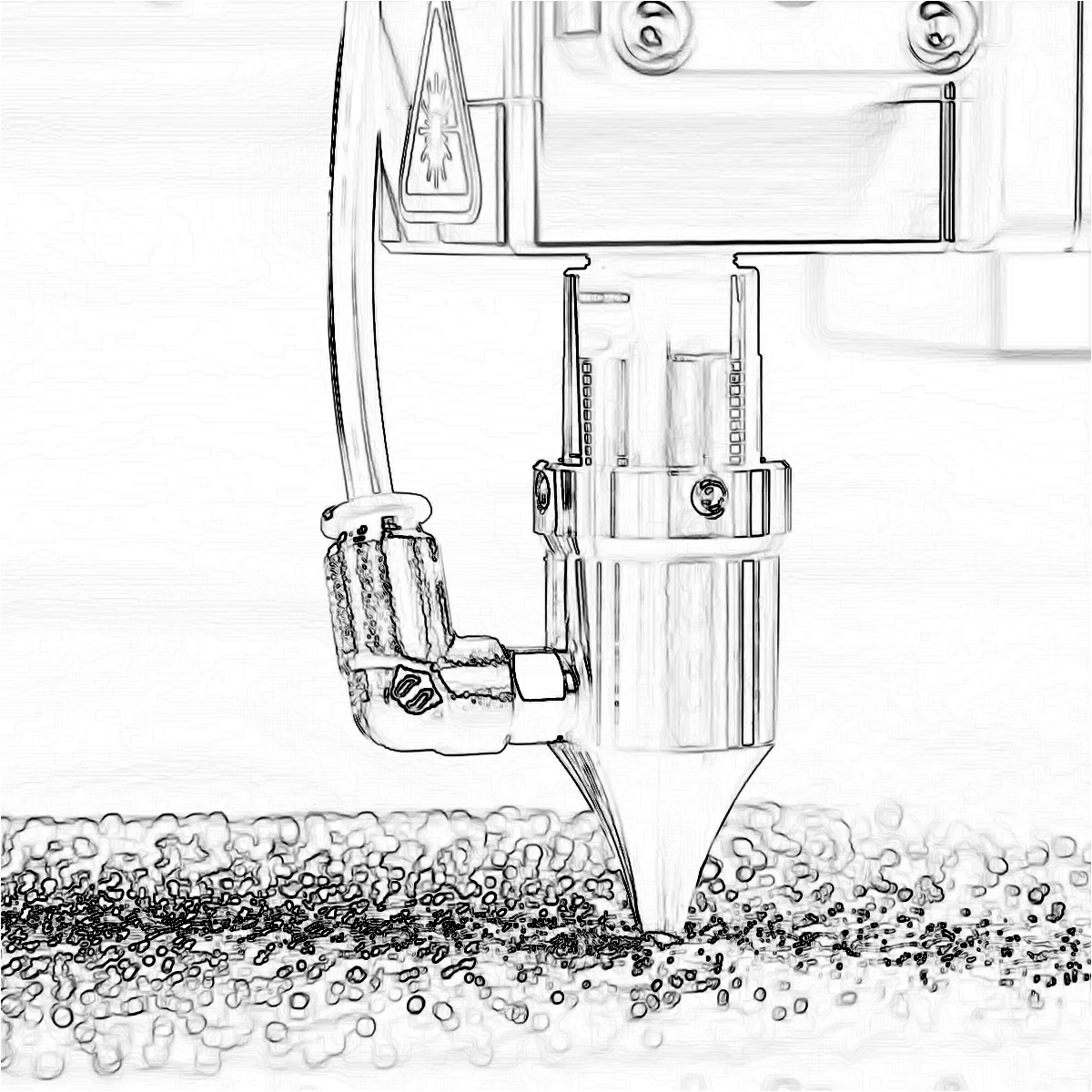
Learn how Find Edges, Canny, Sobel, Laplace, Glowing Edges, XDoG, and Morphological Gradient detect outlines in a photo.
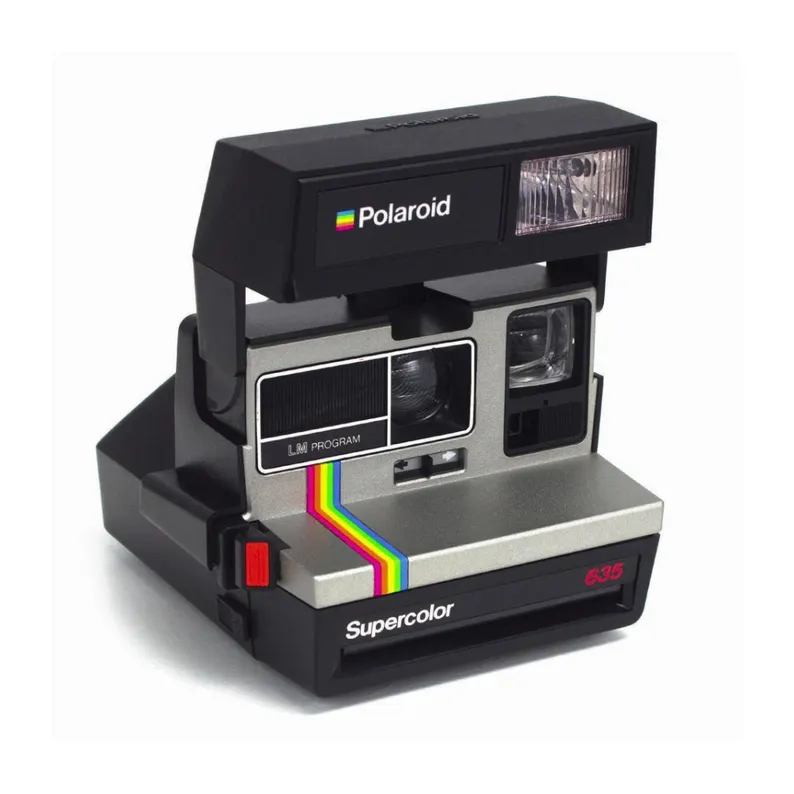
The story of Polaroid: Edwin Land, instant cameras, the SX-70, the end of film, and how The Impossible Project brought Polaroid back.
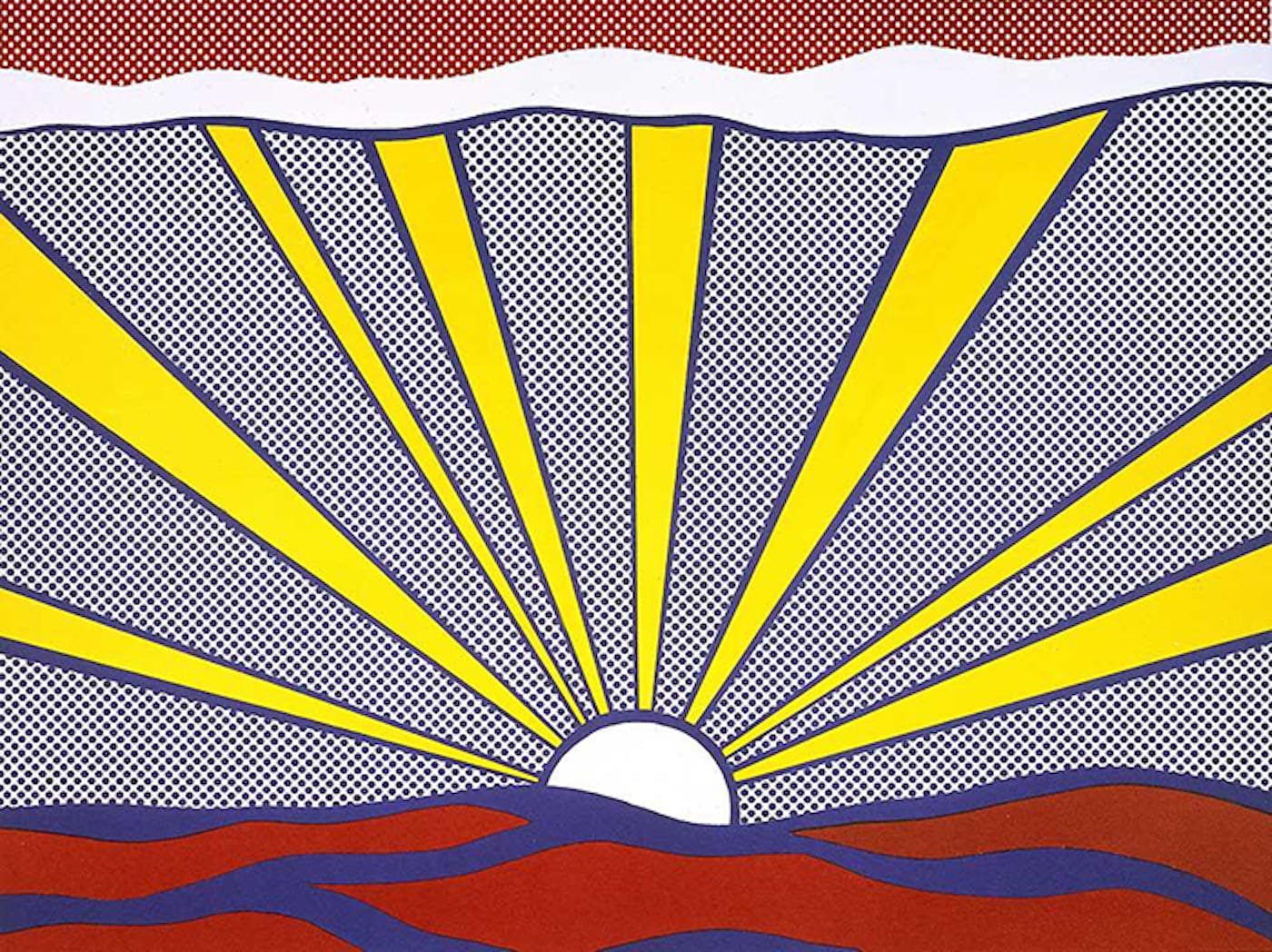
Learn how Pop Art turned advertising, comics, and consumer products into art—Andy Warhol, Roy Lichtenstein, silkscreen, and the rise of mass culture.
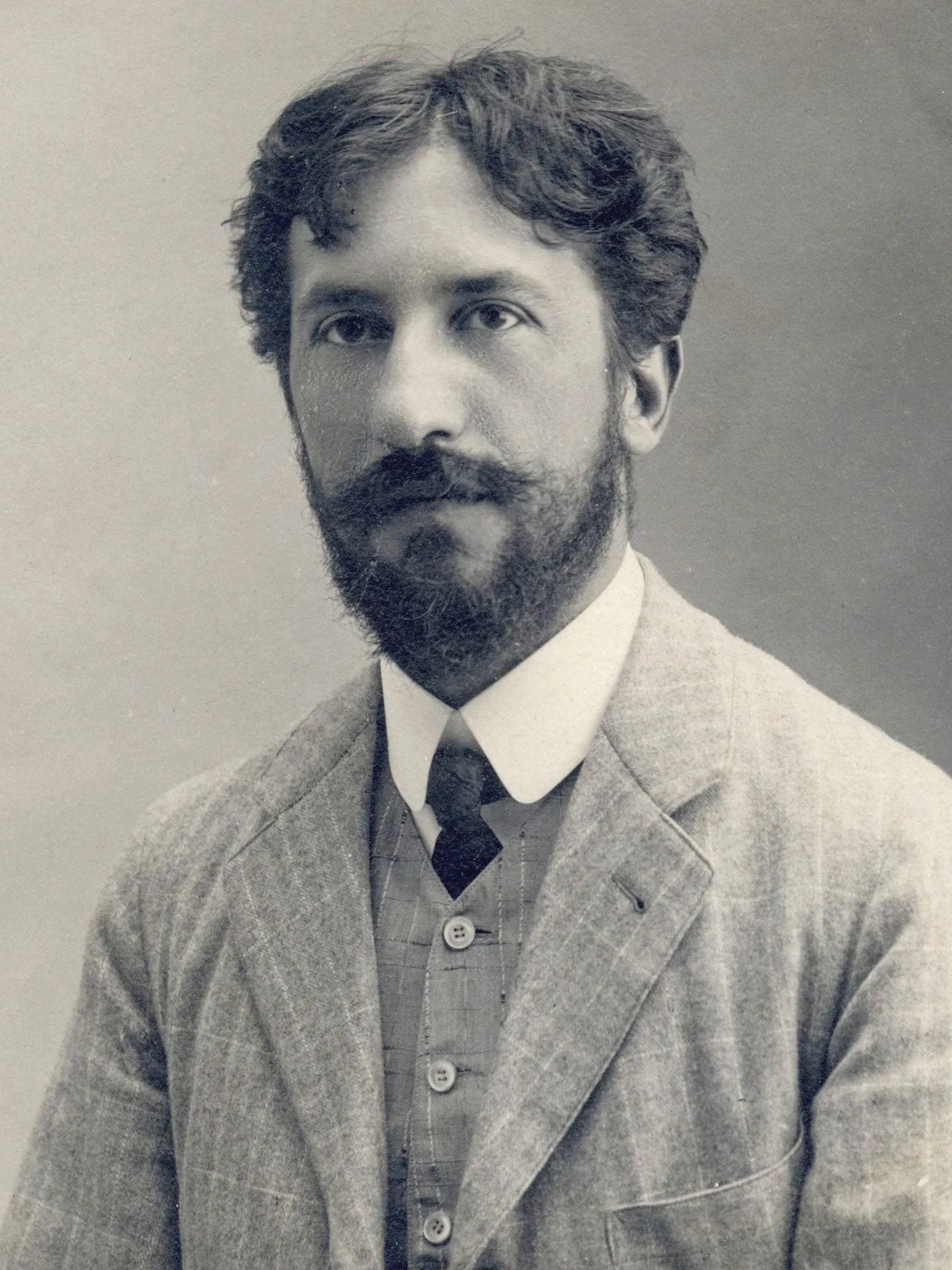
Piet Mondriaan’s life and art: from The Red Tree to Victory Boogie Woogie, De Stijl and neoplasticism, and how PictorX Mondriaan lets you compose grids in the browser.
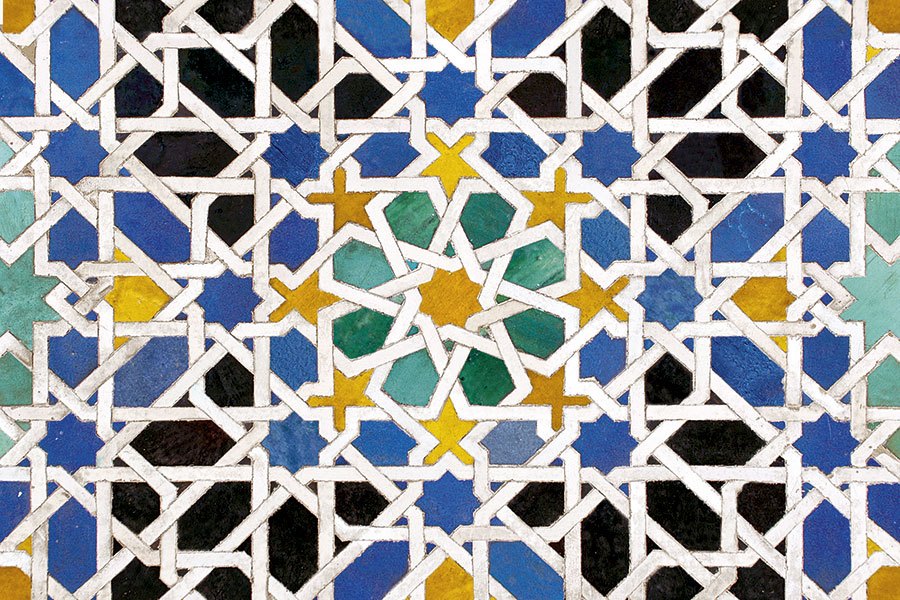
Learn how tessellations cover the plane with regular and Archimedean tiles—then build them in PictorX with colour modes, edge warp, and SVG export.
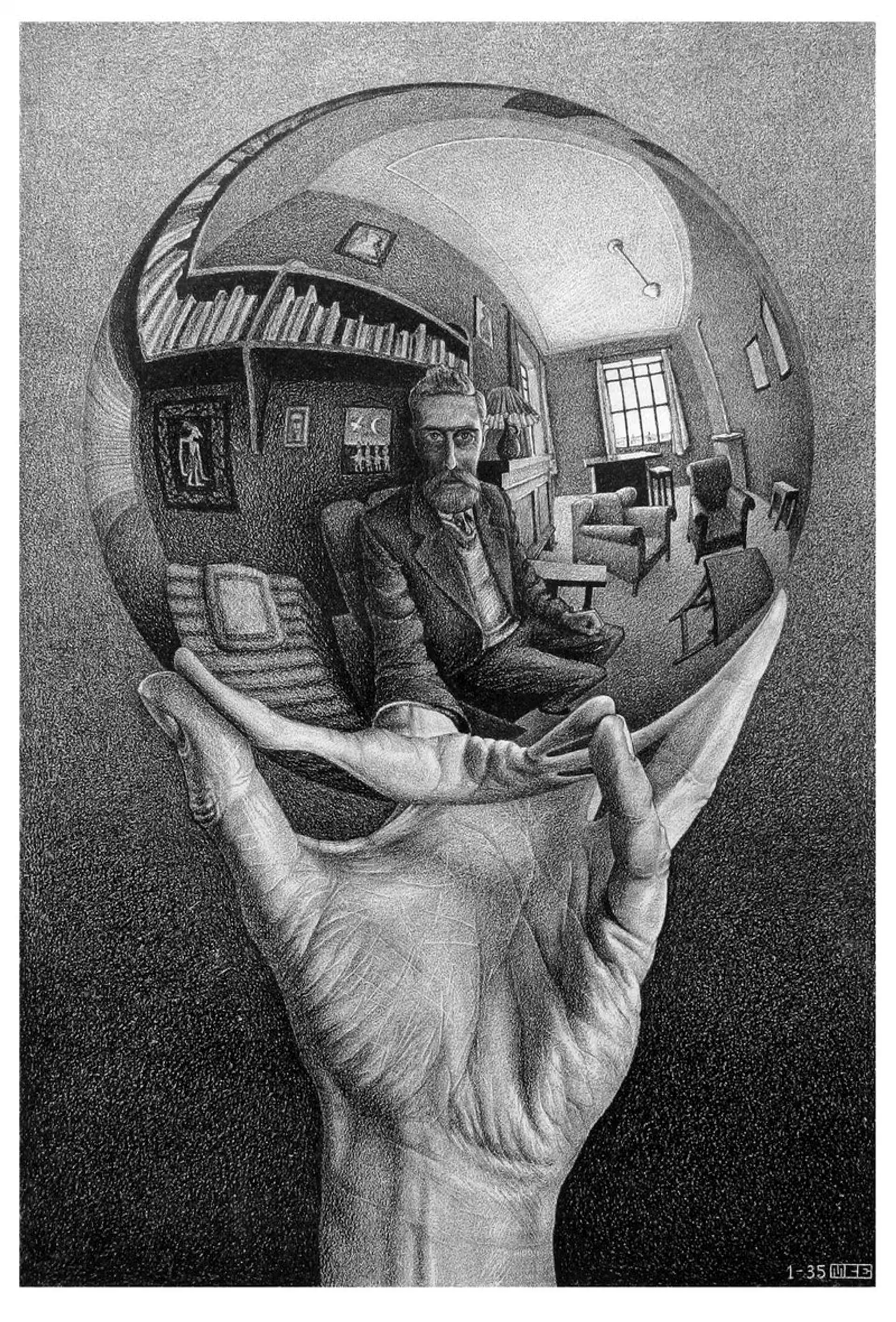
M.C. Escher’s regular divisions of the plane: Alhambra tessellations, translation, rotation and reflection, metamorphosis, hyperbolic infinity, and figure–ground duality—plus PictorX M.C. Escher.
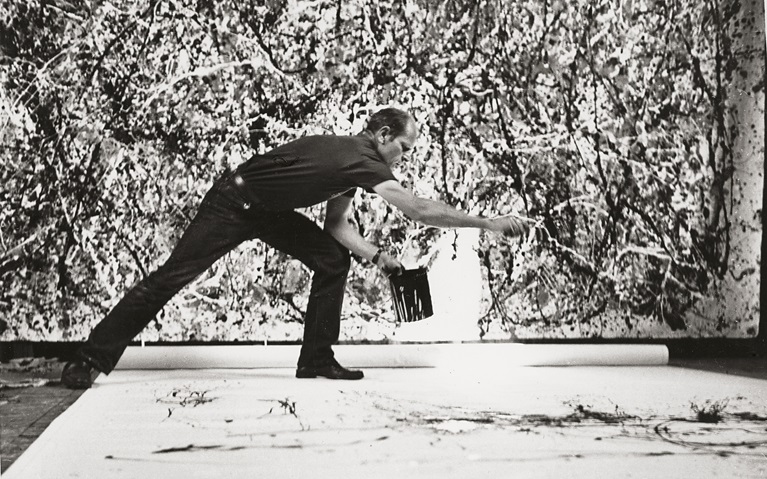
Jackson Pollock's life and drip painting: Cody, the New York School, action painting, and how PictorX Pollock Painter lets you explore drip-and-splatter art in the browser.
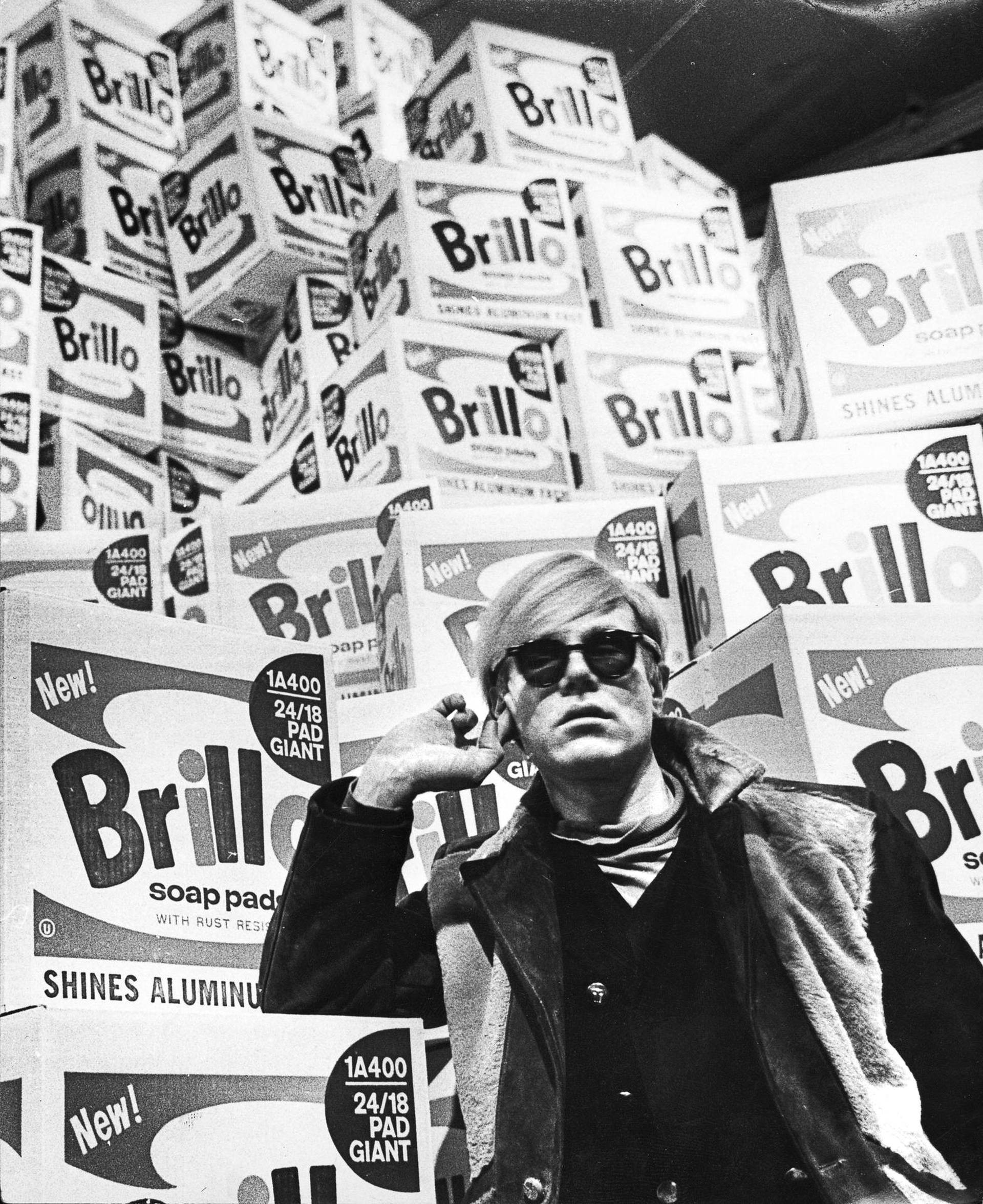
The story of Andy Warhol: Pittsburgh, The Factory, Campbell's Soup, Marilyn, the 1968 shooting, Interview magazine, and the museum in Pittsburgh.
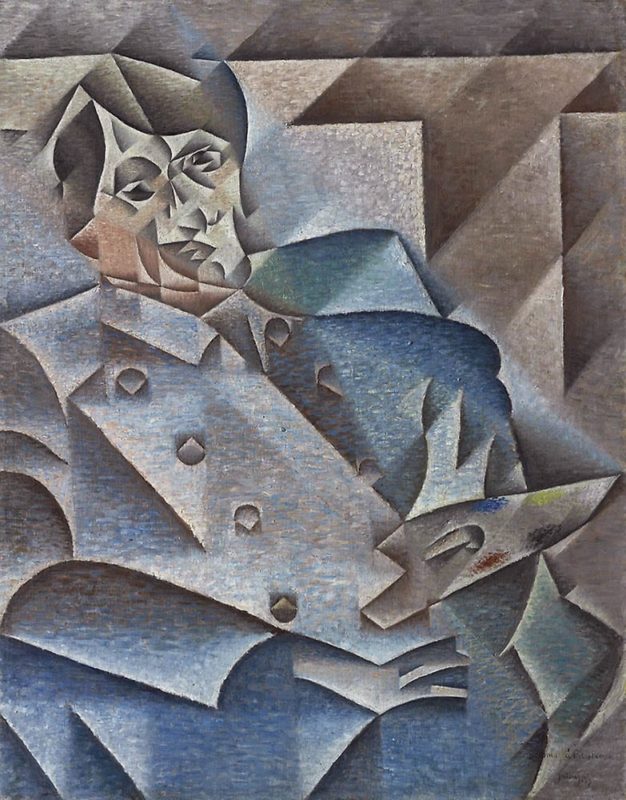
A short guide to Cubism: Picasso and Braque, Analytic and Synthetic Cubism, fragmented planes, multiple viewpoints, and a digital homage you can try in PictorX.
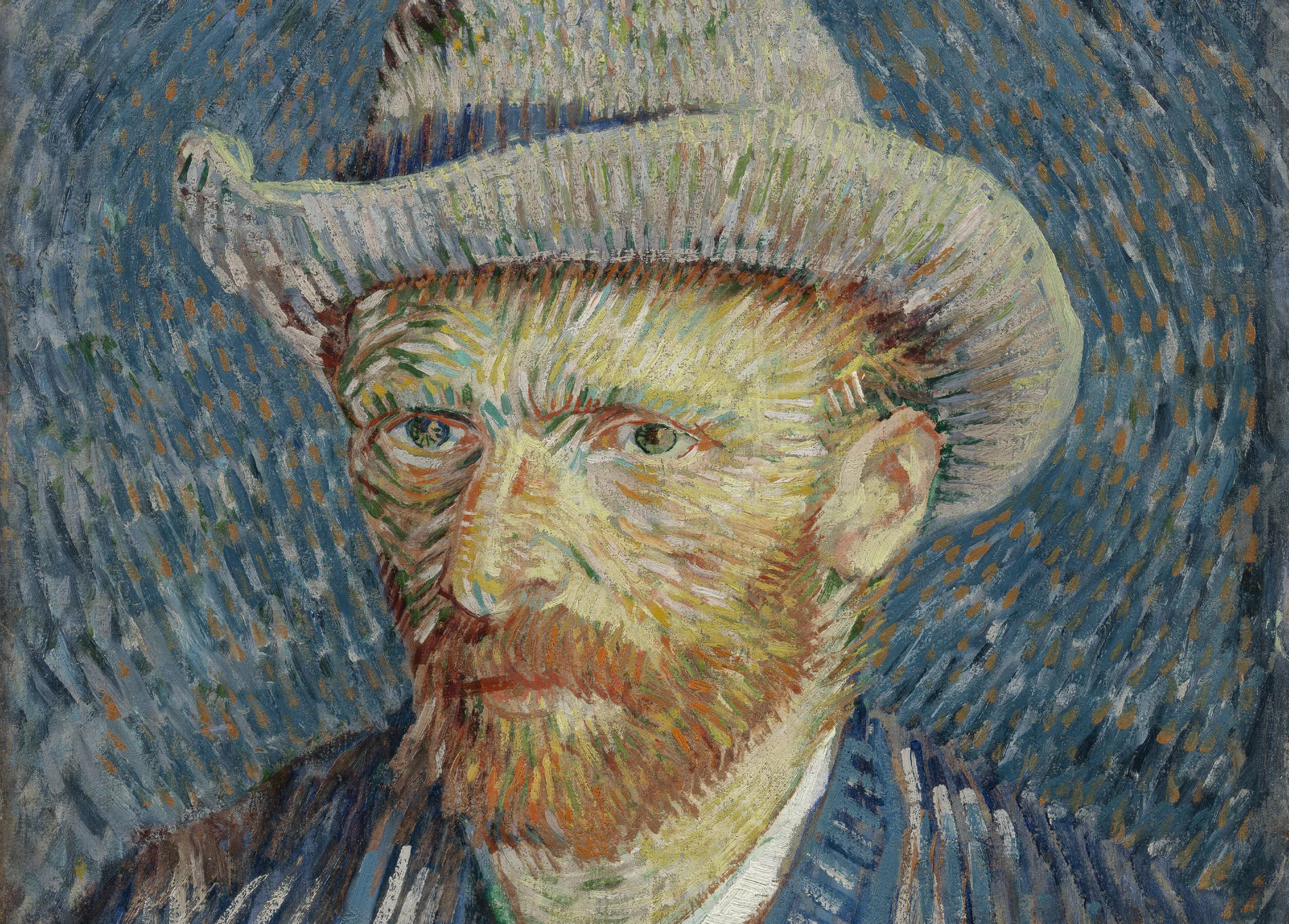
A short guide to Vincent van Gogh: Dutch Post-Impressionism, swirling brushwork, Starry Night and sunflowers, and a respectful digital homage you can try in PictorX.
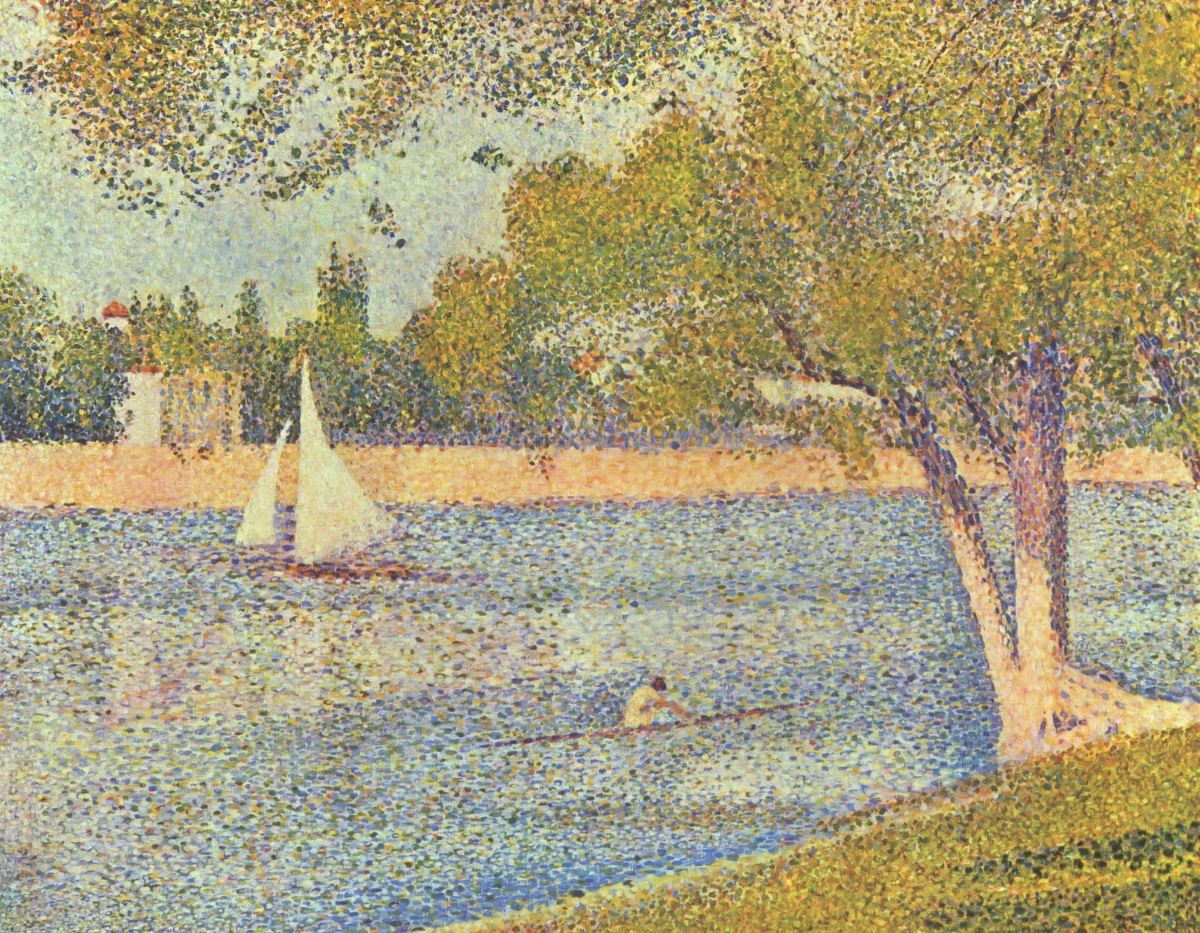
A short guide to Pointillism: Seurat and Signac, Neo-Impressionism, optical colour mixture with dots, and a digital homage you can try in PictorX.
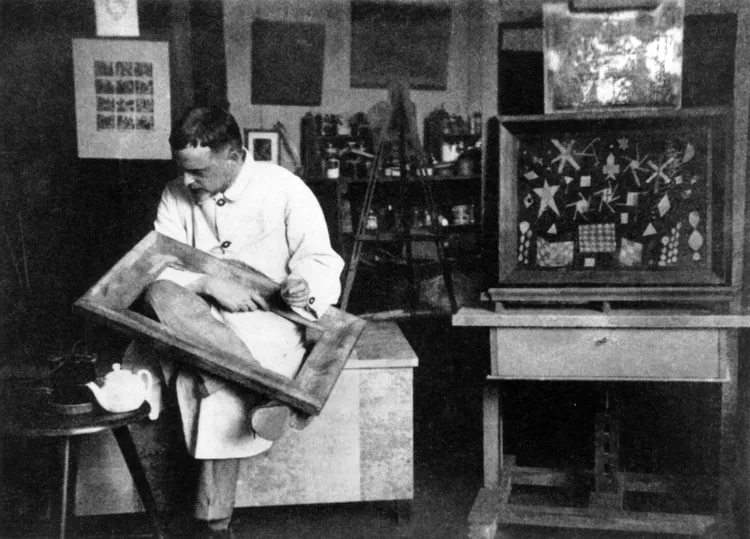
A short guide to Paul Klee: Bern and the Blue Rider, the 1914 Tunisia trip, magic squares of colour, taking a line for a walk, the Bauhaus years, and a digital homage you can try in PictorX.
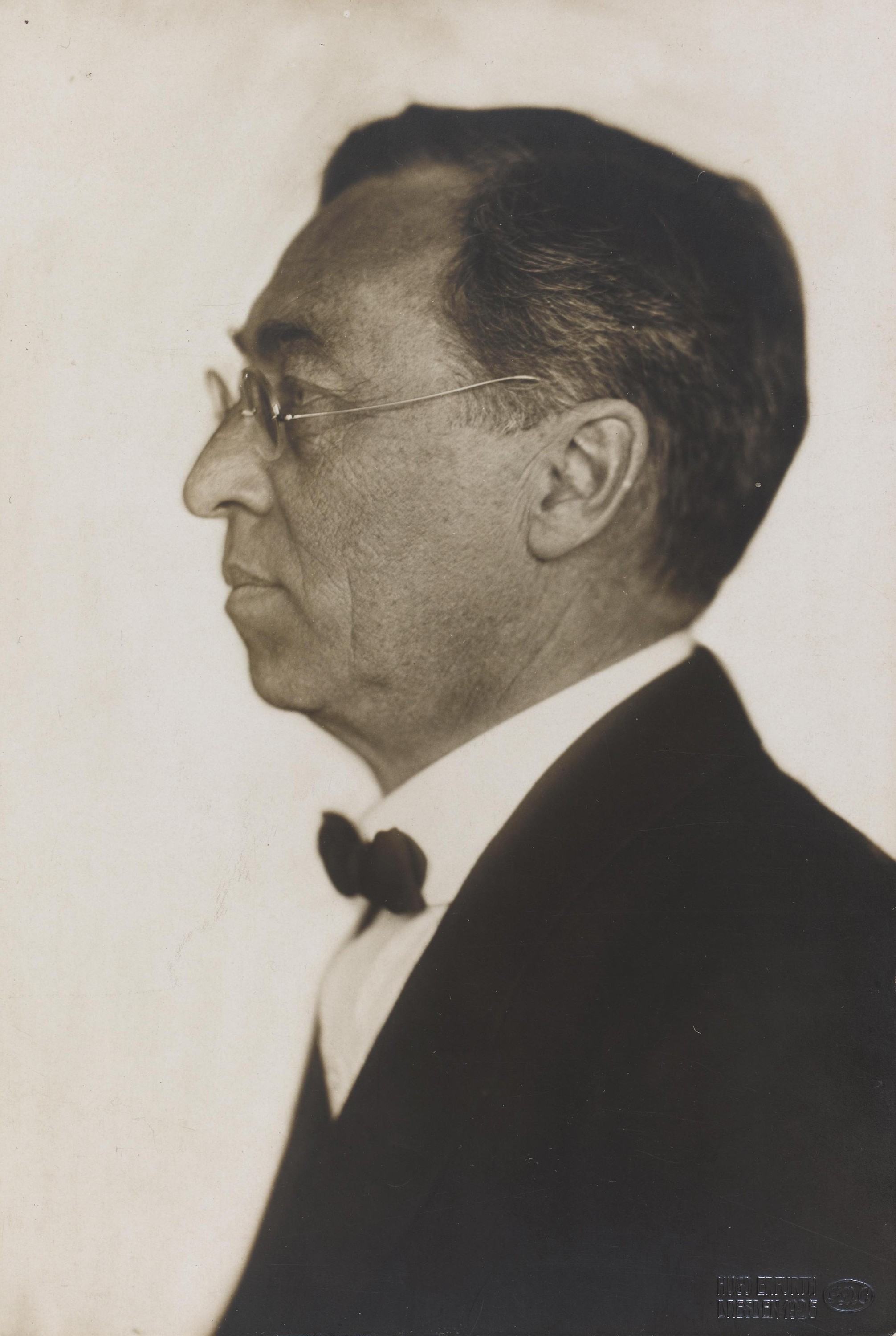
A short guide to Wassily Kandinsky: from Moscow to Munich, Murnau and the Blue Rider, colour as music, Squares with Concentric Circles, the Bauhaus and Composition VIII, Several Circles, and a digital homage you can try in PictorX.
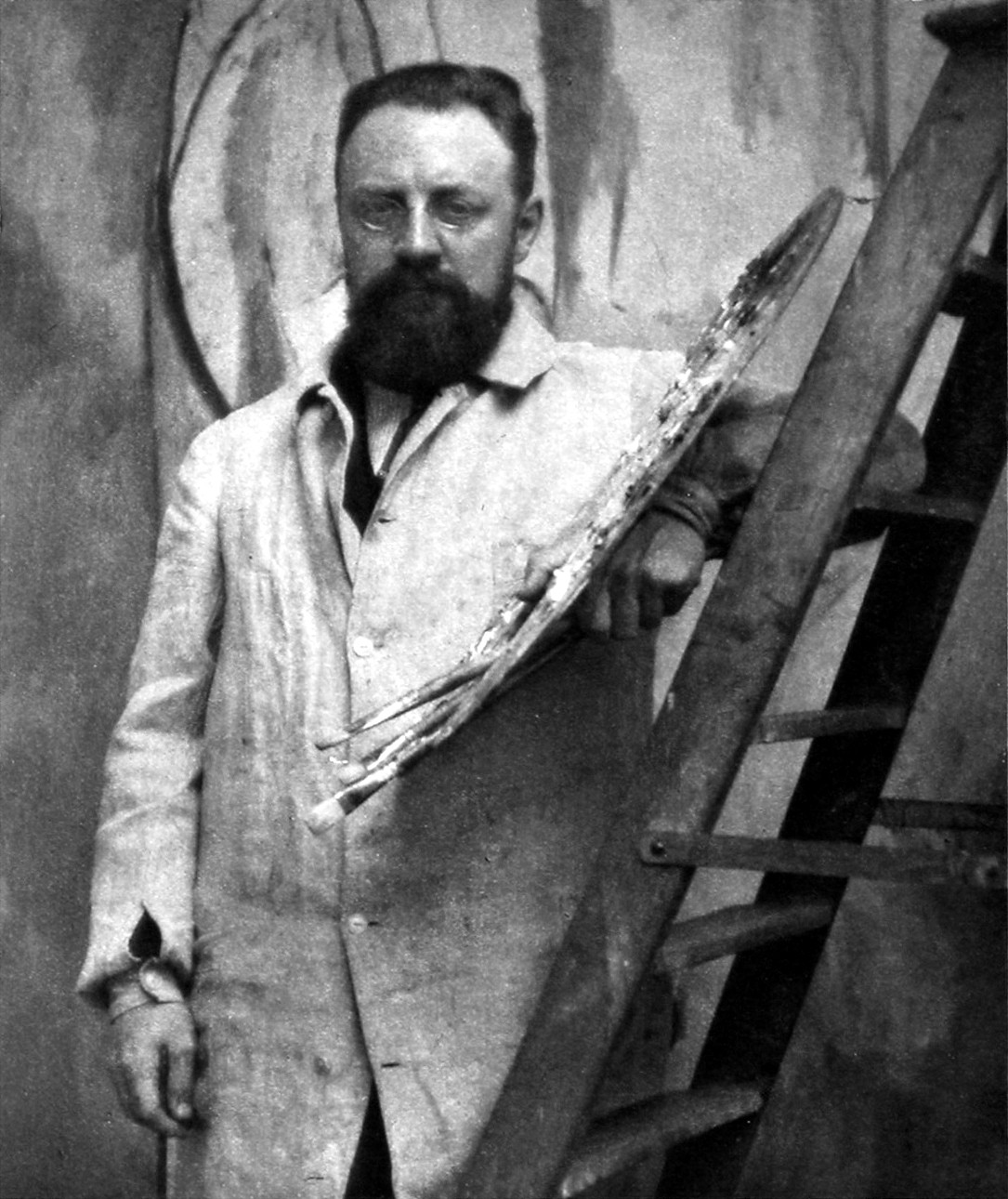
A short guide to Henri Matisse: from law clerk to painter, the Fauves of 1905, Harmony in Red and Dance, the Nice years, his line drawings, drawing with scissors in the cut-outs, and a digital homage you can try in PictorX.
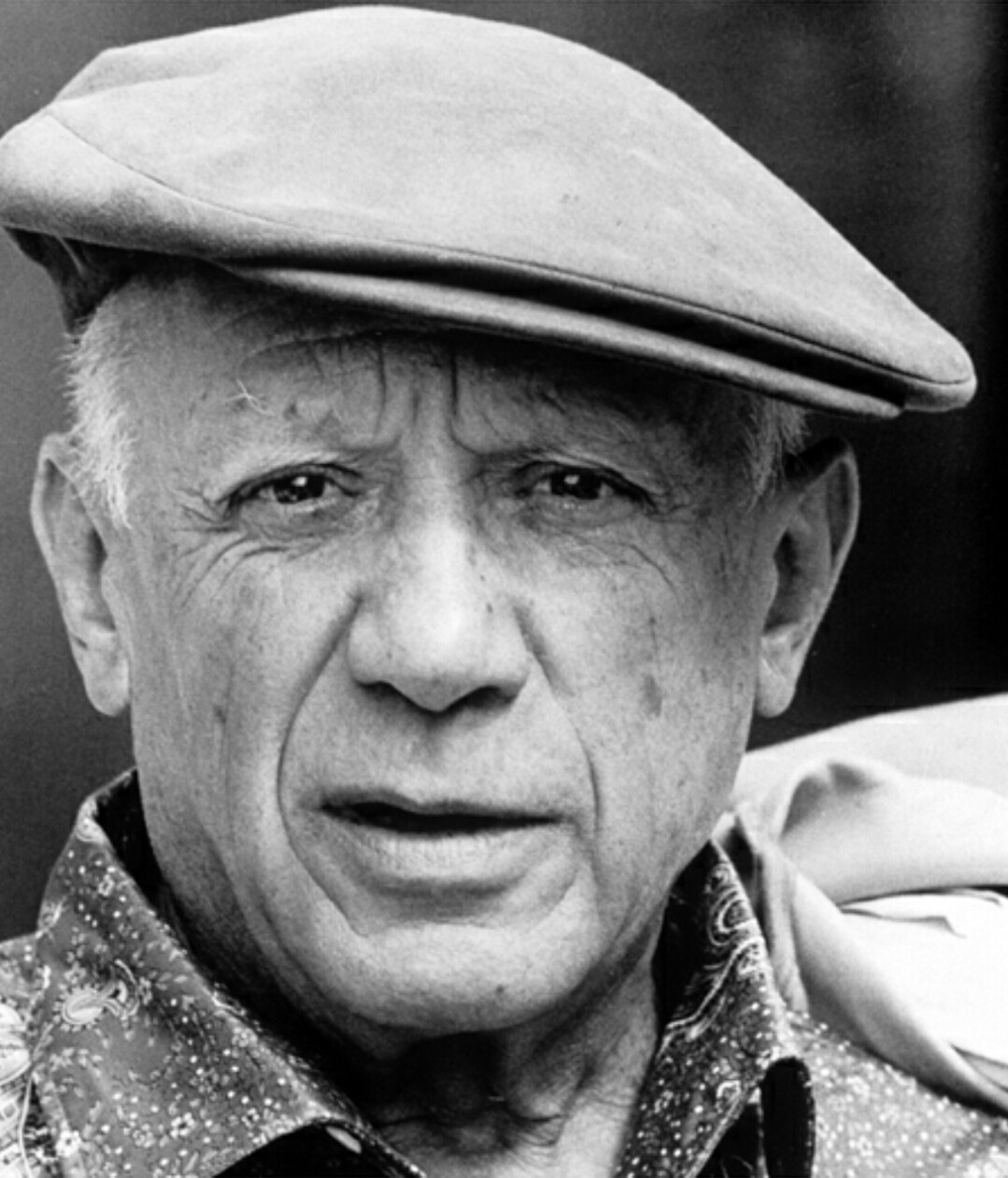
A short guide to Pablo Picasso: the prodigy from Málaga, the Blue and Rose Periods, Les Demoiselles d'Avignon and Cubism with Braque, Guernica and The Weeping Woman, his endless reinventions, and a digital homage you can try in PictorX.
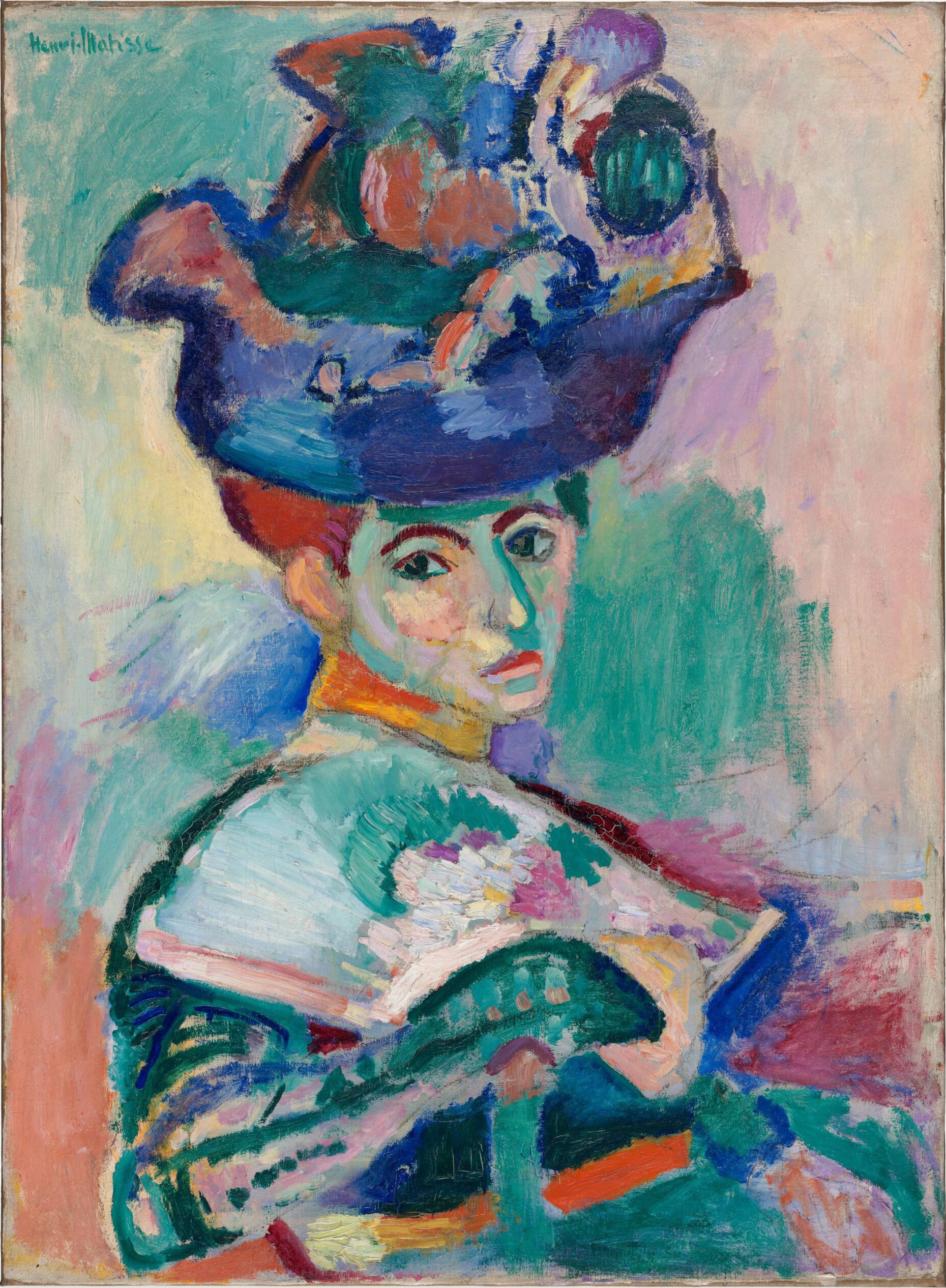
A short guide to Fauvism: the Salon d'Automne of 1905 and the “wild beasts”, its roots in Van Gogh, Gauguin and Signac, Matisse and Derain at Collioure, Derain in London, Vlaminck at Chatou, the end of the movement, and a digital homage you can try in PictorX.
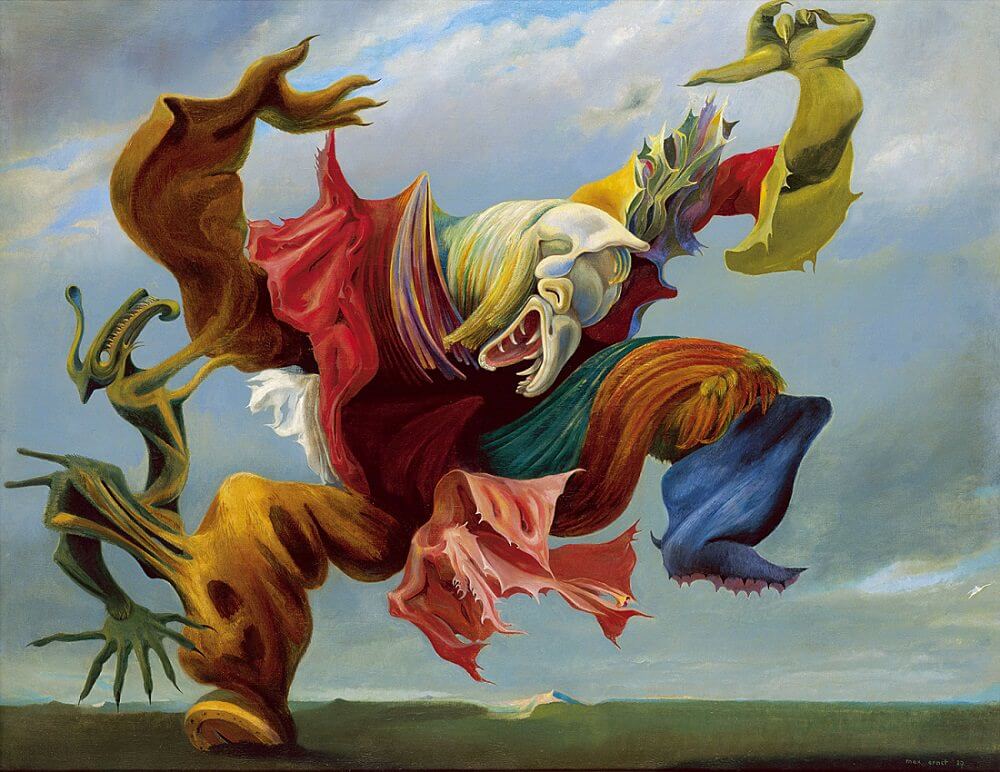
A short guide to Surrealism: André Breton's manifesto of 1924, De Chirico's metaphysical squares, Dalí's soft watches, Magritte's apples and pipes, Ernst, Miró and the Exquisite Corpse, the women and photographers of the movement, its legacy, and a digital homage you can try in PictorX.
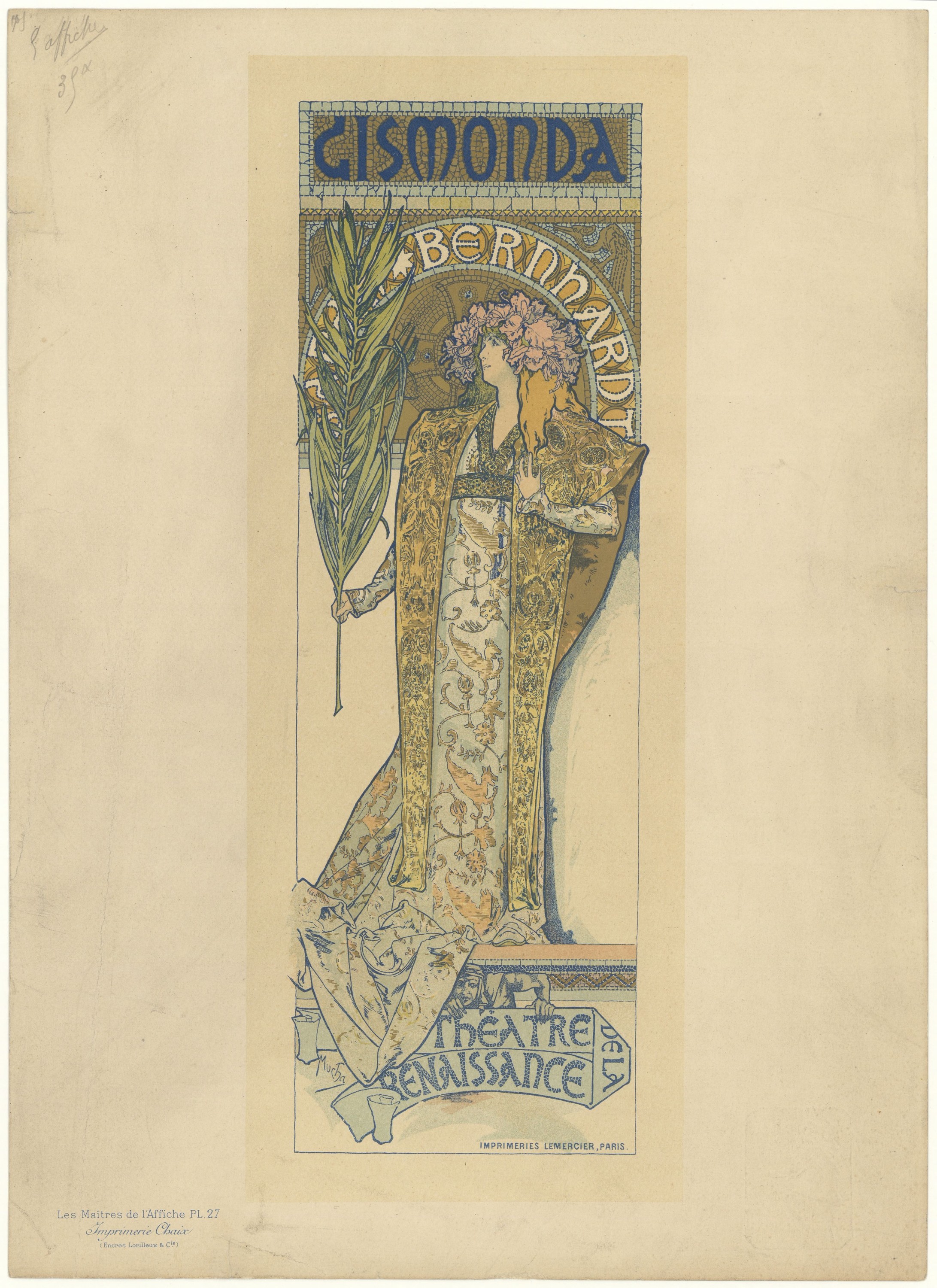
A short guide to Art Nouveau: where the name came from, Mucha's posters, the whiplash line and the buildings of Horta, Guimard and Gaudí, Klimt and the Vienna Secession, Tiffany glass and Lalique jewels, Beardsley's ink drawings, the end of the style and its revival, and a digital homage you can try in PictorX.
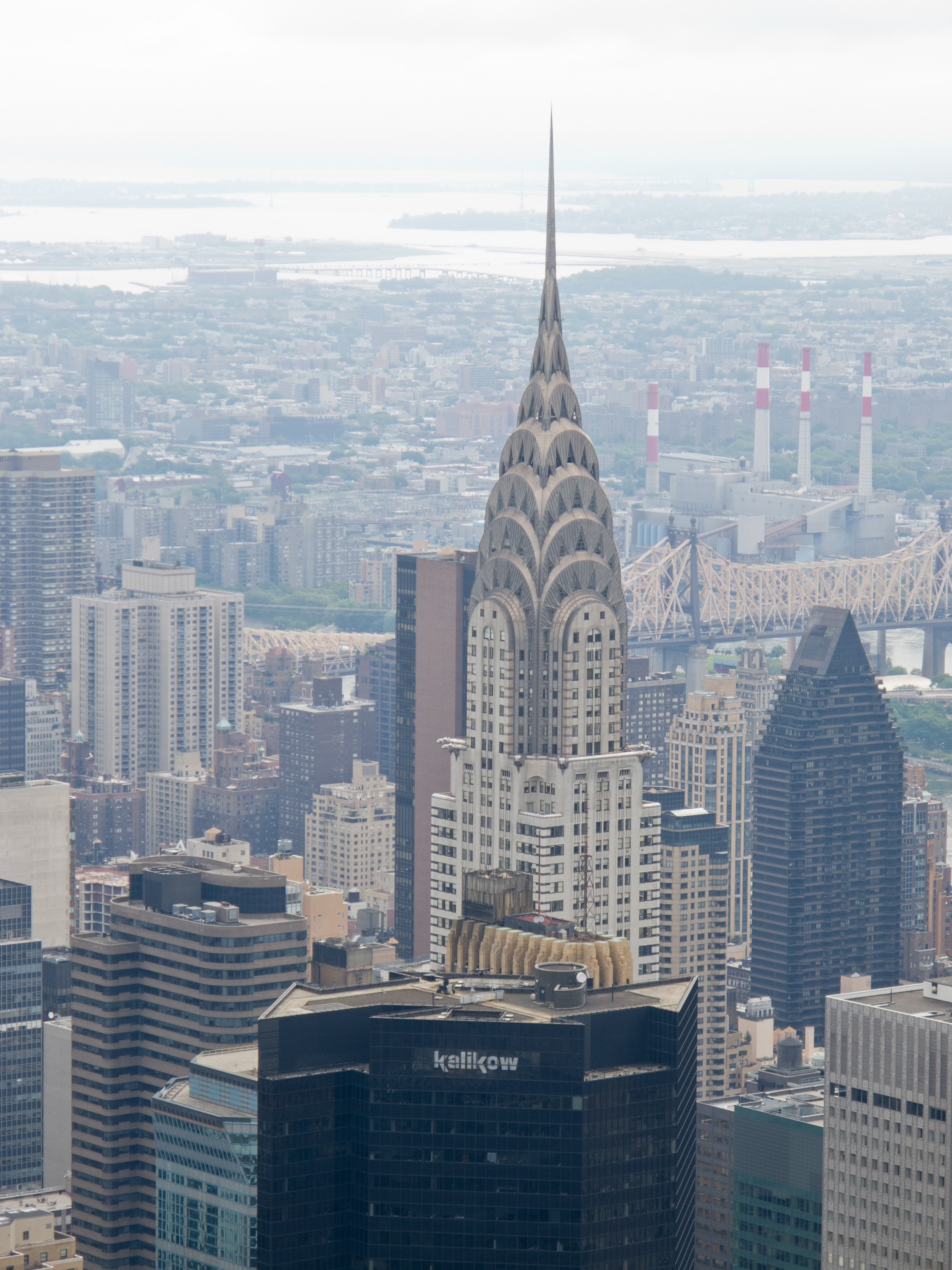
A short guide to Art Deco: the 1925 Paris exhibition and where the name came from, Cassandre's posters, Tamara de Lempicka, the Chrysler Building and the skyscraper age, the luxury and ornament of the Jazz Age, Streamline Moderne, the end of the style and its revival, and a digital homage you can try in PictorX.
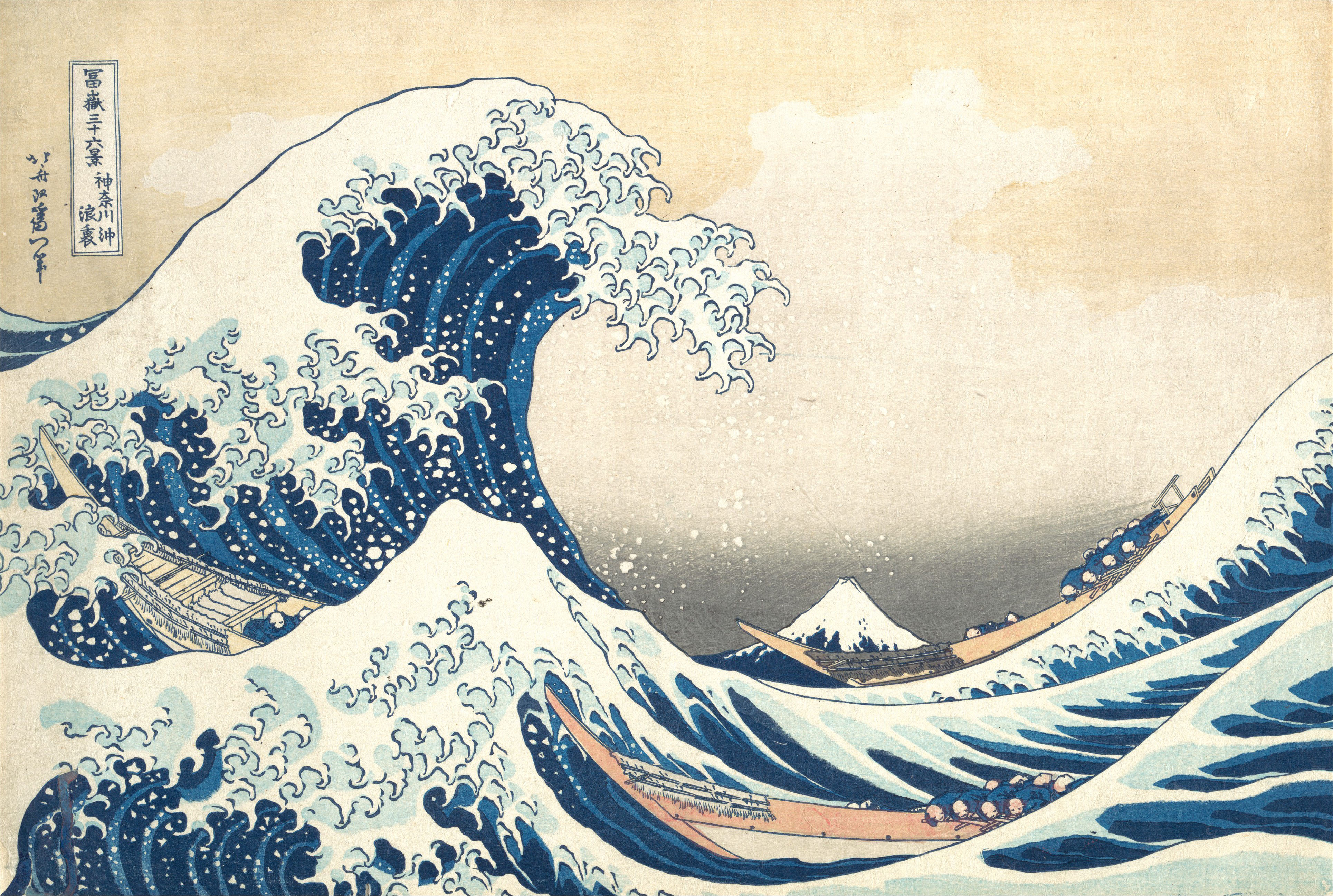
A short guide to ukiyo-e: the floating world of Edo, how a woodblock print was made by publisher, artist, carver and printer, Hokusai and the Great Wave, Hiroshige's rain and roads, Utamaro's beauties, Sharaku's actors, Kuniyoshi's warriors, birds and flowers, Japonisme, and a digital homage you can try in PictorX.
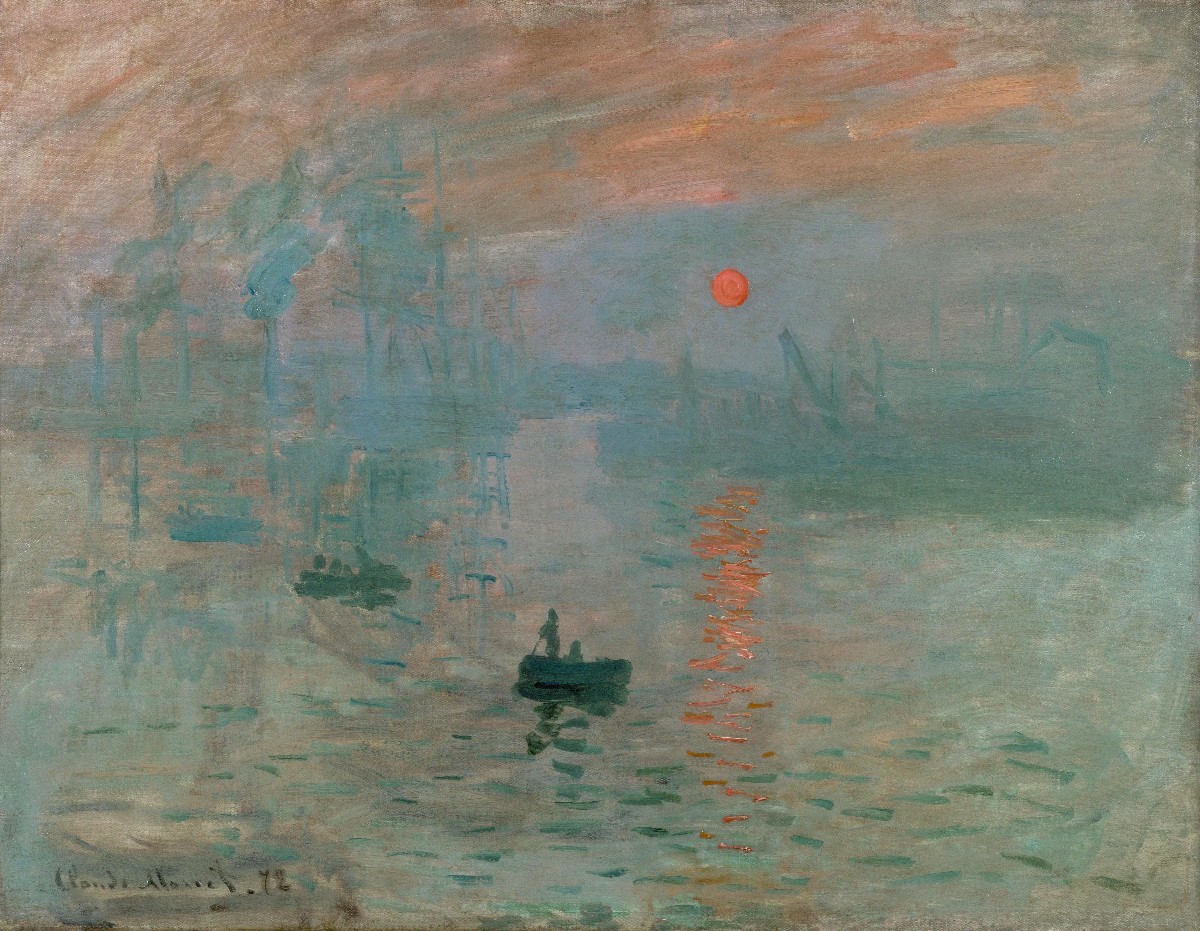
A short guide to Impressionism: the 1874 exhibition in Paris, Monet's Impression, Sunrise, painting in the open air, the water lilies at Giverny, Renoir's dappled light, Degas's dancers, Berthe Morisot and the women Impressionists, broken colour and coloured shadows, and a digital homage you can try in PictorX.
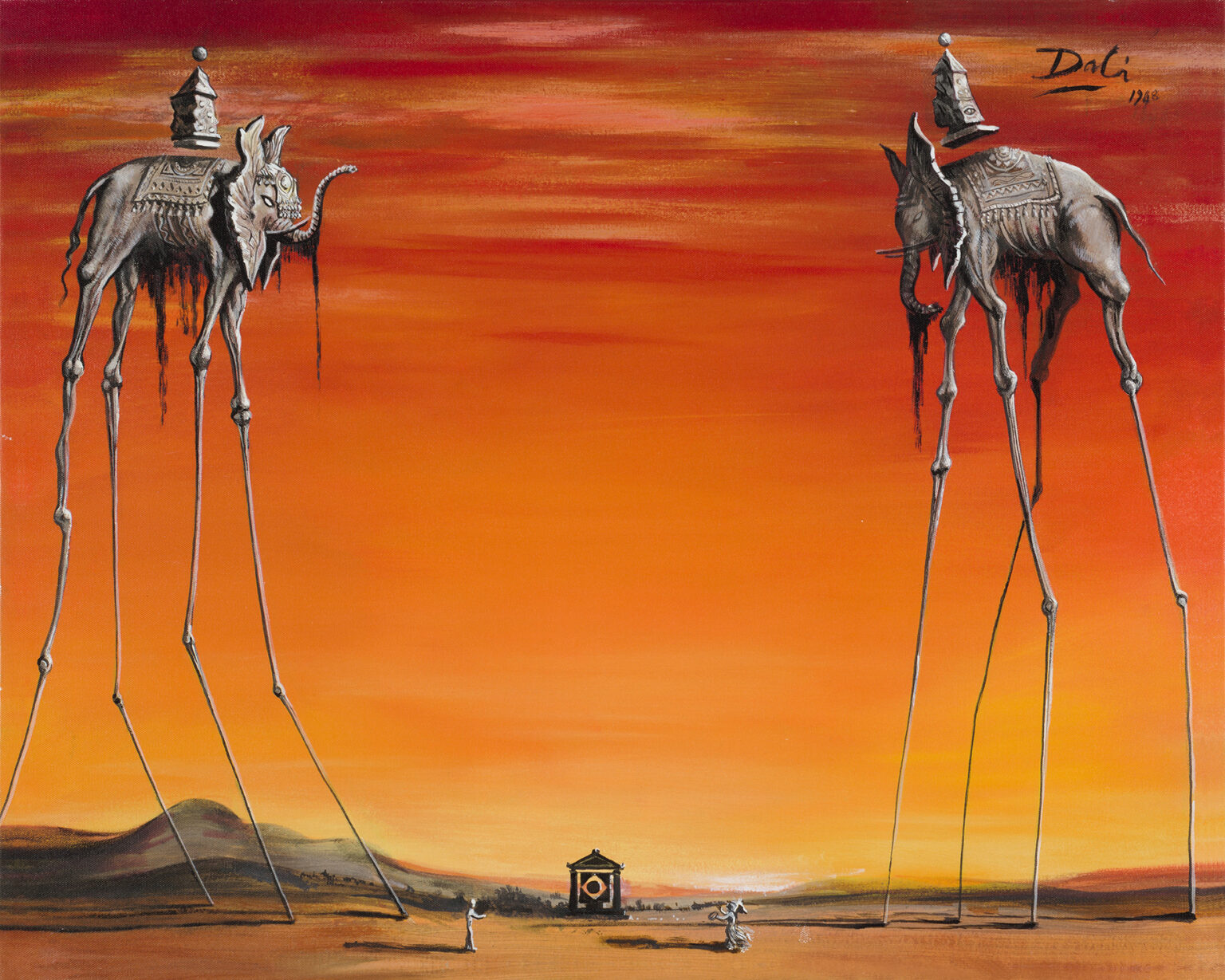
A short guide to Salvador Dalí: his childhood in Figueres and Cadaqués, Lorca and Buñuel, Gala and the Surrealists, The Persistence of Memory, double images, crutches, drawers and a lobster telephone, Hollywood and Disney, Leda Atomica, his Theatre-Museum, and a digital homage you can try in PictorX.
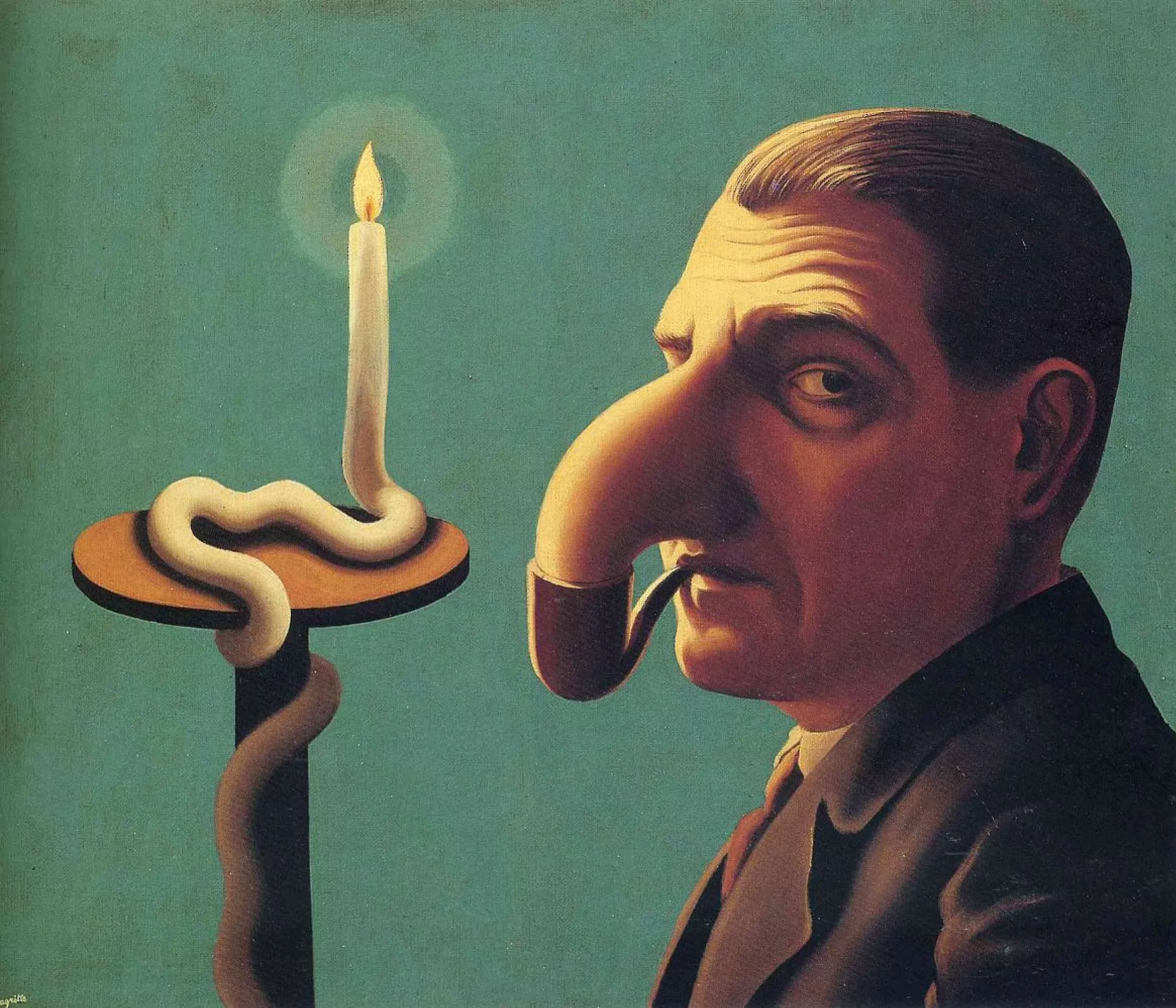
A short guide to René Magritte: his childhood by the Sambre, wallpaper, posters and De Chirico's Song of Love, Paris and the Surrealists, The Treachery of Images, bowler hats and green apples, Golconda and The Empire of Light, his house and museum in Brussels, his influence on Pop Art, and a digital homage you can try in PictorX.
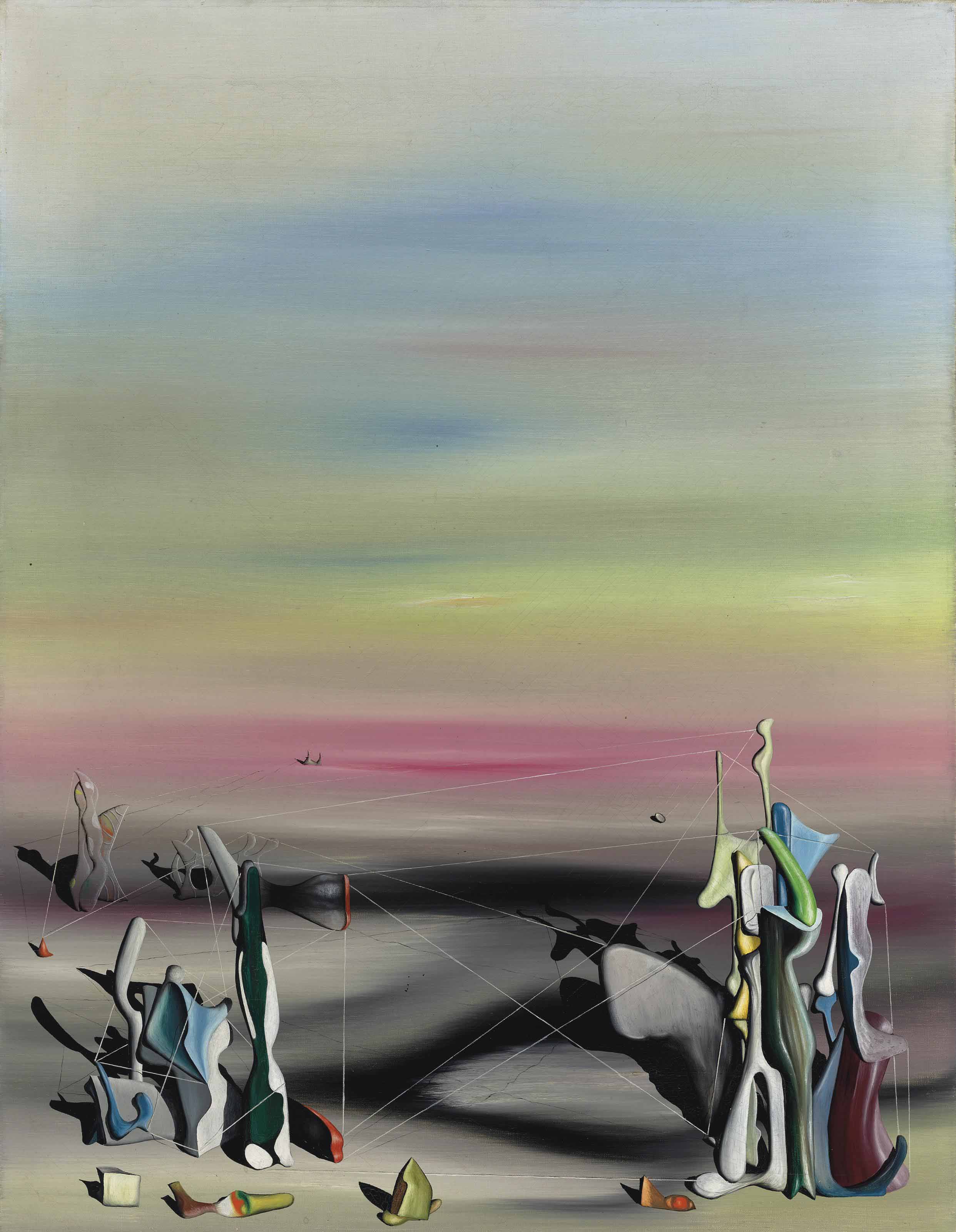
A short guide to Yves Tanguy: his childhood in Paris and Brittany, the merchant navy, the De Chirico painting he saw from a bus, the Surrealists of the rue du Château, Mama, Papa is Wounded!, plains without a horizon, Kay Sage and America, Indefinite Divisibility, Multiplication of the Arcs, and a digital homage you can try in PictorX.
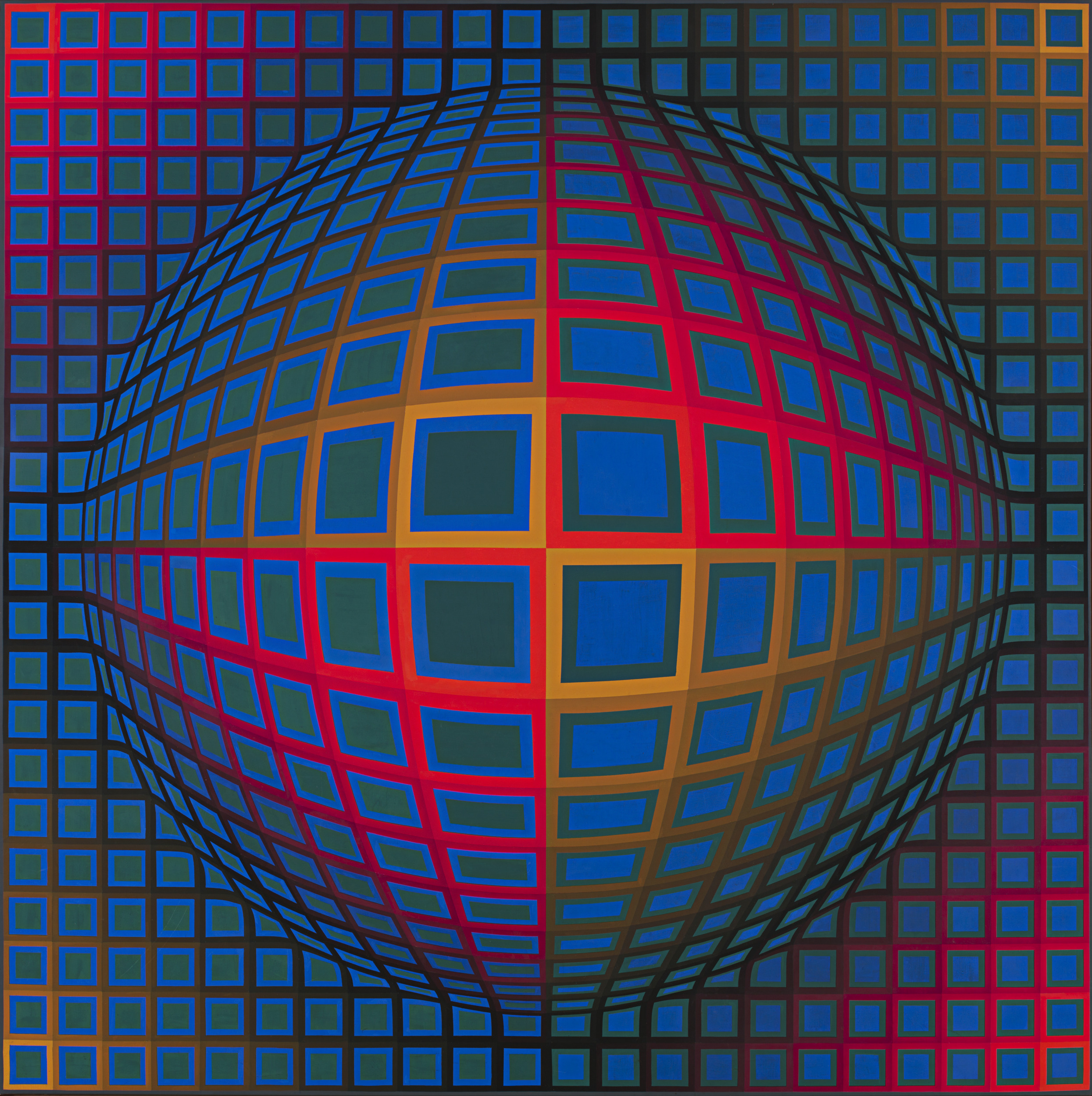
A short guide to Op Art: its roots in old optical illusions and the Bauhaus, Victor Vasarely's Zebras and Vega, Bridget Riley's black and white paintings, The Responsive Eye at MoMA, Soto and Cruz-Diez, why the pictures seem to move, Op Art in fashion and design, and a digital homage you can try in PictorX.
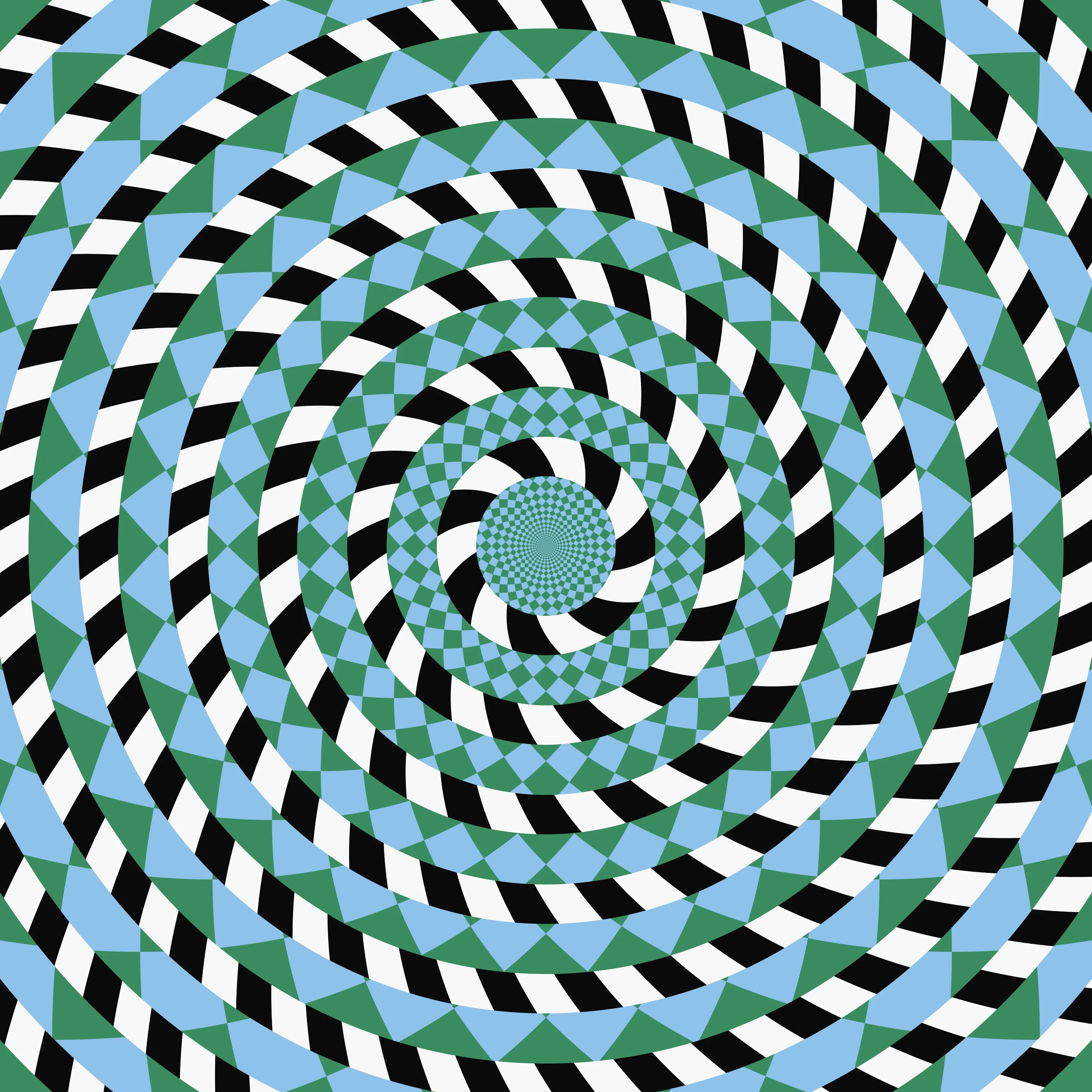
A short guide to optical illusions: colour from grey, afterimages, the motion aftereffect, the café wall, the Fraser spiral, the Hermann grid and why still pictures seem to move — and thirteen classic illusions you can play with, most of them made from your photo, in PictorX.
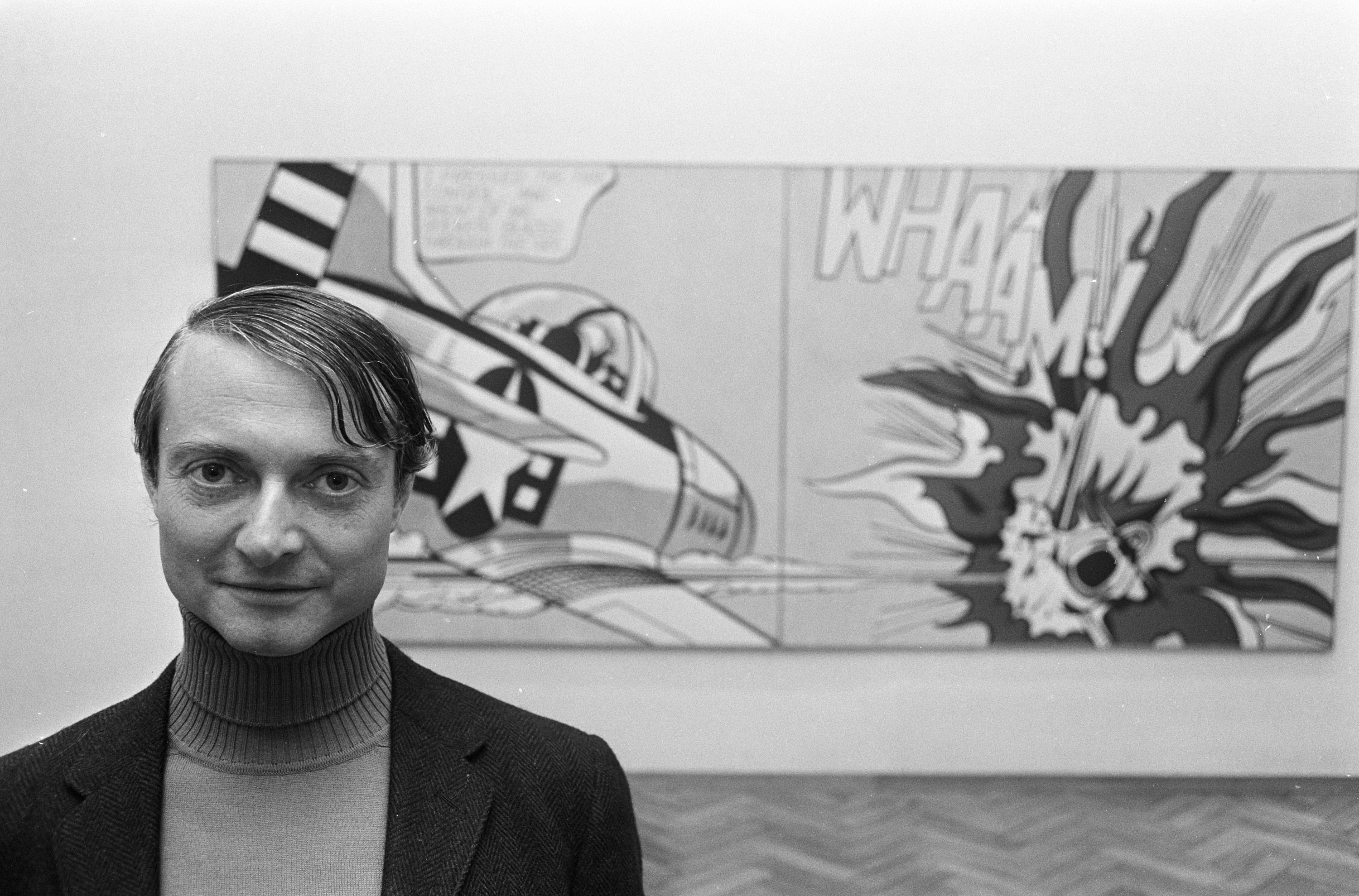
A short guide to Roy Lichtenstein: from Look Mickey to the romance and war comics, Drowning Girl and Whaam!, his Ben-Day dots and machine-like technique, the controversy over his sources, the Brushstrokes and Mirrors, and a comic-panel app you can try in PictorX.
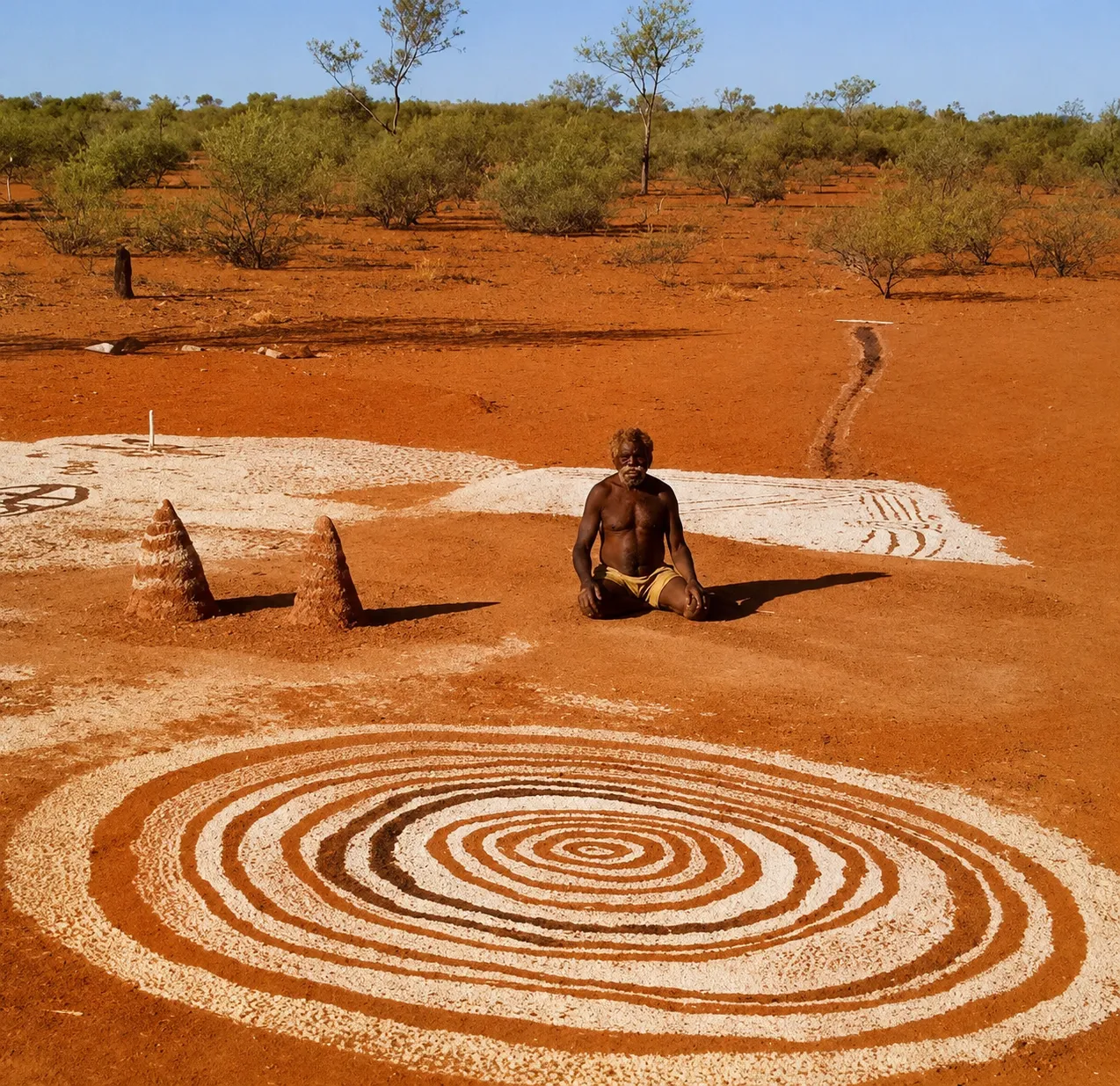
Learn how Aboriginal art maps Country, story, and law—from rock art and ochre to Papunya dot painting—and try a respectful digital homage in PictorX.
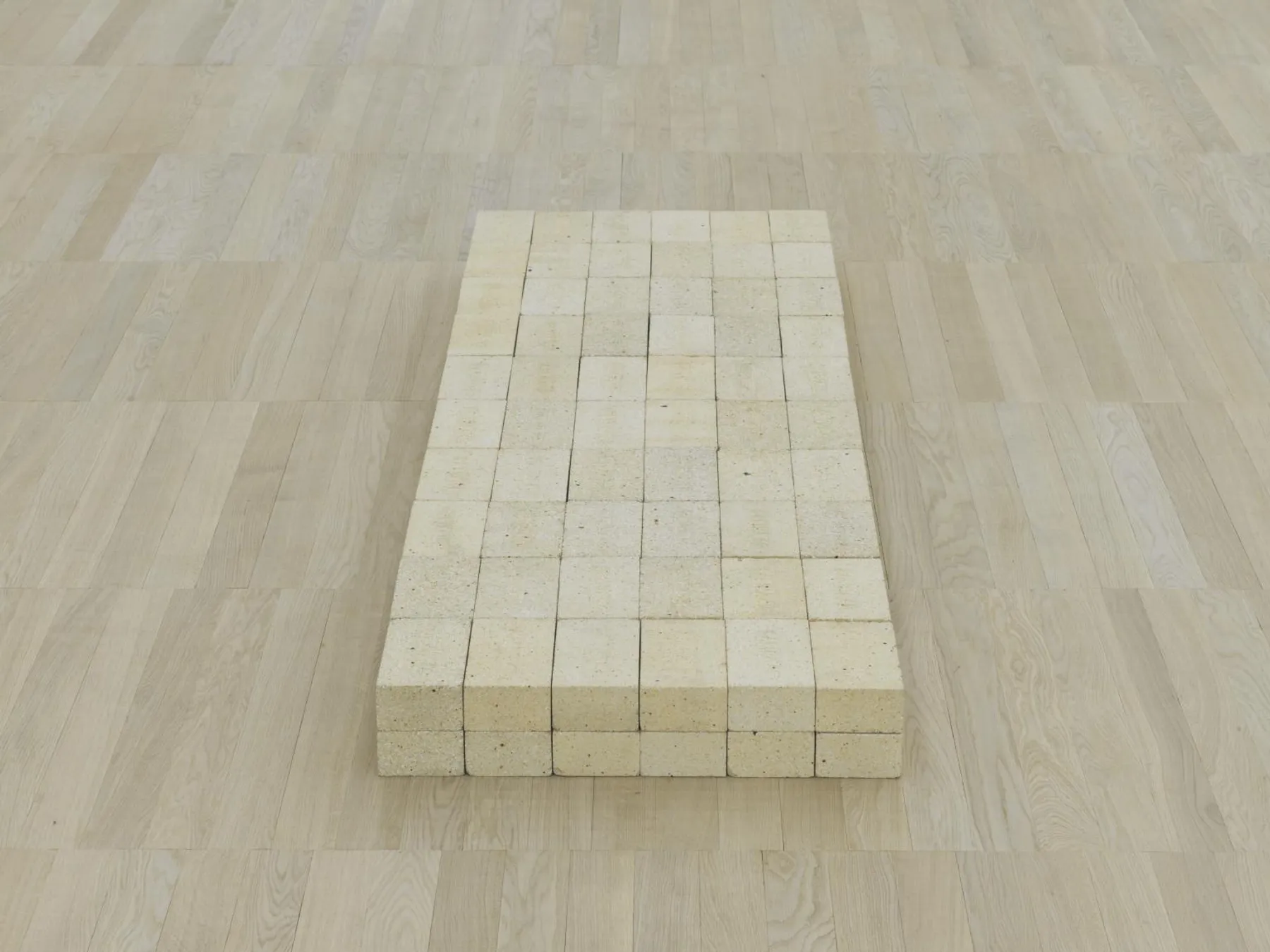
A short guide to Minimalism: late 1950s–60s reaction to Abstract Expressionism, geometry and industrial materials, Judd, Flavin, Stella, and a digital homage you can try in PictorX.
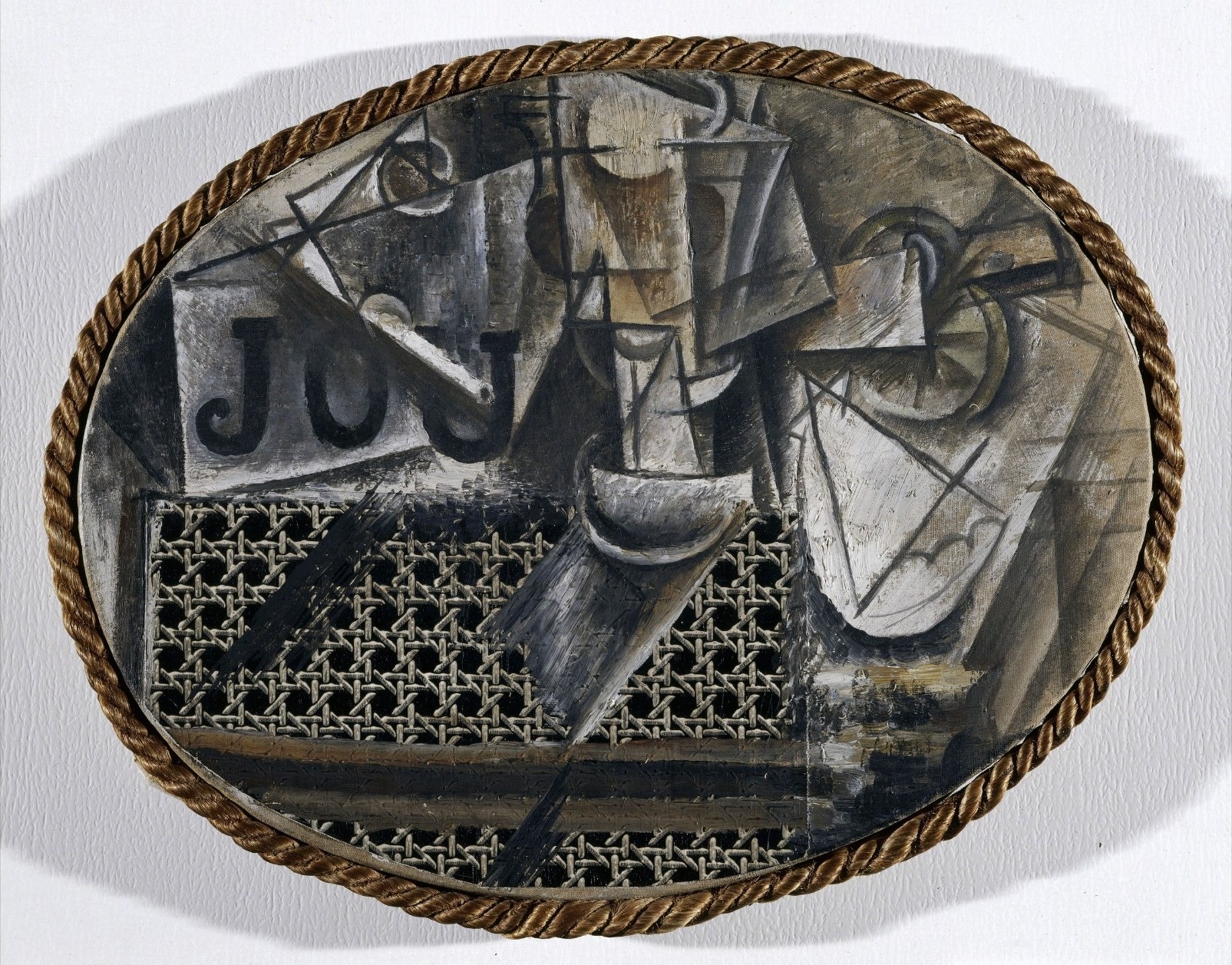
A short guide to mixed media: collage and assemblage, print textures like halftone and dotscreen, and a digital collage homage you can try in PictorX.
How blur really works: Gaussian softening, unsharp mask, radial and motion blur, smart blur, lens blur, and tilt-shift in PictorX.
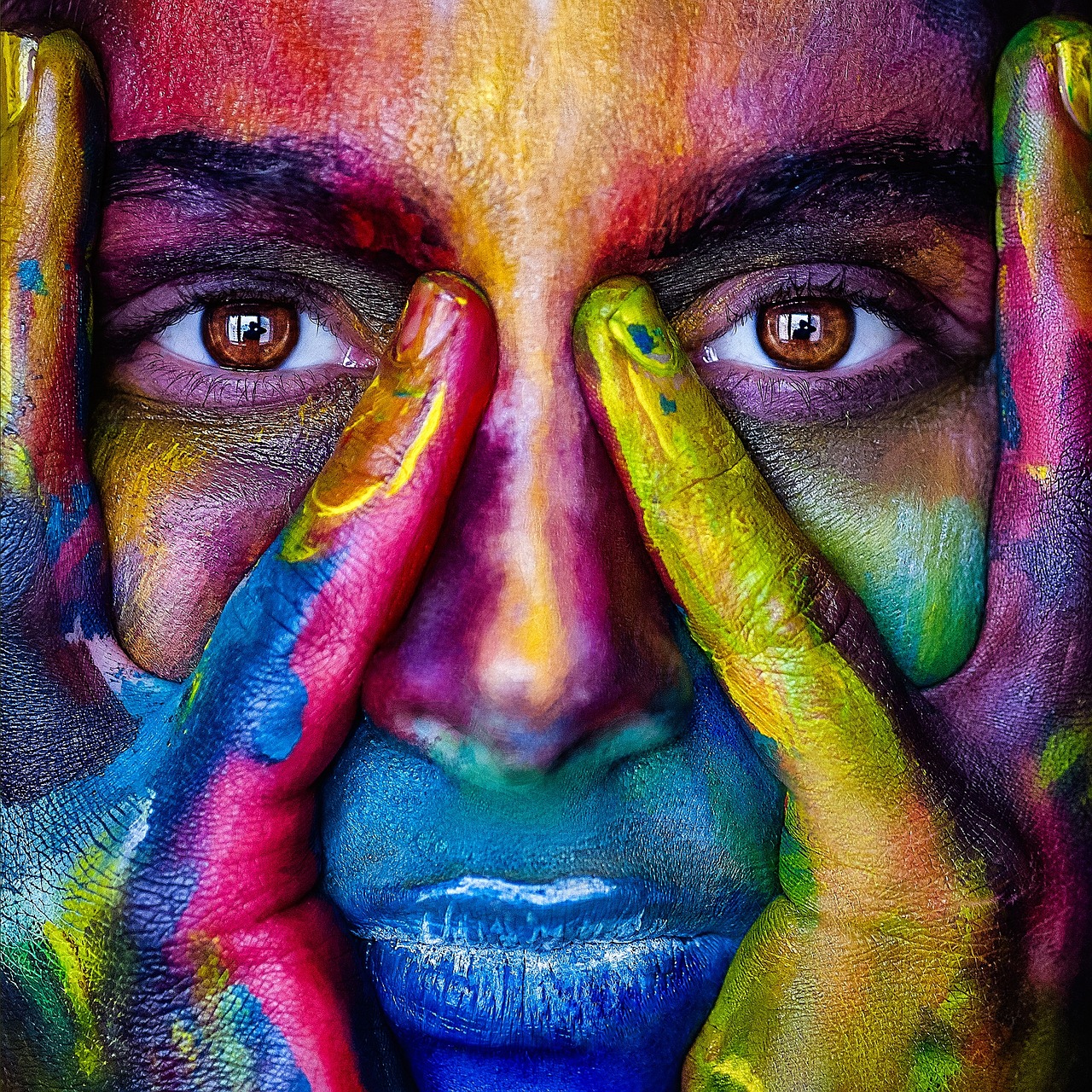
How color works on screens and in print: RGB, CMYK, HSL, hex, the color wheel, gradients, contrast, and PictorX tools.
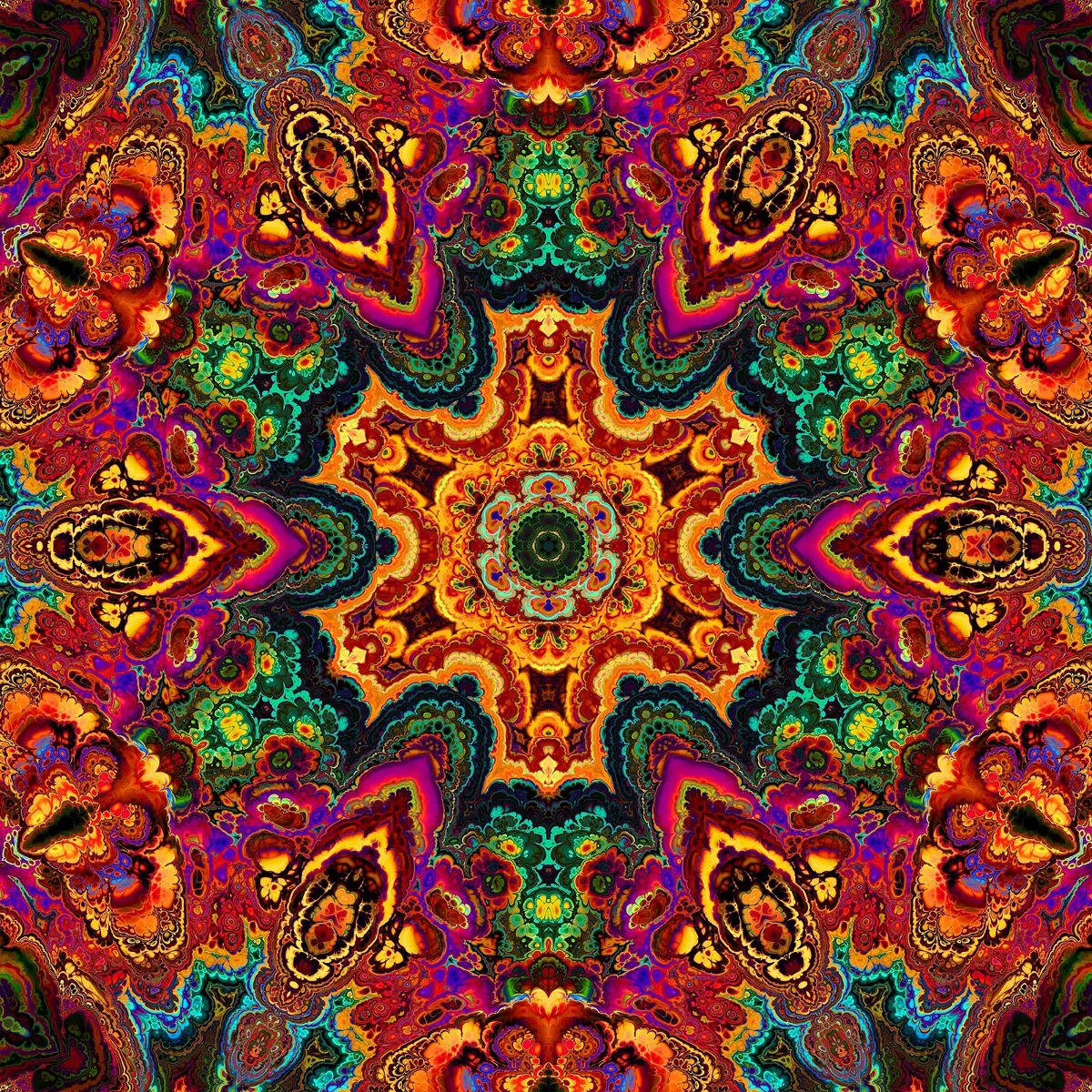
How kaleidoscopes work: Brewster’s invention, angled mirrors, radial symmetry, and digital kaleidoscope filters you can try on a photo in PictorX.

What AI and AI models are, how they power photo editing—background removal, inpainting, enhance, uncrop—and how PictorX runs many tools on-device.
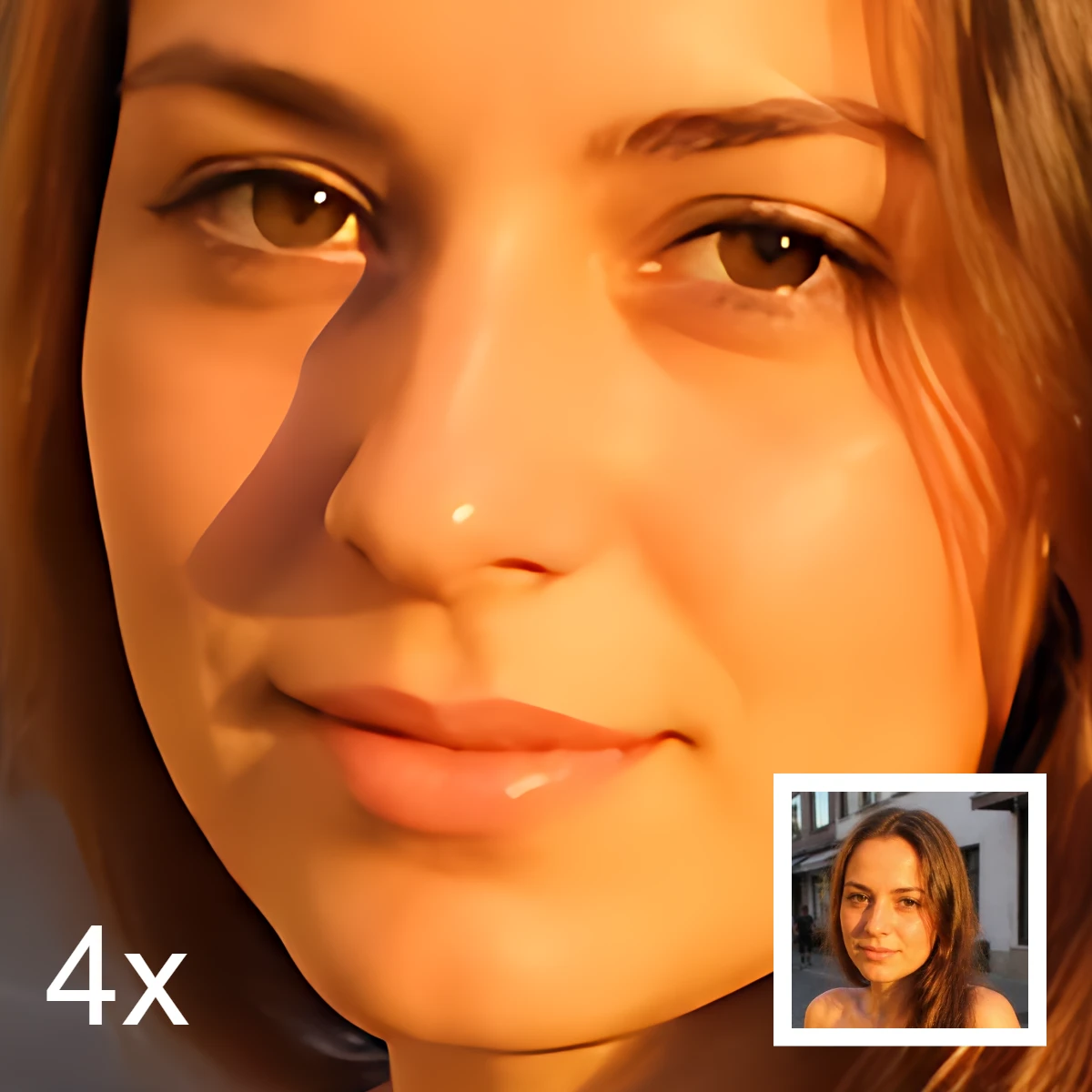
What AI image editing is—cutouts, object removal, enhance, repair, and uncrop—how it differs from classic retouching, and how PictorX runs many tools on-device.
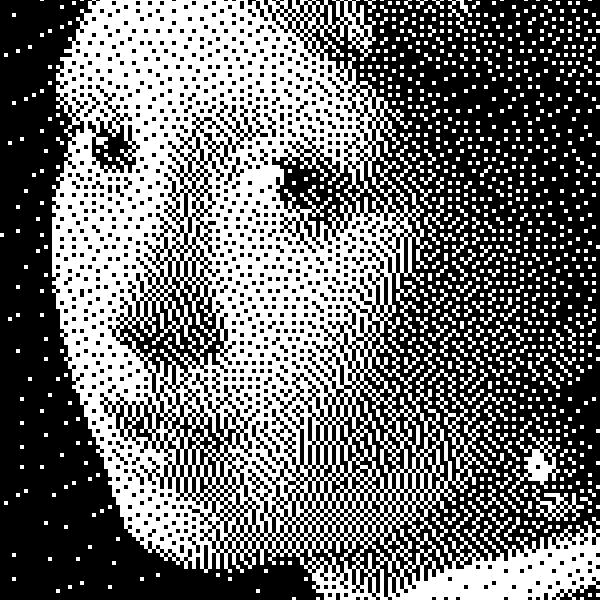
How bilevel images work: simple threshold, Bayer ordered dithering, Floyd–Steinberg error diffusion, and when to use each look in PictorX.

Raster (bitmap) vs vector graphics: pixels, DPI/PPI, JPEG/PNG/WebP vs SVG/PDF/AI/EPS, scaling, file size, and when to use each in PictorX.
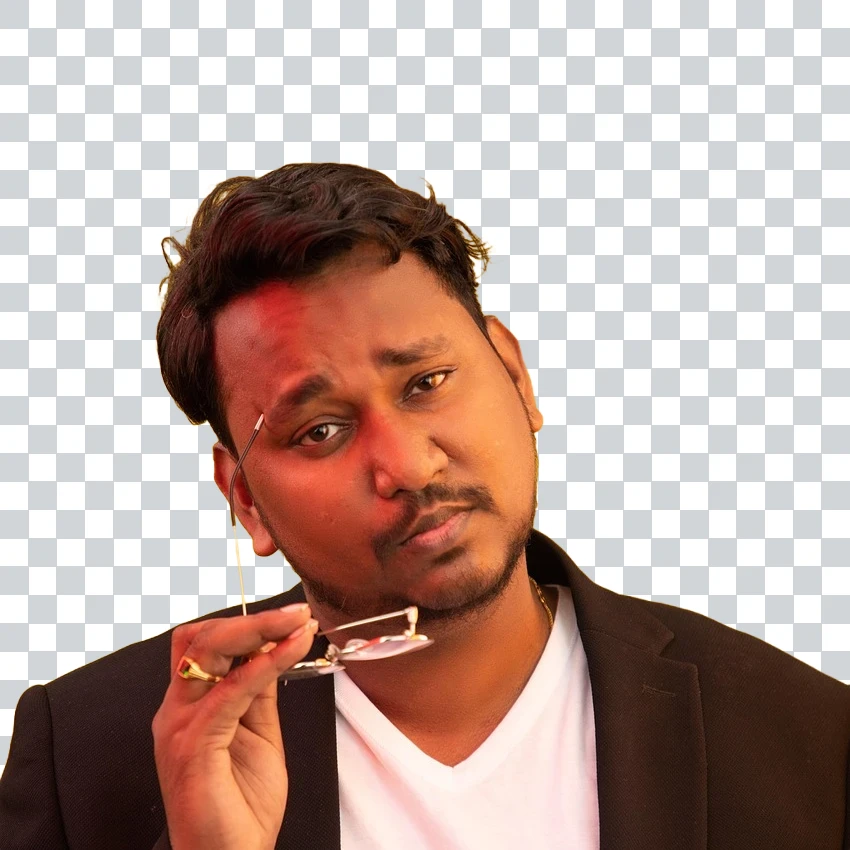
JPG vs PNG vs WebP: compression, quality, transparency, browser support, and when to use each format for web and print in PictorX.