
Free on-device AI photo tools
Start with background removal, object removal, and photo repair, or browse uncrop, enhance, and stickers — on your device.
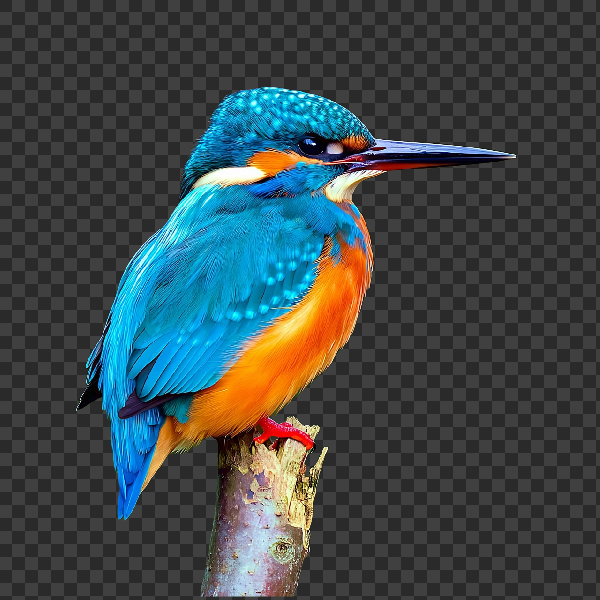
Cut out subjects with on-device AI in PictorX. Photos stay in your browser—no upload to our servers.

Replace the setting around a subject without uploading.

Fill a subject silhouette with a stock photo in your browser. On-device AI cuts out the person or object, paints a library photo inside the shape, and sits it on a solid color, gradient, transparent backdrop, or the original image.
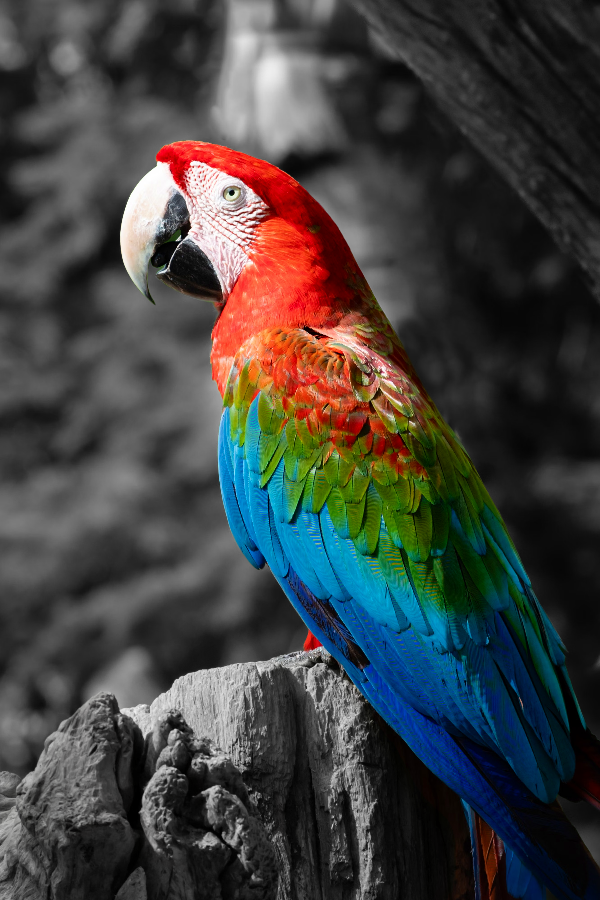
Turn everyday photos into cinematic moments.
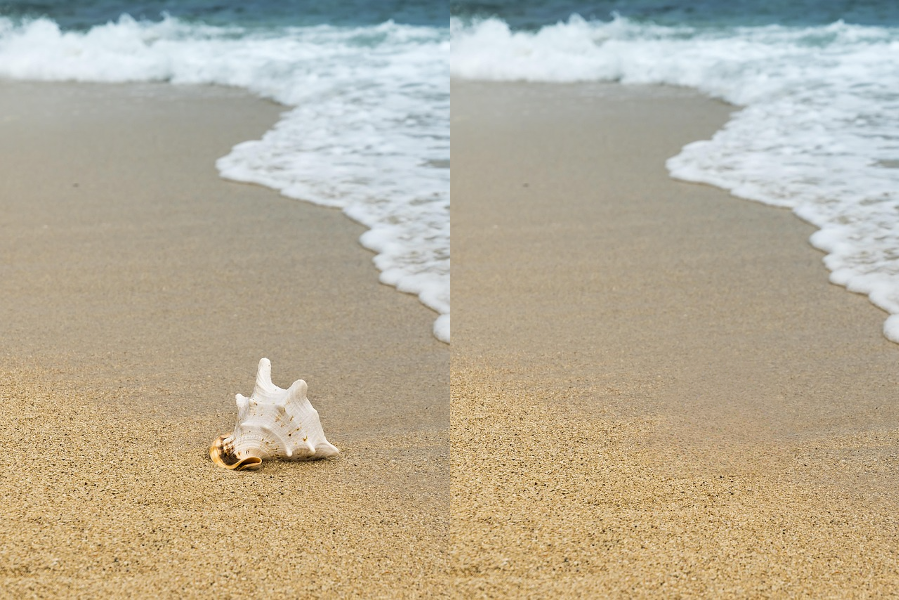
Erase distractions without leaving holes.
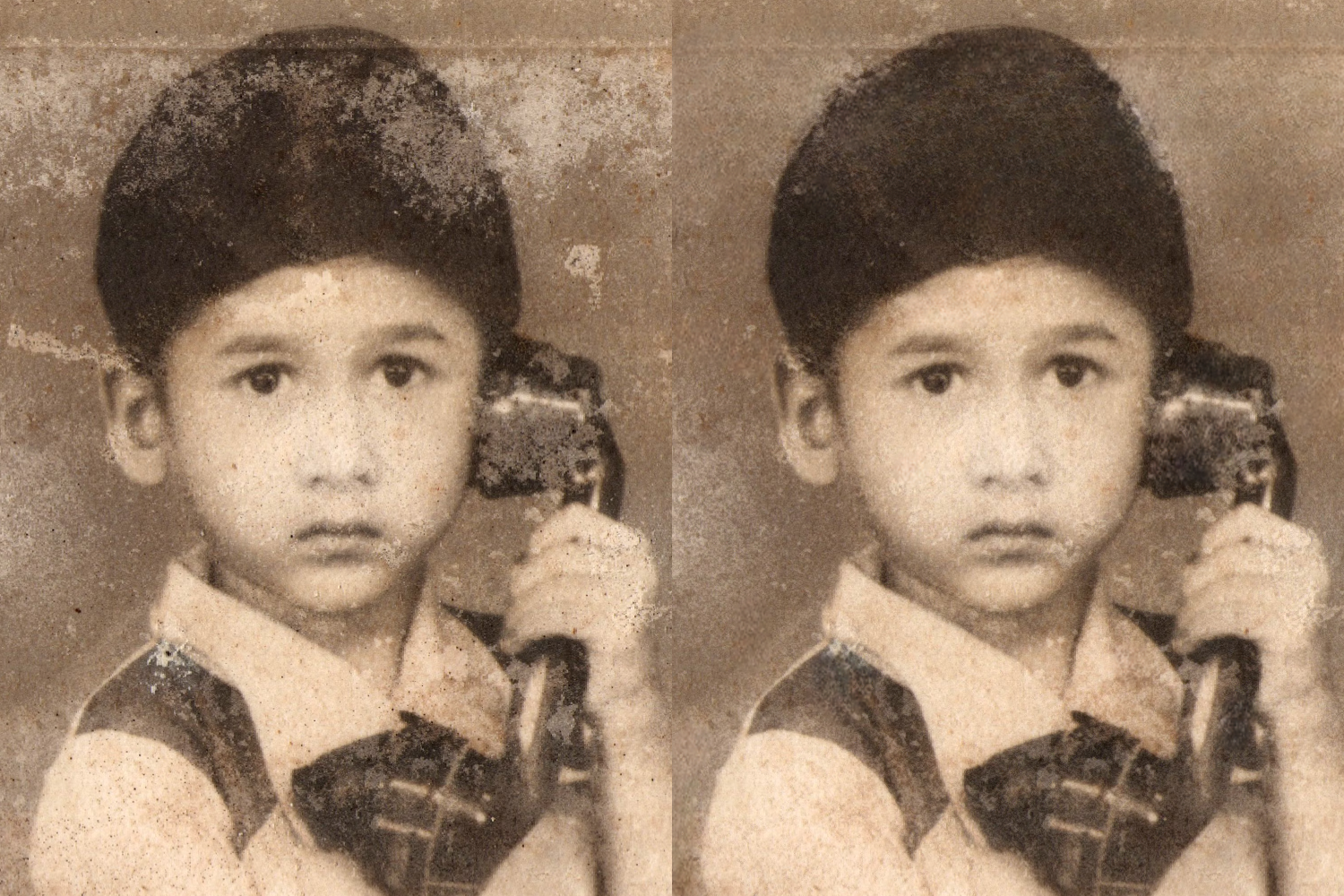
Repair old or damaged photos with PictorX AI image repair. Restore details in your browser—no install required.

Expand photos beyond the frame with PictorX AI uncrop. Outpaint backgrounds free in your browser for banners and thumbnails.
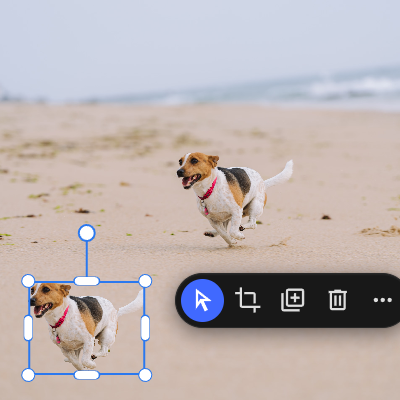
Lift any subject onto its own layer with a single click.

Keep the subject crisp while the backdrop softens—all on your device.
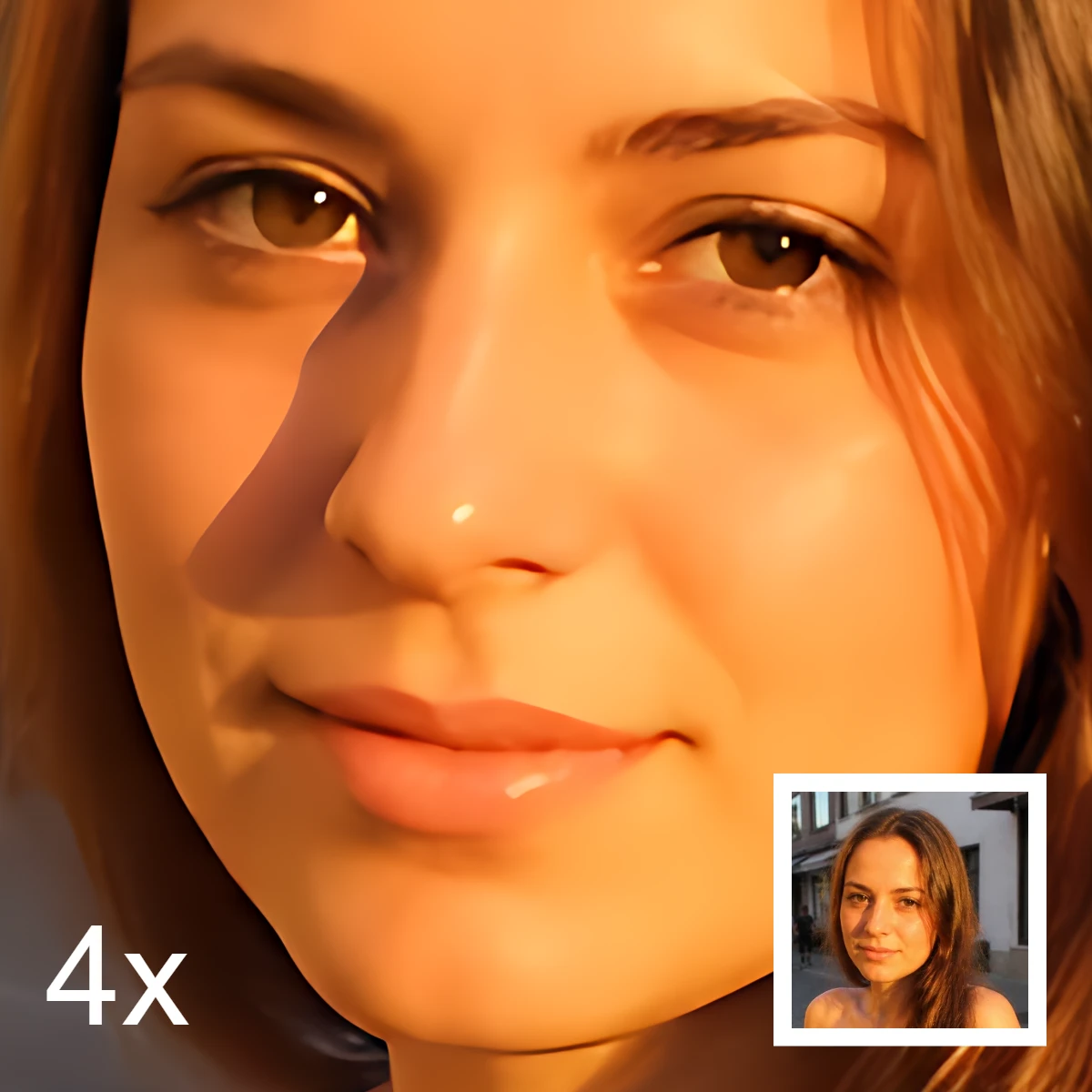
Sharpen and upscale photos in your browser with on-device Real-ESRGAN. Choose 1×, 2×, or 4×.
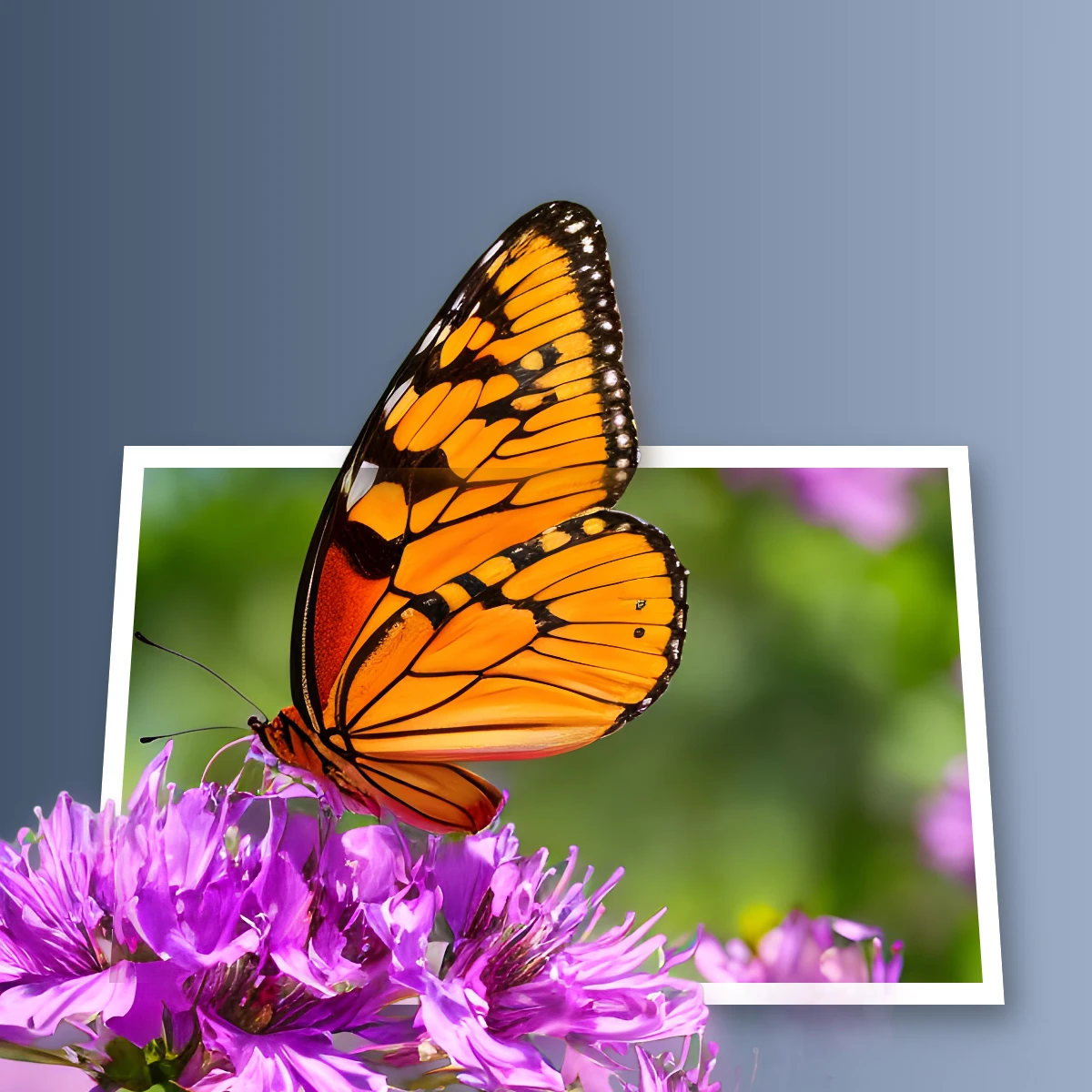
Create an out-of-bounds 3D photo effect in your browser. On-device AI isolates the subject so it pops out of a trapezoid frame.
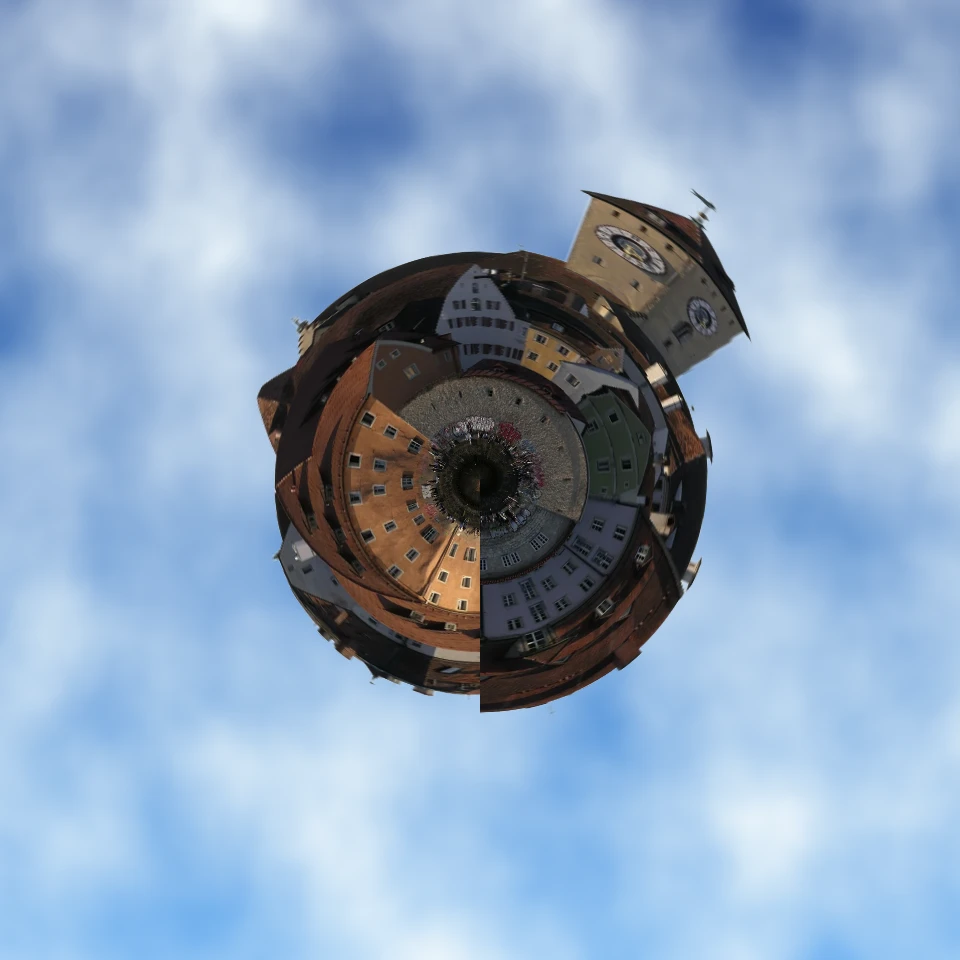
Turn a skyline or landscape into a tiny planet in your browser. On-device AI removes the sky, flips the scene, wraps it with polar coordinates, and sits it on clouds, stars, a gradient, or a solid color.

Turn a photo into a die-cut sticker in your browser. On-device AI cuts out the person or object, then adds a white outline, shadow, holographic foil, or a colored rim. Export a transparent PNG.

Turn a photo into a perfect silhouette in your browser. On-device AI cuts out the subject, fills it as a clean shape, and places it on a solid color, gradient, sunset, or transparent backdrop.
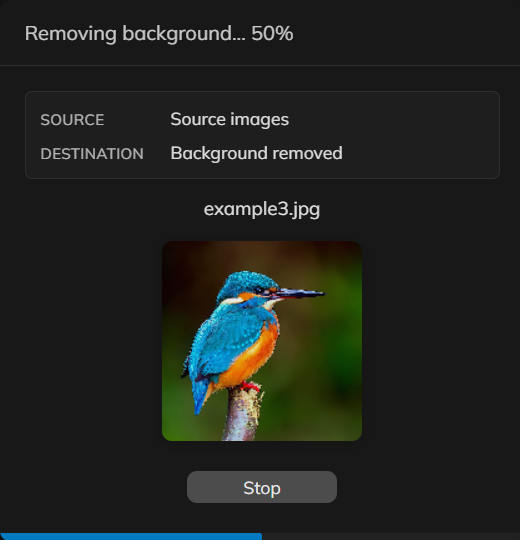
Remove backgrounds from a set of product or portrait photos in PictorX. Same on-device cutout, applied across many files.