
Optical illusions
Read more about optical illusions — pictures that make grey look coloured, straight lines slope and still patterns move — and play with thirteen classic ones, most of them made from your own photo, in the Optical Illusion app in PictorX.
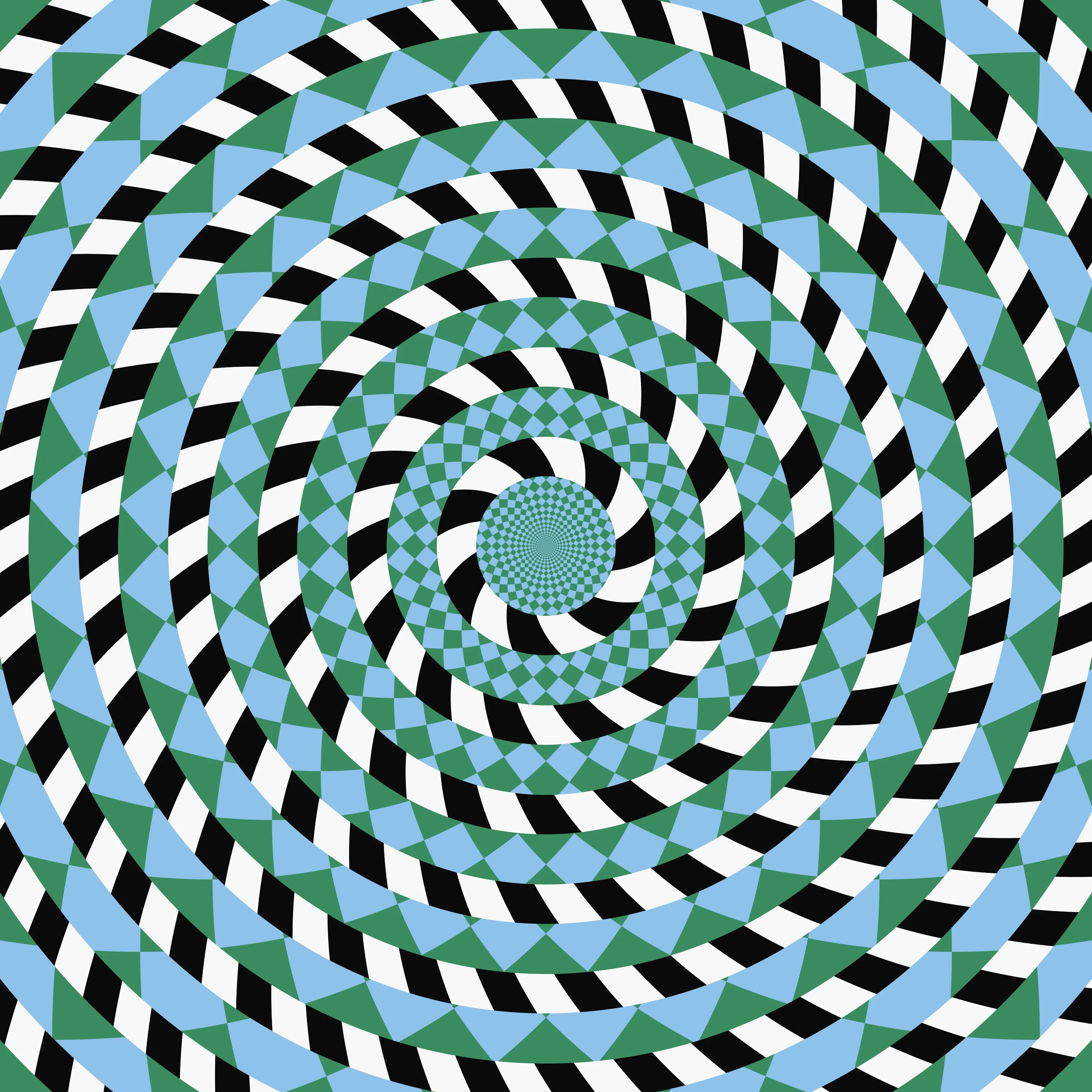
What is an optical illusion?
An optical illusion is a picture that you see differently from what is actually there. Two greys that match look different, straight lines seem to slope, a still pattern seems to turn, and a colour that was never painted appears. Psychologists have collected these effects since the nineteenth century, because they show the shortcuts the eyes and the brain use all the time. Those shortcuts are usually right, which is why the world looks steady. An illusion is a case where the guess is wrong in a way you can catch. The PictorX Optical Illusion app gathers thirteen classic illusions, most of them built from your own photo, so you can play with the effect and then reveal the trick.
Colour that is not painted
Colour from grey is a colour-assimilation illusion, after a demonstration by the programmer Øyvind Kolås. The photo is black and white. Only a grid, or a set of lines or dots, carries its colour, in thin strokes. The brain spreads that colour over the grey, so the picture looks almost fully coloured until you drag across it and compare the two sides. An older relative is the Hermann grid, described by Ludimar Hermann in 1870: at the crossings of white lines on a black ground, grey spots seem to flicker, although none are there. The scintillating grid, described by Schrauf, Lingelbach and Wist in 1997, puts a white dot on each crossing. Look around the picture and black dots seem to flash on the dots you are not looking at directly. In the app, Reveal the trick takes away the grey lines that cause them.
Afterimages: the eye gets tired
Stare at a strong colour and the cells that answer to it tire. Look then at white, or at a black-and-white picture, and for a few seconds you see the opposite colour — a negative afterimage. In the app, Afterimage shows your photo in opposite colours, with a black dot. Click the picture and stare at the dot without moving your eyes. When the picture turns black and white, keep looking: the real colours seem to come back. The lilac chaser, devised by Jeremy Hinton and widely shared from about 2005, uses the same fatigue. Lilac discs sit in a circle and one of them vanishes at a time. Stare at the cross in the middle and a green disc seems to run around the circle, while the lilac discs fade. Click to pause.
Motion that stays, and motion that was never there
The spinning spiral is the motion aftereffect, sometimes called the waterfall illusion. In 1834 Robert Addams described watching a waterfall and then seeing the rocks beside it creep upwards. Stare at the red dot while the spiral turns. When your photo appears, keep looking at the dot: the picture seems to swell towards you. Other illusions move while nothing in the picture moves. Drifting wheels are a peripheral-drift illusion, of the family Fraser and Wilcox described in 1979: rings of light and dark steps seem to turn as your eyes wander, and clicking a wheel makes it seem to turn the other way. The floating disc, after a pattern Hajime Ouchi published in 1977, sets a disc of lines across a field of lines running the other way. Small movements of the eyes make the disc seem to slide on its own; you can also drag it. Stepping feet, described by Stuart Anstis in 2003, shows two blocks moving together at a steady speed. Stripes in the background make them seem to take turns stepping forward. Press and hold the picture, or tick Reveal the trick, and the stripes disappear: the blocks were moving together all along.
Greys, sizes and a slope that is not there
What surrounds a shape changes how you see it. Same grey places two identical grey squares on your photo. The one on a darker part looks lighter. Drag them around; Reveal the trick joins them with a bar of the same grey, so you can see they match. Ebbinghaus circles, named after the German psychologist Hermann Ebbinghaus and sometimes called Titchener circles, put two identical discs of your photo among big circles and among small ones. The disc among the big circles looks smaller. Drag the groups to compare them. The café wall illusion was noticed by Richard Gregory on the tiled front of a café in Bristol and described with Priscilla Heard in 1979. The grey lines between staggered rows of dark and light tiles are perfectly straight and parallel, yet they seem to slope. Drag sideways to shift the rows and watch the slope change.
A spiral made of circles, and a picture in the lines
The Fraser spiral, published by the British psychologist James Fraser in 1908, is not a spiral. It is a set of separate circles. Each circle is built from short twisted segments, tilted the other way from the ring, so the whole pattern seems to wind inward. Click a ring in the app and it is traced in red. Hidden picture uses a moiré, the shimmer you get when two fine patterns overlap and slip. Your photo is concealed in wavy lines. Drag the striped window over it and move it slowly up and down: the picture appears, and then turns into its negative.
From the laboratory to the gallery
Artists have used these effects for a long time. In the 1960s Op Art made perception the subject of the painting: Victor Vasarely and Bridget Riley arranged lines, squares and circles so that a flat canvas seems to swell, ripple and flicker. M.C. Escher played with figure and ground, impossible buildings and reflections. The Optical Illusion app is the laboratory side of that story. Each illusion has its own sliders, answers to a click or a drag, and has a Reveal the trick switch. For the artistic side, the Op Art app rebuilds a photo from spheres, waves and checkerboards.
Play with them in PictorX
Open the Optical Illusion app and load a photo — or start from the sample. Choose an illusion from the row of examples and read the tip underneath. Some ask you to stare at a dot or a cross, some to drag, and some only to let your eyes wander. Size, Strength, Speed and Stare time appear only for the illusions that use them. For the patterned ones — café wall, Fraser spiral, wheels, floating disc, grid and stepping feet — choose Photo to put your picture into the light and dark parts, or Classic for the original black, white and colours. Tick Reveal the trick when you want to see what is really there. Save a PNG or keep editing in PictorX.
Frequently asked questions
What is an optical illusion?
A picture that you see differently from what is actually there: matching greys look different, straight lines seem to slope, a still pattern seems to move, or a colour that was never painted appears. The effect comes from the shortcuts the eyes and the brain use when they interpret what they see.
Which illusions can I try?
Colour from grey, Afterimage, Spinning spiral, Same grey, Hidden picture, Ebbinghaus circles, Café wall, Fraser spiral, Drifting wheels, Floating disc, Lilac chaser, Scintillating grid and Stepping feet. Most of them are made from your photo.
Why does a black-and-white photo look coloured?
In Colour from grey only thin lines or dots carry the photo's colour. The brain spreads that colour across the grey areas, an effect called colour assimilation. Drag across the picture, or tick Reveal the trick, to compare the grey photo with the coloured lines.
Why does a still picture seem to move?
Several different effects are at work. After you stare at a turning spiral, a still photo seems to swell: that is the motion aftereffect. Drifting wheels, the floating disc, the lilac chaser and stepping feet use contrast, eye movements and tired colour cells, so a pattern that is still — or moving steadily — seems to turn, slide, flash or stumble.
Is my photo uploaded?
No. The Optical Illusion app runs in your browser. Your file stays on your device unless you choose to save it or open it in the editor.
Related tools
Optical illusions
Play with 13 classic optical illusions in your browser, most made from your own photo: colour from grey, an afterimage, a spinning spiral, a hidden picture, the café wall, the Fraser spiral, drifting wheels and more. Tick Reveal the trick to see how each one works.
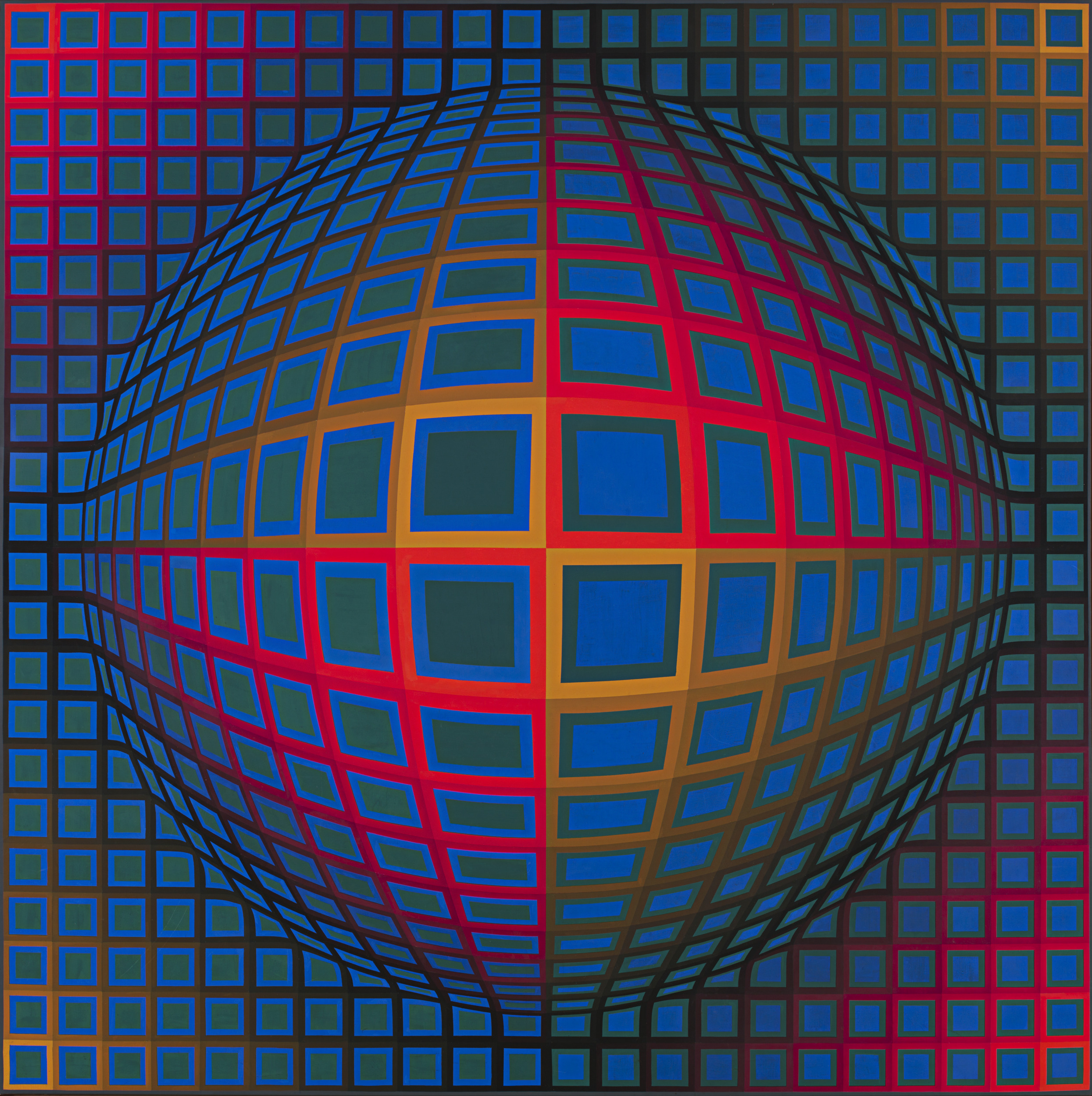
Op Art
A short guide to Op Art: its roots in old optical illusions and the Bauhaus, Victor Vasarely's Zebras and Vega, Bridget Riley's black and white paintings, The Responsive Eye at MoMA, Soto and Cruz-Diez, why the pictures seem to move, Op Art in fashion and design, and a digital homage you can try in PictorX.
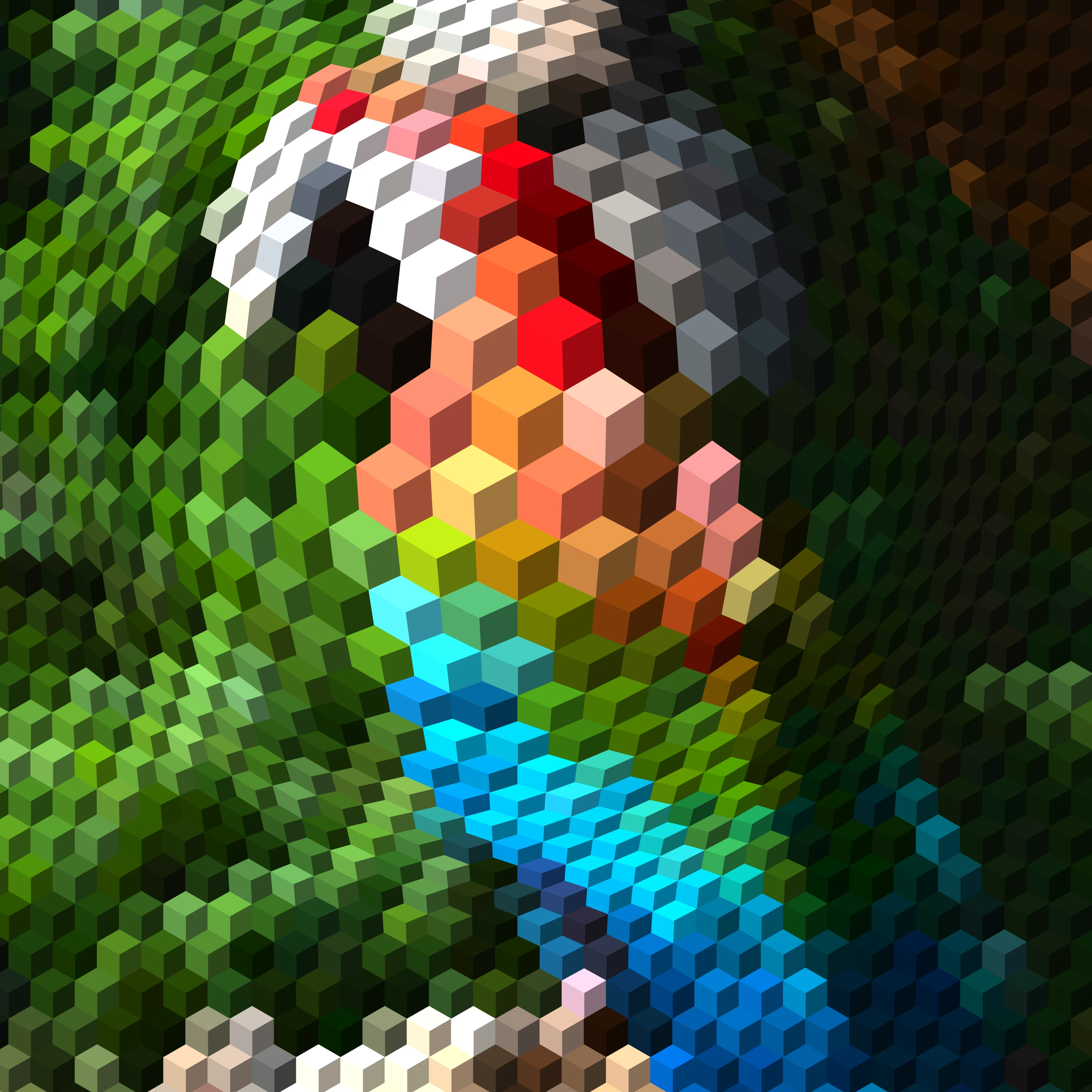
Op Art: your photo as an optical illusion
Turn a photo into op art in your browser: Dalí's Galatea of the Spheres, Vasarely's Vega, Bridget Riley waves, relief lines, moiré, spirals and warped grids — in your subject or a shape, still or animated.
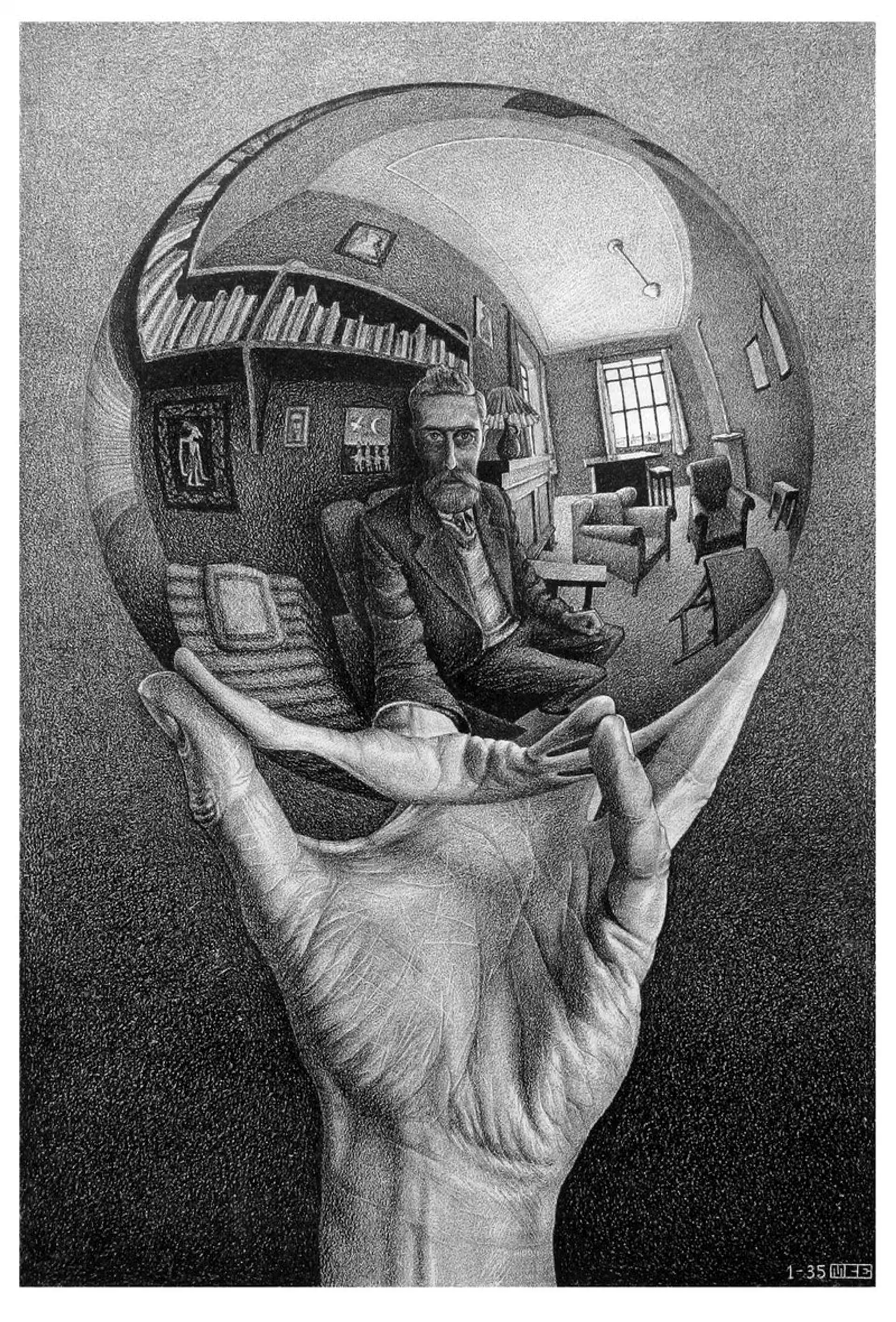
M.C. Escher
M.C. Escher’s regular divisions of the plane: Alhambra tessellations, translation, rotation and reflection, metamorphosis, hyperbolic infinity, and figure–ground duality—plus PictorX M.C. Escher.
Kaleidoscopes
How kaleidoscopes work: Brewster’s invention, angled mirrors, radial symmetry, and digital kaleidoscope filters you can try on a photo in PictorX.
Image feedback and infinite zoom
What image feedback and infinite zoom are: recursive canvas transforms, Droste-like echoes, blend and hue drift—and how to try Image Feedback in PictorX.
Ready to try it?
Open PictorX in your browser — no install, no credit card required to start.
Try optical illusions