
Free online design & photo tools
Pick a tool, open it in your browser, and create — no install required.
Text & Typography tool
Rich text styling with fonts, fills, gradients, strokes, shadows, 3D effects, contours, and decoration. Use the free PictorX online editor in your browser.

Shapes & Vectors tool
Add geometric shapes and styled lines to your canvas. Use the free PictorX online editor in your browser.

Living charts & data tool
Tell stories with numbers—not spreadsheets. Use the free PictorX online editor in your browser.

Selection tool
Isolate exactly what you need—nothing more, nothing less. Use the free PictorX online editor in your browser.
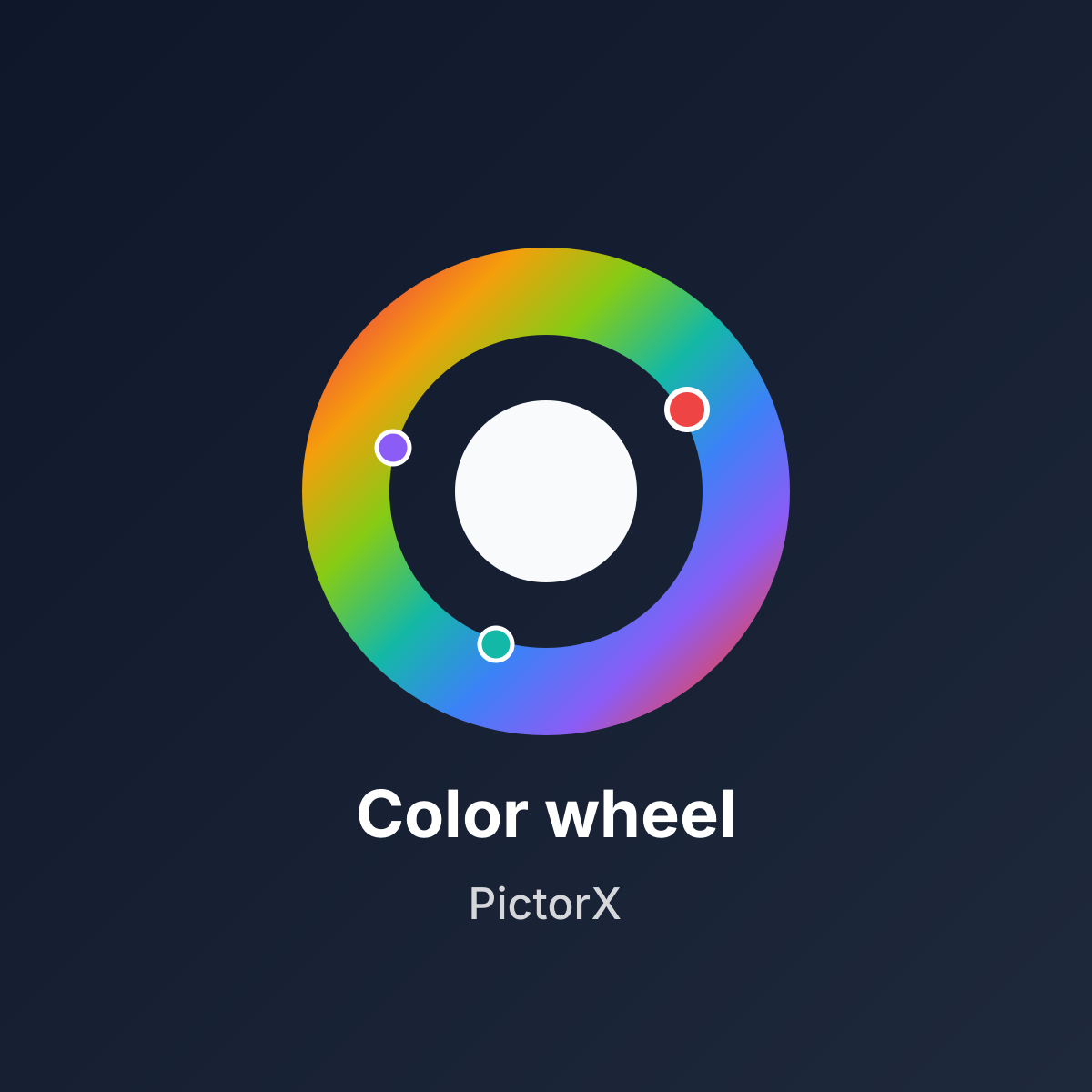
Color wheel
Pick a color on an interactive wheel, generate complementary, analogous, triadic, and other palettes, and copy HEX, RGB, HSL, HSV, or CMYK. Nothing is uploaded.
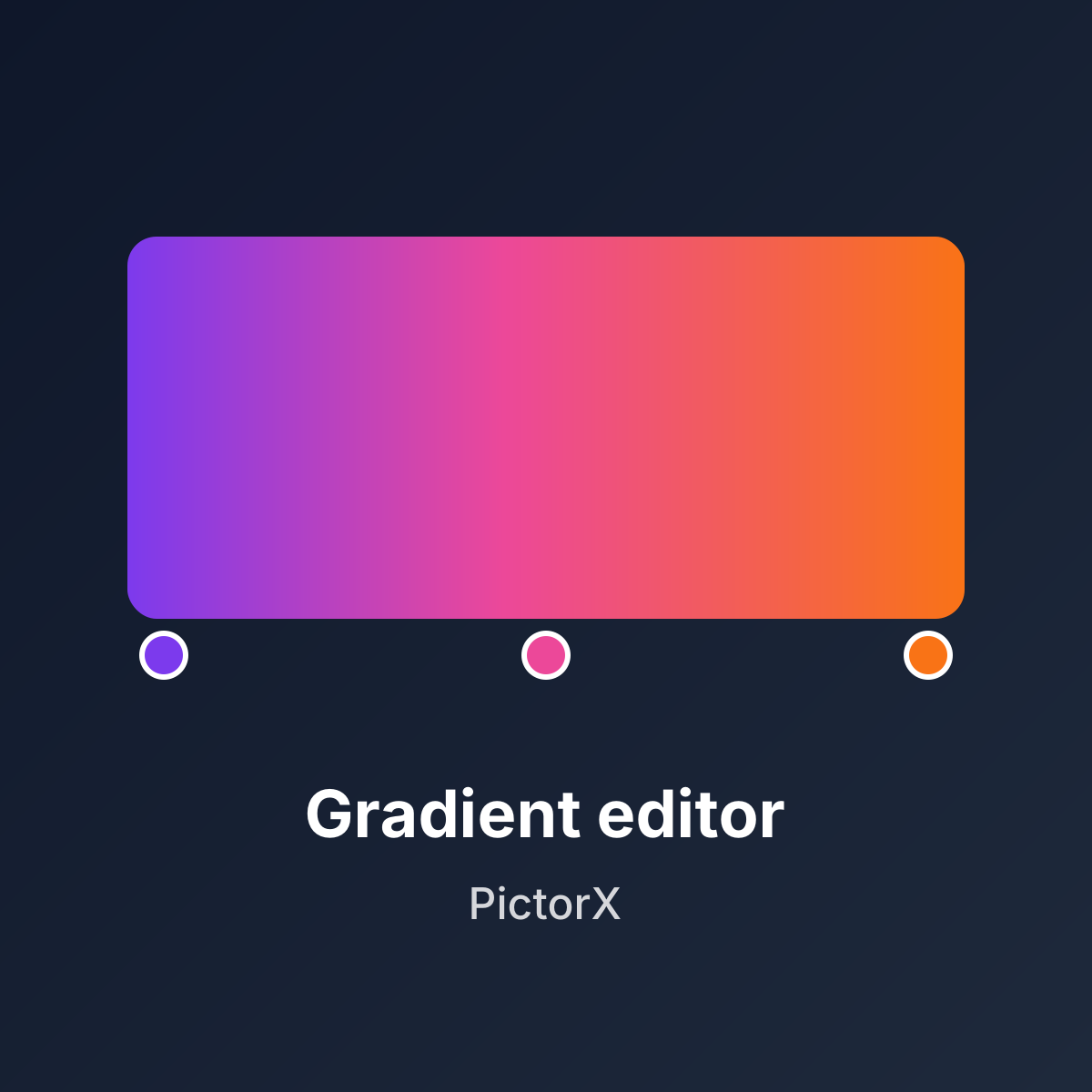
Gradient editor
Build linear and radial CSS gradients in your browser. Drag color stops, set the angle, and copy CSS, HEX, RGB, HSL, HSV, or CMYK. Nothing is uploaded.
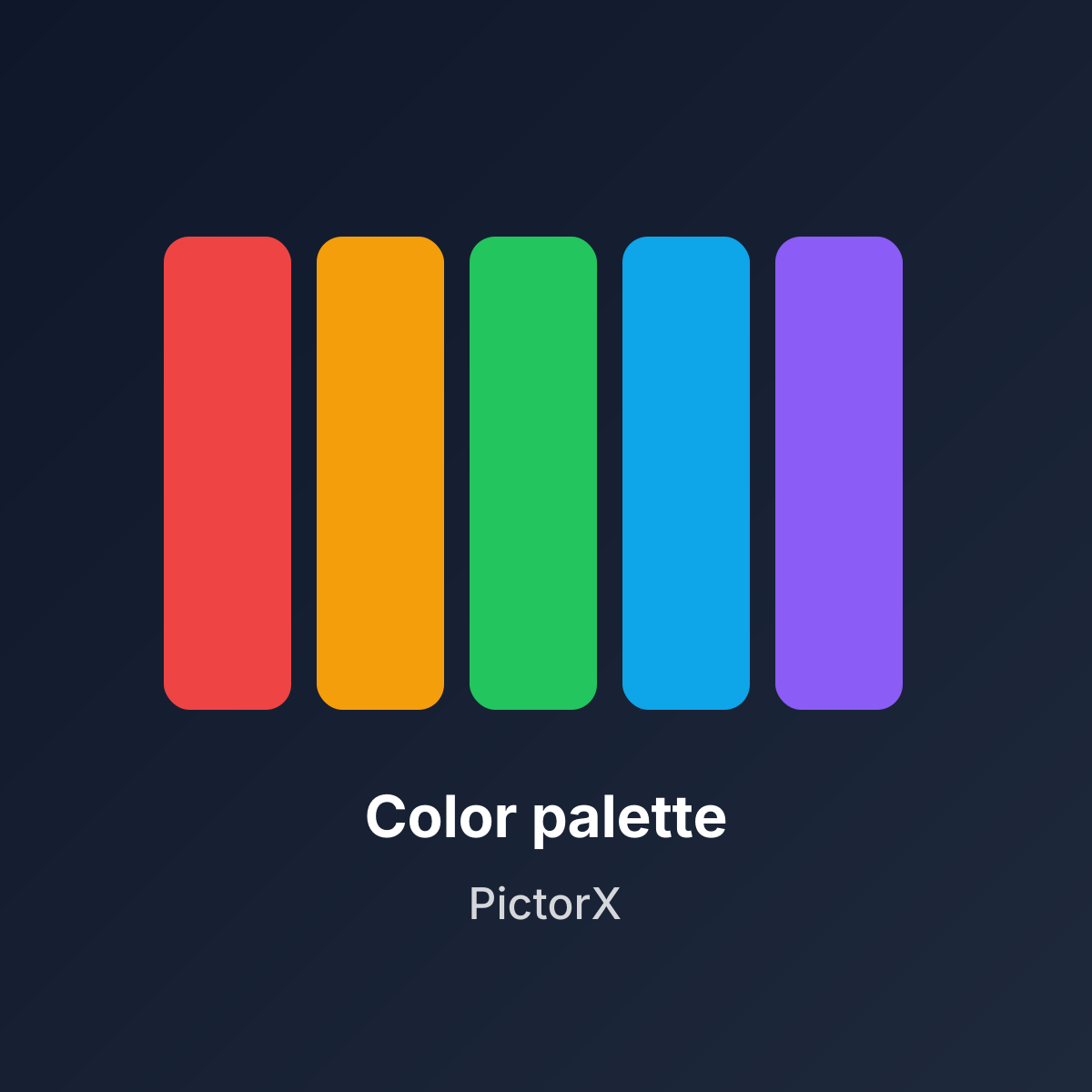
Color palette generator
Build, lock, and shuffle color palettes in your browser. Copy HEX, CSS variables, or JSON, export PNG or SVG, and extract colors from a photo. Nothing is uploaded.
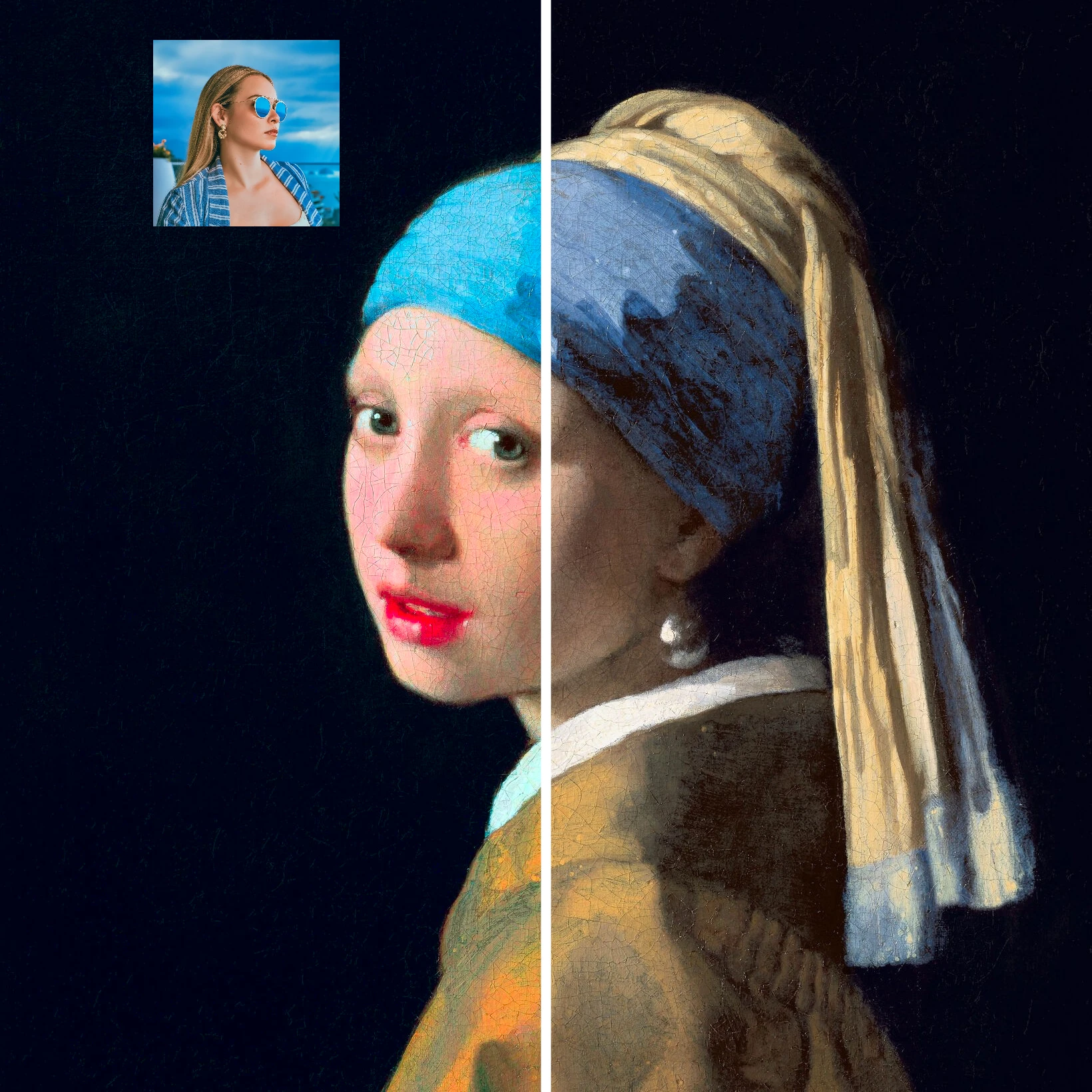
Color transfer
Recolor a photo using the colors of a second image. Live preview in your browser with a strength slider and optional preserved brightness. Nothing is uploaded.
Move & Resize tool
Position, scale, align, and snap layers precisely on the PictorX canvas. Use the free PictorX online editor in your browser.
Rotate tool
Turn the active layer to the exact angle your image or layout needs. Use the free PictorX online editor in your browser.
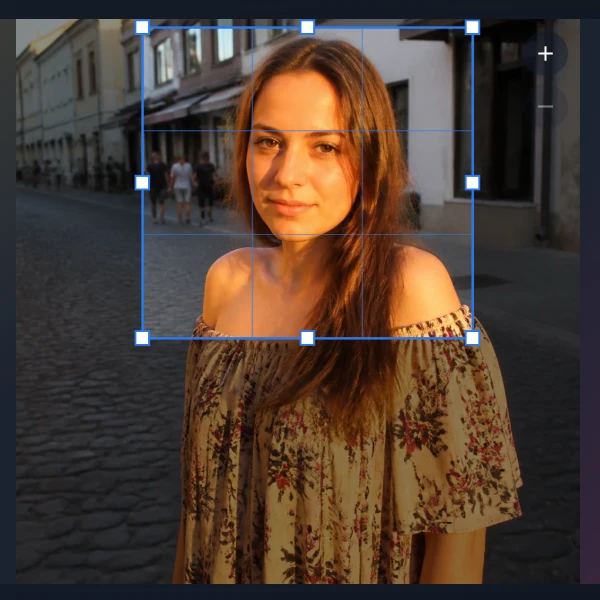
Crop tool
Trim a canvas to the part of an image or layout you want to keep. Use the free PictorX online editor in your browser.
Canvas Size tool
Set the exact width and height for a new or existing design. Use the free PictorX online editor in your browser.
Pan tool
Move around large canvases comfortably while keeping your creative work in view. Use the free PictorX online editor in your browser.
Lines tool
Add styled lines and connectors to layouts, diagrams, and visual designs. Use the free PictorX online editor in your browser.
Line tool
Draw freehand marks and straight lines directly on a raster layer. Use the free PictorX online editor in your browser.
Polygon tool
Create closed polygon shapes by placing connected points on a raster layer. Use the free PictorX online editor in your browser.
Airbrush tool
Paint soft color with adjustable brush size, hardness, and tip shape. Use the free PictorX online editor in your browser.
Paint Bucket tool
Fill connected image areas with color using adjustable tolerance and flood mode. Use the free PictorX online editor in your browser.
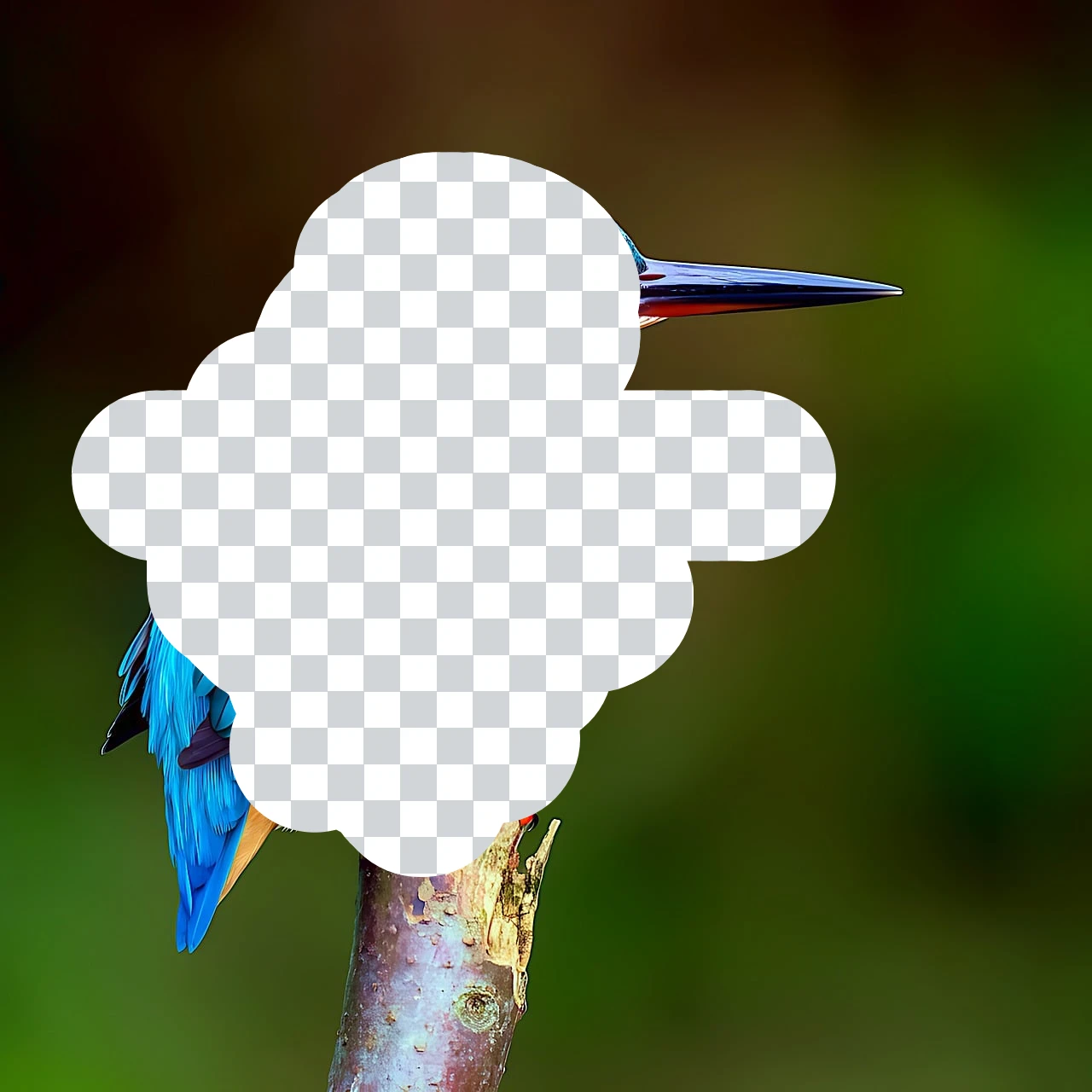
Eraser tool
Erase pixels with a resizable brush on the active raster layer. Use the free PictorX online editor in your browser.
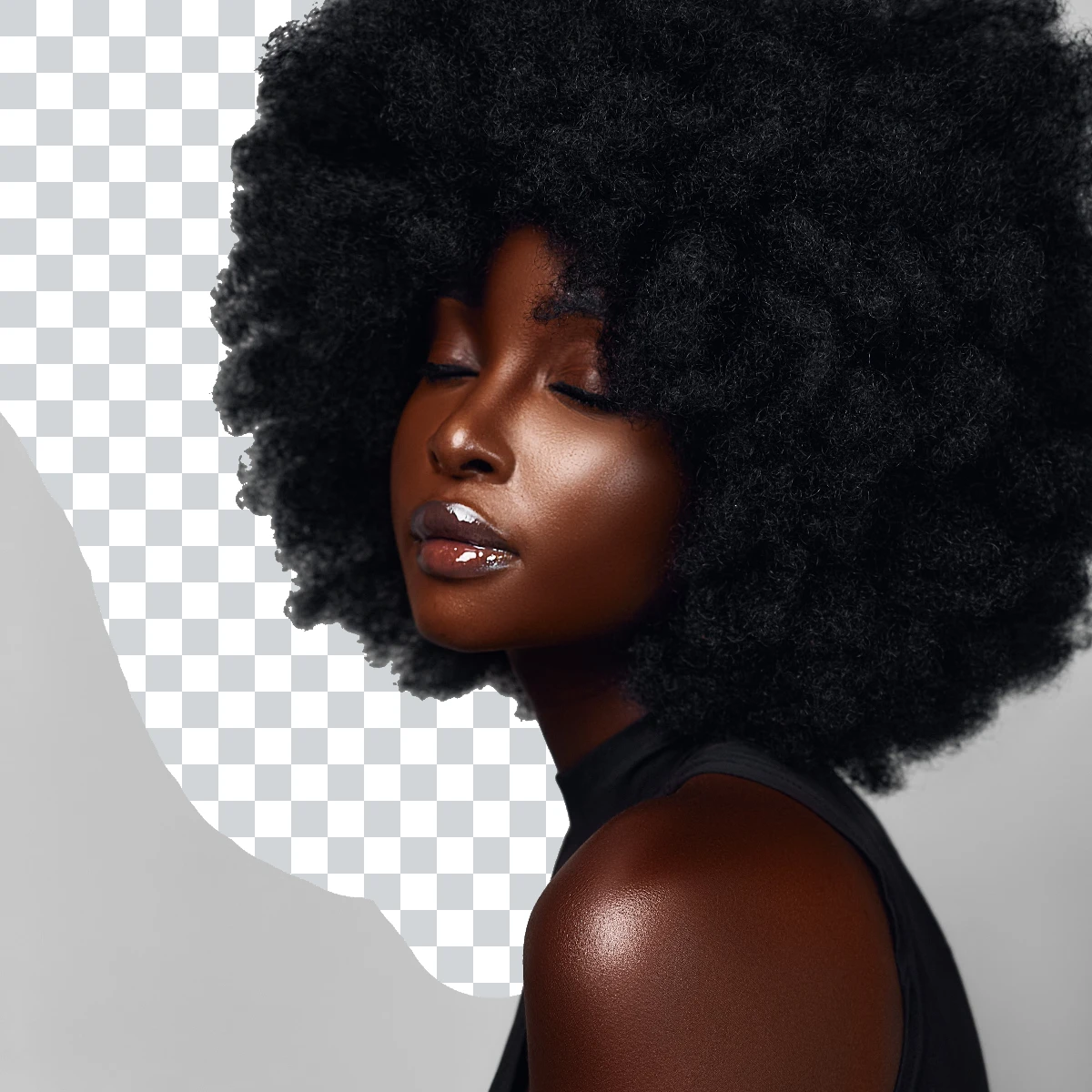
Magic Eraser tool
Brush away matching colors within a chosen tolerance while you paint. Use the free PictorX online editor in your browser.
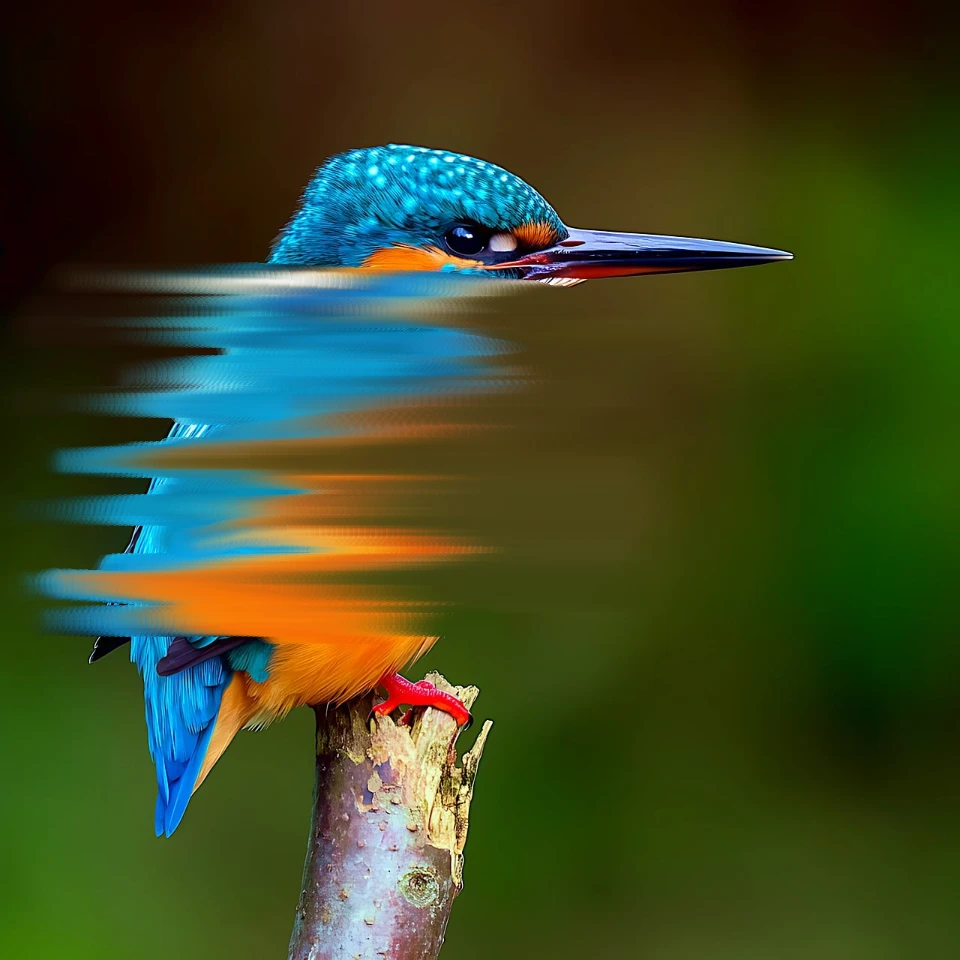
Smudge tool
Blend neighboring pixels by dragging through the image. Use the free PictorX online editor in your browser.

Blur Brush tool
Blur pixels under a resizable brush with adjustable radius and hardness. Use the free PictorX online editor in your browser.
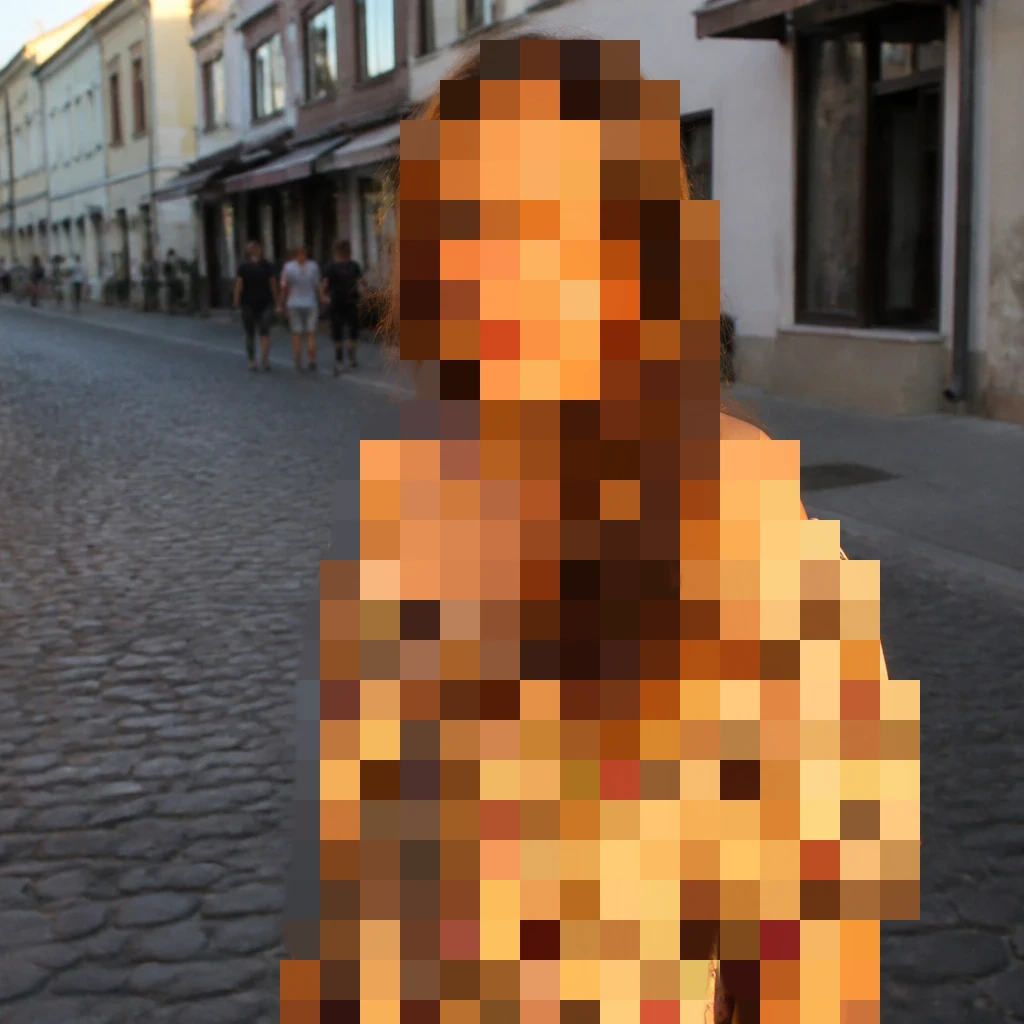
Effect Brush tool
Paint a filter under a resizable brush with adjustable hardness. Choose Mosaic, Grayscale, Sepia, and dozens more looks. Use the free PictorX online editor in your browser.
Clone Stamp tool
Copy texture from a sampled point and paint it elsewhere in an image. Use the free PictorX online editor in your browser.
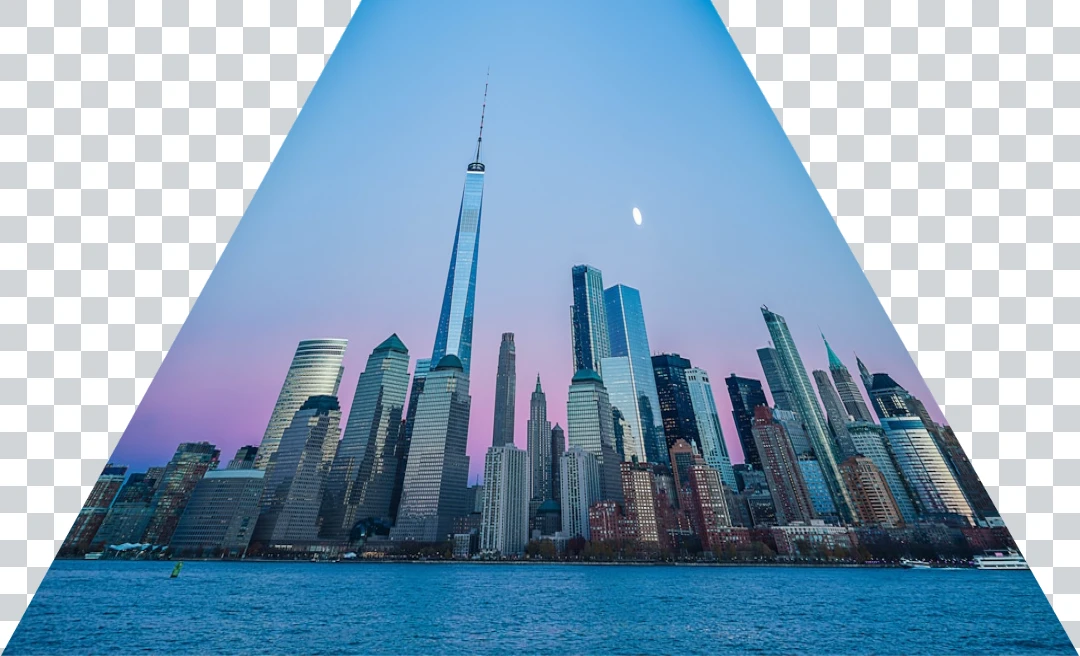
Perspective tool
Warp an image in perspective by moving its four corners. Use the free PictorX online editor in your browser.
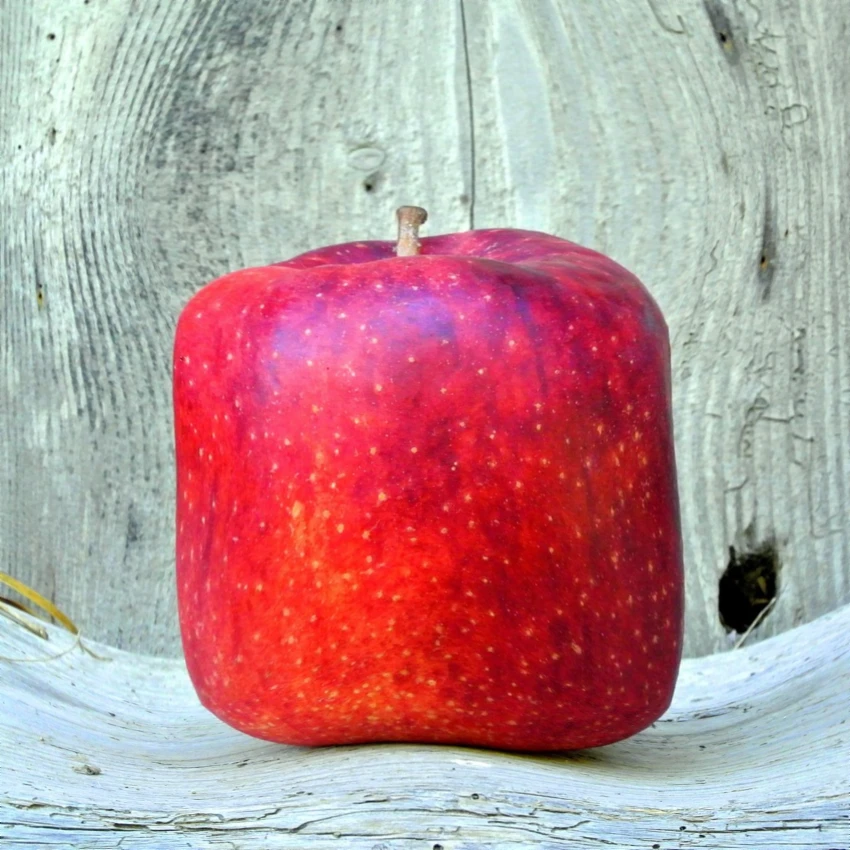
Mesh Warp tool
Distort an image by adjusting points across an editable mesh. Use the free PictorX online editor in your browser.

Liquify tool
Push, pull, inflate, shrink, and rotate parts of an image for retouching or creative effects. Use the free PictorX online editor in your browser.