
Image feedback and infinite zoom
Image feedback feeds each frame of a photo back into itself with zoom, rotation, mirror, and blend—creating tunnels, vortices, and Droste-like echoes entirely in your browser.
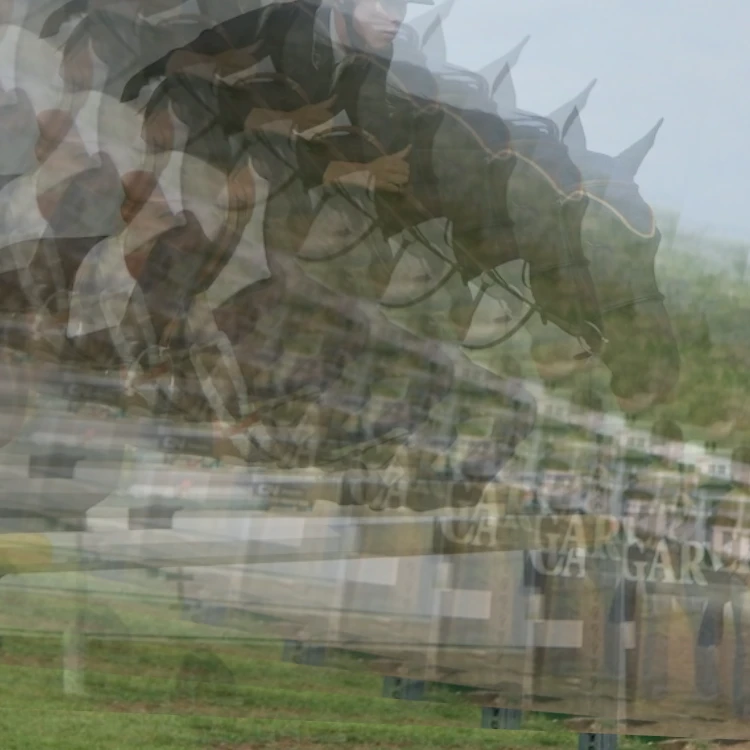
What is image feedback?
Image feedback (or video feedback) is the visual loop you get when a camera points at its own screen—or, digitally, when each animation frame is transformed and drawn back onto itself. Tiny changes in scale, rotation, and opacity compound into tunnels, spirals, and fractal-like blooms.
Infinite zoom and the Droste effect
Scale slightly above 1 each frame and the picture rushes toward you like a warp tunnel. Scale slightly below 1 with a high blend and you get a Droste-like nest of smaller copies—an echo chamber of the same image inside itself.
Controls that shape the loop
Zoom sets the per-frame scale. Rotate twists the trail. Mirror flips one axis for kaleidoscopic echoes. Offset nudges the transform centre. Blend (opacity of the redrawn frame) controls how strongly history persists. Optional blur softens edges; hue drift slowly cycles colour.
Presets to start from
Infinite Tunnel, Psychedelic Vortex, Droste Echo, Echo Chamber, Glitch Feedback, Hyperspace Warp, and Fractal Bloom each lock concrete zoom, rotate, blend, and speed values so you can explore looks before fine-tuning.
Try Image Feedback in PictorX
Open /image-feedback, load the sample or your own photo, pick a Look, animate the loop, Pause or Resume as you refine, Randomize for fresh settings, then Save a PNG or Edit in the photo editor. Nothing is uploaded. Pair it with Spirograph or Kaleidoscope for more geometric play.
Frequently asked questions
Is image feedback the same as the Droste effect?
Related, not identical. Droste usually means a picture recursively containing a smaller copy of itself. Feedback creates Droste-like nests when scale is slightly under 1 with high blend, but also tunnels and vortices with other settings.
Does PictorX upload my photo?
No. Image Feedback runs entirely in the browser canvas. Your file stays on your device unless you choose to save or open it in the editor.
Why does the image wash out or go dark?
Very low blend fades history quickly; very high blend with scale ≠ 1 can pile luminance or crush detail. Tweak blend, blur, and speed, or hit Randomize / pick another Look.
What does Pause do?
When Animate is on, Pause freezes the feedback loop without turning Animate off—so Resume continues from the same frame. Randomize also leaves Animate and Pause unchanged.
Can I record a movie of the effect?
Yes. Randomize or picking a Look starts the tunnel from the beginning and automatically saves a short clip of that run. There is no start/stop control. Save still writes a PNG still.
Related tools
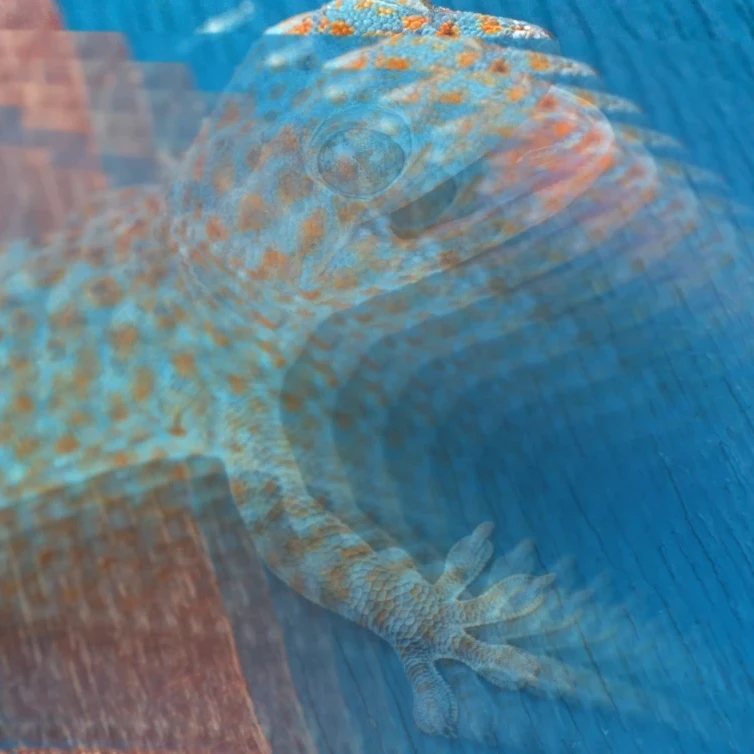
Image Feedback
Create recursive infinite-zoom feedback loops from any photo in your browser. Tune zoom, rotate, mirror, blend, blur, and hue, animate the tunnel, and save a PNG. Nothing is uploaded.

Spirograph
Draw hypotrochoids and epitrochoids in your browser. Tune R, r, and pen offset, animate the curve, randomize styles, and save a PNG. Nothing is uploaded.

Fold a photo into a kaleidoscope
Turn a photo into a radial kaleidoscope pattern in your browser. Set sides, angle, and rotation. Nothing is uploaded to PictorX servers.
Ready to try it?
Open PictorX in your browser — no install, no credit card required to start.
Try Image Feedback