
Blur
Read more about blur—from the Gaussian that photographers reach for first, to unsharp mask, radial motion, smart blur, lens blur, and tilt-shift you can try in PictorX.

Soft focus is a decision
A sharp photo is not always the honest one. Film photographers opened the aperture to melt a background. Portrait painters softened skin long before Photoshop. Digital blur is the same choice: hide noise, push a subject forward, or suggest speed. PictorX groups those choices in Blur and Sharpen, next to a blur brush and an AI background blur if you only want the backdrop soft.
Gaussian blur, the workhorse
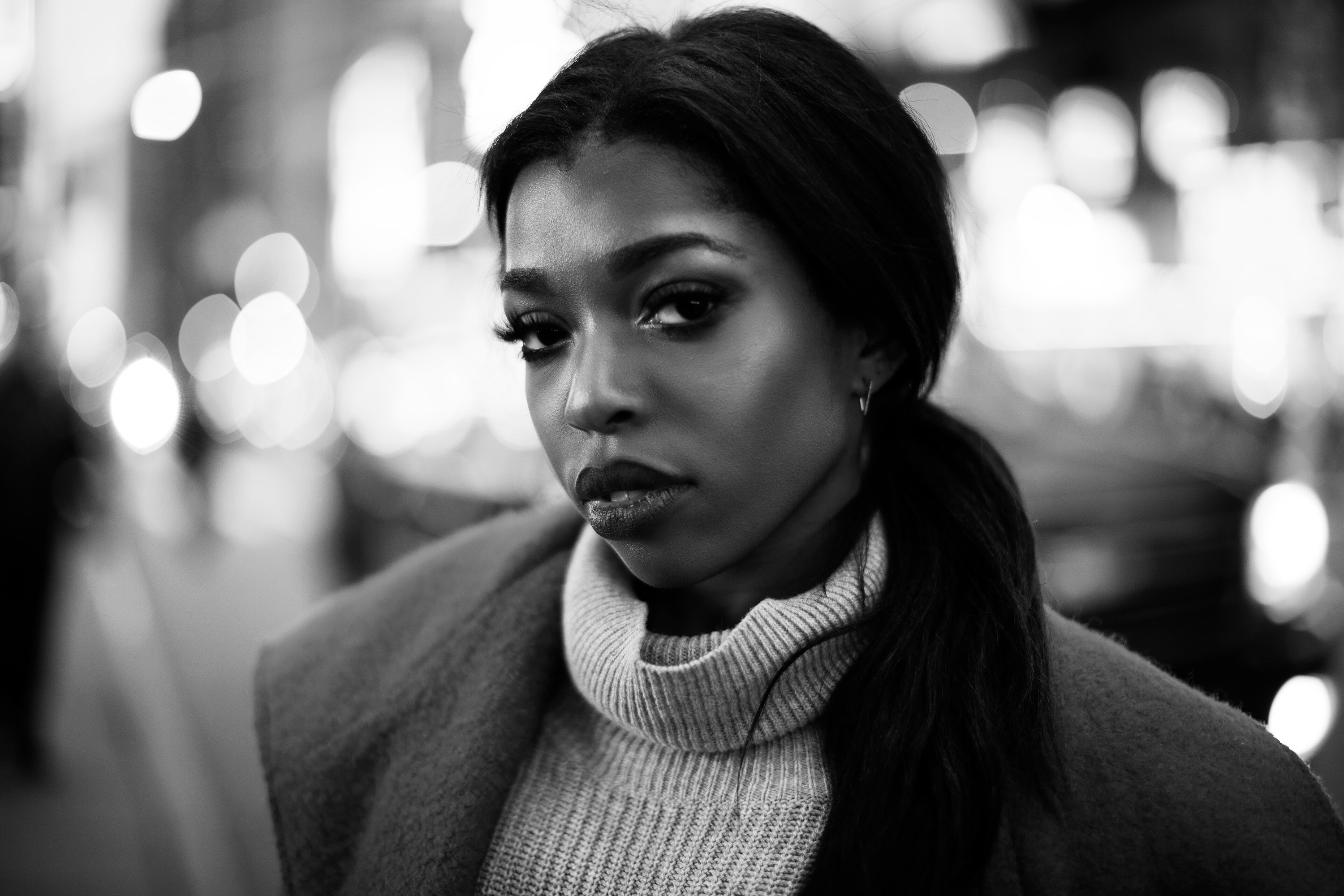
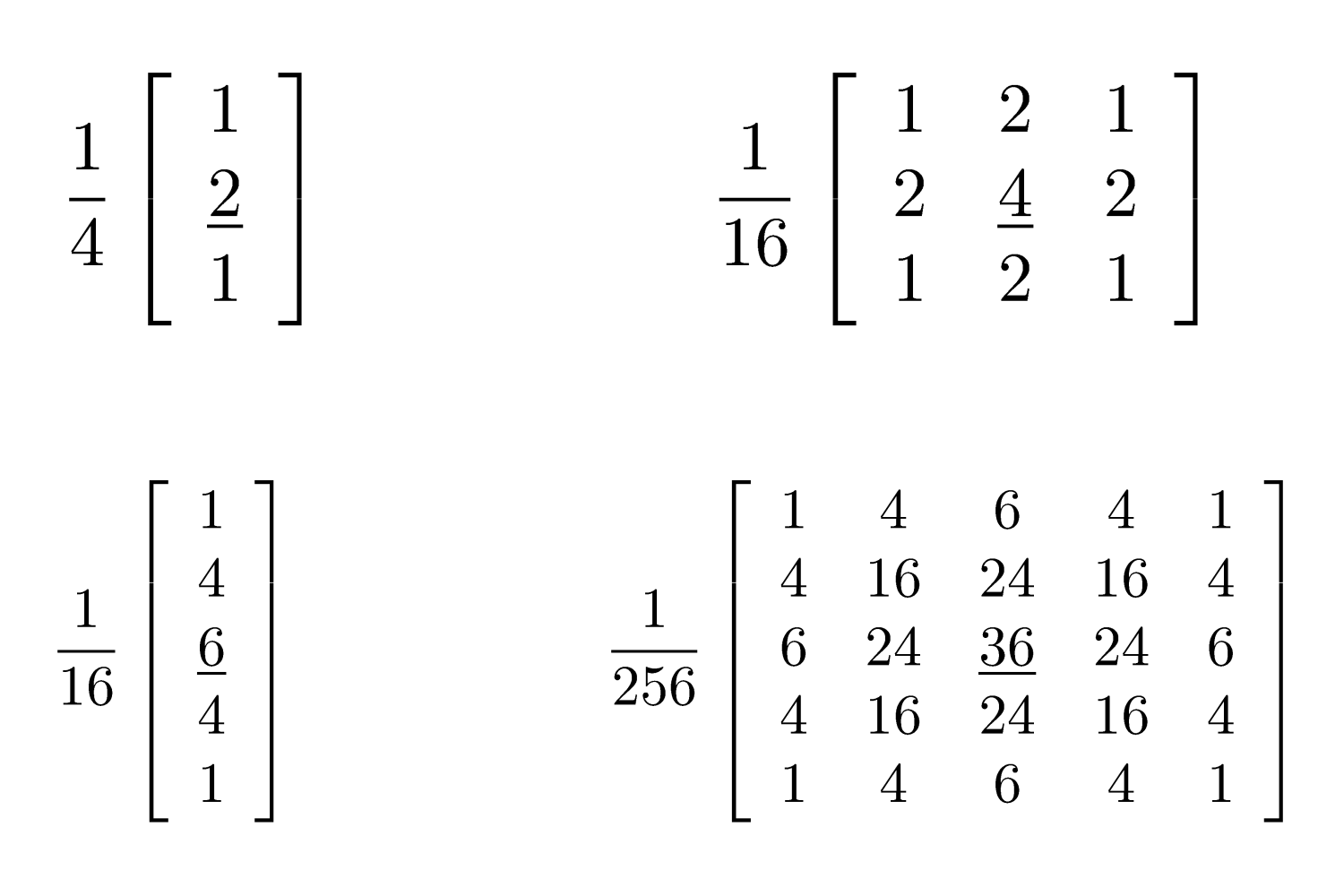
Gaussian blur is the default people mean by “blur”. Each pixel becomes a weighted average of its neighbors, with a bell curve that cares most about nearby pixels and tapers off. Raise the radius and more of the neighborhood joins in, so detail disappears smoothly instead of turning into blocks. It is the starting point for almost every other look on this page: unsharp mask, smart blur, and even some edge detectors begin with a Gaussian.
Unsharp mask: blur that sharpens
Unsharp mask sounds backwards because it is. You make a blurred copy of the photo (the “unsharp” mask), subtract it from the original, and add the difference back. What remains is the contrast along edges. Strength controls how hard those edges punch; radius controls how wide the halo is. A light unsharp mask recovers a slightly soft capture. Too much, and you get glowing outlines. PictorX also has a simpler Sharpen filter when you want a quick crisp without tuning a mask.
Radial blur and motion
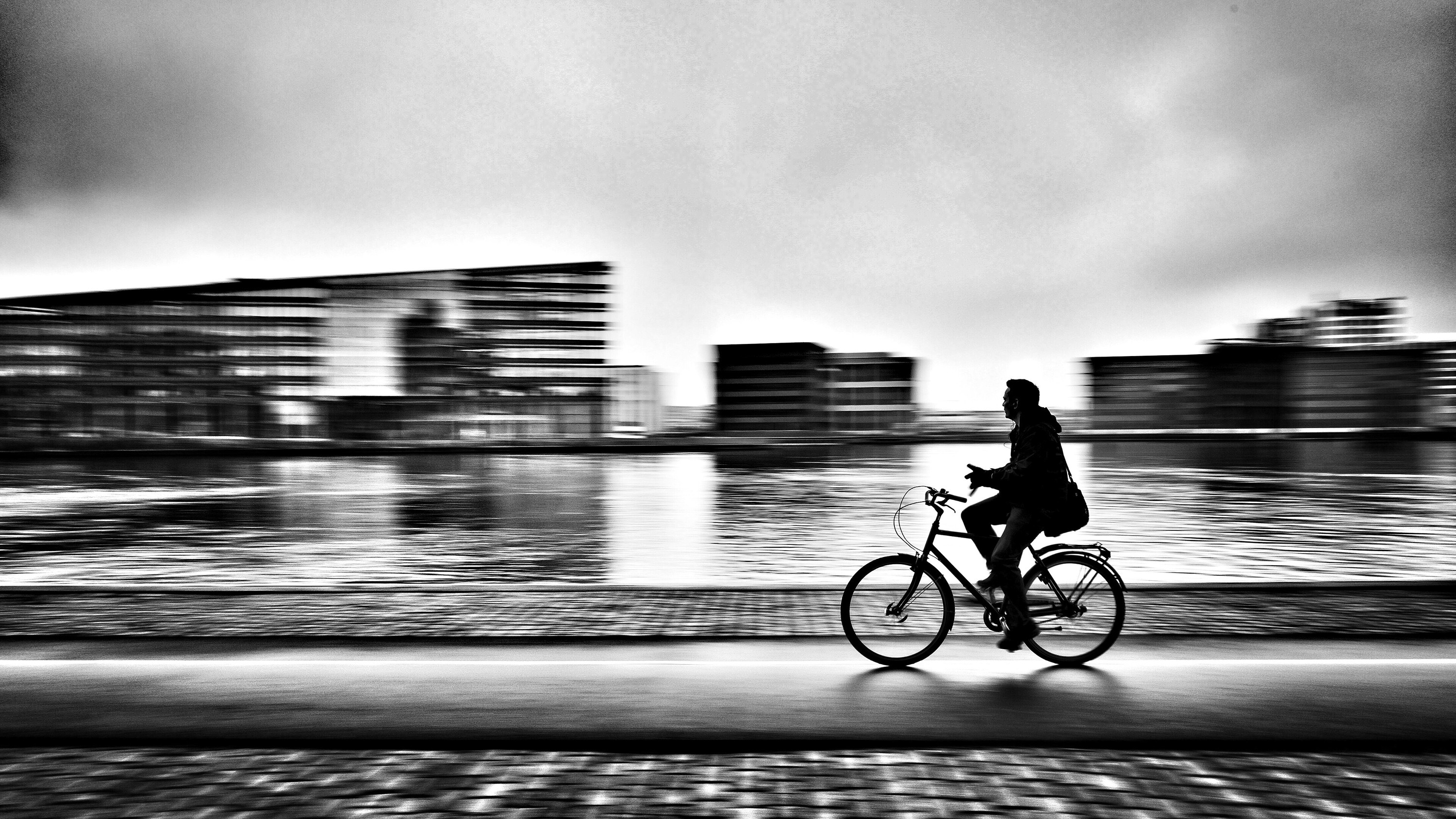
Not all blur is even. Motion blur streaks in one direction, like a panning shot of a cyclist. Radial blur streaks toward or around a center: a zoom into a face, a spinning carnival light, a sense that the camera rushed forward. Strength and sample count trade smoothness against speed. Use a small amount to add life; use a lot for an effect, not a documentary frame.
Tilt Shift
Tilt Shift keeps a band of the photo sharp and blurs everything above and below it, which is why a street or a railway can look like a toy village. Focus size is how tall that sharp band is. Vertical position slides the band up or down the frame. Radius is how soft the out-of-focus zones become. Enhance colors is a small saturation push that sells the model-village look.

Smart blur
Smart blur in PictorX has two controls. Radius sets how far the blur can reach. Threshold sets how different a neighbor may be before it is left alone. A low threshold protects almost every edge and only knocks down fine grain. A higher threshold starts to melt small details too. Use it to clean noise in a sky, even a wall, or a portrait background without frosting the whole picture.
Lens blur
Lens blur mimics a camera at a wide aperture: out-of-focus highlights turn into discs instead of a Gaussian haze. That is an optical story, not just “more Gaussian”.
Which blur should I use?
Soften overall, or start a look: Gaussian. Recover bite on a slightly soft shot: unsharp mask. Suggest speed or spin: motion or radial. Clean grain without melting the whole frame: smart blur. Fake a fast lens: lens blur. Make a scene look like a miniature: tilt-shift. Try every preset on the Blur and Sharpen page, paint blur in with the blur brush, or keep a subject sharp with AI blur background.
Frequently asked questions
What is Gaussian blur?
A weighted average of neighboring pixels using a bell curve. The radius is how far that neighborhood reaches.
Why does unsharp mask sharpen a photo?
It compares the photo to a blurred copy and boosts the difference, which lives on edges.
What is the difference between radial blur and motion blur?
Motion blur streaks in one direction. Radial blur streaks in or around a center, like a zoom or a spin.
How is smart blur different from Gaussian blur?
Gaussian treats every neighbor the same. Smart blur skips neighbors that differ more than the threshold, so edges survive.
Related tools

Blur and Sharpen
Soften focus with Gaussian, motion, radial, and tilt-shift blur—or bring detail back with sharpen and unsharp mask.

Blur Brush tool
Blur pixels under a resizable brush with adjustable radius and hardness. Use the free PictorX online editor in your browser.

Blur background
Keep the subject crisp while the backdrop softens—all on your device.
Ready to try it?
Open PictorX in your browser — no install, no credit card required to start.
Try blur effects