
Find edges
Read more about the edge-detection algorithms you can try in Edge effects—and how each method finds the outlines in a photo.
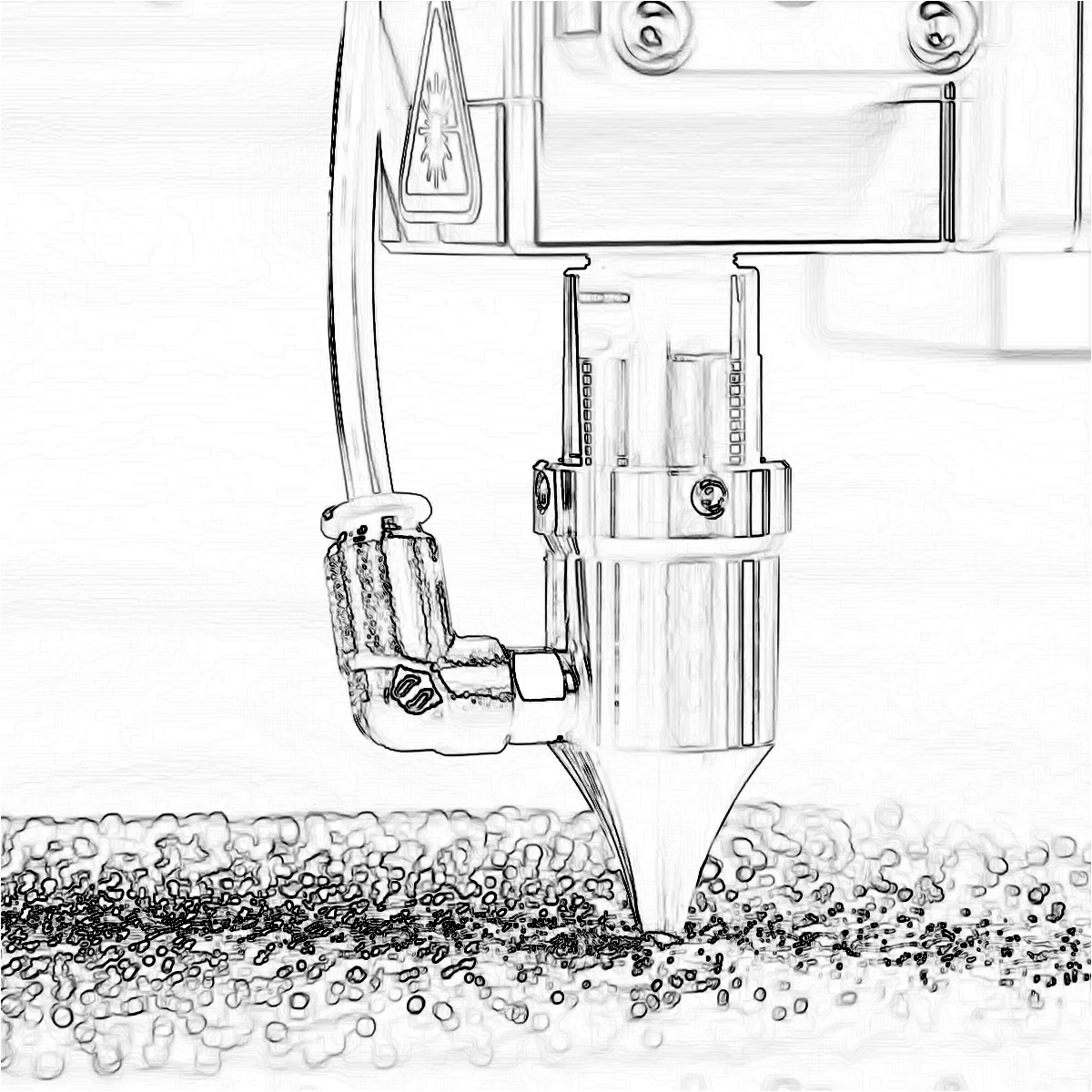
How edge detectors find outlines
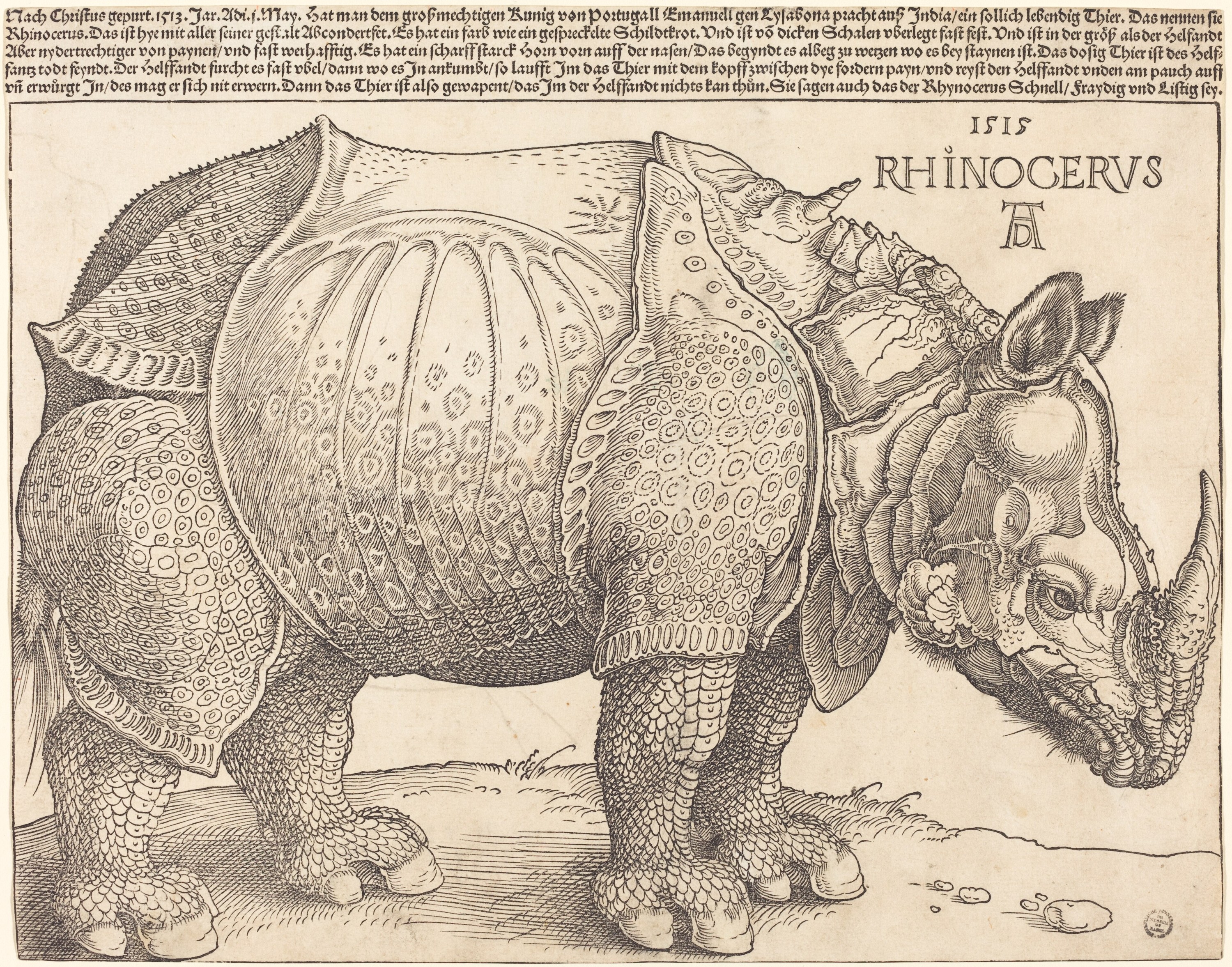
An edge is a place where brightness or color changes quickly—the outline of a face, a building, or a leaf against the sky. Detectors scan every pixel, compare it with its neighbors, and turn those sudden changes into lines. The methods below all start from that idea, but they measure the change in different ways, so the same photo can become thin ink lines, a soft pencil sketch, or a thick shape contour.
Find Edges
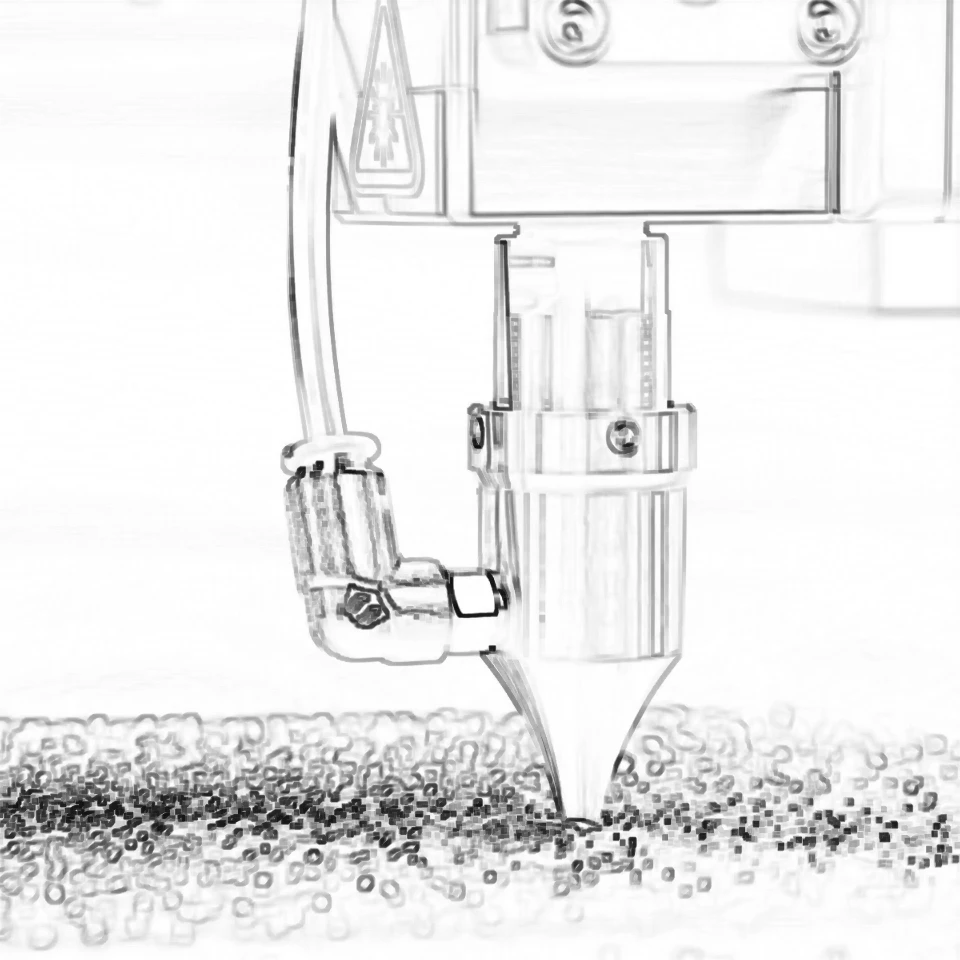
Find Edges converts the photo to grayscale, then applies two small Sobel kernels: one looks left–right, the other up–down. Combining them as √(gx² + gy²) gives each pixel a strength: how sudden is the change here? Strong changes become edges. PictorX inverts the result by default, so you get dark lines on a light field—the classic line-art look. You can keep transparency so the outline sits over whatever is behind the layer.
Sobel
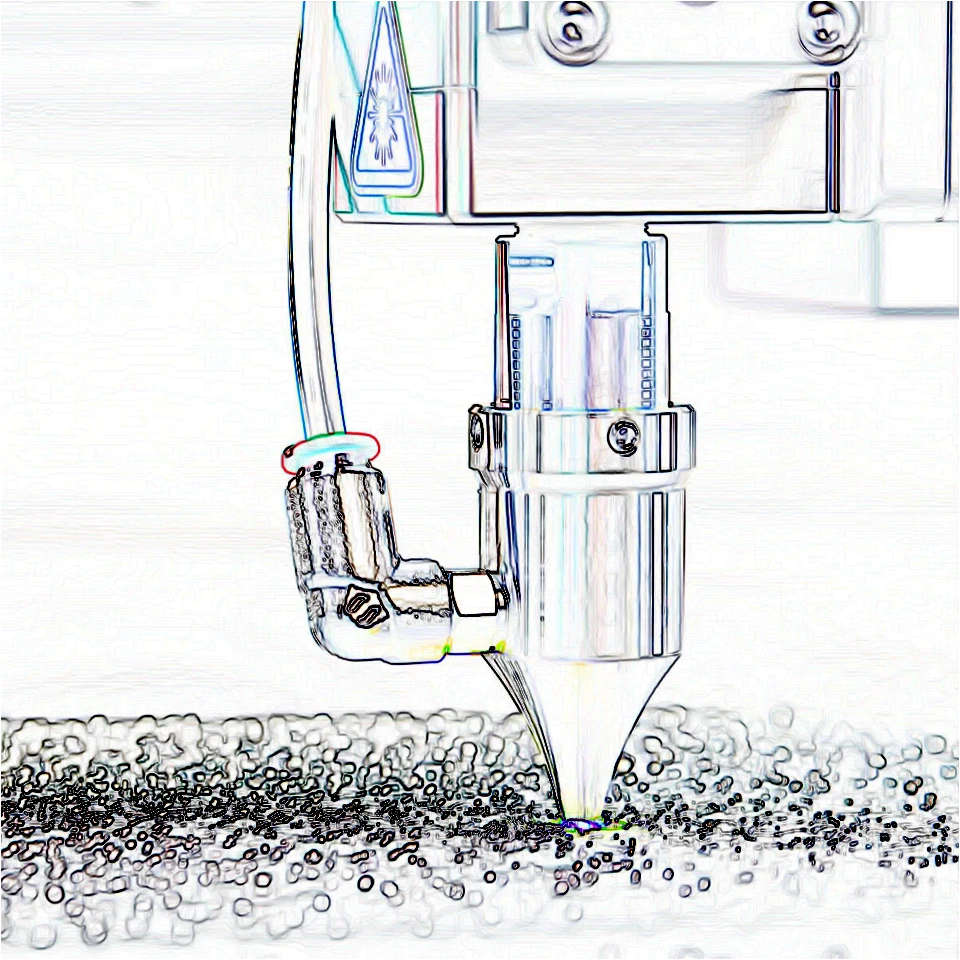
Sobel uses the same left–right and up–down kernels, but it measures each color channel separately. The outline keeps a hint of the original colors instead of a flat gray sketch. Compared with Canny, Sobel is a softer gradient: edges have thickness and falloff instead of a one-pixel binary line. Invert is on by default for a printable look.
Laplace
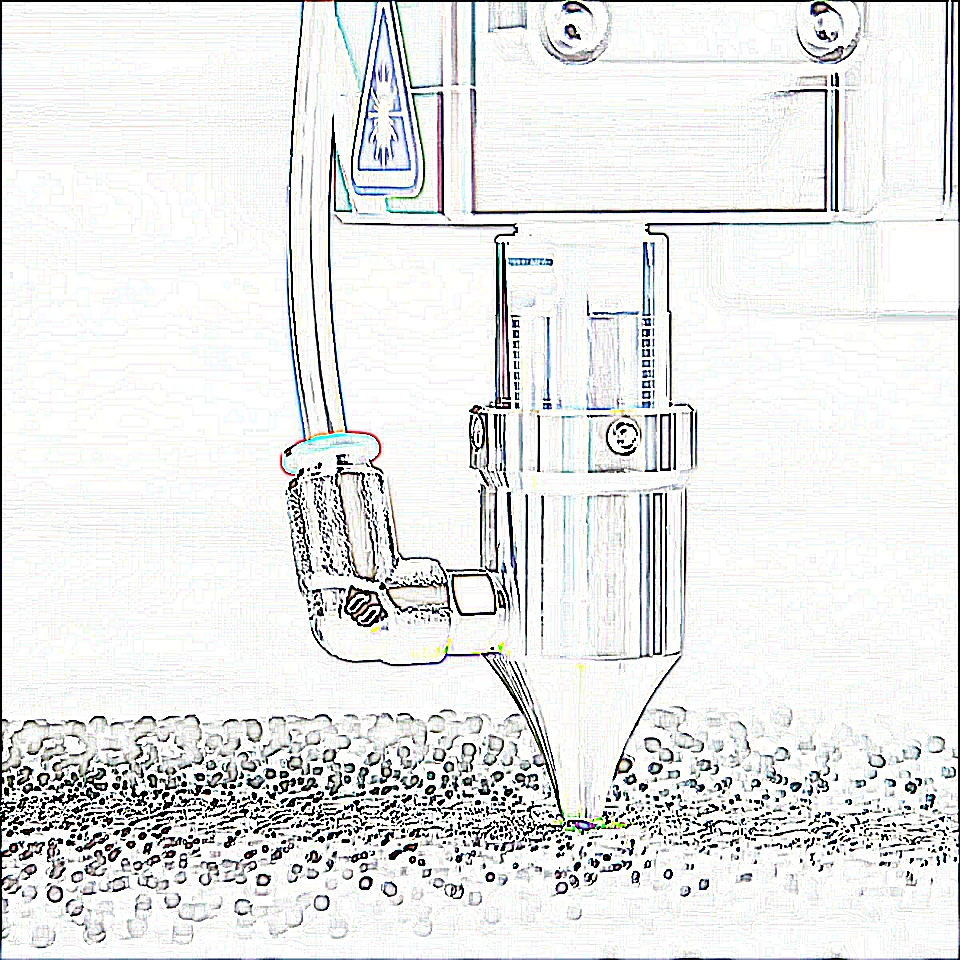
The Laplacian looks at the second derivative: not only “is brightness changing?” but “is that change itself peaking?” PictorX uses a 5×5 kernel with 24 in the center and −1 around it. Where an edge is sharp, the response spikes; flat areas stay near zero. The result is inverted. Laplace often picks up finer texture than Sobel—fabric, hair, foliage—so it can look busier.
Canny
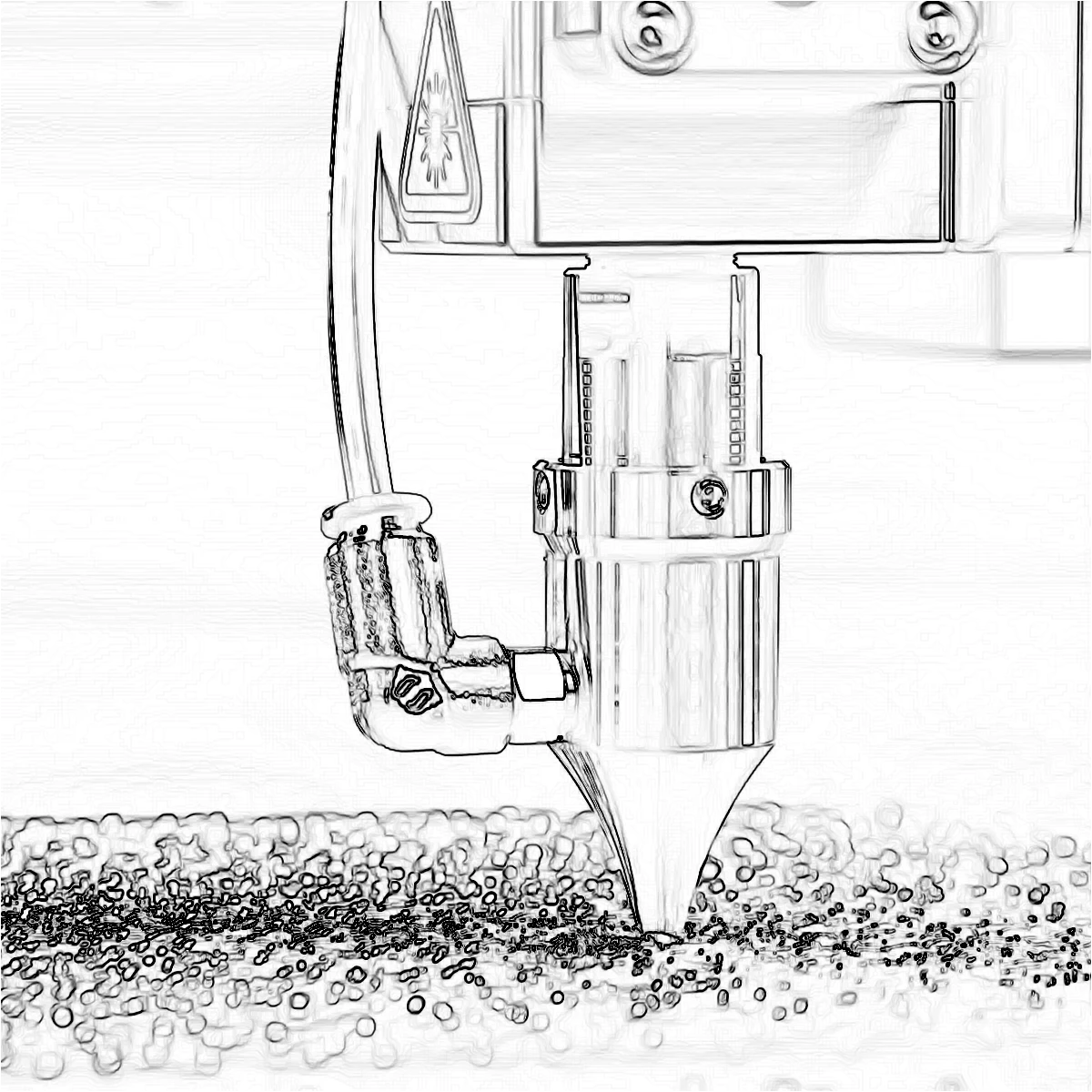
Canny is a pipeline, not a single kernel. The photo is converted to grayscale and blurred so noise does not become false edges. A Sobel step then finds gradient strength and direction. Non-maximum suppression keeps only the ridge of each edge, thinning wide gradients to a one-pixel line. Finally two thresholds and hysteresis decide what stays: pixels above the high threshold are definite edges; pixels between low and high are kept only if they connect to a definite edge. The result is clean binary line art. Raise the blur to ignore texture; raise the high threshold to keep only the strongest outlines.

Glowing Edges
Glowing Edges is the color Sobel without inversion: bright colored strokes on a dark field. Each RGB channel contributes its own glow, which reads as a neon outline rather than printed line art.
XDoG
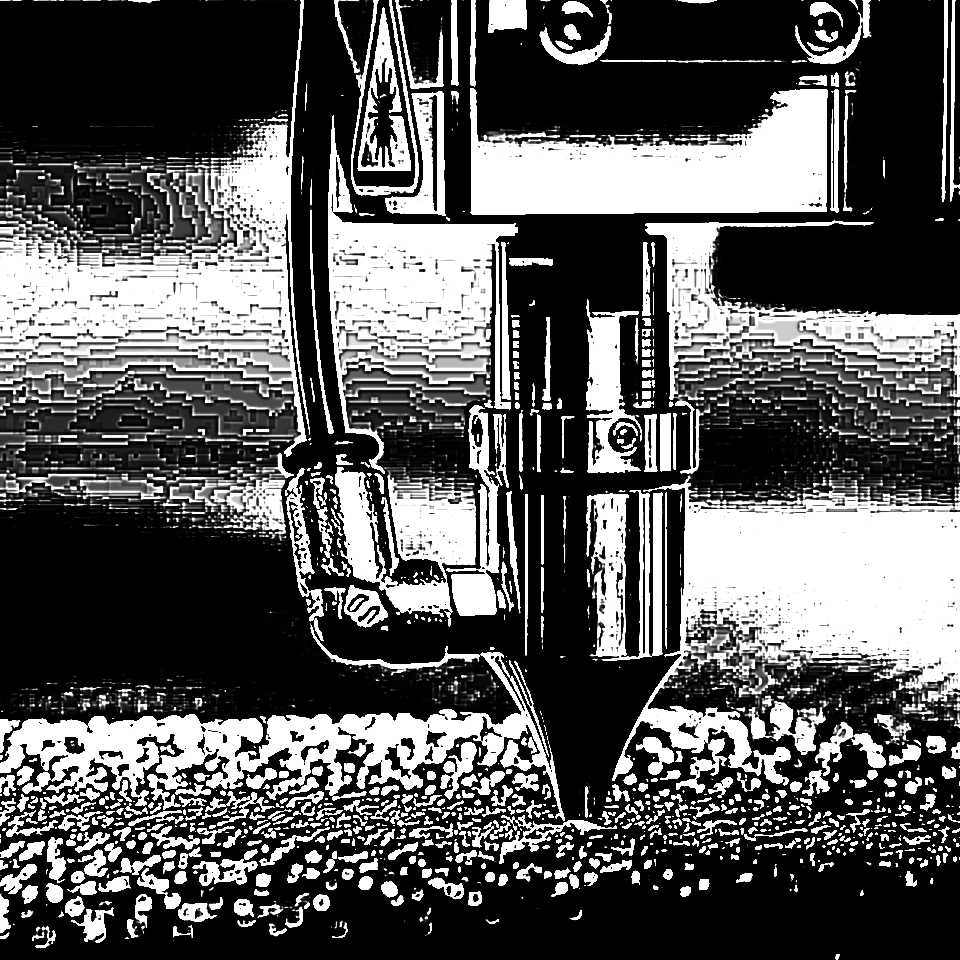
XDoG (Extended Difference of Gaussians) compares two blurs of the same photo: a slightly tighter blur and a wider one (about 1.6×). Subtracting them—weighted by an amount τ—highlights the band of contrast between those scales, which is where a drawing would place a stroke. A threshold then turns that difference into ink. Soft strokes use a smooth falloff (gray pencil); hard strokes are black or white. XDoG looks more like a sketch than a scientific edge map.
Morphological Gradient
Morphological Gradient does not use derivative kernels. It dilates the photo (each pixel becomes the brightest neighbor in a radius) and erodes it (the darkest neighbor), then subtracts. The leftover is a band around every shape, as thick as the radius. That follows the silhouette more than fine texture, so it is useful when you want a bold contour instead of every wrinkle.
Which method should I use?
Use Canny for thin, clean outlines. Use Find Edges or Sobel when you want a classic photo-to-line look with some gray falloff. Choose Laplace for extra texture, Glowing Edges for neon color on black, XDoG for a pencil or ink sketch, and Morphological Gradient for thicker shape contours. You can try every look on the Edge effects page.
Frequently asked questions
What is an edge in a photo?
An edge is a sudden change in brightness or color—an outline. Detectors measure that change at every pixel and turn the strongest changes into lines.
How is Canny different from Find Edges?
Find Edges (and Sobel) show a soft gradient of edge strength. Canny blurs, thins those gradients to one-pixel ridges, then uses two thresholds so only the cleanest lines remain.
Why does Find Edges invert the photo?
By default, edges become dark lines on a light field—the familiar line-art look. Turn invert off for bright edges on black.
Which method looks most like a pencil sketch?
XDoG. It compares two blurs and draws strokes where contrast sits between those scales, closer to ink or pencil than a scientific edge map.
Related tools
Ready to try it?
Open PictorX in your browser — no install, no credit card required to start.
Try edge effects