
Tessellation
A tessellation covers a flat surface with repeating shapes that meet edge to edge—no gaps and no overlaps. PictorX Tessellation draws the three regular tilings and all eight Archimedean (semi-regular) tilings in your browser, then lets you recolor, space, and warp edges.
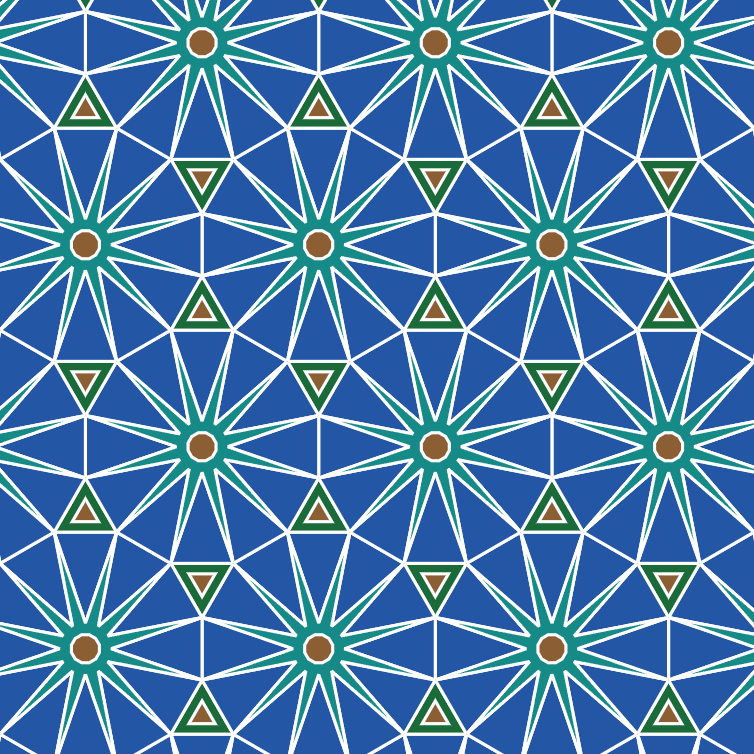
What is a tessellation?
Tessellation—also called tiling or a regular division of the plane—is the art of filling a surface completely with one or more shapes so that every edge meets another edge. Honeycombs, bathroom mosaics, and Islamic geometric ornament are everyday examples. Mathematicians ask which polygons can do this forever; artists ask how far those lattices can bend toward living figures.
Regular tilings
Only three convex regular polygons tile the plane by themselves: the equilateral triangle (vertex figure 3.3.3.3.3.3, often written 3⁶), the square (4.4.4.4 or 4⁴), and the regular hexagon (6.6.6 or 6³). At every vertex the same polygon meets the same way, and the interior angles add to exactly 360°. In Tessellation these appear under Topology → Regular as triangle, square, and hexagon.
Semi-regular Archimedean tilings
Archimedean, or semi-regular, tilings still use regular polygons, but more than one kind may meet at a vertex—as long as every vertex uses the same cyclic sequence. There are exactly eight: 3.12.12, 4.6.12, 4.8.8, 3.3.4.3.4, 3.6.3.6, 3.4.6.4, 3.3.3.3.6, and 3.3.3.4.4. Topology → Semi-regular unlocks all eight in PictorX, with names such as truncated hexagonal, snub square, and rhombitrihexagonal.
Edge pairing and Edit edge
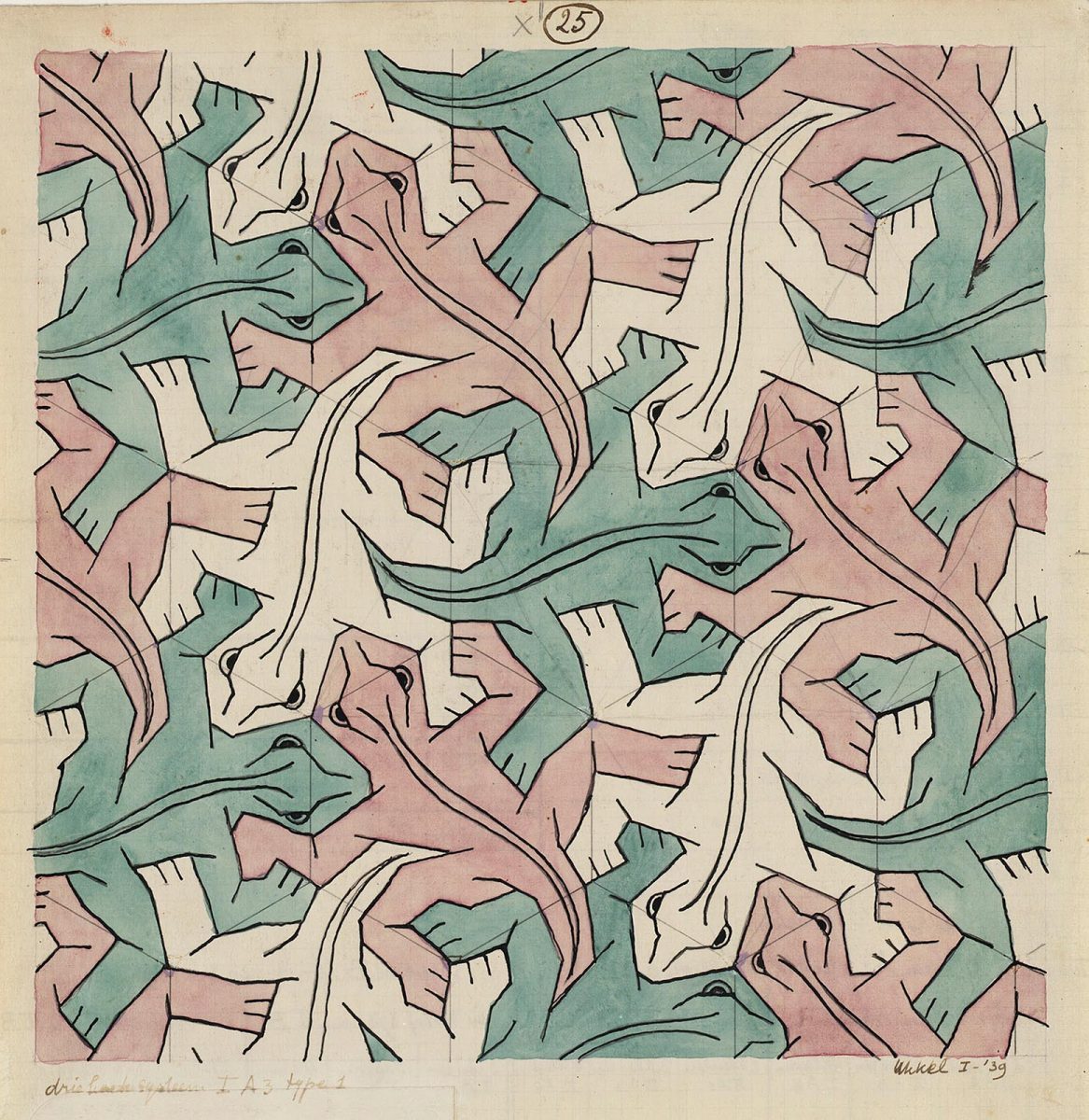
A plain polygon is only the start. If you push one edge inward and match the opposite edge outward—by translation, glide, or 180° rotation—the tile still closes and the pattern still covers the plane. That is the geometric seed of figurative tessellations like M.C. Escher’s lizards and birds. In Tessellation, turn on Edit edge and drag a control on a square or hex side; Edge pairing chooses how the opposite side answers. Glide and rotate pairing work best on squares; hexagons prefer translate.
Try Tessellation in PictorX
Open /tessellation to pick a topology and tile type, set tile size, stroke, and spacing, then colour with flat, alternating, random, or gradient modes. Presets such as Geometric Tiles, Classic B&W, Retro Pop, Organic Flow, and Archimedean Mix jump-start a look. Randomize colours or composition, export SVG or JSON, save a PNG, or send the canvas to the editor. Everything runs on your device—nothing is uploaded to PictorX servers.
Frequently asked questions
What is a tessellation?
A tessellation covers a surface with repeating shapes that fit together without gaps or overlaps. Regular tilings use one polygon; Archimedean tilings mix regular polygons in a fixed vertex pattern.
How many regular and Archimedean tilings are there?
Three regular tilings (triangle, square, hexagon) and eight Archimedean semi-regular tilings. Tessellation includes all of them.
What does Edit edge do?
Edit edge lets you warp a square or hexagon side with cubic handles. Edge pairing mirrors that warp on the matching side by translate, glide, or 180° rotation so the tiling still closes.
How does this relate to the M.C. Escher app?
Tessellation is the geometric toolkit—regular and Archimedean lattices plus edge warp. M.C. Escher applies related ideas to figurative motifs (lizards, birds, fish). Read More about M.C. Escher for the art history, or open either maker to experiment.
Does PictorX upload my tessellation?
No. Drawing, colour, and edge editing run in your browser. Save or export only downloads a file you choose.
Related tools
Tessellation
Cover the plane with regular and Archimedean tessellations. Tune scale, colours, and warp square edges Escher-style — then save a PNG. Nothing is uploaded.
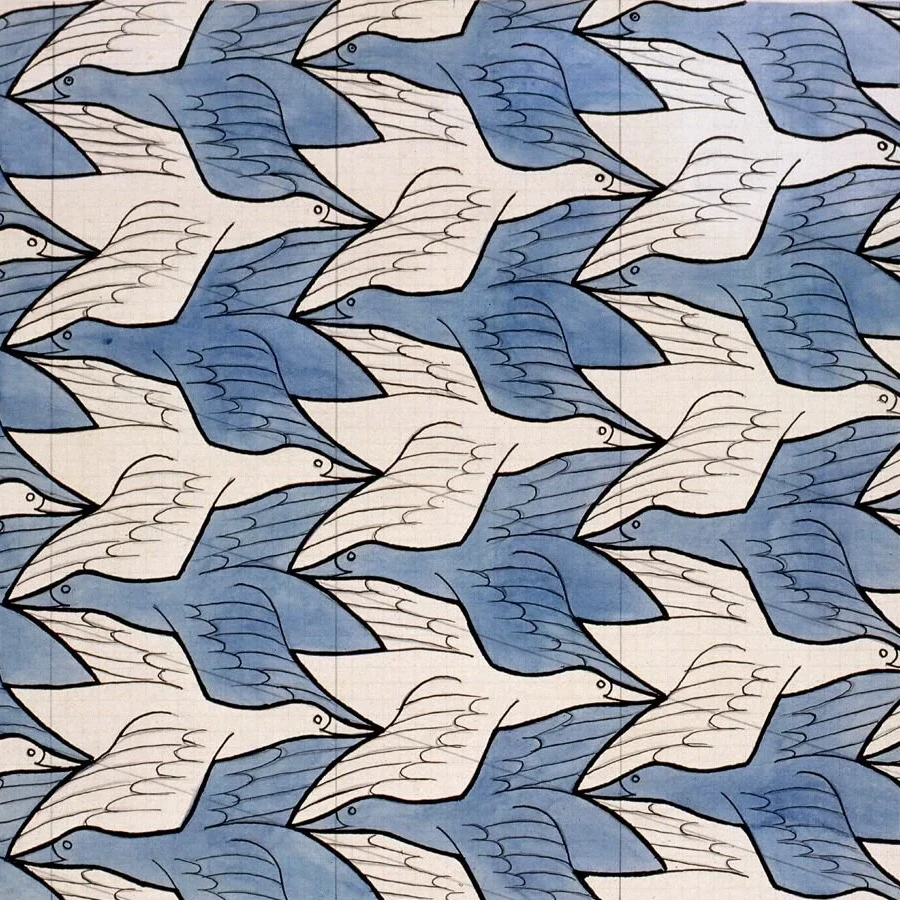
M.C. Escher
Create Escher-style tessellations in your browser. Lizards, birds, fish, horsemen and more—tune scale, colours, and eyes, then save a PNG. Nothing is uploaded.
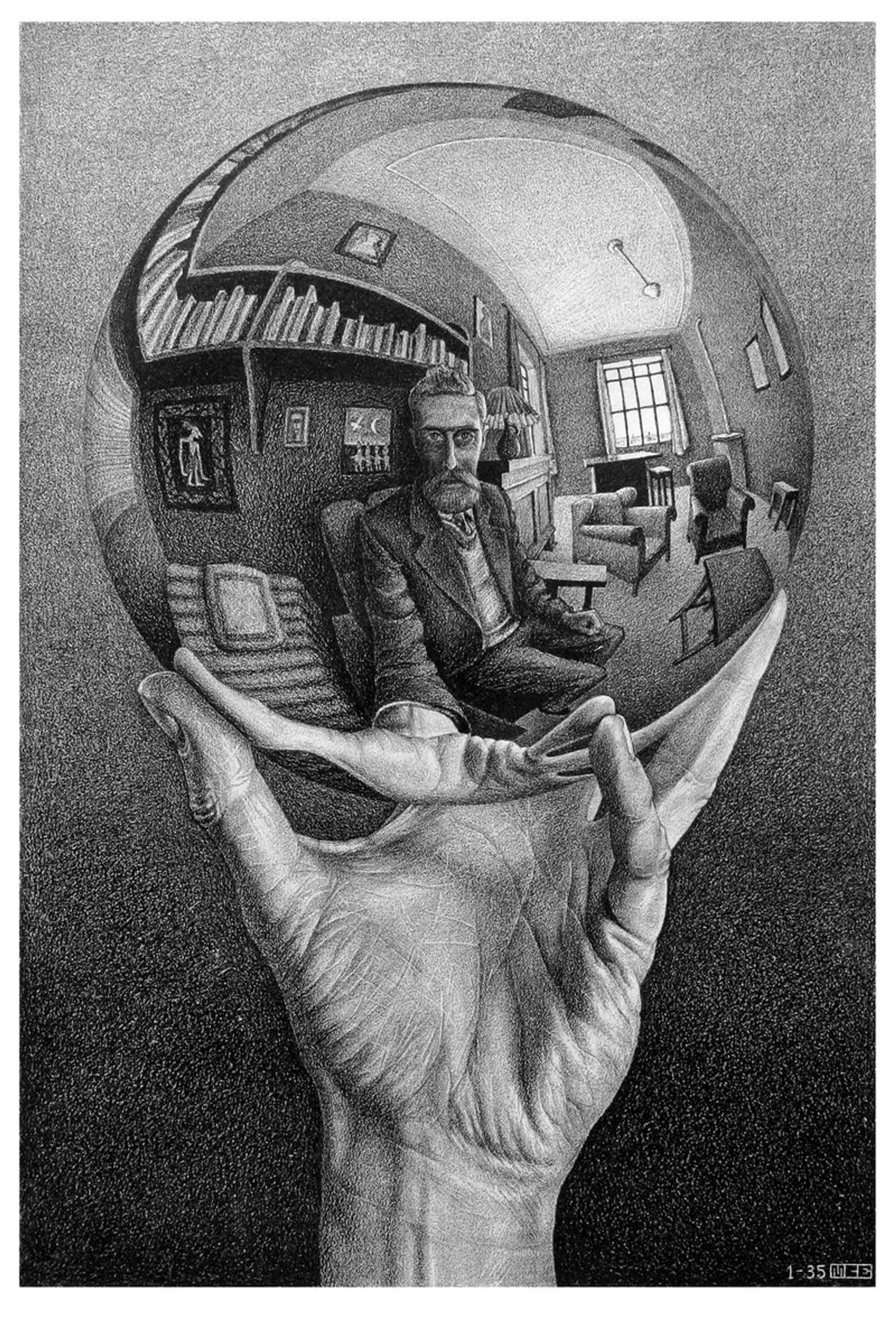
M.C. Escher
M.C. Escher’s regular divisions of the plane: Alhambra tessellations, translation, rotation and reflection, metamorphosis, hyperbolic infinity, and figure–ground duality—plus PictorX M.C. Escher.
Mondriaan
Compose classic Mondriaan-style De Stijl grids in your browser. Adjust complexity, line thickness, and color fill — click cells to recolor, then save a PNG. Nothing is uploaded.
Reaction–Diffusion Lab
Paint chemical seeds and watch Gray–Scott reaction–diffusion grow spots, stripes, mazes, and coral. Tune feed, kill, diffusion, and speed — then save a PNG. Nothing is uploaded.
Ready to try it?
Open PictorX in your browser — no install, no credit card required to start.
Try Tessellation