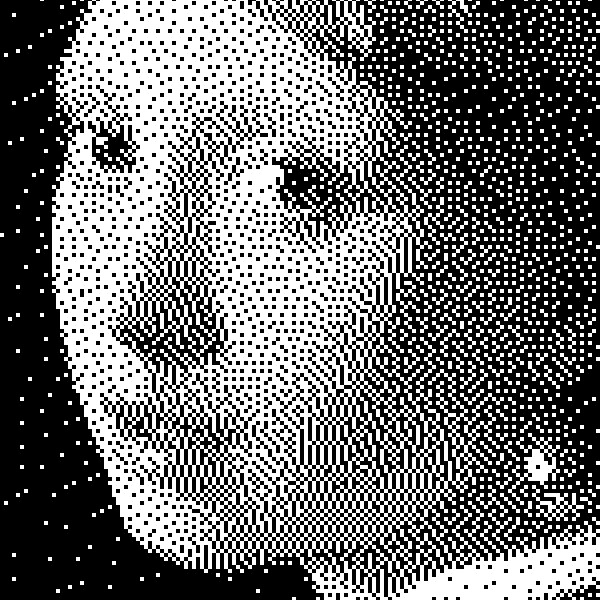
Pop Art filters & effects
Start with Pop Art and Warhol, or browse Polaroid, glitch, color, and other photo looks — free in your browser.
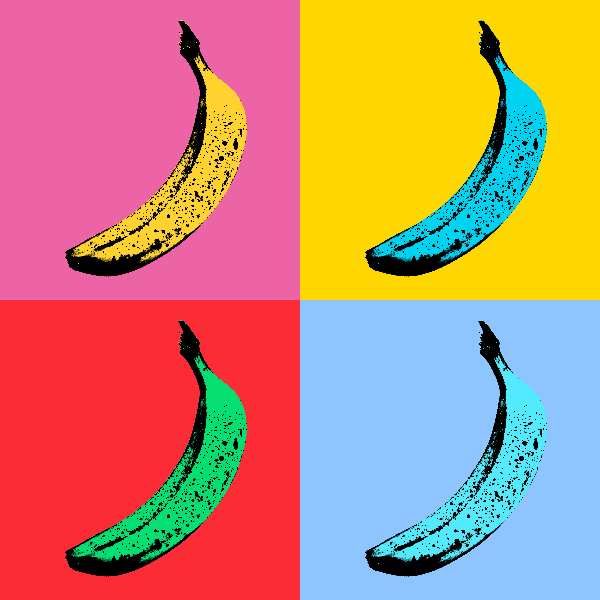
Andy Warhol effects
Channel Andy Warhol’s Factory energy—bold color grids, repeated icons, and pop-art portraits that feel like silkscreen posters. Use PictorX free in your browser with no software install required.
Cubism photo filter — geometric facets
Turn a photo into Analytic Cubism-inspired geometric facets in your browser. Adjust Facet Size, Perspectives, Flattening, Hue Shift, and Contrast. Nothing is uploaded to PictorX servers.
Pop Art effects
Turn photos into bold Pop Art posters—neon grids, comic dots, risograph inks, Lichtenstein, Banksy stencils, and more. Use PictorX free in your browser with no software install required.

Artistic effects
Transform photos with oil painting, watercolor, pencil, comic ink, pastels, paper cut-out, and other studio art looks. Use PictorX free in your browser with no software install required.
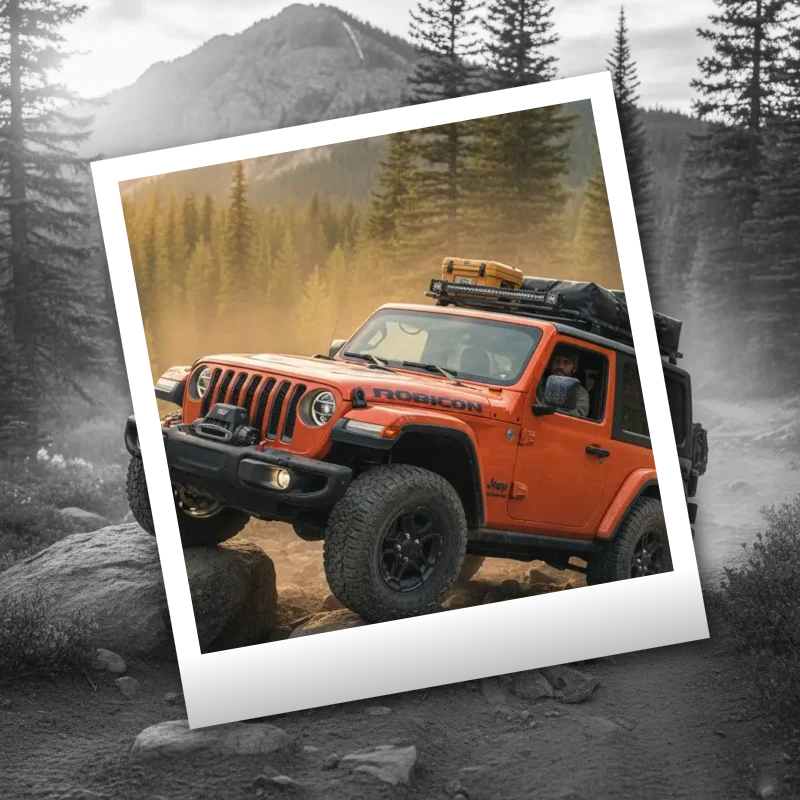
Polaroid effects
Give photos an instant-film look with frames, vintage styling, and creative Polaroid compositions. Use PictorX free in your browser with no software install required.
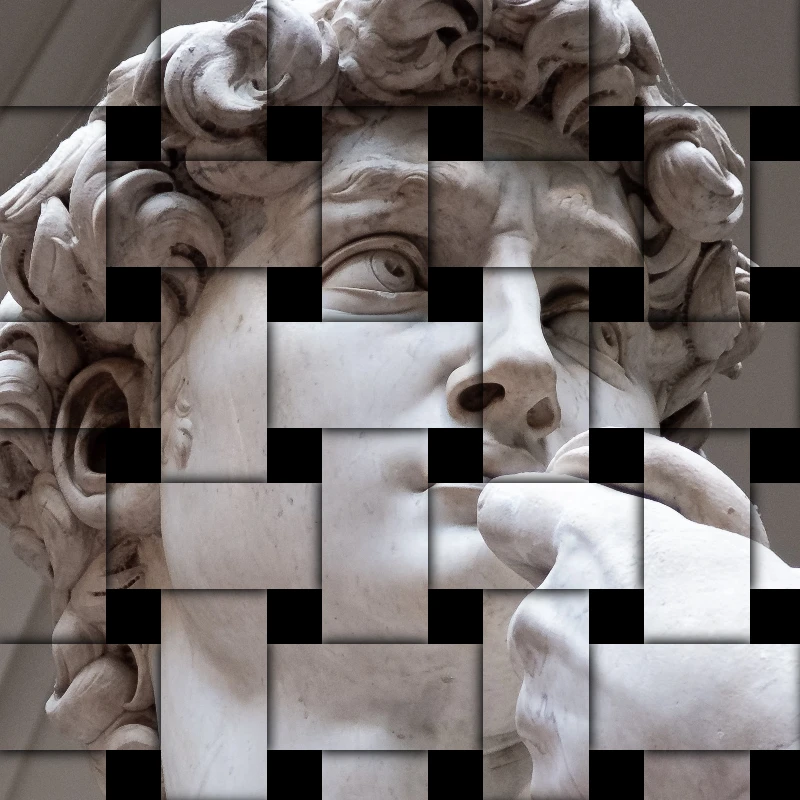
Paint a photo in Van Gogh brushstrokes
Turn a photo into swirling Starry Night-style brushstrokes in your browser. A digital homage to Van Gogh impasto—not a museum reproduction. Nothing is uploaded to PictorX servers.
Stylize effects
Add shatter, glitch, fire, emboss, vignette, and other studio stylize looks to photos. Use PictorX free in your browser with no software install required.

Pixelate effects
Turn photos into mosaic tiles, hexagons, crystals, low-poly art, halftone dots, and retro arcade palettes. Use PictorX free in your browser with no software install required.
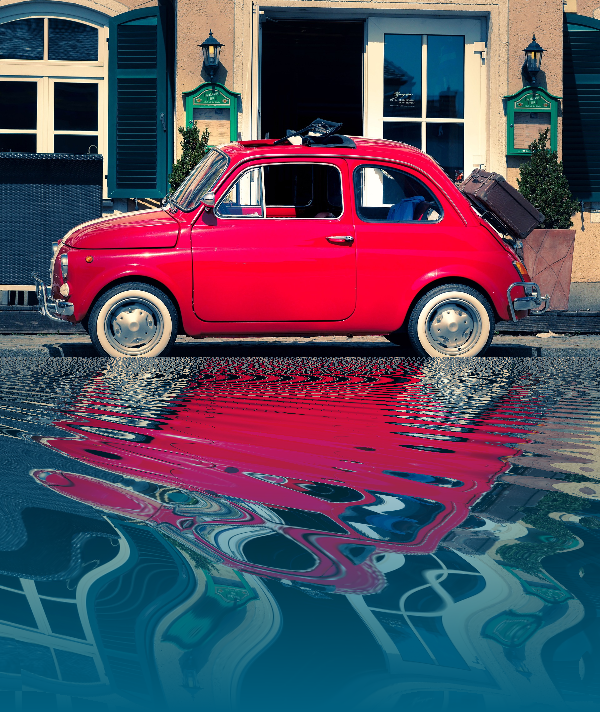
Reflection effects
Mirror, tile, water, wet-floor, and kaleidoscope looks that flip a photo into a reflected composition. Use PictorX free in your browser with no software install required.

Fold a photo into a kaleidoscope
Turn a photo into a radial kaleidoscope pattern in your browser. Set sides, angle, and rotation. Nothing is uploaded to PictorX servers.
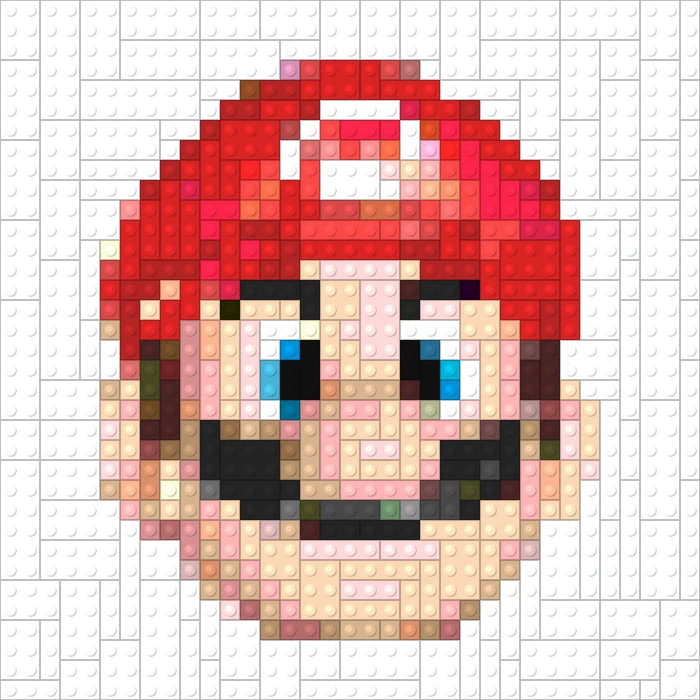
Games
Turn photos into playable looks with Effects → Games—jigsaw puzzle, Lego and Ministeck mosaics, Tetris blocks, and sliding puzzles. Use PictorX free in your browser with no software install required.
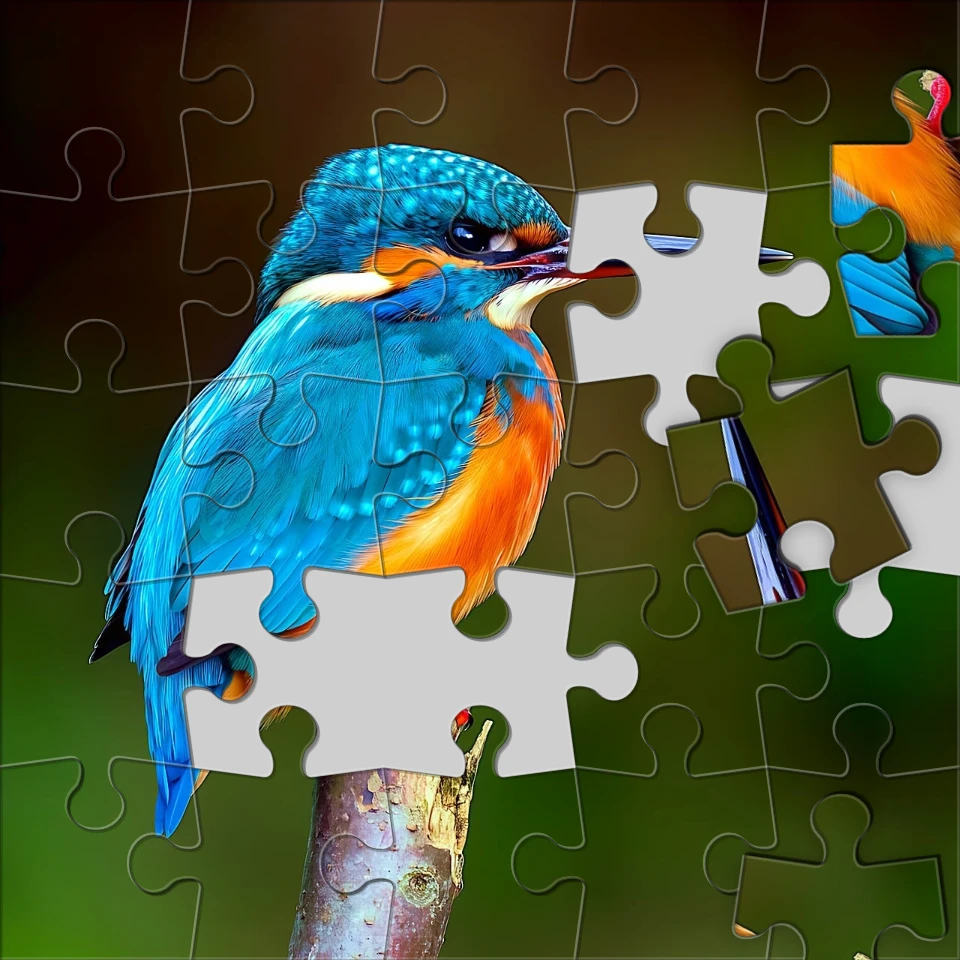
Turn a photo into a jigsaw puzzle
Turn a photo into a jigsaw puzzle in your browser. Set piece count, remove or scatter tiles, and fade the picture into a puzzle. Nothing is uploaded to PictorX servers.
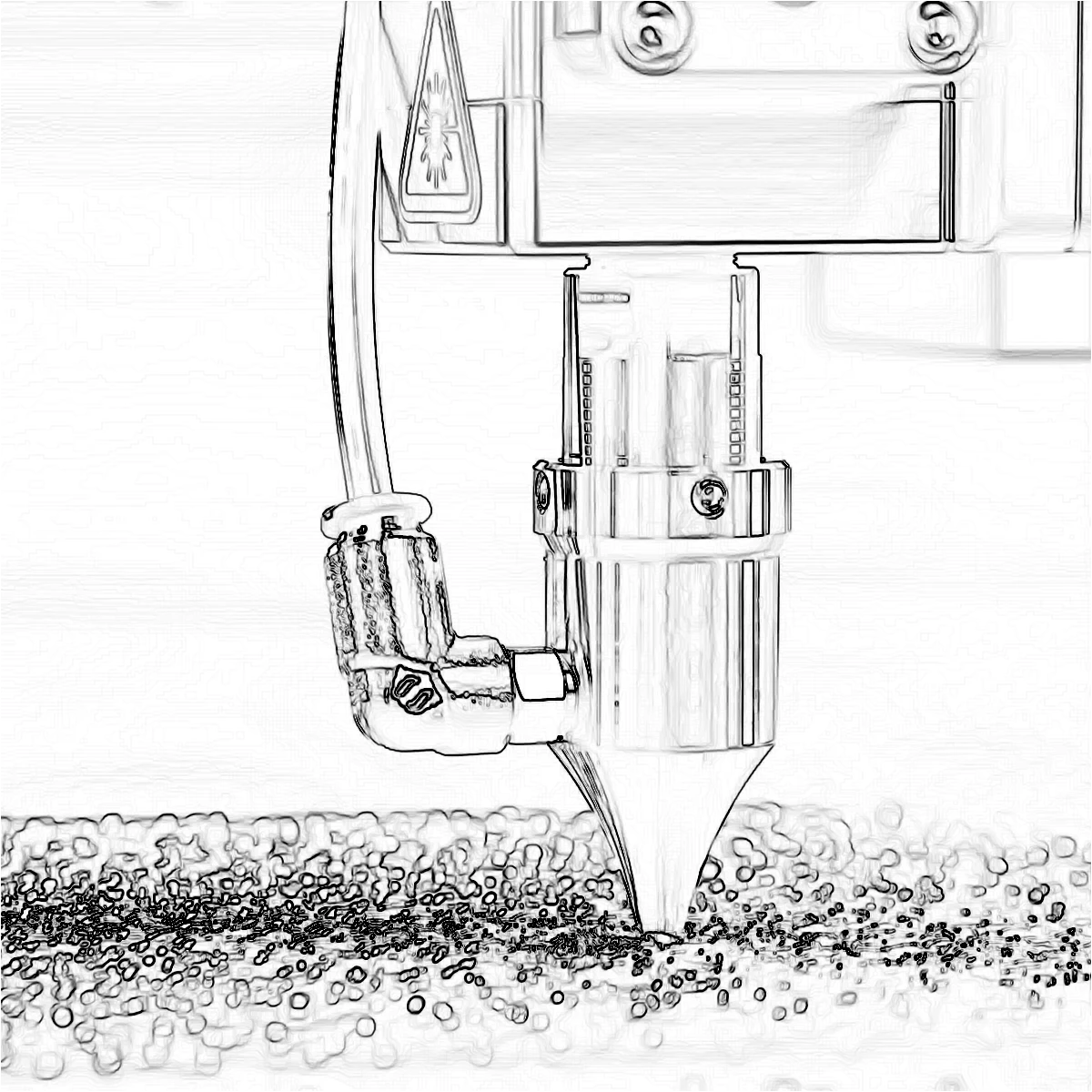
Edge effects
Trace outlines with Canny, Sobel, Laplace, Find Edges, Glowing Edges, XDoG, and Morphological Gradient—classic detectors that turn a photo into line art. Use PictorX free in your browser with no software install required.
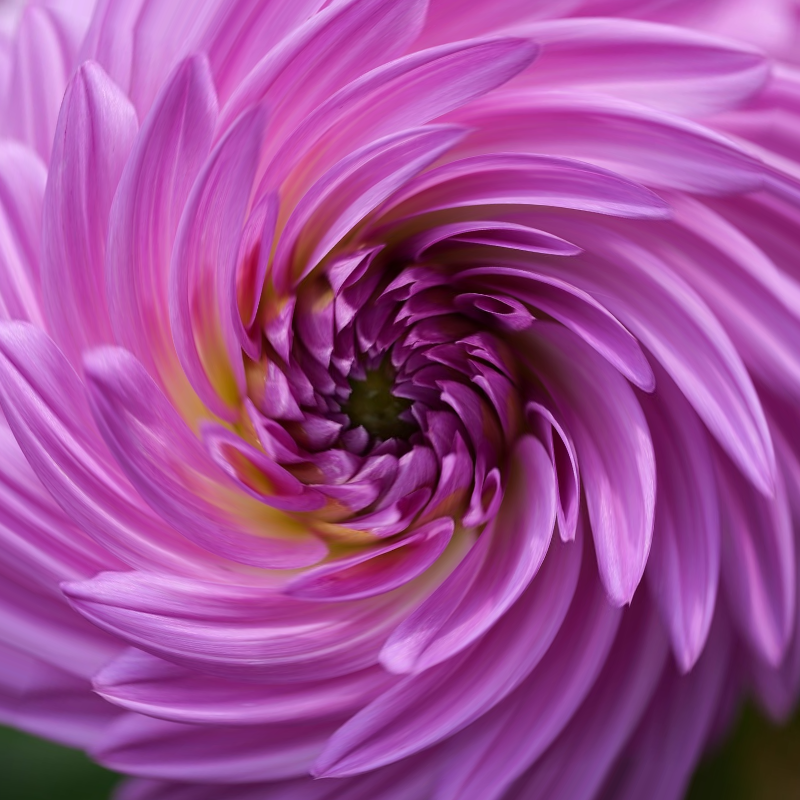
Liquid lens playground
Warp photos with polar coordinates, ripple, glass, spherize, timewarp, twirl, folds, and bend. Use PictorX free in your browser with no software install required.
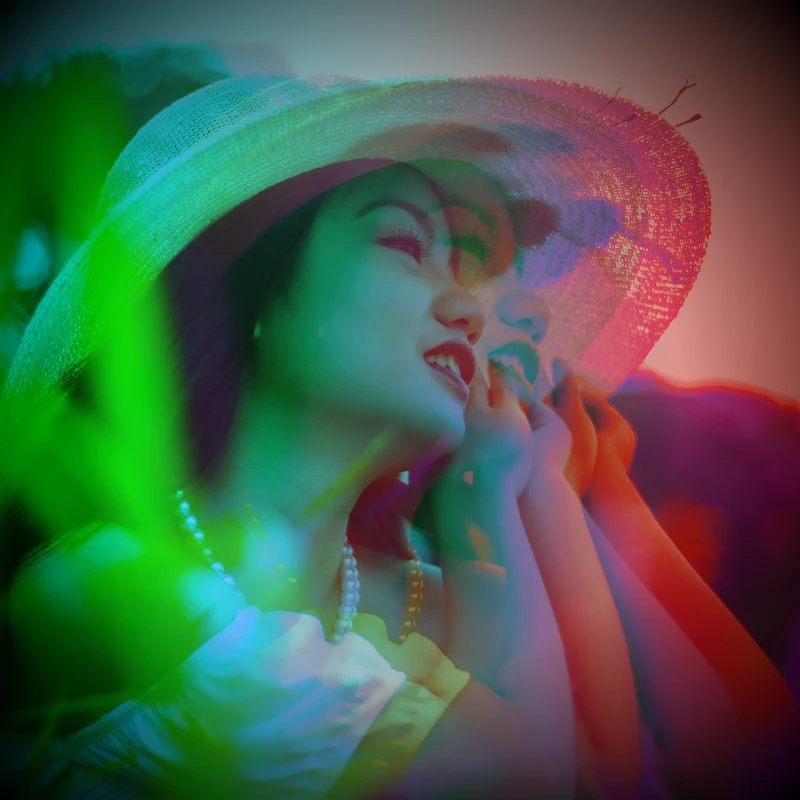
Electric dream filters
Give photos a cinematic glow-up from Effects → Color. Use PictorX free in your browser with no software install required.
Black and White effects
Apply grayscale, threshold, dots, squares, ordered dithering, error diffusion, and mezzotint to a photo in your browser. Full gray ramps or two-tone prints with custom foreground and background colors. Nothing is uploaded to PictorX servers.
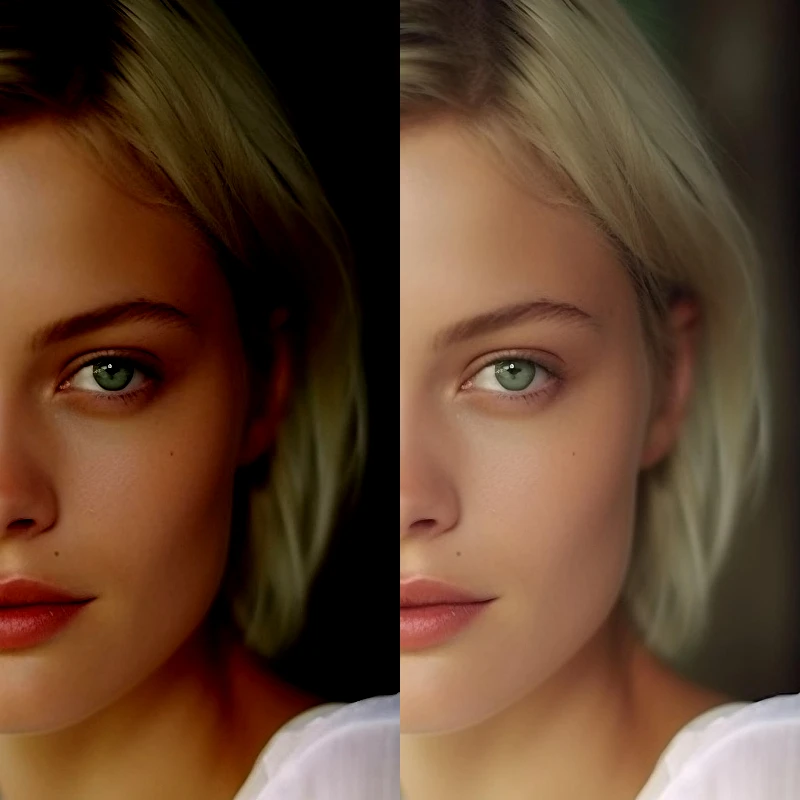
Adjust
Correct exposure and color from Image → Adjust. Use PictorX free in your browser with no software install required.
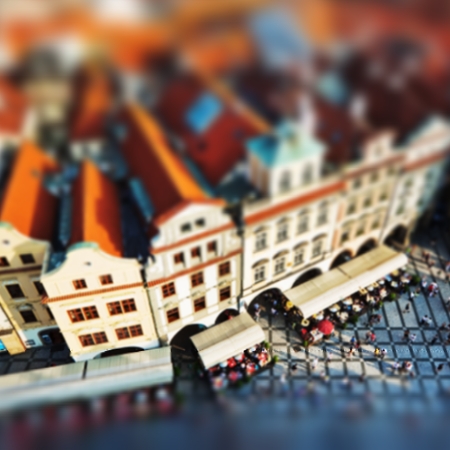
Tilt Shift
Add a miniature-style tilt-shift effect to direct attention in a scene. Use PictorX free in your browser with no software install required.
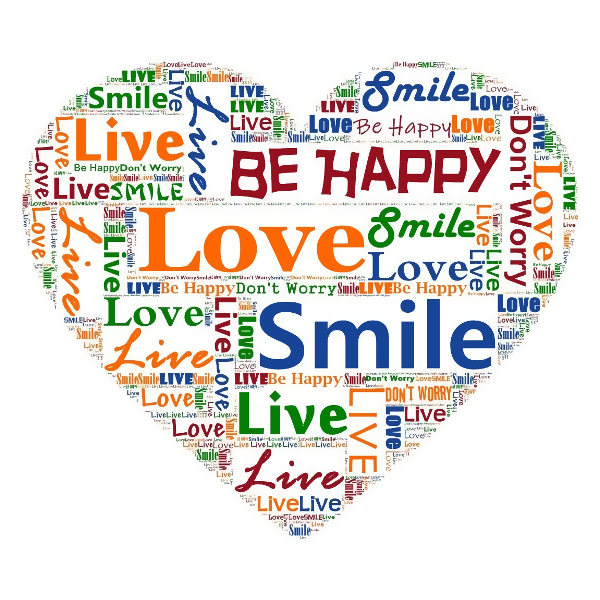
Typographic effects
Turn photos into letter-built art from Effects → Text. Use PictorX free in your browser with no software install required.
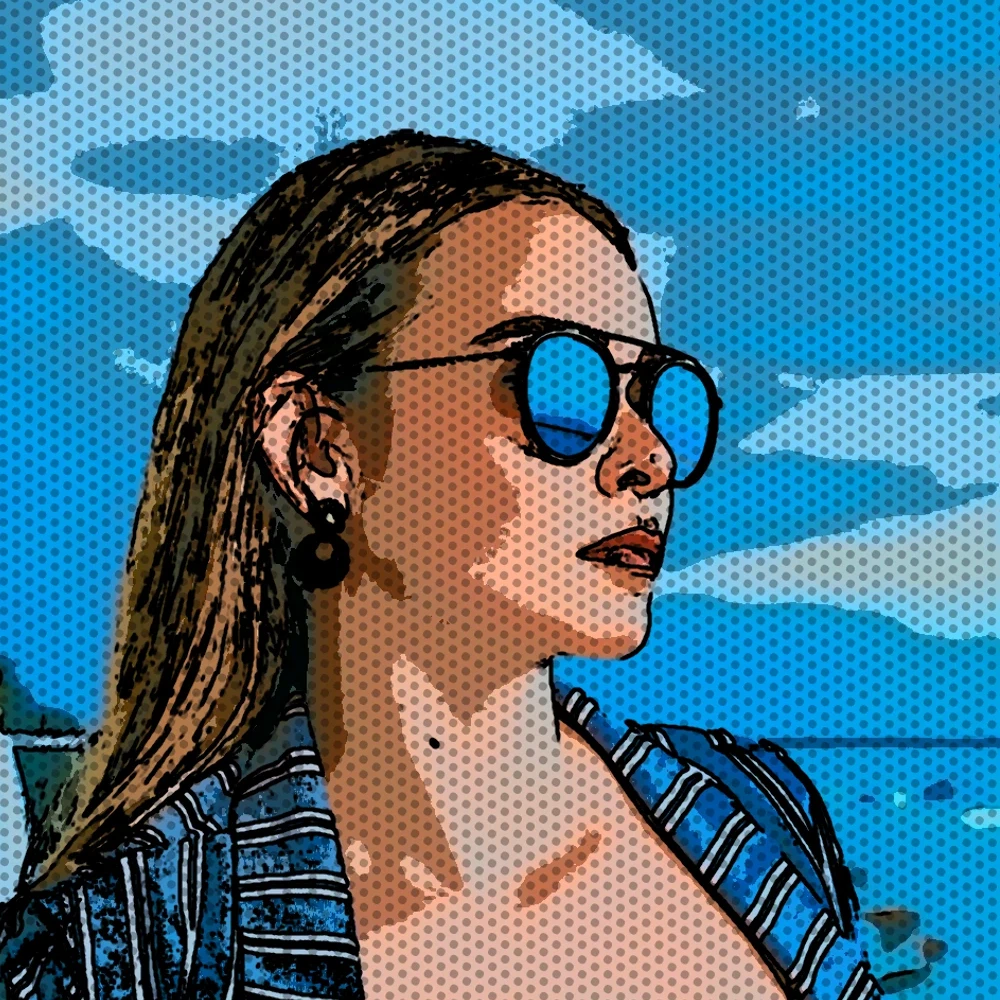
Paint a photo in Aboriginal-style dots
Turn a photo into Aboriginal-style dot painting in your browser. Edge dots follow the subject; the rest fills with color-field dots. Nothing is uploaded to PictorX servers.
Turn a photo into comic panels
Turn a photo into a comic page in your browser. Zoom different details into 1, 2, 4, or 6 ink panels, then add optional Ben-Day dots and captions. Nothing is uploaded to PictorX servers.
Blur and Sharpen
Soften focus with Gaussian, motion, radial, and tilt-shift blur—or bring detail back with sharpen and unsharp mask. Use PictorX free in your browser with no software install required.
Pattern filters
Generate procedural backgrounds and textures from Effects → Patterns. Use PictorX free in your browser with no software install required.
Render effects
Generate linear and radial gradients, noise, lens flare, clouds, stars, snow, water drops, paper, sand, and radial masks. Use PictorX free in your browser with no software install required.
Turn a photo into a mixed-media collage
Rebuild a photo as a mixed-media collage in your browser—torn scraps, print textures, tape, and xerox. Nothing is uploaded to PictorX servers.