

Cubism photo filter — geometric facets
Break forms into angled planes and overlapping viewpoints. PictorX Cubism runs on-device, then lets you keep editing with layers, text, and other artistic effects in the same workspace. 사진을 입체파 면으로 바꾸세요 — 면 크기와 시점을 조절하세요.
작동 원리
- Open PictorX in your browser and load a portrait or figure photo.
- Choose Cubism, then adjust Facet Size, Perspectives, Flattening, Contour, and Contrast.
- Export the faceted look, or keep editing with layers and other effects in the same workspace.
Why faceted planes read as Cubism
Analytic Cubism broke subjects into interlocking geometric facets and showed more than one viewpoint at once. Facet Size sets how large those planes feel; Perspectives increases viewpoint fragmentation; Flattening pushes depth toward a shallow relief.
Facet Size, Perspectives, Flattening, Contour, and Contrast
Facet Size (about 8–200) controls plane scale. Perspectives (0–100) adds multi-view shatter. Flattening (0–100) compresses depth. Contour strengthens plane edges. Contrast strengthens edge punch between overlapping planes.
Privacy and keep editing
Processing stays in your browser—photos are not uploaded to PictorX servers for this filter. After Cubism, continue with layers, text, Mixed Media, Vincent van Gogh, or export.
자주 묻는 질문
What does the Cubism filter do?
It rebuilds a photo as geometric facets with multiple viewpoints—inspired by Analytic Cubism, not a copy of a museum painting. Facet Size, Perspectives, Flattening, Contour, and Contrast shape the look.
Is this a real Picasso or Braque?
No. It is a digital Cubism-inspired effect for your own photos. Authentic Cubist works stay in museums and collections.
What photos work best?
Portraits, figures, and still lifes with clear structure. Soft backgrounds become broader planes; faces and edges keep readable geometry.
Can I keep editing after Cubism?
Yes. Continue with layers, text, other artistic looks, or export from the same PictorX workspace. Nothing is uploaded for this on-device filter.
관련 도구
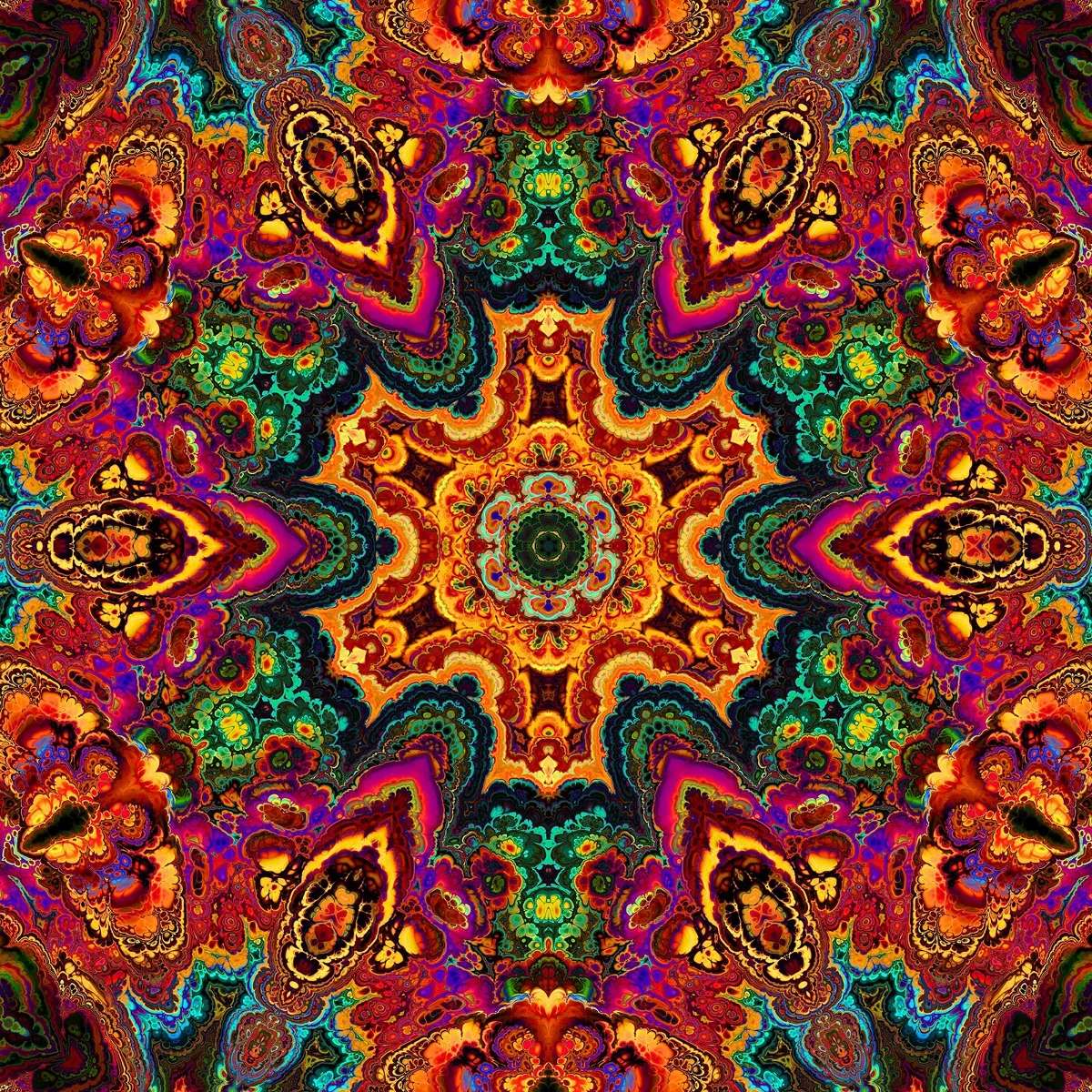
만화경에 대한 추가 정보
만화경의 원리: 브루스터의 발명, 기울어진 거울, 방사 대칭, PictorX에서 써 볼 수 있는 디지털 만화경 필터.

반사 효과
거울, 타일, 물, 젖은 바닥, 그리고 만화경은 사진을 반사된 구도로 뒤집는다. 소프트웨어를 설치할 필요 없이 브라우저에서 PictorX를 무료로 사용하세요.

스피로그래프
브라우저에서 하이포트로코이드와 에피트로코이드를 그립니다. R, r, 펜 오프셋을 조절하고 애니메이션·무작위화·PNG 저장. 업로드 없음.
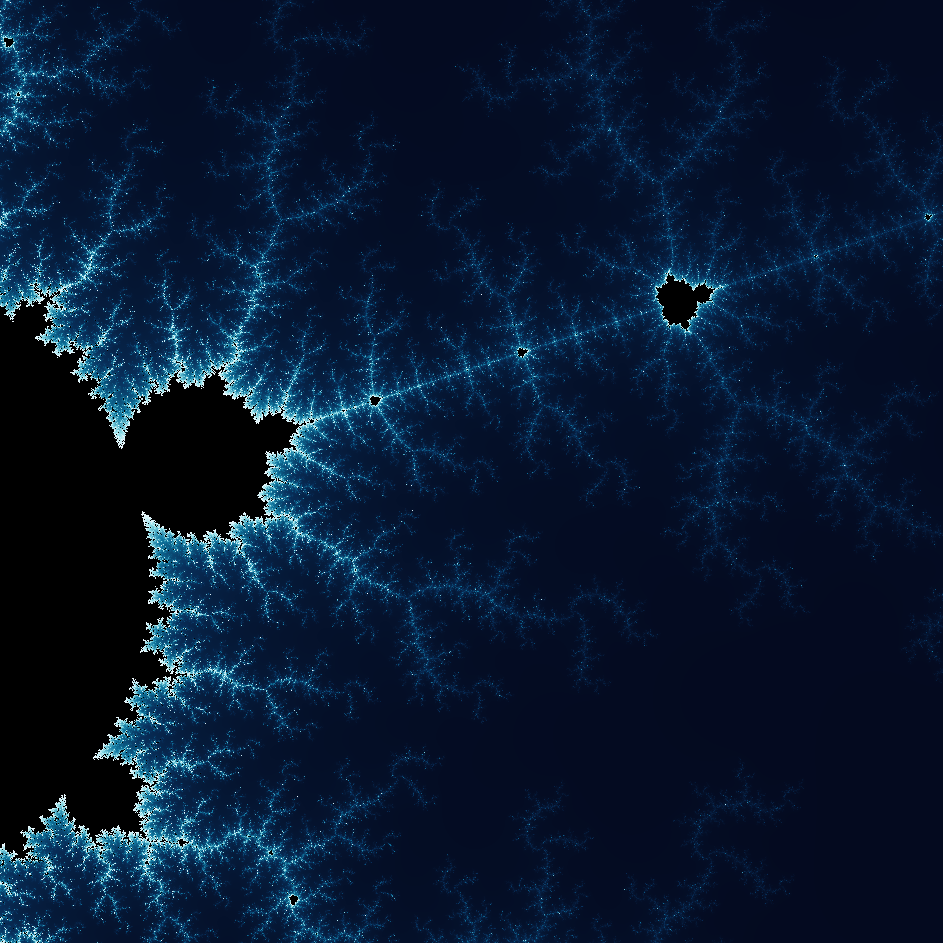
프랙탈의 놀라운 세계를 탐험해보세요
프랙탈의 놀라운 세계를 탐험해보세요. 프랙탈은 자연계 전반에서 발견되는 복잡하고 상세한 기하학적 패턴입니다.
시도해 볼 준비가 되셨나요?
브라우저에서 PictorX를 엽니다. 설치가 필요 없고 시작하는 데 신용 카드가 필요하지 않습니다.
편집자로 이동