
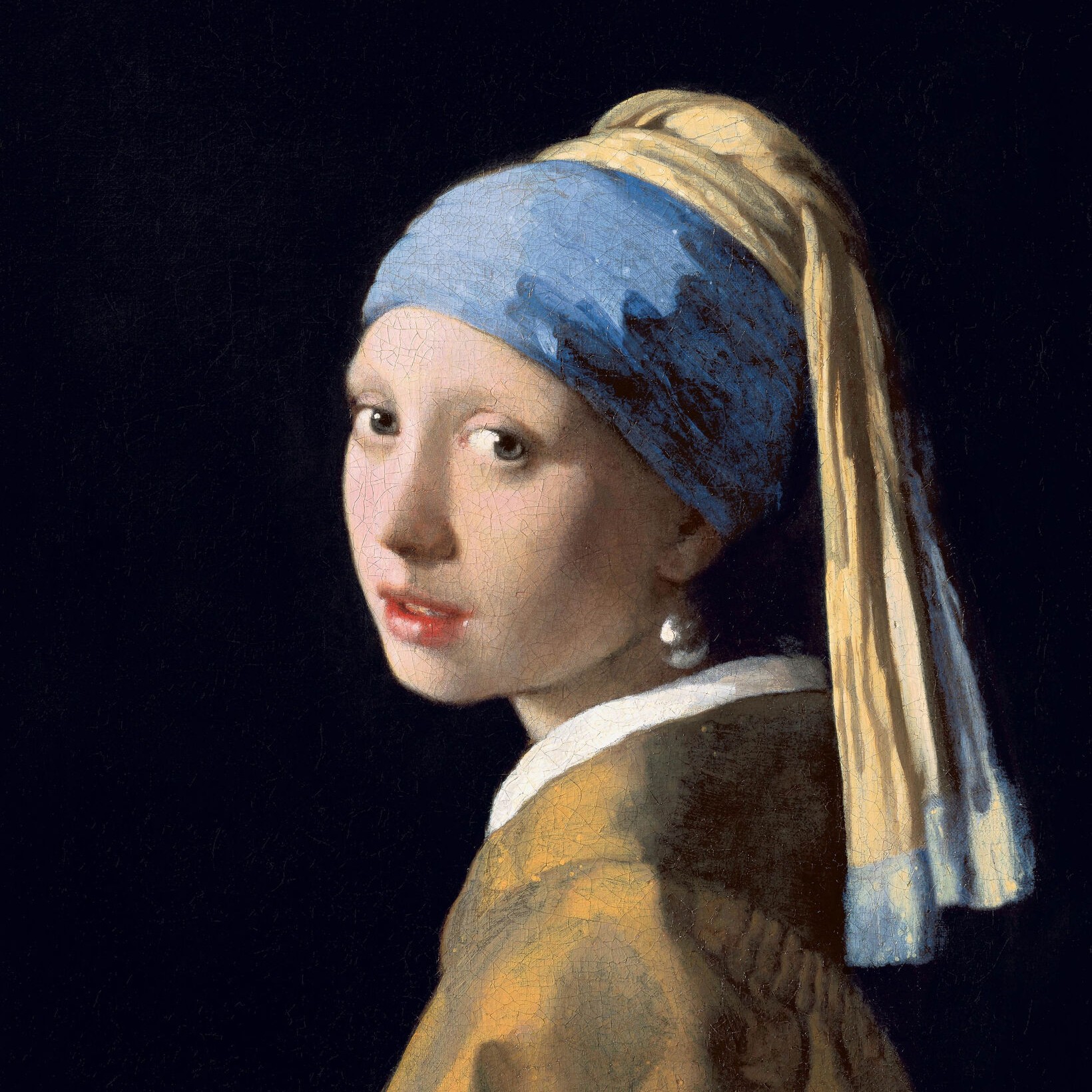
흑백 효과
Turn a photo black and white without leaving the browser. PictorX includes Grayscale, Threshold, Dots, Squares, Ordered Dithering, Error Diffusion (Floyd-Steinberg, Burkes, Stucki), and Mezzotint. Set strength, threshold, cell size, angle, grain, and foreground/background colors—or make the background transparent—then keep editing with layers and type in the same workspace. 아래 흑백 룩을 시도하거나 자신의 사진을 열어보세요.
작동 원리
- Open this page and try a black-and-white look on the sample, or open your own photo.
- Switch looks—grayscale, threshold, dots, squares, ordered dithering, error diffusion, mezzotint—and tune strength, threshold, cell size, grain, and colors.
- Save the result, or keep editing with layers, text, and other effects in PictorX.
More than a grayscale slider
Grayscale keeps every tone. The other looks flatten a photo into two colors: a high-contrast threshold, a newspaper-style dot or square screen, Bayer ordered dithering, error-diffusion dithering (Floyd-Steinberg, Burkes, Stucki), or mezzotint grain (Fine, Medium, Coarse). Foreground and background can stay black and white or any two colors, and the background can be transparent for a PNG cutout.
Print looks that stay editable
Apply a look in the browser, then keep going in the same project—crop, type, stickers, or another filter. Cell size and angle change how coarse the screen feels; softness on Threshold blends the cut instead of a hard edge; Mezzotint Fine/Medium/Coarse sets the grain.
Looks in this set
자주 묻는 질문
What black-and-white looks can I try?
Grayscale, Threshold, Dots, Squares, Ordered Dithering, Error Diffusion (Floyd-Steinberg, Burkes, and Stucki), and Mezzotint.
Is this the same as grayscale?
No. Grayscale keeps a full range of gray. These looks flatten the photo into two colors—or a dithered mix of those two colors.
Can I use colors other than black and white?
Yes. Set foreground and background to any two colors, or make the background transparent for a PNG.
Do these filters run in the browser?
Yes. PictorX applies them in your browser, then you can keep editing with layers, text, and other effects.
관련 도구
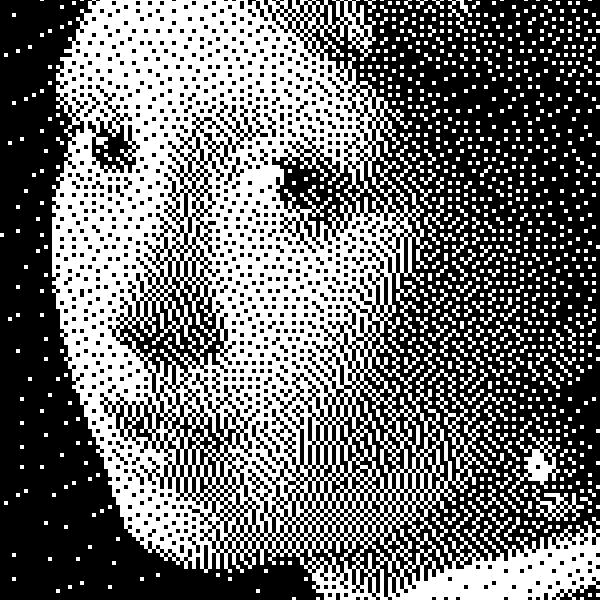
흑백에 대한 추가 정보
바이레벨 이미지 원리: 단순 임계값, Bayer 순차 디더링, Floyd–Steinberg 오차 확산, PictorX에서 언제 어떤 룩을 쓸지.
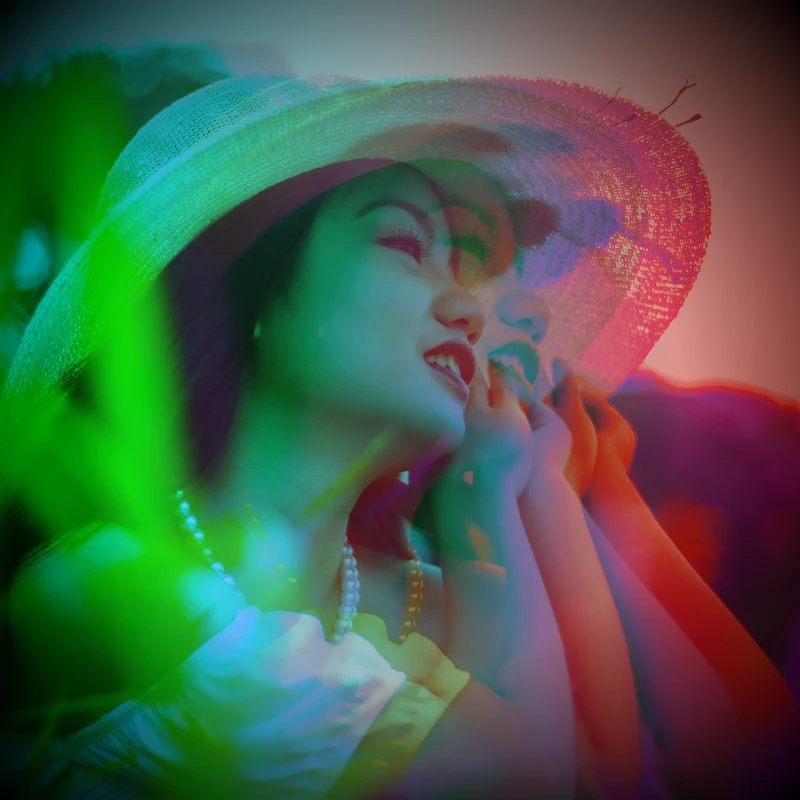
색상 효과
효과 → 색상에서 사진에 영화 같은 빛을 더해보세요.
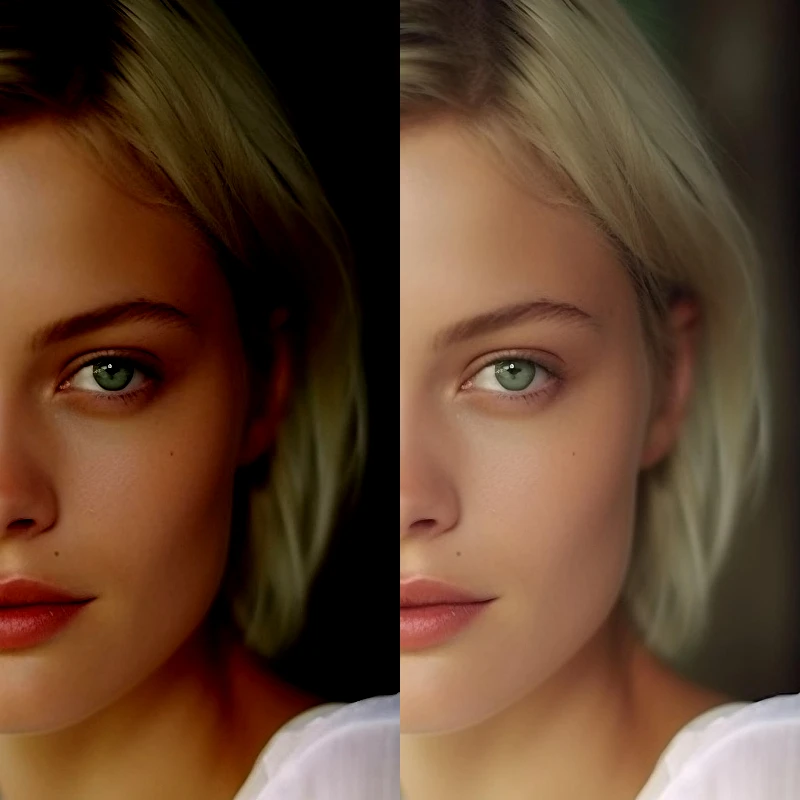
조정하다
이미지 → 조정하다에서 노출과 색상을 수정하세요.

픽셀화 효과
사진을 모자이크 타일, 육각형, 크리스털, 로우 폴리 아트, 하프톤 도트, 복고풍 아케이드 팔레트로 바꿔보세요.
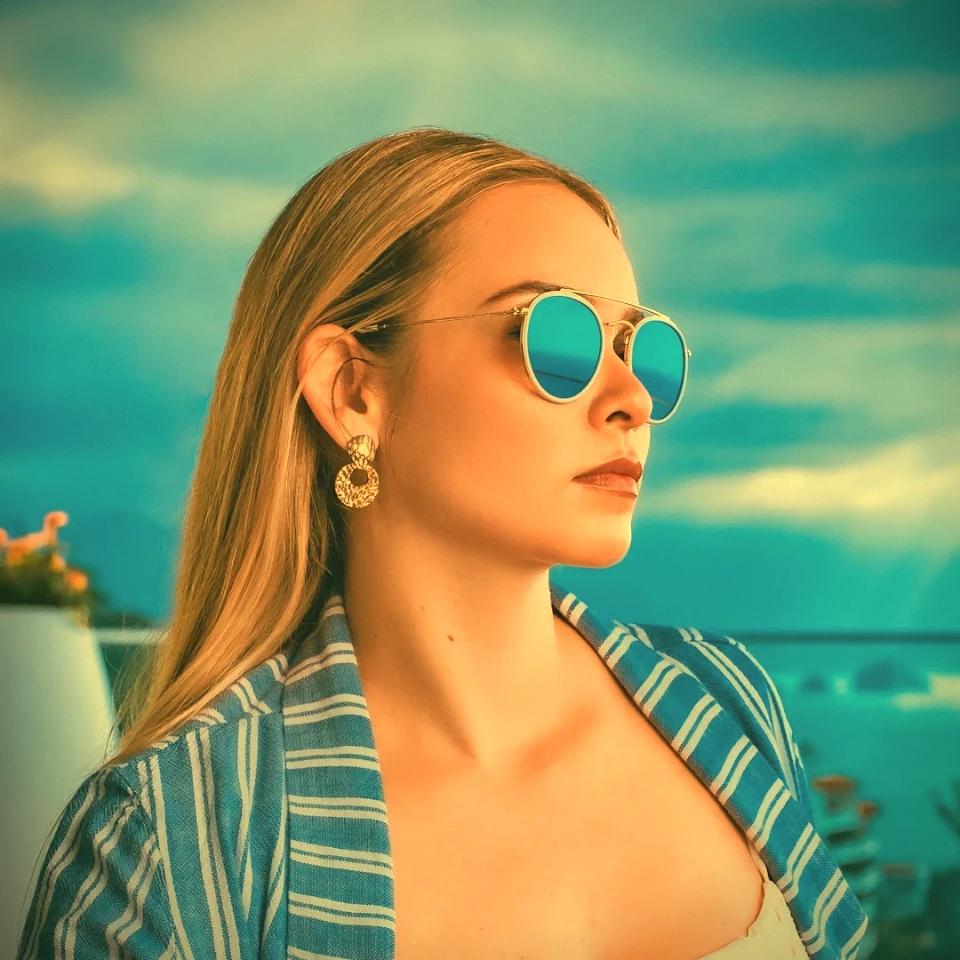
빈티지 효과 생성기
그레이스케일, 세피아, 홀가, 빛바랜 폴라로이드, 코다크롬, 크로스 프로세스, 로모, 슈퍼 8, 빛샘 및 기타 빈티지 필름 스타일을 브라우저에 적용하세요.
시도해 볼 준비가 되셨나요?
브라우저에서 PictorX를 엽니다. 설치가 필요 없고 시작하는 데 신용 카드가 필요하지 않습니다.
편집자로 이동