

Gør et foto til facetterede kubistiske planer — juster facetstørrelse og perspektiver.
Cubism photo filter — geometric facets
Break forms into angled planes and overlapping viewpoints. PictorX Cubism runs on-device, then lets you keep editing with layers, text, and other artistic effects in the same workspace. Gør et foto til facetterede kubistiske planer — juster facetstørrelse og perspektiver.
Sådan virker det
- Open PictorX in your browser and load a portrait or figure photo.
- Choose Cubism, then adjust Facet Size, Perspectives, Flattening, Contour, and Contrast.
- Export the faceted look, or keep editing with layers and other effects in the same workspace.
Why faceted planes read as Cubism
Analytic Cubism broke subjects into interlocking geometric facets and showed more than one viewpoint at once. Facet Size sets how large those planes feel; Perspectives increases viewpoint fragmentation; Flattening pushes depth toward a shallow relief.
Facet Size, Perspectives, Flattening, Contour, and Contrast
Facet Size (about 8–200) controls plane scale. Perspectives (0–100) adds multi-view shatter. Flattening (0–100) compresses depth. Contour strengthens plane edges. Contrast strengthens edge punch between overlapping planes.
Privacy and keep editing
Processing stays in your browser—photos are not uploaded to PictorX servers for this filter. After Cubism, continue with layers, text, Mixed Media, Vincent van Gogh, or export.
Ofte stillede spørgsmål
What does the Cubism filter do?
It rebuilds a photo as geometric facets with multiple viewpoints—inspired by Analytic Cubism, not a copy of a museum painting. Facet Size, Perspectives, Flattening, Contour, and Contrast shape the look.
Is this a real Picasso or Braque?
No. It is a digital Cubism-inspired effect for your own photos. Authentic Cubist works stay in museums and collections.
What photos work best?
Portraits, figures, and still lifes with clear structure. Soft backgrounds become broader planes; faces and edges keep readable geometry.
Can I keep editing after Cubism?
Yes. Continue with layers, text, other artistic looks, or export from the same PictorX workspace. Nothing is uploaded for this on-device filter.
Relaterede værktøjer
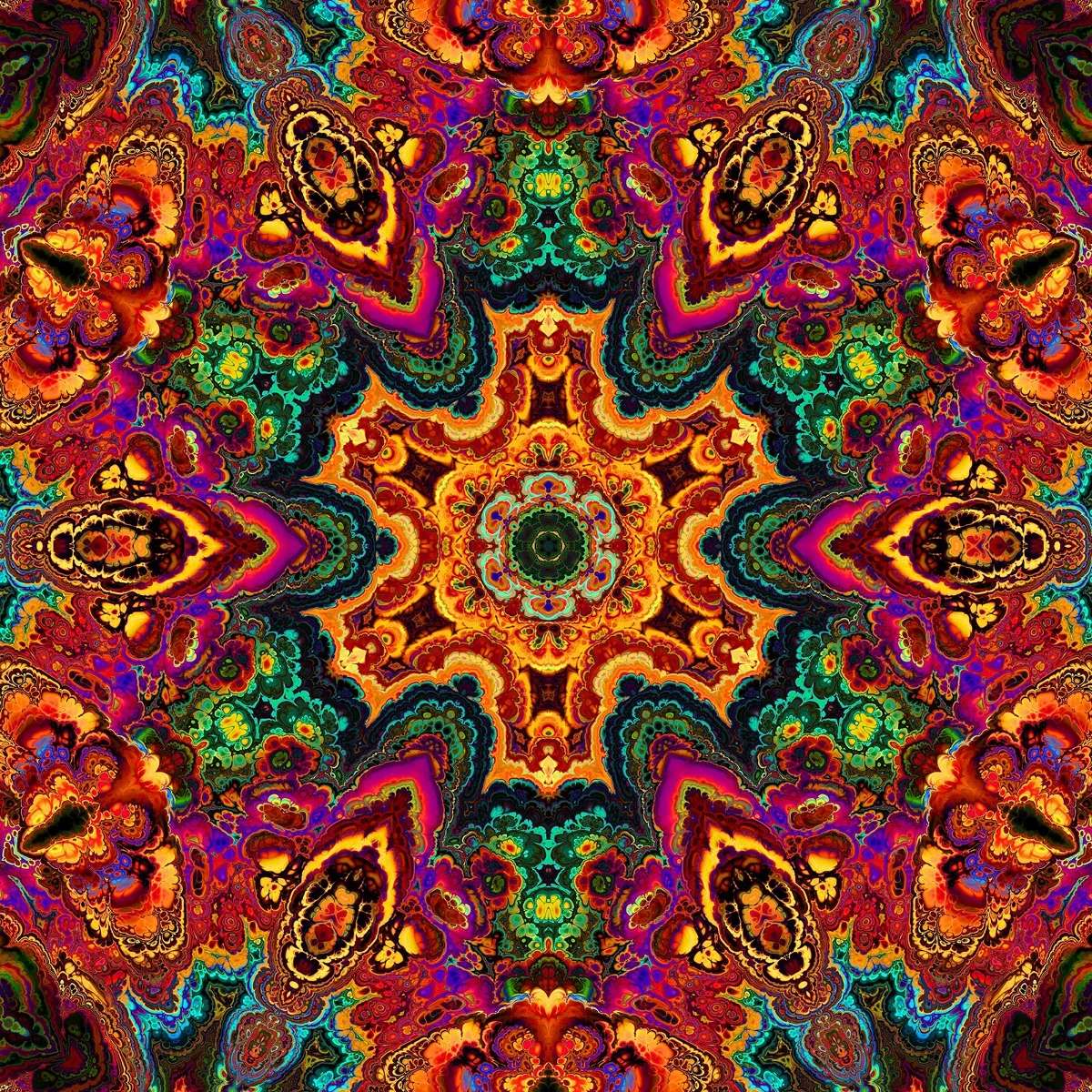
Kalejdoskoper
Hvordan kalejdoskoper arbejde: Brewsters opfindelse, vinklede spejle, radial symmetri, og digitale kalejdoskop filtre kan du prøve på et billede i PictorX.

Reflekterende virkninger
Spejl, flise, vand, vådgulv og kalejdoskop ser ud til at vende et billede til en reflekteret sammensætning. Brug PictorX gratis i din browser uden software installation kræves.

Spirograf
Tegn hypotrochoider og epitrochoider i browseren. Juster R, r og pen-offset, animér, randomisér og gem en PNG. Intet uploades.
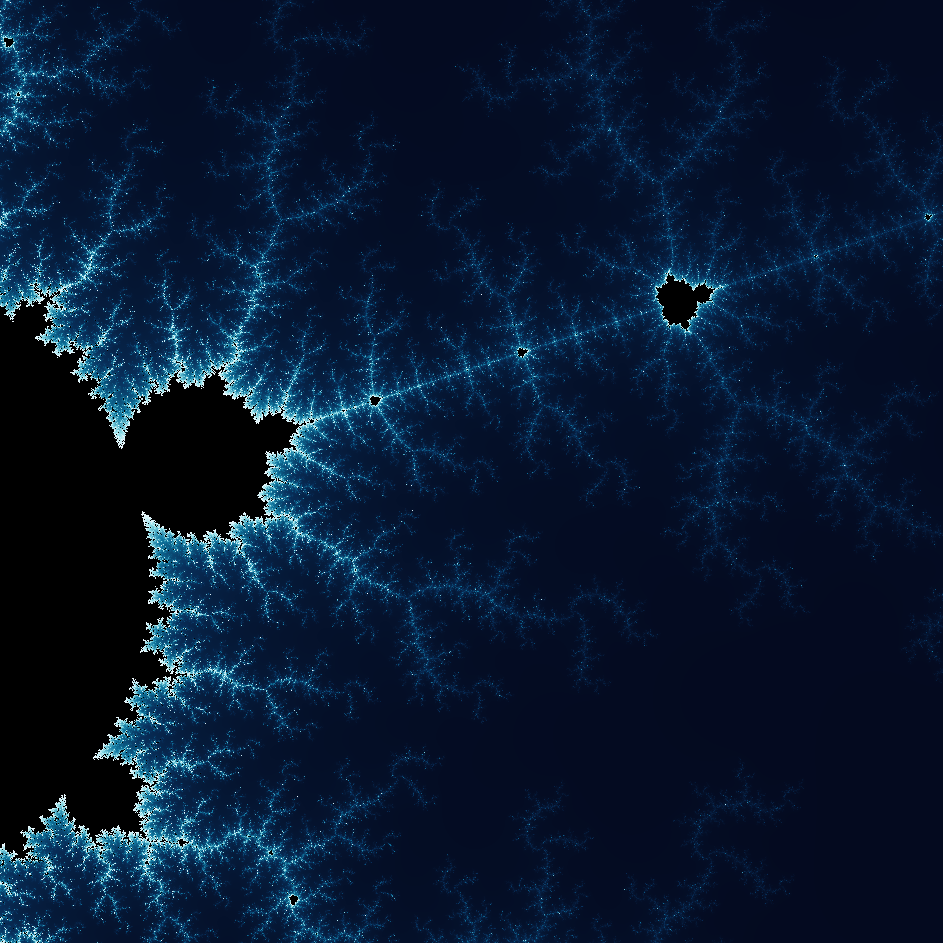
Udforsk den vidunderlige verden af Fractals
Udforsk den vidunderlige verden af Fractals. Fraktaler er komplekse, detaljerede geometriske mønstre findes i hele den naturlige verden.
Er du klar til at prøve?
Åbn PictorX i din browser - ingen installation, ingen kreditkort kræves for at starte.
Gå til Editor