

Try a Games look below, or open your own picture.
게임
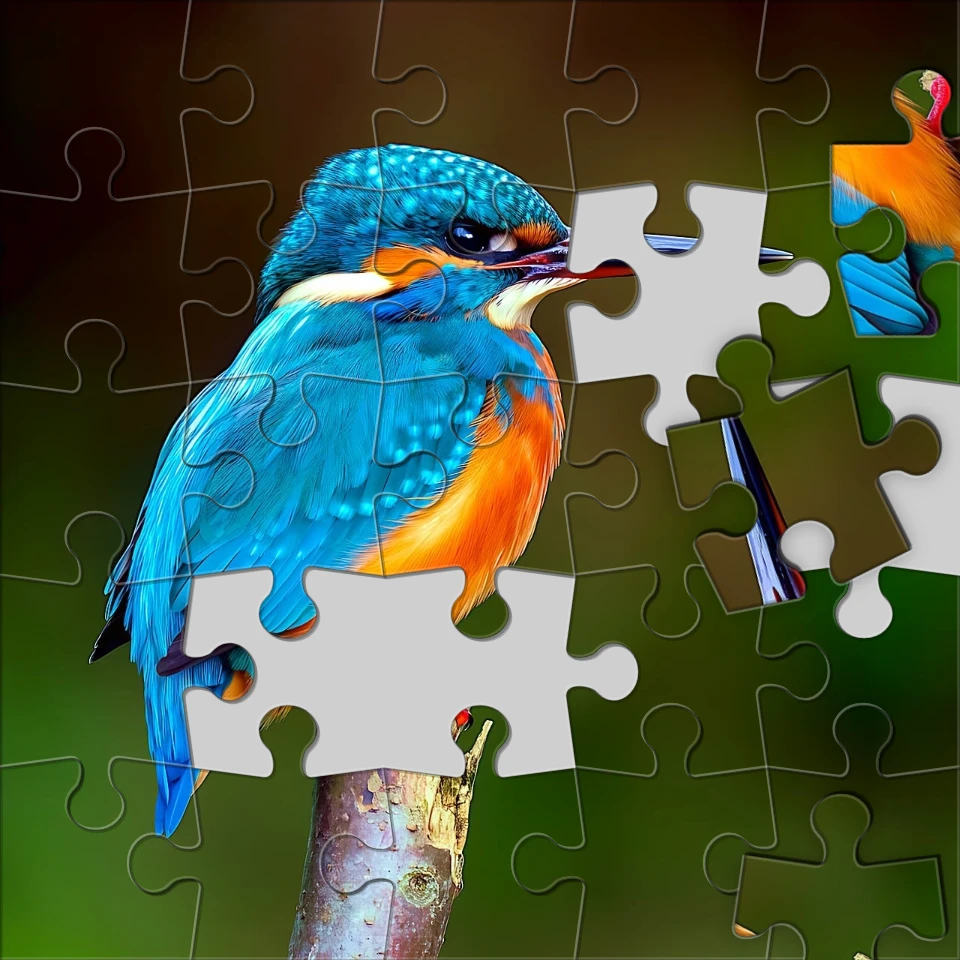
효과 → 계략로 사진을 플레이 가능한 룩으로—직소 퍼즐, 레고·미니스텍 모자이크, 테트리스 블록, 슬라이딩 퍼즐. 사진을 열고 게임 효과를 고른 뒤 PictorX에서 계속 편집하세요. Try a Games look below, or open your own picture.
작동 원리
- 브라우저에서 PictorX를 열고 새 프로젝트를 시작하거나 이미지를 로드하세요.
- 게임를 사용하여 결과를 형성한 다음 주변 편집기 도구를 사용하여 구체화합니다.
- 계속 편집하고, 작업을 내보내고, 결과를 다음 디자인으로 바꾸세요.
게임이 귀하의 워크플로에 어떻게 적합한지
효과 → 계략로 사진을 플레이 가능한 룩으로—직소 퍼즐, 레고·미니스텍 모자이크, 테트리스 블록, 슬라이딩 퍼즐. PictorX는 사진, 레이어, 타이포그래피, 디자인 도구와 함께 이 기능을 유지하므로 애플리케이션을 전환하지 않고도 아이디어에서 완성된 그래픽으로 이동할 수 있습니다.
게임로 더 많은 것을 만들어보세요
하나의 집중된 변경으로 시작하여 상황에 맞게 결과를 검토하고 계속 반복하세요. 소셜 미디어, 프리젠테이션, 인쇄 레이아웃 또는 개인 프로젝트를 위한 세련된 이미지가 필요한 경우 게임를 다른 PictorX 도구와 결합하세요.
Looks in this set
자주 묻는 질문
Which Games looks are included?
Jigsaw Puzzle, Lego Mosaic, Ministeck Mosaic, Tetris, and Sliding Puzzle—the full Games filter menu.
Is this the same as the Puzzle page?
Puzzle is a dedicated jigsaw landing. Games groups every Games-menu effect, including puzzle, brick mosaics, Tetris, and sliding tiles.
Will Lego or Tetris look like real toys?
They are photo effects that rebuild the image as bricks or blocks. Block size and color options change how toy-like it feels.
Can I keep editing after applying a look?
Yes. Apply a Games effect, then keep using layers, text, and other filters in the same PictorX workspace.
관련 도구



시도해 볼 준비가 되셨나요?
브라우저에서 PictorX를 엽니다. 설치가 필요 없고 시작하는 데 신용 카드가 필요하지 않습니다.
편집자로 이동