

Verwandeln Sie ein Foto in facettierte kubistische Ebenen — passen Sie Facettengröße und Perspektiven an.
Cubism photo filter — geometric facets
Break forms into angled planes and overlapping viewpoints. PictorX Cubism runs on-device, then lets you keep editing with layers, text, and other artistic effects in the same workspace. Verwandeln Sie ein Foto in facettierte kubistische Ebenen — passen Sie Facettengröße und Perspektiven an.
Wie es funktioniert
- Open PictorX in your browser and load a portrait or figure photo.
- Choose Cubism, then adjust Facet Size, Perspectives, Flattening, Contour, and Contrast.
- Export the faceted look, or keep editing with layers and other effects in the same workspace.
Why faceted planes read as Cubism
Analytic Cubism broke subjects into interlocking geometric facets and showed more than one viewpoint at once. Facet Size sets how large those planes feel; Perspectives increases viewpoint fragmentation; Flattening pushes depth toward a shallow relief.
Facet Size, Perspectives, Flattening, Contour, and Contrast
Facet Size (about 8–200) controls plane scale. Perspectives (0–100) adds multi-view shatter. Flattening (0–100) compresses depth. Contour strengthens plane edges. Contrast strengthens edge punch between overlapping planes.
Privacy and keep editing
Processing stays in your browser—photos are not uploaded to PictorX servers for this filter. After Cubism, continue with layers, text, Mixed Media, Vincent van Gogh, or export.
Häufig gestellte Fragen
What does the Cubism filter do?
It rebuilds a photo as geometric facets with multiple viewpoints—inspired by Analytic Cubism, not a copy of a museum painting. Facet Size, Perspectives, Flattening, Contour, and Contrast shape the look.
Is this a real Picasso or Braque?
No. It is a digital Cubism-inspired effect for your own photos. Authentic Cubist works stay in museums and collections.
What photos work best?
Portraits, figures, and still lifes with clear structure. Soft backgrounds become broader planes; faces and edges keep readable geometry.
Can I keep editing after Cubism?
Yes. Continue with layers, text, other artistic looks, or export from the same PictorX workspace. Nothing is uploaded for this on-device filter.
Verwandte Tools
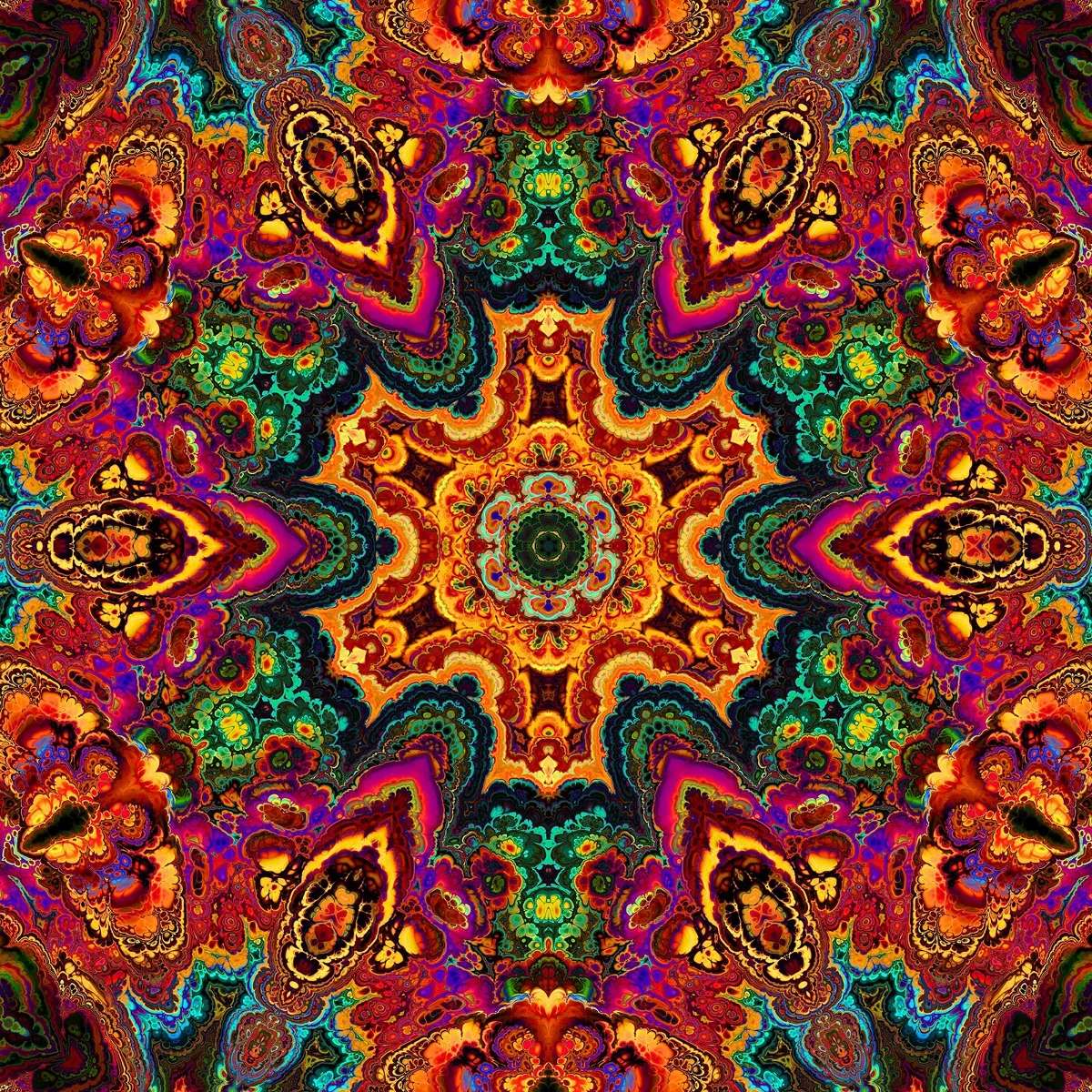
Kaleidoskope
So funktionieren Kaleidoskope: Brewsters Erfindung, schräge Spiegel, radiale Symmetrie und digitale Kaleidoskop-Filter zum Ausprobieren in PictorX.

Reflexionseffekte
Spiegel-, Fliesen-, Wasser-, Nassboden- und Kaleidoskop-Looks, die ein Foto in eine reflektierte Komposition verwandeln. Nutzen Sie PictorX kostenlos in Ihrem Browser, ohne dass eine Softwareinstallation erforderlich ist.

Spirograph
Zeichnen Sie Hypotrochoiden und Epitrochoiden im Browser. Stellen Sie R, r und Stiftversatz ein, animieren Sie, würfeln Sie Styles und speichern Sie ein PNG. Nichts wird hochgeladen.
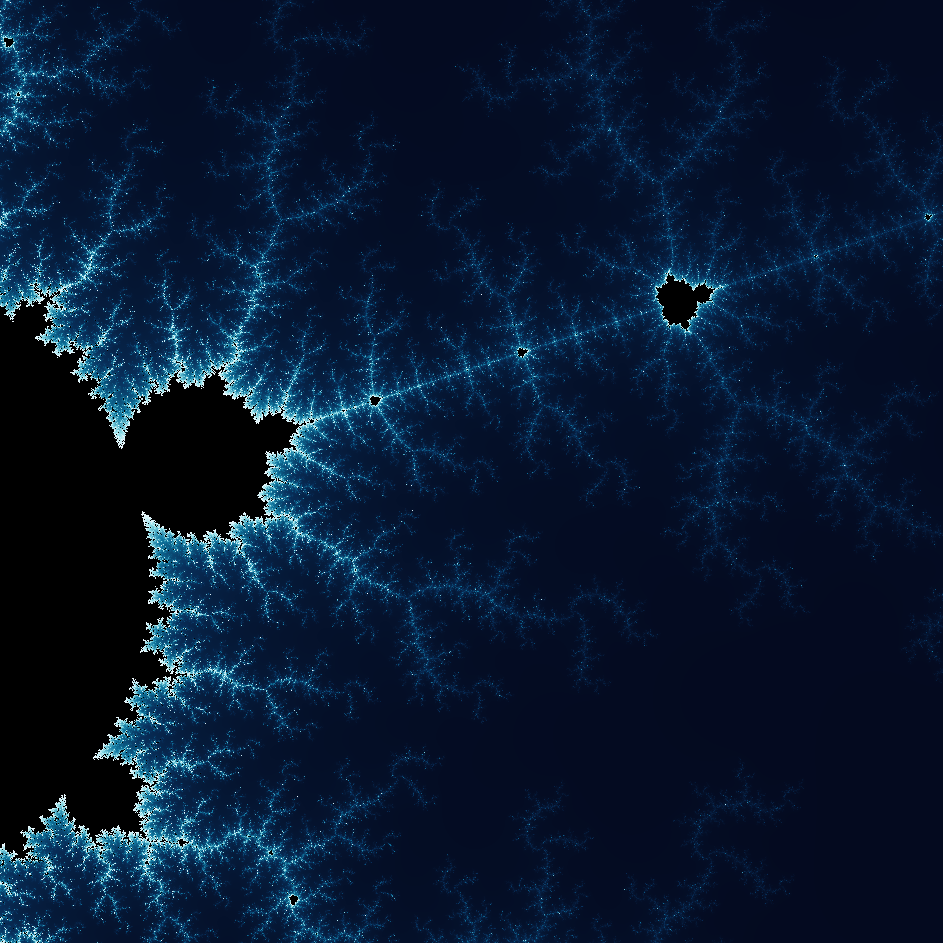
Entdecken Sie die wunderbare Welt der Fraktale
Entdecken Sie die wunderbare Welt der Fraktale. Fraktale sind komplexe, detaillierte geometrische Muster, die überall in der Natur vorkommen.
Bereit, es auszuprobieren?
Öffnen Sie PictorX in Ihrem Browser – keine Installation, zum Starten ist keine Kreditkarte erforderlich.
Zum Editor