

Convierte una foto en planos cubistas facetados: ajusta el tamaño de faceta y las perspectivas.
Cubism photo filter — geometric facets
Break forms into angled planes and overlapping viewpoints. PictorX Cubism runs on-device, then lets you keep editing with layers, text, and other artistic effects in the same workspace. Convierte una foto en planos cubistas facetados: ajusta el tamaño de faceta y las perspectivas.
como funciona
- Open PictorX in your browser and load a portrait or figure photo.
- Choose Cubism, then adjust Facet Size, Perspectives, Flattening, Contour, and Contrast.
- Export the faceted look, or keep editing with layers and other effects in the same workspace.
Why faceted planes read as Cubism
Analytic Cubism broke subjects into interlocking geometric facets and showed more than one viewpoint at once. Facet Size sets how large those planes feel; Perspectives increases viewpoint fragmentation; Flattening pushes depth toward a shallow relief.
Facet Size, Perspectives, Flattening, Contour, and Contrast
Facet Size (about 8–200) controls plane scale. Perspectives (0–100) adds multi-view shatter. Flattening (0–100) compresses depth. Contour strengthens plane edges. Contrast strengthens edge punch between overlapping planes.
Privacy and keep editing
Processing stays in your browser—photos are not uploaded to PictorX servers for this filter. After Cubism, continue with layers, text, Mixed Media, Vincent van Gogh, or export.
Preguntas frecuentes
What does the Cubism filter do?
It rebuilds a photo as geometric facets with multiple viewpoints—inspired by Analytic Cubism, not a copy of a museum painting. Facet Size, Perspectives, Flattening, Contour, and Contrast shape the look.
Is this a real Picasso or Braque?
No. It is a digital Cubism-inspired effect for your own photos. Authentic Cubist works stay in museums and collections.
What photos work best?
Portraits, figures, and still lifes with clear structure. Soft backgrounds become broader planes; faces and edges keep readable geometry.
Can I keep editing after Cubism?
Yes. Continue with layers, text, other artistic looks, or export from the same PictorX workspace. Nothing is uploaded for this on-device filter.
Herramientas relacionadas
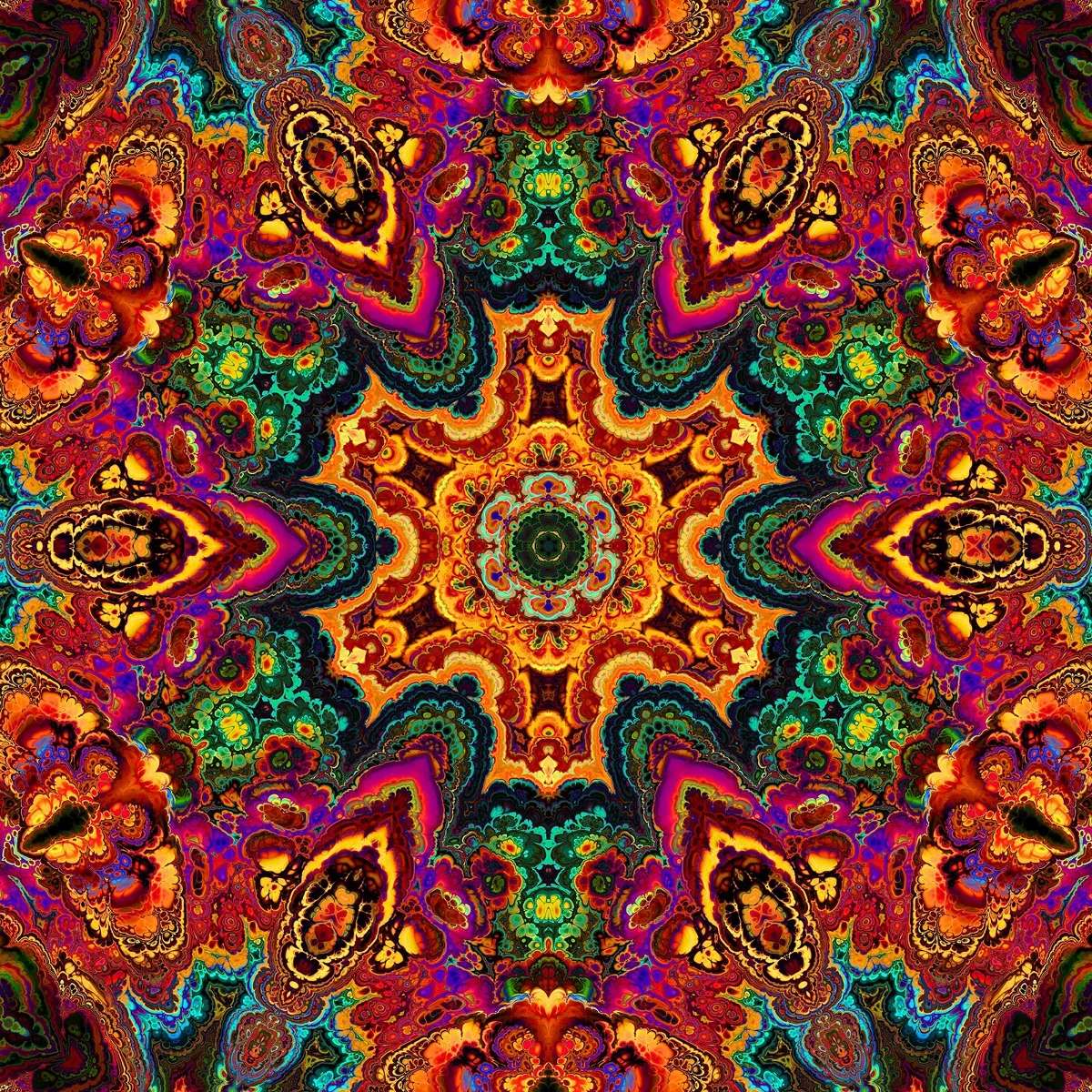
Caleidoscopios
Cómo funcionan los caleidoscopios: invento de Brewster, espejos en ángulo, simetría radial y filtros digitales en PictorX.

Efectos de reflexión
Aspectos de espejo, azulejo, agua, piso mojado y caleidoscopio que transforman una fotografía en una composición reflejada. Utilice PictorX gratis en su navegador sin necesidad de instalar software.

Espirógrafo
Dibuja hipotrocoides y epitrocoides en el navegador. Ajusta R, r y el desplazamiento del lápiz, anima, aleatoriza y guarda un PNG. Nada se sube.
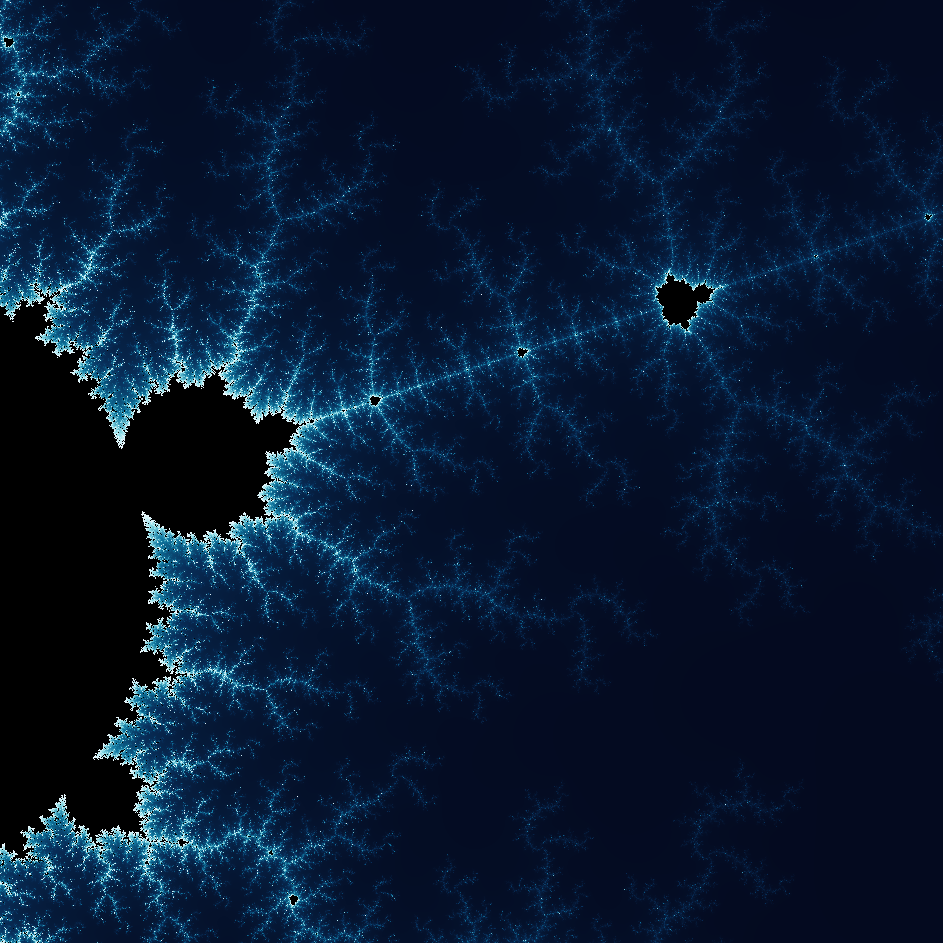
Explora el maravilloso mundo de los fractales
Explora el maravilloso mundo de los fractales. Los fractales son patrones geométricos complejos y detallados que se encuentran en toda la naturaleza.
¿Listo para probarlo?
Abra PictorX en su navegador: no requiere instalación ni tarjeta de crédito para comenzar.
Ir al editor