
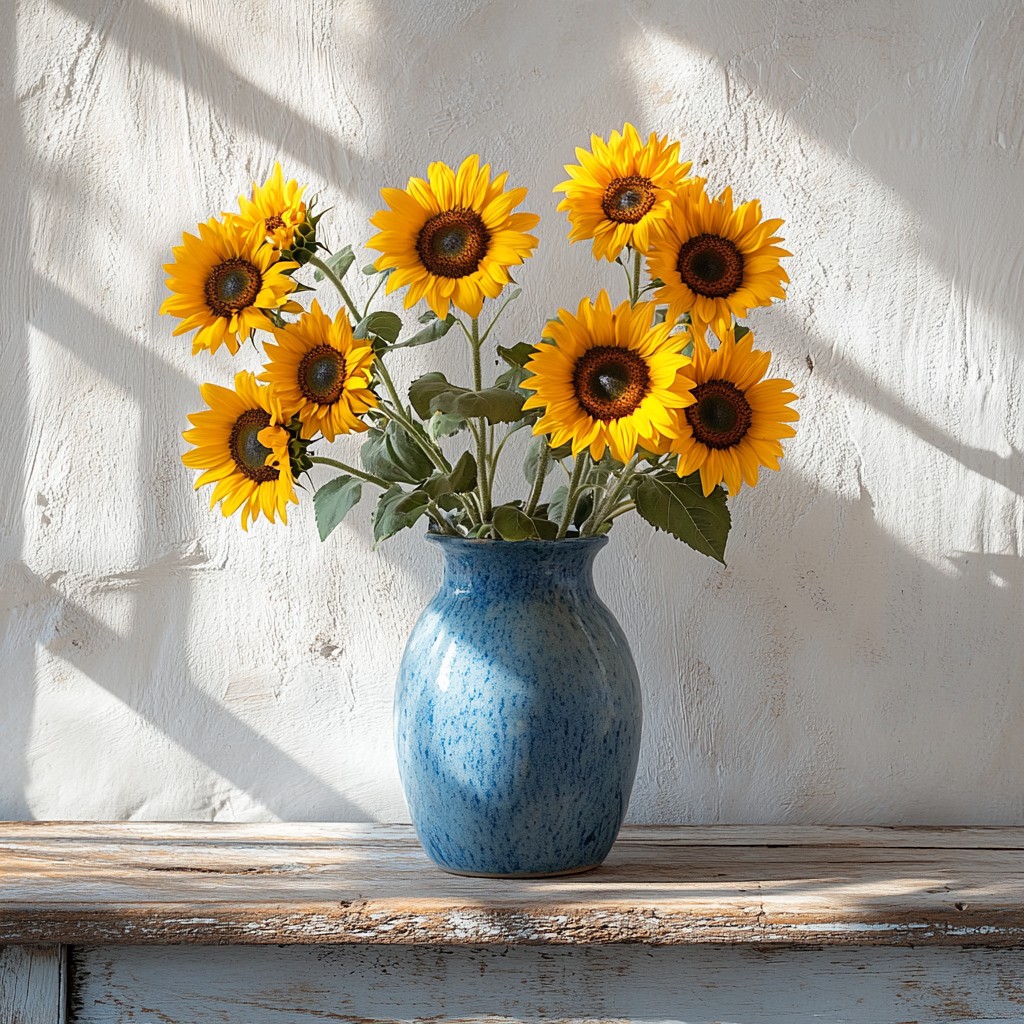
사진을 반 고흐 붓질로 그리다
Flowing marks follow the forms in your photo, with swirl, density, stroke size, and palettes such as Starry Night or Sunflower. PictorX Vincent van Gogh runs in the browser, then lets you keep editing with layers, text, and other effects. 아래에서 빈센트 반 고흐 룩을 시도하거나 자신의 사진을 여세요.
작동 원리
- Open PictorX in your browser and load a photo.
- Choose Vincent van Gogh, then try a preset or adjust swirl, density, brush stroke, and palette.
- Export the painted look, or keep editing with layers and other effects in the same workspace.
Why the swirling brush look works
Landscapes, night scenes, flowers, and portraits with clear structure give the stroke field something to follow. Swirl pushes motion in open areas; denser strokes fill the canvas; palette moods such as Starry Night or Cypress shift colour without erasing your subject.
Stroke, palette, density, and swirl
Brush stroke picks Swirls, Dashes, Impasto, or Ribbon. Palette offers Photo plus Starry Night, Sunflower, Cypress, Ochre, and Irises. Stroke size and density control mark scale and coverage; swirl sets how strongly strokes orbit light and form.
자주 묻는 질문
What does the Vincent van Gogh filter do?
It repaints a photo with flowing brush marks inspired by Van Gogh's swirling impasto—not a copy of a museum canvas. Stroke, palette, density, and swirl shape the look.
Is this a real Van Gogh painting?
No. It is a digital homage for your own photos. Authentic works stay in museums and collections.
What photos work best?
Landscapes, night skies, flowers, and portraits with clear forms. Soft, flat photos still work; they become quieter fields of paint.
Can I keep editing after applying Vincent van Gogh?
Yes. Continue with layers, text, other artistic looks, or export from the same PictorX workspace.
관련 도구

시도해 볼 준비가 되셨나요?
브라우저에서 PictorX를 엽니다. 설치가 필요 없고 시작하는 데 신용 카드가 필요하지 않습니다.
편집자로 이동