
Matrix A
Matrix B
Steps
Matrix calculator
Fill in matrix A and, if needed, matrix B, choose the size of each and pick an operation. The result appears straight away. Whole numbers and fractions stay exact, so the inverse of a 3x3 matrix shows values like 2/7 instead of 0.2857142857. Type numbers, fractions such as 3/4 or decimals into the grids, or paste a whole matrix, for example from a spreadsheet. Use the arrow keys or Enter to move between cells. Pick an operation and the result updates at once.
How it works
- Set the number of rows and columns for A and B, from 1 to 6 each.
- Type the entries, moving with the arrow keys or Enter, or press Random to fill the grids.
- Choose an operation, switch between fractions and decimals, and copy the result or move it into A for the next step.
Exact fractions
Every entry is stored as a fraction of two whole numbers, so 0.1 becomes 1/10 and 1/3 stays 1/3. Determinants and inverses are then computed without rounding errors. Switch to Decimals to see the same result rounded to ten significant digits.
When an operation is not possible
Adding needs two matrices of the same size, and A x B needs as many columns in A as rows in B. Determinant, inverse and powers only exist for square matrices, and a matrix with determinant 0 has no inverse. In each case the calculator explains what is missing instead of showing a wrong answer.
Frequently asked questions
Why is A x B not the same as B x A?
Each entry of A x B combines a row of A with a column of B. Swapping the order combines different rows and columns, so the result usually changes, and for non-square matrices one of the two products may not even exist. Use Swap A and B to compare both orders.
How do I solve a system of linear equations?
Put the coefficients in A, one equation per row, and the right-hand sides in B as a single column. Then choose Solve Ax = b. If A is singular the system has either no solution or infinitely many, and the calculator tells you so.
Is my data sent anywhere?
No. All calculations run in your browser. Your matrices are only kept in your browser's local storage, so they are still there when you come back.
Related tools
Matrices, from tables of numbers to 3D graphics
What a matrix is, how matrix multiplication works, what the determinant and inverse tell you, how Cayley and Sylvester shaped the theory and why every 3D game relies on matrices.
Calculator
A free online calculator with a basic and a scientific mode: trigonometry, logarithms, powers, roots, factorials, memory and history, with the correct order of operations.
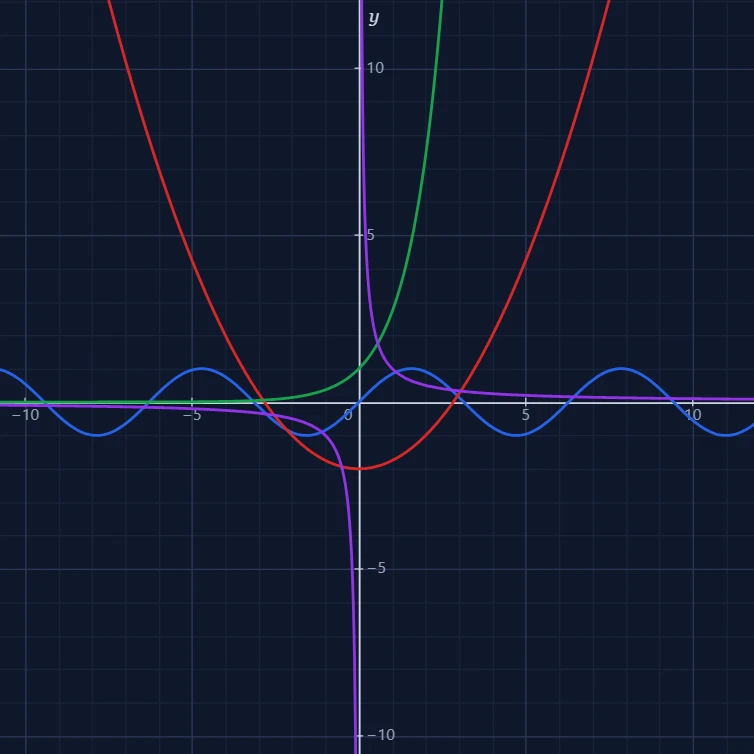
Function plotter
A free online function plotter: draw x², sin x, ln x, 1/x and your own formulas on an interactive grid. Pan, zoom, trace x and y, and save the graph as a PNG.

Statistics calculator
A free online statistics calculator: paste numbers and get the mean, median, mode, variance, standard deviation, quartiles and a histogram instantly.
Ready to try it?
Open PictorX in your browser — no install, no credit card required to start.
Go to Editor