
No calculations yet
Calculator
A clear calculator for everyday sums and for science homework. Basic mode has big buttons for quick sums; Scientific mode adds trigonometry, logarithms, powers, roots and memory. Tap the keys or type with your keyboard, and every result is kept in the history. Tap the keys or type with your keyboard. Switch to Scientific for trigonometry, logarithms, powers and memory. Tap a line in the history to use that result again.
How it works
- Type a sum with the keys or your keyboard, for example 2 + 3 × 4, and press = or Enter.
- Switch to Scientific for sin, cos, tan, ln, log, powers, roots, factorials, π and e. Press DEG to switch between degrees and radians.
- Tap a line in the history to use that result again. MC, MR, M+ and M− work with the memory.
Order of operations
The calculator follows the usual rules: brackets first, then powers and roots, then multiplication and division, and finally addition and subtraction. So 2 + 3 × 4 gives 14, not 20.
Percentages
On its own, 50% is 0.5. After + or −, the percentage is taken of the number before it, so 200 + 10% gives 220, just like on a pocket calculator.
Frequently asked questions
Does the calculator use degrees or radians?
Degrees by default. In Scientific mode, press DEG to switch to radians (RAD). The display shows which one is active.
Which keyboard keys can I use?
Digits, the decimal point, + − * / ^, brackets, % and !. Enter or = works out the answer, Backspace deletes one character, Escape clears everything and Delete clears the current entry.
Is anything sent to a server?
No. Every calculation runs in your browser, and the history is only stored on your own device.
Related tools

How calculators work
How a calculator turns key presses into an answer, why the order of operations matters and how counting tools grew from the abacus to the pocket calculator.
The Fibonacci sequence
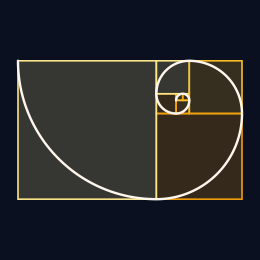
Each Fibonacci number is the sum of the two before it. Watch the squares spiral, the ratios settle on the golden ratio, and Binet's formula rebuild the same numbers.

The Collatz Conjecture
Explore the Collatz 3n+1 problem in your browser. Walk hailstone sequences, grow a geometric Collatz tree, and zoom the continuous Collatz fractal.
Monte Carlo π
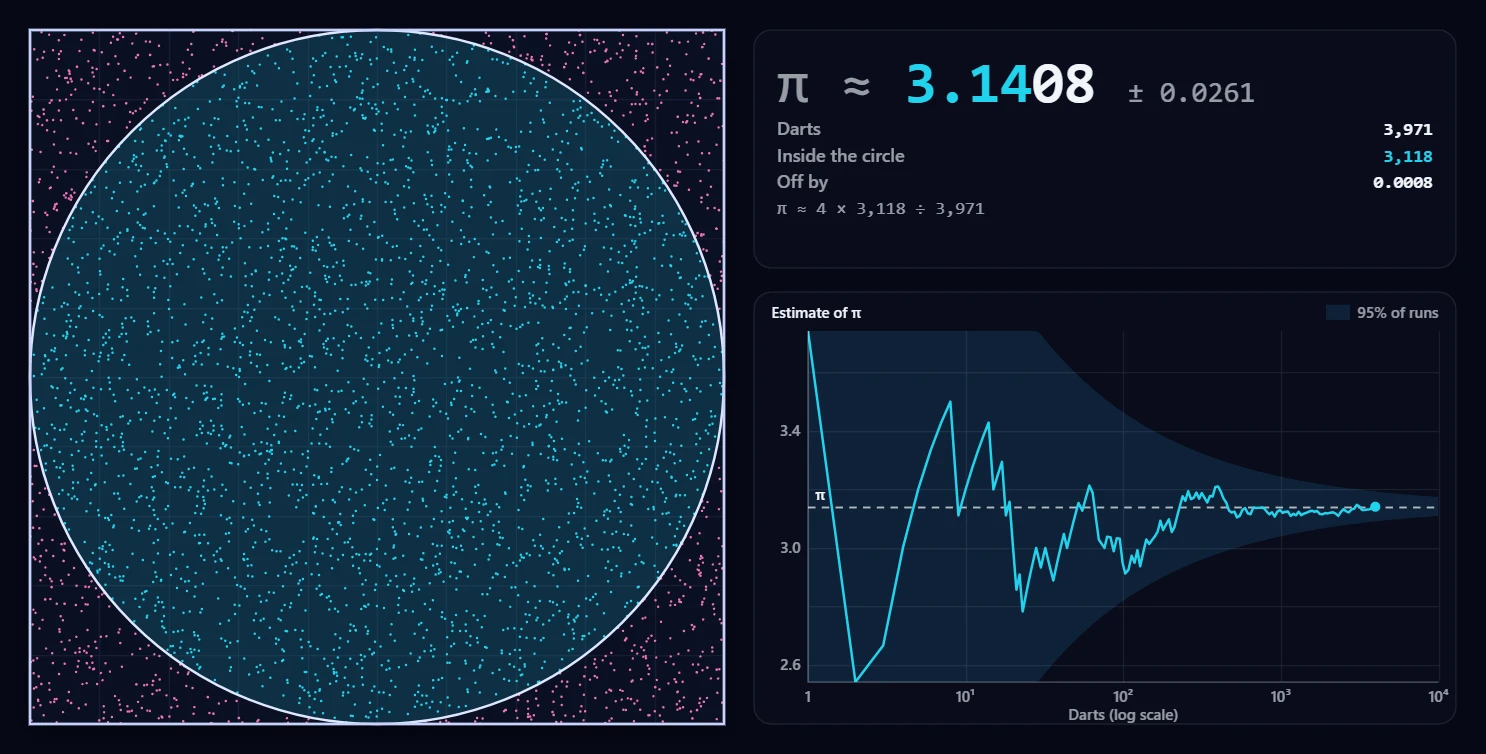
Throw thousands of random darts at a square with a circle in it and watch the share that lands inside turn into π. Start, stop, and follow the estimate as it converges.
Ready to try it?
Open PictorX in your browser — no install, no credit card required to start.
Go to Editor