
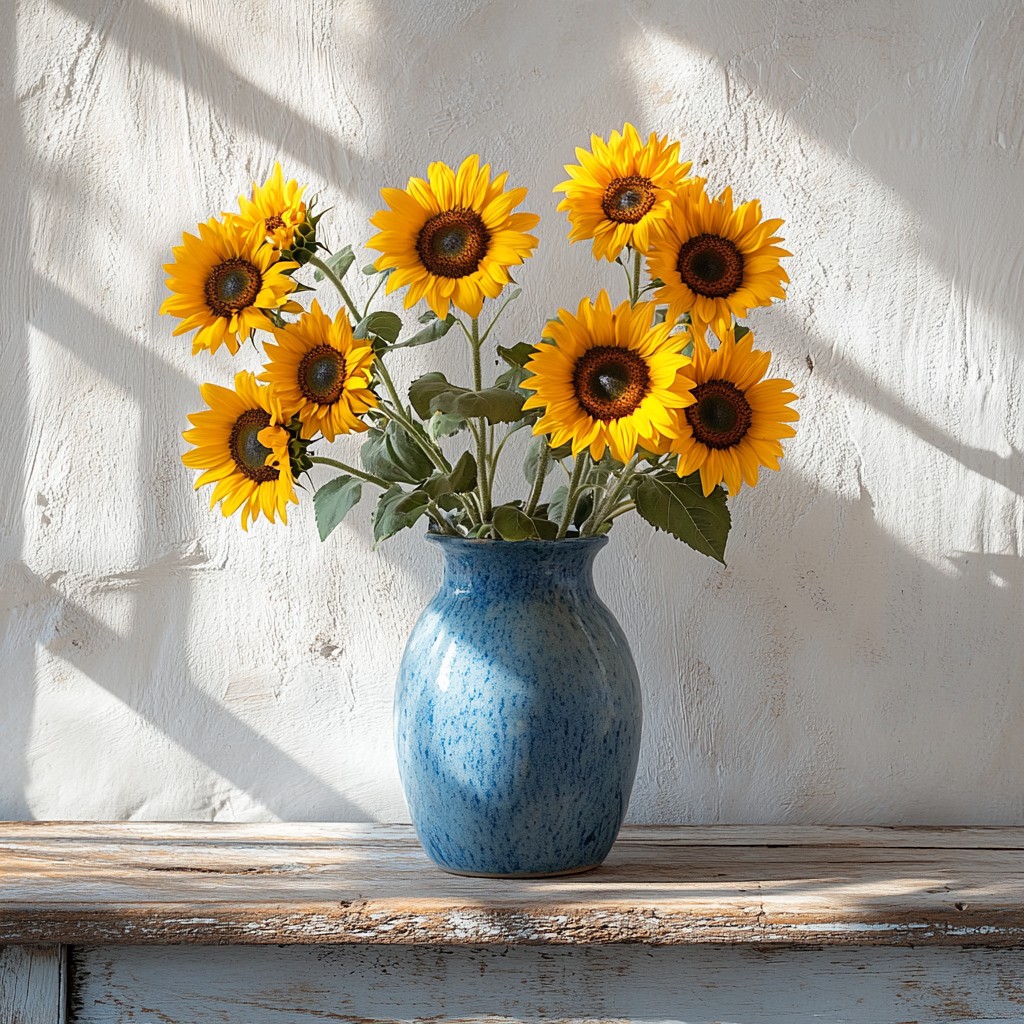
Probieren Sie unten einen Vincent-van-Gogh-Look aus oder öffnen Sie Ihr eigenes Bild.
Malen Sie ein Foto in Van-Gogh-Pinselstrichen
Flowing marks follow the forms in your photo, with swirl, density, stroke size, and palettes such as Starry Night or Sunflower. PictorX Vincent van Gogh runs in the browser, then lets you keep editing with layers, text, and other effects. Probieren Sie unten einen Vincent-van-Gogh-Look aus oder öffnen Sie Ihr eigenes Bild.
Wie es funktioniert
- Open PictorX in your browser and load a photo.
- Choose Vincent van Gogh, then try a preset or adjust swirl, density, brush stroke, and palette.
- Export the painted look, or keep editing with layers and other effects in the same workspace.
Why the swirling brush look works
Landscapes, night scenes, flowers, and portraits with clear structure give the stroke field something to follow. Swirl pushes motion in open areas; denser strokes fill the canvas; palette moods such as Starry Night or Cypress shift colour without erasing your subject.
Stroke, palette, density, and swirl
Brush stroke picks Swirls, Dashes, Impasto, or Ribbon. Palette offers Photo plus Starry Night, Sunflower, Cypress, Ochre, and Irises. Stroke size and density control mark scale and coverage; swirl sets how strongly strokes orbit light and form.
Häufig gestellte Fragen
What does the Vincent van Gogh filter do?
It repaints a photo with flowing brush marks inspired by Van Gogh's swirling impasto—not a copy of a museum canvas. Stroke, palette, density, and swirl shape the look.
Is this a real Van Gogh painting?
No. It is a digital homage for your own photos. Authentic works stay in museums and collections.
What photos work best?
Landscapes, night skies, flowers, and portraits with clear forms. Soft, flat photos still work; they become quieter fields of paint.
Can I keep editing after applying Vincent van Gogh?
Yes. Continue with layers, text, other artistic looks, or export from the same PictorX workspace.
Verwandte Tools
Kaleidoskope
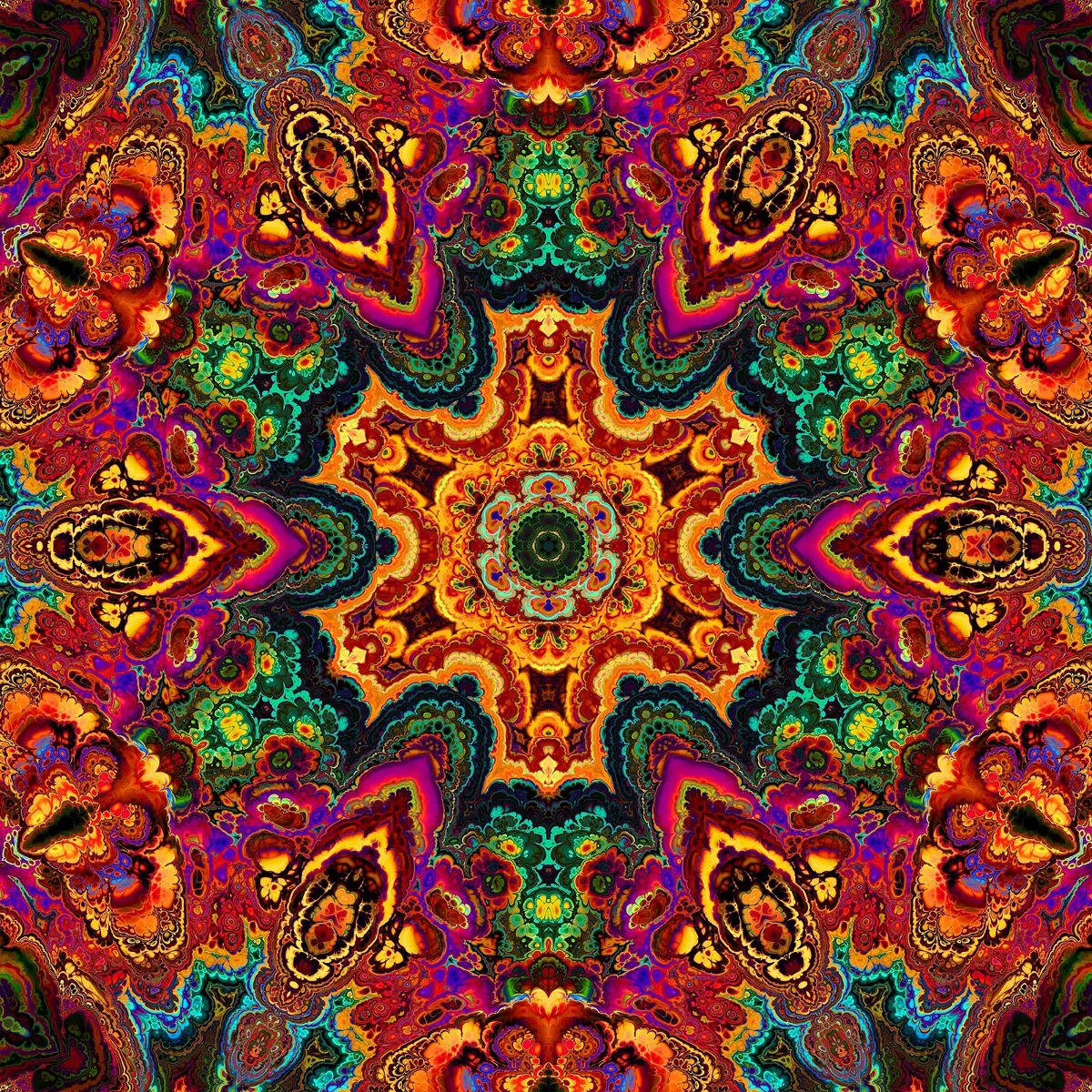
So funktionieren Kaleidoskope: Brewsters Erfindung, schräge Spiegel, radiale Symmetrie und digitale Kaleidoskop-Filter zum Ausprobieren in PictorX.
Reflexionseffekte
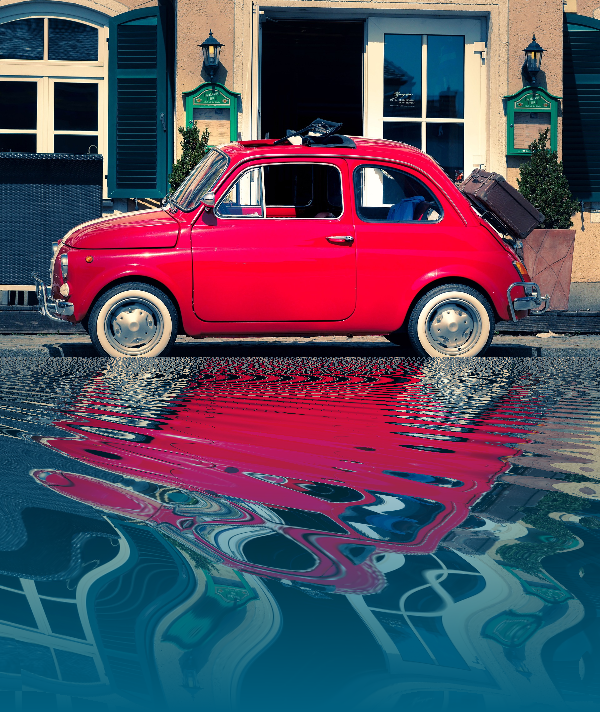
Spiegel-, Fliesen-, Wasser-, Nassboden- und Kaleidoskop-Looks, die ein Foto in eine reflektierte Komposition verwandeln.

Spirograph
Zeichnen Sie Hypotrochoiden und Epitrochoiden im Browser. Stellen Sie R, r und Stiftversatz ein, animieren Sie, würfeln Sie Styles und speichern Sie ein PNG.
Entdecken Sie die wunderbare Welt der Fraktale
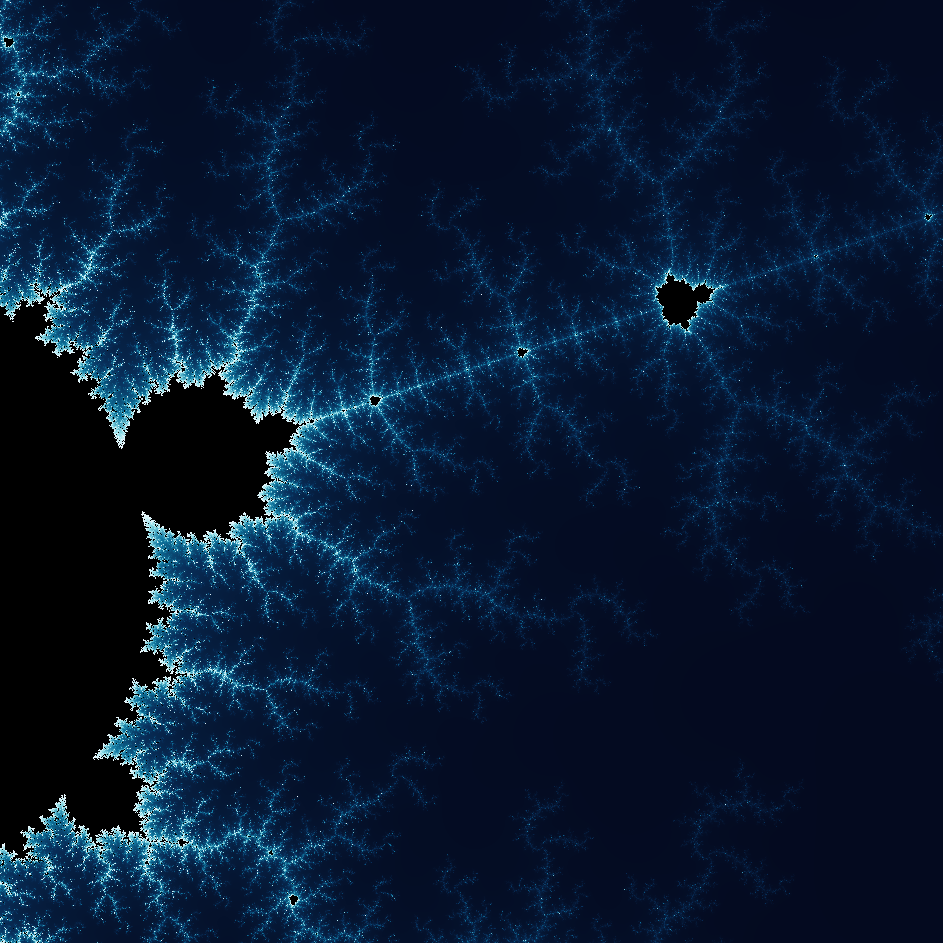
Entdecken Sie die wunderbare Welt der Fraktale. Fraktale sind komplexe, detaillierte geometrische Muster, die überall in der Natur vorkommen.
Bereit, es auszuprobieren?
Öffnen Sie PictorX in Ihrem Browser – keine Installation, zum Starten ist keine Kreditkarte erforderlich.
Zum Editor