
Tangram Puzzle
Seven flat pieces, the tans, cut from one square: two large triangles, a medium one, two small ones, a square, and a parallelogram. Use all seven to fill a silhouette, with no piece lying on another. A cat, a swan, a runner, and a sailboat all hide in the same seven shapes. Drag the seven pieces onto the silhouette until they fill it, without overlaps. Click a piece to pick it and click it again to turn it, or use the mouse wheel; Flip turns the parallelogram over. Hint shows where one piece goes, and Solve shows a solution.
How it works
- Drag the pieces onto the silhouette. Click a piece to pick it, and click it again to turn it 45°; the mouse wheel turns it as well.
- Flip turns the parallelogram over. Fill the whole shape with all seven pieces; where two pieces overlap, it shows in red.
- Stuck? Hint outlines where one piece goes, and Solve shows a solution piece by piece. Then save a PNG.
How to play
A piece goes where you drag it, and when you let go, it snaps onto a corner or an edge close by. A click picks a piece, a second click turns it 45° clockwise, and a right click turns it back; the mouse wheel turns it either way. Turn left, Turn right, and Flip work on the picked piece, and on the keyboard R and Q turn it, F flips it, and the arrow keys nudge it. Covered shows how much of the silhouette the pieces fill.
Any solution counts
The app does not compare your pieces with one stored answer. It checks the area: the puzzle is solved when every piece lies inside the silhouette and no two pieces overlap. Since the seven pieces cover exactly the area of the silhouette, that means the shape is filled. The two large and the two small triangles can swap places, and a shape that can be filled in more than one way accepts every way.
How Hint and Solve work
Each puzzle comes with one known solution. Hint looks for the largest piece of that solution that is not in place yet, outlines its spot, and lights up a piece that fits there. Solve moves the pieces into the solution one by one, largest first, turning each the short way round and turning the parallelogram over only when it has to.
Frequently asked questions
What is a tangram?
A puzzle of seven flat pieces cut from a square: two large right triangles, a medium one, two small ones, a square, and a parallelogram. You lay all seven, without overlaps, into a given silhouette.
Do I need to flip pieces over?
Only the parallelogram. A triangle or the square turned over looks the same as one that is turned, so Flip on them just turns them. The parallelogram turned over is its mirror image, and some silhouettes need it one way up.
Can a puzzle have more than one solution?
Often. The app accepts any arrangement that fills the silhouette without overlaps, not only the one it knows. Hint and Solve use that one known solution.
Why does a piece jump a little when I let go?
It snaps. A corner that lands close to a corner of the silhouette or of another piece is pulled onto it, or else onto an edge close by, so pieces fit together exactly.
Does this upload anything?
No. The puzzle is drawn on a canvas in your browser. Save downloads a PNG. Edit opens that image in the PictorX editor.
Related tools

The tangram
The history and mathematics of the tangram: the seven-piece puzzle from China, the craze of 1817, Sam Loyd's invented history, the 13 convex shapes, and tangram paradoxes.
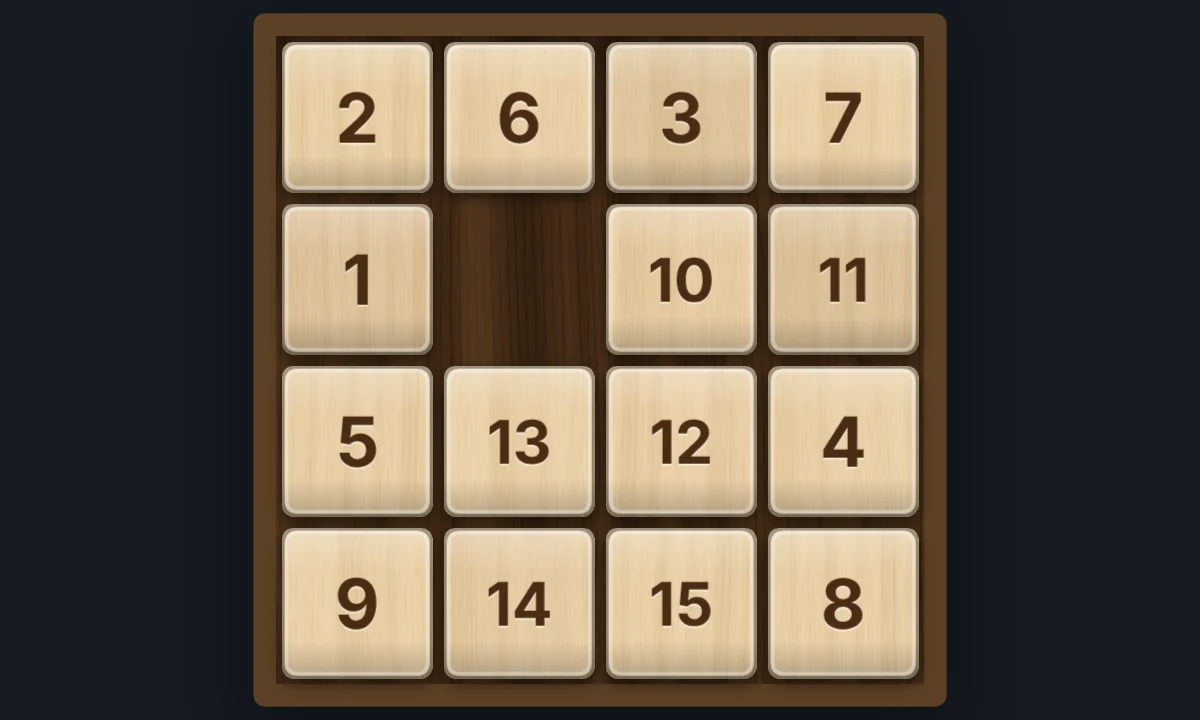
15 Puzzle
Play the classic 15 sliding puzzle in your browser on 3×3, 4×4, or 5×5 wooden tiles. Shuffle, slide whole rows at once, try Sam Loyd's impossible 14-15, or watch Solve finish it.
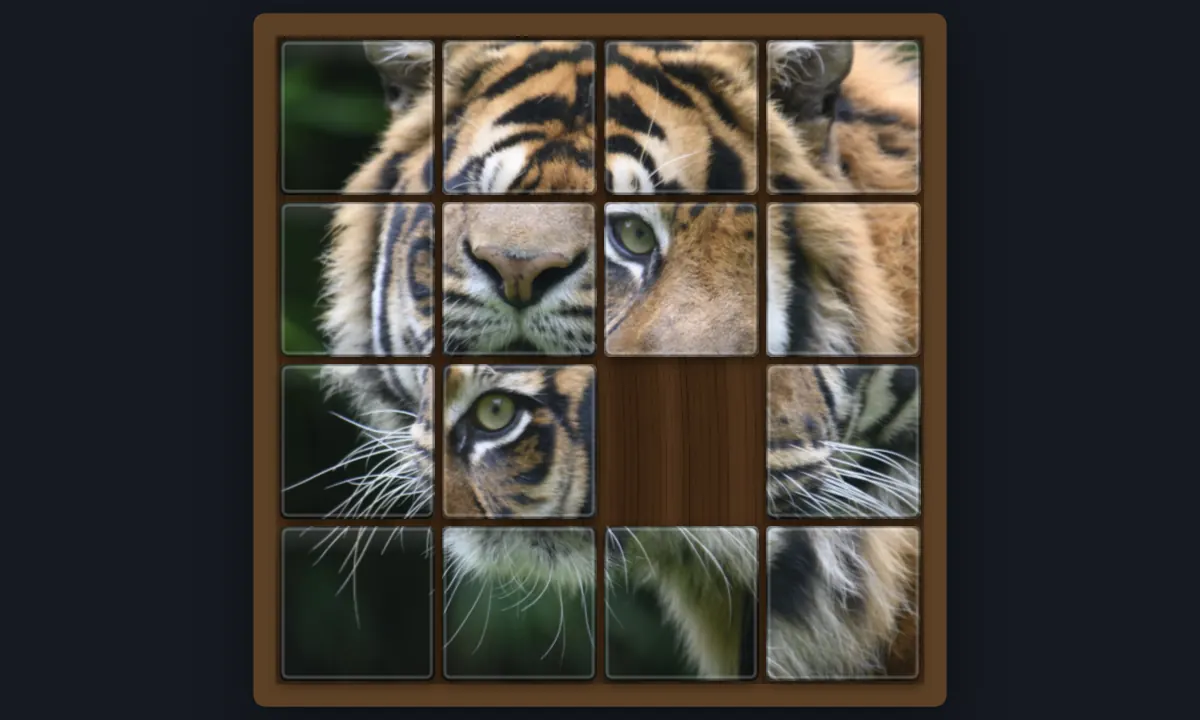
Sliding Photo Puzzle
Turn any photo into a sliding tile puzzle in your browser. Open your own picture or pick an example, choose 3×3, 4×4, 5×5, or 6×6 tiles, and slide them until the photo is whole again, or watch Solve do it.
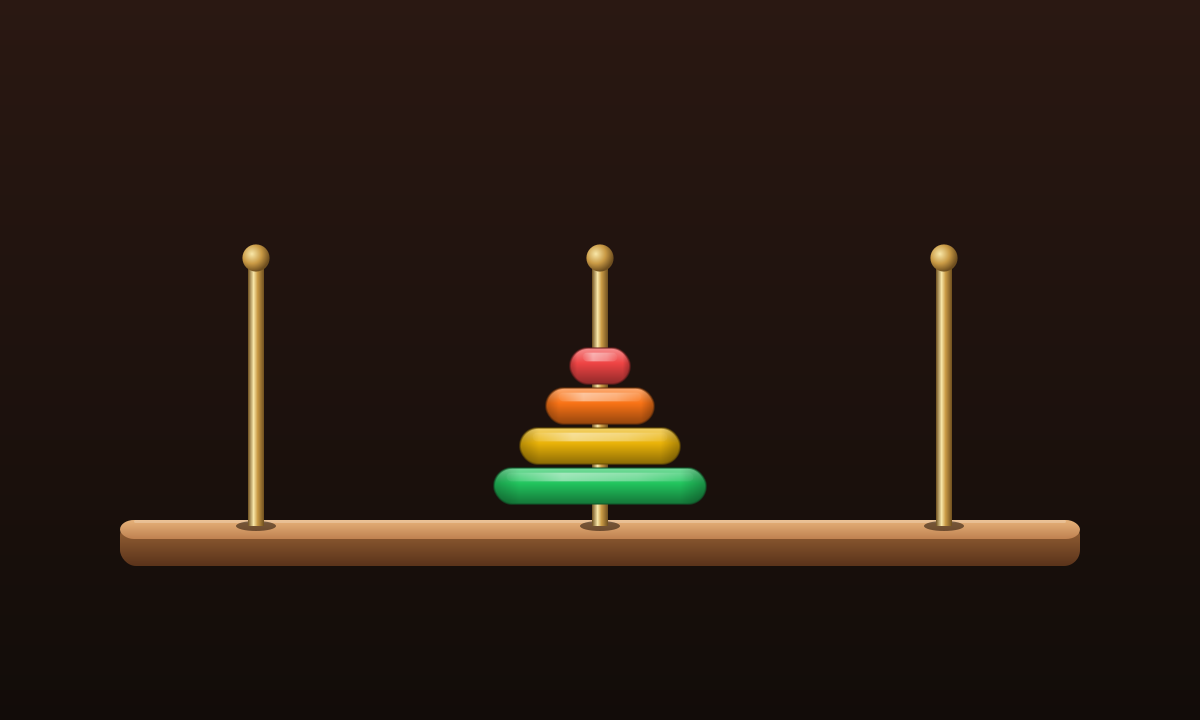
Tower of Hanoi
Move a tower of disks across three pegs in your browser. One disk at a time, never a larger disk on a smaller one. The shortest solution is 2ⁿ − 1 moves.
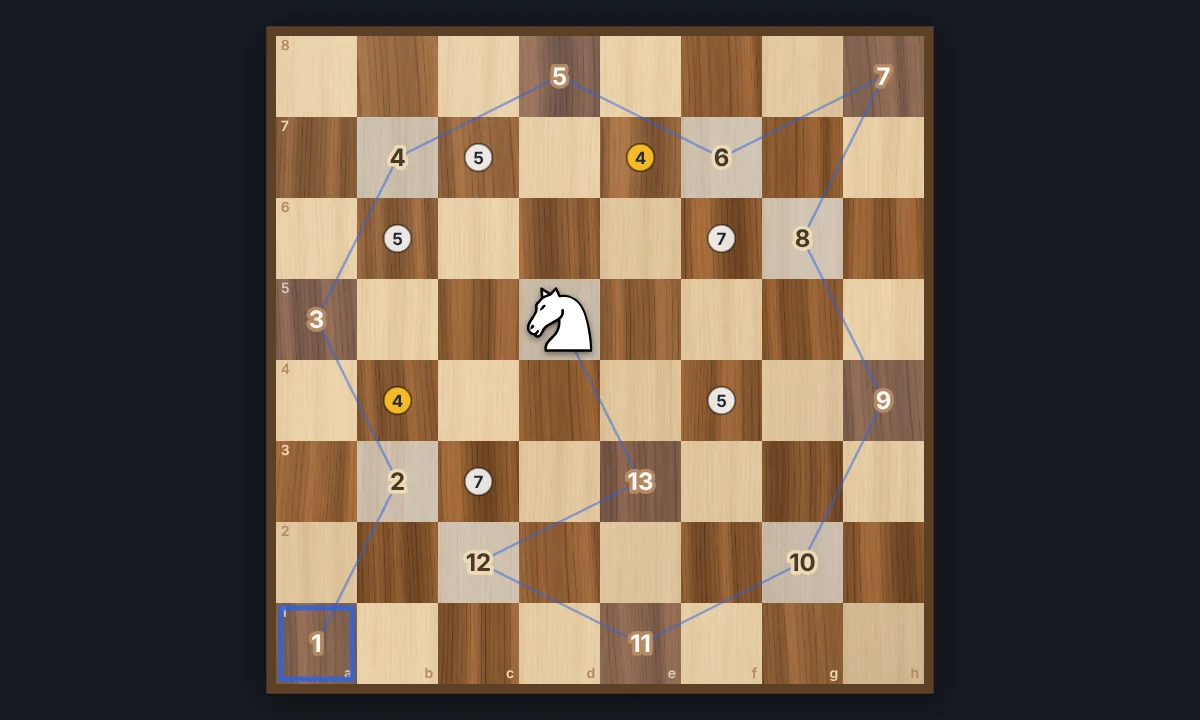
Knight's Tour
Jump a chess knight to every square of the board exactly once. Play it yourself with Warnsdorff hints, or watch Solve finish an open or closed tour. Save the path as a PNG.
Eight Queens
Place eight queens on a chessboard so that none attacks another. Try it yourself, watch the backtracking search find a solution step by step, and go through all 92 solutions.
Tessellation
Cover the plane with regular and Archimedean tessellations. Tune scale, colours, and warp square edges Escher-style — then save a PNG.
Optical illusions
Play with 13 classic optical illusions in your browser, most made from your own photo: colour from grey, an afterimage, a spinning spiral, a hidden picture, the café wall, the Fraser spiral, drifting wheels and more. Tick Reveal the trick to see how each one works.
Ready to try it?
Open PictorX in your browser — no install, no credit card required to start.
Go to Editor