
This photo is black and white: only the thin lines are coloured, and your brain spreads their colour over the grey. Drag across the picture to compare, or tick Reveal the trick.
Optical illusions
Your eyes are easy to fool: grey turns into colour, straight lines slope, still wheels turn and circles become a spiral. This app brings together 13 classic optical illusions — most of them made from your own photo — and lets you click, drag and tune each one, then tick Reveal the trick to see how it works. Pick an illusion, then click, drag and tick Reveal the trick to see how it works. Most illusions are made from your photo: open your own or pick an example.
How it works
- Open this page and try the sample, pick an example photo, or open your own.
- Choose an illusion from the examples — Colour from grey, Afterimage, Café wall, Fraser spiral, Lilac chaser and more — and follow the tip below them.
- Click, drag and use the sliders, tick Reveal the trick to see how it works, then save a PNG or open the layers in the PictorX editor.
Thirteen illusions to play with
Colour from grey paints a black-and-white photo with nothing but thin coloured lines. Afterimage and Spinning spiral ask you to stare for a few seconds — then the photo turns colourful or seems to swell. Same grey, Ebbinghaus circles and the Café wall show how the surroundings change what you see, the Fraser spiral turns circles into a spiral, and Drifting wheels, Floating disc, Lilac chaser, Scintillating grid and Stepping feet make still or steady pictures seem to move, flash or stumble. Hidden picture conceals your photo in wavy lines until you slide a striped window over it.
Made from your photo
Most illusions are built from the photo you open. Your picture becomes the black-and-white image that turns colourful, the negative you stare at, the background of the two grey squares and the photo hidden in the lines; it also appears in the middle of the circles and the wheels. For the patterns — café wall, Fraser spiral, wheels, floating disc, grid and stepping feet — choose Photo to see your picture in their light and dark parts, or Classic for the original black and white and colours.
Why your eyes are fooled
Seeing is not like taking a photo: your brain constantly guesses what is out there. It spreads colour from a few lines over a whole area, gets tired of a colour or a movement and shows you the opposite afterwards, judges sizes and greys by what surrounds them, and reads small tilts and steps of brightness as slopes and motion. Optical illusions catch these shortcuts in the act — which is also why artists, from the op artists of the 1960s to today's designers, love them.
Frequently asked questions
What does the Optical Illusion app do?
It brings together 13 classic optical illusions that you can play with in your browser. Most are made from your own photo; each has its own sliders, reacts to clicks or dragging, and has a Reveal the trick switch that shows what is really there.
Which illusions are included?
Colour from grey, Afterimage, Spinning spiral, Same grey, Hidden picture, Ebbinghaus circles, Café wall, Fraser spiral, Drifting wheels, Floating disc (after Hajime Ouchi), Lilac chaser, Scintillating grid and Stepping feet.
How does the afterimage work?
While you stare at the dot, the colour-sensitive cells in your eyes tire of the colours in the picture. When it turns black and white, they still respond less to those colours, so for a few seconds you see the opposite ones — the photo's real colours.
Why don't I see the effect?
Illusions work differently for everyone and depend on the screen size and your distance from it. Keep your eyes still on the dot or cross when the tip asks you to, give the staring illusions the full time, and try the Size and Strength sliders or the Classic palette.
Do my photos leave my device?
No. Every illusion is made in your browser.
Related tools
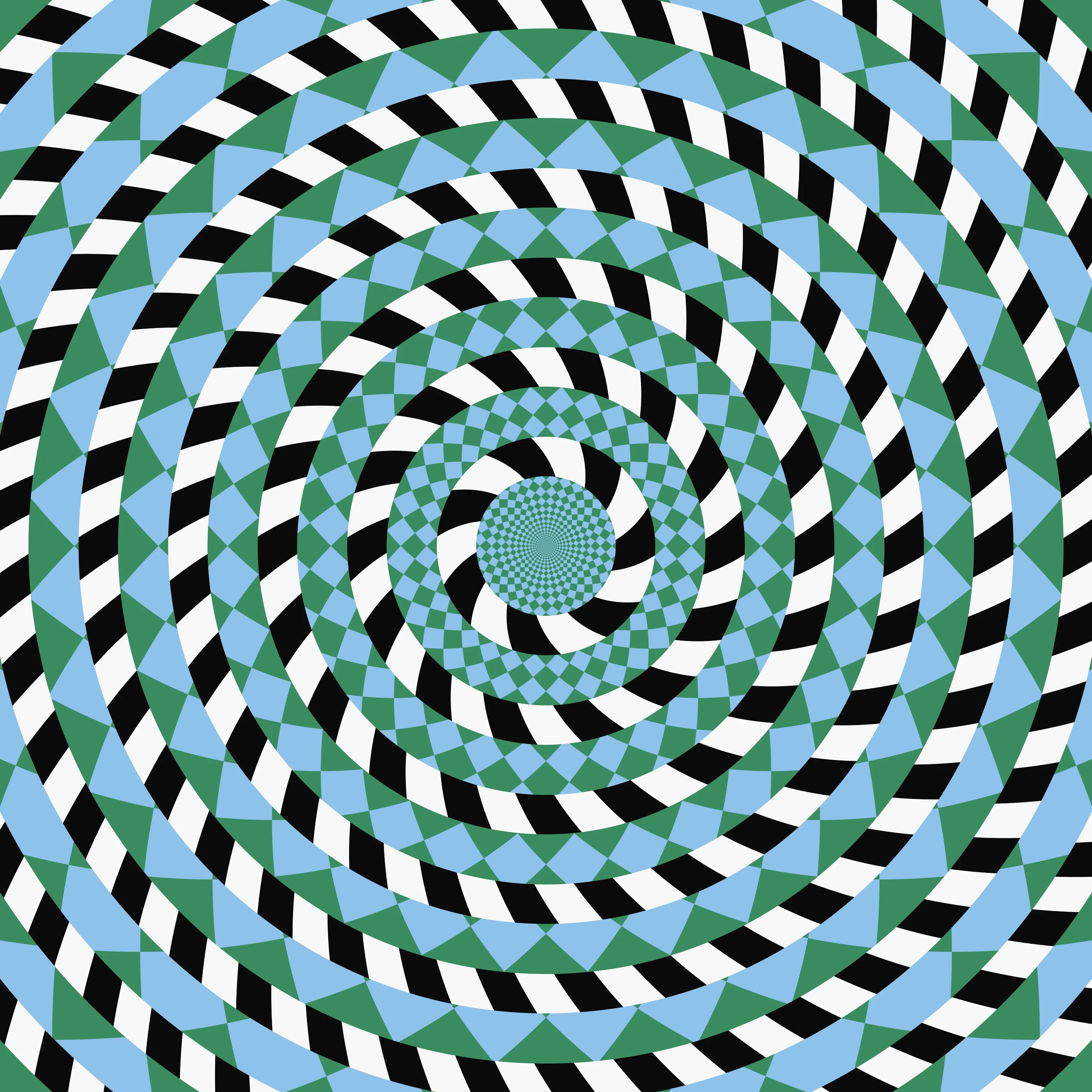
Optical illusions
A short guide to optical illusions: colour from grey, afterimages, the motion aftereffect, the café wall, the Fraser spiral, the Hermann grid and why still pictures seem to move — and thirteen classic illusions you can play with, most of them made from your photo, in PictorX.
Op Art: your photo as an optical illusion
Turn a photo into op art in your browser: Dalí's Galatea of the Spheres, Vasarely's Vega, Bridget Riley waves, relief lines, moiré, spirals and warped grids — in your subject or a shape, still or animated.
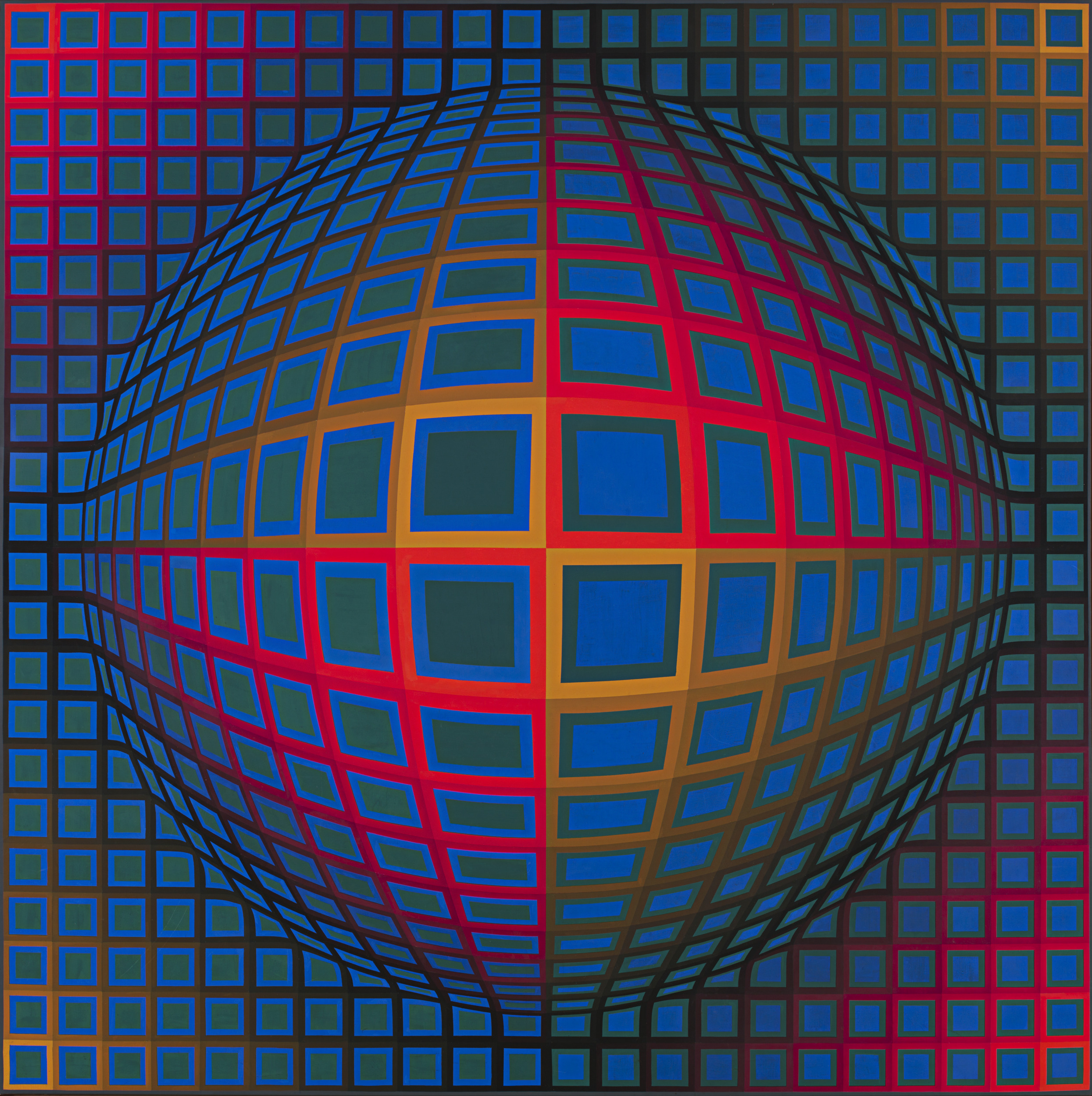
Op Art
A short guide to Op Art: its roots in old optical illusions and the Bauhaus, Victor Vasarely's Zebras and Vega, Bridget Riley's black and white paintings, The Responsive Eye at MoMA, Soto and Cruz-Diez, why the pictures seem to move, Op Art in fashion and design, and a digital homage you can try in PictorX.
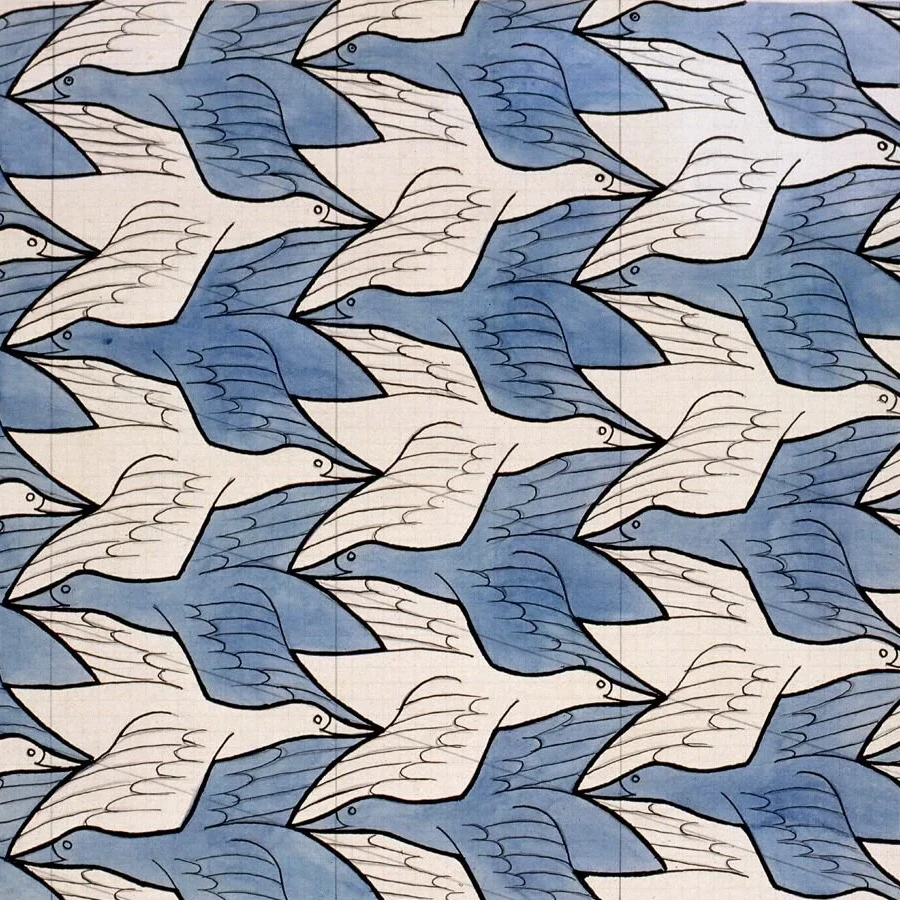
M.C. Escher
Create Escher-style tessellations in your browser. Lizards, birds, fish, horsemen and more—tune scale, colours, and eyes, then save a PNG.
Tessellation
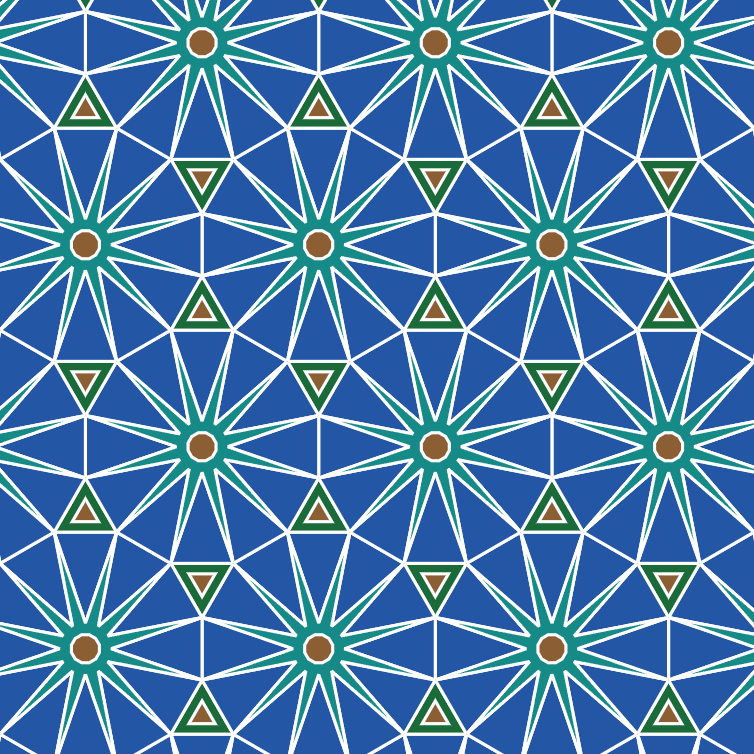
Cover the plane with regular and Archimedean tessellations. Tune scale, colours, and warp square edges Escher-style — then save a PNG.
Salvador Dalí photo filter
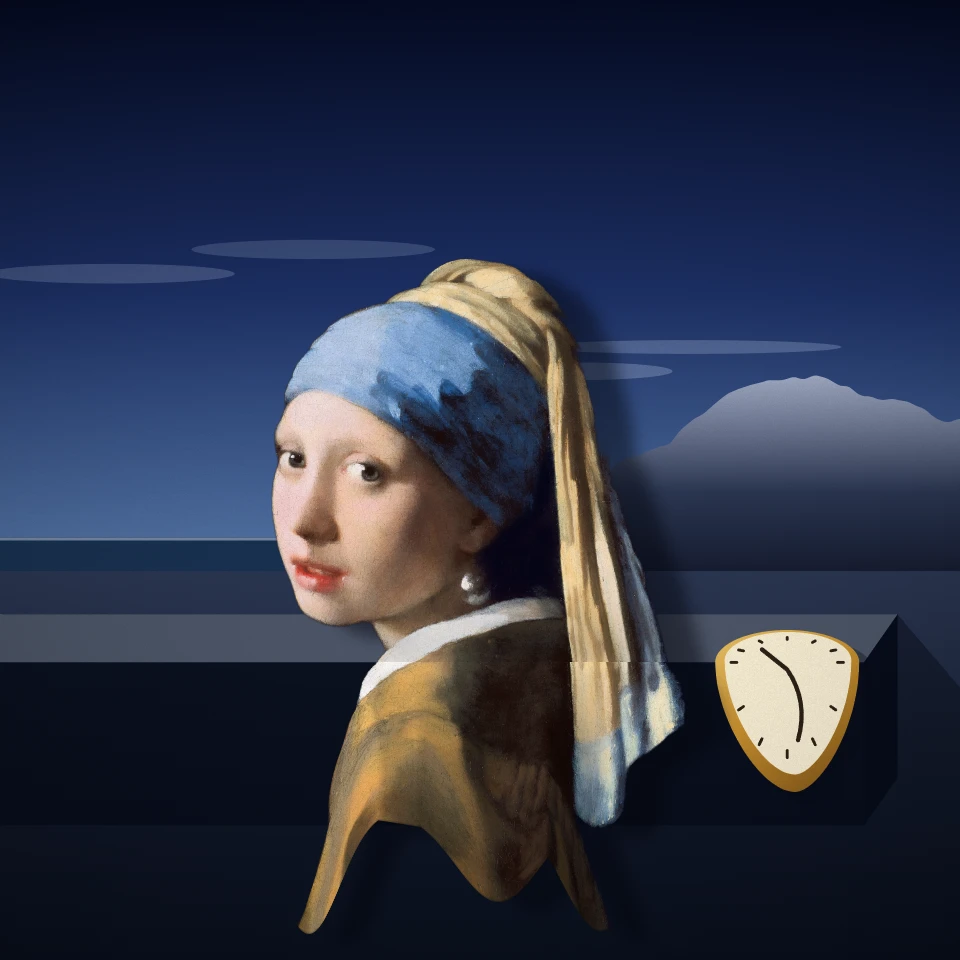
Put a photo into a painting after Salvador Dalí in your browser: melt it like The Persistence of Memory, stand it among the long-legged Elephants, rebuild it from spheres, reflect it in a swan lake, open drawers in it, prop it up on crutches or let it float like Leda Atomica.
Surrealism photo filter
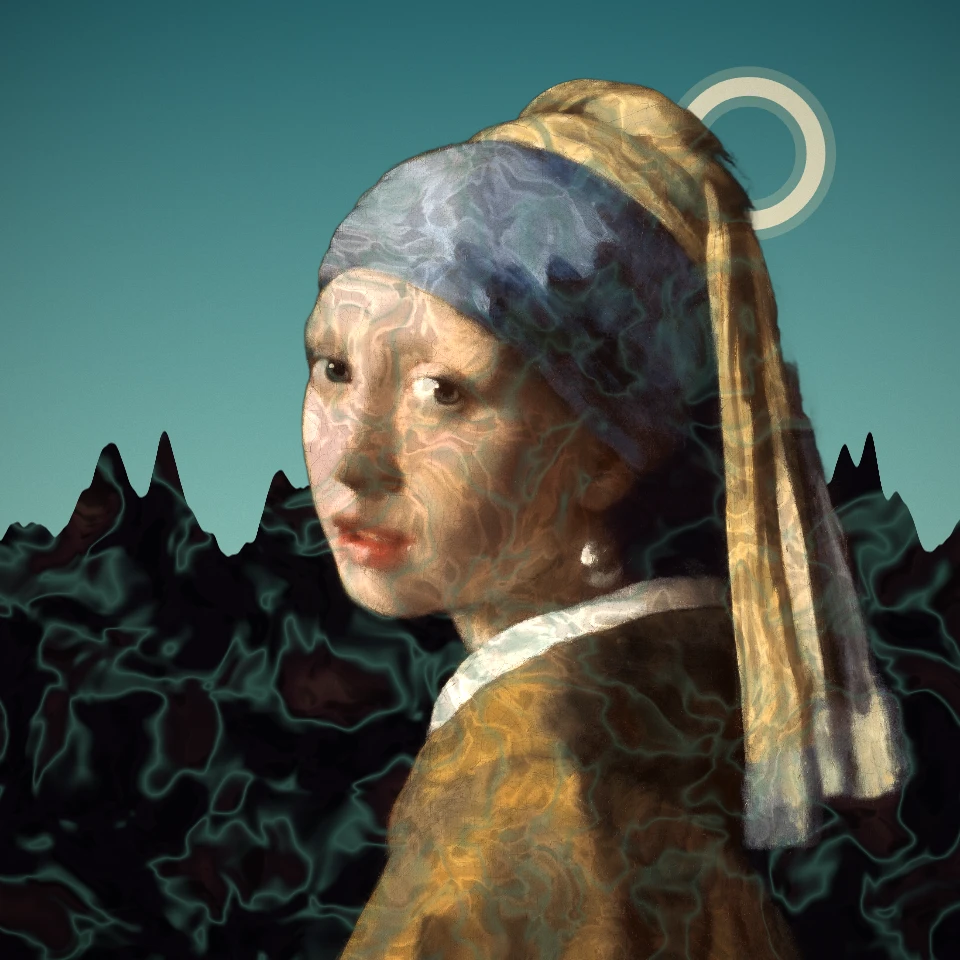
Turn a photo into a Surrealist dream: De Chirico's empty piazza, Ernst's decalcomania, an Exquisite Corpse, Tanguy's endless plain, Varo's tower or a Man Ray solarization. Dalí and Magritte have their own effects.
Ready to try it?
Open PictorX in your browser — no install, no credit card required to start.
Go to Editor