
Tessellation
Design seamless regular and Archimedean tessellations with Bezier edge warps, colour modes, presets, and SVG/JSON export. Choose a topology and tile type — regular, Archimedean, or Arabesque Alhambra motifs. Recolor the palette, and drag an edge in Edit edge mode to warp square or hex tiles.
How it works
- Open this page and explore the sample tiling, or randomize a fresh composition.
- Pick topology (regular or Archimedean), tile type, colours, and optionally Edit edge with pairing.
- Save a PNG, export SVG or JSON, or open the canvas in the PictorX editor.
Cover the plane without gaps
A tessellation fills a surface with repeating shapes that meet edge to edge—no gaps and no overlaps. PictorX draws the three regular tilings and all eight Archimedean (semi-regular) tilings in your browser, then lets you recolour, space, and warp edges.
Regular and Archimedean tilings
Only three convex regular polygons tile the plane alone: equilateral triangle, square, and hexagon. Archimedean tilings still use regular polygons, but more than one kind may meet at a vertex—eight patterns in total. Topology → Regular and Semi-regular unlocks them all in PictorX.
Edge warp, colour modes, and export
Turn on Edit edge and drag controls on a square or hex side; Edge pairing mirrors the warp so the tiling still closes—the seed of figurative Escher-style motifs. Colour with flat, alternating, random, or gradient modes, try presets, then save a PNG or export SVG/JSON. Everything runs on your device.
Frequently asked questions
What does the Tessellation app do?
It draws regular and Archimedean tessellations in your browser: pick a topology and tile, tune scale, stroke, spacing and colours, optionally warp edges with pairing, then save a PNG or export SVG/JSON.
What tilings are included?
Three regular tilings (triangle, square, hexagon) and all eight Archimedean semi-regular tilings—eleven topologies in total.
What does Edit edge do?
Edit edge lets you warp a square or hexagon side with cubic handles. Edge pairing mirrors that warp on the matching side by translate, glide, or 180° rotation so the tiling still closes.
Do my designs leave my device?
No. Drawing, colour, and edge editing run in your browser. Save or export only downloads a file you choose—nothing is uploaded to PictorX servers.
Related tools
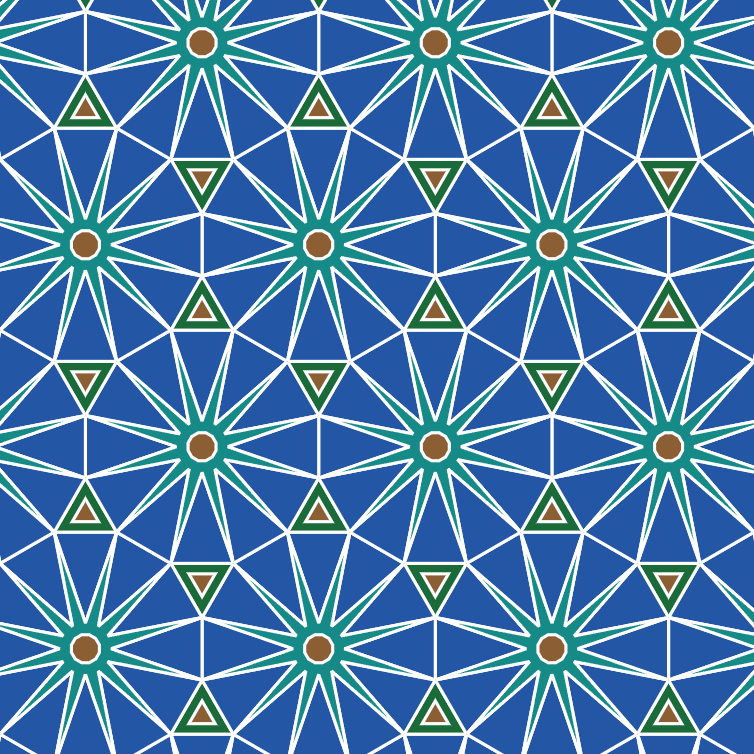
Tessellation
Learn how tessellations cover the plane with regular and Archimedean tiles—then build them in PictorX with colour modes, edge warp, and SVG export.
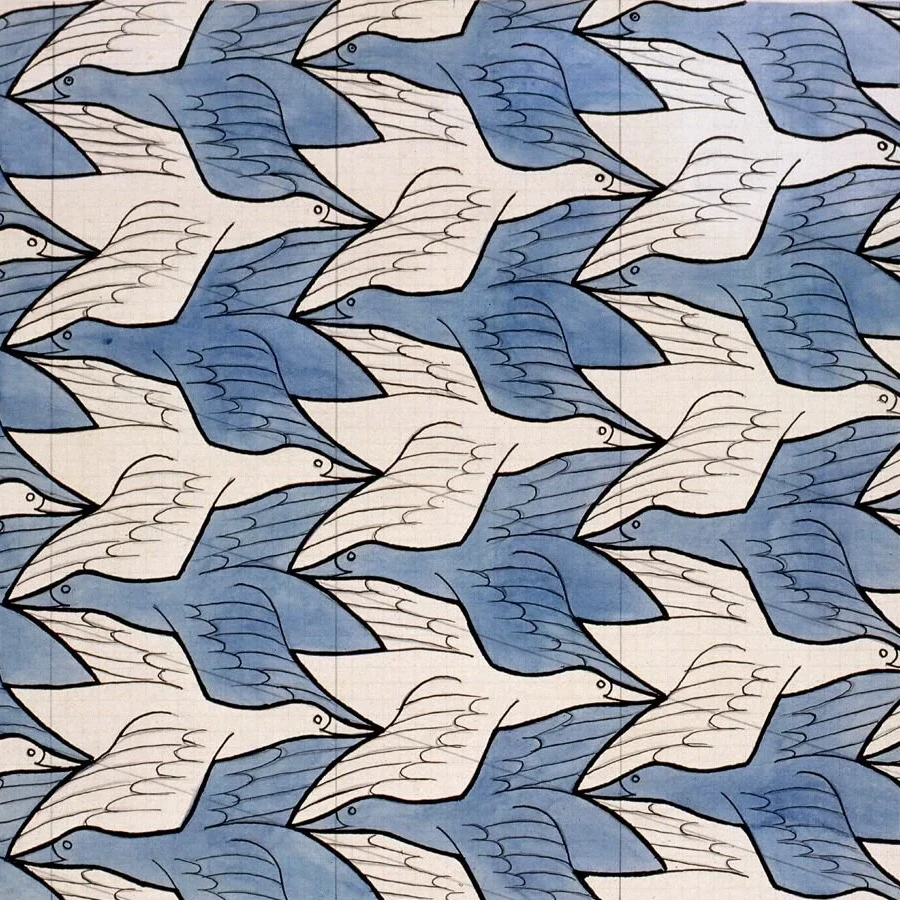
M.C. Escher
Create Escher-style tessellations in your browser. Lizards, birds, fish, horsemen and more—tune scale, colours, and eyes, then save a PNG. Nothing is uploaded.
M.C. Escher
M.C. Escher’s regular divisions of the plane: Alhambra tessellations, translation, rotation and reflection, metamorphosis, hyperbolic infinity, and figure–ground duality—plus PictorX M.C. Escher.
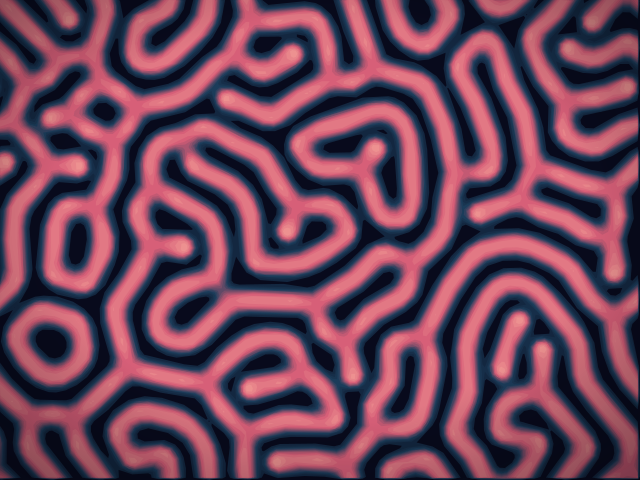
Reaction–Diffusion Lab
Paint chemical seeds and watch Gray–Scott reaction–diffusion grow spots, stripes, mazes, and coral. Tune feed, kill, diffusion, and speed — then save a PNG. Nothing is uploaded.
Mondriaan
Compose classic Mondriaan-style De Stijl grids in your browser. Adjust complexity, line thickness, and color fill — click cells to recolor, then save a PNG. Nothing is uploaded.
Ready to try it?
Open PictorX in your browser — no install, no credit card required to start.
Go to Editor