
Sliding Photo Puzzle
The 15 Puzzle with a picture instead of numbers. Your photo is cut into tiles, one tile is taken out, and the rest are shuffled. Slide them back until the photo is whole again, and the missing tile drops into its corner. Use your own photo or one of the examples. Open your own photo or pick an example: it is cut into tiles, one tile is taken out, and the rest are shuffled. Click a tile next to the gap to slide it in, or a tile further along the gap's row or column to slide the whole line, until the photo is whole again. Solve finds a way and plays it move by move.
How it works
- Open a photo of your own, or pick one of the examples under the puzzle. It is cut into tiles and shuffled.
- Click a tile next to the gap to slide it in, or a tile further along the same row or column to slide the whole line.
- Slide on until the photo is whole again. Stuck? Turn on the numbers or the faint photo, or press Solve, then save a PNG.
How to play
The photo is cut into 9, 16, 25, or 36 tiles, and the tile in the bottom right corner is taken out to make the gap. Only a tile next to the gap can move. Click a tile further along the gap's row or column and every tile in between slides with it; the arrow keys slide the tile on that side of the gap. When every tile is home, the seams close and the missing tile drops back in. The info panel shows the finished photo, and Undo takes back a slide.
Harder than the numbers
On the 15 Puzzle every tile says where it belongs. On a photo you have to read it from the picture: an eye, the edge of a roof, a strip of sky. Tiles of plain sky or sea all look alike, so pick a photo with detail all over for a fair game, or crop it to the part you like. Show numbers puts the tile's number in its corner, Faint photo in the tray shows the picture under the tiles, and Show correct tiles outlines every tile that is home.
The same rules as the 15 Puzzle
Underneath, this is the 15 Puzzle: each tile has a number, from 1 in the top left corner, even when the number is hidden. So the same rule decides which positions can be solved, and Shuffle only makes positions that can. Solve uses the same A* search as the 15 Puzzle: the shortest solution on 3×3, and a short one found at once on 4×4 and 5×5. On 6×6 it first puts the top row and the left column in place, as a person would, and then solves the 5×5 board that is left.
Frequently asked questions
Can I use my own photo?
Yes. Press Open and choose a picture, or drop one on the puzzle. Crop cuts it to the part you want. A photo wider or taller than 3:2 is cut down to its middle, so the tiles do not get too thin.
Which photos make a good puzzle?
Photos with detail everywhere: a face, an animal, a building, a bunch of flowers. Large areas of one color, such as a clear sky, give tiles that look alike, which makes the puzzle much harder.
Is it always solvable?
Yes. Shuffle only makes positions that can be solved, and every slide keeps it that way. Like the 15 Puzzle, half of all ways to lay out the tiles could never be solved, but you cannot get there by sliding.
What do Show numbers and Faint photo in the tray do?
Show numbers puts each tile's number in its corner, counting from 1 in the top left, so you can solve it like the 15 Puzzle. Faint photo in the tray shows the photo dimly under the tiles, so you can see where each tile belongs.
Does my photo leave my device?
No. The photo is cut into tiles on a canvas in your browser. Save downloads a PNG. Edit opens that image in the PictorX editor.
Related tools
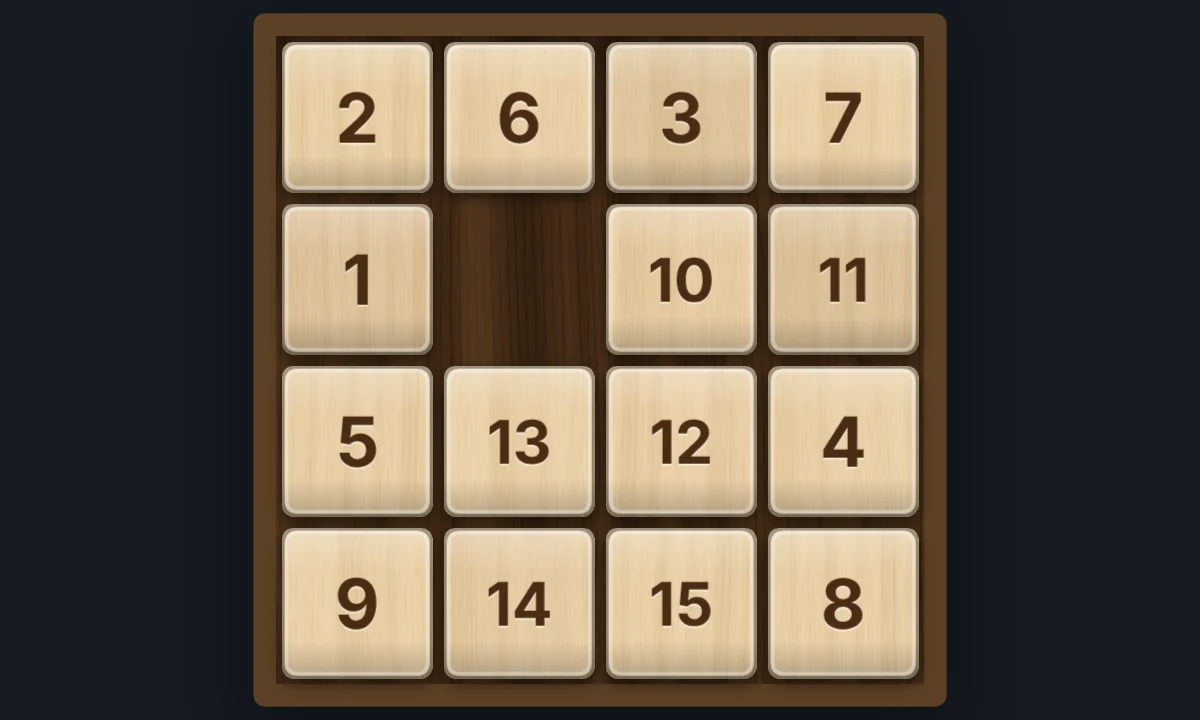
15 Puzzle
Play the classic 15 sliding puzzle in your browser on 3×3, 4×4, or 5×5 wooden tiles. Shuffle, slide whole rows at once, try Sam Loyd's impossible 14-15, or watch Solve finish it.
The 15 puzzle
The history and mathematics of the 15 sliding puzzle: the 1880 craze, Sam Loyd's 14-15, the parity proof that half of all positions cannot be solved, and how a computer solves it.

Tangram Puzzle
Play the old Chinese tangram puzzle in your browser. Drag, turn, and flip the seven tans to fill a cat, a swan, a runner, a sailboat, or the square, without overlaps. Ask for a hint, or watch it solve.
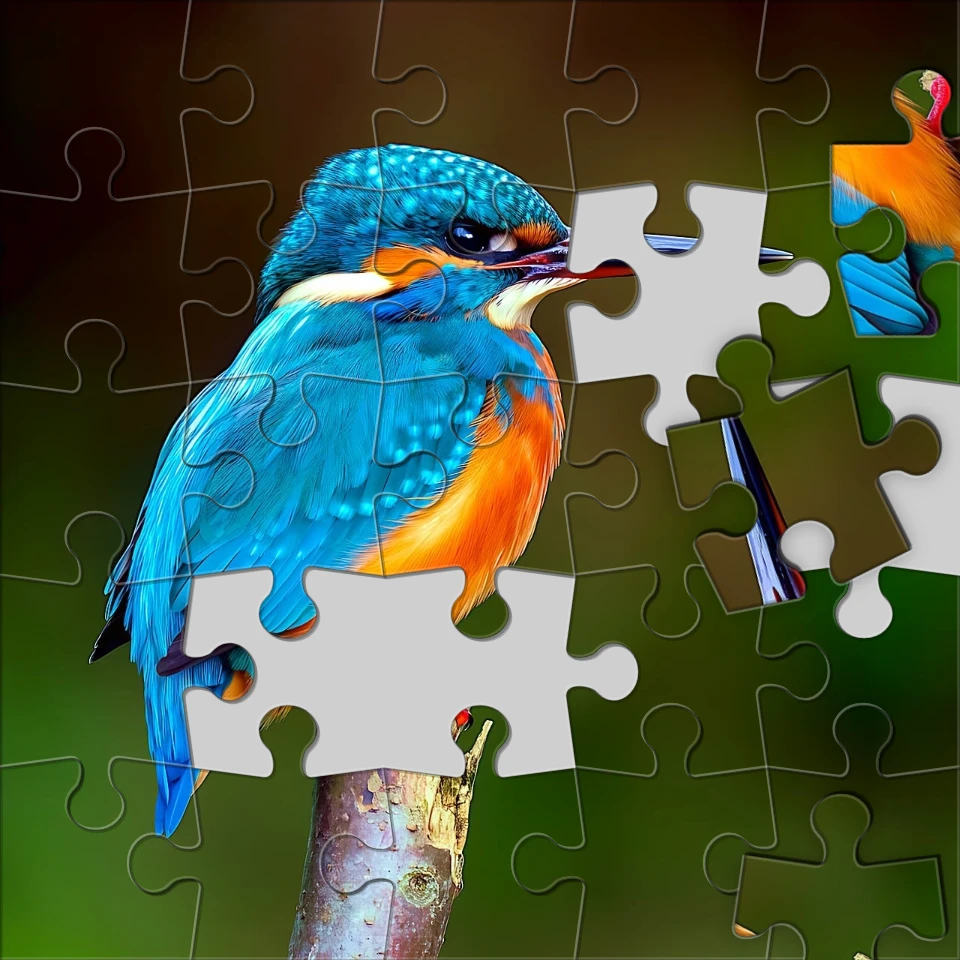
Turn a photo into a jigsaw puzzle
Turn a photo into a jigsaw puzzle in your browser. Set piece count, remove or scatter tiles, and fade the picture into a puzzle.
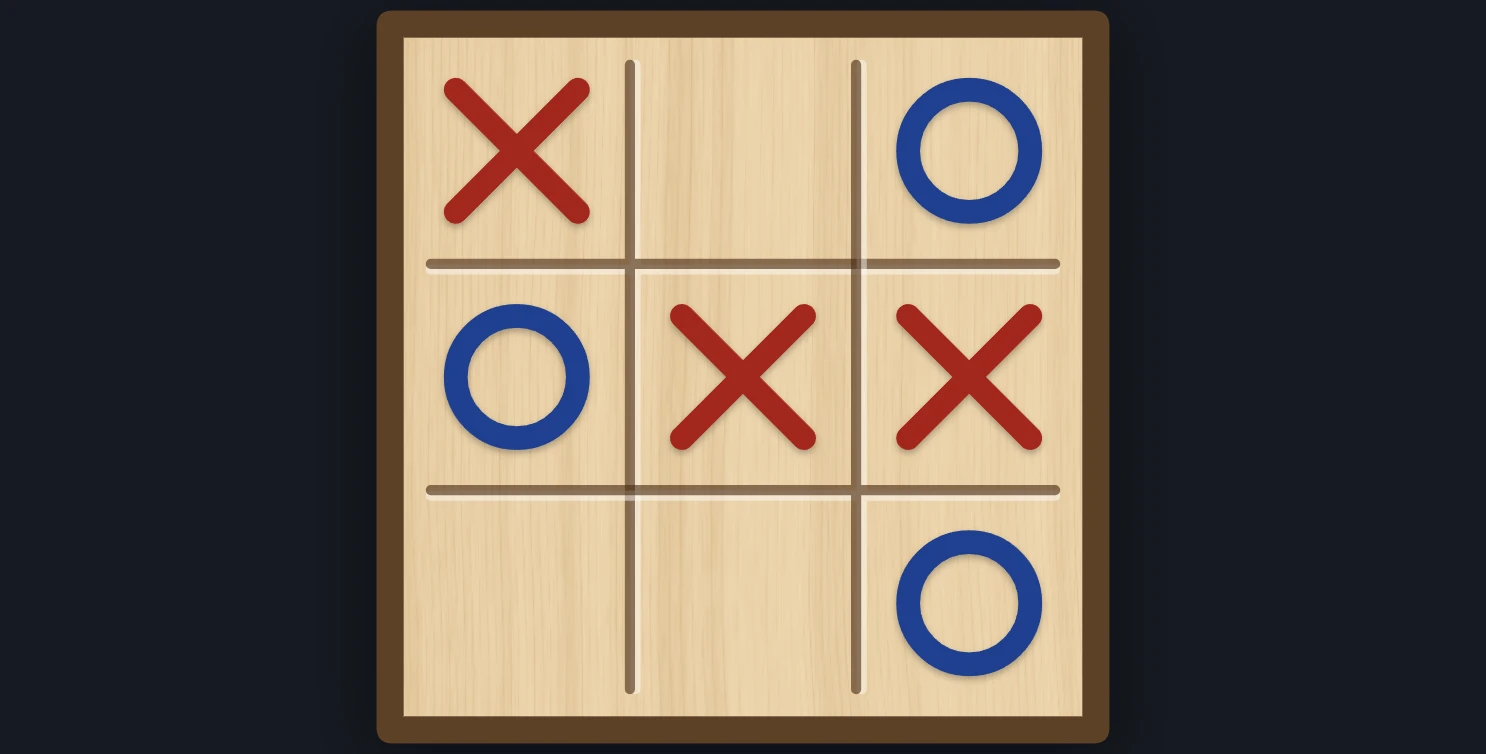
Tic-tac-toe
Play tic-tac-toe against the computer in your browser. Pick who starts and how well it plays, from Easy to Unbeatable, ask for a hint, or watch it play itself.
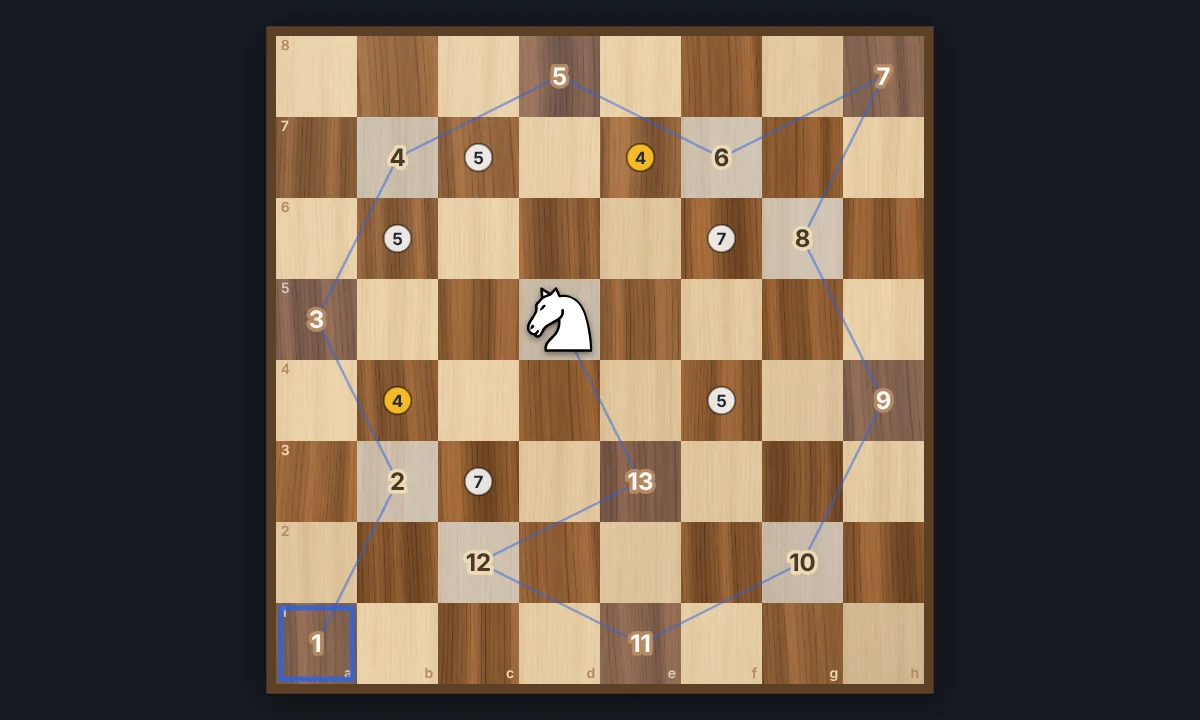
Knight's Tour
Jump a chess knight to every square of the board exactly once. Play it yourself with Warnsdorff hints, or watch Solve finish an open or closed tour. Save the path as a PNG.
Ready to try it?
Open PictorX in your browser — no install, no credit card required to start.
Go to Editor