
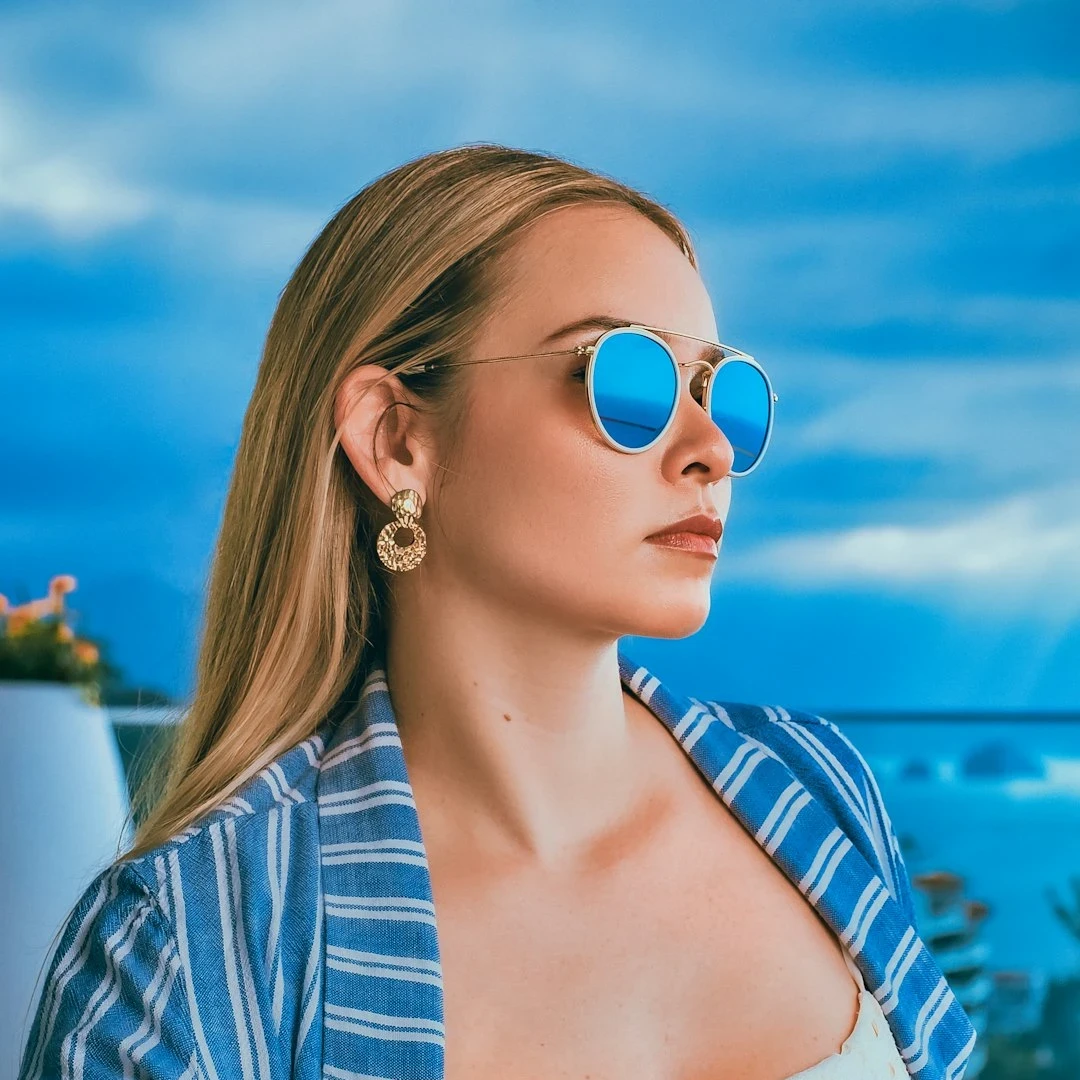
Try a vintage style below, or open your own picture.
Vintage effect generator
Turn a photo into a film still without leaving the browser. PictorX includes Grayscale, Sepia, Holga 1, Holga 2, Faded Polaroid, Kodachrome, Cross Process, Bleach Bypass, Lomo, Super 8, Light Leak, Daguerreotype, Cyanotype, Dusty Archive, Amber Glow, and Vintage Print. Dial intensity, grain, vignette, warmth, fade, and light-leak color, then keep editing with layers and type in the same workspace. Try a vintage style below, or open your own picture.
How it works
- Open this page and try a vintage style on the sample, or open your own photo.
- Switch looks—sepia, Holga, Kodachrome, Lomo, Super 8—and tune intensity, grain, vignette, warmth, and fade.
- Save the result, or keep editing with layers, text, and other effects in PictorX.
More than a single sepia slider
A typical vintage preset only tints the photo brown. This generator is a set of distinct film and print looks: toy-camera Holga shifts, faded Polaroid, saturated Kodachrome, teal/amber cross process, silver bleach bypass, Lomo leaks, Super 8 grain, cyanotype, daguerreotype, and dusty archive scratches. Shared intensity, grain, vignette, warmth, fade, and leak color let you match a postcard, album cover, or family print.
Film looks that stay editable
Apply a look in the browser, then keep going in the same project—crop, type, stickers, or another filter. Warmth and fade lift a scan toward old paper; grain and vignette finish the analog edge.
Looks in this set
Frequently asked questions
What vintage styles are included?
Grayscale, Sepia, Holga 1, Holga 2, Faded Polaroid, Kodachrome, Cross Process, Bleach Bypass, Lomo, Super 8, Light Leak, Daguerreotype, Cyanotype, Dusty Archive, Amber Glow, and Vintage Print.
How is this different from the Sepia or Holga filters?
Those remain as single color filters. The generator wraps them as styles and adds film looks, grain, vignette, warmth, fade, and a light-leak color so you can finish a vintage print in one place.
Does the vintage effect run in my browser?
Yes. PictorX applies the effect in your browser, so the photo is not uploaded to PictorX servers for this step.
Can I keep editing after I apply a vintage look?
Yes. Save the look, or continue with layers, text, crop, and other effects in the same workspace.
Related tools
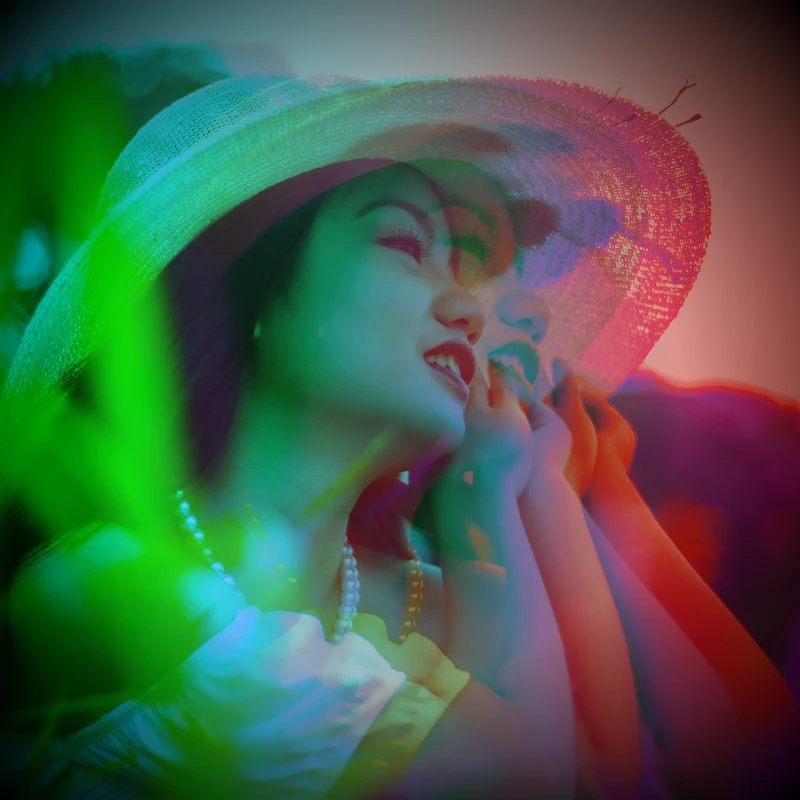
Color effects
Recolor a photo from Effects → Color with neon edges, heat maps, and two- or three-color palettes.
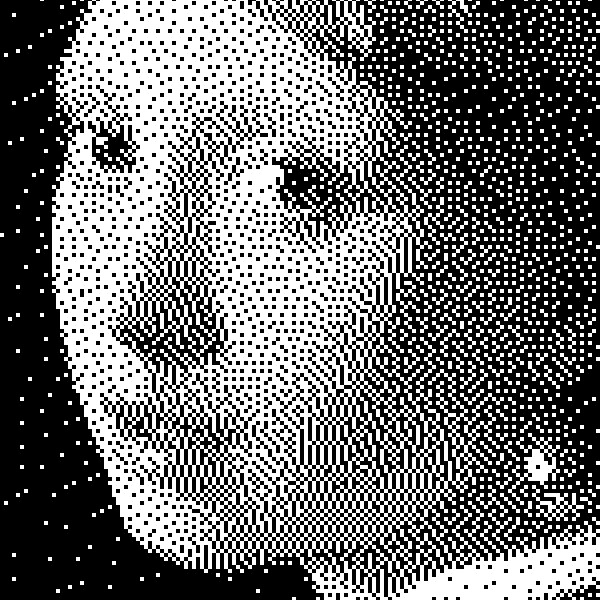
Black and White effects
Apply grayscale, threshold, dots, squares, ordered dithering, error diffusion, and mezzotint to a photo in your browser. Full gray ramps or two-tone prints with custom foreground and background colors.
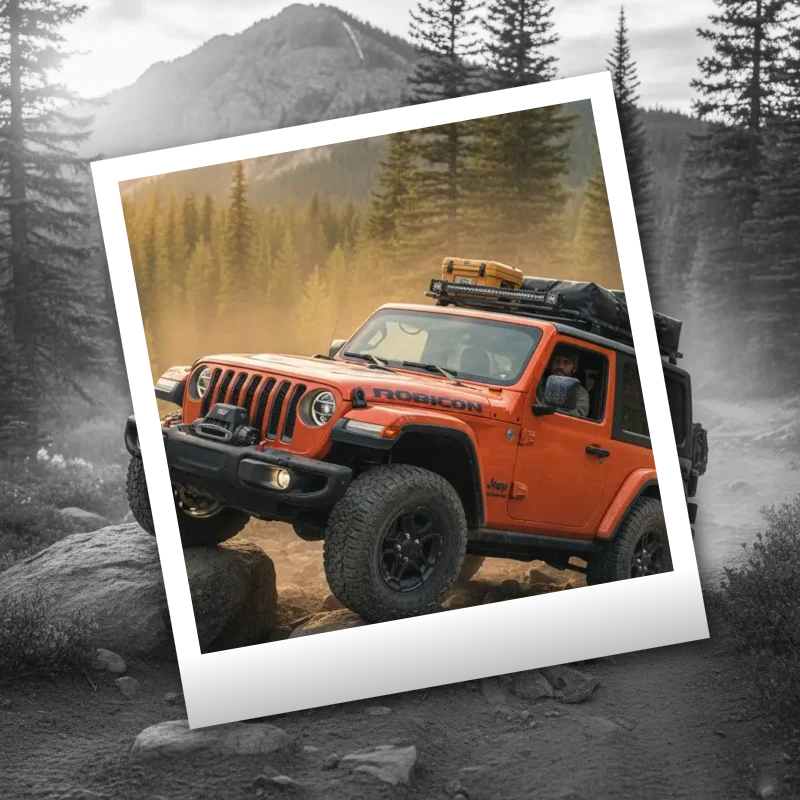
Polaroid effects
Give photos an instant-film look with frames, vintage styling, and creative Polaroid compositions.
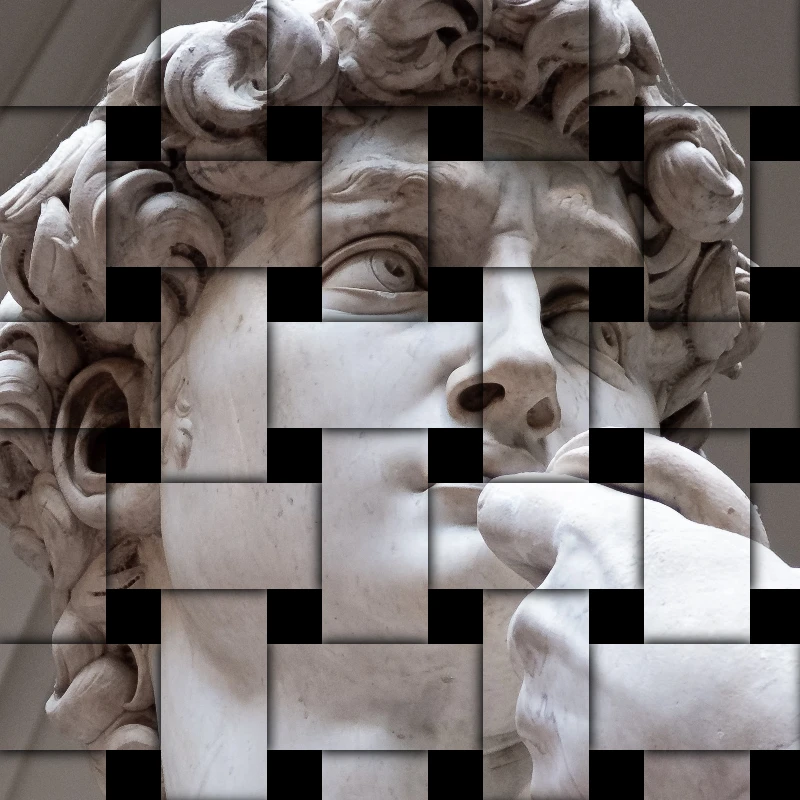
Stylize effects
Add shatter, glitch, fire, emboss, vignette, and other studio stylize looks to photos.
Ready to try it?
Open PictorX in your browser — no install, no credit card required to start.
Go to Editor