

Try a color look below, or open your own picture.
Electric dream filters
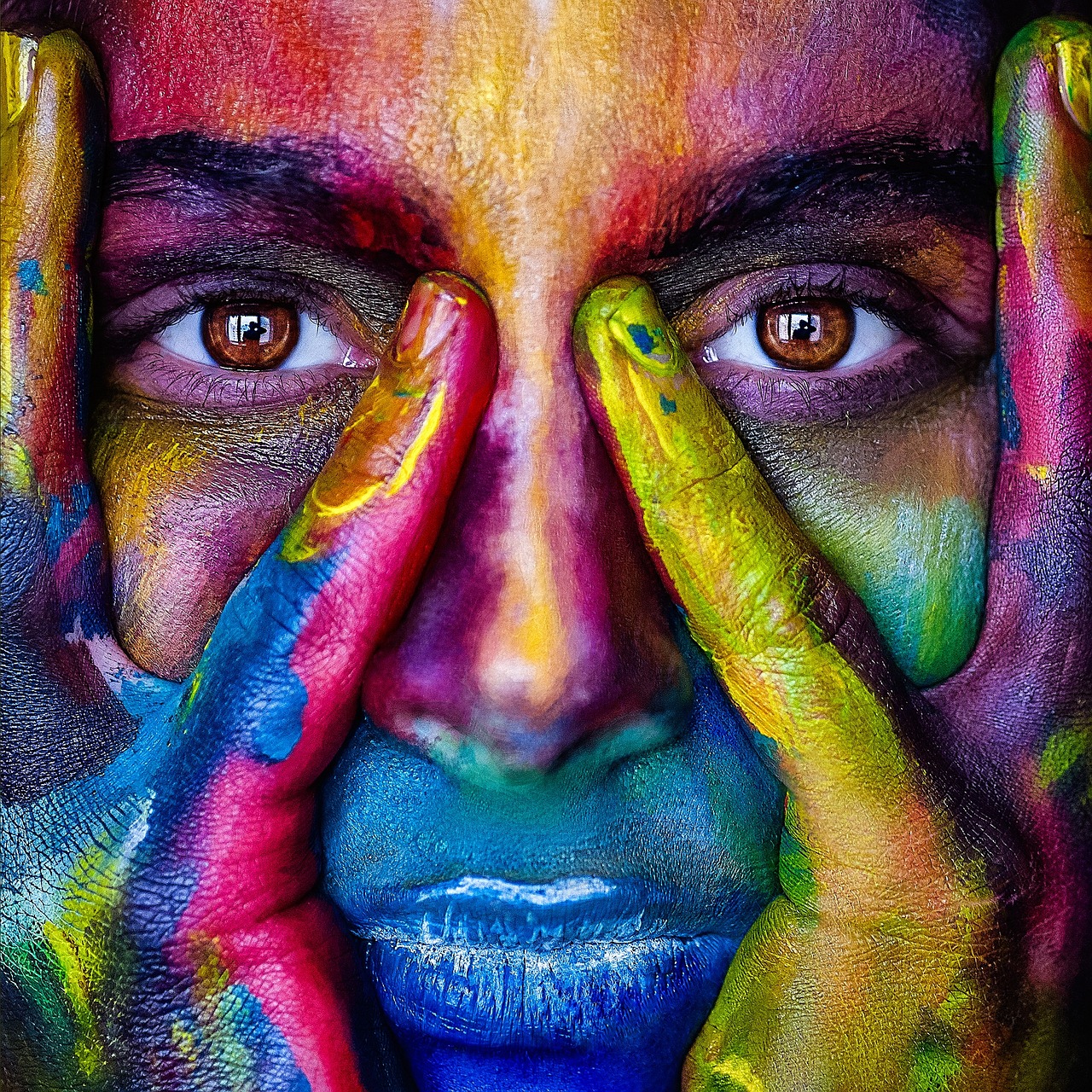
Give photos a cinematic glow-up from Effects → Color. Pulse neon edges with Effects → Color → Neon Glow, map data-like heat with Effects → Color → Heatmap, lock in a two-tone mood with Effects → Color → Duotone, or a three-tone look with Effects → Color → Tritone. Layer filters, dial opacity, and turn ordinary shots into poster-ready electric dreams. Try a color look below, or open your own picture.
How it works
- Open PictorX in your browser and start a new project or load an image.
- Use Electric dream filters to shape the result, then refine it with the surrounding editor tools.
- Keep editing, export your work, or turn the result into your next design.
How Electric dream filters fits your workflow
Give photos a cinematic glow-up from Effects → Color. PictorX keeps the feature alongside your photos, layers, typography, and design tools, so you can move from an idea to a finished graphic without switching applications.
Create more with Electric dream filters
Start with one focused change, review the result in context, and keep iterating. Combine Electric dream filters with other PictorX tools when you need a polished image for social media, a presentation, a print layout, or a personal project.
Looks in this set
Frequently asked questions
What are electric dream filters?
Bold, surreal color treatments with vivid, imaginative styling.
Are they meant for natural skin tones?
They are stylized. Use a lighter setting if you still want the person to look familiar.
Can I use them on graphics as well as photos?
Yes. Saturated color looks also work on posters and product shots.
Can I add type after the color look?
Yes. Apply the effect, then place a headline in the same workspace.
Related tools
Colors
How color works on screens and in print: RGB, CMYK, HSL, hex, the color wheel, gradients, contrast, and PictorX tools.
Adjust
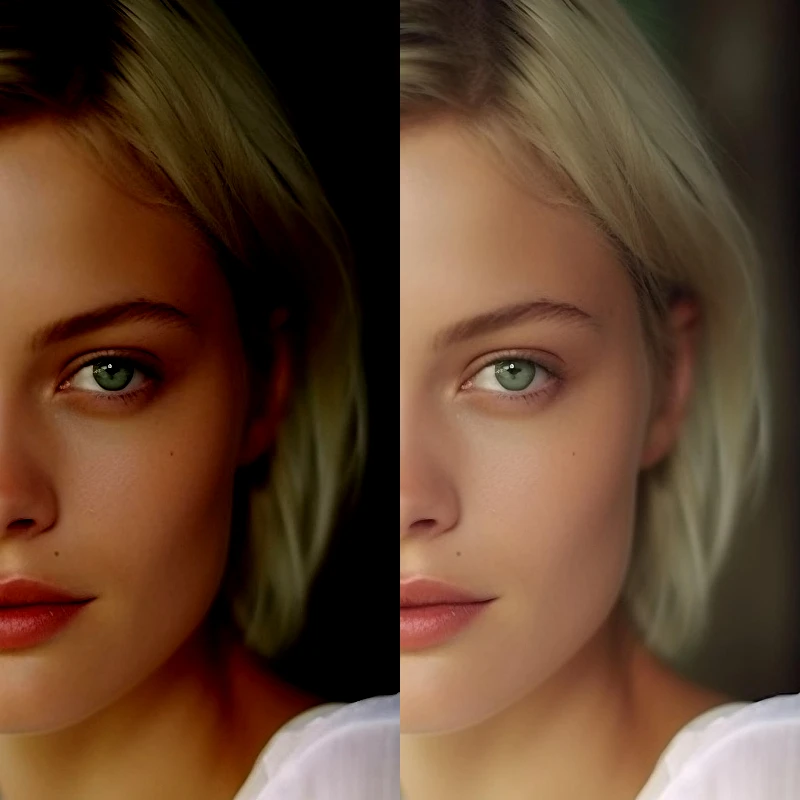
Correct exposure and color from Image → Adjust. Use PictorX free in your browser with no software install required.
Black and White effects
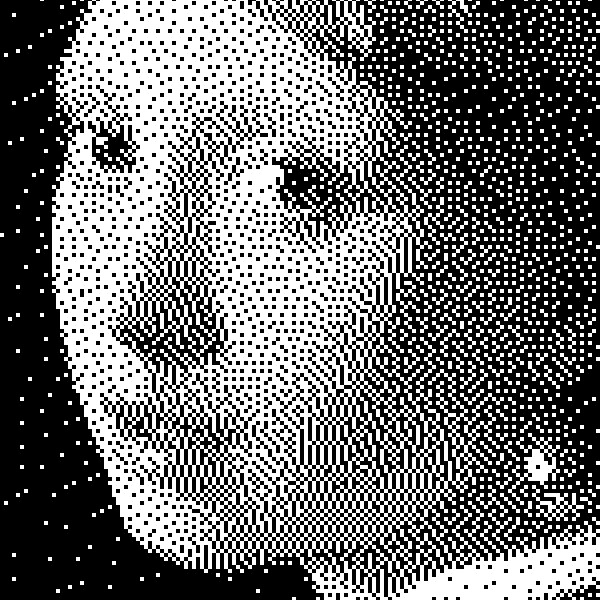
Apply grayscale, threshold, dots, squares, ordered dithering, error diffusion, and mezzotint to a photo in your browser. Full gray ramps or two-tone prints with custom foreground and background colors. Nothing is uploaded to PictorX servers.
Liquid lens playground
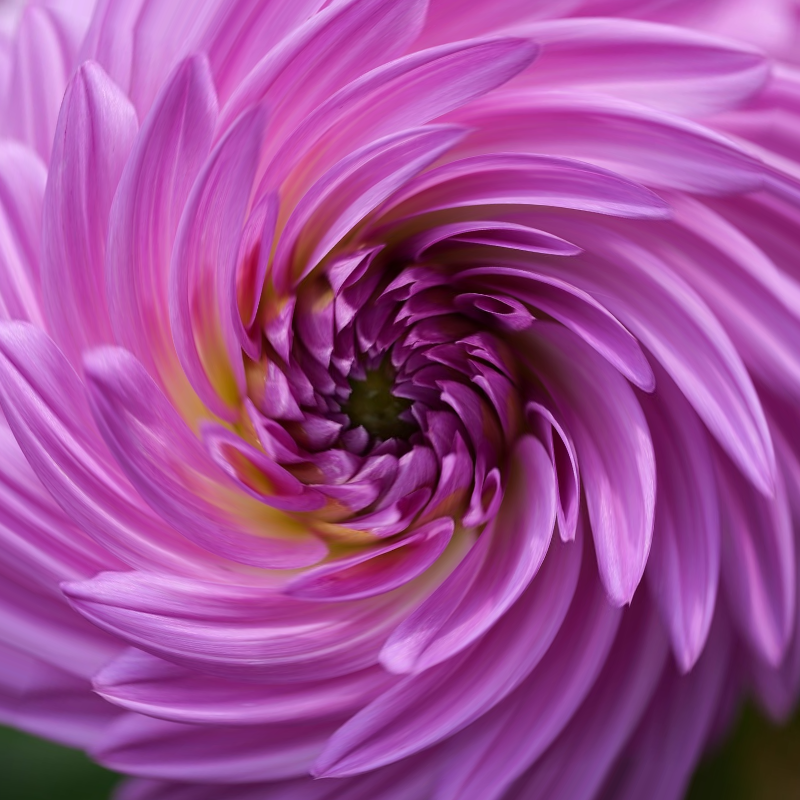
Warp photos with polar coordinates, ripple, glass, spherize, timewarp, twirl, folds, and bend. Use PictorX free in your browser with no software install required.

Vintage effect generator
Apply grayscale, sepia, Holga, faded Polaroid, Kodachrome, cross process, Lomo, Super 8, light leak, and other vintage film styles in your browser. Nothing is uploaded to PictorX servers.
Color wheel
Pick a color on an interactive wheel, generate complementary, analogous, triadic, and other palettes, and copy HEX, RGB, HSL, HSV, or CMYK. Nothing is uploaded.
Gradient editor
Build linear and radial CSS gradients in your browser. Drag color stops, set the angle, and copy CSS, HEX, RGB, HSL, HSV, or CMYK. Nothing is uploaded.
Ready to try it?
Open PictorX in your browser — no install, no credit card required to start.
Go to Editor