

Try a distort look below, or open your own picture.
Liquid lens playground
Bend reality with distortion filters from Effects → Distort. Send ripples across a logo, twist perspective with Effects → Distort → Timewarp, fold a photo like accordion paper with Effects → Distort → Folds, curve it with Effects → Distort → Bend, or frost a layer with Effects → Distort → Glass and Effects → Distort → Refracted Glass. Stack effects on separate layers, blend with opacity, and build surreal composites that feel alive. Try a distort look below, or open your own picture.
How it works
- Open PictorX in your browser and start a new project or load an image.
- Use Liquid lens playground to shape the result, then refine it with the surrounding editor tools.
- Keep editing, export your work, or turn the result into your next design.
How Liquid lens playground fits your workflow
Explore fluid, distorted visual effects that give photos an experimental new look. PictorX keeps the feature alongside your photos, layers, typography, and design tools, so you can move from an idea to a finished graphic without switching applications.
Create more with Liquid lens playground
Start with one focused change, review the result in context, and keep iterating. Combine Liquid lens playground with other PictorX tools when you need a polished image for social media, a presentation, a print layout, or a personal project.
Looks in this set
Frequently asked questions
What is the liquid lens look?
A fluid, warped distortion that makes a photo feel experimental rather than literal.
Will it smash faces?
Strong settings can. Start milder and undo if the subject no longer reads.
Can I distort only part of the image?
Combine the look with a selection or a duplicate layer so the rest stays normal.
How is this different from the liquify brush?
Liquid lens is a filter look. Liquify is a brush you push by hand.
Related tools
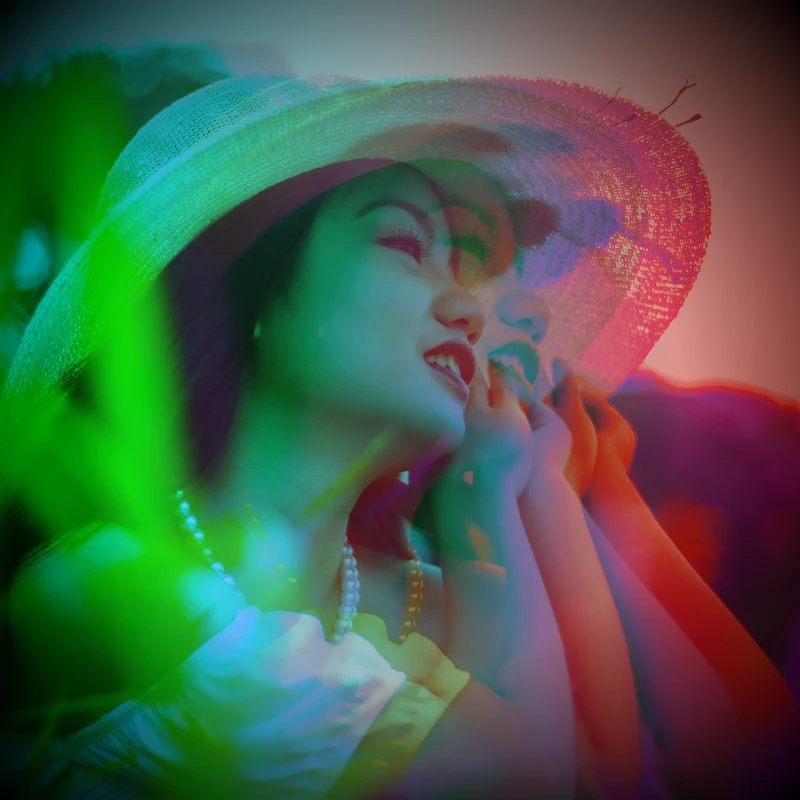
Electric dream filters
Give photos a cinematic glow-up from Effects → Color. Use PictorX free in your browser with no software install required.
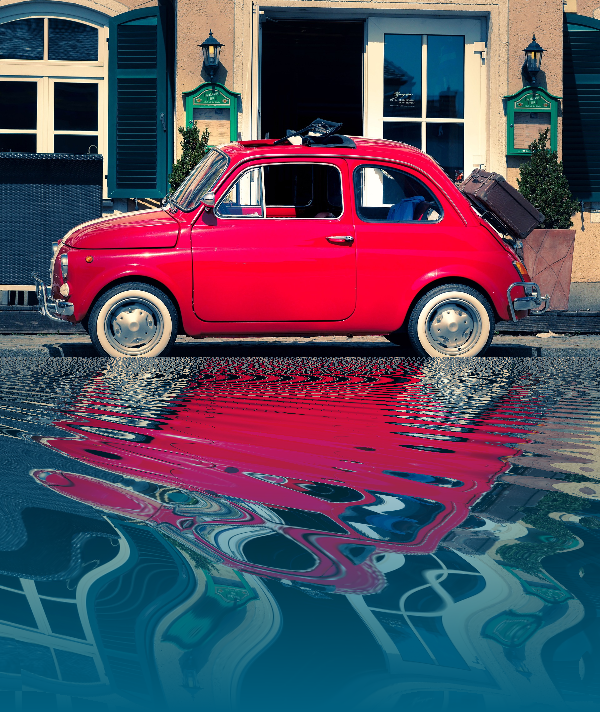
Reflection effects
Mirror, tile, water, wet-floor, and kaleidoscope looks that flip a photo into a reflected composition. Use PictorX free in your browser with no software install required.
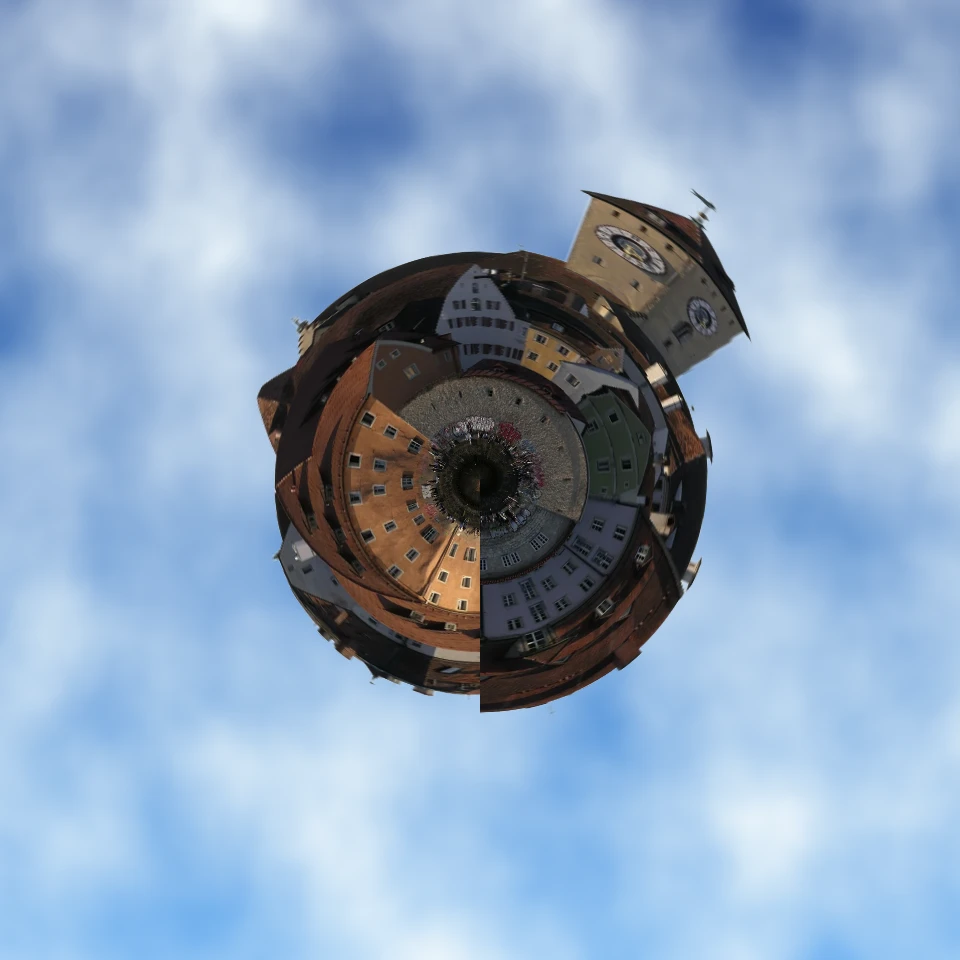
Turn a photo into a tiny planet
Turn a skyline or landscape into a tiny planet in your browser. On-device AI removes the sky, flips the scene, wraps it with polar coordinates, and sits it on clouds, stars, a gradient, or a solid color. Nothing is uploaded.
Ready to try it?
Open PictorX in your browser — no install, no credit card required to start.
Go to Editor