

Try a glitch style below, or open your own picture.
Glitch effect generator
Corrupt a photo with a full glitch toolkit—not a single overlay. PictorX includes Signal Tear, Chromatic Split, Scanlines, Pixel Sort, VHS Tracking, Datamosh, Slice Shift, Wave Distortion, Block Corruption, Analog Static, Invert Bars, and Cyberpunk. Dial displacement, color shift, strength, angle, and tint colors, then keep editing with layers and type in the same workspace. Try a glitch style below, or open your own picture.
How it works
- Open this page and try a glitch style on the sample, or open your own photo.
- Switch looks—pixel sort, VHS, datamosh, chromatic split—and tune displacement, color shift, and strength.
- Save the result, or keep editing with layers, text, and other effects in PictorX.
More than a one-click glitch overlay
A typical glitch slider only offsets RGB channels. This generator is a set of distinct corruption styles: databending pixel sort, analog VHS tracking, I-frame datamosh smears, CRT scanlines, slice tears, wave distortion, and block artifacts. Each look has its own structure, then shares displacement, color shift, strength, angle, and two tint colors so you can match a poster, thumbnail, or album cover.
Styles that stay editable
Apply a look in the browser, then keep going in the same project—crop, type, stickers, or another filter. Grayscale plus magenta/cyan tints gives a classic cyberpunk still; Soft/Medium/Hard changes how violent the tears and blocks feel.
Looks in this set
Frequently asked questions
What glitch styles are included?
Signal Tear, Chromatic Split, Scanlines, Pixel Sort, VHS Tracking, Datamosh, Slice Shift, Wave Distortion, Block Corruption, Analog Static, Invert Bars, and Cyberpunk.
How is this different from a simple RGB split?
RGB split is one chromatic offset. The generator adds analog tracking, pixel sorting, datamosh block smears, scanlines, slice tears, and more—each with displacement, color shift, strength, and tint colors.
Does the glitch run in my browser?
Yes. PictorX applies the effect in your browser, so the photo is not uploaded to PictorX servers for this step.
Can I keep editing after I glitch a photo?
Yes. Save the look, or continue with layers, text, crop, and other effects in the same workspace.
Related tools
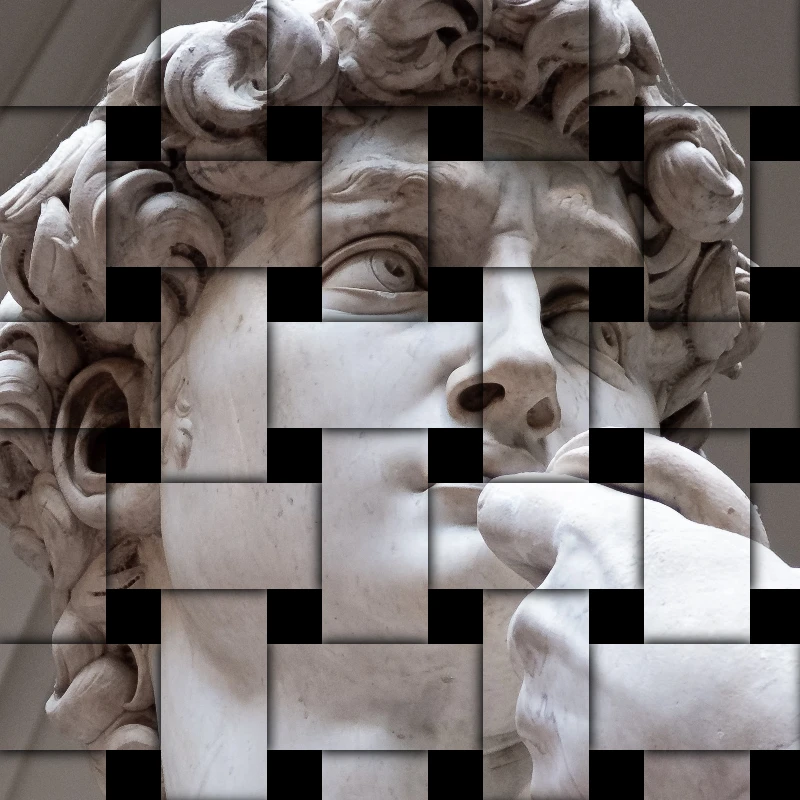
Stylize effects
Add shatter, glitch, fire, emboss, vignette, and other studio stylize looks to photos.

Pixelate effects
Turn photos into mosaic tiles, hexagons, crystals, low-poly art, halftone dots, and retro arcade palettes.
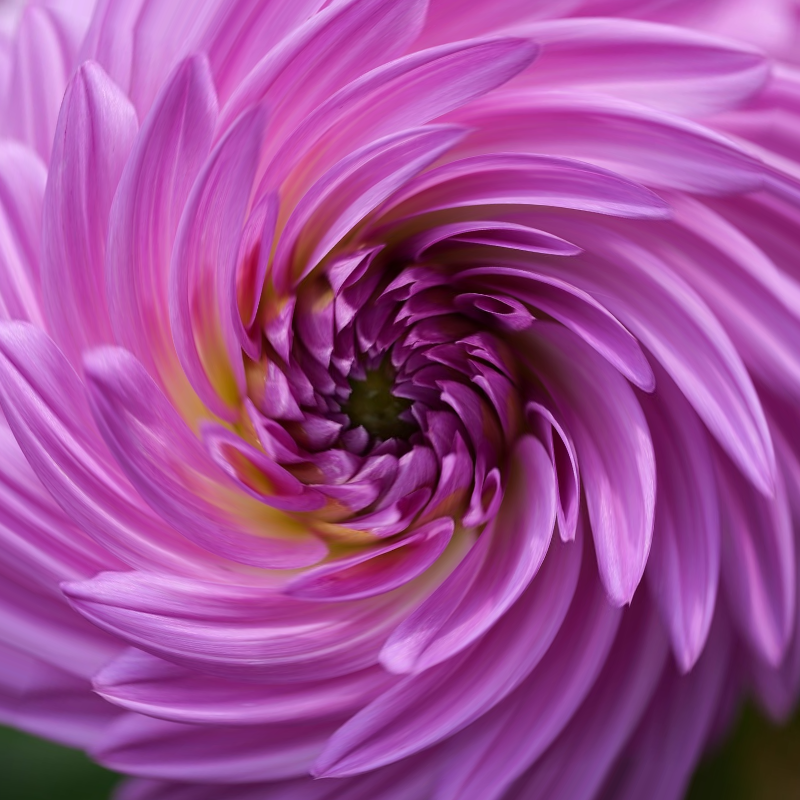
Liquid lens playground
Warp photos with polar coordinates, ripple, glass, spherize, timewarp, twirl, folds, and bend.
Ready to try it?
Open PictorX in your browser — no install, no credit card required to start.
Go to Editor