
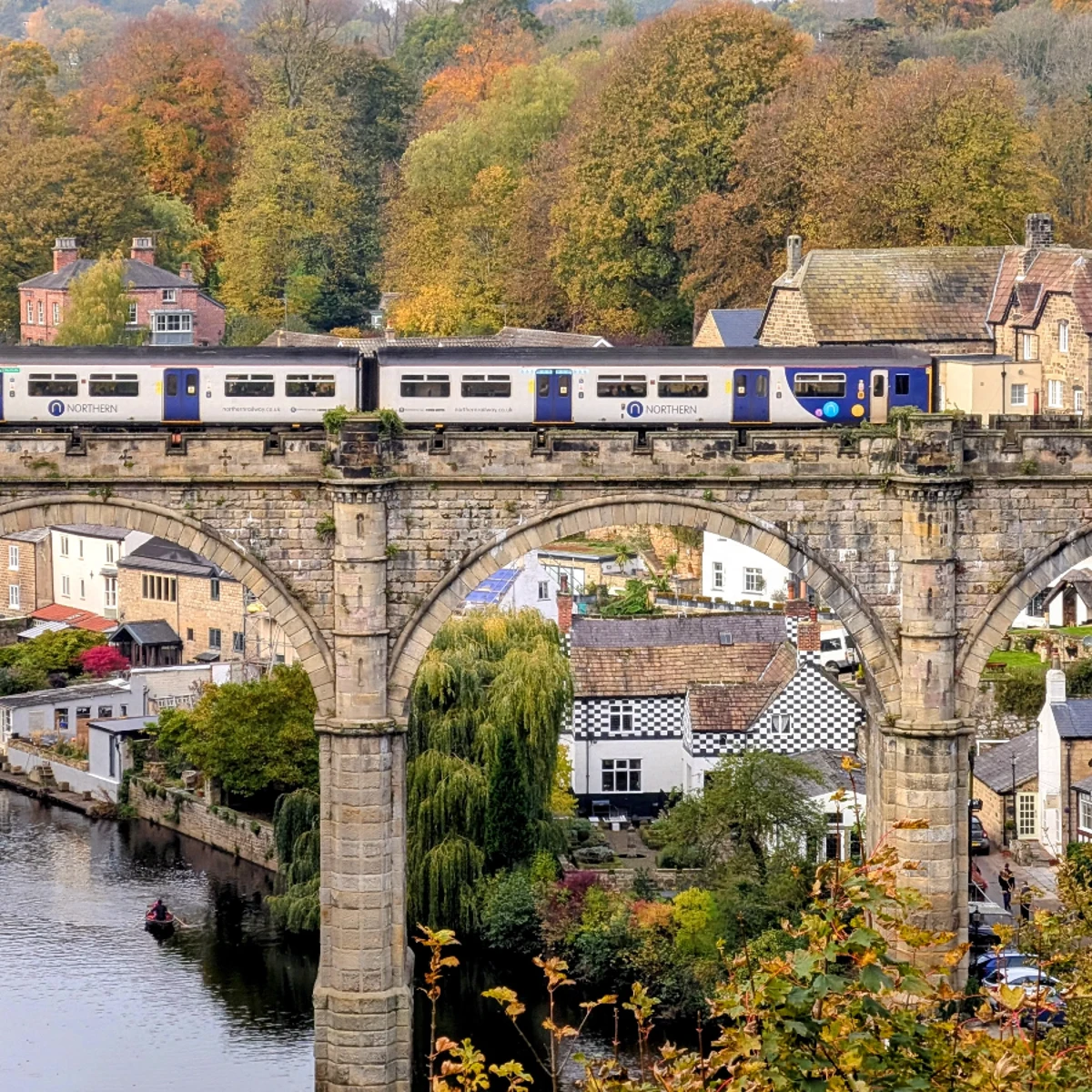
Try a tilt-shift look below, or open your own picture.
Tilt Shift
Create a miniature look with Effects → Blur and Sharpen → Tilt-Shift. Tilt-Shift is a creative technique whereby a photograph of a life-size location or object is manipulated to give an optical illusion of a photograph of a miniature scale model. Altering the focus of the photography simulates the shallow depth of field normally encountered with macro lenses making the scene seem much smaller than it actually is. In addition to focus manipulation, the Tilt-Shift effect is improved by increasing color saturation and contrast, to simulate the bright paint often found on scale models. Most faked Tilt-Shift photographs are taken from a high angle to further simulate the effect of looking down on a miniature. The technique is particularly effective on buildings, cars, trains and people. Try a tilt-shift look below, or open your own picture.
How it works
- Open PictorX in your browser and start a new project or load an image.
- Use Tilt Shift to shape the result, then refine it with the surrounding editor tools.
- Keep editing, export your work, or turn the result into your next design.
How Tilt Shift fits your workflow
Add a miniature-style tilt-shift effect to direct attention in a scene. PictorX keeps the feature alongside your photos, layers, typography, and design tools, so you can move from an idea to a finished graphic without switching applications.
Create more with Tilt Shift
Start with one focused change, review the result in context, and keep iterating. Combine Tilt Shift with other PictorX tools when you need a polished image for social media, a presentation, a print layout, or a personal project.
Looks in this set
Frequently asked questions
What does tilt shift do?
It fakes a miniature look by keeping a band of the scene sharp and blurring the rest.
Which photos look most like tiny models?
High-angle city, crowd, or tabletop scenes usually read as miniatures.
Can I move the sharp strip?
Yes. Place the focus band on the subject you want people to notice.
How is this different from AI blur background?
Blur background keeps a cut-out subject sharp. Tilt shift is a focus band across the frame.
Related tools
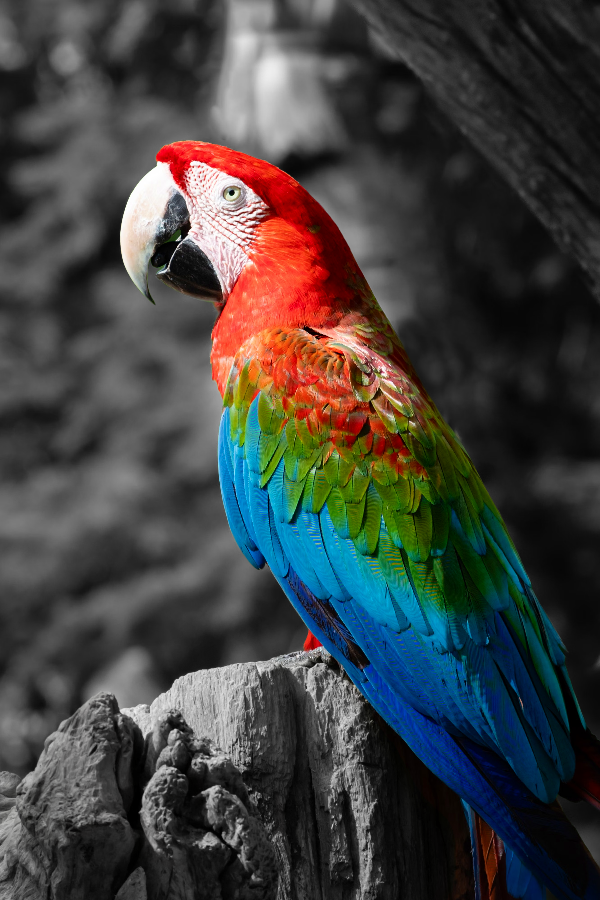
Selective color spotlight
Turn everyday photos into cinematic moments. Use PictorX free in your browser with no software install required.
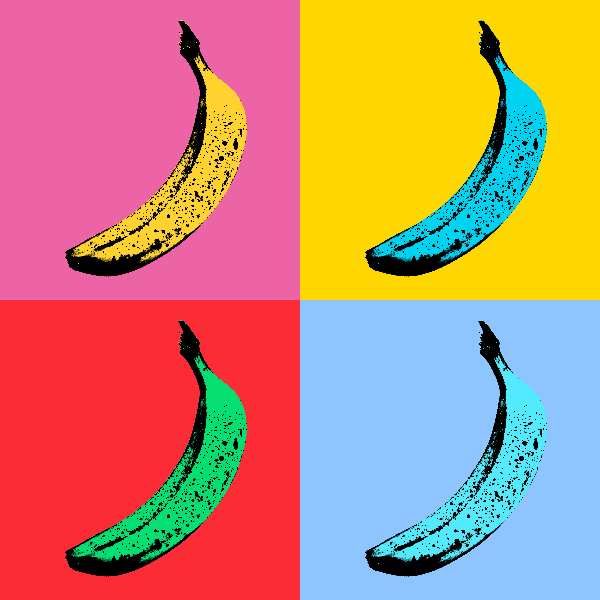
Pop Art effects
Turn photos into bold Pop Art posters—neon grids, comic dots, risograph inks, Lichtenstein, Banksy stencils, and more. Use PictorX free in your browser with no software install required.
Ready to try it?
Open PictorX in your browser — no install, no credit card required to start.
Go to Editor