
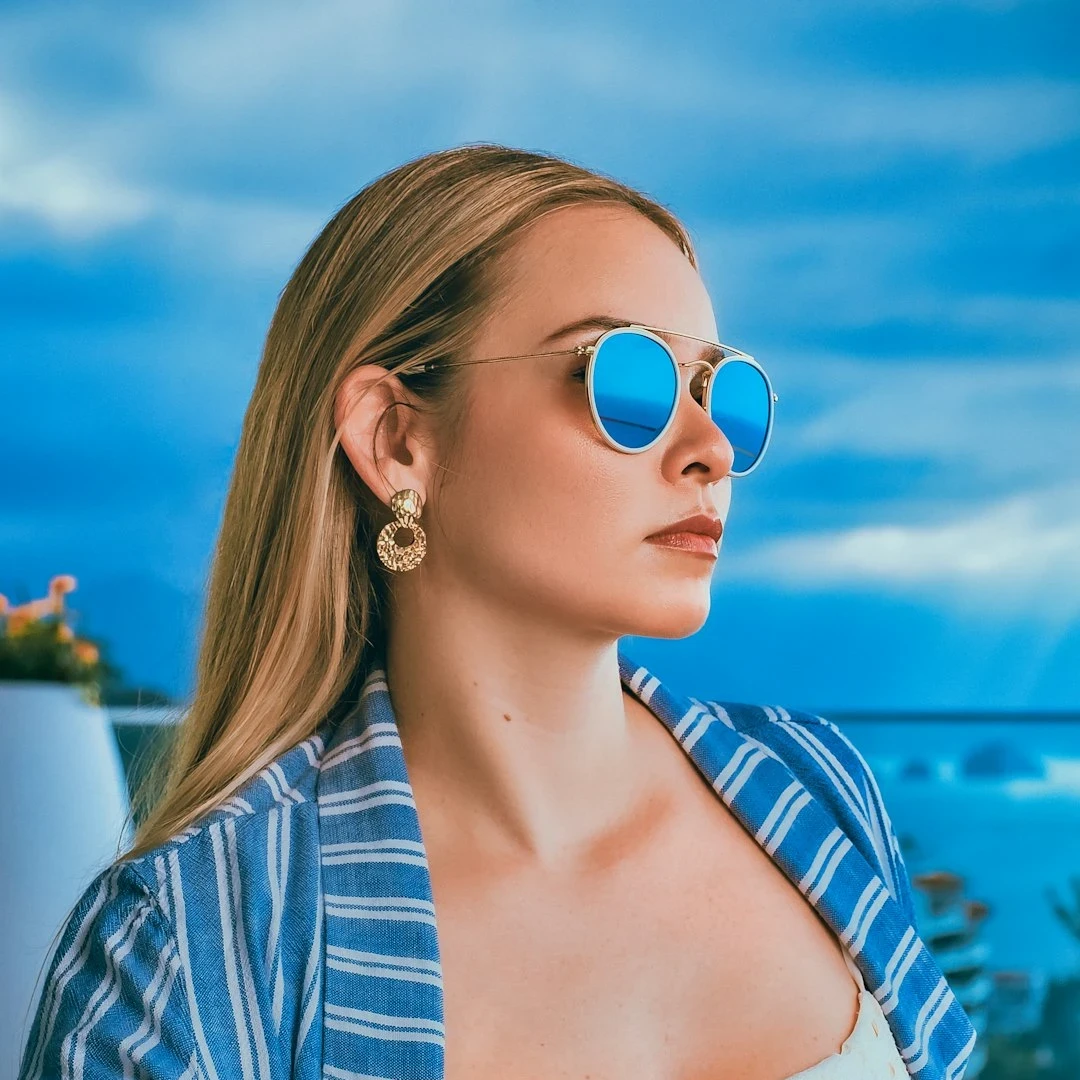
Try an artistic look below, or open your own picture.
Artistic effects
Transform photos with oil painting, watercolor, pencil, comic ink (XDoG), pastels, Aboriginal dot painting, Vincent van Gogh brushstrokes, cubism, mixed media collage, paper cut-out, Mondriaan, and minimalist design from Effects → Artistic. Open a picture, pick a look, and export a studio-style graphic. Try an artistic look below, or open your own picture.
How it works
- Open PictorX in your browser and start a new project or load an image.
- Use Artistic effects to shape the result, then refine it with the surrounding editor tools.
- Keep editing, export your work, or turn the result into your next design.
How Artistic effects fits your workflow
Transform photos with oil painting, watercolor, pencil, comic ink, pastels, paper cut-out, and other studio art looks. PictorX keeps the feature alongside your photos, layers, typography, and design tools, so you can move from an idea to a finished graphic without switching applications.
Create more with Artistic effects
Start with one focused change, review the result in context, and keep iterating. Combine Artistic effects with other PictorX tools when you need a polished image for social media, a presentation, a print layout, or a personal project.
Looks in this set
Frequently asked questions
Which studio looks are included?
Oil painting, watercolor, pencil, comic ink (XDoG outlines), pastels, Aboriginal dot painting, paper cut-out, and similar art treatments.
Will it look like a real painting?
It is a photo-to-art filter. Contrast and detail in the source change how convincing it feels.
Are watercolor, pencil, and comic good on portraits?
Yes. Those are common portrait treatments in this set. Comic uses ink lines over flat color.
Can I paint the look and then sharpen or crop?
Yes. Apply the art effect, then keep using the rest of the editor.
Related tools
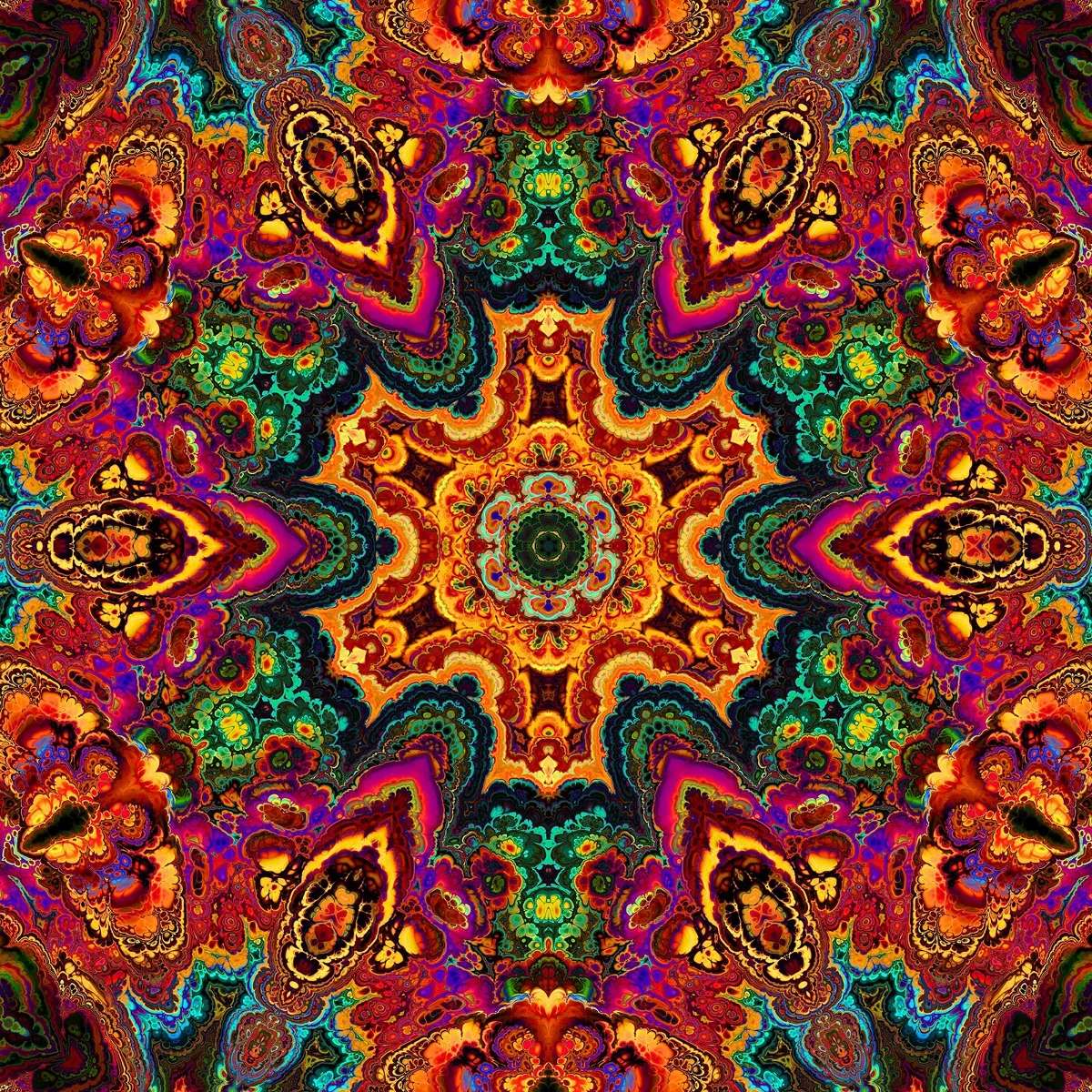
Kaleidoscopes
How kaleidoscopes work: Brewster’s invention, angled mirrors, radial symmetry, and digital kaleidoscope filters you can try on a photo in PictorX.
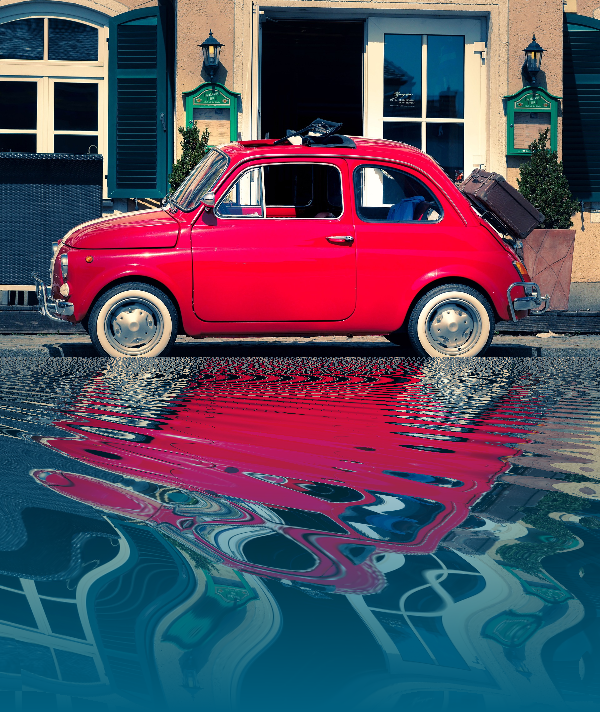
Reflection effects
Mirror, tile, water, wet-floor, and kaleidoscope looks that flip a photo into a reflected composition. Use PictorX free in your browser with no software install required.

Spirograph
Draw hypotrochoids and epitrochoids in your browser. Tune R, r, and pen offset, animate the curve, randomize styles, and save a PNG. Nothing is uploaded.
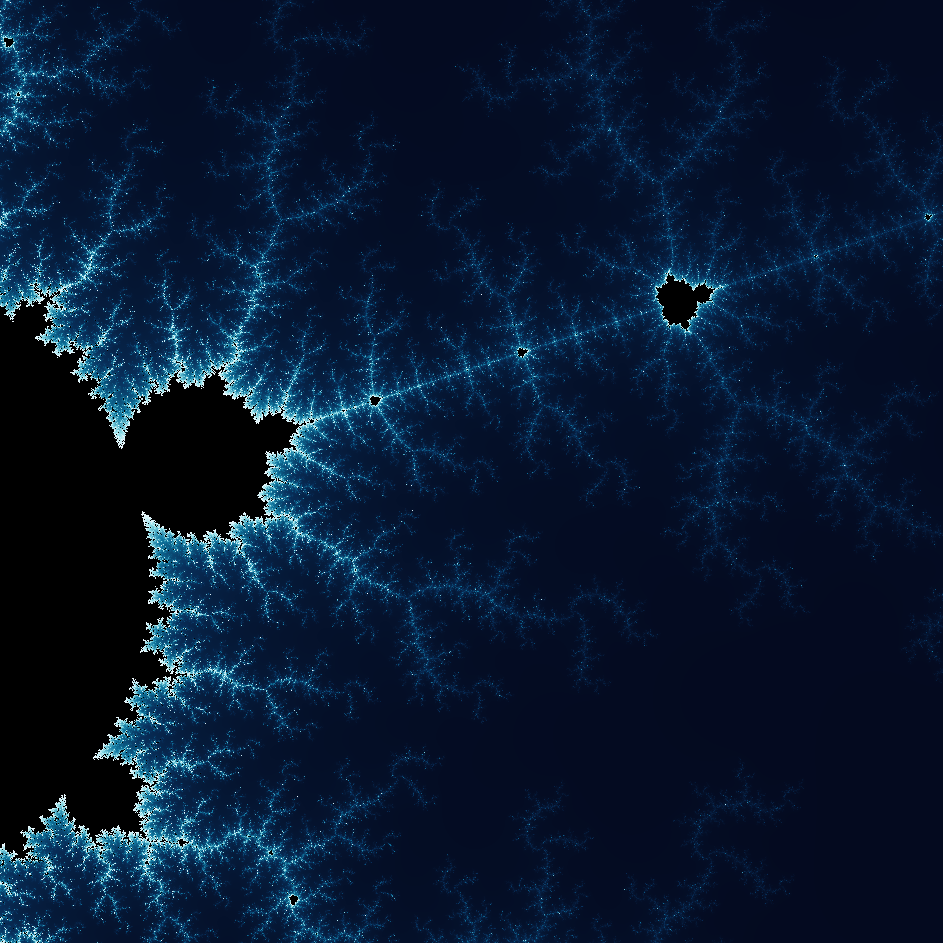
Explore the wonderful world of Fractals
Explore the wonderful world of Fractals. Fractals are complex, detailed geometric patterns found throughout the natural world.
Ready to try it?
Open PictorX in your browser — no install, no credit card required to start.
Go to Editor