

Try a puzzle look below, or open your own picture.
Turn a photo into a jigsaw puzzle
Cut a picture into interlocking pieces, lift a few off the board, or scatter them. PictorX puzzle runs in the browser, then lets you keep editing with layers, text, and other effects. Try a puzzle look below, or open your own picture.
How it works
- Open PictorX in your browser and load a photo.
- Choose Jigsaw Puzzle, then try piece count, missing tiles, scatter, and tab style until the board looks right.
- Export the puzzle look, or keep editing with layers and other effects in the same workspace.
Why the puzzle look works
Portraits, travel shots, and colorful stills read as a half-finished jigsaw when a few pieces are missing or scattered. A complete board with classic tabs still looks like a puzzle because the interlocking edges catch light. Fade into puzzle keeps the original photo on one side and the cut pieces on the other.
Count, missing pieces, and scatter
Count sets how many pieces span the width, from a coarse 4-piece board to a fine 20-piece grid. Remove puzzle pieces lifts tiles off the board; scatter drops some of those tiles at random angles. Style picks the tab shape. Background can stay the photo, a solid color, or transparent so the PNG keeps clear holes.
Looks in this set
Frequently asked questions
What does the puzzle effect do?
It cuts the photo into interlocking jigsaw pieces. You control how many pieces there are, how many are removed, whether missing pieces scatter on the board, the tab style, and the background behind the holes.
How is this different from a sliding puzzle?
Jigsaw Puzzle is a still jigsaw look—missing tiles, scattered pieces, or a fade from photo to board. Sliding Puzzle is a separate game-style grid you shuffle.
What photos work best?
Clear subjects with distinct colors—portraits, landscapes, and products. Very busy textures still work; they become part of each piece.
Can I keep editing after applying puzzle?
Yes. Continue with layers, text, other effects, or export from the same PictorX workspace.
Related tools
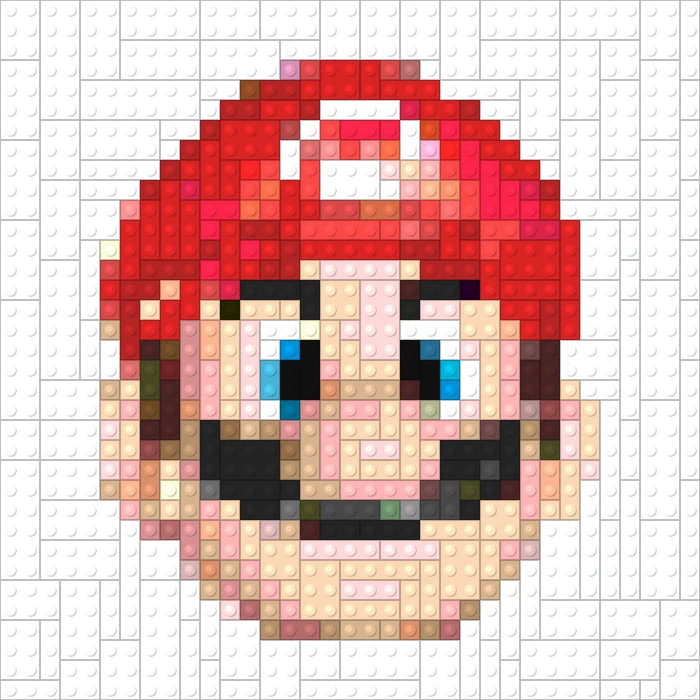
Games
Turn photos into playable looks with Effects → Games—jigsaw puzzle, Lego and Ministeck mosaics, Tetris blocks, and sliding puzzles.

Fold a photo into a kaleidoscope
Turn a photo into a radial kaleidoscope pattern in your browser. Set sides, angle, and rotation.
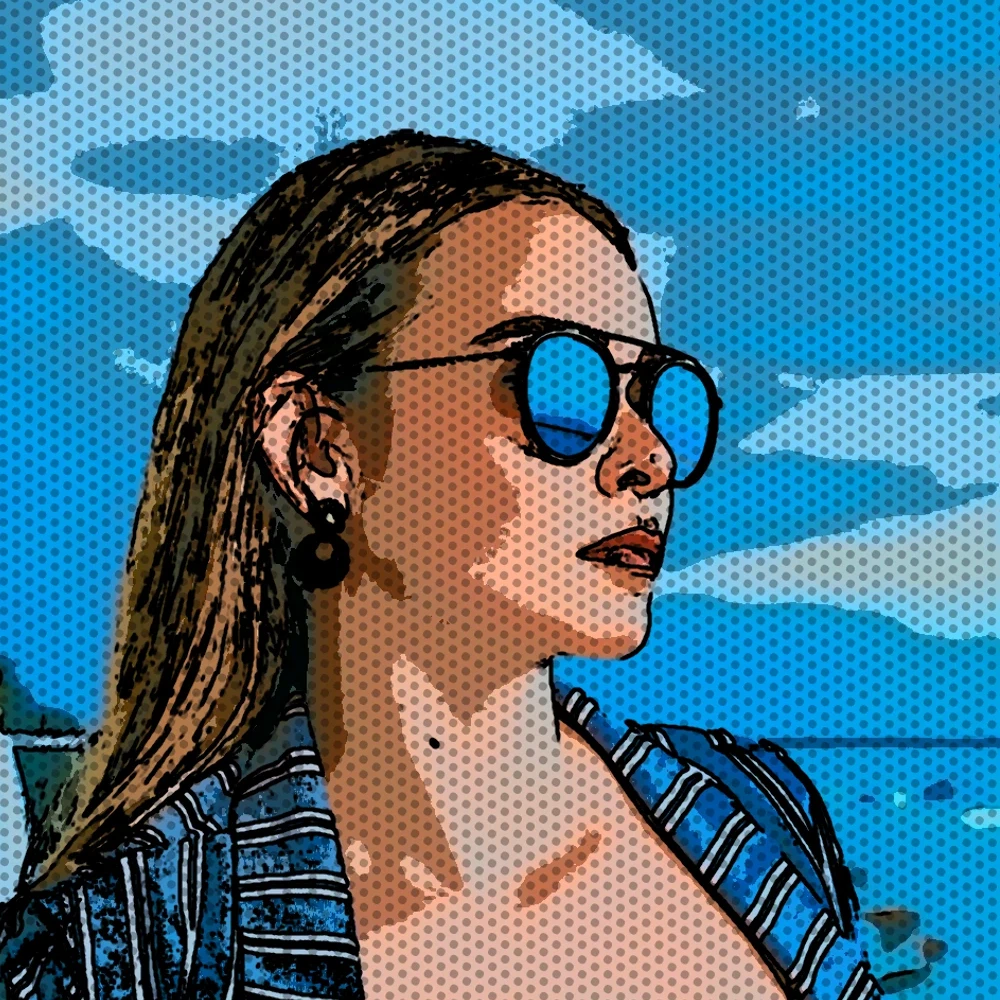
Turn a photo into comic panels
Turn a photo into a comic page in your browser. Zoom different details into 1, 2, 4, or 6 ink panels, then add optional Ben-Day dots and captions.

Pixelate effects
Turn photos into mosaic tiles, hexagons, crystals, low-poly art, halftone dots, and retro arcade palettes.
Ready to try it?
Open PictorX in your browser — no install, no credit card required to start.
Go to Editor