
Pop Grid
Pop art loved the pictures everyone collects: badges, stamps, trading cards, cuttings and signs. Pop Grid sets your photo among them. Every picture of your photo is printed another way — a faded colour print, a black and white still, a hand-tinted sepia, a duotone, neon or a halftone — between targets, hearts, stars, stripes and red lips. Open a photo and make it into a pop grid: framed squares among pop emblems, a centrepiece, badges, stamps, trading cards or a contact sheet. Pick a style, a grid and a palette, then press Randomize for a new arrangement.
How it works
- Open this page and try the sample, pick an example, or open your own photo.
- Choose a style — Pop grid, Centrepiece, Badges, Stamps, Trading cards or Contact sheet — a grid and a palette, or start from a favorite. Photos sets how many of the pictures show your photo. The Grunge slider, from 0% to 100%, wears the print from clean to a raw photocopy. The Scatter slider, from 0% to 100%, lets the pictures leave the grid.
- Press Randomize for a new arrangement, type a caption for the badges, stamps, cards or contact sheet, then save a PNG or open the layers in the PictorX editor.
The sources of pop
Pop artists pinned up the pictures they loved — badges, flags, comic panels, cigarette cards, film stills and advertising — and made art from the collection itself. Pop grid does the same with your photo: a square grid in a blue and orange frame where your photo, printed another way in every square, hangs among pop emblems: a target, a heart, a star, stripes, lips, a lightning bolt, a smiley, a rainbow, polka dots and POP.
A centrepiece and badges
Centrepiece puts your photo large in the middle as a pop print — a retro poster, a pop pattern or WPAP facets — framed by a ring of emblems and small prints. Badges turns the grid into pin-back buttons on a felt board: your photo, emblems and slogans, each with a rolled rim, a gloss and a shadow. With Remove background on, your subject stands on bright colours.
Stamps, cards and a contact sheet
Stamps prints a perforated sheet of postage stamps with values, words and a postmark or two. Trading cards lays out a numbered set of old cards with a caption strip. Contact sheet shows strips of film with sprocket holes and frame numbers, every frame another shot of your photo, the best one circled in grease pencil and printed in pop colours.
Frequently asked questions
What does Pop Grid do?
It turns one photo into a grid of pop pictures: framed squares among pop emblems, a centrepiece, badges, stamps, trading cards or a contact sheet. Every picture of your photo is printed another way, from a faded colour print to neon.
Can I choose how many pictures show my photo?
Yes. Photos sets the share of the pictures that show your photo; the others are emblems or slogans. Grid goes from 2 × 2 to 5 × 5, and Randomize deals a new arrangement.
What does the caption do?
It is the word on the badges and stamps, the title of the trading cards and the note written in grease pencil on the contact sheet.
How is this different from the Pop Art app?
The Pop Art app turns your photo into one pop artwork, such as a retro poster or WPAP facets. Pop Grid sets your photo among pop emblems, badges, stamps, cards or film strips.
Do my photos leave my device?
No. The grid is made in your browser.
Related tools
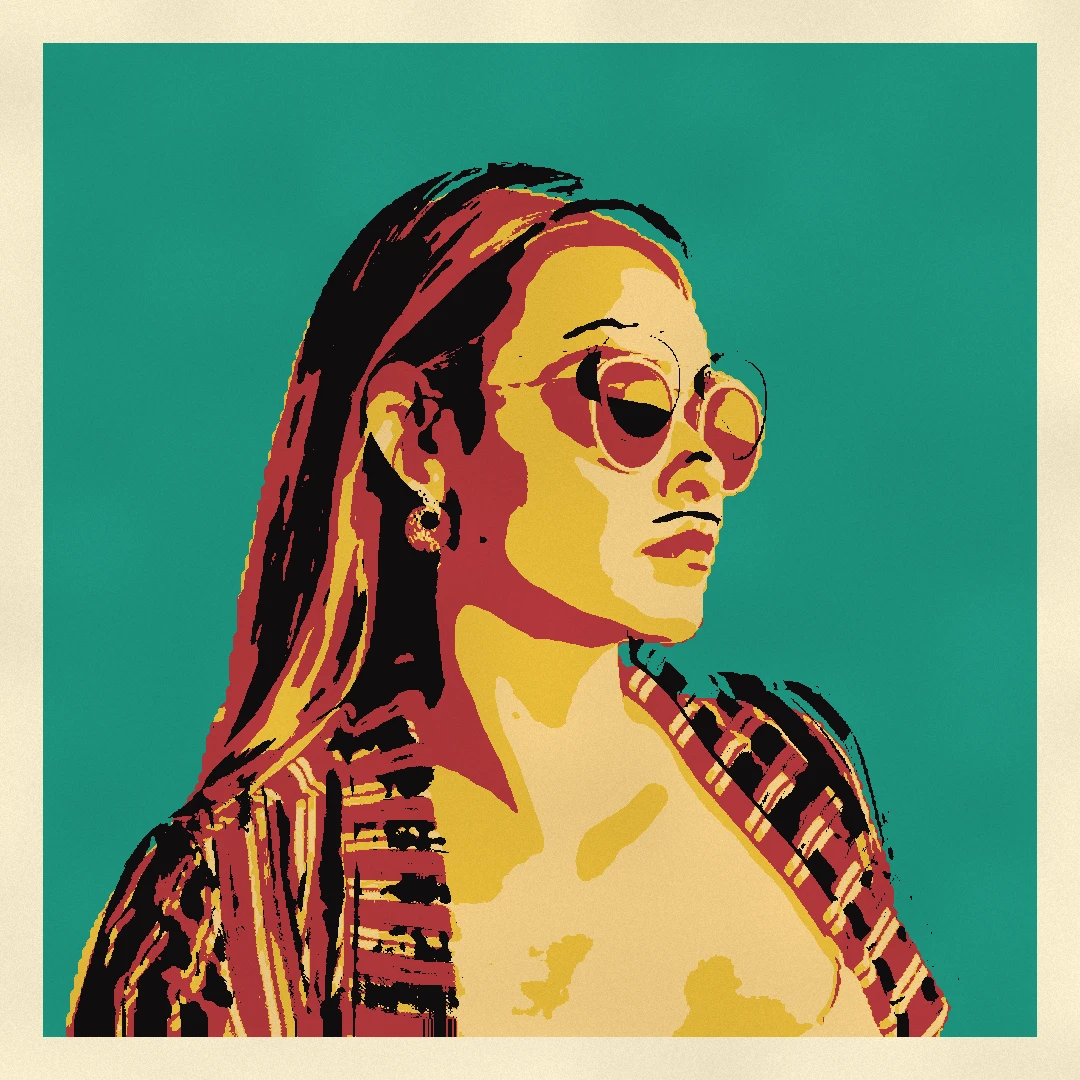
Pop Art photo filter
Turn a photo into pop art in your browser: a retro pop poster, a pop pattern, a WPAP portrait in rainbow facets, a street collage, an ink splash, gold leaf, a silhouette, a sunburst or a grid of pop emblems.
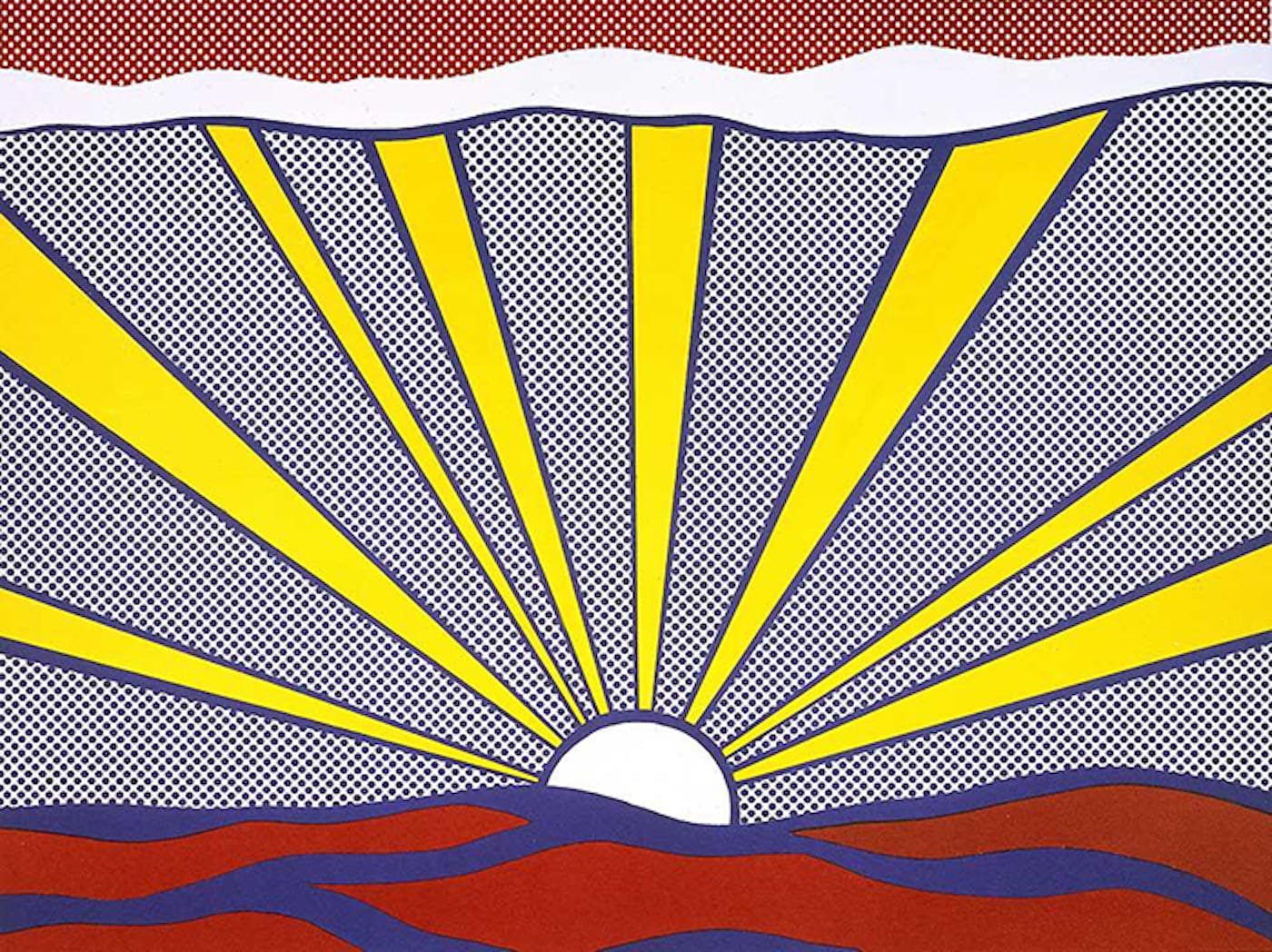
Pop Art
Learn how Pop Art turned advertising, comics, and consumer products into art—Andy Warhol, Roy Lichtenstein, silkscreen, and the rise of mass culture.

Pop Art collage
Make a Pop Art collage free online with PictorX. Scatter framed photos on a Ben-Day, ray, or stripe backdrop, add Lichtenstein-style looks and POW! bursts, then export.
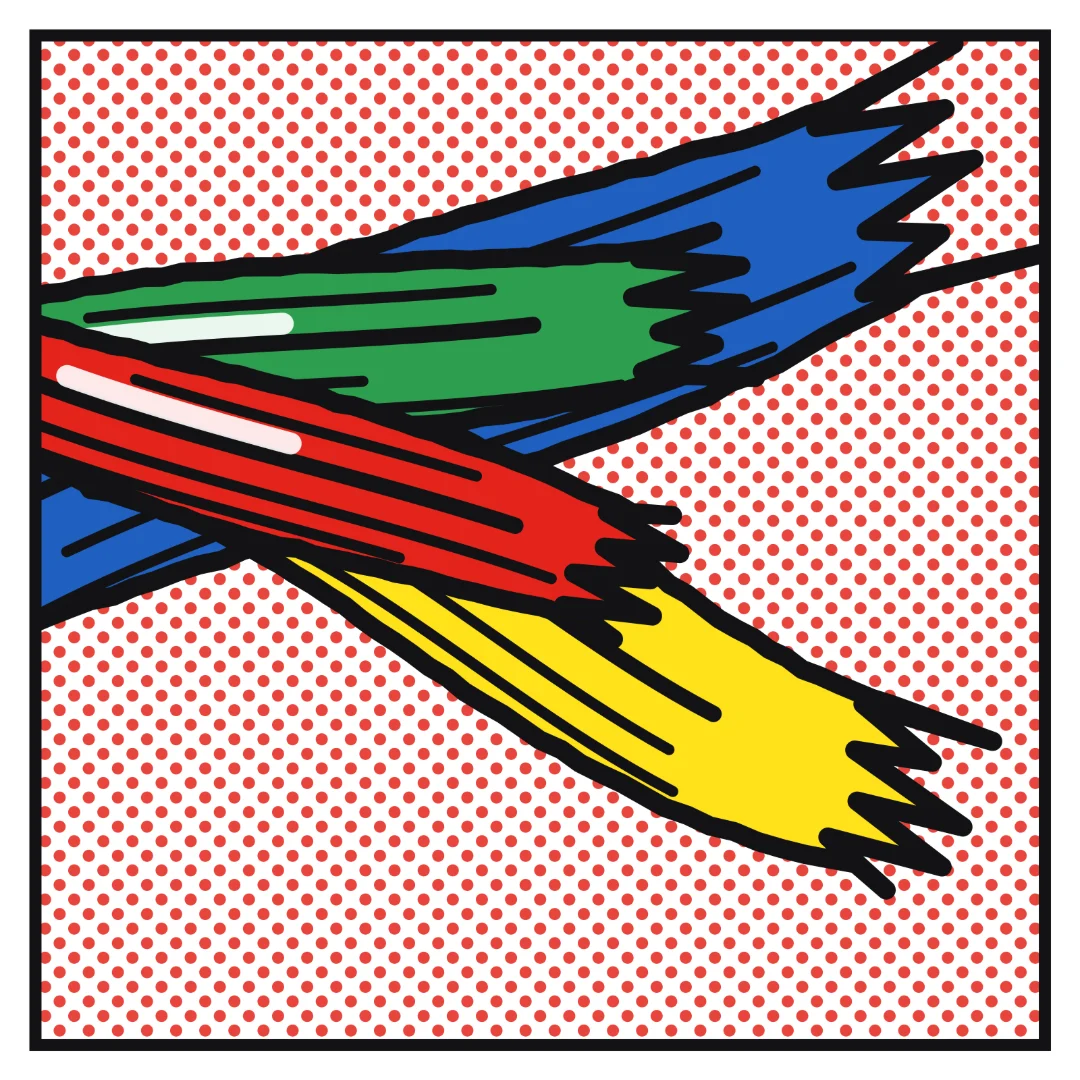
Roy Lichtenstein comic maker
Turn a photo into a Roy Lichtenstein comic in your browser: one to four panels in Ben-Day dots and black ink, speech and thought balloons, a yellow caption and a WHAAM! sound effect, in the Romance, War, Brushstrokes or Mirror series.
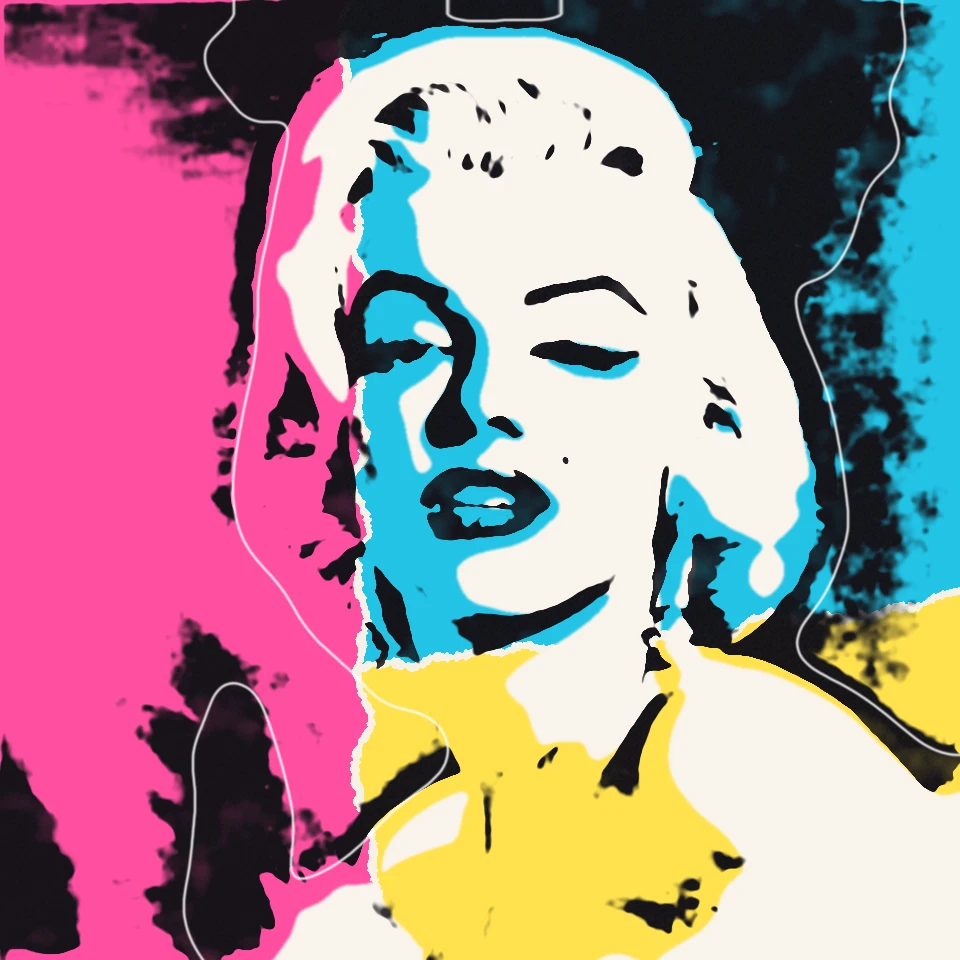
Andy Warhol Prints
Channel Andy Warhol’s Factory energy—bold color grids, repeated icons, and pop-art portraits that feel like silkscreen posters.
Ready to try it?
Open PictorX in your browser — no install, no credit card required to start.
Go to Editor