
Verwandeln Sie ein Foto in Matisse-Scherenschnitte, fauvistische Farbe oder eine einzige fließende Linie — wählen Sie Stil und Palette und passen Sie dann die Formgröße an.
Frau mit Hut – Henri Matisse und der Fauvismus
Matisse simplified the world into a few flat, singing shapes, and in 1905 he led the Fauves—the “wild beasts” who set colour free from nature. This app follows both: it reduces your photo to a handful of colour shapes and cuts them from painted paper, sets them in a red room or draws them with a single brush line, or repaints it in the bold, arbitrary colour of Matisse, Derain and Vlaminck, with cool shadows, hot lights and visible strokes. All processed on-device. Verwandeln Sie ein Foto in Matisse-Scherenschnitte, fauvistische Farbe oder eine einzige fließende Linie — wählen Sie Stil und Palette und passen Sie dann die Formgröße an.
Wie es funktioniert
- Open PictorX in your browser and load a photo — portraits, landscapes and still lifes with a few clear shapes work best.
- Pick a Style—Matisse's Cut-Outs, Fauve, Harmony in Red or Line Drawing, or the Fauvism styles Woman with a Hat, Collioure, London or Vlaminck—and a Palette, then adjust Shape Size, Colors, Ornaments and Line Work for Matisse, or Brush Size, Color Boldness, Brushwork and Outlines for Fauvism.
- Export the picture, or keep editing with layers and other effects in the same workspace.
From Fauve colour to the cut-outs in one app
The Style list holds two effects. Henri Matisse follows the painter through his whole career, from Fauve colour and the red room of 1908 to his line drawings and the paper cut-outs of his last years. Fauvism follows the movement he led in 1905 with André Derain and Maurice de Vlaminck, with styles after each of them; pick one of its styles and the panel switches to its own sliders.
Why few, flat shapes read as Matisse
Matisse spent his life simplifying: fewer colours, larger areas, firmer outlines. The filter groups your photo into a handful of colour shapes and smooths every outline into a calm curve, so the picture keeps its composition while losing photographic detail. Colors sets how many shapes there are; Shape Size sets how simple their outlines become.
Four Matisse styles and six palettes
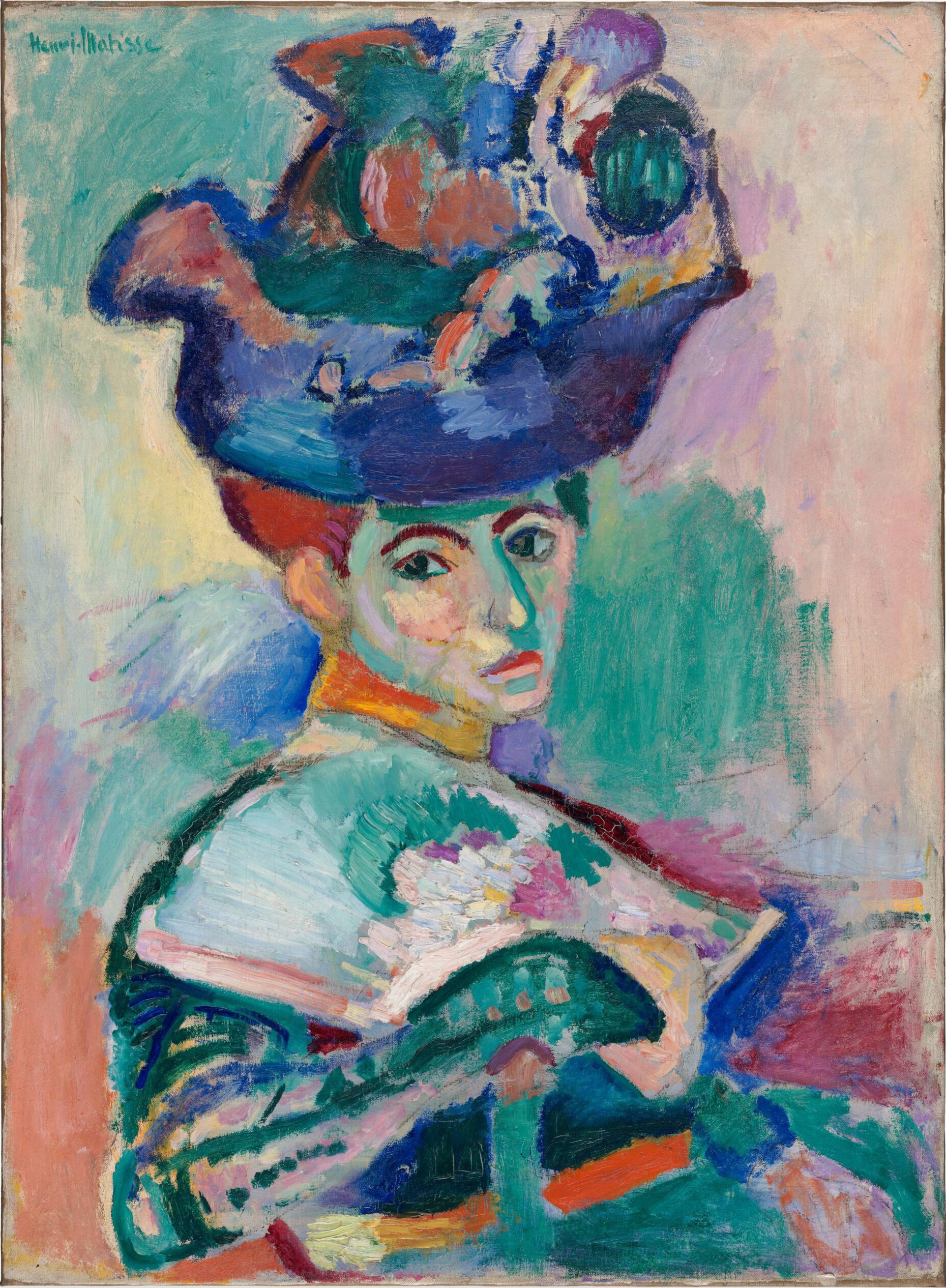
Cut-Outs cuts the shapes from gouache-painted paper with scissor-like edges and scatters seaweed and leaf forms on the ground, as in Jazz and the late cut-outs. Fauve paints in broad strokes of arbitrary colour, after Woman with a Hat (1905). Harmony in Red sets the shapes in a flat red room with dark-blue arabesques, after The Dessert: Harmony in Red (1908), and Line Drawing reduces everything to a few fluent brush lines. Palettes: Photo, Jazz, Blue Nudes, Fauve, Harmony in Red and Nice.
Four Fauve painters
Woman with a Hat follows Matisse's scandalous portrait of 1905: broad patches of arbitrary colour, green and violet shadows across the face and loose blue-green contours. Collioure follows the summer Matisse and André Derain spent in that harbour, building pictures from separate dabs of pure colour with the canvas showing between them. London follows Derain's views of the Thames, with flat complementary blocks, horizontal broken strokes and dark outlines, and Vlaminck lays on long, thick, swirling strokes of hot reds, oranges and blues.
Colour that describes feeling, not nature
Color Boldness sets how far the colours depart from the photo: at low values the photo's own hues are simply intensified; at high values every zone receives an arbitrary Fauve colour, lights turn warm and shadows cool and complementary. Palette chooses the pigments—Fauve for each painter's own colours, Photo to keep your hues, Hot, Cool, or Complementary to flip every colour to its opposite. Brush Size, Brushwork and Outlines control the stroke size, how loose the hand is, and the weight of the painted contours.
Privacy and keep editing
Processing stays in your browser—photos are not uploaded to PictorX servers for this filter. After Henri Matisse and Fauvism, continue with layers, text, Kandinsky, Paul Klee, Vincent van Gogh, Pointillism, or export.
Häufig gestellte Fragen
Was macht die App Henri Matisse und der Fauvismus?
Sie verwandelt ein Foto in ein Bild in der Art von Henri Matisse – Scherenschnitte, fauvistische Farbe, Harmonie in Rot oder eine Strichzeichnung – oder malt es in den wilden, willkürlichen Farben der Fauves neu, die er anführte: Matisse' Frau mit Hut, Collioure, Derains London oder Vlaminck. Sie entsteht aus den Formen Ihres Fotos und ist keine Kopie eines Museumsgemäldes.
Was war der Fauvismus?
Eine kurzlebige Bewegung von etwa 1905 bis 1908, die reine, unnatürliche Farben einsetzte, um Gefühle auszudrücken, statt Dinge zu beschreiben. Auf dem Salon d'Automne 1905 in Paris nannte der Kritiker Louis Vauxcelles ihre Maler „Fauves“, wilde Tiere.
Welche fauvistischen Stile sind enthalten?
Frau mit Hut nach Matisse' Porträt von 1905; Collioure nach dem Sommer, den Matisse und André Derain in diesem Hafenort verbrachten; London nach Derains Ansichten der Themse; und Vlaminck mit seinen dicken, glühenden Pinselstrichen. Jeder hat eigene Regler – Pinselgröße, Farbkühnheit, Pinselführung und Umrisse – und die Paletten Fauvismus, Foto, Heiß, Kühl und Komplementär.
Ist das ein echter Matisse oder Derain?
Nein. Es ist eine digitale Hommage für Ihre eigenen Fotos. Matisse' eigene Werke befinden sich in Museen wie dem Centre Pompidou in Paris, dem Musée Matisse in Nizza und dem Museum of Modern Art in New York; die fauvistischen Gemälde von Derain und Vlaminck hängen in Museen und Sammlungen auf der ganzen Welt.
Welche Fotos funktionieren am besten?
Fotos mit wenigen großen, klaren Formen: Porträts passen zu Strichzeichnung, Fauvismus und Frau mit Hut, Landschaften und Pflanzen zu Scherenschnitte und Collioure, Städte und Flüsse zu London, Bäume und Dörfer zu Vlaminck, und Innenräume oder Stillleben zu Harmonie in Rot. Fotos mit klarem Licht und Schatten ergeben die kräftigste fauvistische Farbe.
Kann ich nach Henri Matisse und Fauvismus weiter bearbeiten?
Ja. Arbeiten Sie im selben PictorX-Arbeitsbereich mit Ebenen, Text und anderen künstlerischen Looks weiter oder exportieren Sie das Ergebnis.
Verwandte Tools
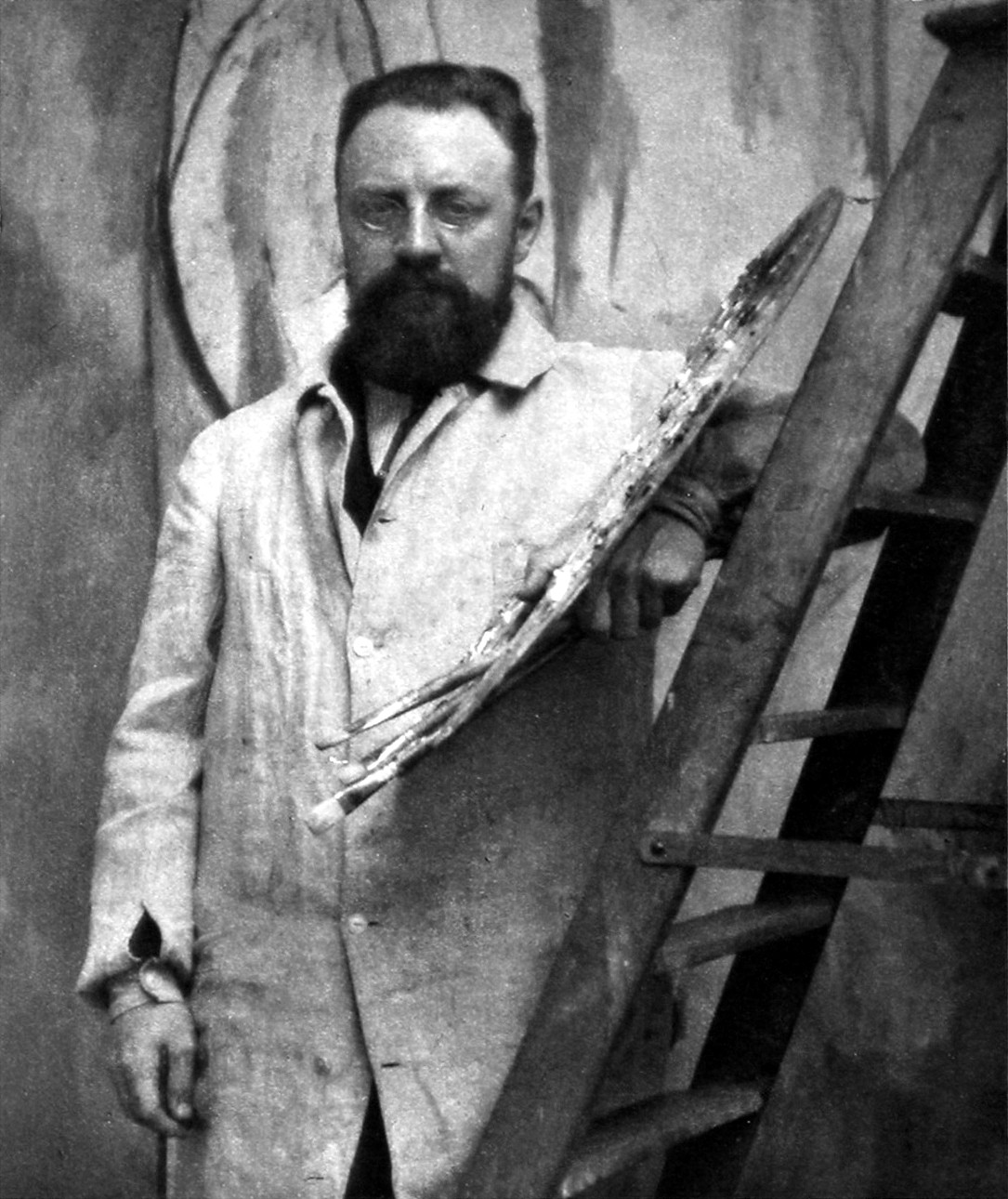
Henri Matisse
Wer war Henri Matisse? Vom Anwaltsgehilfen zum Maler, die Fauves 1905, Harmonie in Rot und Der Tanz, die Jahre in Nizza, Linienzeichnungen und Scherenschnitte.
Fauvismus
Was war Fauvismus? Die „wilden Bestien“ von 1905 mit reinen, leuchtenden Farben: Wurzeln bei Van Gogh und Gauguin, Matisse und Derain in Collioure, Hauptwerke.
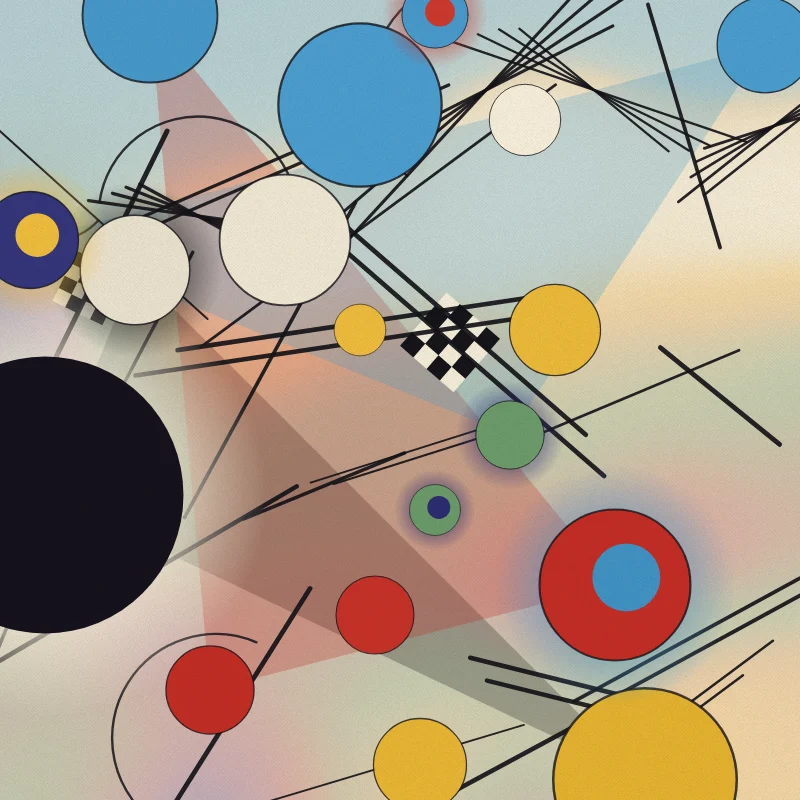
Kandinsky-Fotofilter - Kreise, Linien und Farbe
Verwandeln Sie ein Foto im Browser in eine Abstraktion im Stil von Wassily Kandinsky: Kreise und Linien wie in Komposition VIII, Quadrate mit konzentrischen Kreisen, Einige Kreise auf Schwarz oder eine freie Improvisation.
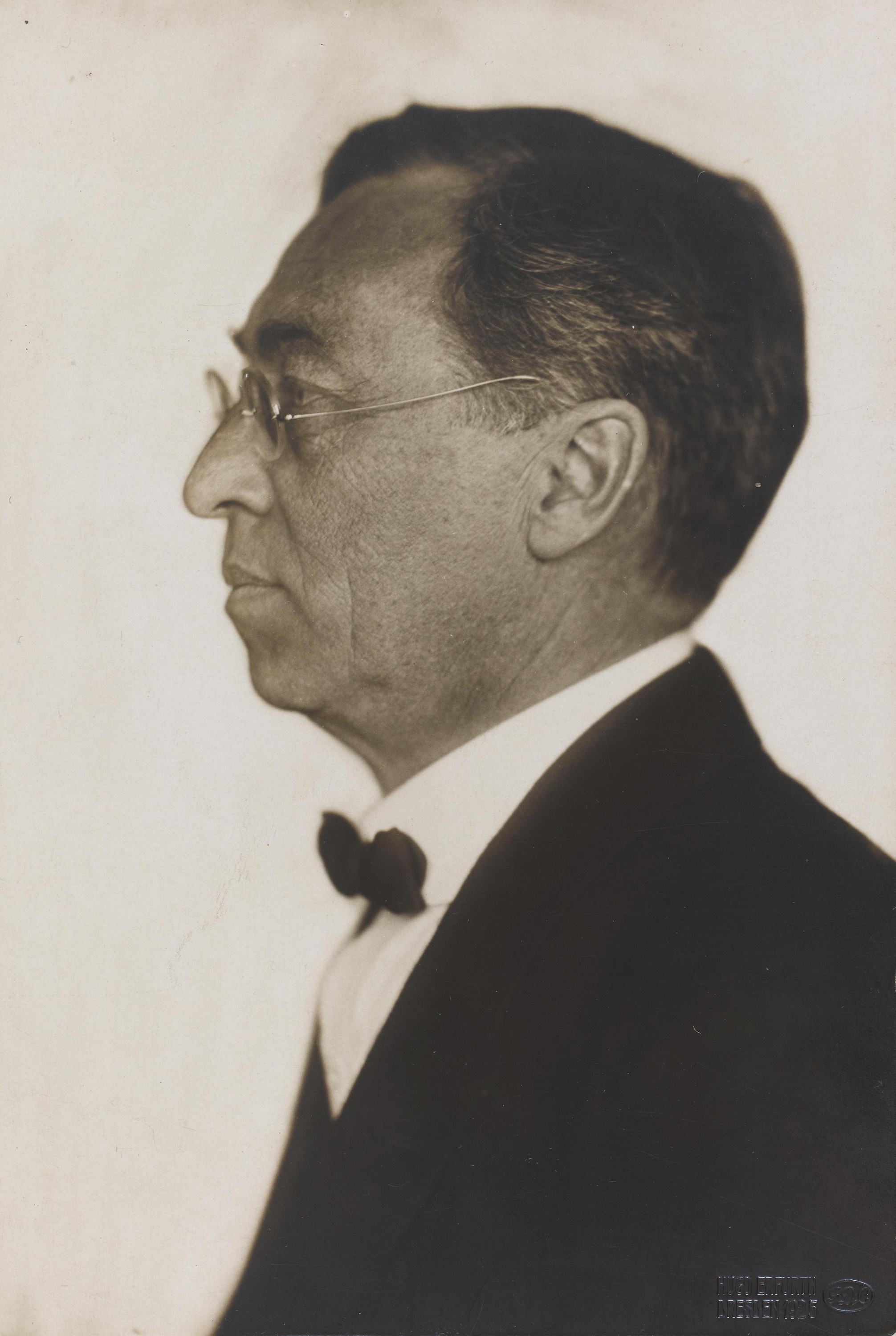
Wassily Kandinsky
Wer war Wassily Kandinsky? Pionier der abstrakten Kunst: der Blaue Reiter, Farbe als Musik, Quadrate mit konzentrischen Ringen, Komposition VIII, Einige Kreise.
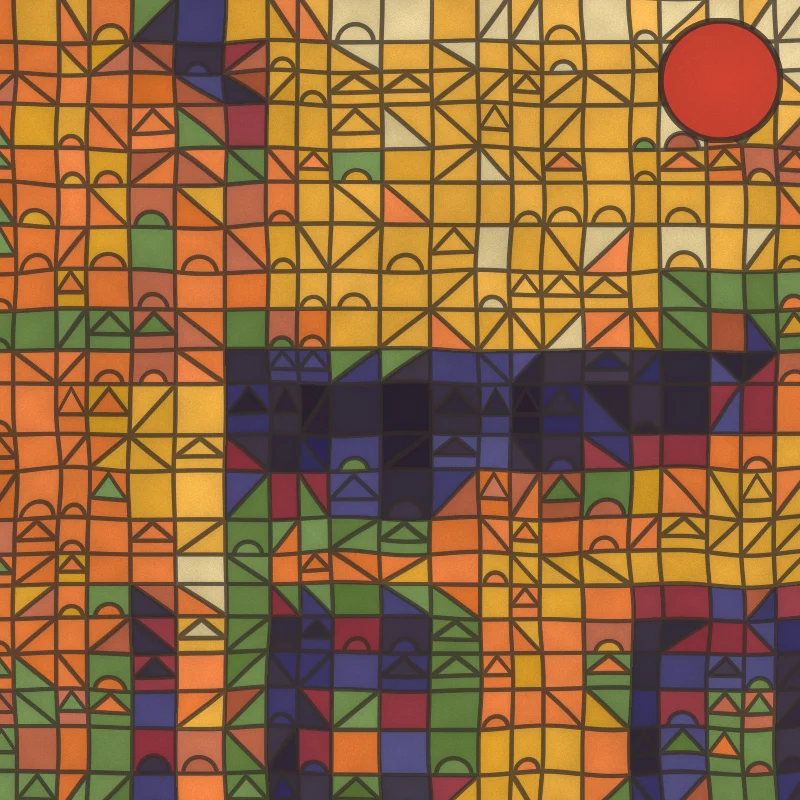
Paul-Klee-Fotofilter - magische Quadrate, Burgen und Linien
Verwandeln Sie ein Foto im Browser in ein Gemälde im Stil von Paul Klee: magische Farbquadrate, Burg-und-Sonne-Kacheln, Ad-Parnassum-Punkte, eine spazierende Linie oder tunesische Aquarelle.
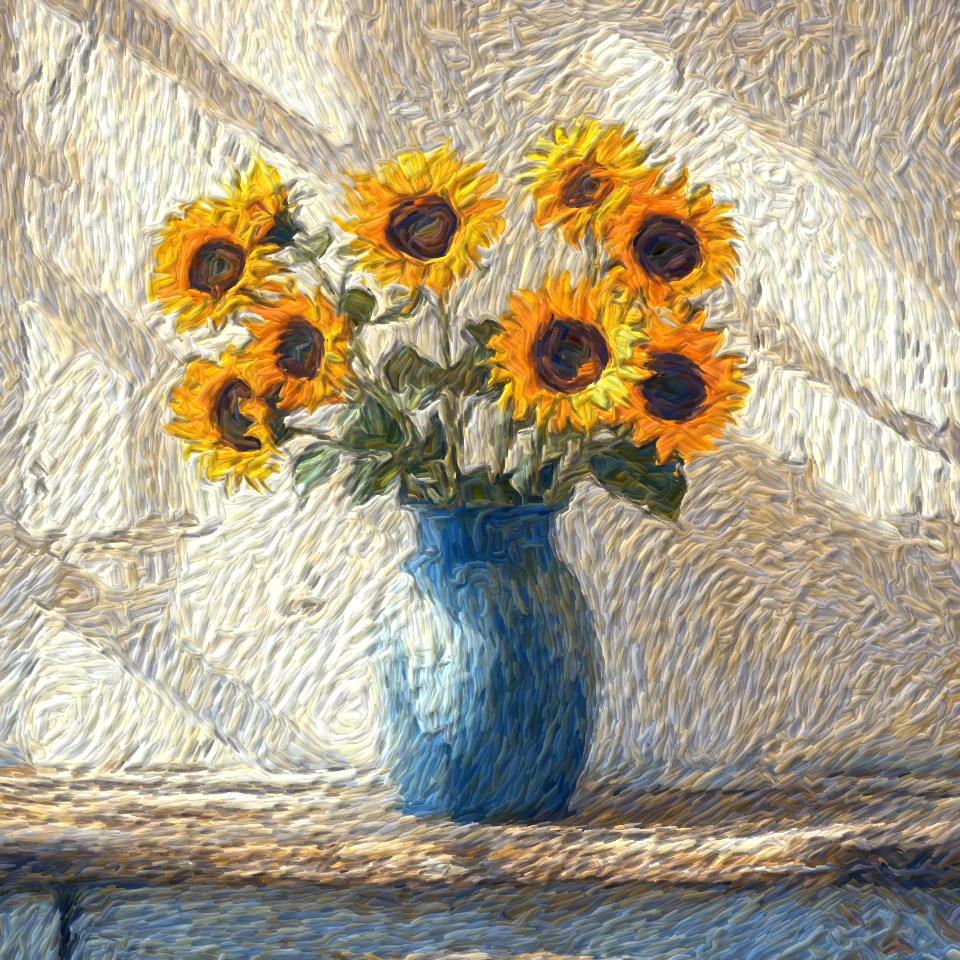
Malen Sie ein Foto in Van-Gogh-Pinselstrichen
Verwandeln Sie ein Foto im Browser in wirbelnde Pinselstriche im Stil der Sternennacht. Eine digitale Hommage an Van-Gogh-Impasto—keine Museumsreproduktion.
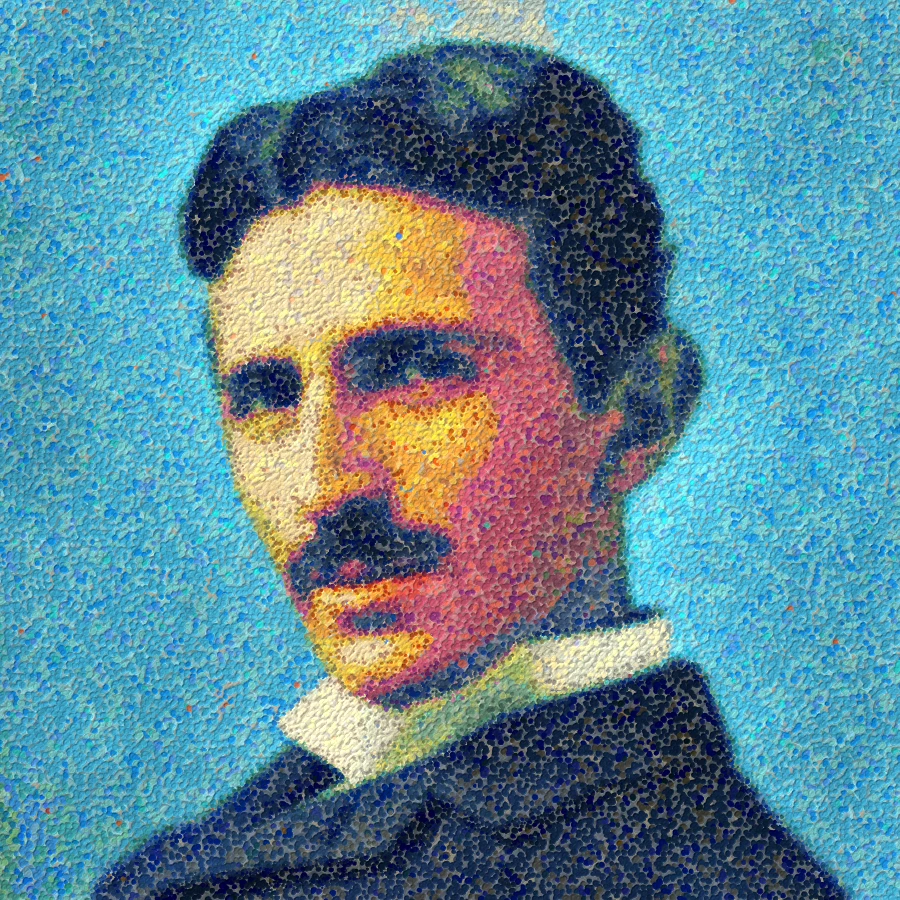
Pointillismus-Filter
Foto in ein pointillistisches Gemälde im Stil von Seurat, Signac, Cross oder der Fauves verwandeln. Palette wählen, Punktgröße und Optische Mischung einstellen.
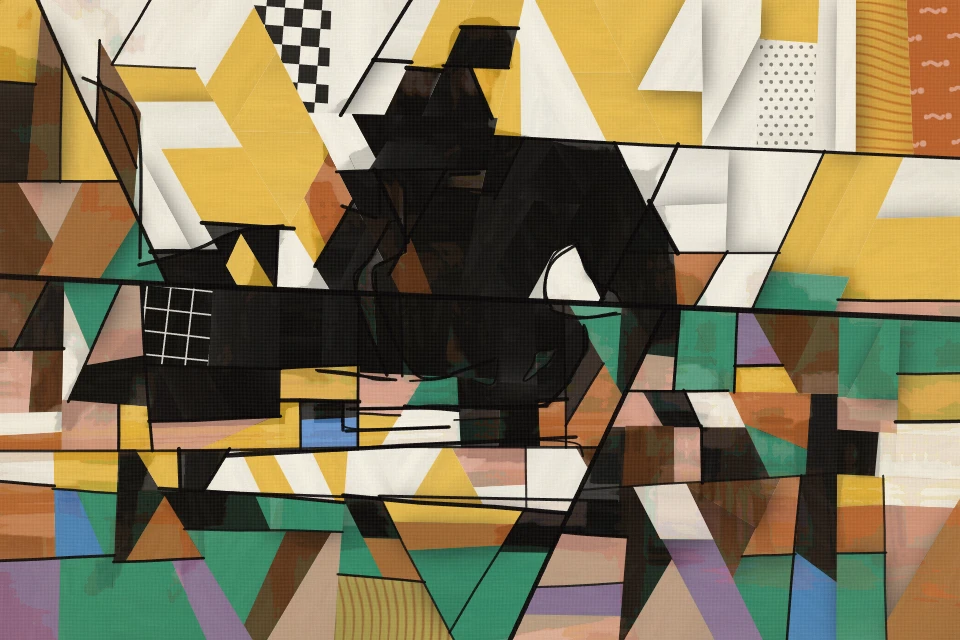
Pablo Picasso und der Kubismus
Verwandeln Sie ein Foto im Browser in Pablo Picasso und den Kubismus: die Blaue und die Rosa Periode, analytischer oder synthetischer Kubismus, ein kubistisches Porträt, Papier collé, kristalliner Kubismus, die zersplitterten Porträts der Weinenden Frau oder die schwarz-weißen Splitter von Guernica.
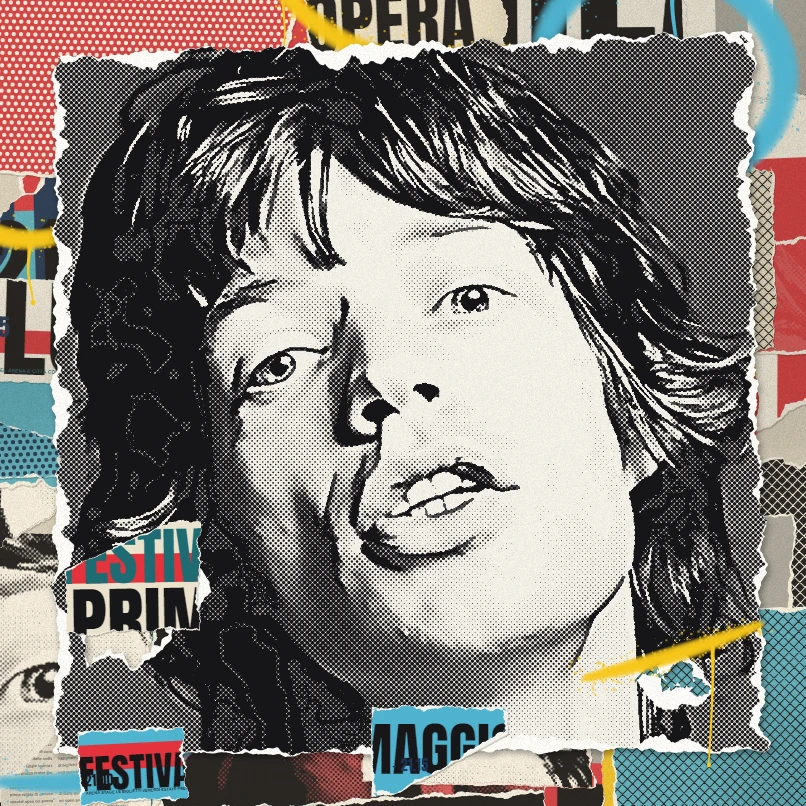
Pop-Art-Fotofilter
Verwandeln Sie ein Foto im Browser in Pop-Art: ein Retro-Pop-Poster, ein Pop-Muster, ein WPAP-Porträt in Regenbogenfacetten, eine Street-Collage, einen Tuschespritzer, Blattgold, eine Silhouette, einen Strahlenkranz oder ein Raster aus Pop-Emblemen.
Künstlerische Effekte
Verwandeln Sie Fotos mit Ölgemälden, Aquarellen, Bleistiften, Comic-Tusche, Pastellkreiden, Papierausschnitten und anderen Studiokunst-Looks.
Bereit, es auszuprobieren?
Öffnen Sie PictorX in Ihrem Browser – keine Installation, zum Starten ist keine Kreditkarte erforderlich.
Zum Editor