
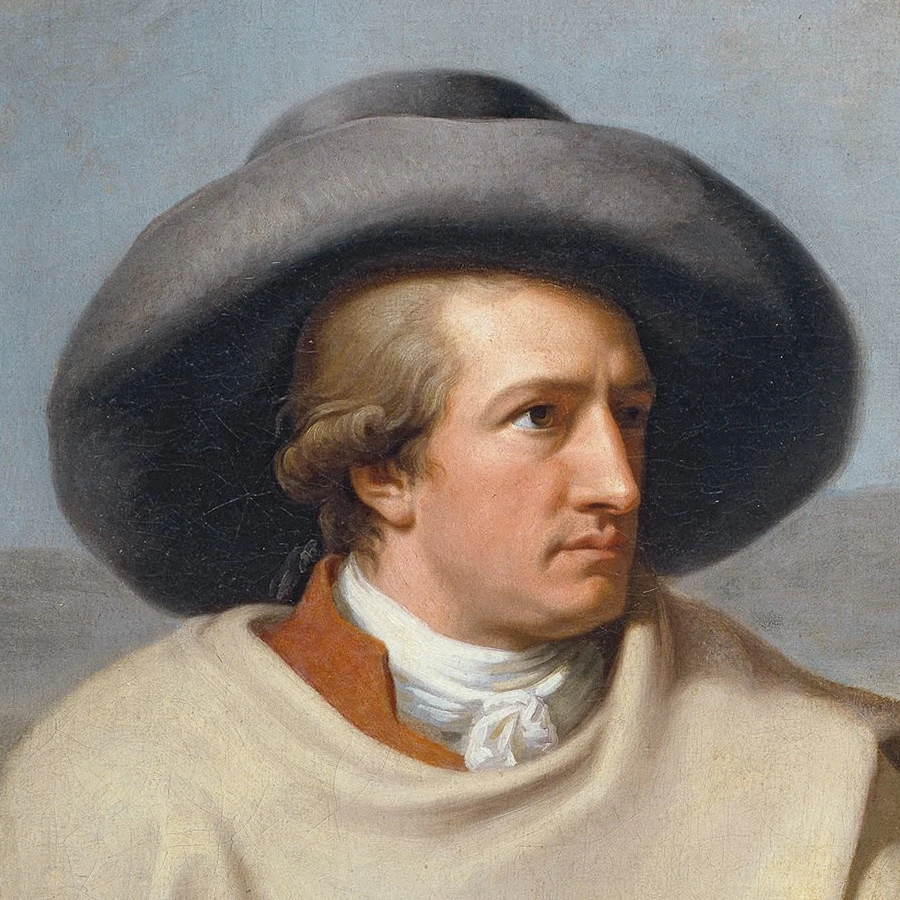
Maak van een foto Matisse-knipsels, fauvistische kleur of één vloeiende lijn — kies een stijl en palet en stel daarna de vormgrootte in.
Vrouw met hoed – Henri Matisse en het fauvisme
Matisse simplified the world into a few flat, singing shapes, and in 1905 he led the Fauves—the “wild beasts” who set colour free from nature. This app follows both: it reduces your photo to a handful of colour shapes and cuts them from painted paper, sets them in a red room or draws them with a single brush line, or repaints it in the bold, arbitrary colour of Matisse, Derain and Vlaminck, with cool shadows, hot lights and visible strokes. All processed on-device. Maak van een foto Matisse-knipsels, fauvistische kleur of één vloeiende lijn — kies een stijl en palet en stel daarna de vormgrootte in.
Hoe het werkt
- Open PictorX in your browser and load a photo — portraits, landscapes and still lifes with a few clear shapes work best.
- Pick a Style—Matisse's Cut-Outs, Fauve, Harmony in Red or Line Drawing, or the Fauvism styles Woman with a Hat, Collioure, London or Vlaminck—and a Palette, then adjust Shape Size, Colors, Ornaments and Line Work for Matisse, or Brush Size, Color Boldness, Brushwork and Outlines for Fauvism.
- Export the picture, or keep editing with layers and other effects in the same workspace.
From Fauve colour to the cut-outs in one app
The Style list holds two effects. Henri Matisse follows the painter through his whole career, from Fauve colour and the red room of 1908 to his line drawings and the paper cut-outs of his last years. Fauvism follows the movement he led in 1905 with André Derain and Maurice de Vlaminck, with styles after each of them; pick one of its styles and the panel switches to its own sliders.
Why few, flat shapes read as Matisse
Matisse spent his life simplifying: fewer colours, larger areas, firmer outlines. The filter groups your photo into a handful of colour shapes and smooths every outline into a calm curve, so the picture keeps its composition while losing photographic detail. Colors sets how many shapes there are; Shape Size sets how simple their outlines become.
Four Matisse styles and six palettes
Cut-Outs cuts the shapes from gouache-painted paper with scissor-like edges and scatters seaweed and leaf forms on the ground, as in Jazz and the late cut-outs. Fauve paints in broad strokes of arbitrary colour, after Woman with a Hat (1905). Harmony in Red sets the shapes in a flat red room with dark-blue arabesques, after The Dessert: Harmony in Red (1908), and Line Drawing reduces everything to a few fluent brush lines. Palettes: Photo, Jazz, Blue Nudes, Fauve, Harmony in Red and Nice.
Four Fauve painters
Woman with a Hat follows Matisse's scandalous portrait of 1905: broad patches of arbitrary colour, green and violet shadows across the face and loose blue-green contours. Collioure follows the summer Matisse and André Derain spent in that harbour, building pictures from separate dabs of pure colour with the canvas showing between them. London follows Derain's views of the Thames, with flat complementary blocks, horizontal broken strokes and dark outlines, and Vlaminck lays on long, thick, swirling strokes of hot reds, oranges and blues.
Colour that describes feeling, not nature
Color Boldness sets how far the colours depart from the photo: at low values the photo's own hues are simply intensified; at high values every zone receives an arbitrary Fauve colour, lights turn warm and shadows cool and complementary. Palette chooses the pigments—Fauve for each painter's own colours, Photo to keep your hues, Hot, Cool, or Complementary to flip every colour to its opposite. Brush Size, Brushwork and Outlines control the stroke size, how loose the hand is, and the weight of the painted contours.
Privacy and keep editing
Processing stays in your browser—photos are not uploaded to PictorX servers for this filter. After Henri Matisse and Fauvism, continue with layers, text, Kandinsky, Paul Klee, Vincent van Gogh, Pointillism, or export.
Veelgestelde vragen
Wat doet de app Henri Matisse en het fauvisme?
Het maakt van een foto een beeld in de trant van Henri Matisse — papierknipsels, fauvistische kleur, Harmonie in rood of een lijntekening — of schildert hem opnieuw in de wilde, willekeurige kleur van de fauves die hij aanvoerde: Matisses Vrouw met hoed, Collioure, Derains Londen of Vlaminck. Het wordt opgebouwd uit de eigen vormen van je foto en is geen kopie van een museumschilderij.
Wat was het fauvisme?
Een kortstondige beweging van ongeveer 1905–1908 die zuivere, onnatuurlijke kleur gebruikte om gevoel uit te drukken in plaats van dingen te beschrijven. Op de Salon d'Automne van 1905 in Parijs noemde de criticus Louis Vauxcelles de schilders ‘fauves’, wilde beesten.
Welke fauvistische stijlen zijn er?
Vrouw met hoed, naar Matisses portret uit 1905; Collioure, naar de zomer die Matisse en André Derain in die haven doorbrachten; Londen, naar Derains gezichten op de Theems; en Vlaminck, met zijn dikke, hete toetsen. Elke stijl heeft eigen schuifregelaars — Penseelgrootte, Kleurdurf, Penseelvoering en Omtrekken — en de paletten Fauvisme, Foto, Heet, Koel en Complementair.
Is dit een echte Matisse of Derain?
Nee. Het is een digitale hommage voor je eigen foto's. Matisses eigen werken hangen in musea zoals het Centre Pompidou in Parijs, het Musée Matisse in Nice en het Museum of Modern Art in New York; de fauvistische schilderijen van Derain en Vlaminck hangen in musea en collecties over de hele wereld.
Welke foto's werken het best?
Foto's met een paar grote, duidelijke vormen: portretten passen bij Lijntekening, Fauvisme en Vrouw met hoed, landschappen en planten bij Knipsels en Collioure, steden en rivieren bij Londen, bomen en dorpen bij Vlaminck, en interieurs of stillevens bij Harmonie in rood. Foto's met duidelijk licht en schaduw geven de sterkste fauvistische kleur.
Kan ik na Henri Matisse en het fauvisme verder bewerken?
Ja. Ga verder met lagen, tekst en andere artistieke looks, of exporteer vanuit dezelfde PictorX-werkruimte.
Gerelateerde gereedschappen
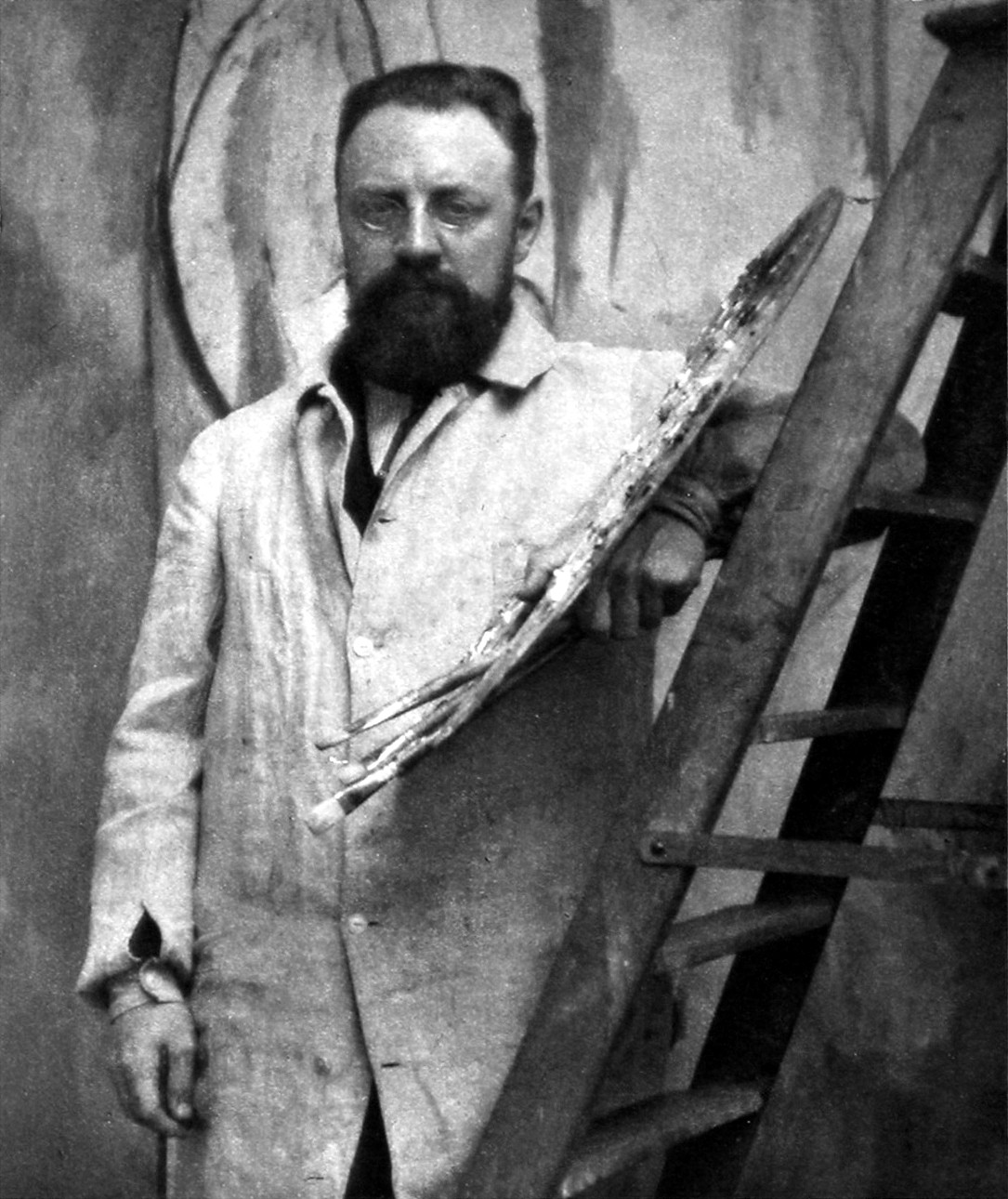
Henri Matisse
Wie was Henri Matisse? Van klerk tot schilder, de fauves van 1905, Harmonie in rood en De dans, de jaren in Nice, tekeningen in één lijn en de knipsels.
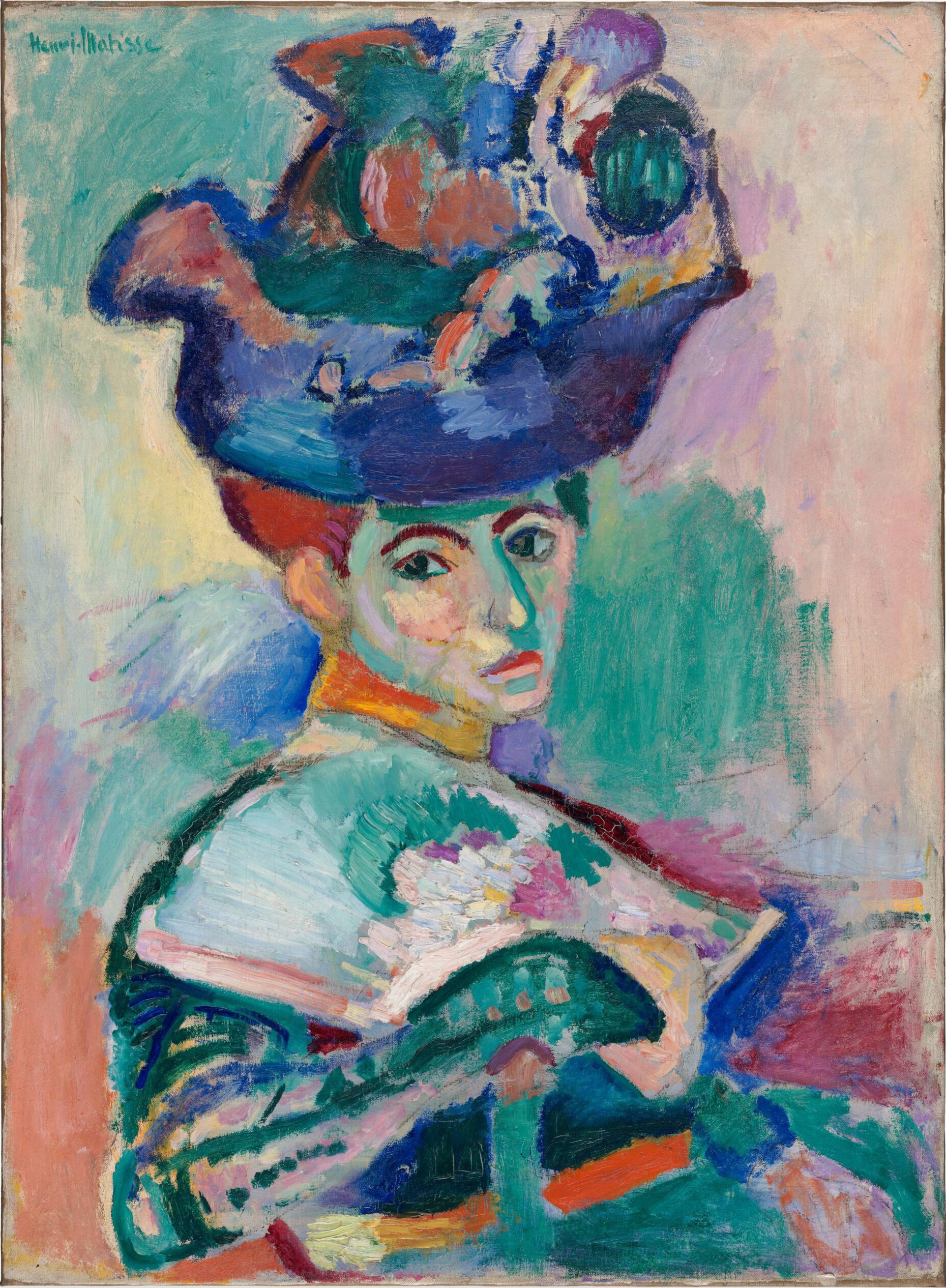
Fauvisme
Wat was het fauvisme? De ‘wilde beesten’ van 1905 en hun pure, felle kleur: wortels bij Van Gogh en Gauguin, Matisse en Derain in Collioure, sleutelwerken.
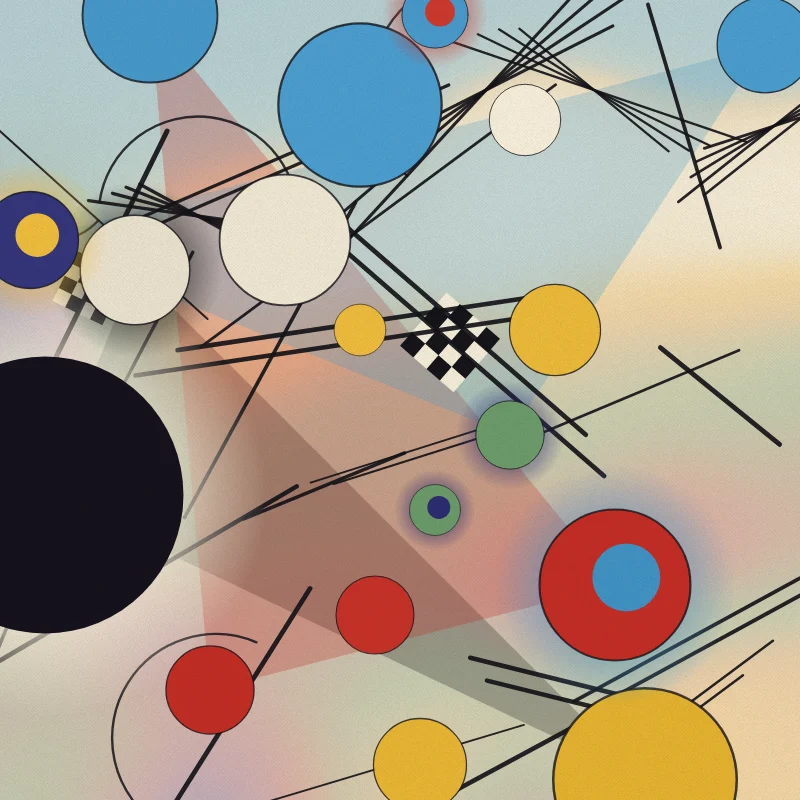
Kandinsky-fotofilter - cirkels, lijnen en kleur
Maak van een foto een abstractie in de stijl van Wassily Kandinsky in je browser: cirkels en lijnen uit Compositie VIII, vierkanten met concentrische cirkels, Enkele cirkels op zwart of een vrije Improvisatie.
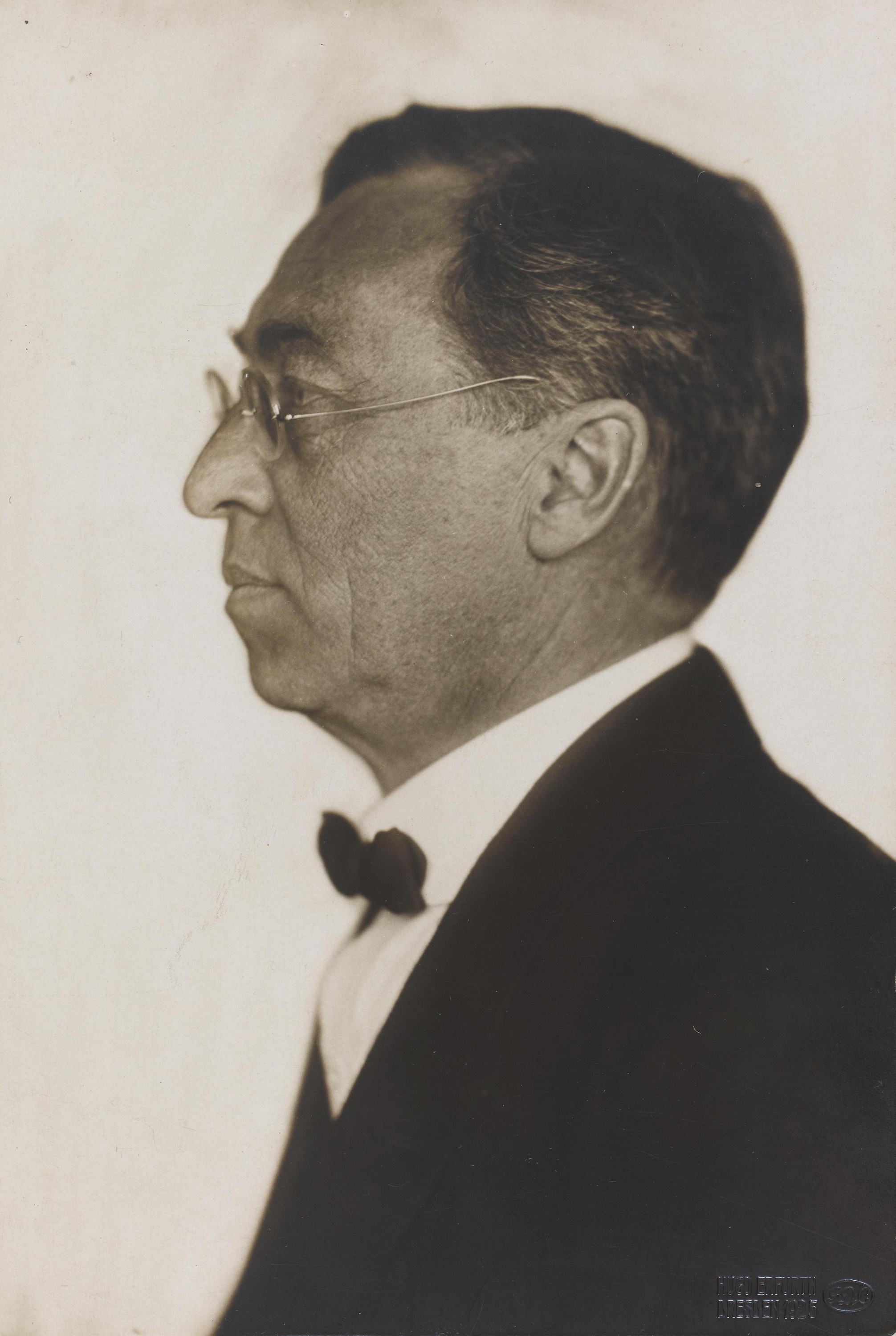
Wassily Kandinsky
Wie was Wassily Kandinsky? Pionier van de abstractie: Der Blaue Reiter, kleur als muziek, Vierkanten met concentrische cirkels, Compositie VIII, Enkele cirkels.
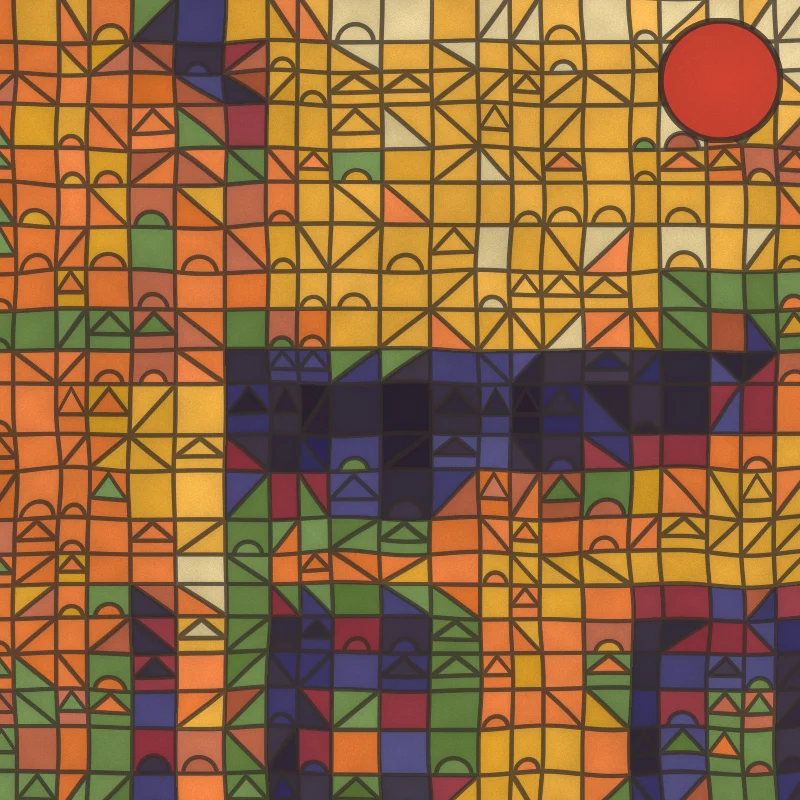
Paul Klee-fotofilter - magische vierkanten, kastelen en lijnen
Maak van een foto een schilderij in de stijl van Paul Klee in je browser: magische kleurvierkanten, Kasteel-en-zon-tegels, Ad Parnassum-stippen, een wandelende lijn of Tunesische aquarellen.
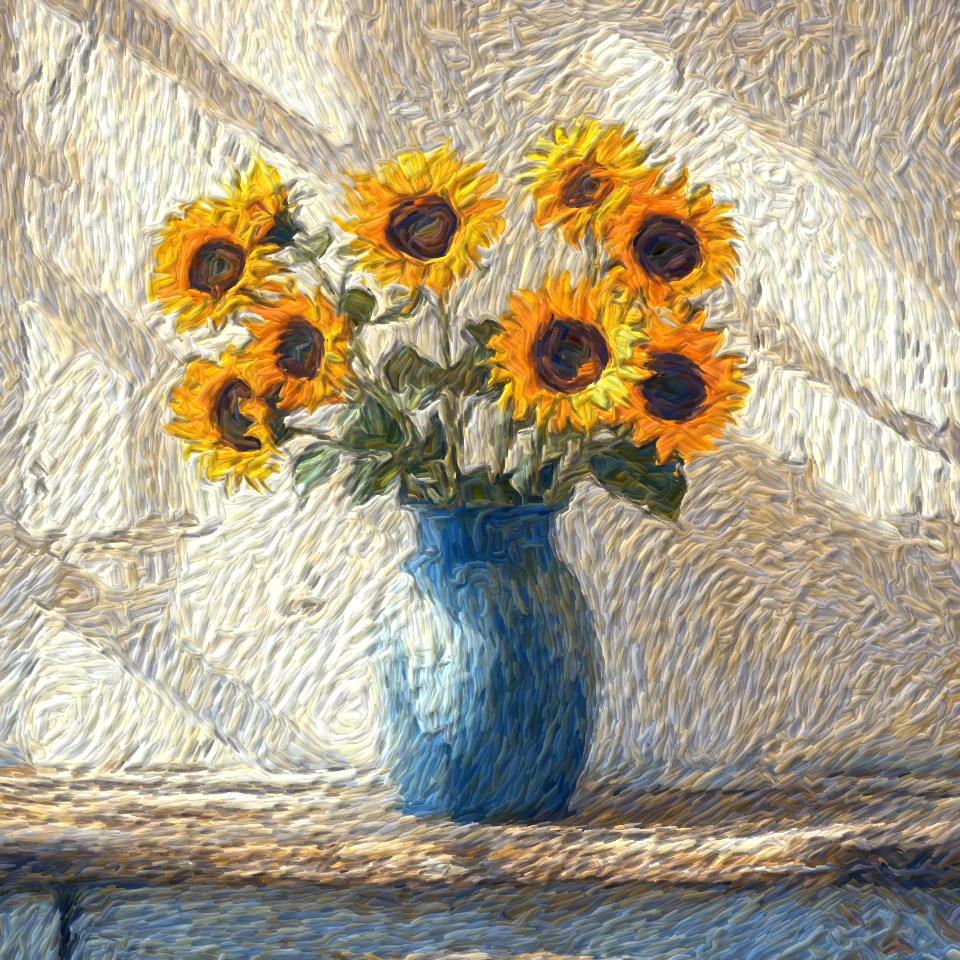
Schilder een foto in Van Gogh-penseelstreken
Maak van een foto wervelende penseelstreken in de stijl van De sterrennacht in je browser. Een digitale hommage aan Van Goghs impasto—geen museumreproductie.
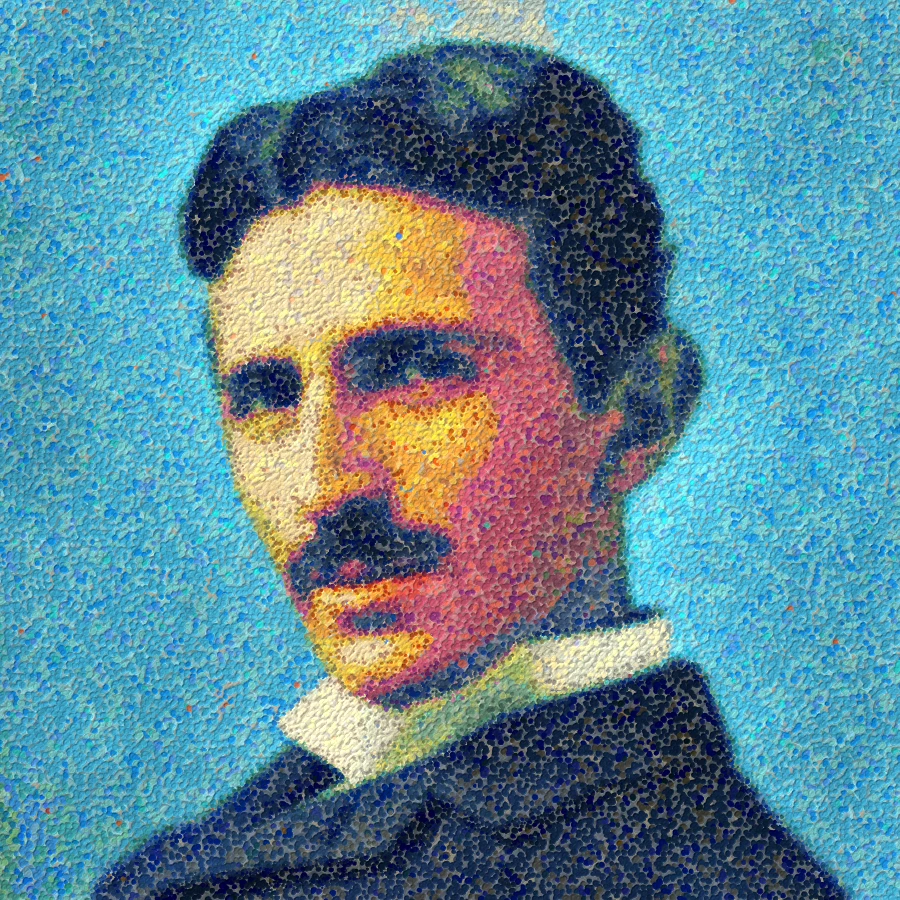
Pointillisme-filter
Maak van een foto een pointillistisch schilderij in de stijl van Seurat, Signac, Cross of de fauvisten. Kies een palet, stel puntgrootte en optische menging in.
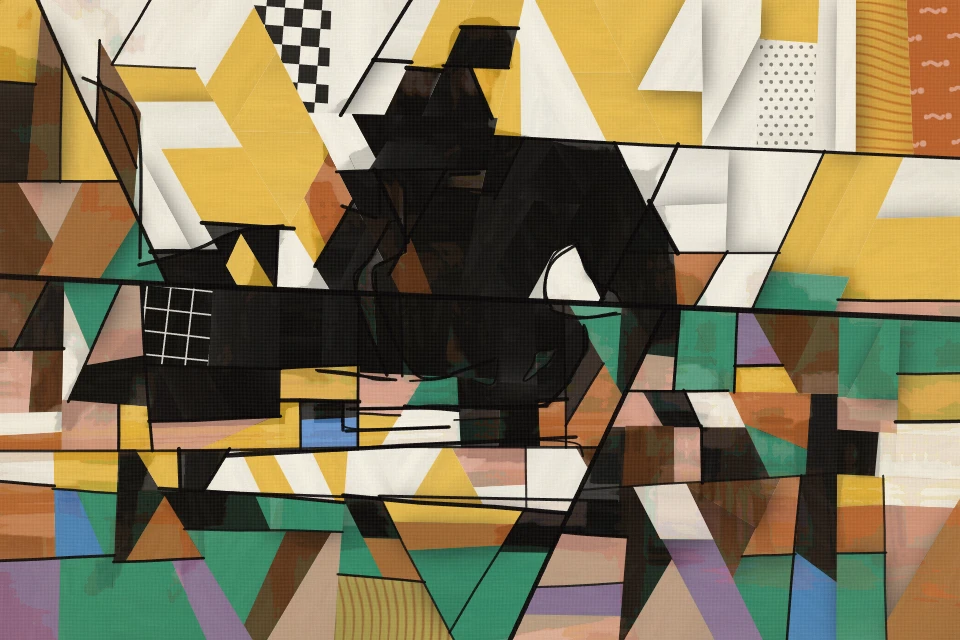
Pablo Picasso en het kubisme
Maak van een foto Pablo Picasso en het kubisme in je browser: de blauwe en roze periode, analytisch of synthetisch kubisme, een kubistisch portret, papier collé, kristalkubisme, de versplinterde portretten van de Huilende vrouw of de zwart-witte scherven van Guernica.
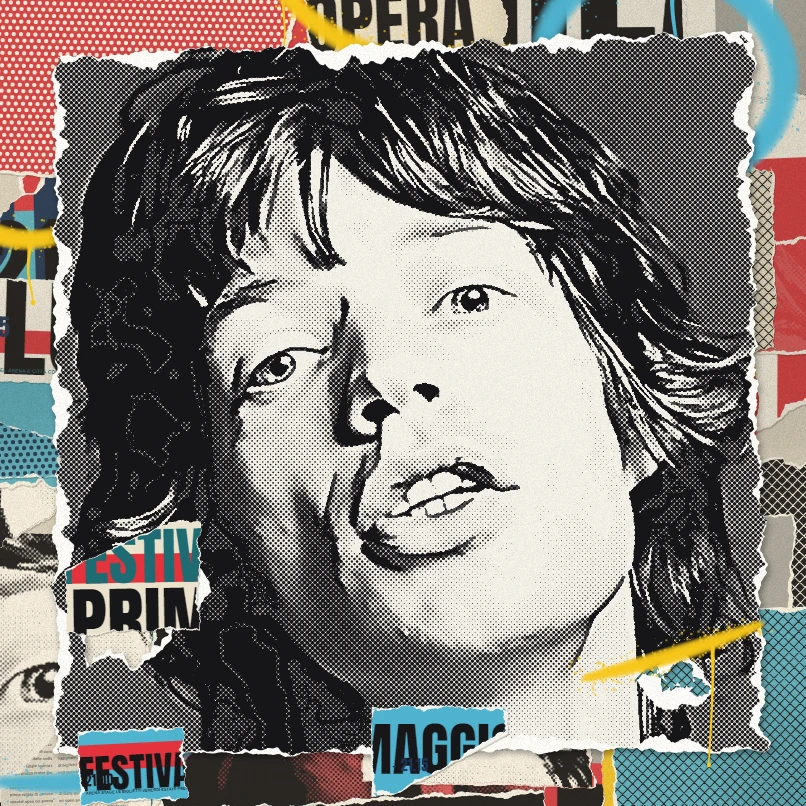
Pop-art-fotofilter
Maak in je browser pop-art van een foto: een retro-popposter, een popmotief, een WPAP-portret in regenboogfacetten, een straatcollage, inktspetters, bladgoud, een silhouet, zonnestralen of een rooster van popemblemen.
Artistieke effecten
Transformeer foto's met olieverf, aquarel, potlood, stripinkt, pastelkleuren, uitgesneden papier en andere studiokunstlooks.
Klaar om het te proberen?
Open PictorX in je browser - geen installatie, geen creditcard nodig om te starten.
Ga naar Editor