
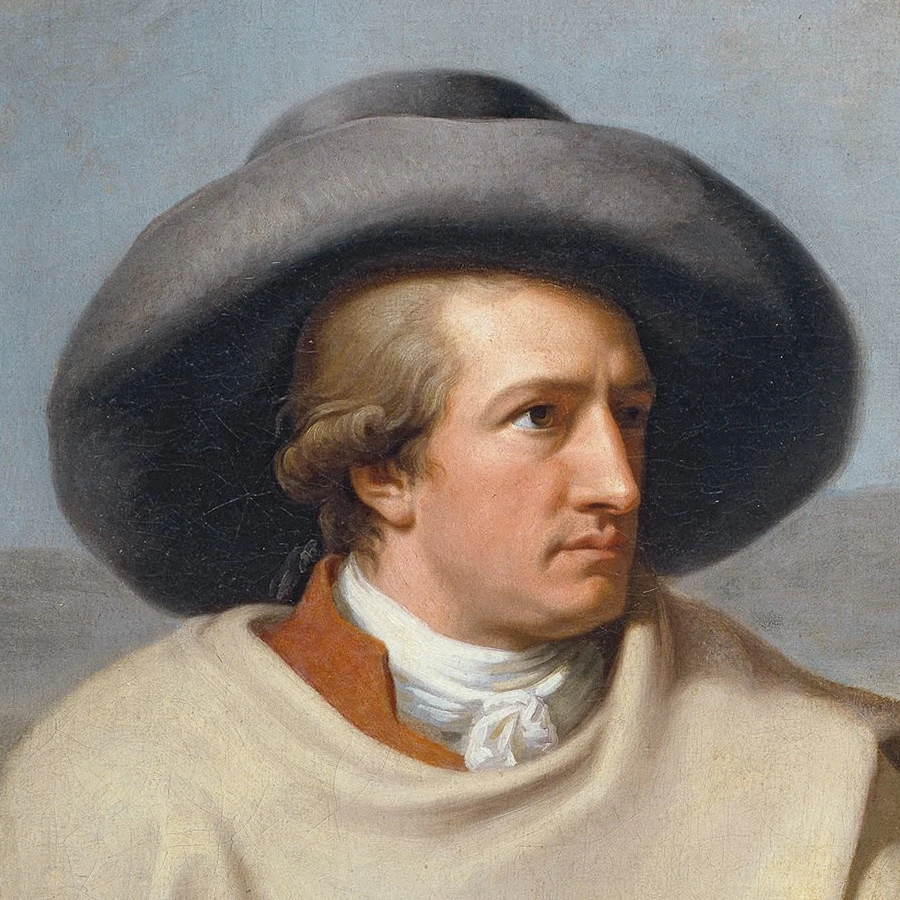
Biến ảnh thành tranh cắt giấy, màu dã thú hoặc một nét vẽ uyển chuyển của Matisse — chọn phong cách và bảng màu, rồi chỉnh kích cỡ hình.
Người phụ nữ đội mũ – Henri Matisse và trường phái Dã thú
Matisse simplified the world into a few flat, singing shapes, and in 1905 he led the Fauves—the “wild beasts” who set colour free from nature. This app follows both: it reduces your photo to a handful of colour shapes and cuts them from painted paper, sets them in a red room or draws them with a single brush line, or repaints it in the bold, arbitrary colour of Matisse, Derain and Vlaminck, with cool shadows, hot lights and visible strokes. All processed on-device. Biến ảnh thành tranh cắt giấy, màu dã thú hoặc một nét vẽ uyển chuyển của Matisse — chọn phong cách và bảng màu, rồi chỉnh kích cỡ hình.
Cách nó hoạt động
- Open PictorX in your browser and load a photo — portraits, landscapes and still lifes with a few clear shapes work best.
- Pick a Style—Matisse's Cut-Outs, Fauve, Harmony in Red or Line Drawing, or the Fauvism styles Woman with a Hat, Collioure, London or Vlaminck—and a Palette, then adjust Shape Size, Colors, Ornaments and Line Work for Matisse, or Brush Size, Color Boldness, Brushwork and Outlines for Fauvism.
- Export the picture, or keep editing with layers and other effects in the same workspace.
From Fauve colour to the cut-outs in one app
The Style list holds two effects. Henri Matisse follows the painter through his whole career, from Fauve colour and the red room of 1908 to his line drawings and the paper cut-outs of his last years. Fauvism follows the movement he led in 1905 with André Derain and Maurice de Vlaminck, with styles after each of them; pick one of its styles and the panel switches to its own sliders.
Why few, flat shapes read as Matisse
Matisse spent his life simplifying: fewer colours, larger areas, firmer outlines. The filter groups your photo into a handful of colour shapes and smooths every outline into a calm curve, so the picture keeps its composition while losing photographic detail. Colors sets how many shapes there are; Shape Size sets how simple their outlines become.
Four Matisse styles and six palettes
Cut-Outs cuts the shapes from gouache-painted paper with scissor-like edges and scatters seaweed and leaf forms on the ground, as in Jazz and the late cut-outs. Fauve paints in broad strokes of arbitrary colour, after Woman with a Hat (1905). Harmony in Red sets the shapes in a flat red room with dark-blue arabesques, after The Dessert: Harmony in Red (1908), and Line Drawing reduces everything to a few fluent brush lines. Palettes: Photo, Jazz, Blue Nudes, Fauve, Harmony in Red and Nice.
Four Fauve painters
Woman with a Hat follows Matisse's scandalous portrait of 1905: broad patches of arbitrary colour, green and violet shadows across the face and loose blue-green contours. Collioure follows the summer Matisse and André Derain spent in that harbour, building pictures from separate dabs of pure colour with the canvas showing between them. London follows Derain's views of the Thames, with flat complementary blocks, horizontal broken strokes and dark outlines, and Vlaminck lays on long, thick, swirling strokes of hot reds, oranges and blues.
Colour that describes feeling, not nature
Color Boldness sets how far the colours depart from the photo: at low values the photo's own hues are simply intensified; at high values every zone receives an arbitrary Fauve colour, lights turn warm and shadows cool and complementary. Palette chooses the pigments—Fauve for each painter's own colours, Photo to keep your hues, Hot, Cool, or Complementary to flip every colour to its opposite. Brush Size, Brushwork and Outlines control the stroke size, how loose the hand is, and the weight of the painted contours.
Privacy and keep editing
Processing stays in your browser—photos are not uploaded to PictorX servers for this filter. After Henri Matisse and Fauvism, continue with layers, text, Kandinsky, Paul Klee, Vincent van Gogh, Pointillism, or export.
Câu hỏi thường gặp
Ứng dụng Henri Matisse và trường phái Dã thú có tác dụng gì?
Ứng dụng biến ảnh thành một bức tranh theo phong cách Henri Matisse—tranh cắt giấy, màu sắc Dã thú, Hòa âm đỏ hoặc nét vẽ đường nét—hoặc vẽ lại ảnh bằng màu sắc hoang dại, tùy hứng của nhóm Dã thú do ông dẫn đầu: Người phụ nữ đội mũ của Matisse, Collioure, London của Derain hoặc Vlaminck. Kết quả được dựng từ chính hình khối trong ảnh của bạn, không sao chép một bức tranh bảo tàng.
Trường phái Dã thú là gì?
Một trào lưu ngắn ngủi vào khoảng 1905–1908, dùng màu thuần khiết, phi tự nhiên để biểu đạt cảm xúc thay vì mô tả sự vật. Tại Salon d'Automne năm 1905 ở Paris, nhà phê bình Louis Vauxcelles gọi các họa sĩ này là “fauves”, tức là thú hoang.
Có những kiểu Dã thú nào?
“Người phụ nữ đội mũ”, theo bức chân dung năm 1905 của Matisse; “Collioure”, theo mùa hè Matisse và André Derain ở bến cảng đó; “Luân Đôn”, theo những bức tranh sông Thames của Derain; và “Vlaminck”, với những nét cọ dày, nóng bỏng của ông. Mỗi kiểu có các thanh trượt riêng—“Cỡ cọ”, “Độ táo bạo của màu”, “Nét cọ” và “Đường viền”—và các bảng màu “Dã thú”, “Ảnh”, “Nóng”, “Lạnh” và “Bổ túc”.
Đây có phải là tranh Matisse hay Derain thật không?
Không. Đây là một sự tôn vinh kỹ thuật số dành cho ảnh của bạn. Các tác phẩm thật của Matisse nằm trong những bảo tàng như Centre Pompidou ở Paris, Musée Matisse ở Nice và Bảo tàng Nghệ thuật Hiện đại (MoMA) ở New York; tranh Dã thú của Derain và Vlaminck được trưng bày ở các bảo tàng và bộ sưu tập trên khắp thế giới.
Ảnh nào cho kết quả tốt nhất?
Ảnh có vài hình khối lớn, rõ ràng: chân dung hợp với “Nét vẽ”, “Dã thú” và “Người phụ nữ đội mũ”; phong cảnh và cây cối hợp với “Cắt giấy” và “Collioure”; thành phố và sông hợp với “Luân Đôn”; cây và làng mạc hợp với “Vlaminck”; còn nội thất hoặc tĩnh vật hợp với “Hòa âm đỏ”. Ảnh có ánh sáng và bóng tối rõ ràng cho màu Dã thú mạnh mẽ nhất.
Tôi có thể tiếp tục chỉnh sửa sau Henri Matisse và trường phái Dã thú không?
Có. Hãy tiếp tục với lớp, chữ, các phong cách nghệ thuật khác, hoặc xuất ảnh ngay trong cùng không gian làm việc PictorX.
Công cụ liên quan
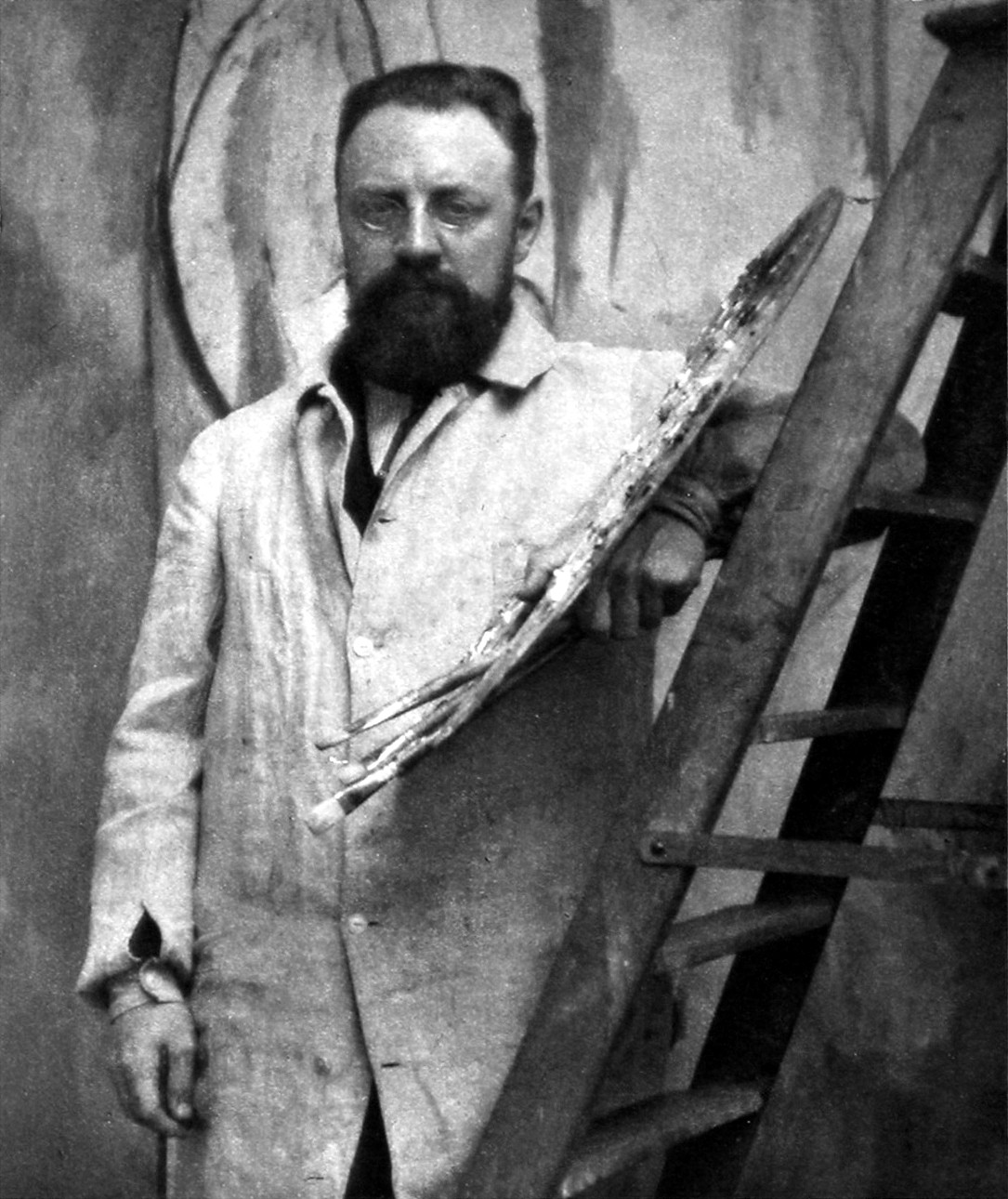
Henri Matisse
Henri Matisse là ai? Từ thư ký luật đến họa sĩ, nhóm Dã thú năm 1905, Hòa âm đỏ và Điệu nhảy, những năm ở Nice, nét vẽ một đường và tranh cắt giấy.
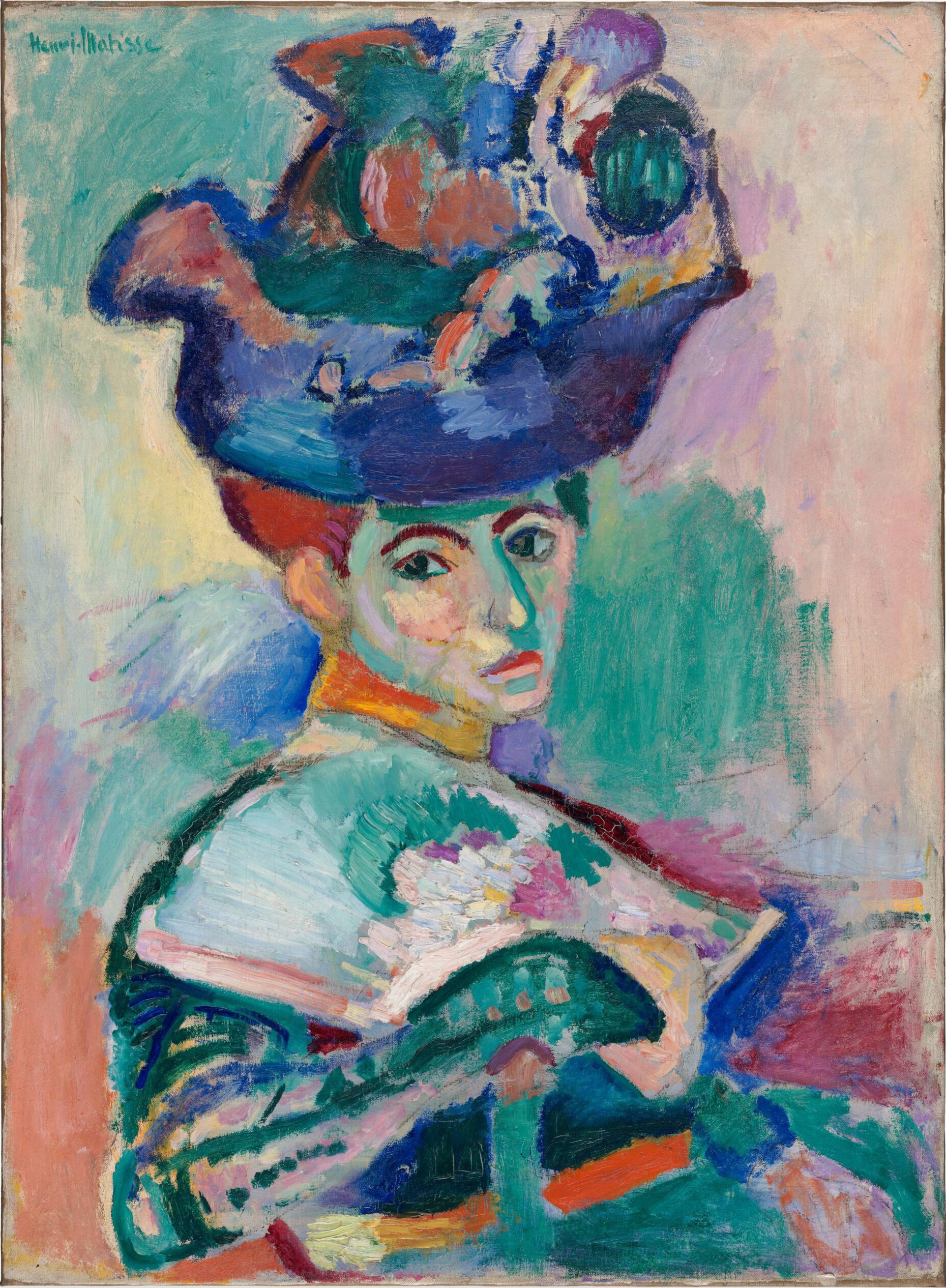
Trường phái Dã thú
Trường phái Dã thú là gì? “Con thú hoang” năm 1905 vẽ bằng màu thuần, rực rỡ: nguồn gốc từ Van Gogh và Gauguin, Matisse và Derain ở Collioure, tranh tiêu biểu.
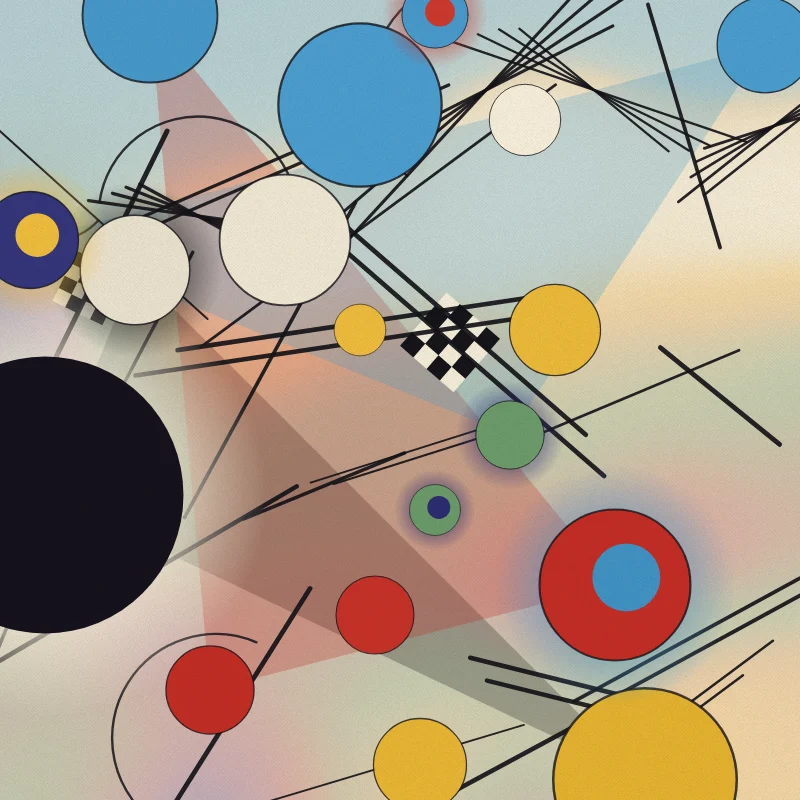
Bộ lọc ảnh Kandinsky - vòng tròn, đường nét và màu sắc
Biến ảnh thành tranh trừu tượng phong cách Wassily Kandinsky ngay trong trình duyệt: vòng tròn và đường nét của Bố cục VIII, ô vuông với vòng tròn đồng tâm, Vài vòng tròn trên nền đen hoặc một bức Ngẫu hứng tự do.
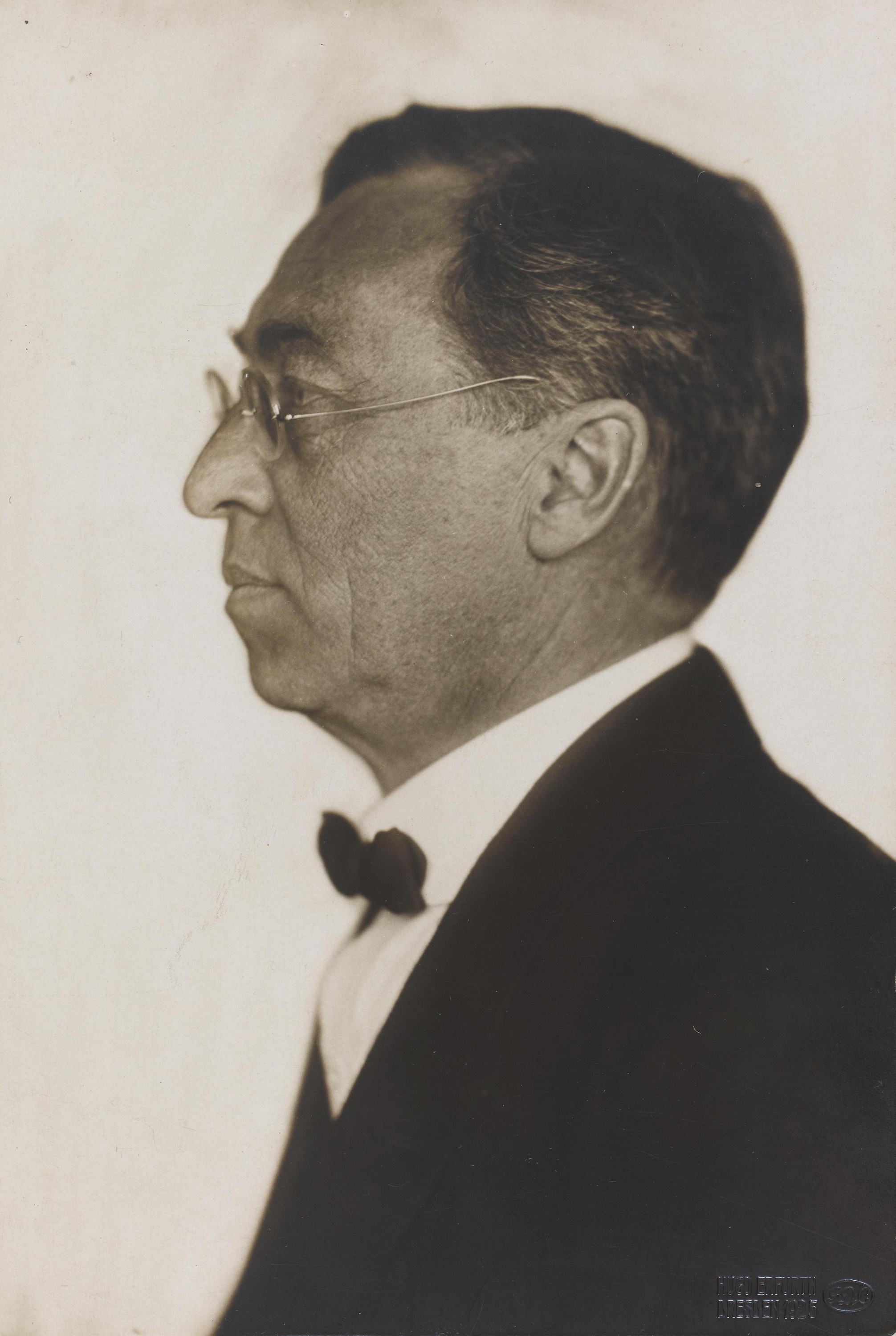
Wassily Kandinsky
Wassily Kandinsky là ai? Tiên phong của nghệ thuật trừu tượng: Der Blaue Reiter, màu như âm nhạc, Ô vuông với vòng tròn đồng tâm, Bố cục VIII và Vài vòng tròn.
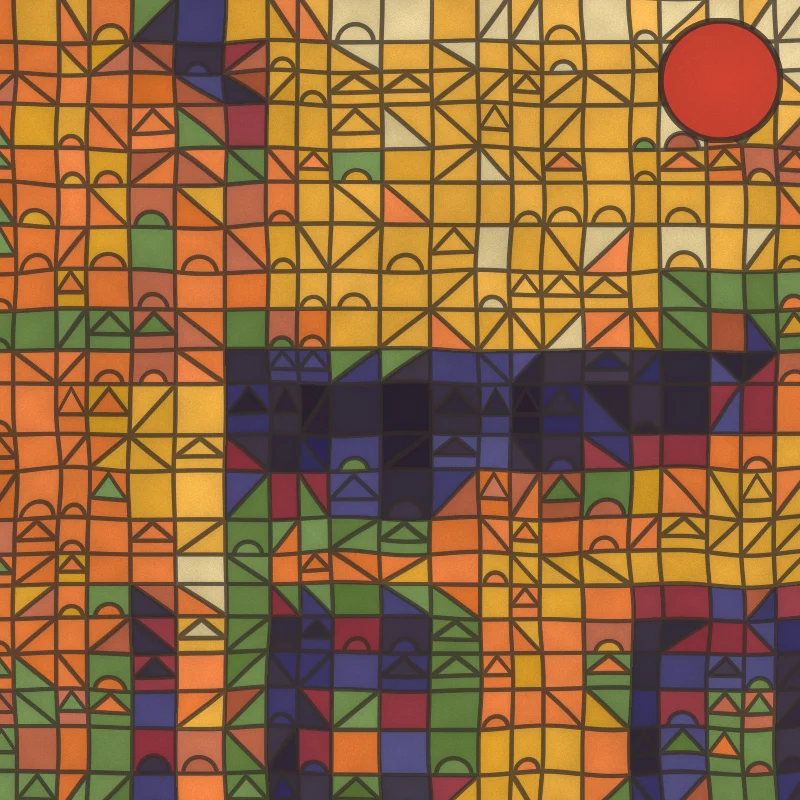
Bộ lọc ảnh Paul Klee - ô vuông kỳ diệu, lâu đài và đường nét
Biến ảnh thành tranh phong cách Paul Klee ngay trong trình duyệt: ô vuông màu kỳ diệu, ô gạch Lâu đài và Mặt trời, chấm Ad Parnassum, đường nét đi dạo hoặc màu nước Tunisia.
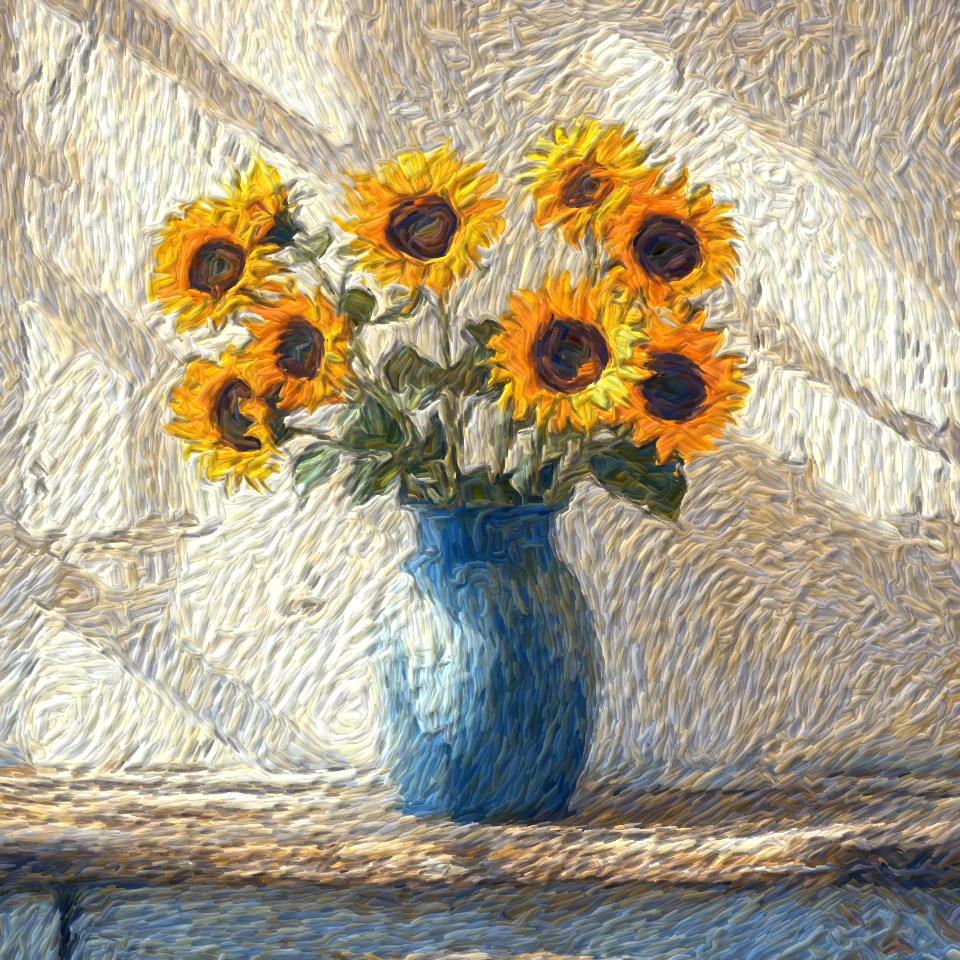
Vẽ ảnh bằng nét cọ Van Gogh
Biến ảnh thành nét cọ xoáy kiểu Đêm đầy sao trong trình duyệt. Lời tri ân số tới lớp sơn dày của Van Gogh—không phải bản sao bảo tàng.
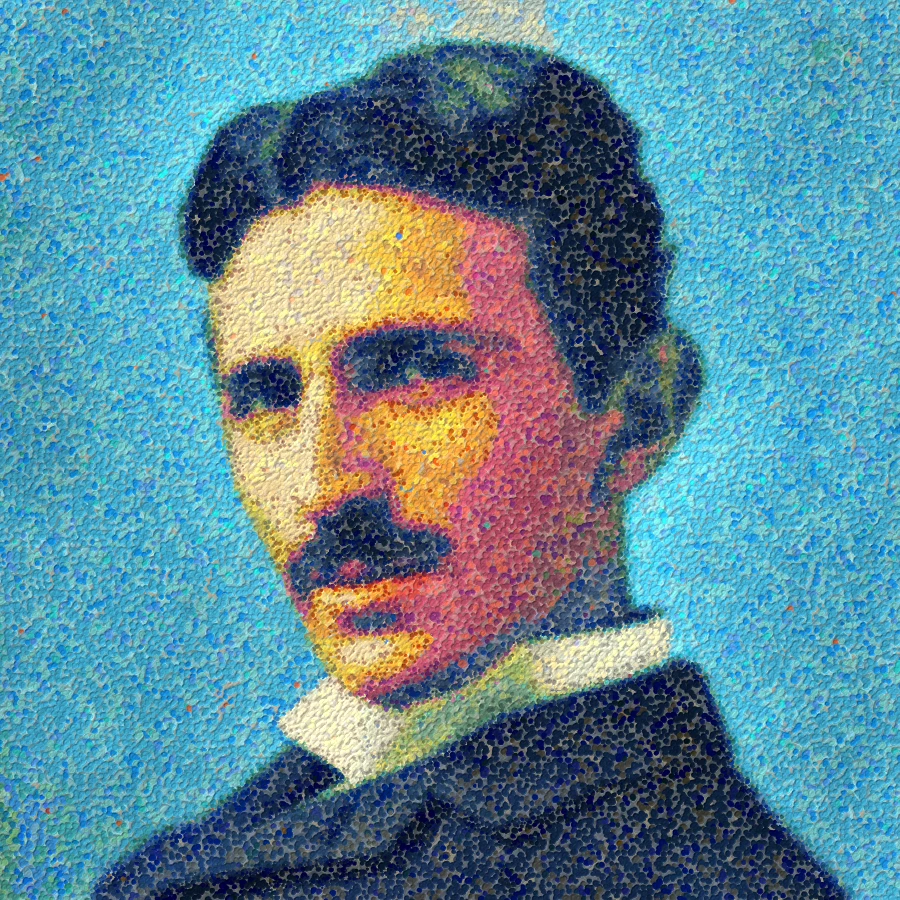
Bộ lọc điểm họa (pointillism)
Biến ảnh thành tranh điểm họa theo phong cách Seurat, Signac, Cross hoặc trường phái Dã thú. Chọn bảng màu, đặt Cỡ chấm và Hòa màu thị giác, rồi lưu.
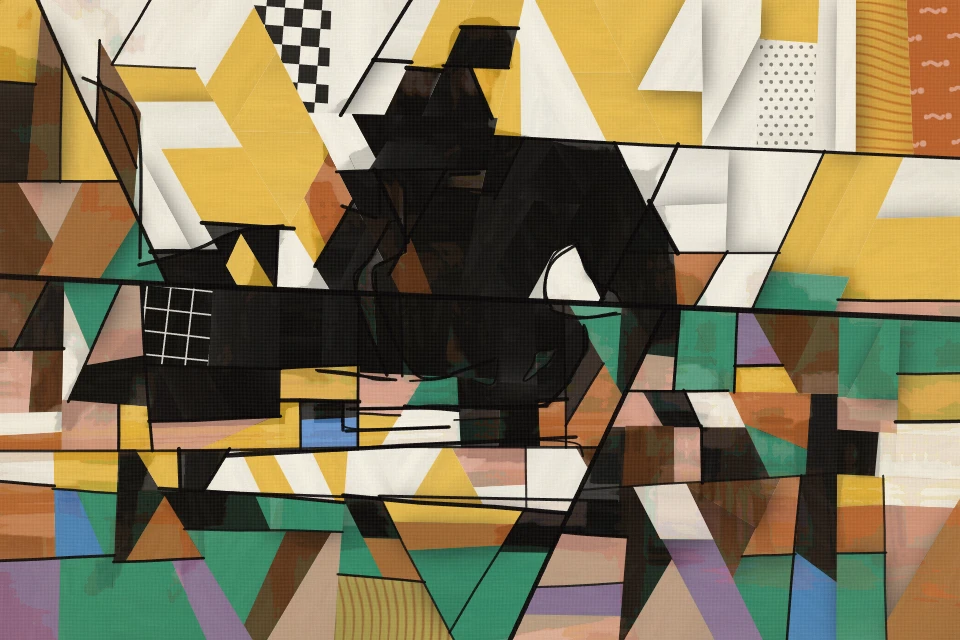
Pablo Picasso và chủ nghĩa Lập thể
Biến ảnh thành Pablo Picasso và chủ nghĩa Lập thể ngay trong trình duyệt: Thời kỳ Xanh và Hồng, Lập thể phân tích hoặc tổng hợp, chân dung lập thể, giấy cắt dán, Lập thể tinh thể, chân dung vỡ mảnh của Người đàn bà khóc hoặc những mảnh vỡ đen trắng của Guernica.
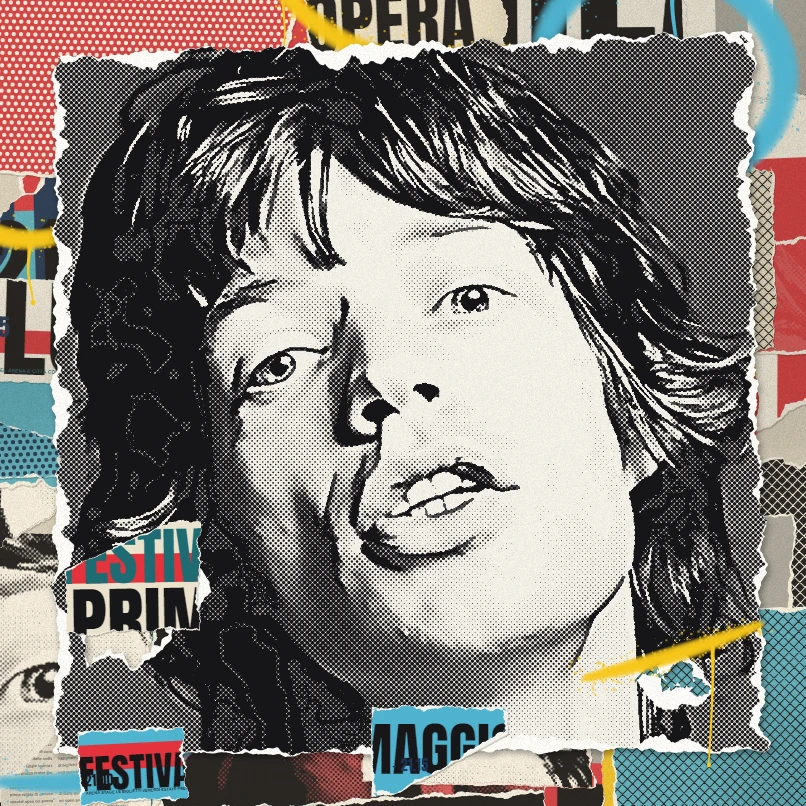
Bộ lọc ảnh Pop Art
Biến ảnh thành pop art ngay trong trình duyệt: áp phích retro phong cách pop, họa tiết pop, chân dung WPAP với mặt cắt cầu vồng, cắt dán đường phố, vẩy sơn, lá vàng, silhouette, tia nắng hoặc lưới biểu tượng pop.
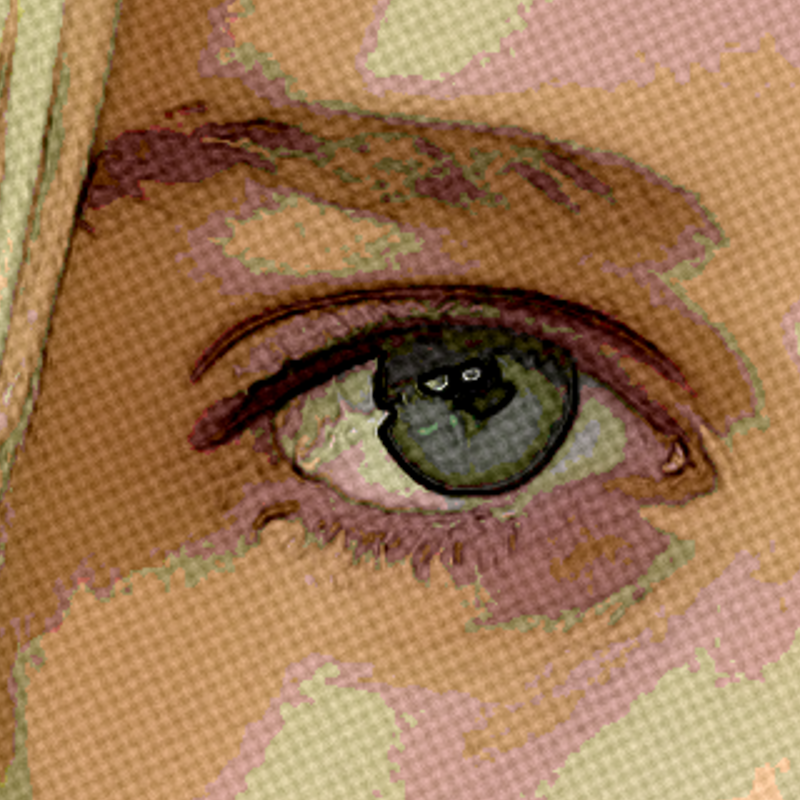
Hiệu ứng nghệ thuật
Biến đổi ảnh với tranh sơn dầu, màu nước, bút chì, mực truyện tranh, phấn màu, cắt giấy và nhiều phong cách nghệ thuật chuyên nghiệp khác.
Sẵn sàng thử chưa?
Mở PictorX trong trình duyệt — không cần cài đặt, không cần thẻ tín dụng để bắt đầu.
Tới trình chỉnh sửa