
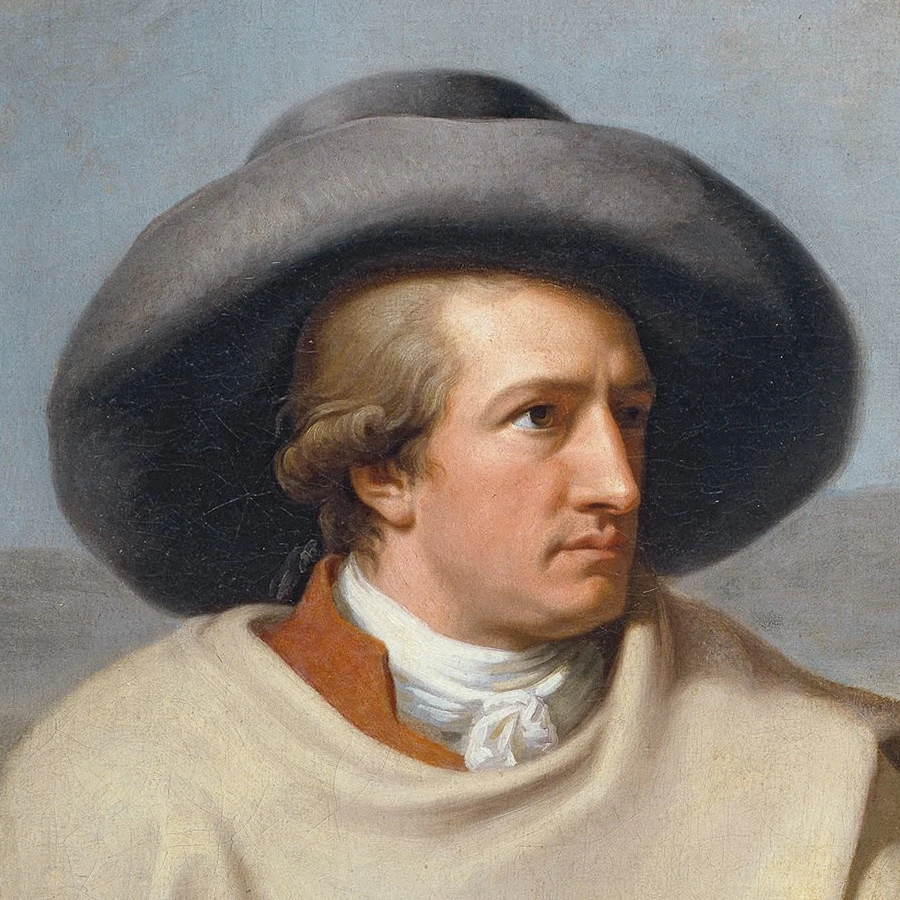
Transformez une photo en papiers découpés, couleur fauve ou trait fluide de Matisse — choisissez un style et une palette, puis réglez la taille des formes.
Femme au chapeau – Henri Matisse et le fauvisme
Matisse simplified the world into a few flat, singing shapes, and in 1905 he led the Fauves—the “wild beasts” who set colour free from nature. This app follows both: it reduces your photo to a handful of colour shapes and cuts them from painted paper, sets them in a red room or draws them with a single brush line, or repaints it in the bold, arbitrary colour of Matisse, Derain and Vlaminck, with cool shadows, hot lights and visible strokes. All processed on-device. Transformez une photo en papiers découpés, couleur fauve ou trait fluide de Matisse — choisissez un style et une palette, puis réglez la taille des formes.
Comment ça marche
- Open PictorX in your browser and load a photo — portraits, landscapes and still lifes with a few clear shapes work best.
- Pick a Style—Matisse's Cut-Outs, Fauve, Harmony in Red or Line Drawing, or the Fauvism styles Woman with a Hat, Collioure, London or Vlaminck—and a Palette, then adjust Shape Size, Colors, Ornaments and Line Work for Matisse, or Brush Size, Color Boldness, Brushwork and Outlines for Fauvism.
- Export the picture, or keep editing with layers and other effects in the same workspace.
From Fauve colour to the cut-outs in one app
The Style list holds two effects. Henri Matisse follows the painter through his whole career, from Fauve colour and the red room of 1908 to his line drawings and the paper cut-outs of his last years. Fauvism follows the movement he led in 1905 with André Derain and Maurice de Vlaminck, with styles after each of them; pick one of its styles and the panel switches to its own sliders.
Why few, flat shapes read as Matisse
Matisse spent his life simplifying: fewer colours, larger areas, firmer outlines. The filter groups your photo into a handful of colour shapes and smooths every outline into a calm curve, so the picture keeps its composition while losing photographic detail. Colors sets how many shapes there are; Shape Size sets how simple their outlines become.
Four Matisse styles and six palettes
Cut-Outs cuts the shapes from gouache-painted paper with scissor-like edges and scatters seaweed and leaf forms on the ground, as in Jazz and the late cut-outs. Fauve paints in broad strokes of arbitrary colour, after Woman with a Hat (1905). Harmony in Red sets the shapes in a flat red room with dark-blue arabesques, after The Dessert: Harmony in Red (1908), and Line Drawing reduces everything to a few fluent brush lines. Palettes: Photo, Jazz, Blue Nudes, Fauve, Harmony in Red and Nice.
Four Fauve painters
Woman with a Hat follows Matisse's scandalous portrait of 1905: broad patches of arbitrary colour, green and violet shadows across the face and loose blue-green contours. Collioure follows the summer Matisse and André Derain spent in that harbour, building pictures from separate dabs of pure colour with the canvas showing between them. London follows Derain's views of the Thames, with flat complementary blocks, horizontal broken strokes and dark outlines, and Vlaminck lays on long, thick, swirling strokes of hot reds, oranges and blues.
Colour that describes feeling, not nature
Color Boldness sets how far the colours depart from the photo: at low values the photo's own hues are simply intensified; at high values every zone receives an arbitrary Fauve colour, lights turn warm and shadows cool and complementary. Palette chooses the pigments—Fauve for each painter's own colours, Photo to keep your hues, Hot, Cool, or Complementary to flip every colour to its opposite. Brush Size, Brushwork and Outlines control the stroke size, how loose the hand is, and the weight of the painted contours.
Privacy and keep editing
Processing stays in your browser—photos are not uploaded to PictorX servers for this filter. After Henri Matisse and Fauvism, continue with layers, text, Kandinsky, Paul Klee, Vincent van Gogh, Pointillism, or export.
Questions fréquemment posées
Que fait l'application Henri Matisse et le fauvisme ?
Elle transforme une photo en image à la manière d'Henri Matisse (papiers découpés, couleur fauve, Harmonie en rouge ou dessin au trait), ou la repeint avec les couleurs sauvages et arbitraires des fauves qu'il menait : La Femme au chapeau de Matisse, Collioure, le Londres de Derain ou Vlaminck. Elle est construite à partir des formes de votre photo, et non copiée d'un tableau de musée.
Qu'est-ce que le fauvisme ?
Un mouvement éphémère, d'environ 1905 à 1908, qui employait des couleurs pures et non naturelles pour exprimer des émotions plutôt que pour décrire les choses. Au Salon d'Automne de 1905 à Paris, le critique Louis Vauxcelles qualifia ses peintres de « fauves », des bêtes sauvages.
Quels styles fauves sont inclus ?
Femme au chapeau, d'après le portrait de Matisse de 1905 ; Collioure, d'après l'été que Matisse et André Derain passèrent dans ce port ; Londres, d'après les vues de la Tamise de Derain ; et Vlaminck, avec ses touches épaisses et brûlantes. Chacun a ses propres curseurs (Taille du pinceau, Audace des couleurs, Touche et Contours) et les palettes Fauvisme, Photo, Chaud, Froid et Complémentaire.
Est-ce un vrai Matisse ou un vrai Derain ?
Non. C'est un hommage numérique pour vos propres photos. Les œuvres de Matisse se trouvent dans des musées comme le Centre Pompidou à Paris, le musée Matisse à Nice et le Museum of Modern Art à New York ; les tableaux fauves de Derain et de Vlaminck sont exposés dans des musées et des collections du monde entier.
Quelles photos fonctionnent le mieux ?
Les photos avec quelques grandes formes nettes : les portraits conviennent à Dessin au trait, Fauvisme et Femme au chapeau, les paysages et les plantes à Papiers découpés et Collioure, les villes et les fleuves à Londres, les arbres et les villages à Vlaminck, et les intérieurs ou les natures mortes à Harmonie en rouge. Les photos aux lumières et aux ombres franches donnent la couleur fauve la plus intense.
Puis-je continuer à retoucher après Henri Matisse et le fauvisme ?
Oui. Continuez avec des calques, du texte, d'autres styles artistiques, ou exportez depuis le même espace de travail PictorX.
Outils associés
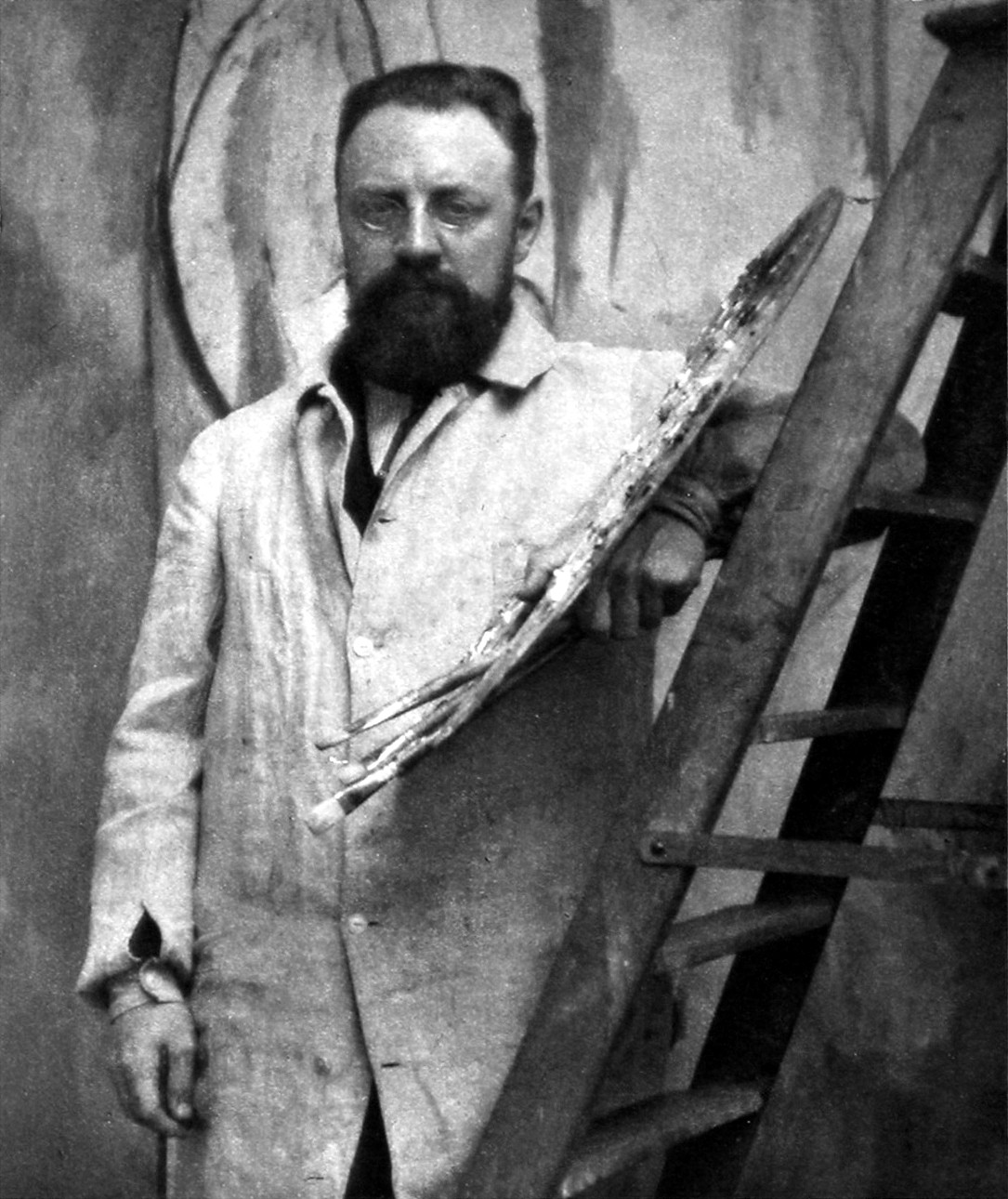
Henri Matisse
Qui était Henri Matisse ? De clerc de notaire à peintre, les Fauves en 1905, La Desserte rouge et La Danse, Nice, les dessins d'un trait, les papiers découpés.
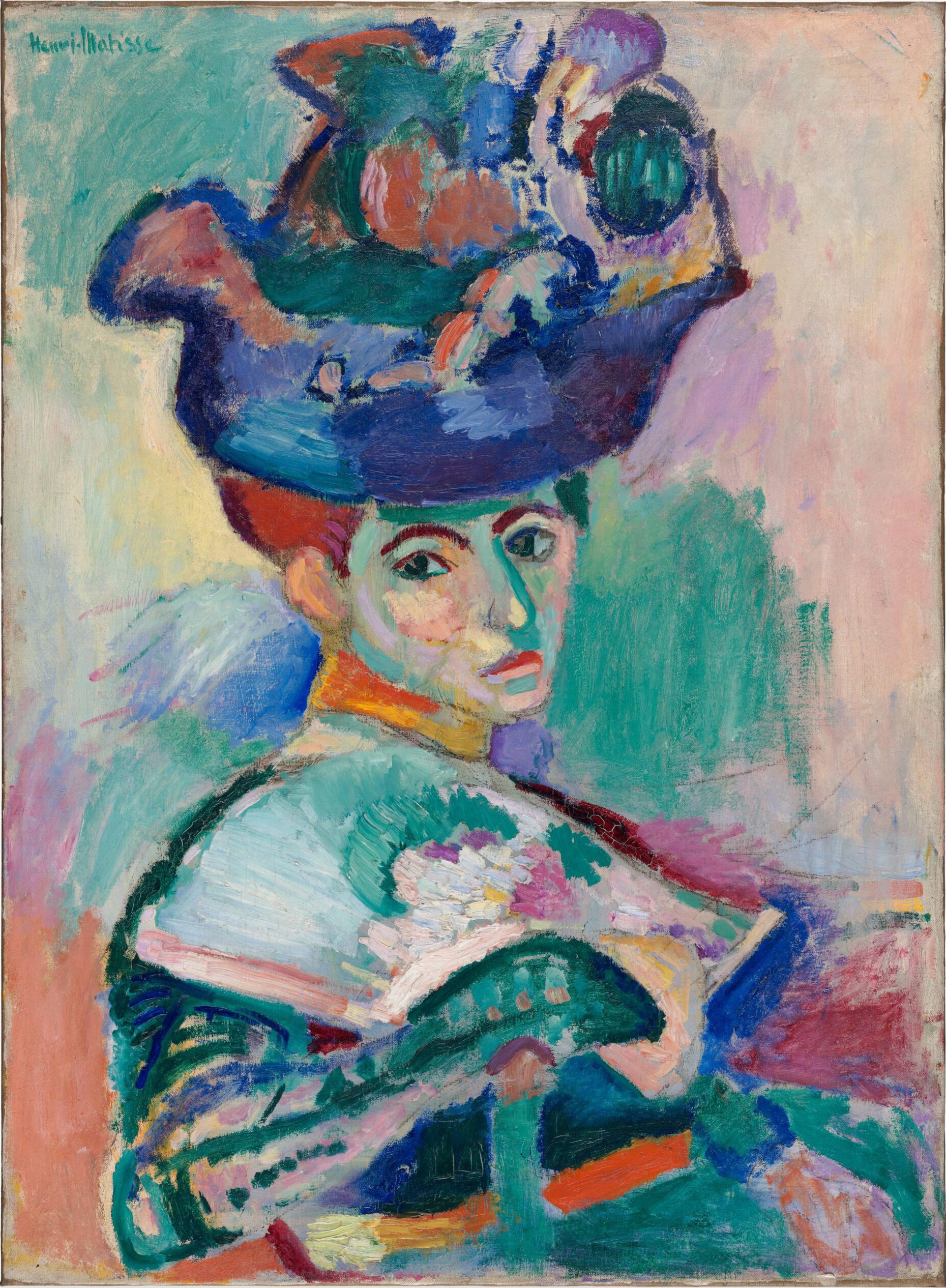
Le fauvisme
Qu’est-ce que le fauvisme ? Les « fauves » de 1905 aux couleurs pures et vives : racines chez Van Gogh et Gauguin, Matisse et Derain à Collioure, œuvres clés.
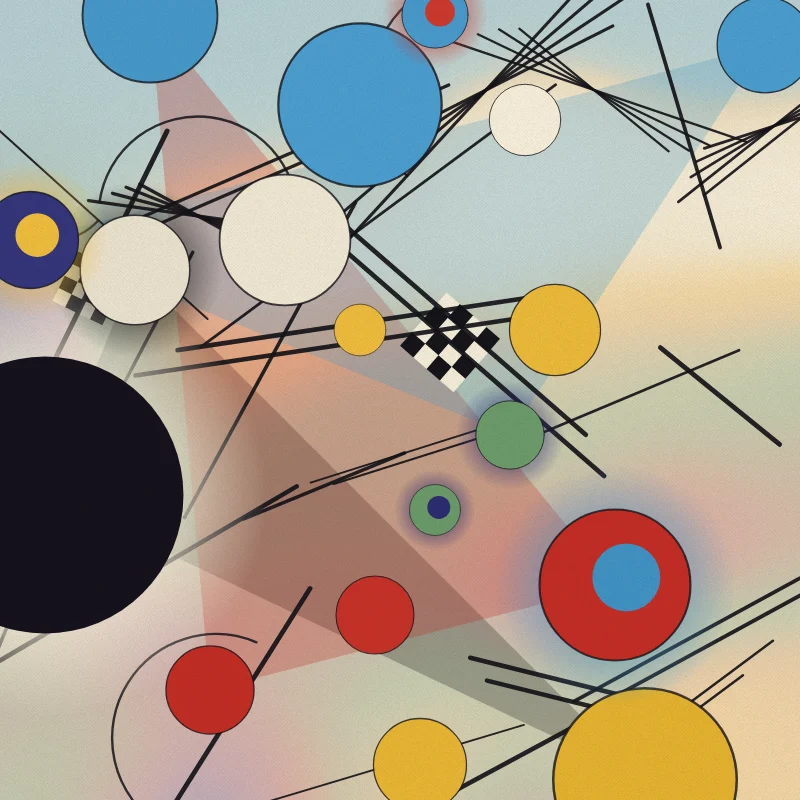
Filtre photo Kandinsky - cercles, lignes et couleur
Transformez une photo en abstraction à la Wassily Kandinsky dans votre navigateur : cercles et lignes de Composition VIII, carrés aux cercles concentriques, Quelques cercles sur fond noir ou Improvisation libre.
Wassily Kandinsky
Qui était Wassily Kandinsky ? Pionnier de l’abstraction : Cavalier bleu, couleur et son, Carrés aux cercles concentriques, Composition VIII, Quelques cercles.
Filtre photo Paul Klee - carrés magiques, châteaux et lignes
Transformez une photo en peinture à la manière de Paul Klee dans votre navigateur : carrés magiques de couleur, tuiles Château et soleil, points d’Ad Parnassum, une ligne qui se promène ou aquarelles tunisiennes.
Peignez une photo en coups de pinceau Van Gogh
Transformez une photo en coups de pinceau tourbillonnants façon Nuit étoilée dans votre navigateur. Un hommage numérique à l’empâtement de Van Gogh—pas une reproduction de musée.
Filtre pointillisme
Transformez une photo en tableau pointilliste façon Seurat, Signac, Cross ou les fauves. Choisissez une palette, réglez Taille des points et Mélange optique.
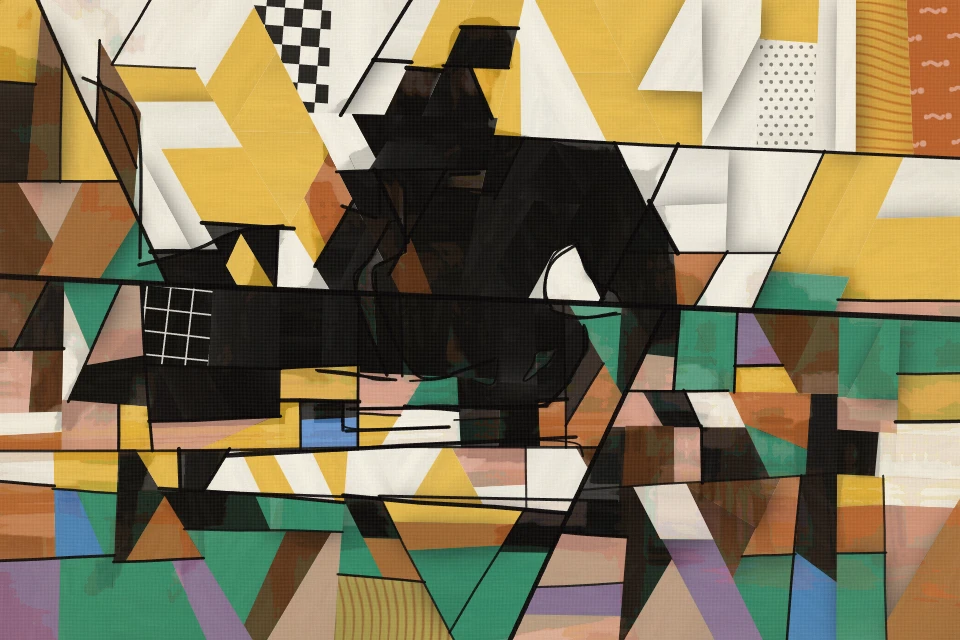
Pablo Picasso et le cubisme
Transformez une photo en Pablo Picasso et en cubisme dans votre navigateur : périodes bleue et rose, cubisme analytique ou synthétique, portrait cubiste, papier collé, cubisme cristal, portraits fragmentés de la Femme qui pleure ou éclats noir et blanc de Guernica.
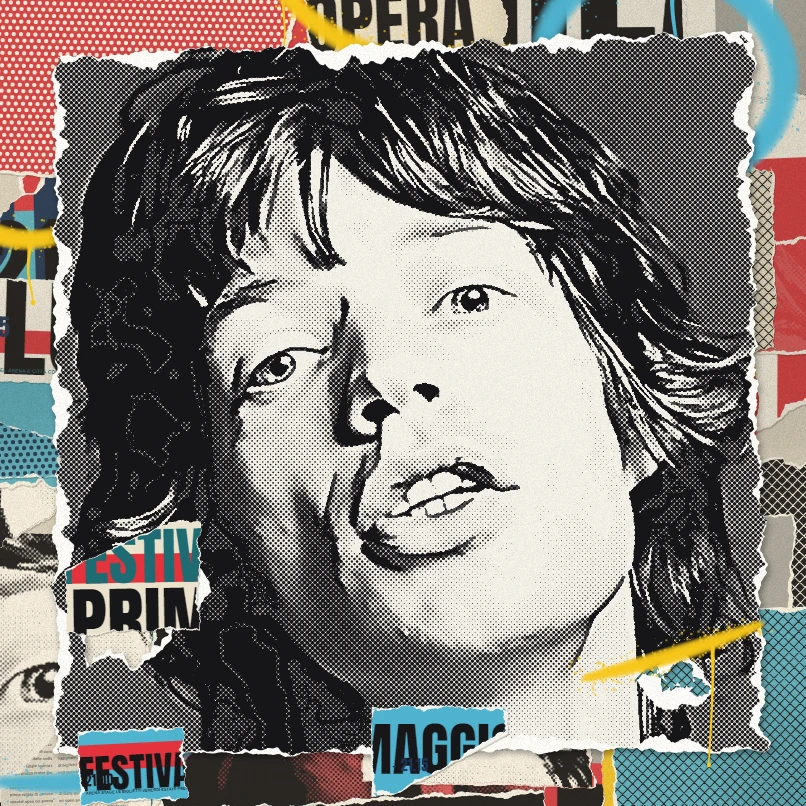
Filtre photo Pop Art
Transformez une photo en pop art dans votre navigateur : une affiche rétro pop, un motif pop, un portrait WPAP en facettes arc-en-ciel, un collage urbain, une éclaboussure d'encre, de la feuille d'or, une silhouette, un soleil rayonnant ou une grille d'emblèmes pop.
Effets artistiques
Transformez vos photos avec de la peinture à l'huile, de l'aquarelle, du crayon, de l'encre comic, des pastels, du papier découpé et d'autres looks artistiques en studio.
Prêt à l'essayer ?
Ouvrez PictorX dans votre navigateur – aucune installation, aucune carte de crédit requise pour démarrer.
Aller à l'éditeur