
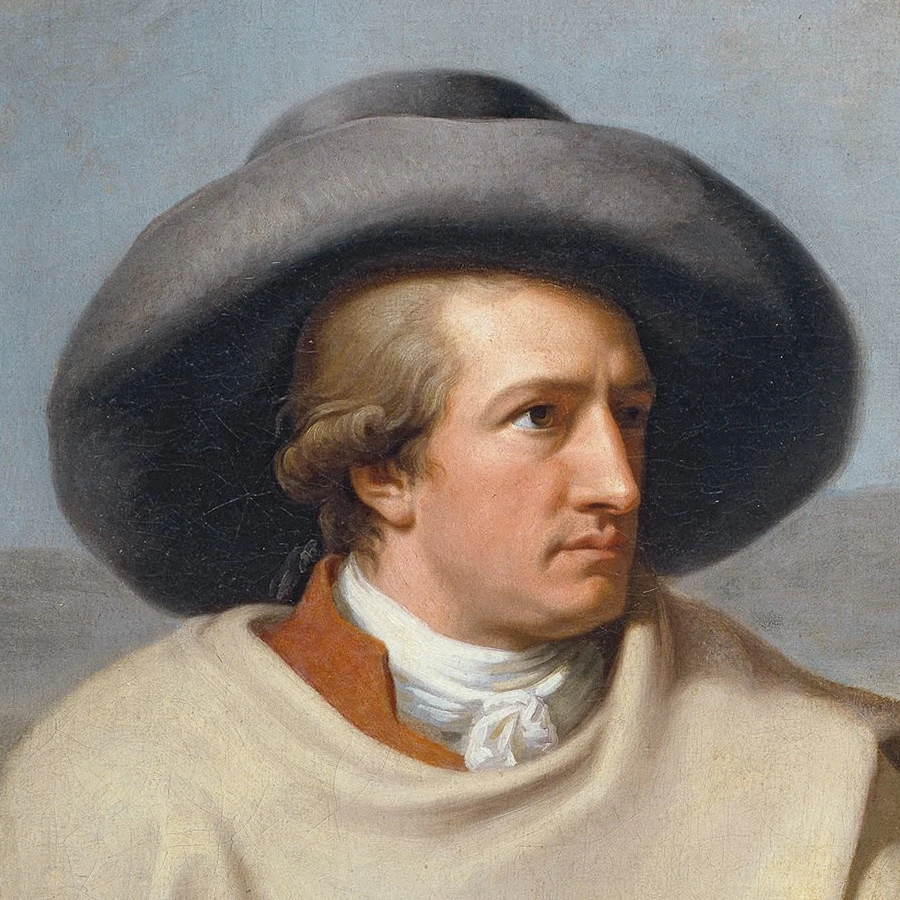
Ubah foto menjadi guntingan kertas, warna Fauvis, atau satu garis mengalir ala Matisse — pilih gaya dan palet, lalu atur ukuran bentuk.
Wanita Bertopi – Henri Matisse dan Fauvisme
Matisse simplified the world into a few flat, singing shapes, and in 1905 he led the Fauves—the “wild beasts” who set colour free from nature. This app follows both: it reduces your photo to a handful of colour shapes and cuts them from painted paper, sets them in a red room or draws them with a single brush line, or repaints it in the bold, arbitrary colour of Matisse, Derain and Vlaminck, with cool shadows, hot lights and visible strokes. All processed on-device. Ubah foto menjadi guntingan kertas, warna Fauvis, atau satu garis mengalir ala Matisse — pilih gaya dan palet, lalu atur ukuran bentuk.
Cara kerjanya
- Open PictorX in your browser and load a photo — portraits, landscapes and still lifes with a few clear shapes work best.
- Pick a Style—Matisse's Cut-Outs, Fauve, Harmony in Red or Line Drawing, or the Fauvism styles Woman with a Hat, Collioure, London or Vlaminck—and a Palette, then adjust Shape Size, Colors, Ornaments and Line Work for Matisse, or Brush Size, Color Boldness, Brushwork and Outlines for Fauvism.
- Export the picture, or keep editing with layers and other effects in the same workspace.
From Fauve colour to the cut-outs in one app
The Style list holds two effects. Henri Matisse follows the painter through his whole career, from Fauve colour and the red room of 1908 to his line drawings and the paper cut-outs of his last years. Fauvism follows the movement he led in 1905 with André Derain and Maurice de Vlaminck, with styles after each of them; pick one of its styles and the panel switches to its own sliders.
Why few, flat shapes read as Matisse
Matisse spent his life simplifying: fewer colours, larger areas, firmer outlines. The filter groups your photo into a handful of colour shapes and smooths every outline into a calm curve, so the picture keeps its composition while losing photographic detail. Colors sets how many shapes there are; Shape Size sets how simple their outlines become.
Four Matisse styles and six palettes
Cut-Outs cuts the shapes from gouache-painted paper with scissor-like edges and scatters seaweed and leaf forms on the ground, as in Jazz and the late cut-outs. Fauve paints in broad strokes of arbitrary colour, after Woman with a Hat (1905). Harmony in Red sets the shapes in a flat red room with dark-blue arabesques, after The Dessert: Harmony in Red (1908), and Line Drawing reduces everything to a few fluent brush lines. Palettes: Photo, Jazz, Blue Nudes, Fauve, Harmony in Red and Nice.
Four Fauve painters
Woman with a Hat follows Matisse's scandalous portrait of 1905: broad patches of arbitrary colour, green and violet shadows across the face and loose blue-green contours. Collioure follows the summer Matisse and André Derain spent in that harbour, building pictures from separate dabs of pure colour with the canvas showing between them. London follows Derain's views of the Thames, with flat complementary blocks, horizontal broken strokes and dark outlines, and Vlaminck lays on long, thick, swirling strokes of hot reds, oranges and blues.
Colour that describes feeling, not nature
Color Boldness sets how far the colours depart from the photo: at low values the photo's own hues are simply intensified; at high values every zone receives an arbitrary Fauve colour, lights turn warm and shadows cool and complementary. Palette chooses the pigments—Fauve for each painter's own colours, Photo to keep your hues, Hot, Cool, or Complementary to flip every colour to its opposite. Brush Size, Brushwork and Outlines control the stroke size, how loose the hand is, and the weight of the painted contours.
Privacy and keep editing
Processing stays in your browser—photos are not uploaded to PictorX servers for this filter. After Henri Matisse and Fauvism, continue with layers, text, Kandinsky, Paul Klee, Vincent van Gogh, Pointillism, or export.
Pertanyaan yang sering diajukan
Apa fungsi aplikasi Henri Matisse dan Fauvisme?
Aplikasi ini mengubah foto menjadi gambar dengan gaya Henri Matisse—guntingan kertas, warna Fauvis, Harmoni dalam merah, atau gambar garis—atau melukisnya ulang dengan warna liar dan bebas khas kaum Fauvis yang ia pimpin: Wanita Bertopi karya Matisse, Collioure, London karya Derain, atau Vlaminck. Hasilnya dibuat dari bentuk-bentuk foto Anda sendiri, bukan salinan lukisan museum.
Apa itu Fauvisme?
Gerakan berumur pendek sekitar tahun 1905–1908 yang memakai warna murni dan tidak alami untuk mengungkapkan perasaan, bukan untuk menggambarkan benda. Di Salon d'Automne 1905 di Paris, kritikus Louis Vauxcelles menyebut para pelukisnya “fauves”, binatang buas.
Gaya Fauvis apa saja yang tersedia?
Wanita Bertopi, berdasarkan potret karya Matisse tahun 1905; Collioure, berdasarkan musim panas yang dihabiskan Matisse dan André Derain di pelabuhan itu; London, berdasarkan pemandangan Sungai Thames karya Derain; dan Vlaminck, dengan sapuannya yang tebal dan panas. Masing-masing punya penggeser sendiri—“Ukuran kuas”, “Ketegasan warna”, “Sapuan kuas”, dan “Garis tepi”—serta palet “Fauvisme”, “Foto”, “Panas”, “Sejuk”, dan “Komplementer”.
Apakah ini karya Matisse atau Derain sungguhan?
Bukan. Ini adalah penghormatan digital untuk foto Anda sendiri. Karya-karya asli Matisse berada di museum seperti Centre Pompidou di Paris, Musée Matisse di Nice, dan Museum of Modern Art di New York; lukisan Fauvis karya Derain dan Vlaminck tergantung di museum dan koleksi di seluruh dunia.
Foto seperti apa yang paling cocok?
Foto dengan beberapa bentuk besar yang jelas: potret cocok untuk “Gambar garis”, Fauvis, dan Wanita Bertopi; lanskap dan tanaman cocok untuk “Guntingan kertas” dan Collioure; kota dan sungai cocok untuk London; pepohonan dan desa cocok untuk Vlaminck; dan interior atau still life cocok untuk Harmoni dalam merah. Foto dengan cahaya dan bayangan yang jelas menghasilkan warna Fauvis paling kuat.
Bisakah saya terus mengedit setelah Henri Matisse dan Fauvisme?
Ya. Lanjutkan dengan lapisan, teks, atau gaya artistik lain, atau ekspor dari ruang kerja PictorX yang sama.
Alat terkait
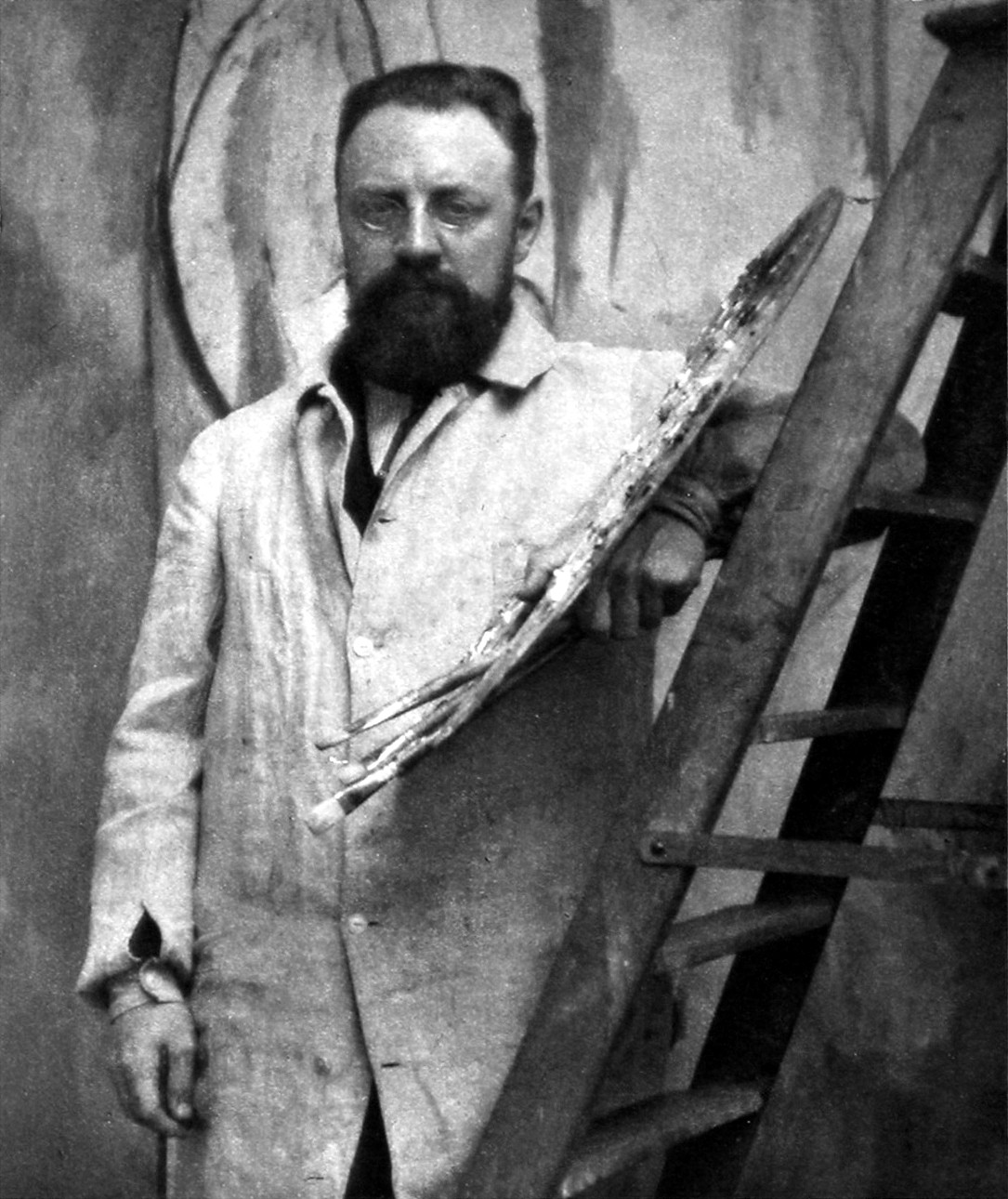
Henri Matisse
Siapa Henri Matisse? Dari juru tulis menjadi pelukis, kaum Fauvis 1905, Harmoni dalam Merah dan Tarian, masa di Nice, gambar satu garis, dan guntingan kertas.
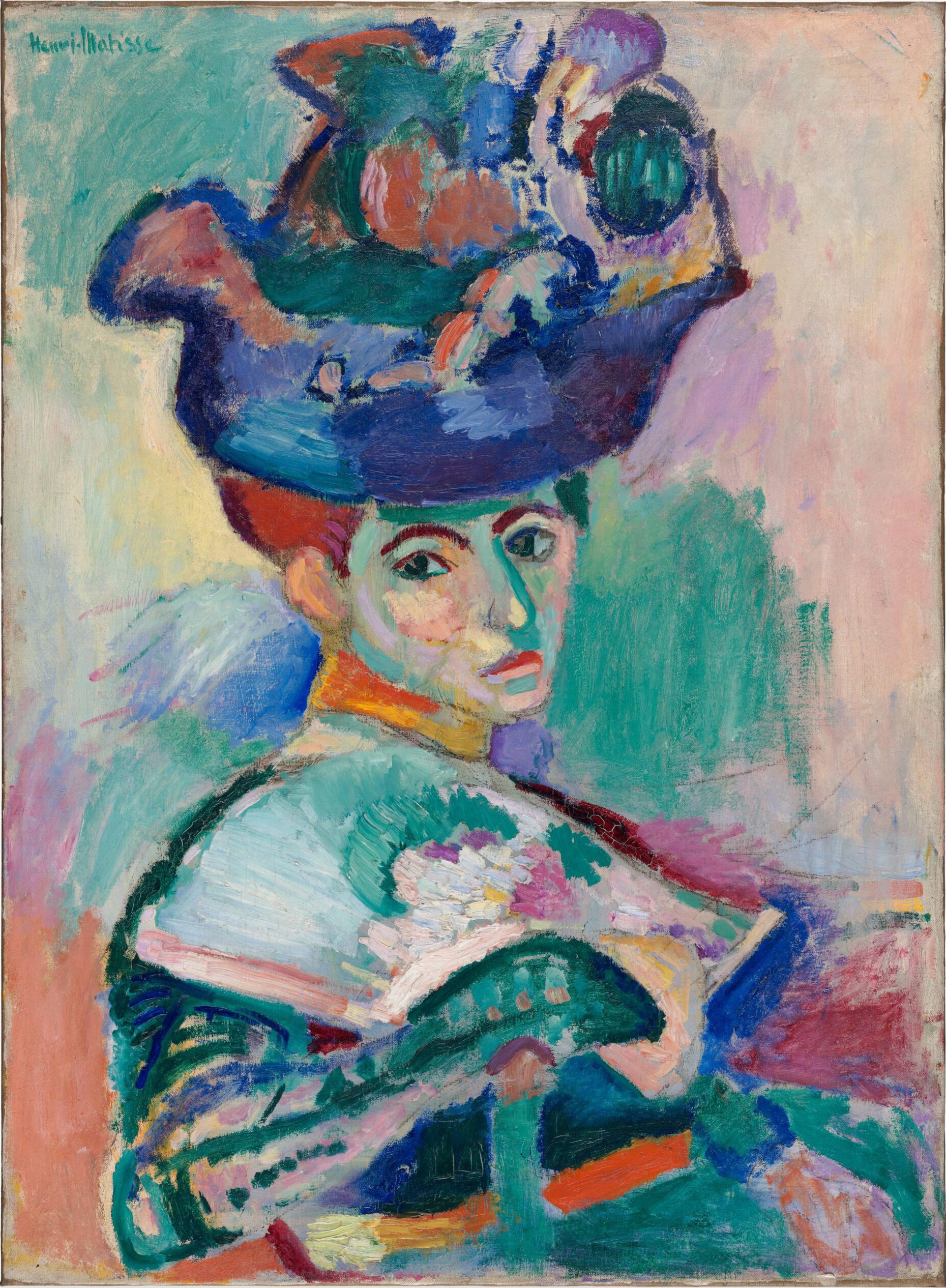
Fauvisme
Apa itu Fauvisme? “Binatang liar” 1905 yang melukis dengan warna murni dan cerah: akar pada Van Gogh dan Gauguin, Matisse dan Derain di Collioure, karya utama.
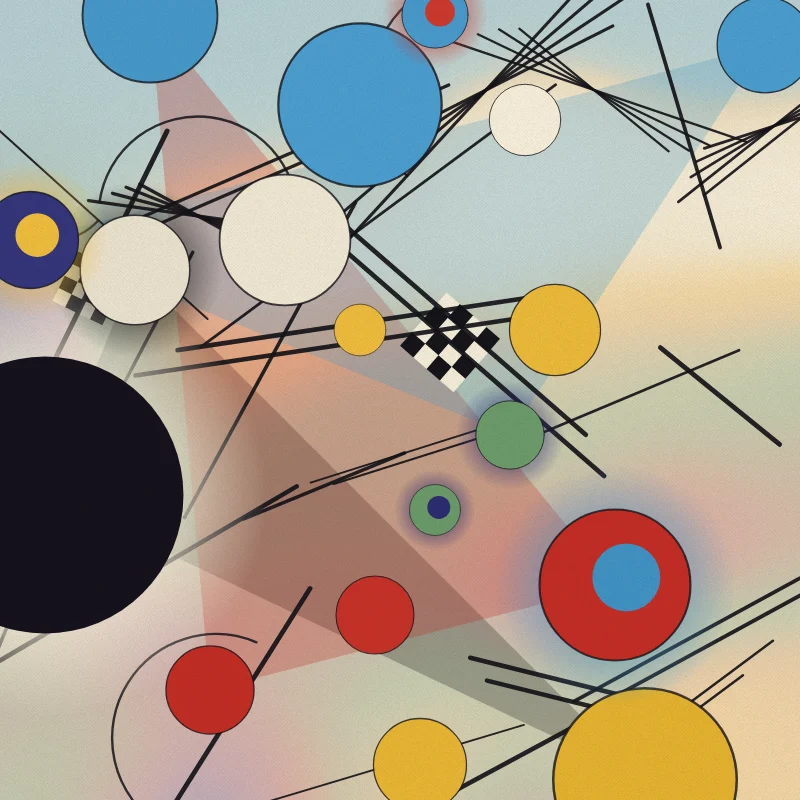
Filter foto Kandinsky - lingkaran, garis, dan warna
Ubah foto menjadi abstraksi bergaya Wassily Kandinsky di browser: lingkaran dan garis Komposisi VIII, kotak dengan lingkaran konsentris, Beberapa lingkaran di atas hitam, atau Improvisasi bebas.
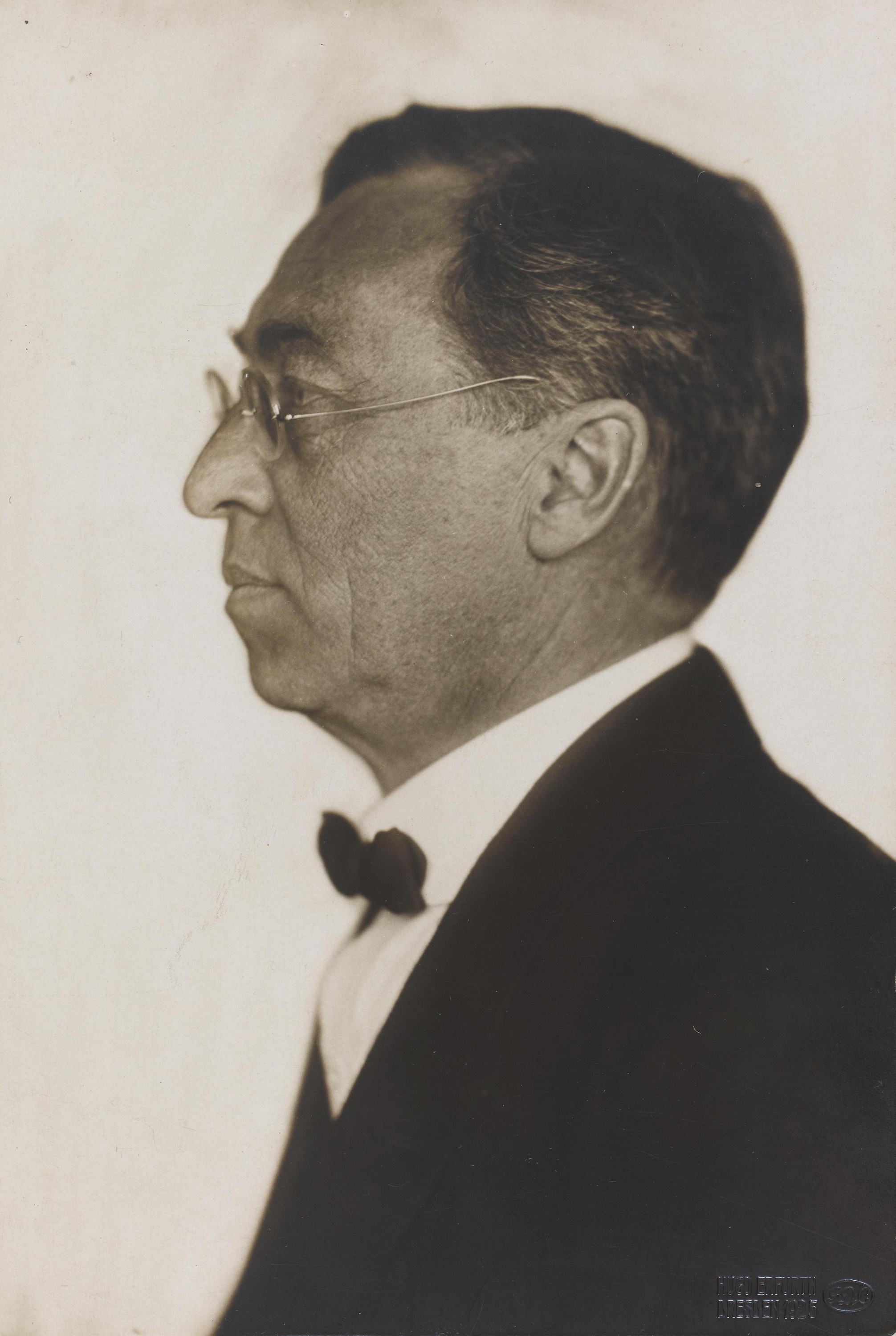
Wassily Kandinsky
Siapa Wassily Kandinsky? Pelopor seni abstrak: Der Blaue Reiter, warna sebagai musik, Kotak dengan Lingkaran Konsentris, Komposisi VIII, dan Beberapa Lingkaran.
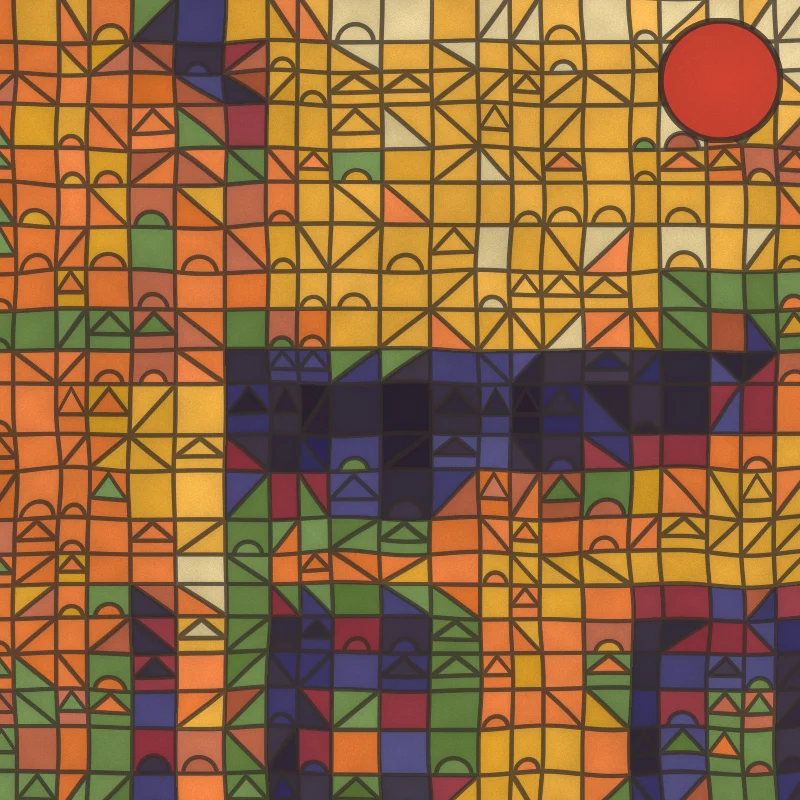
Filter foto Paul Klee - kotak ajaib, kastil, dan garis
Ubah foto menjadi lukisan bergaya Paul Klee di browser: kotak warna ajaib, ubin Kastil dan Matahari, titik Ad Parnassum, garis yang berjalan-jalan, atau cat air Tunisia.
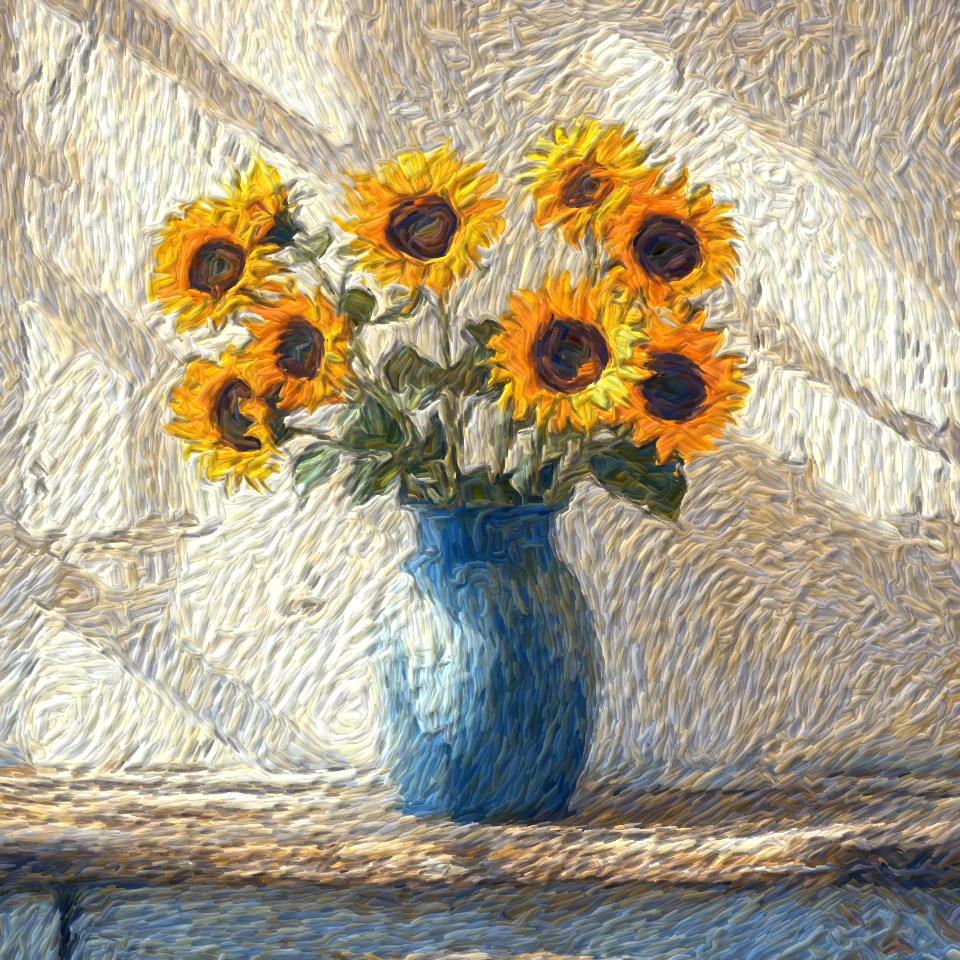
Lukis foto dengan goresan kuas Van Gogh
Ubah foto menjadi goresan kuas berputar bergaya Malam Berbintang di browser. Penghormatan digital pada impasto Van Gogh—bukan reproduksi museum.
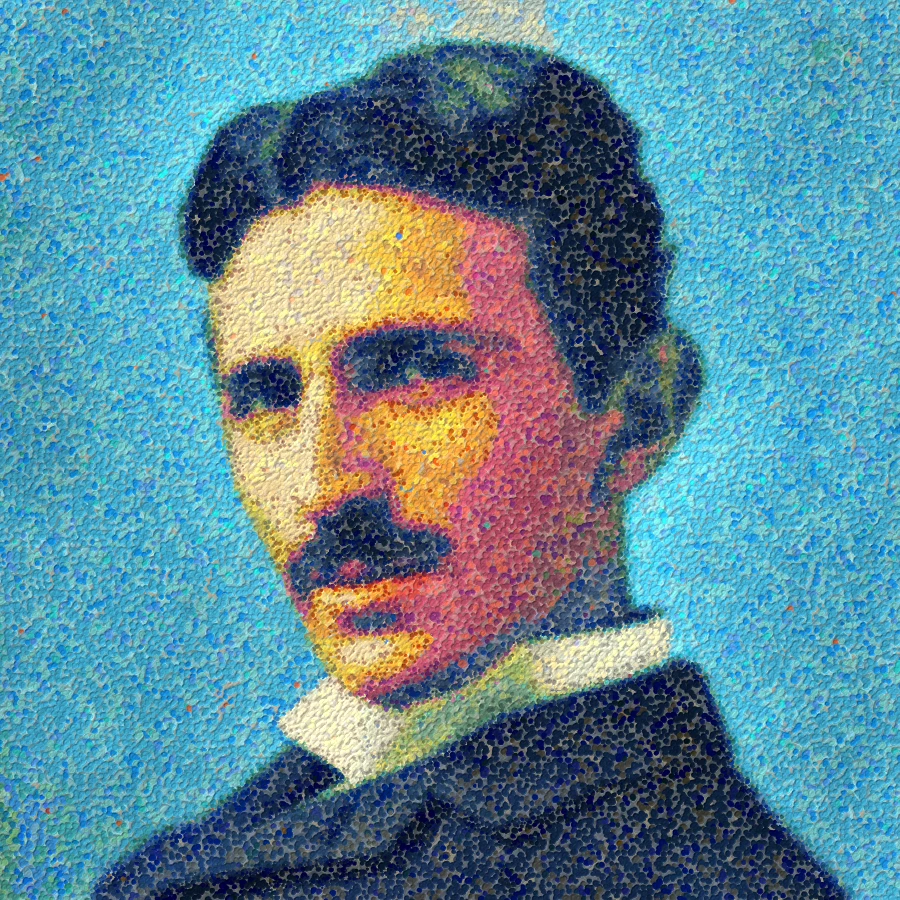
Filter pointilisme
Ubah foto menjadi lukisan pointilis bergaya Seurat, Signac, Cross, atau kaum Fauvis. Pilih palet, atur Ukuran titik dan Campuran optik, lalu simpan.
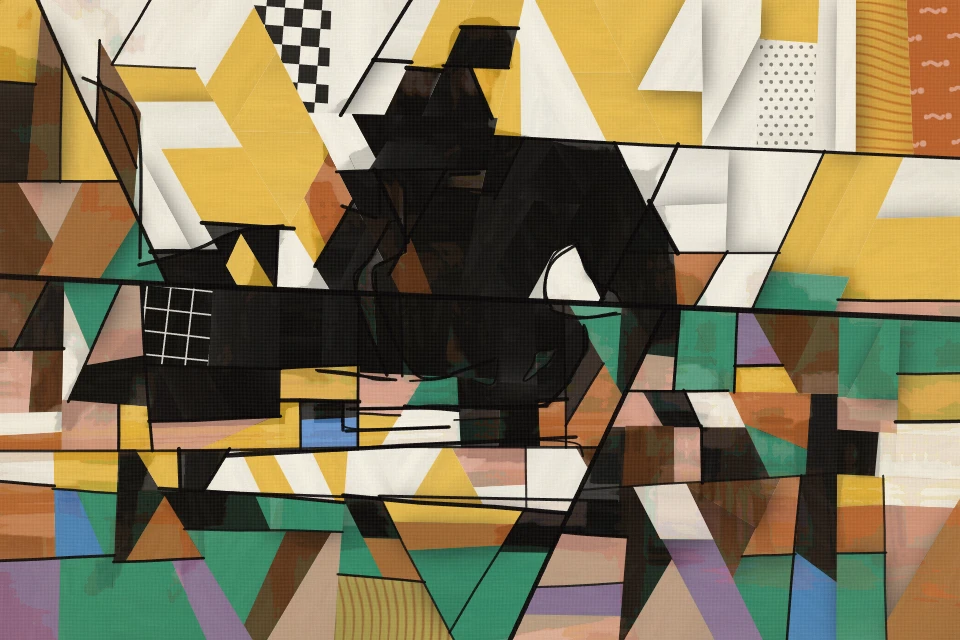
Pablo Picasso dan Kubisme
Ubah foto menjadi Pablo Picasso dan Kubisme di browser: Periode Biru dan Merah Muda, Kubisme Analitis atau Sintetis, potret kubis, papier collé, Kubisme Kristal, potret retak Wanita Menangis, atau pecahan hitam-putih Guernica.
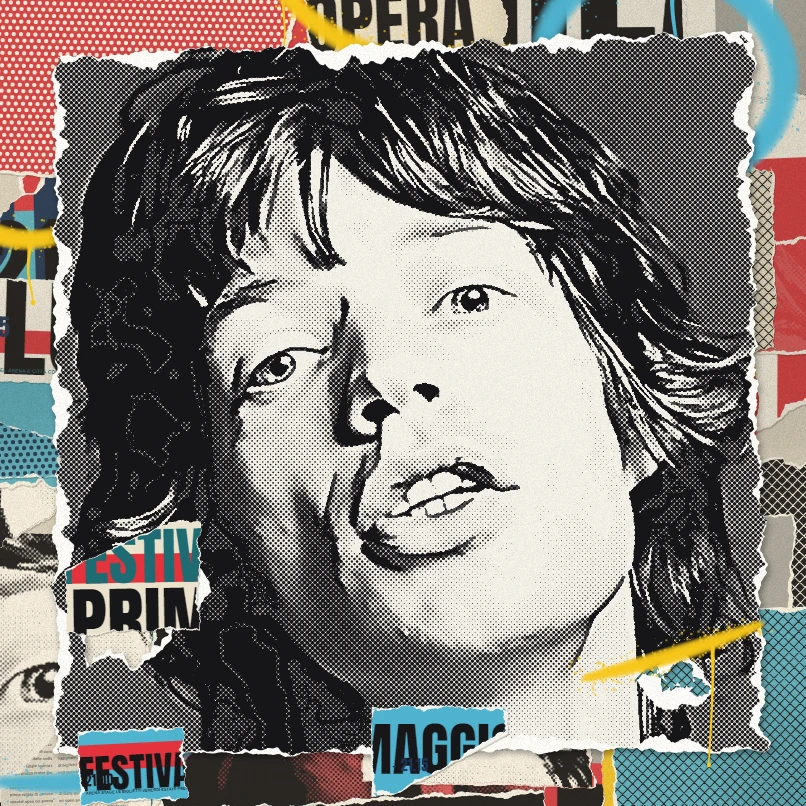
Filter foto Pop Art
Ubah foto menjadi pop art di browser: poster retro bergaya pop, pola pop, potret WPAP dengan faset pelangi, kolase jalanan, cipratan tinta, daun emas, siluet, sinar matahari, atau kisi berisi emblem pop.
Efek artistik
Ubah foto dengan lukisan cat minyak, cat air, pensil, tinta komik, pastel, potongan kertas, dan tampilan seni studio lainnya.
Siap mencobanya?
Buka PictorX di browser Anda — tanpa instalasi, tanpa kartu kredit untuk memulai.
Ke Editor