
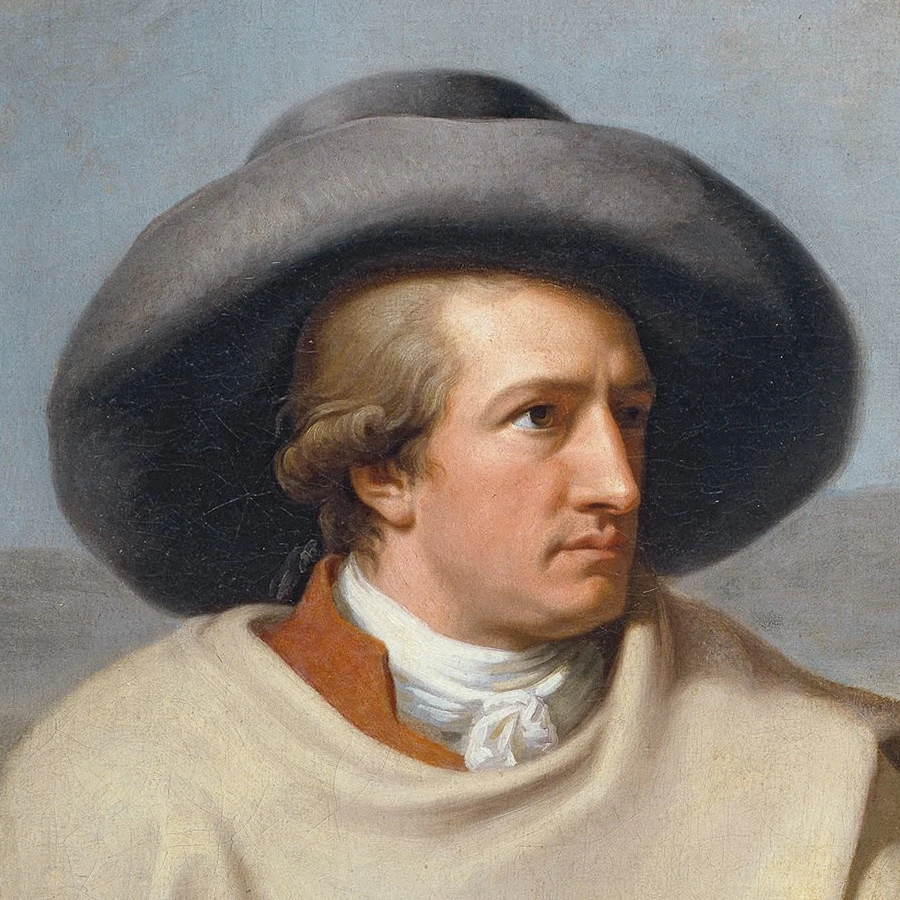
Bir fotoğrafı Matisse kesik kâğıtlarına, Fovist renklere veya tek akıcı bir çizgiye dönüştürün — stil ve palet seçin, ardından şekil boyutunu ayarlayın.
Şapkalı Kadın – Henri Matisse ve Fovizm
Matisse simplified the world into a few flat, singing shapes, and in 1905 he led the Fauves—the “wild beasts” who set colour free from nature. This app follows both: it reduces your photo to a handful of colour shapes and cuts them from painted paper, sets them in a red room or draws them with a single brush line, or repaints it in the bold, arbitrary colour of Matisse, Derain and Vlaminck, with cool shadows, hot lights and visible strokes. All processed on-device. Bir fotoğrafı Matisse kesik kâğıtlarına, Fovist renklere veya tek akıcı bir çizgiye dönüştürün — stil ve palet seçin, ardından şekil boyutunu ayarlayın.
Nasıl çalışır
- Open PictorX in your browser and load a photo — portraits, landscapes and still lifes with a few clear shapes work best.
- Pick a Style—Matisse's Cut-Outs, Fauve, Harmony in Red or Line Drawing, or the Fauvism styles Woman with a Hat, Collioure, London or Vlaminck—and a Palette, then adjust Shape Size, Colors, Ornaments and Line Work for Matisse, or Brush Size, Color Boldness, Brushwork and Outlines for Fauvism.
- Export the picture, or keep editing with layers and other effects in the same workspace.
From Fauve colour to the cut-outs in one app
The Style list holds two effects. Henri Matisse follows the painter through his whole career, from Fauve colour and the red room of 1908 to his line drawings and the paper cut-outs of his last years. Fauvism follows the movement he led in 1905 with André Derain and Maurice de Vlaminck, with styles after each of them; pick one of its styles and the panel switches to its own sliders.
Why few, flat shapes read as Matisse
Matisse spent his life simplifying: fewer colours, larger areas, firmer outlines. The filter groups your photo into a handful of colour shapes and smooths every outline into a calm curve, so the picture keeps its composition while losing photographic detail. Colors sets how many shapes there are; Shape Size sets how simple their outlines become.
Four Matisse styles and six palettes
Cut-Outs cuts the shapes from gouache-painted paper with scissor-like edges and scatters seaweed and leaf forms on the ground, as in Jazz and the late cut-outs. Fauve paints in broad strokes of arbitrary colour, after Woman with a Hat (1905). Harmony in Red sets the shapes in a flat red room with dark-blue arabesques, after The Dessert: Harmony in Red (1908), and Line Drawing reduces everything to a few fluent brush lines. Palettes: Photo, Jazz, Blue Nudes, Fauve, Harmony in Red and Nice.
Four Fauve painters
Woman with a Hat follows Matisse's scandalous portrait of 1905: broad patches of arbitrary colour, green and violet shadows across the face and loose blue-green contours. Collioure follows the summer Matisse and André Derain spent in that harbour, building pictures from separate dabs of pure colour with the canvas showing between them. London follows Derain's views of the Thames, with flat complementary blocks, horizontal broken strokes and dark outlines, and Vlaminck lays on long, thick, swirling strokes of hot reds, oranges and blues.
Colour that describes feeling, not nature
Color Boldness sets how far the colours depart from the photo: at low values the photo's own hues are simply intensified; at high values every zone receives an arbitrary Fauve colour, lights turn warm and shadows cool and complementary. Palette chooses the pigments—Fauve for each painter's own colours, Photo to keep your hues, Hot, Cool, or Complementary to flip every colour to its opposite. Brush Size, Brushwork and Outlines control the stroke size, how loose the hand is, and the weight of the painted contours.
Privacy and keep editing
Processing stays in your browser—photos are not uploaded to PictorX servers for this filter. After Henri Matisse and Fauvism, continue with layers, text, Kandinsky, Paul Klee, Vincent van Gogh, Pointillism, or export.
Sık sorulan sorular
Henri Matisse ve Fovizm uygulaması ne yapar?
Bir fotoğrafı Henri Matisse üslubunda bir resme dönüştürür (kâğıt kesikler, Fovist renk, Kırmızıda Uyum ya da bir çizgi çizimi) veya onu önderliğini yaptığı Fovların vahşi, keyfi renkleriyle yeniden boyar: Matisse’in Şapkalı Kadın’ı, Collioure, Derain’in Londra’sı ya da Vlaminck. Bir müze tablosunun kopyası değil, fotoğrafınızın kendi şekillerinden oluşturulur.
Fovizm neydi?
Yaklaşık 1905–1908 yılları arasında süren kısa ömürlü bir akımdır; saf, doğal olmayan renkleri nesneleri betimlemek için değil, duyguyu ifade etmek için kullandı. 1905’te Paris’teki Sonbahar Salonu’nda eleştirmen Louis Vauxcelles bu ressamları “fauves”, yani vahşi hayvanlar diye adlandırdı.
Hangi Fovist stiller var?
Matisse’in 1905 tarihli portresinden esinlenen Şapkalı Kadın; Matisse ile André Derain’in o limanda geçirdiği yazdan esinlenen Collioure; Derain’in Thames manzaralarından esinlenen Londra ve kalın, sıcak fırça darbeleriyle Vlaminck. Her birinin kendi kaydırıcıları (“Fırça boyutu”, “Renk canlılığı”, “Fırça işçiliği” ve “Dış hatlar”) ve Fovizm, Fotoğraf, Sıcak, Soğuk ve Tamamlayıcı paletleri vardır.
Bu gerçek bir Matisse ya da Derain mi?
Hayır. Kendi fotoğraflarınız için dijital bir saygı duruşudur. Matisse’in kendi eserleri Paris’teki Centre Pompidou, Nice’teki Musée Matisse ve New York’taki Modern Sanat Müzesi gibi müzelerdedir; Derain ve Vlaminck’in Fovist tabloları dünyanın dört bir yanındaki müze ve koleksiyonlarda yer alır.
Hangi fotoğraflar en iyi sonucu verir?
Birkaç büyük, belirgin şekli olan fotoğraflar: portreler Çizgi çizimi, Fovizm ve Şapkalı Kadın stillerine; manzaralar ve bitkiler Kesik kâğıtlar ve Collioure stillerine; şehirler ve nehirler Londra stiline; ağaçlar ve köyler Vlaminck stiline; iç mekânlar ya da natürmortlar ise Kırmızıda Uyum stiline uyar. Belirgin ışık ve gölgesi olan fotoğraflar en güçlü Fovist rengi verir.
Henri Matisse ve Fovizm'den sonra düzenlemeye devam edebilir miyim?
Evet. Aynı PictorX çalışma alanında katmanlar, metin ve diğer sanatsal görünümlerle devam edebilir ya da dışa aktarabilirsiniz.
İlgili araçlar
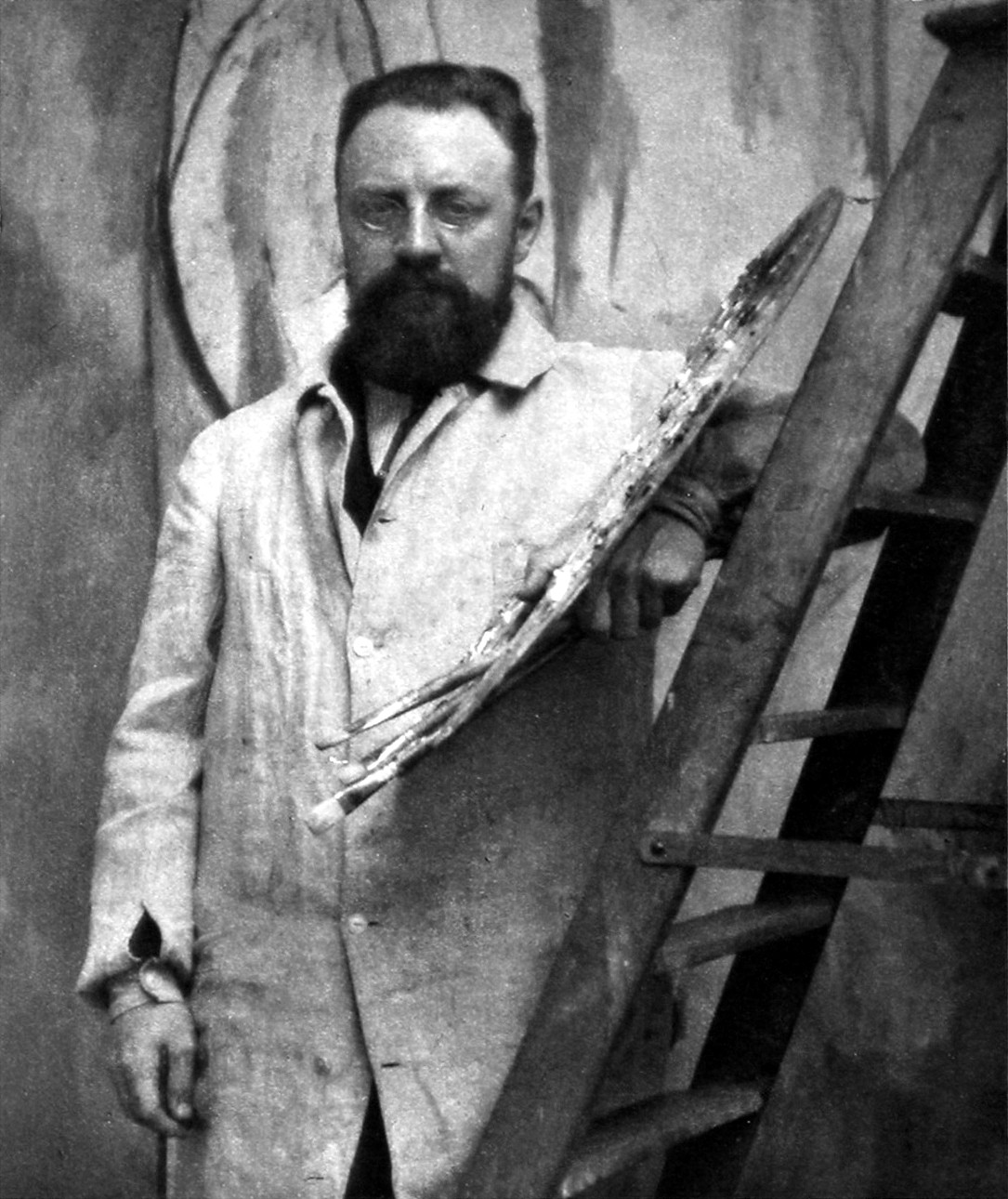
Henri Matisse
Henri Matisse kimdi? Kâtiplikten ressamlığa, 1905 Fovları, Kırmızıda Uyum ve Dans, Nice yılları, tek çizgili çizimler ve kesik kâğıt çalışmaları.
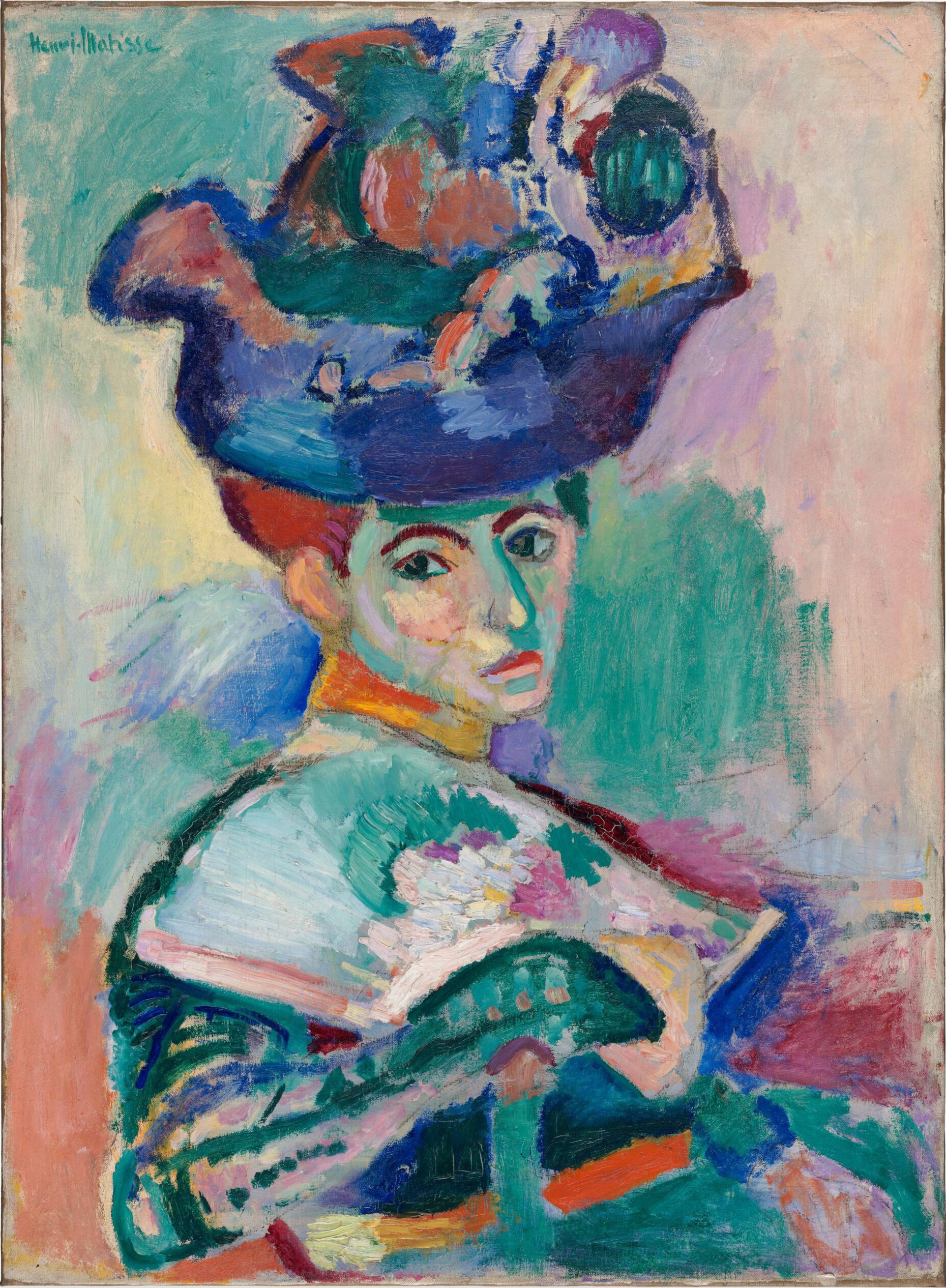
Fovizm
Fovizm nedir? Saf ve parlak renklerle resim yapan 1905'in “vahşi hayvanları”: Van Gogh ve Gauguin'deki kökleri, Collioure'da Matisse ve Derain, önemli eserler.
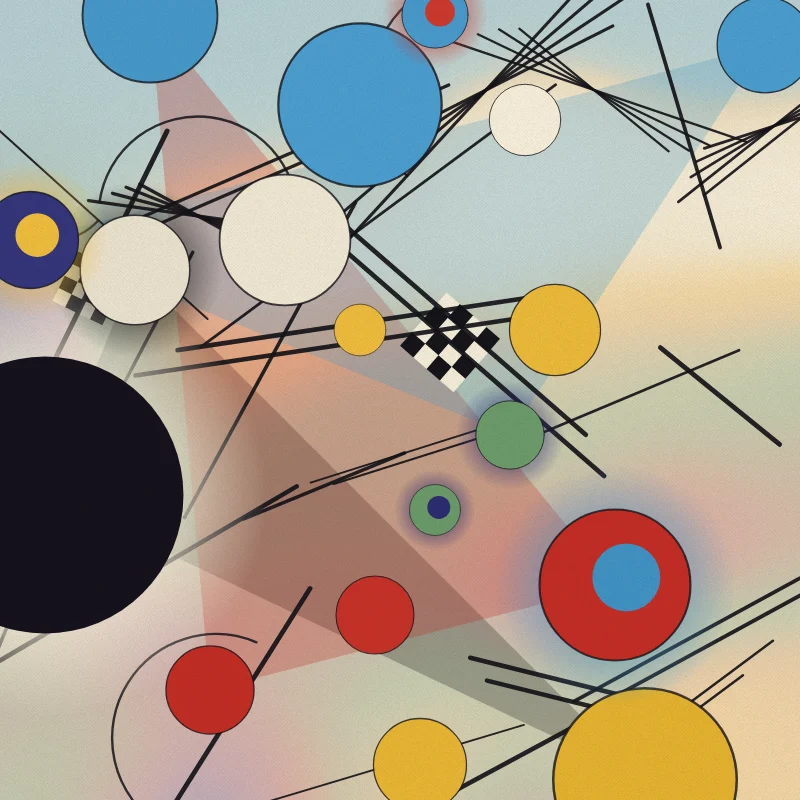
Kandinsky fotoğraf filtresi - daireler, çizgiler ve renk
Bir fotoğrafı tarayıcınızda Wassily Kandinsky tarzı bir soyutlamaya dönüştürün: Kompozisyon VIII daireleri ve çizgileri, eş merkezli daireli kareler, siyah üzerinde Birkaç daire veya serbest bir Doğaçlama.
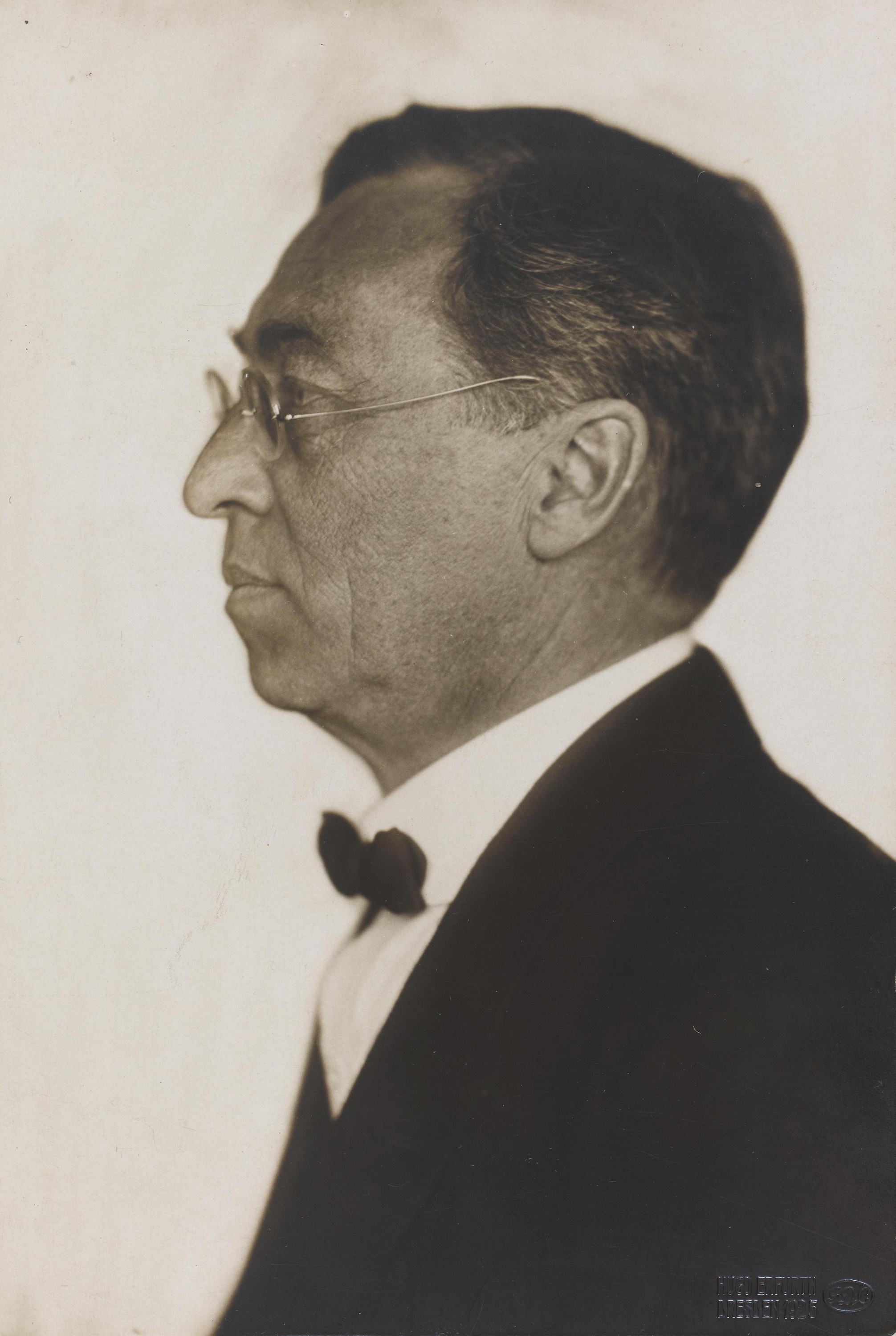
Wassily Kandinsky
Wassily Kandinsky kimdir? Soyut sanatın öncüsü: Der Blaue Reiter, müzik olarak renk, Eş Merkezli Daireli Kareler, Kompozisyon VIII ve Birkaç Daire.
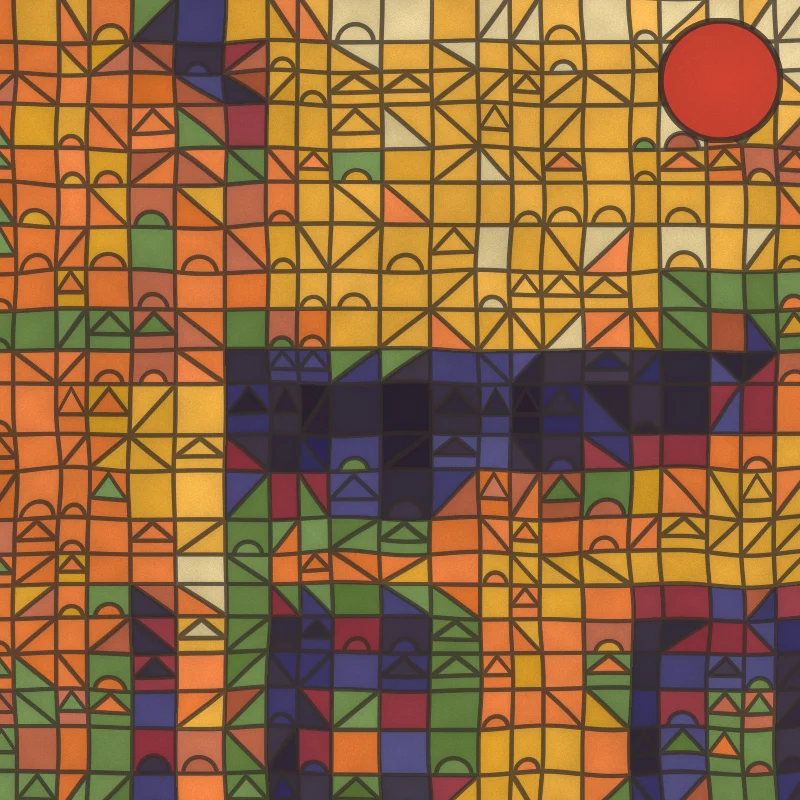
Paul Klee fotoğraf filtresi - sihirli kareler, kaleler ve çizgiler
Bir fotoğrafı tarayıcınızda Paul Klee tarzı bir resme dönüştürün: sihirli renk kareleri, Kale ve Güneş karoları, Ad Parnassum noktaları, yürüyüşe çıkan bir çizgi veya Tunus suluboyaları.
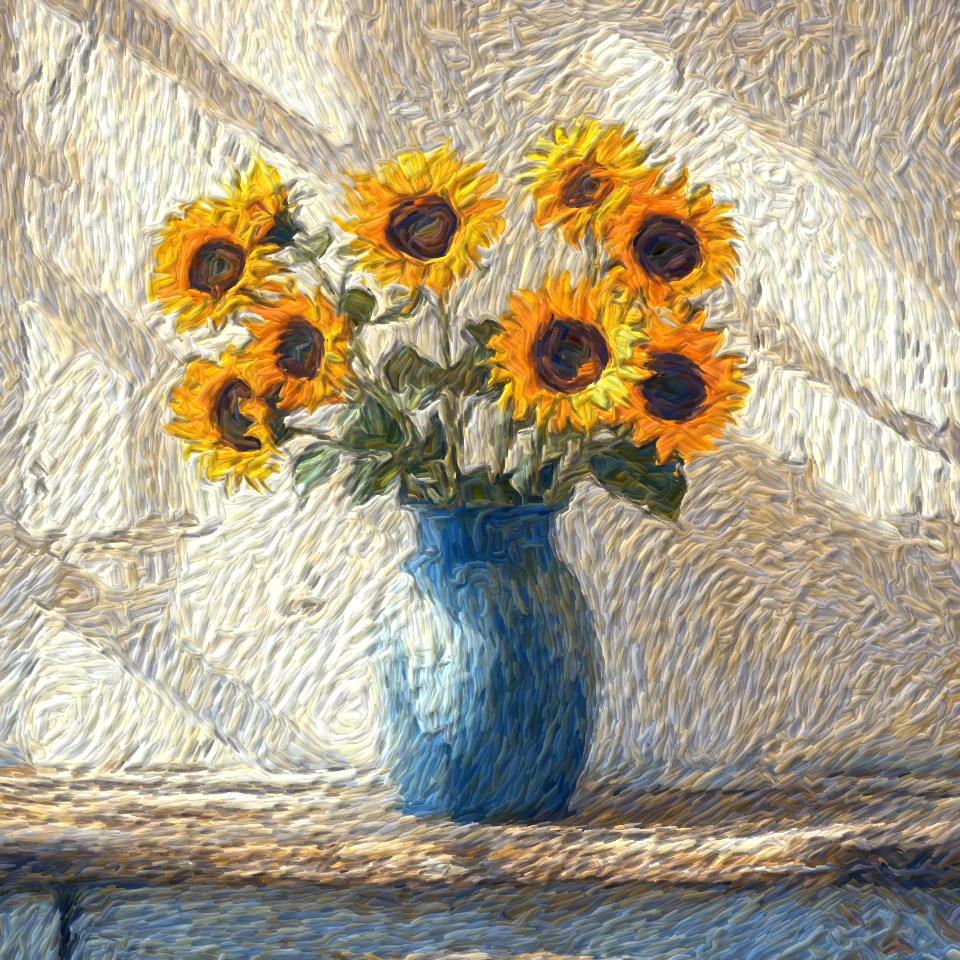
Bir fotoğrafı Van Gogh fırça darbeleriyle boyayın
Tarayıcınızda bir fotoğrafı Yıldızlı Gece tarzı burgaçlı fırça darbelerine dönüştürün. Van Gogh impastosuna dijital bir saygı—müze kopyası değil.
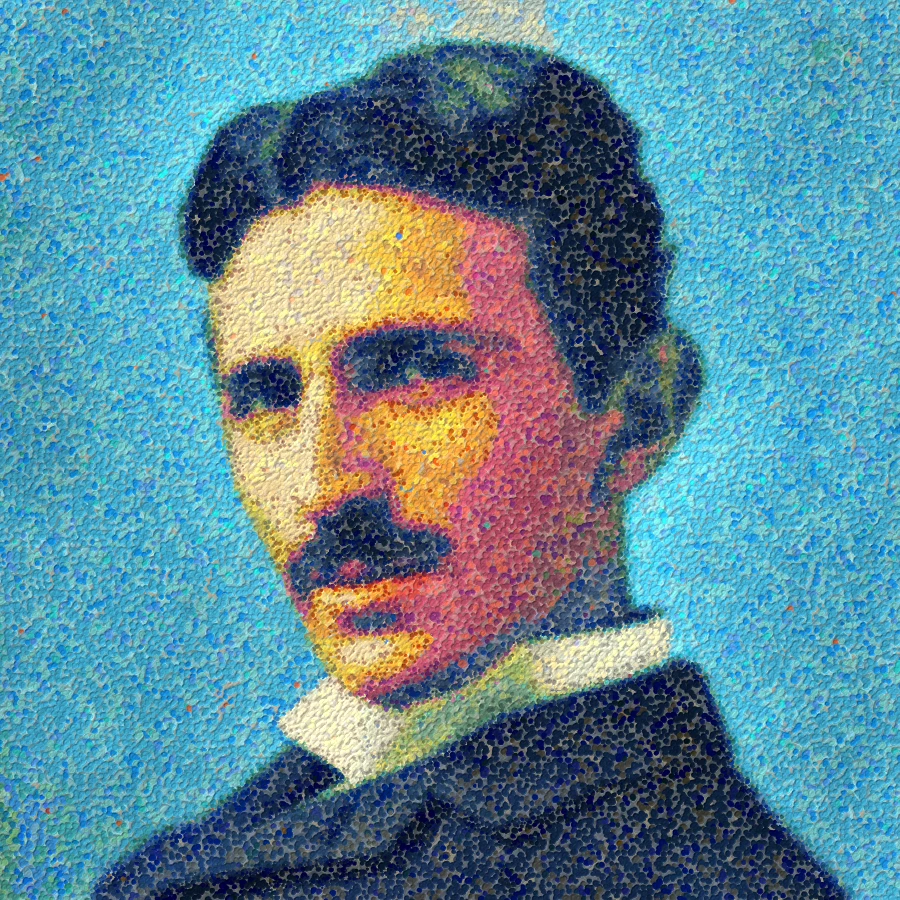
Pointilizm filtresi
Fotoğrafı Seurat, Signac, Cross veya Fovlar tarzında pointilist bir resme dönüştürün. Bir palet seçin, Nokta boyutu ve Optik karışım'ı ayarlayıp kaydedin.
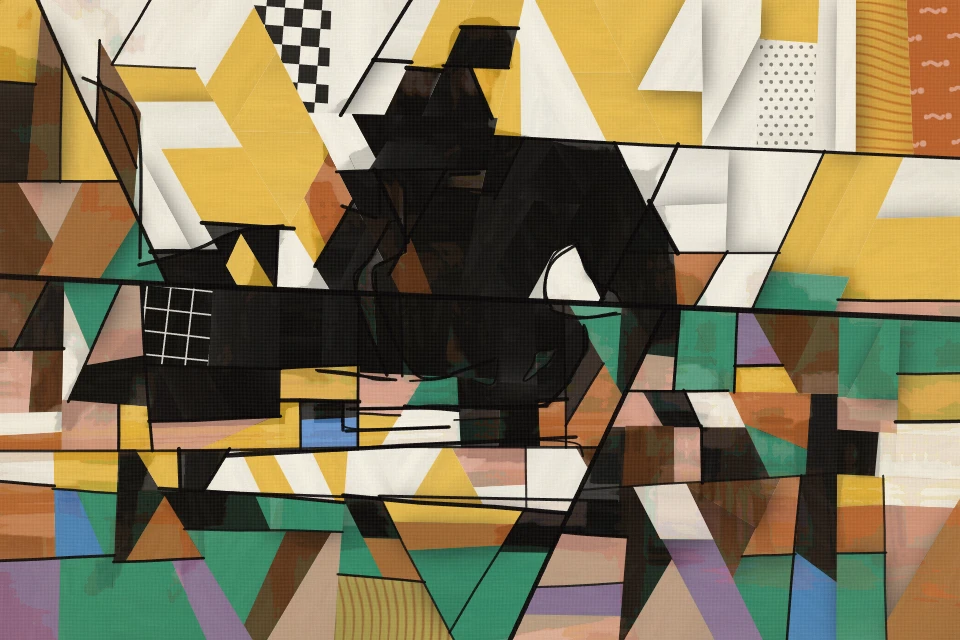
Pablo Picasso ve Kübizm
Bir fotoğrafı tarayıcınızda Pablo Picasso ve Kübizm’e dönüştürün: Mavi ve Pembe Dönem, Analitik veya Sentetik Kübizm, Kübist bir portre, papier collé, Kristal Kübizm, Ağlayan Kadın’ın parçalanmış portreleri veya Guernica’nın siyah-beyaz kırıkları.
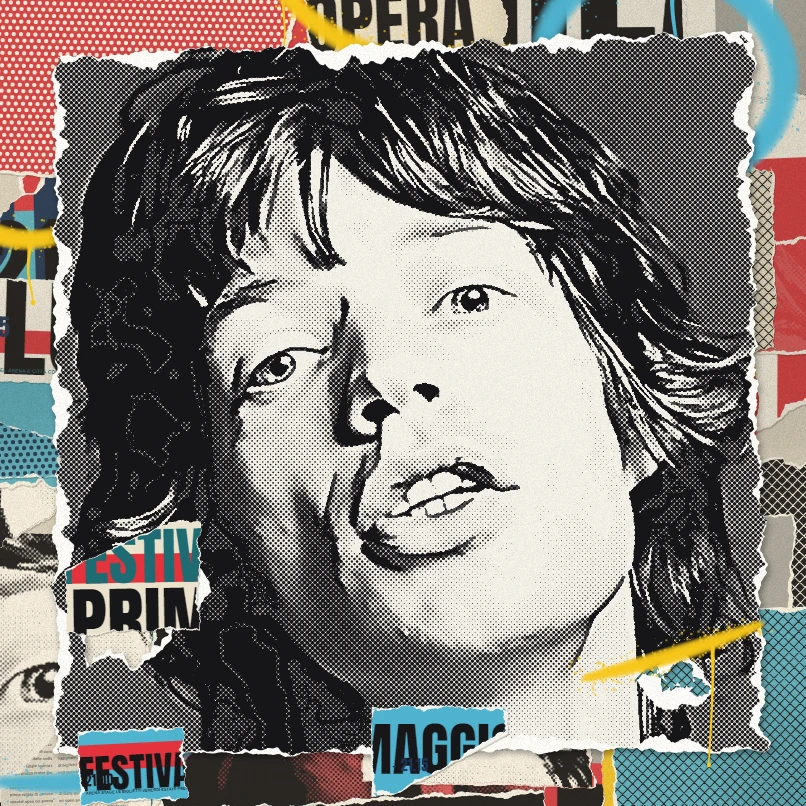
Pop art fotoğraf filtresi
Bir fotoğrafı tarayıcınızda pop arta dönüştürün: pop tarzı bir retro poster, pop desen, gökkuşağı yüzeylerle bir WPAP portresi, sokak kolajı, mürekkep sıçraması, varak altın, Silhouette, güneş ışınları ya da pop amblemlerinden bir ızgara.
Sanatsal efektler
Fotoğrafları yağlı boya, suluboya, kurşun kalem, çizgi roman mürekkebi, pastel, kâğıt kesme ve diğer stüdyo sanat görünümleriyle dönüştürün.
Denemeye hazır mısınız?
PictorX'i tarayıcınızda açın — kurulum gerekmez, başlamak için kredi kartı gerekmez.
Editöre Git