
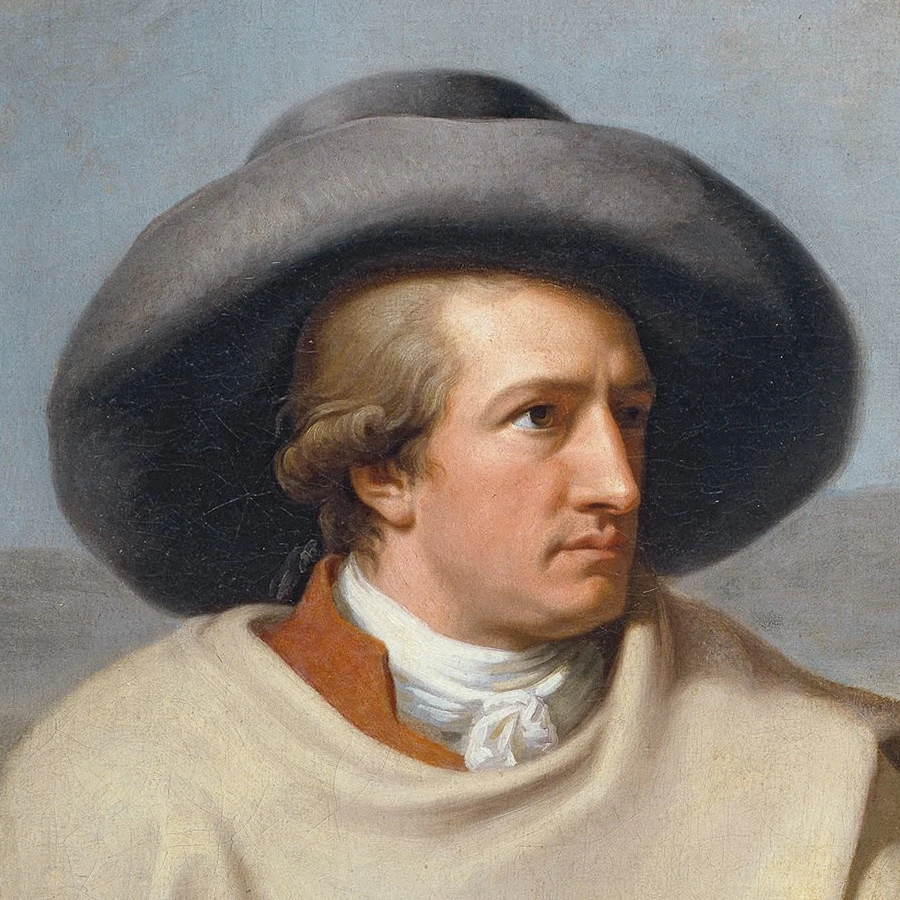
Transforme uma foto em recortes, cor fauve ou uma linha fluida de Matisse — escolha estilo e paleta e ajuste o tamanho das formas.
Mulher com chapéu – Henri Matisse e o fauvismo
Matisse simplified the world into a few flat, singing shapes, and in 1905 he led the Fauves—the “wild beasts” who set colour free from nature. This app follows both: it reduces your photo to a handful of colour shapes and cuts them from painted paper, sets them in a red room or draws them with a single brush line, or repaints it in the bold, arbitrary colour of Matisse, Derain and Vlaminck, with cool shadows, hot lights and visible strokes. All processed on-device. Transforme uma foto em recortes, cor fauve ou uma linha fluida de Matisse — escolha estilo e paleta e ajuste o tamanho das formas.
Como funciona
- Open PictorX in your browser and load a photo — portraits, landscapes and still lifes with a few clear shapes work best.
- Pick a Style—Matisse's Cut-Outs, Fauve, Harmony in Red or Line Drawing, or the Fauvism styles Woman with a Hat, Collioure, London or Vlaminck—and a Palette, then adjust Shape Size, Colors, Ornaments and Line Work for Matisse, or Brush Size, Color Boldness, Brushwork and Outlines for Fauvism.
- Export the picture, or keep editing with layers and other effects in the same workspace.
From Fauve colour to the cut-outs in one app
The Style list holds two effects. Henri Matisse follows the painter through his whole career, from Fauve colour and the red room of 1908 to his line drawings and the paper cut-outs of his last years. Fauvism follows the movement he led in 1905 with André Derain and Maurice de Vlaminck, with styles after each of them; pick one of its styles and the panel switches to its own sliders.
Why few, flat shapes read as Matisse
Matisse spent his life simplifying: fewer colours, larger areas, firmer outlines. The filter groups your photo into a handful of colour shapes and smooths every outline into a calm curve, so the picture keeps its composition while losing photographic detail. Colors sets how many shapes there are; Shape Size sets how simple their outlines become.
Four Matisse styles and six palettes
Cut-Outs cuts the shapes from gouache-painted paper with scissor-like edges and scatters seaweed and leaf forms on the ground, as in Jazz and the late cut-outs. Fauve paints in broad strokes of arbitrary colour, after Woman with a Hat (1905). Harmony in Red sets the shapes in a flat red room with dark-blue arabesques, after The Dessert: Harmony in Red (1908), and Line Drawing reduces everything to a few fluent brush lines. Palettes: Photo, Jazz, Blue Nudes, Fauve, Harmony in Red and Nice.
Four Fauve painters
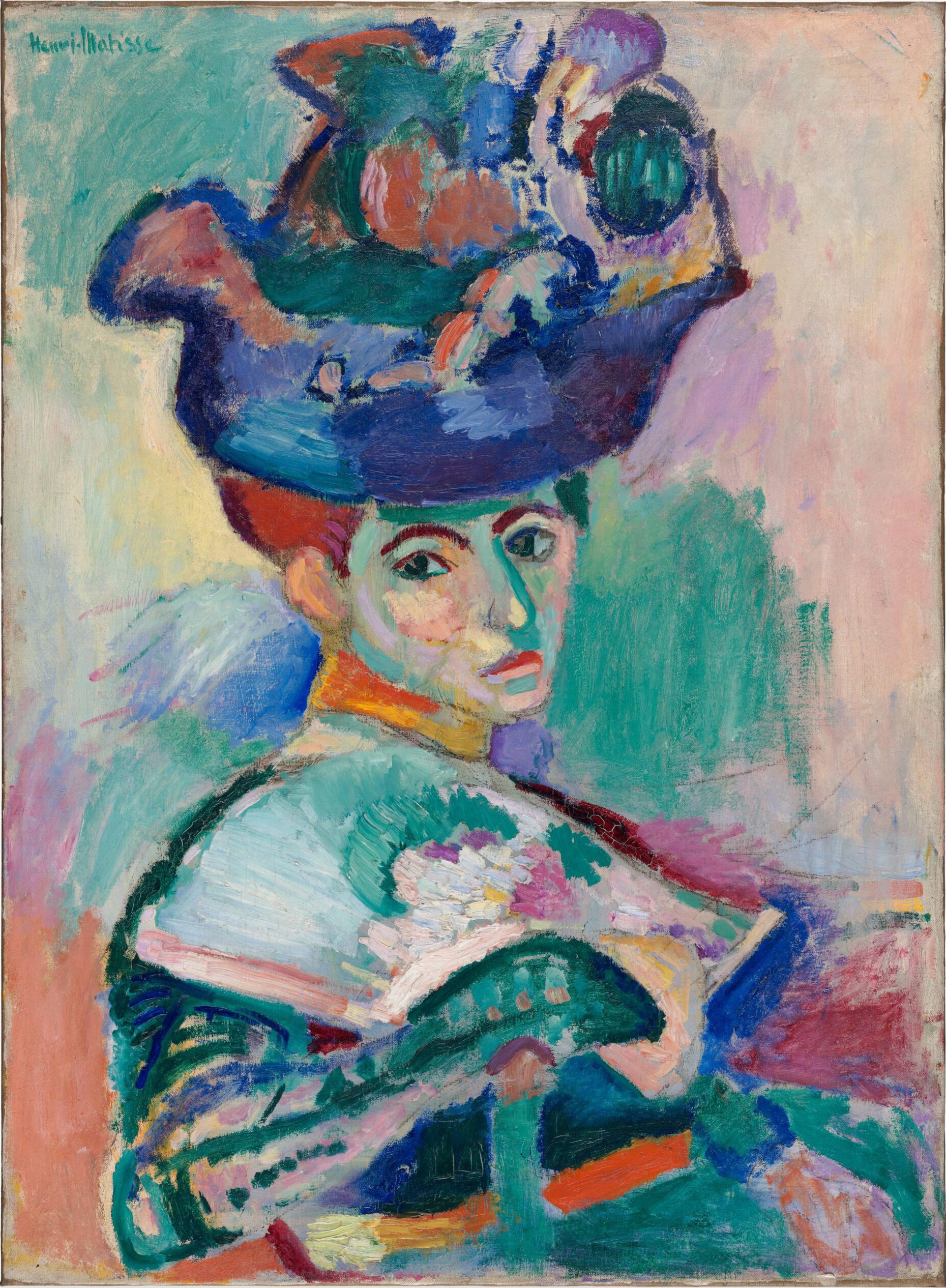
Woman with a Hat follows Matisse's scandalous portrait of 1905: broad patches of arbitrary colour, green and violet shadows across the face and loose blue-green contours. Collioure follows the summer Matisse and André Derain spent in that harbour, building pictures from separate dabs of pure colour with the canvas showing between them. London follows Derain's views of the Thames, with flat complementary blocks, horizontal broken strokes and dark outlines, and Vlaminck lays on long, thick, swirling strokes of hot reds, oranges and blues.
Colour that describes feeling, not nature
Color Boldness sets how far the colours depart from the photo: at low values the photo's own hues are simply intensified; at high values every zone receives an arbitrary Fauve colour, lights turn warm and shadows cool and complementary. Palette chooses the pigments—Fauve for each painter's own colours, Photo to keep your hues, Hot, Cool, or Complementary to flip every colour to its opposite. Brush Size, Brushwork and Outlines control the stroke size, how loose the hand is, and the weight of the painted contours.
Privacy and keep editing
Processing stays in your browser—photos are not uploaded to PictorX servers for this filter. After Henri Matisse and Fauvism, continue with layers, text, Kandinsky, Paul Klee, Vincent van Gogh, Pointillism, or export.
Perguntas frequentes
O que faz a app Henri Matisse e o fauvismo?
Transforma uma foto em uma imagem à maneira de Henri Matisse — recortes de papel, cor fauve, Harmonia em vermelho ou um desenho de linha — ou repinta-a na cor selvagem e arbitrária dos fauves que ele liderou: a Mulher com chapéu de Matisse, Collioure, a Londres de Derain ou Vlaminck. É criado a partir das próprias formas da sua foto, não é uma cópia de uma pintura de museu.
O que foi o fauvismo?
Um movimento de curta duração, de cerca de 1905–1908, que usava cor pura e não natural para exprimir sentimentos em vez de descrever as coisas. No Salon d'Automne de 1905, em Paris, o crítico Louis Vauxcelles chamou aos seus pintores “fauves”, feras.
Que estilos fauvistas estão incluídos?
Mulher com chapéu, inspirado no retrato de Matisse de 1905; Collioure, inspirado no verão que Matisse e André Derain passaram nesse porto; Londres, inspirado nas vistas do Tamisa de Derain; e Vlaminck, com suas pinceladas espessas e quentes. Cada um tem seus próprios controles deslizantes — Tamanho do pincel, Ousadia da cor, Pincelada e Contornos — e as paletas Fauvismo, Foto, Quente, Frio e Complementar.
É um verdadeiro Matisse ou Derain?
Não. É uma homenagem digital para suas próprias fotos. As obras de Matisse estão em museus como o Centre Pompidou, em Paris, o Musée Matisse, em Nice, e o Museum of Modern Art, em Nova York; as pinturas fauvistas de Derain e Vlaminck estão em museus e coleções de todo o mundo.
Que fotos funcionam melhor?
Fotos com poucas formas grandes e nítidas: os retratos adequam-se a Desenho de linha, Fauvismo e Mulher com chapéu, as paisagens e as plantas a Recortes e Collioure, as cidades e os rios a Londres, as árvores e as aldeias a Vlaminck, e os interiores ou naturezas-mortas a Harmonia em vermelho. Fotos com luz e sombra bem marcadas dão a cor fauve mais intensa.
Posso continuar editando depois de Henri Matisse e o fauvismo?
Sim. Continue com camadas, texto e outros estilos artísticos, ou exporte do mesmo espaço de trabalho do PictorX.
Ferramentas relacionadas
Henri Matisse
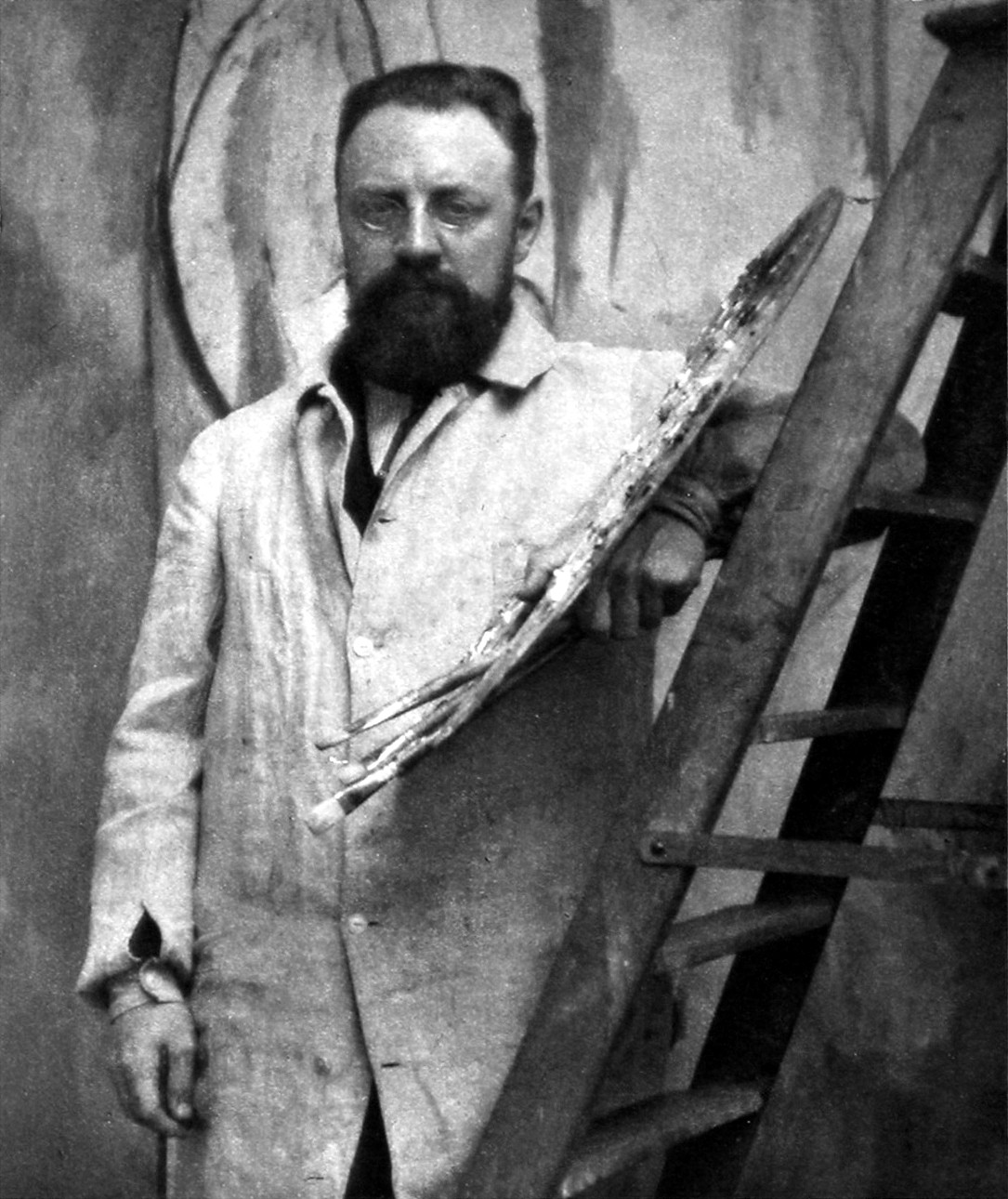
Quem foi Henri Matisse? De escriturário a pintor, os fauves de 1905, Harmonia em Vermelho e A Dança, os anos em Nice, os desenhos de uma linha e os recortes.
O Fauvismo
O que foi o Fauvismo? As “feras” de 1905 que pintavam com cor pura e intensa: raízes em Van Gogh e Gauguin, Matisse e Derain em Collioure e as obras principais.
Filtro fotográfico Kandinsky - círculos, linhas e cor
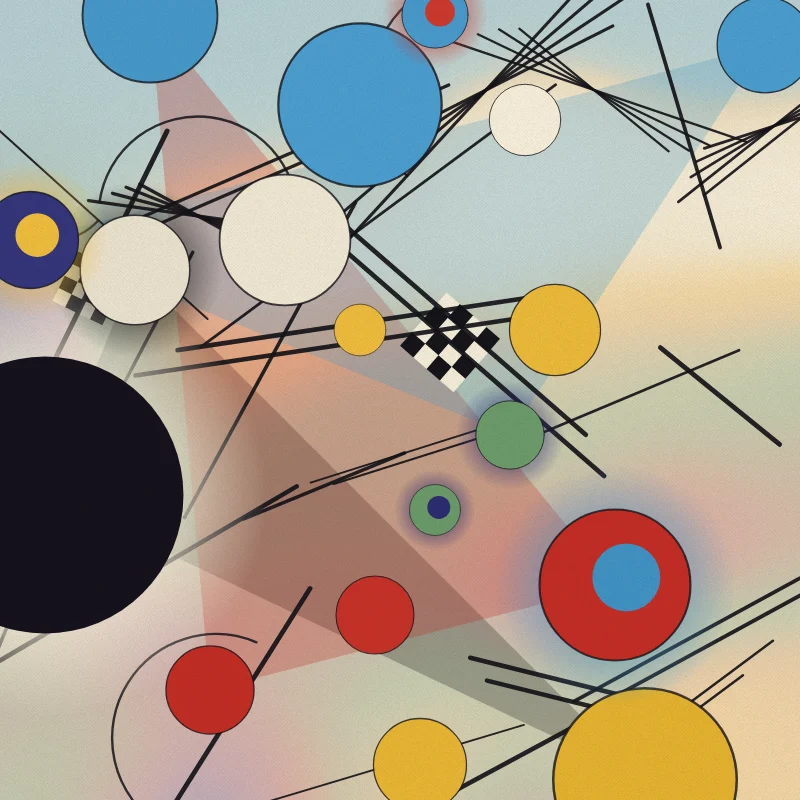
Transforme uma foto em uma abstração ao estilo de Wassily Kandinsky no navegador: círculos e linhas da Composição VIII, quadrados com círculos concêntricos, Vários círculos sobre preto ou uma Improvisação livre.
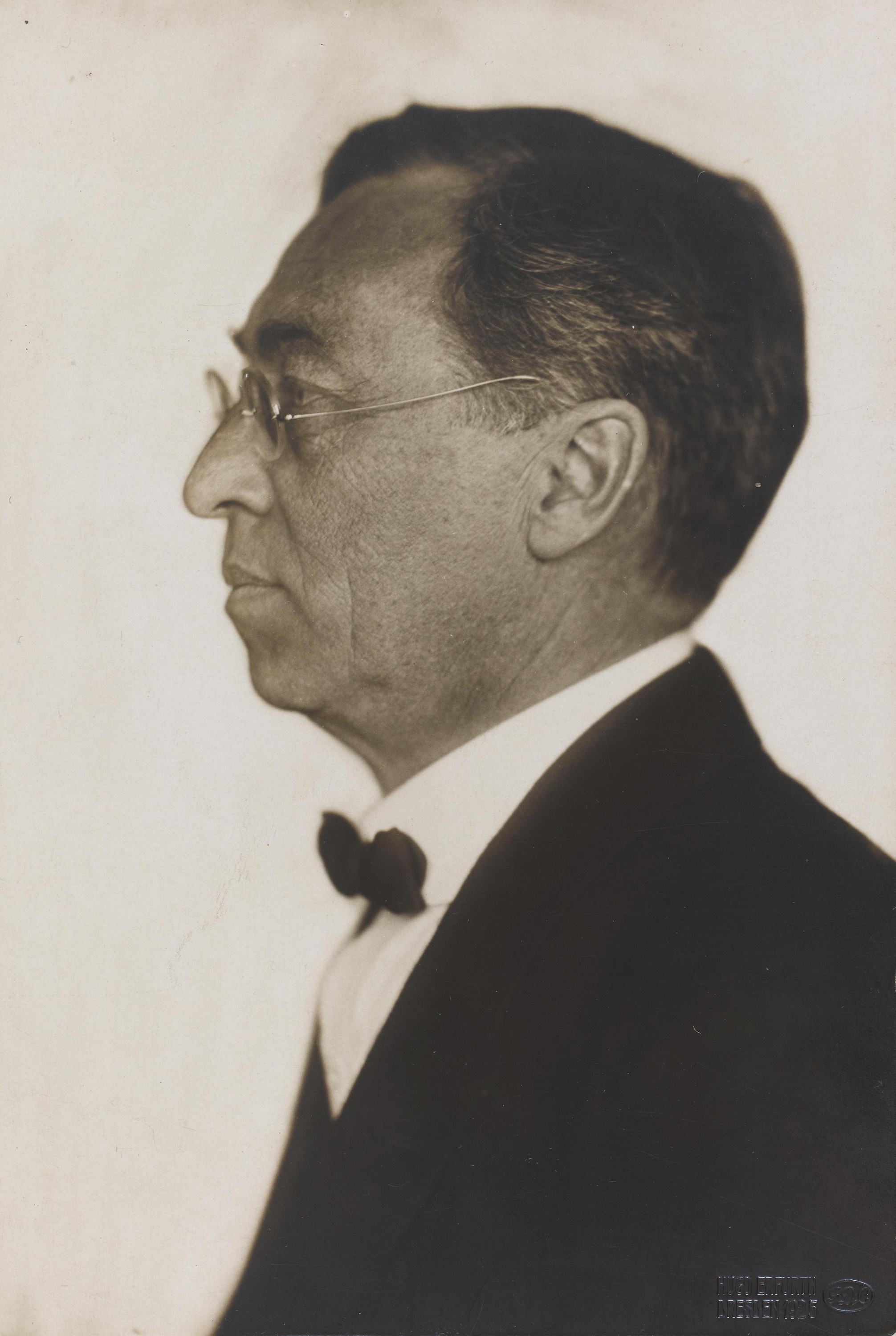
Wassily Kandinsky
Quem foi Wassily Kandinsky? Pioneiro da arte abstrata: o Cavaleiro Azul, cor e som, Quadrados com círculos concêntricos, Composição VIII, Vários círculos.
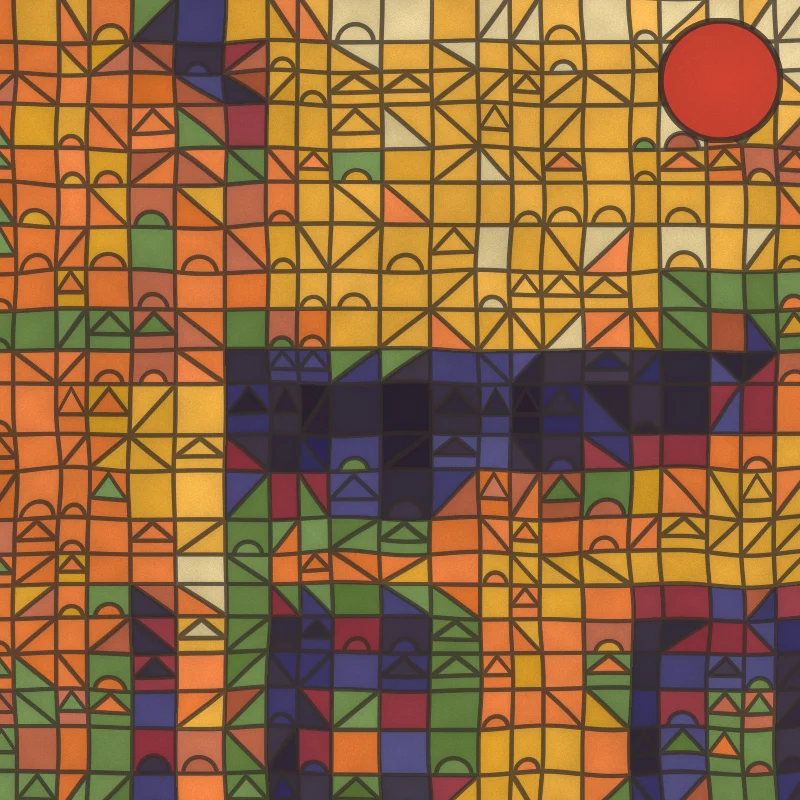
Filtro fotográfico Paul Klee - quadrados mágicos, castelos e linhas
Transforme uma foto em uma pintura no estilo de Paul Klee no navegador: quadrados mágicos de cor, peças de Castelo e sol, pontos de Ad Parnassum, uma linha que passeia ou aquarelas tunisianas.
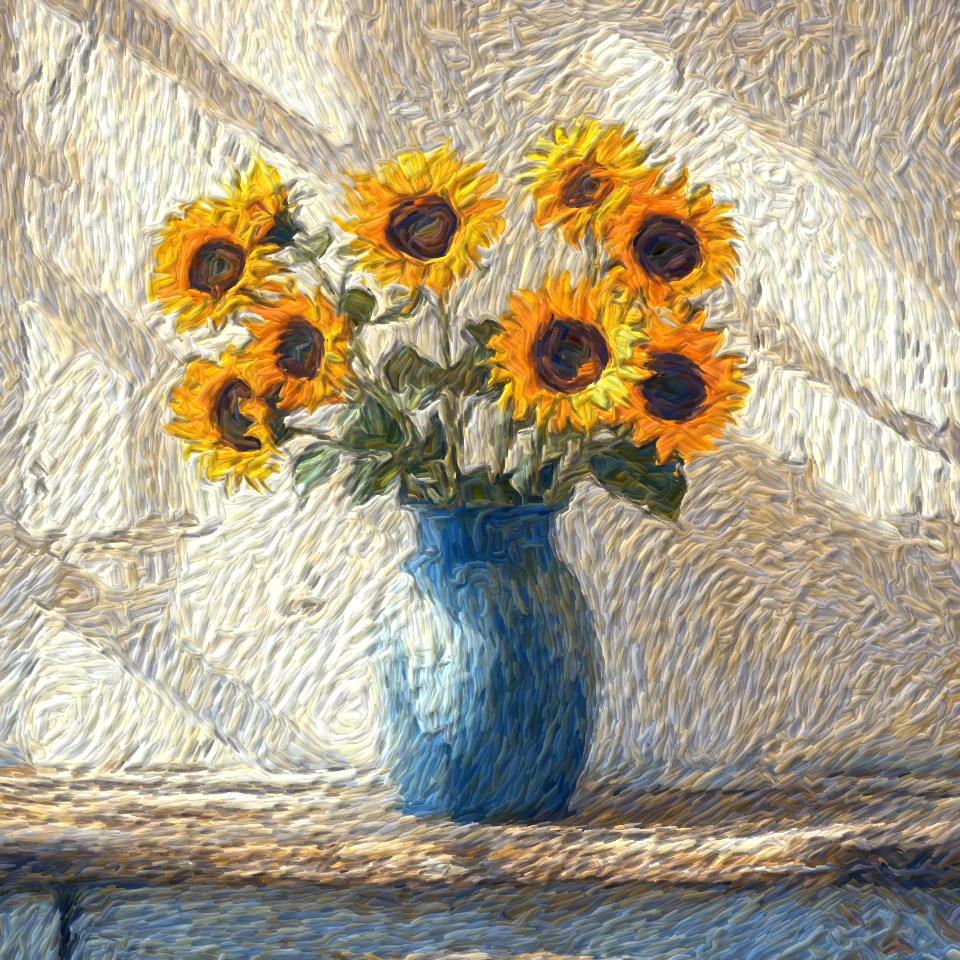
Pinte uma foto com pinceladas de Van Gogh
Transforme uma foto em pinceladas em redemoinho ao estilo Noite Estrelada no navegador. Uma homenagem digital ao impasto de Van Gogh—não uma reprodução de museu.
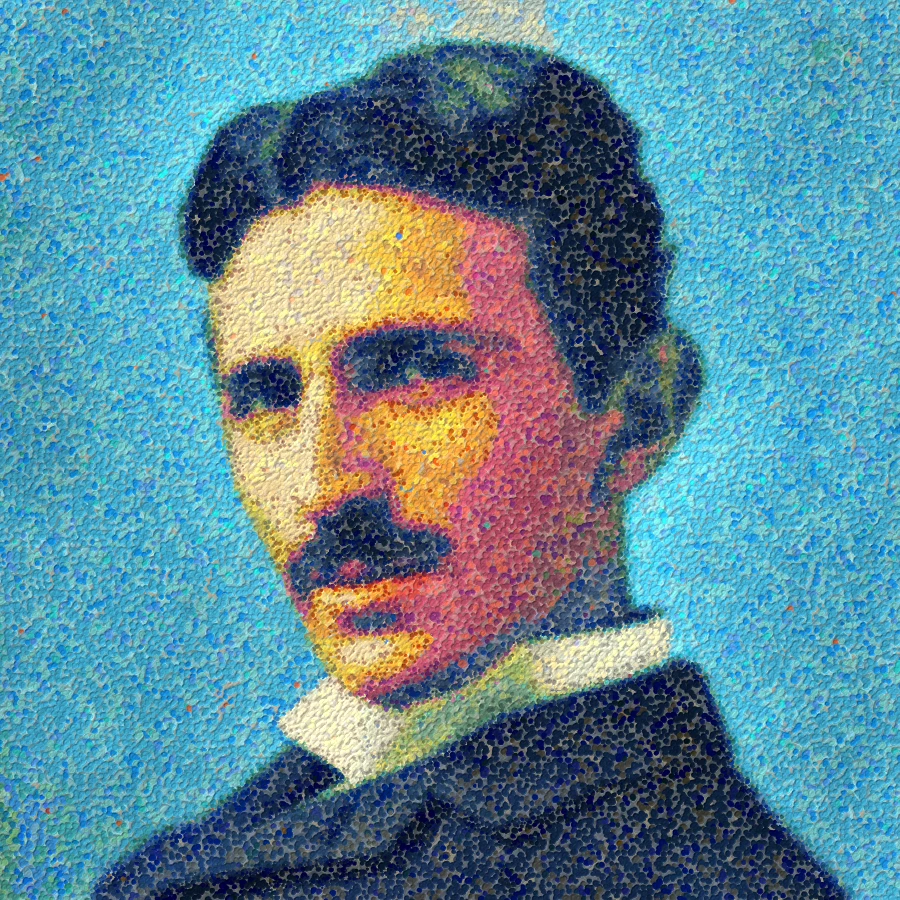
Filtro de pontilhismo
Transforme uma foto em uma pintura pontilhista ao estilo de Seurat, Signac, Cross ou dos fauvistas. Escolha a paleta, o tamanho dos pontos e a mistura ótica.
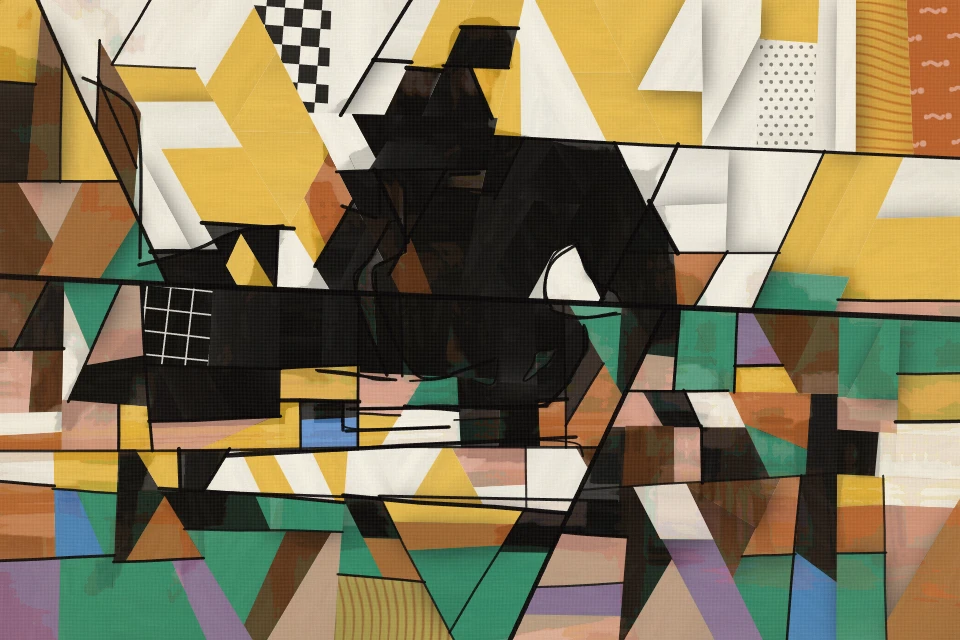
Pablo Picasso e o cubismo
Transforme uma foto em Pablo Picasso e no cubismo no navegador: os períodos azul e rosa, o cubismo analítico ou sintético, um retrato cubista, papier collé, cubismo cristal, os retratos fragmentados da Mulher que chora ou os estilhaços em preto e branco de Guernica.
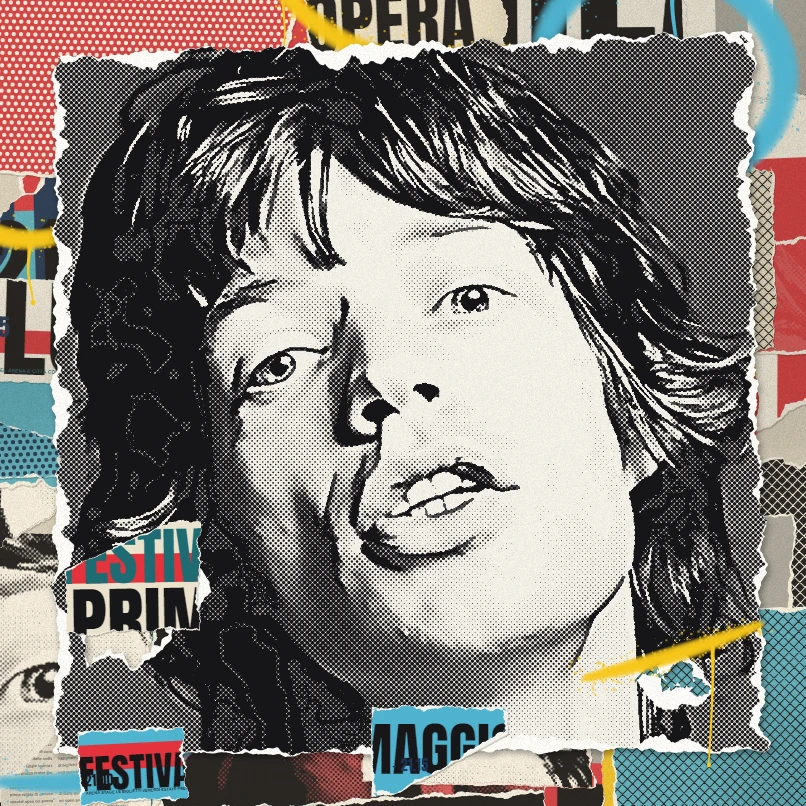
Filtro fotográfico Pop Art
Transforme uma foto em pop art no navegador: um pôster pop retrô, um padrão pop, um retrato WPAP em facetas de arco-íris, uma colagem urbana, um respingo de tinta-da-china, folha de ouro, uma silhueta, raios de sol ou uma grade de emblemas pop.
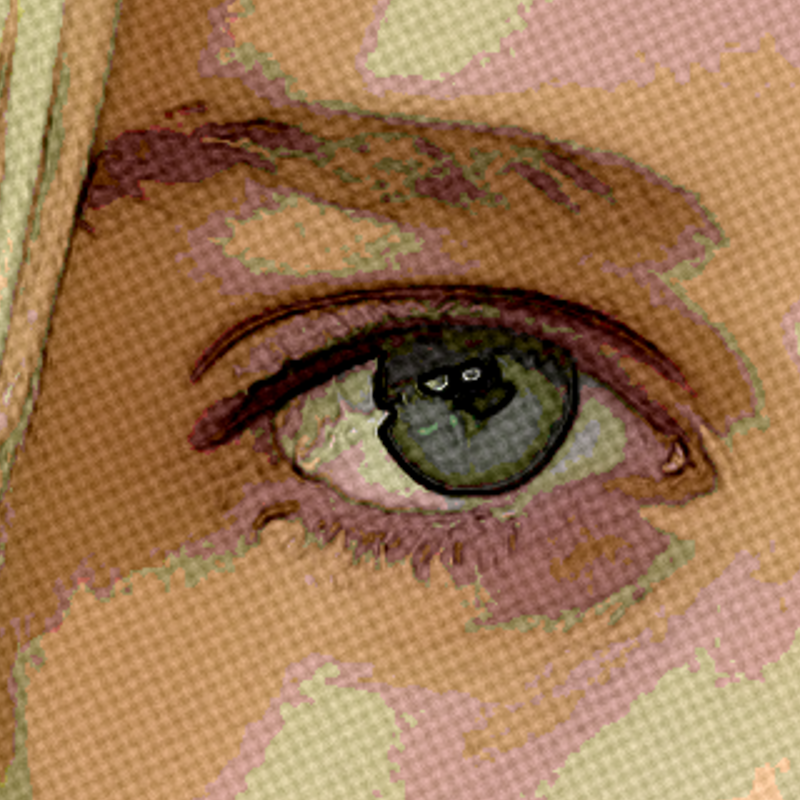
Efeitos artísticos
Transforme fotos com pintura a óleo, aquarela, lápis, tinta de história em quadrinhos, pastéis, recortes de papel e outros visuais de arte de estúdio.
Pronto para experimentar?
Abra o PictorX no seu navegador – sem instalação, sem necessidade de cartão de crédito para começar.
Ir para o editor