
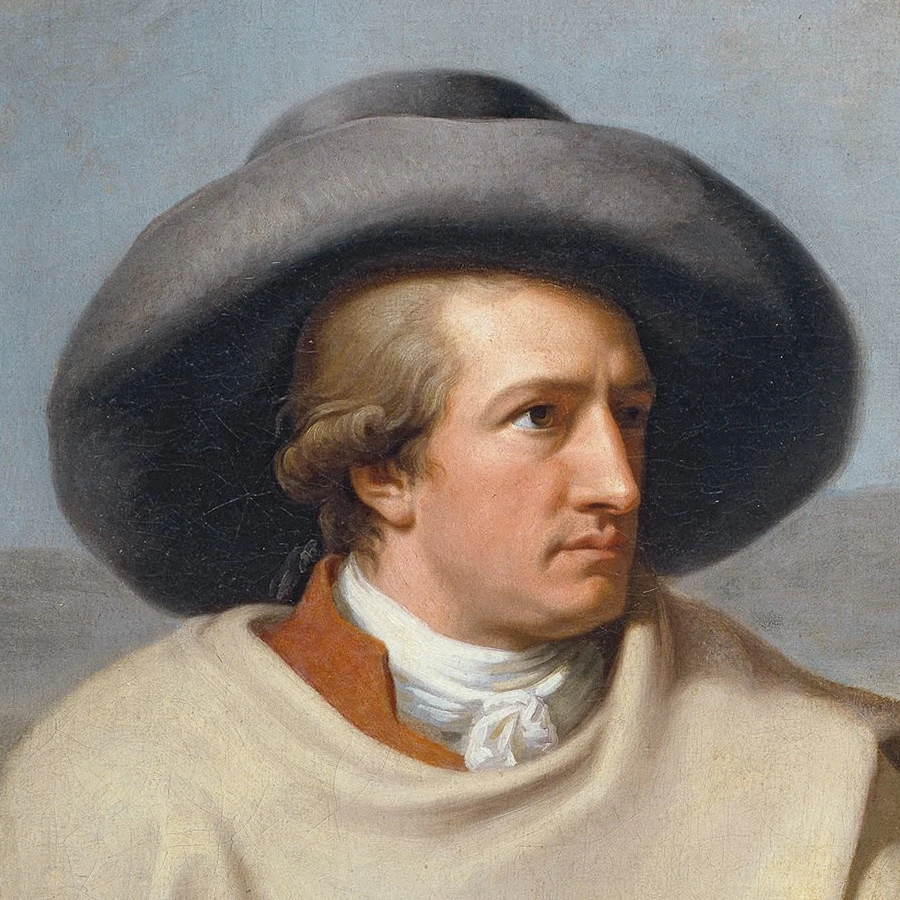
फ़ोटो को मातिस के कट-आउट, फ़ॉविस्ट रंग या एक बहती रेखा में बदलें — शैली और पैलेट चुनें, फिर आकृति आकार समायोजित करें।
टोपी वाली स्त्री – आँरी मातिस और फ़ॉविज़्म
Matisse simplified the world into a few flat, singing shapes, and in 1905 he led the Fauves—the “wild beasts” who set colour free from nature. This app follows both: it reduces your photo to a handful of colour shapes and cuts them from painted paper, sets them in a red room or draws them with a single brush line, or repaints it in the bold, arbitrary colour of Matisse, Derain and Vlaminck, with cool shadows, hot lights and visible strokes. All processed on-device. फ़ोटो को मातिस के कट-आउट, फ़ॉविस्ट रंग या एक बहती रेखा में बदलें — शैली और पैलेट चुनें, फिर आकृति आकार समायोजित करें।
यह कैसे काम करता है
- Open PictorX in your browser and load a photo — portraits, landscapes and still lifes with a few clear shapes work best.
- Pick a Style—Matisse's Cut-Outs, Fauve, Harmony in Red or Line Drawing, or the Fauvism styles Woman with a Hat, Collioure, London or Vlaminck—and a Palette, then adjust Shape Size, Colors, Ornaments and Line Work for Matisse, or Brush Size, Color Boldness, Brushwork and Outlines for Fauvism.
- Export the picture, or keep editing with layers and other effects in the same workspace.
From Fauve colour to the cut-outs in one app
The Style list holds two effects. Henri Matisse follows the painter through his whole career, from Fauve colour and the red room of 1908 to his line drawings and the paper cut-outs of his last years. Fauvism follows the movement he led in 1905 with André Derain and Maurice de Vlaminck, with styles after each of them; pick one of its styles and the panel switches to its own sliders.
Why few, flat shapes read as Matisse
Matisse spent his life simplifying: fewer colours, larger areas, firmer outlines. The filter groups your photo into a handful of colour shapes and smooths every outline into a calm curve, so the picture keeps its composition while losing photographic detail. Colors sets how many shapes there are; Shape Size sets how simple their outlines become.
Four Matisse styles and six palettes
Cut-Outs cuts the shapes from gouache-painted paper with scissor-like edges and scatters seaweed and leaf forms on the ground, as in Jazz and the late cut-outs. Fauve paints in broad strokes of arbitrary colour, after Woman with a Hat (1905). Harmony in Red sets the shapes in a flat red room with dark-blue arabesques, after The Dessert: Harmony in Red (1908), and Line Drawing reduces everything to a few fluent brush lines. Palettes: Photo, Jazz, Blue Nudes, Fauve, Harmony in Red and Nice.
Four Fauve painters
Woman with a Hat follows Matisse's scandalous portrait of 1905: broad patches of arbitrary colour, green and violet shadows across the face and loose blue-green contours. Collioure follows the summer Matisse and André Derain spent in that harbour, building pictures from separate dabs of pure colour with the canvas showing between them. London follows Derain's views of the Thames, with flat complementary blocks, horizontal broken strokes and dark outlines, and Vlaminck lays on long, thick, swirling strokes of hot reds, oranges and blues.
Colour that describes feeling, not nature
Color Boldness sets how far the colours depart from the photo: at low values the photo's own hues are simply intensified; at high values every zone receives an arbitrary Fauve colour, lights turn warm and shadows cool and complementary. Palette chooses the pigments—Fauve for each painter's own colours, Photo to keep your hues, Hot, Cool, or Complementary to flip every colour to its opposite. Brush Size, Brushwork and Outlines control the stroke size, how loose the hand is, and the weight of the painted contours.
Privacy and keep editing
Processing stays in your browser—photos are not uploaded to PictorX servers for this filter. After Henri Matisse and Fauvism, continue with layers, text, Kandinsky, Paul Klee, Vincent van Gogh, Pointillism, or export.
अक्सर पूछे जाने वाले प्रश्न
आँरी मातिस और फ़ॉविज़्म ऐप क्या करता है?
यह फ़ोटो को आँरी मातिस की शैली की तस्वीर में बदलता है—पेपर कट-आउट, फ़ॉव रंग, “लाल में सामंजस्य” या रेखाचित्र—या उसे उन फ़ॉव चित्रकारों के जंगली, मनमाने रंगों में फिर से रंगता है जिनका नेतृत्व मातिस ने किया: मातिस की “टोपी वाली स्त्री”, कोलिउर, देरां का लंदन या व्लामिंक। यह आपकी फ़ोटो की अपनी आकृतियों से बनता है, किसी संग्रहालय की पेंटिंग की नकल नहीं।
फ़ॉविज़्म क्या था?
लगभग 1905–1908 का एक अल्पकालिक आंदोलन, जिसमें चीज़ों का वर्णन करने के बजाय भावना व्यक्त करने के लिए शुद्ध, अप्राकृतिक रंग इस्तेमाल किए गए। 1905 में पेरिस के सैलों द'ओतोन में आलोचक लुई वोक्सेल ने इसके चित्रकारों को “फ़ॉव”, यानी जंगली जानवर कहा।
कौन-से फ़ॉव स्टाइल शामिल हैं?
“टोपी वाली स्त्री”, मातिस के 1905 के पोर्ट्रेट पर आधारित; “कोलिउर”, उस बंदरगाह में मातिस और आंद्रे देरां की बिताई गर्मियों पर आधारित; “लंदन”, देरां के टेम्स नदी के दृश्यों पर आधारित; और “व्लामिंक”, उनके मोटे, तपते स्ट्रोक के साथ। हर स्टाइल के अपने स्लाइडर हैं—“ब्रश आकार”, “रंग की साहसिकता”, “ब्रशवर्क” और “रूपरेखा”—और पैलेट “फ़ॉविज़्म”, “फ़ोटो”, “गर्म”, “ठंडा” और “पूरक”।
क्या यह असली मातिस या देरां की पेंटिंग है?
नहीं। यह आपकी अपनी फ़ोटो के लिए एक डिजिटल श्रद्धांजलि है। मातिस की असली कृतियाँ पेरिस के सेंटर पॉम्पिदू, नीस के मुज़े मातिस और न्यूयॉर्क के म्यूज़ियम ऑफ़ मॉडर्न आर्ट जैसे संग्रहालयों में हैं; देरां और व्लामिंक की फ़ॉव पेंटिंग दुनिया भर के संग्रहालयों और संग्रहों में हैं।
कौन-सी फ़ोटो सबसे अच्छी काम करती हैं?
कुछ बड़ी, साफ़ आकृतियों वाली फ़ोटो: पोर्ट्रेट “रेखा चित्र”, “फ़ॉविज़्म” और “टोपी वाली स्त्री” के लिए; लैंडस्केप और पौधे “कट-आउट” और “कोलिउर” के लिए; शहर और नदियाँ “लंदन” के लिए; पेड़ और गाँव “व्लामिंक” के लिए; और इंटीरियर या स्टिल लाइफ़ “लाल में सामंजस्य” के लिए सही हैं। साफ़ रोशनी और छाया वाली फ़ोटो सबसे दमदार फ़ॉव रंग देती हैं।
क्या हेनरी मातिस और फ़ॉविज़्म के बाद भी मैं संपादन जारी रख सकता हूँ?
हाँ। उसी PictorX वर्कस्पेस में लेयर, टेक्स्ट और दूसरे कलात्मक लुक के साथ काम जारी रखें, या एक्सपोर्ट करें।
संबंधित टूल
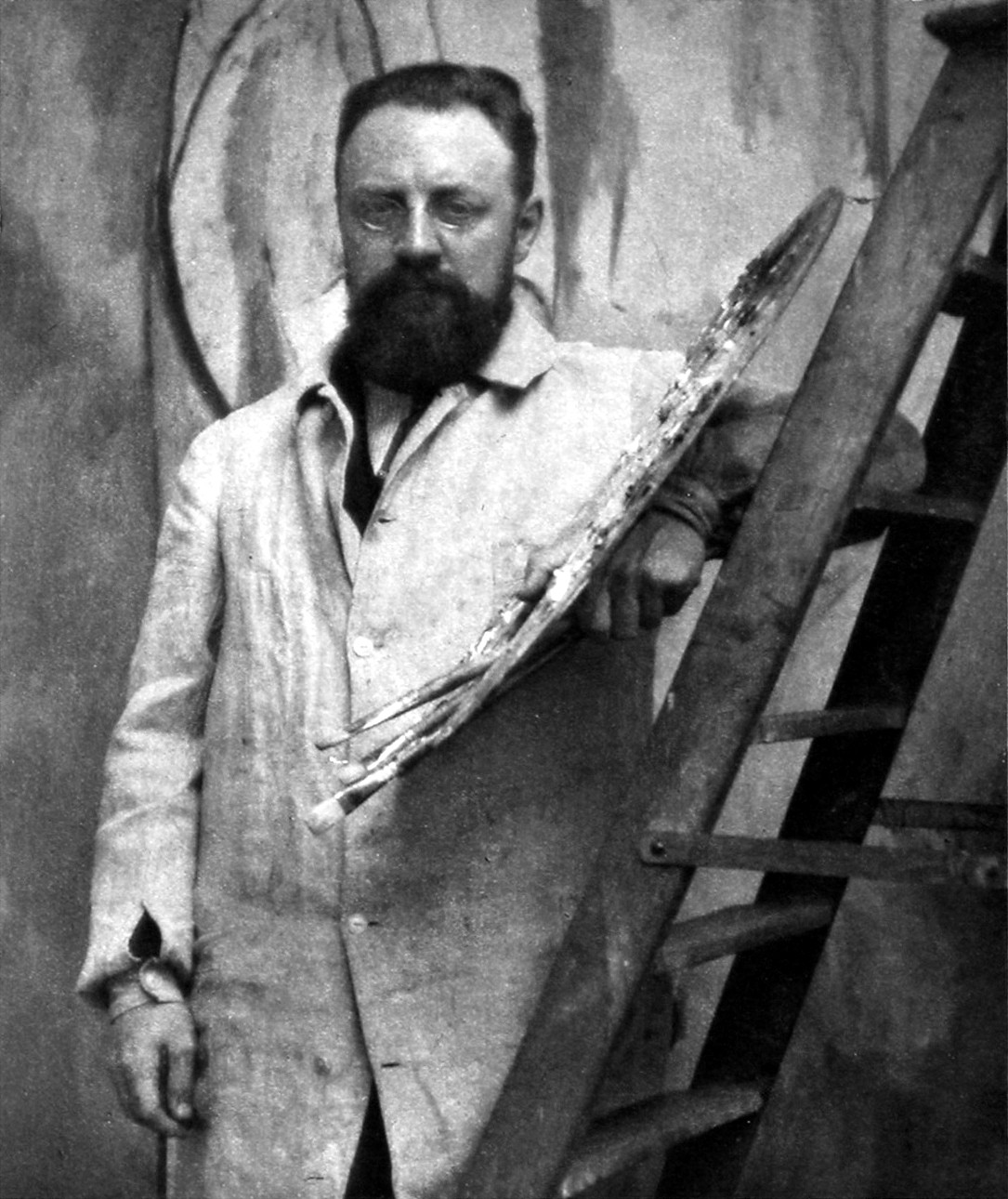
आँरी मातिस
आँरी मातिस कौन थे? क़ानूनी क्लर्क से चित्रकार तक, 1905 के फ़ॉव, 'लाल में सामंजस्य' और 'नृत्य', नीस के साल, एक-रेखा चित्र और काग़ज़ के कट-आउट।
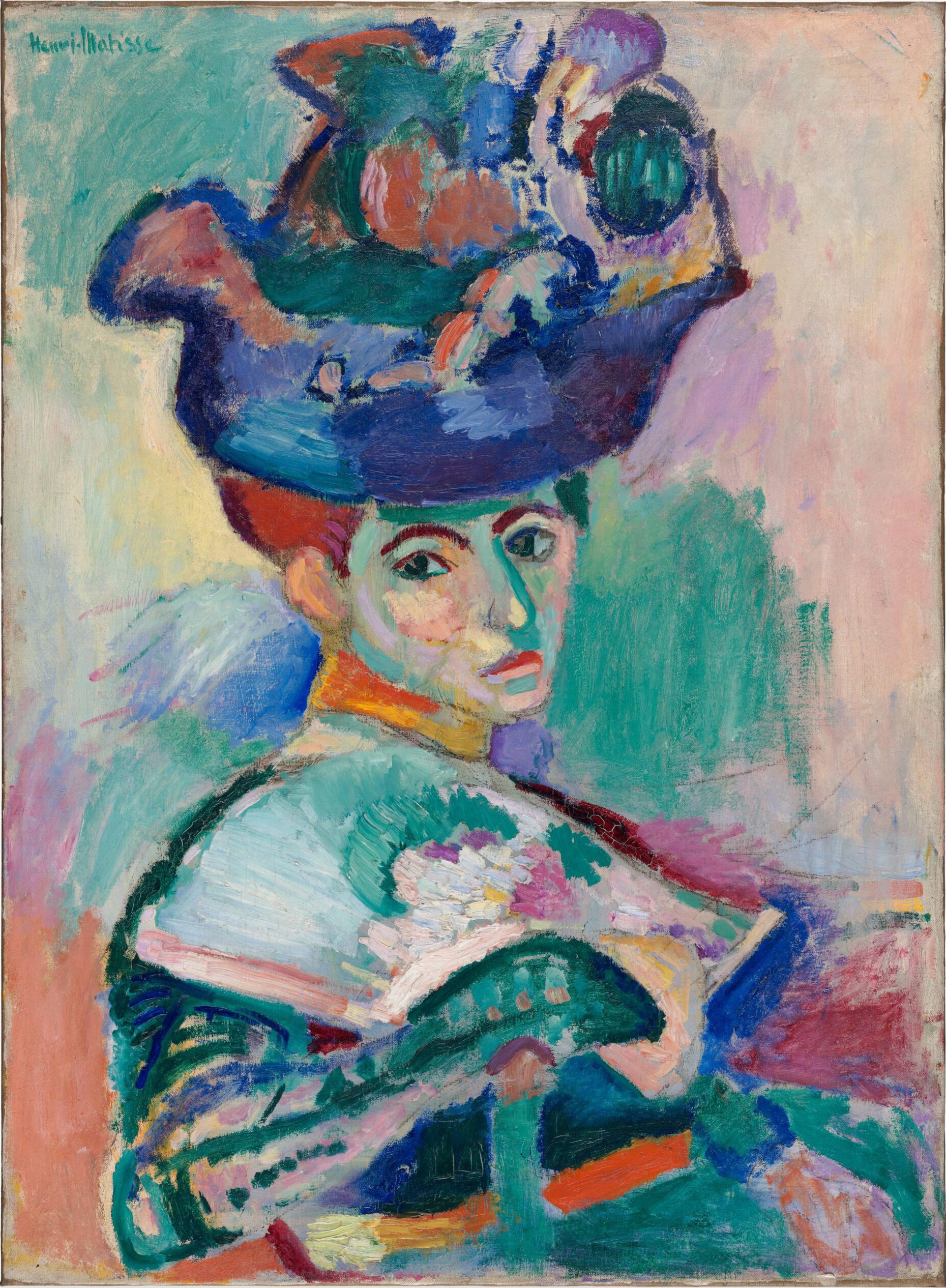
फ़ॉविज़्म
फ़ॉविज़्म क्या था? शुद्ध, चटक रंगों से चित्र बनाने वाले 1905 के ‘जंगली जानवर’: वैन गॉग और गोगां में जड़ें, कोलिउर में मातिस और देरां, प्रमुख चित्र।
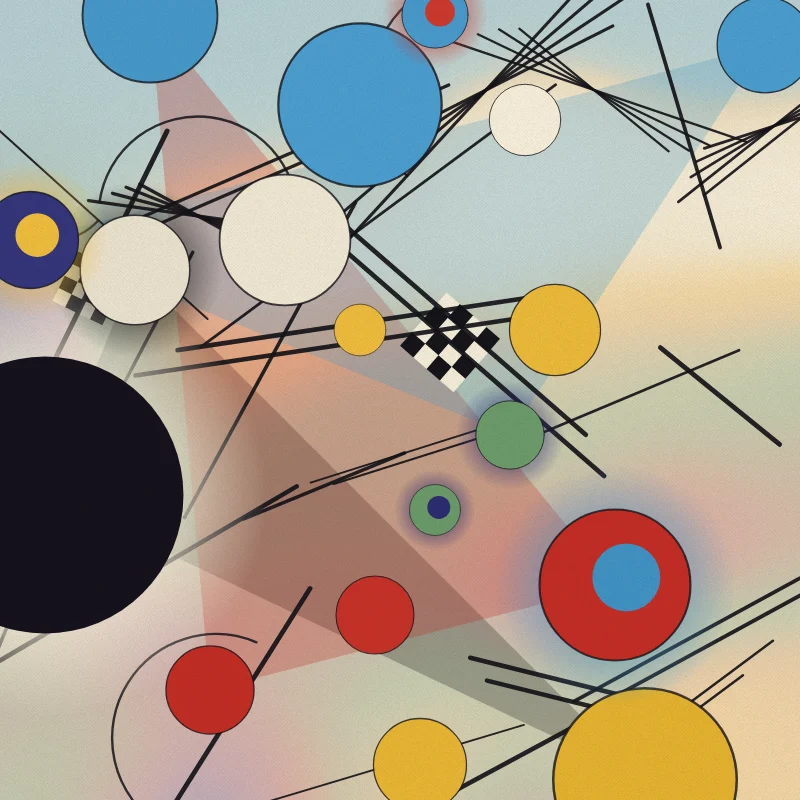
कैंडिंस्की फ़ोटो फ़िल्टर - वृत्त, रेखाएँ और रंग
ब्राउज़र में फ़ोटो को वासिली कैंडिंस्की शैली के अमूर्त चित्र में बदलें: कंपोज़िशन VIII के वृत्त और रेखाएँ, संकेंद्रित वृत्तों वाले वर्ग, काले पर कई वृत्त या मुक्त इम्प्रोवाइज़ेशन।
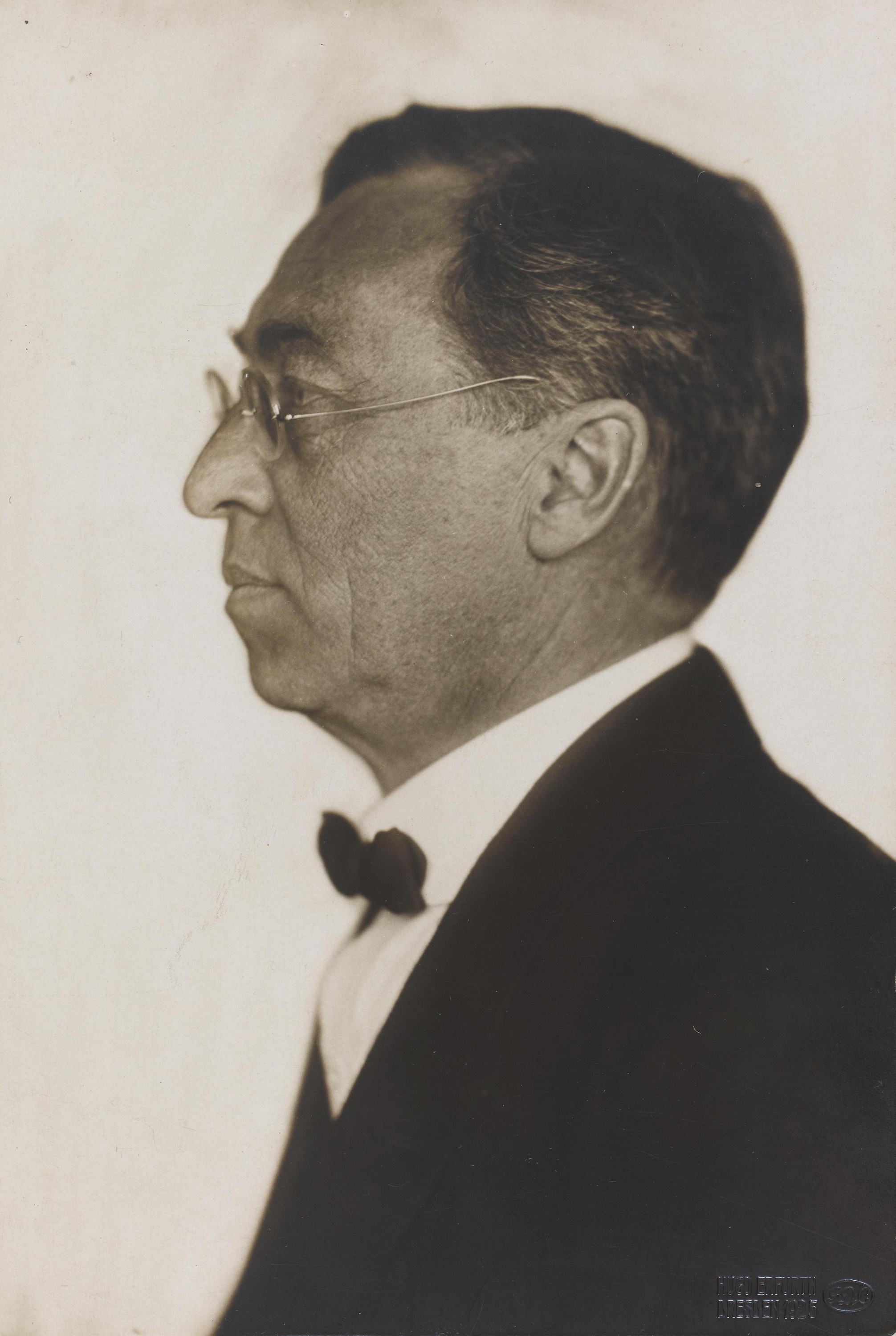
वासिली कैंडिंस्की
वासिली कैंडिंस्की कौन थे? अमूर्त कला के अग्रदूत: ब्लू राइडर, संगीत के रूप में रंग, संकेंद्रित वृत्तों वाले वर्ग, कंपोज़िशन VIII और कई वृत्त।
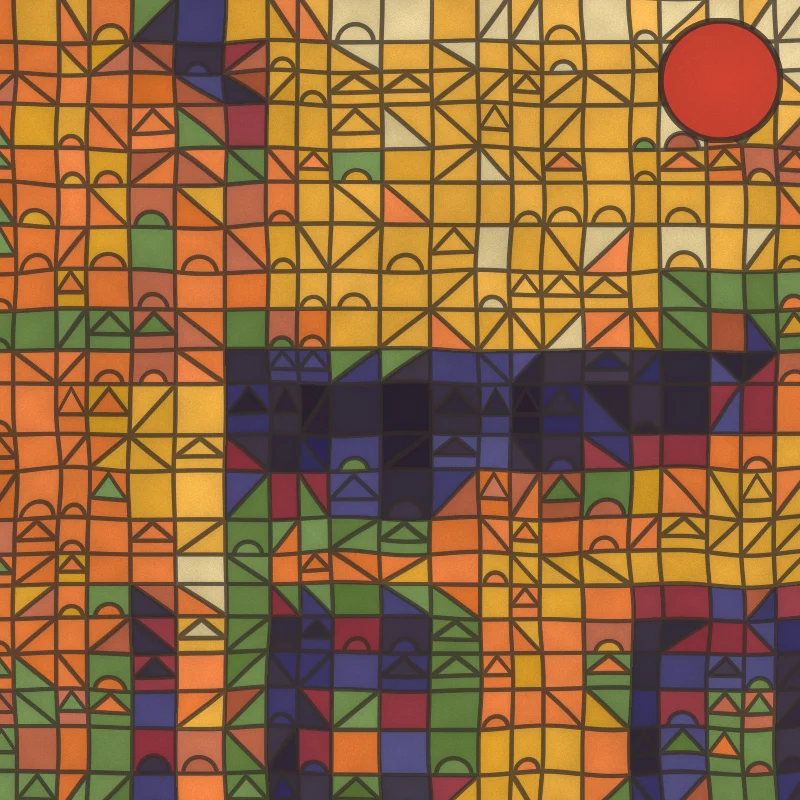
पॉल क्ली फ़ोटो फ़िल्टर - जादुई वर्ग, किले और रेखाएँ
ब्राउज़र में फ़ोटो को पॉल क्ली शैली की पेंटिंग में बदलें: रंगों के जादुई वर्ग, कैसल एंड सन टाइलें, एड पर्नासम बिंदु, सैर पर निकली रेखा या ट्यूनीशियाई जलरंग।
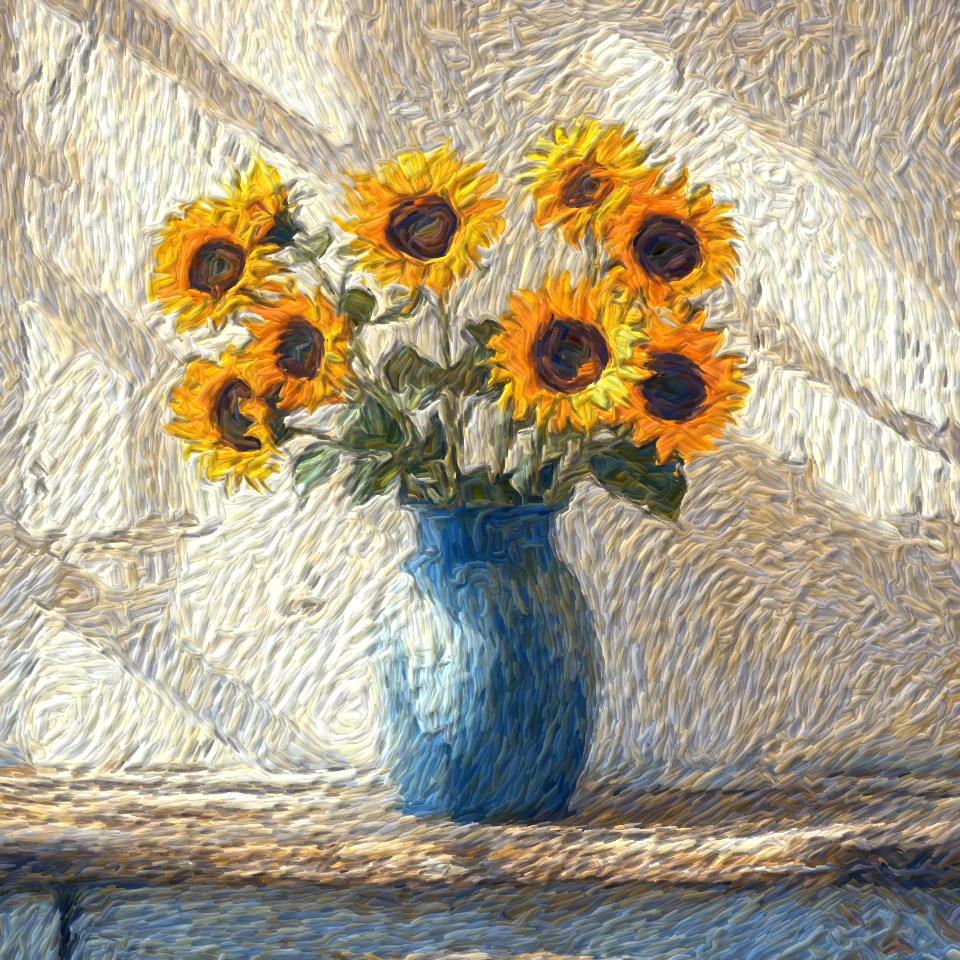
फ़ोटो को वैन गो ब्रश स्ट्रोक में पेंट करें
ब्राउज़र में फ़ोटो को स्टारी नाइट शैली के घूमते ब्रश स्ट्रोक में बदलें। वैन गो इम्पास्टो को डिजिटल श्रद्धांजलि—संग्रहालय पुनरुत्पादन नहीं।
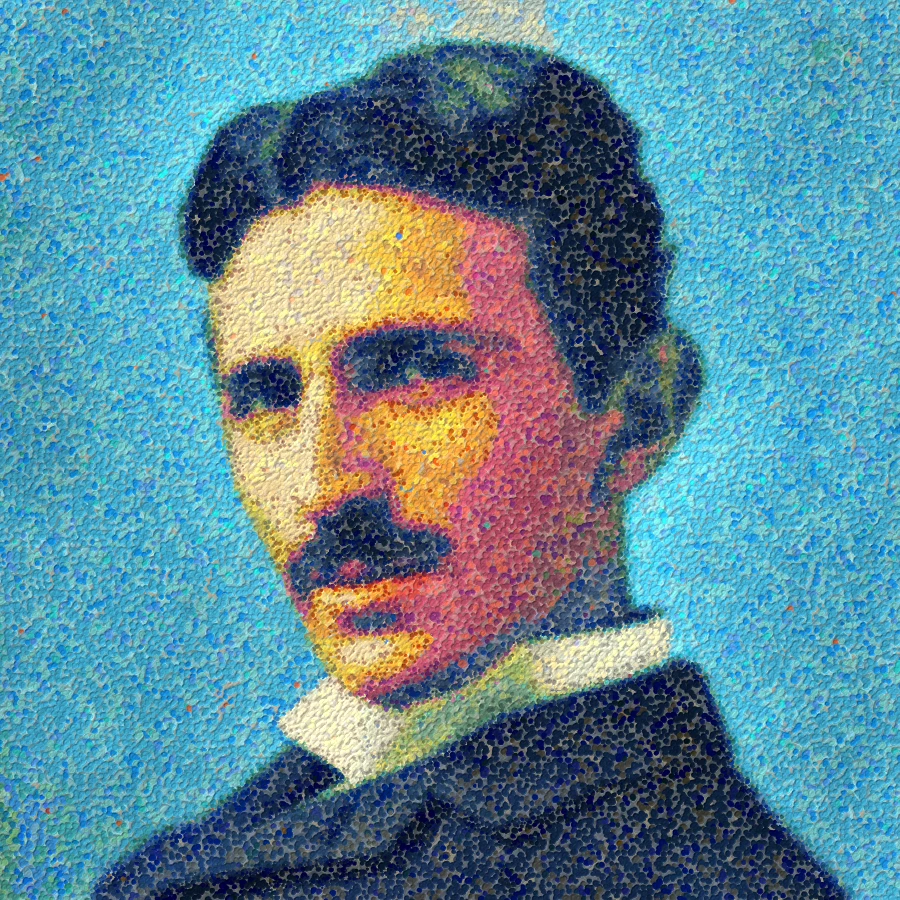
पॉइंटिलिज़्म फ़िल्टर
फ़ोटो को सोरा, सिन्याक, क्रॉस या फ़ॉविस्टों की स्टाइल में पॉइंटिलिस्ट पेंटिंग में बदलें। पैलेट चुनें, डॉट आकार और दृष्टिगत मिश्रण सेट करें, फिर सहेजें।
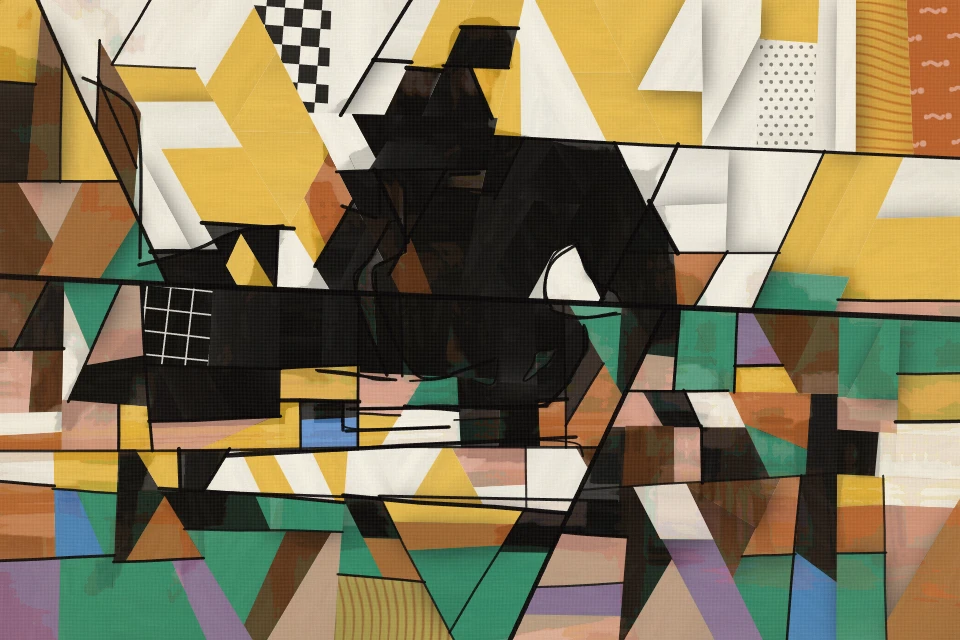
पाब्लो पिकासो और घनवाद
ब्राउज़र में फ़ोटो को पाब्लो पिकासो और घनवाद में बदलें: नीला और गुलाबी काल, विश्लेषणात्मक या संश्लेषणात्मक घनवाद, घनवादी पोर्ट्रेट, पापिए कोले, क्रिस्टल घनवाद, रोती स्त्री के बिखरे पोर्ट्रेट, या गेर्निका के श्वेत-श्याम टुकड़े।
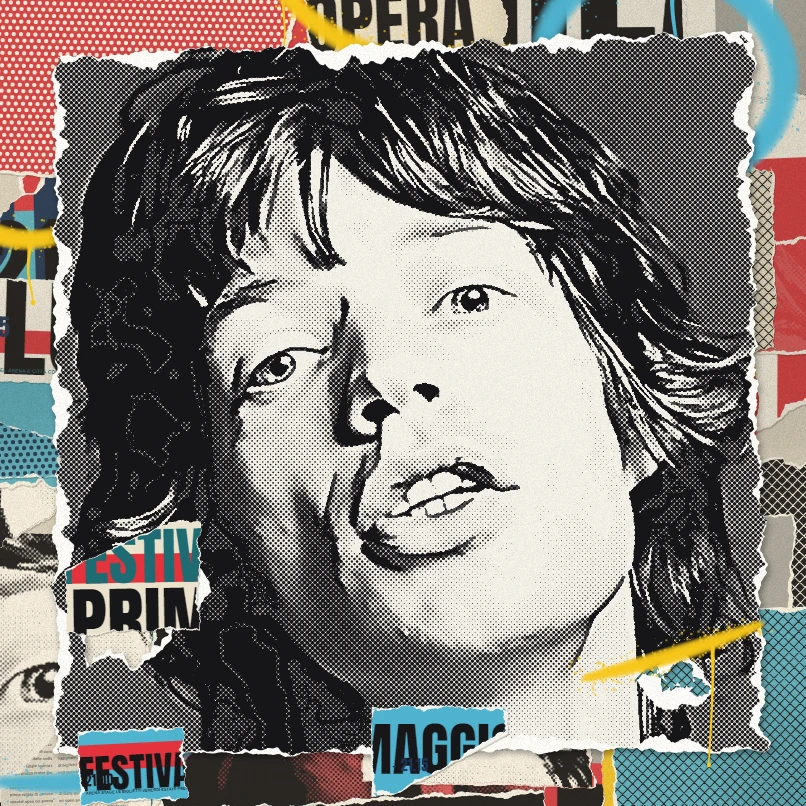
पॉप आर्ट फ़ोटो फ़िल्टर
अपने ब्राउज़र में फ़ोटो को पॉप आर्ट में बदलें: पॉप अंदाज़ का रेट्रो पोस्टर, पॉप पैटर्न, इंद्रधनुषी फलकों वाला WPAP पोर्ट्रेट, स्ट्रीट कोलाज, स्याही के छींटे, सोने का वर्क, सिल्हूट, सूर्य किरणें या पॉप प्रतीकों का ग्रिड।
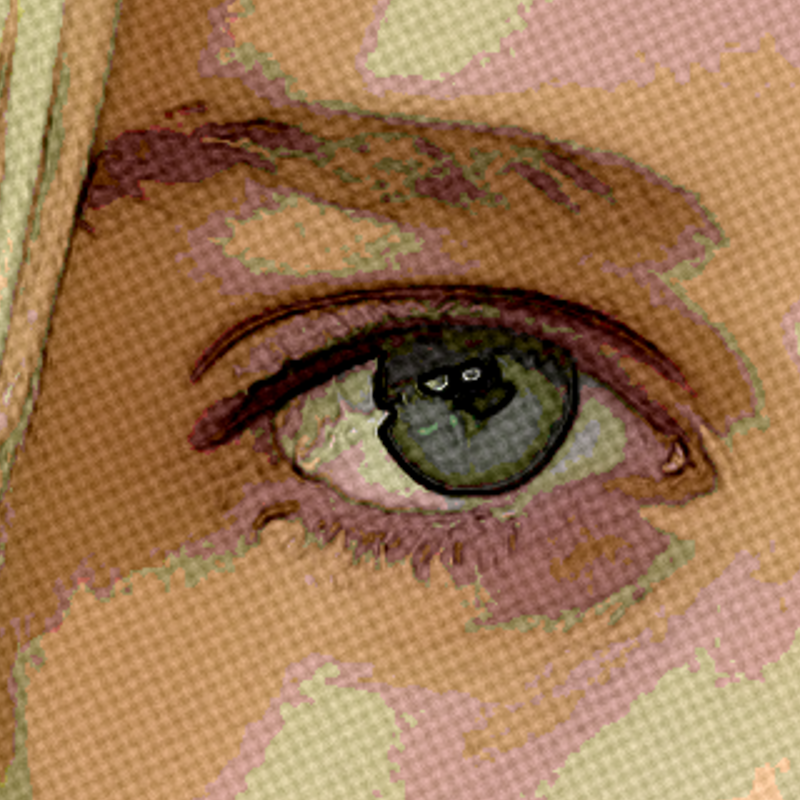
कलात्मक प्रभाव
ऑयल पेंटिंग, वॉटरकलर, पेंसिल, कॉमिक इंक, पेस्टल, पेपर कट-आउट और अन्य स्टूडियो आर्ट लुक से फ़ोटो बदलें।
आज़माने के लिए तैयार?
अपने ब्राउज़र में PictorX खोलें — शुरू करने के लिए इंस्टॉल या क्रेडिट कार्ड की ज़रूरत नहीं।
एडिटर पर जाएँ