
Trasforma una foto in carte ritagliate, colore fauve o una linea fluida alla Matisse — scegli stile e tavolozza, poi regola la dimensione delle forme.
Donna con cappello – Henri Matisse e il fauvismo
Matisse simplified the world into a few flat, singing shapes, and in 1905 he led the Fauves—the “wild beasts” who set colour free from nature. This app follows both: it reduces your photo to a handful of colour shapes and cuts them from painted paper, sets them in a red room or draws them with a single brush line, or repaints it in the bold, arbitrary colour of Matisse, Derain and Vlaminck, with cool shadows, hot lights and visible strokes. All processed on-device. Trasforma una foto in carte ritagliate, colore fauve o una linea fluida alla Matisse — scegli stile e tavolozza, poi regola la dimensione delle forme.
Come funziona
- Open PictorX in your browser and load a photo — portraits, landscapes and still lifes with a few clear shapes work best.
- Pick a Style—Matisse's Cut-Outs, Fauve, Harmony in Red or Line Drawing, or the Fauvism styles Woman with a Hat, Collioure, London or Vlaminck—and a Palette, then adjust Shape Size, Colors, Ornaments and Line Work for Matisse, or Brush Size, Color Boldness, Brushwork and Outlines for Fauvism.
- Export the picture, or keep editing with layers and other effects in the same workspace.
From Fauve colour to the cut-outs in one app
The Style list holds two effects. Henri Matisse follows the painter through his whole career, from Fauve colour and the red room of 1908 to his line drawings and the paper cut-outs of his last years. Fauvism follows the movement he led in 1905 with André Derain and Maurice de Vlaminck, with styles after each of them; pick one of its styles and the panel switches to its own sliders.
Why few, flat shapes read as Matisse
Matisse spent his life simplifying: fewer colours, larger areas, firmer outlines. The filter groups your photo into a handful of colour shapes and smooths every outline into a calm curve, so the picture keeps its composition while losing photographic detail. Colors sets how many shapes there are; Shape Size sets how simple their outlines become.
Four Matisse styles and six palettes
Cut-Outs cuts the shapes from gouache-painted paper with scissor-like edges and scatters seaweed and leaf forms on the ground, as in Jazz and the late cut-outs. Fauve paints in broad strokes of arbitrary colour, after Woman with a Hat (1905). Harmony in Red sets the shapes in a flat red room with dark-blue arabesques, after The Dessert: Harmony in Red (1908), and Line Drawing reduces everything to a few fluent brush lines. Palettes: Photo, Jazz, Blue Nudes, Fauve, Harmony in Red and Nice.
Four Fauve painters
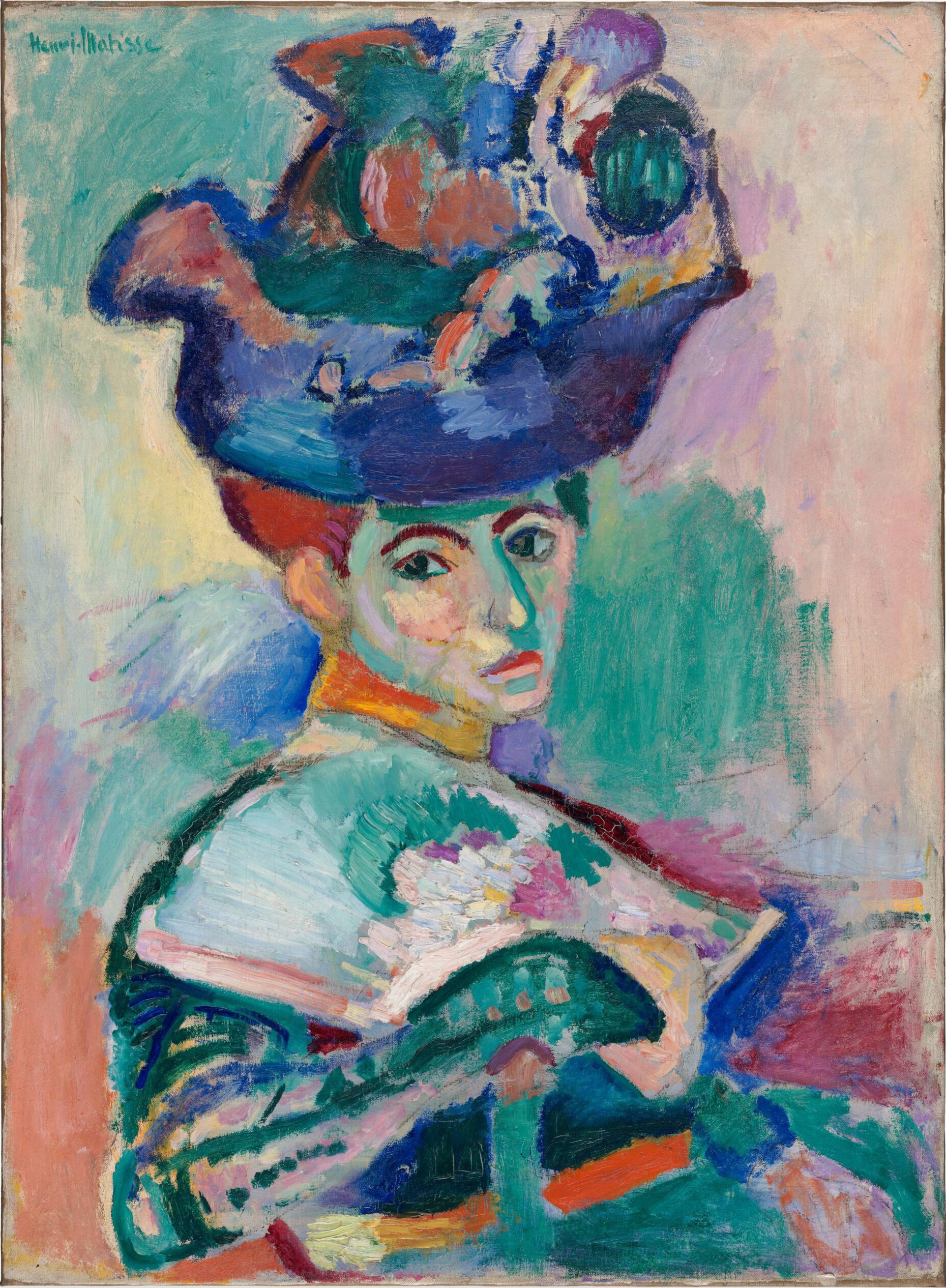
Woman with a Hat follows Matisse's scandalous portrait of 1905: broad patches of arbitrary colour, green and violet shadows across the face and loose blue-green contours. Collioure follows the summer Matisse and André Derain spent in that harbour, building pictures from separate dabs of pure colour with the canvas showing between them. London follows Derain's views of the Thames, with flat complementary blocks, horizontal broken strokes and dark outlines, and Vlaminck lays on long, thick, swirling strokes of hot reds, oranges and blues.
Colour that describes feeling, not nature
Color Boldness sets how far the colours depart from the photo: at low values the photo's own hues are simply intensified; at high values every zone receives an arbitrary Fauve colour, lights turn warm and shadows cool and complementary. Palette chooses the pigments—Fauve for each painter's own colours, Photo to keep your hues, Hot, Cool, or Complementary to flip every colour to its opposite. Brush Size, Brushwork and Outlines control the stroke size, how loose the hand is, and the weight of the painted contours.
Privacy and keep editing
Processing stays in your browser—photos are not uploaded to PictorX servers for this filter. After Henri Matisse and Fauvism, continue with layers, text, Kandinsky, Paul Klee, Vincent van Gogh, Pointillism, or export.
Domande frequenti
Cosa fa l'app Henri Matisse e il fauvismo?
Trasforma una foto in un'immagine alla maniera di Henri Matisse (carte ritagliate, colore fauve, Armonia in rosso o un disegno al tratto) oppure la ridipinge con il colore selvaggio e arbitrario dei fauves da lui guidati: Donna con cappello di Matisse, Collioure, la Londra di Derain o Vlaminck. È costruita a partire dalle forme della tua foto, non è la copia di un dipinto museale.
Cos'era il fauvismo?
Un movimento di breve durata, del 1905–1908 circa, che usava colori puri e innaturali per esprimere sentimenti anziché descrivere le cose. Al Salon d'Automne di Parigi del 1905 il critico Louis Vauxcelles chiamò i suoi pittori «fauves», belve.
Quali stili fauve sono inclusi?
Donna con cappello, ispirato al ritratto di Matisse del 1905; Collioure, ispirato all'estate che Matisse e André Derain trascorsero in quel porto; Londra, ispirato alle vedute del Tamigi di Derain; e Vlaminck, con le sue pennellate dense e accese. Ognuno ha i propri cursori (Dimensione pennello, Audacia del colore, Pennellata e Contorni) e le tavolozze Fauvismo, Foto, Caldo, Freddo e Complementare.
È un vero Matisse o un vero Derain?
No. È un omaggio digitale per le tue foto. Le opere di Matisse si trovano in musei come il Centre Pompidou di Parigi, il Musée Matisse di Nizza e il Museum of Modern Art di New York; i dipinti fauve di Derain e Vlaminck sono esposti in musei e collezioni di tutto il mondo.
Quali foto funzionano meglio?
Foto con poche forme grandi e chiare: i ritratti si adattano a Disegno al tratto, Fauvismo e Donna con cappello, paesaggi e piante a Carte ritagliate e Collioure, città e fiumi a Londra, alberi e villaggi a Vlaminck, e interni o nature morte ad Armonia in rosso. Le foto con luci e ombre nette danno il colore fauve più intenso.
Posso continuare a modificare dopo Henri Matisse e il fauvismo?
Sì. Continua con livelli, testo e altri stili artistici, oppure esporta dallo stesso spazio di lavoro di PictorX.
Strumenti correlati
Henri Matisse
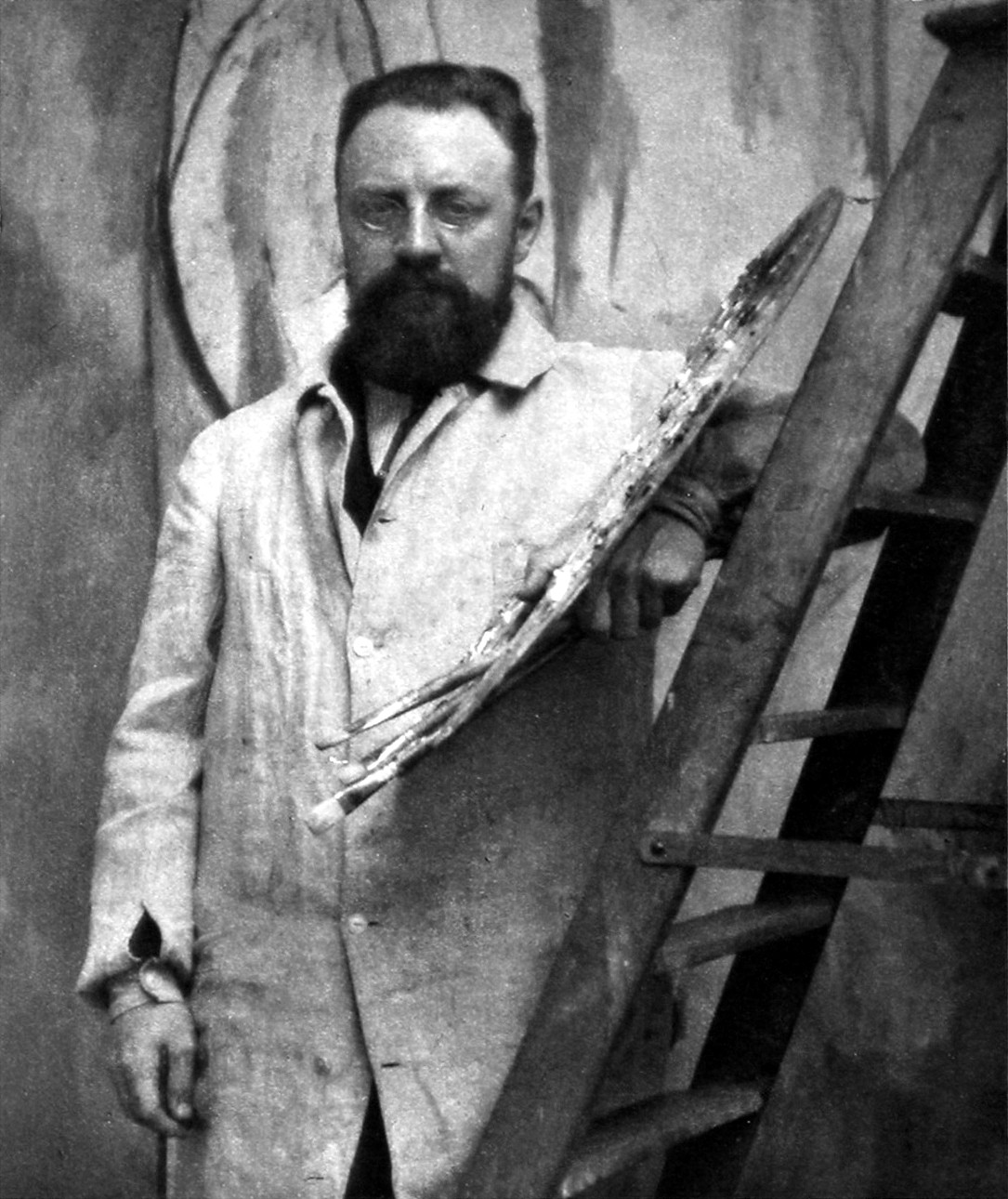
Chi era Henri Matisse? Da impiegato a pittore, i Fauves del 1905, Armonia in rosso e La danza, gli anni a Nizza, i disegni a linea unica e le carte ritagliate.
Il Fauvismo
Che cos’è il Fauvismo? Le «belve» del 1905 dai colori puri e accesi: radici in Van Gogh e Gauguin, Matisse e Derain a Collioure, le opere chiave.
Filtro foto Kandinsky - cerchi, linee e colore
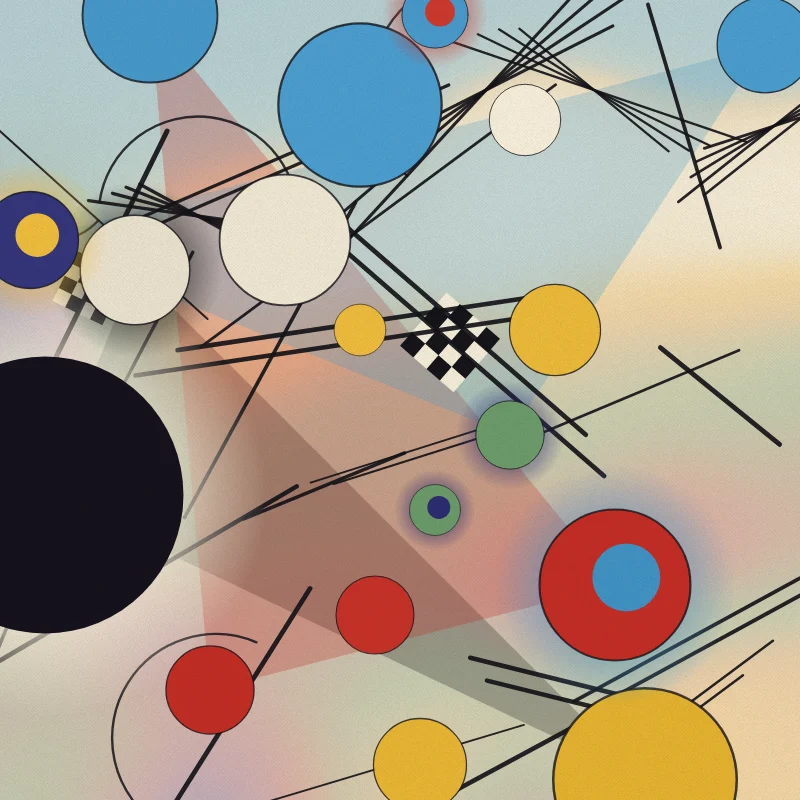
Trasforma una foto in un’astrazione alla Wassily Kandinsky nel browser: cerchi e linee di Composizione VIII, quadrati con cerchi concentrici, Alcuni cerchi su nero o un’Improvvisazione libera.
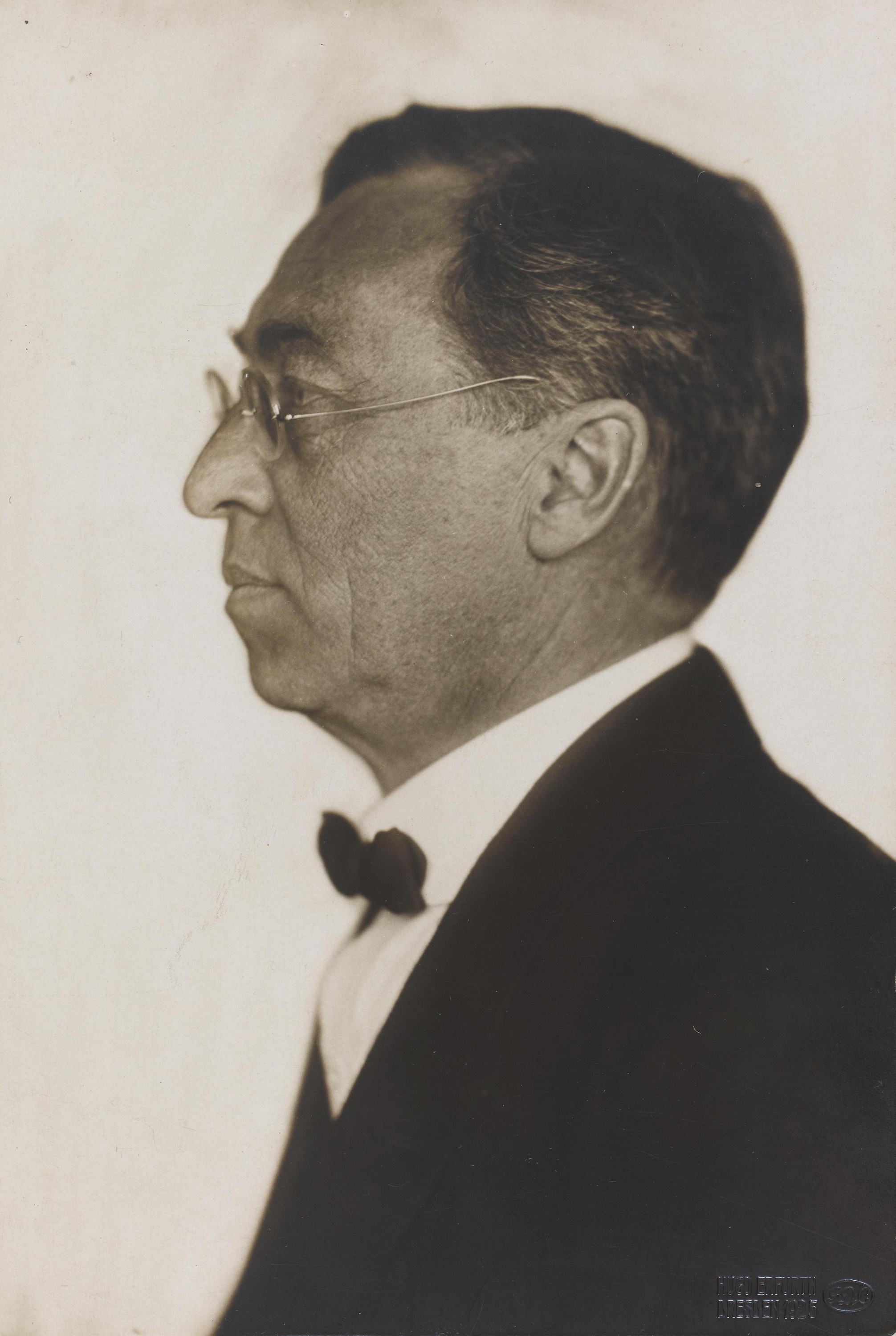
Wassily Kandinsky
Chi era Wassily Kandinsky? Pioniere dell’astrattismo: Cavaliere azzurro, colore come musica, Quadrati con cerchi concentrici, Composizione VIII, Alcuni cerchi.
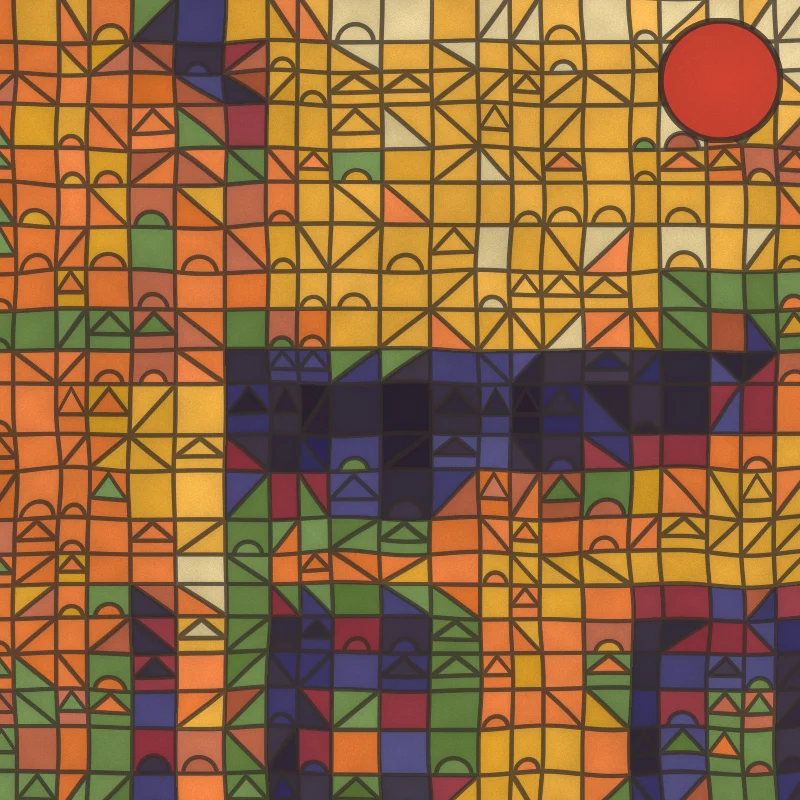
Filtro foto Paul Klee - quadrati magici, castelli e linee
Trasforma una foto in un dipinto alla Paul Klee nel browser: quadrati magici di colore, tessere Castello e sole, punti di Ad Parnassum, una linea a passeggio o acquerelli tunisini.
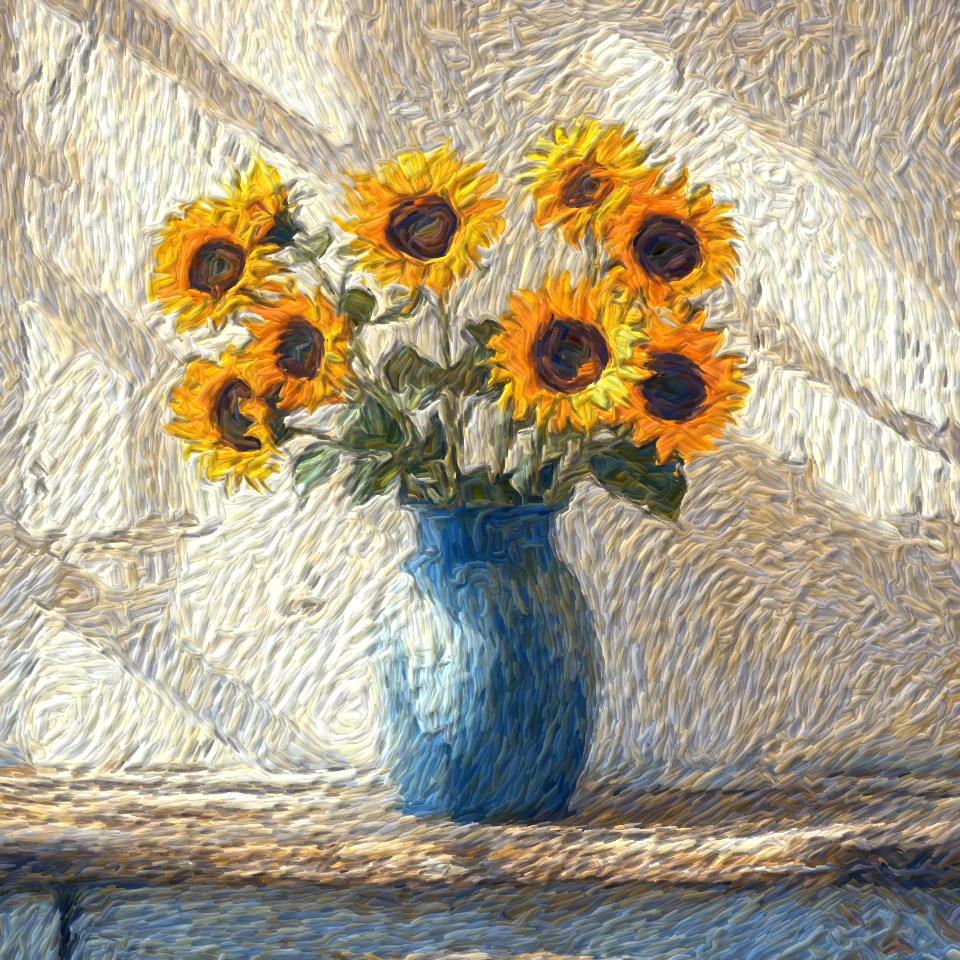
Dipingi una foto con pennellate di Van Gogh
Trasforma una foto in pennellate vorticose in stile Notte stellata nel browser. Un omaggio digitale all’impasto di Van Gogh—non una riproduzione da museo.
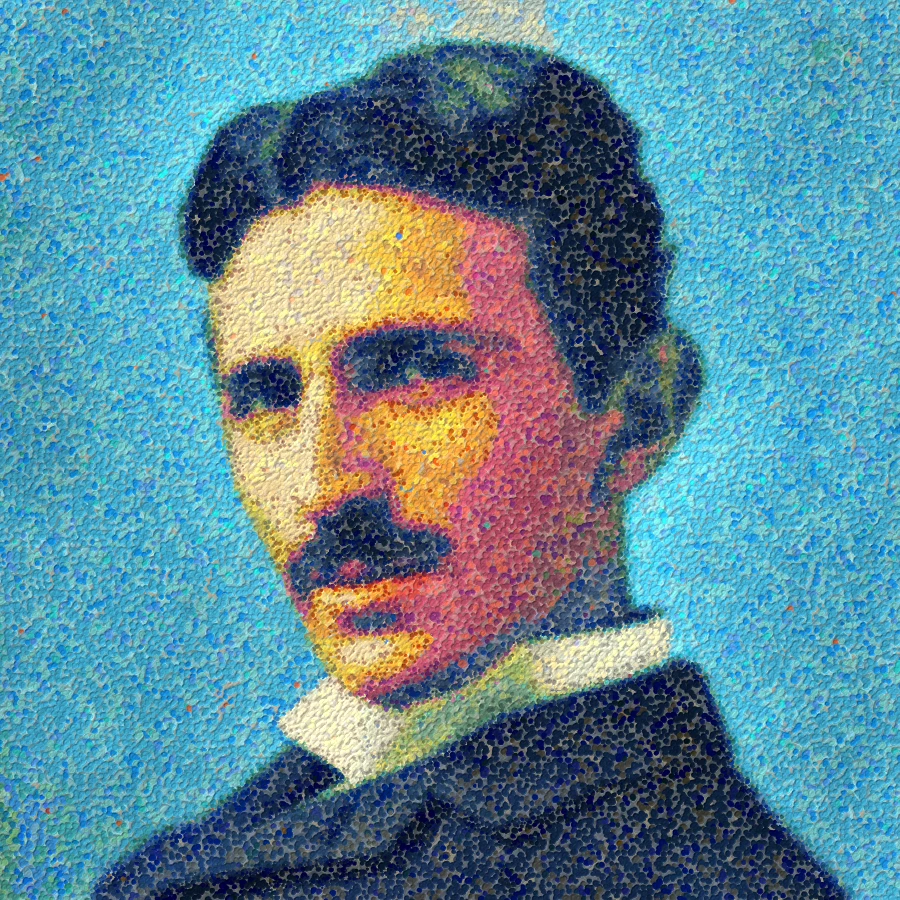
Filtro puntinismo
Una foto diventa un dipinto puntinista nello stile di Seurat, Signac, Cross o dei fauves. Scegli una tavolozza, imposta Dimensione punti e Mescolanza ottica.
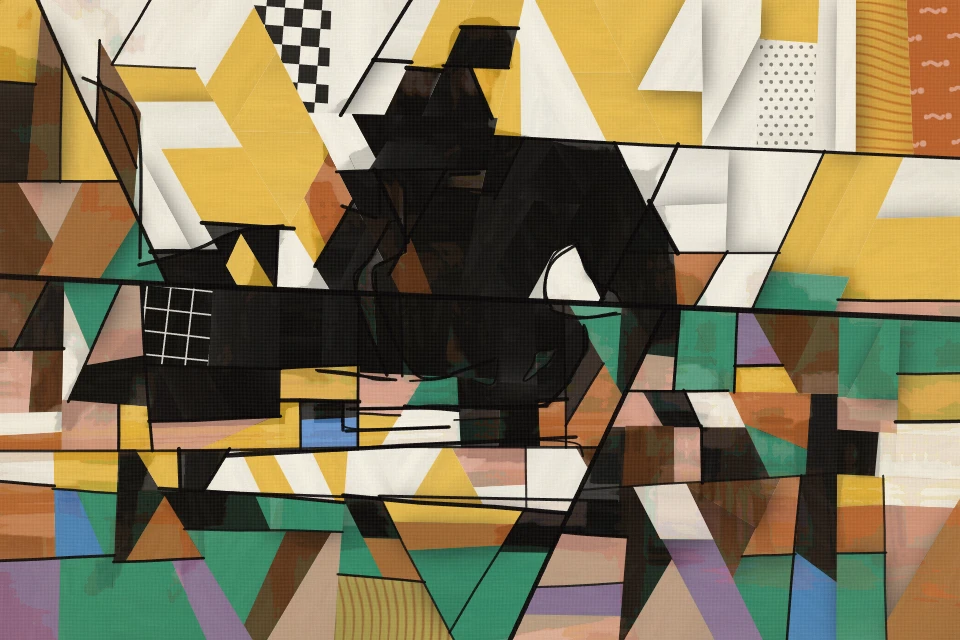
Pablo Picasso e il cubismo
Trasforma una foto in Pablo Picasso e nel cubismo nel browser: periodi blu e rosa, cubismo analitico o sintetico, ritratto cubista, papier collé, cubismo cristallino, ritratti frammentati della Donna che piange o schegge in bianco e nero di Guernica.
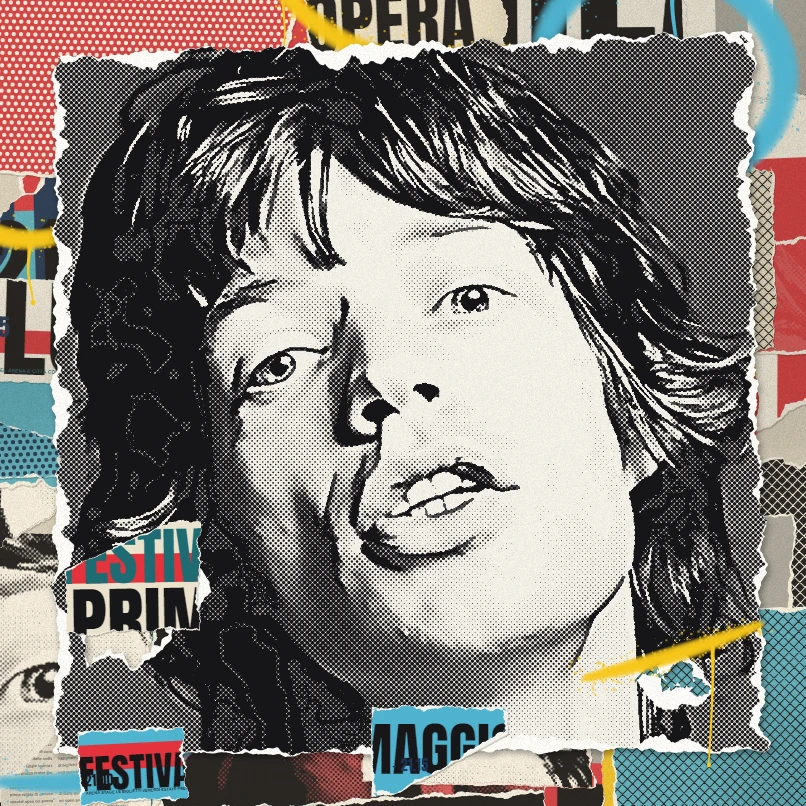
Filtro foto Pop Art
Trasforma una foto in pop art nel browser: un poster retrò pop, un motivo pop, un ritratto WPAP a sfaccettature arcobaleno, un collage urbano, uno schizzo d'inchiostro, foglia d'oro, una silhouette, una raggiera o una griglia di emblemi pop.
Effetti artistici
Trasforma le foto con pittura a olio, acquerello, matita, inchiostro fumetto, pastelli, ritagli di carta e altri look artistici da studio.
Pronto a provarlo?
Apri PictorX nel tuo browser: nessuna installazione, nessuna carta di credito richiesta per iniziare.
Vai all'editor