
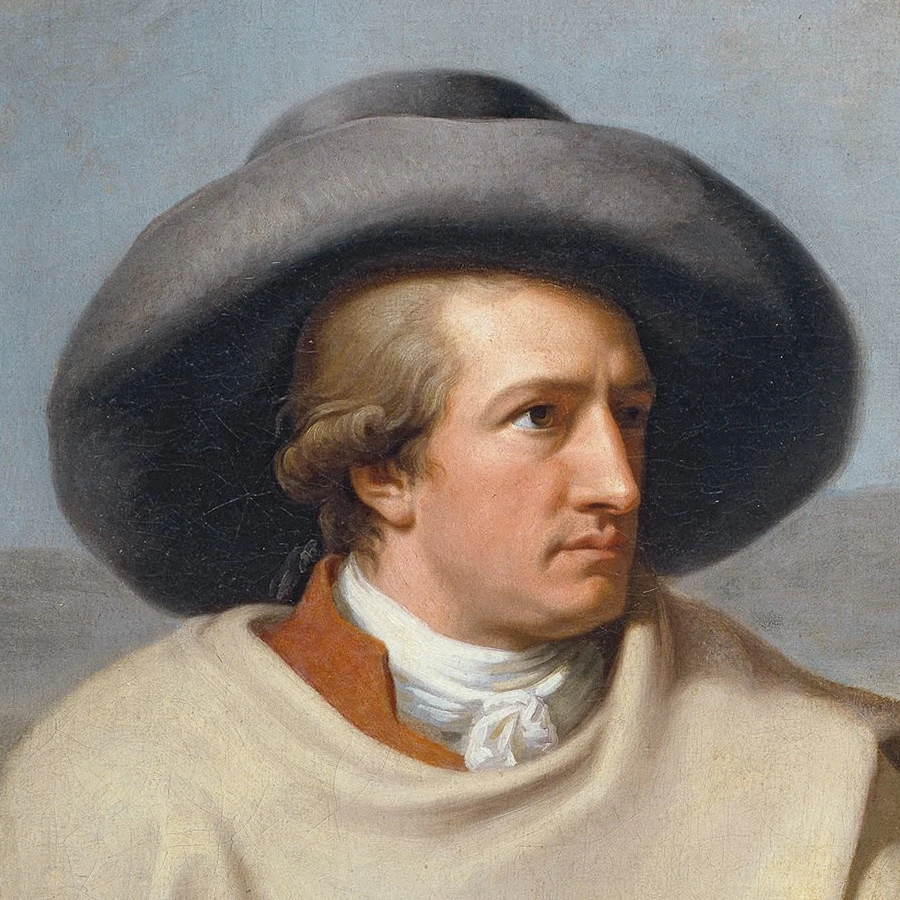
Convierte una foto en recortes, color fauve o una línea fluida de Matisse: elige estilo y paleta y ajusta el tamaño de las formas.
Mujer con sombrero – Henri Matisse y el fauvismo
Matisse simplified the world into a few flat, singing shapes, and in 1905 he led the Fauves—the “wild beasts” who set colour free from nature. This app follows both: it reduces your photo to a handful of colour shapes and cuts them from painted paper, sets them in a red room or draws them with a single brush line, or repaints it in the bold, arbitrary colour of Matisse, Derain and Vlaminck, with cool shadows, hot lights and visible strokes. All processed on-device. Convierte una foto en recortes, color fauve o una línea fluida de Matisse: elige estilo y paleta y ajusta el tamaño de las formas.
Cómo funciona
- Open PictorX in your browser and load a photo — portraits, landscapes and still lifes with a few clear shapes work best.
- Pick a Style—Matisse's Cut-Outs, Fauve, Harmony in Red or Line Drawing, or the Fauvism styles Woman with a Hat, Collioure, London or Vlaminck—and a Palette, then adjust Shape Size, Colors, Ornaments and Line Work for Matisse, or Brush Size, Color Boldness, Brushwork and Outlines for Fauvism.
- Export the picture, or keep editing with layers and other effects in the same workspace.
From Fauve colour to the cut-outs in one app
The Style list holds two effects. Henri Matisse follows the painter through his whole career, from Fauve colour and the red room of 1908 to his line drawings and the paper cut-outs of his last years. Fauvism follows the movement he led in 1905 with André Derain and Maurice de Vlaminck, with styles after each of them; pick one of its styles and the panel switches to its own sliders.
Why few, flat shapes read as Matisse
Matisse spent his life simplifying: fewer colours, larger areas, firmer outlines. The filter groups your photo into a handful of colour shapes and smooths every outline into a calm curve, so the picture keeps its composition while losing photographic detail. Colors sets how many shapes there are; Shape Size sets how simple their outlines become.
Four Matisse styles and six palettes
Cut-Outs cuts the shapes from gouache-painted paper with scissor-like edges and scatters seaweed and leaf forms on the ground, as in Jazz and the late cut-outs. Fauve paints in broad strokes of arbitrary colour, after Woman with a Hat (1905). Harmony in Red sets the shapes in a flat red room with dark-blue arabesques, after The Dessert: Harmony in Red (1908), and Line Drawing reduces everything to a few fluent brush lines. Palettes: Photo, Jazz, Blue Nudes, Fauve, Harmony in Red and Nice.
Four Fauve painters
Woman with a Hat follows Matisse's scandalous portrait of 1905: broad patches of arbitrary colour, green and violet shadows across the face and loose blue-green contours. Collioure follows the summer Matisse and André Derain spent in that harbour, building pictures from separate dabs of pure colour with the canvas showing between them. London follows Derain's views of the Thames, with flat complementary blocks, horizontal broken strokes and dark outlines, and Vlaminck lays on long, thick, swirling strokes of hot reds, oranges and blues.
Colour that describes feeling, not nature
Color Boldness sets how far the colours depart from the photo: at low values the photo's own hues are simply intensified; at high values every zone receives an arbitrary Fauve colour, lights turn warm and shadows cool and complementary. Palette chooses the pigments—Fauve for each painter's own colours, Photo to keep your hues, Hot, Cool, or Complementary to flip every colour to its opposite. Brush Size, Brushwork and Outlines control the stroke size, how loose the hand is, and the weight of the painted contours.
Privacy and keep editing
Processing stays in your browser—photos are not uploaded to PictorX servers for this filter. After Henri Matisse and Fauvism, continue with layers, text, Kandinsky, Paul Klee, Vincent van Gogh, Pointillism, or export.
Preguntas frecuentes
¿Qué hace la app Henri Matisse y el fauvismo?
Convierte una foto en una imagen a la manera de Henri Matisse (papeles recortados, color fauvista, Armonía en rojo o un dibujo de línea) o la vuelve a pintar con el color salvaje y arbitrario de los fauvistas que él encabezó: Mujer con sombrero de Matisse, Collioure, el Londres de Derain o Vlaminck. Se crea a partir de las propias formas de tu foto, no es una copia de ningún cuadro de museo.
¿Qué fue el fauvismo?
Un movimiento breve, de hacia 1905–1908, que usaba colores puros y antinaturales para expresar sentimientos en lugar de describir las cosas. En el Salón de Otoño de París de 1905, el crítico Louis Vauxcelles llamó a sus pintores «fauves», fieras.
¿Qué estilos fauvistas están incluidos?
Mujer con sombrero, inspirado en el retrato de Matisse de 1905; Collioure, inspirado en el verano que Matisse y André Derain pasaron en ese puerto; Londres, inspirado en las vistas del Támesis de Derain; y Vlaminck, con sus pinceladas densas y ardientes. Cada uno tiene sus propios controles deslizantes (Tamaño del pincel, Audacia del color, Pincelada y Contornos) y las paletas Fauvismo, Foto, Cálido, Frío y Complementario.
¿Es un Matisse o un Derain de verdad?
No. Es un homenaje digital para tus propias fotos. Las obras de Matisse están en museos como el Centre Pompidou de París, el Musée Matisse de Niza y el Museo de Arte Moderno de Nueva York; los cuadros fauvistas de Derain y Vlaminck cuelgan en museos y colecciones de todo el mundo.
¿Qué fotos funcionan mejor?
Fotos con pocas formas grandes y claras: los retratos van bien con Dibujo de línea, Fauvismo y Mujer con sombrero; los paisajes y las plantas, con Recortes y Collioure; las ciudades y los ríos, con Londres; los árboles y los pueblos, con Vlaminck; y los interiores o bodegones, con Armonía en rojo. Las fotos con luces y sombras marcadas dan el color fauvista más intenso.
¿Puedo seguir editando después de Henri Matisse y el fauvismo?
Sí. Sigue con capas, texto u otros estilos artísticos, o exporta desde el mismo espacio de trabajo de PictorX.
Herramientas relacionadas
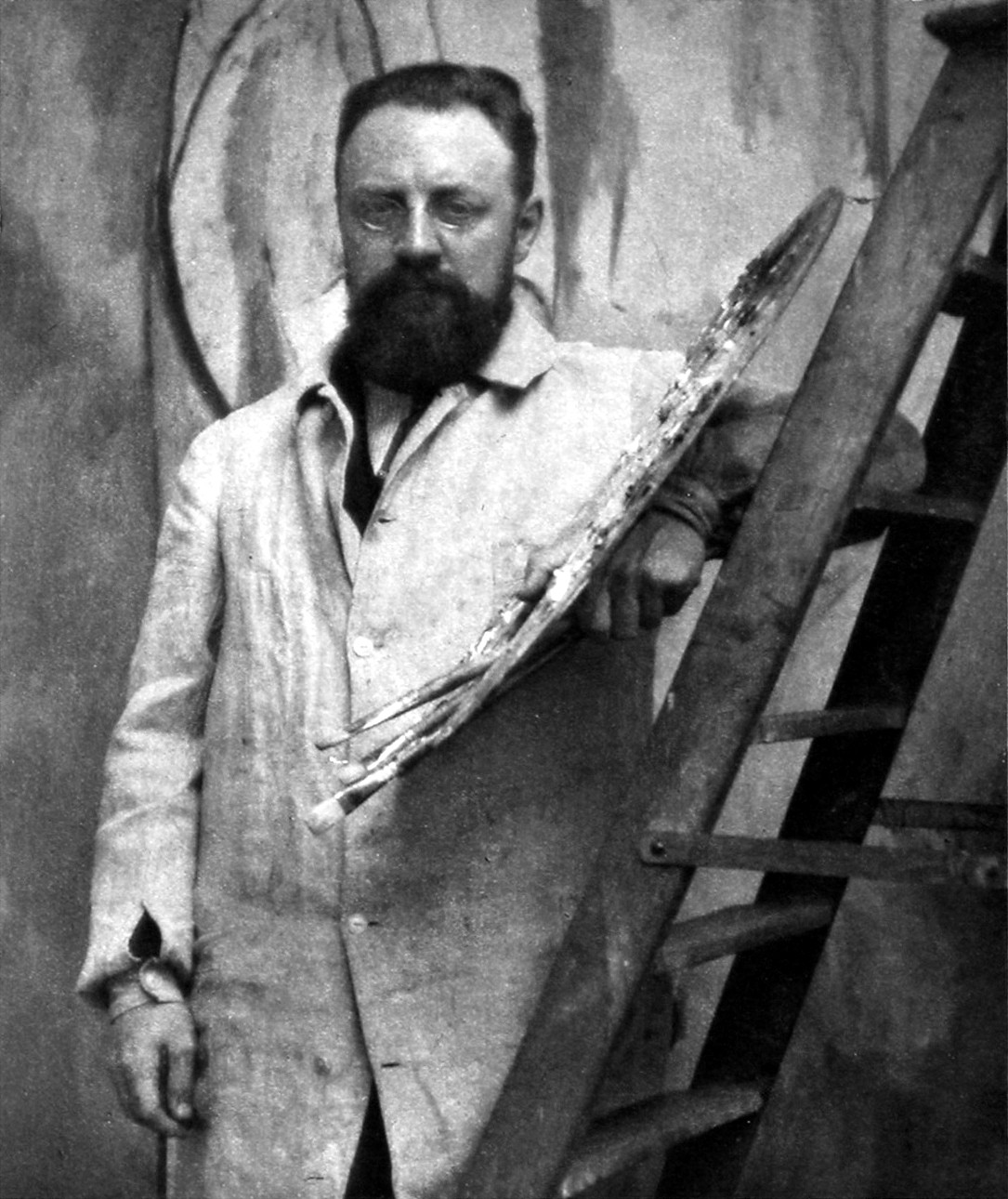
Henri Matisse
¿Quién fue Henri Matisse? De pasante de abogado a pintor, los fauves de 1905, Armonía en rojo y La danza, Niza, los dibujos de una línea y los recortes.
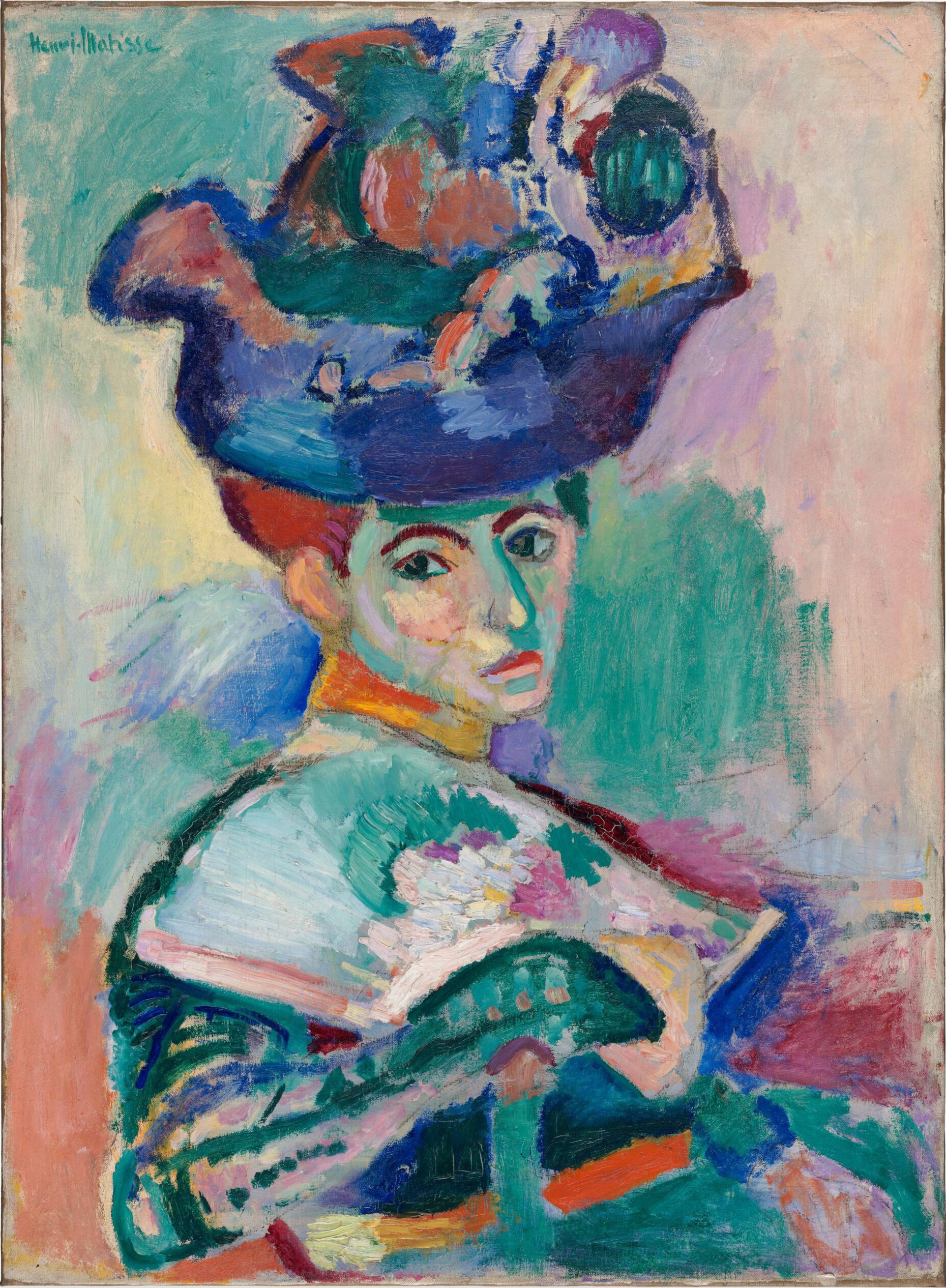
El fauvismo
¿Qué fue el fauvismo? Las «fieras» de 1905 que pintaban con color puro y vivo: raíces en Van Gogh y Gauguin, Matisse y Derain en Collioure y sus obras clave.
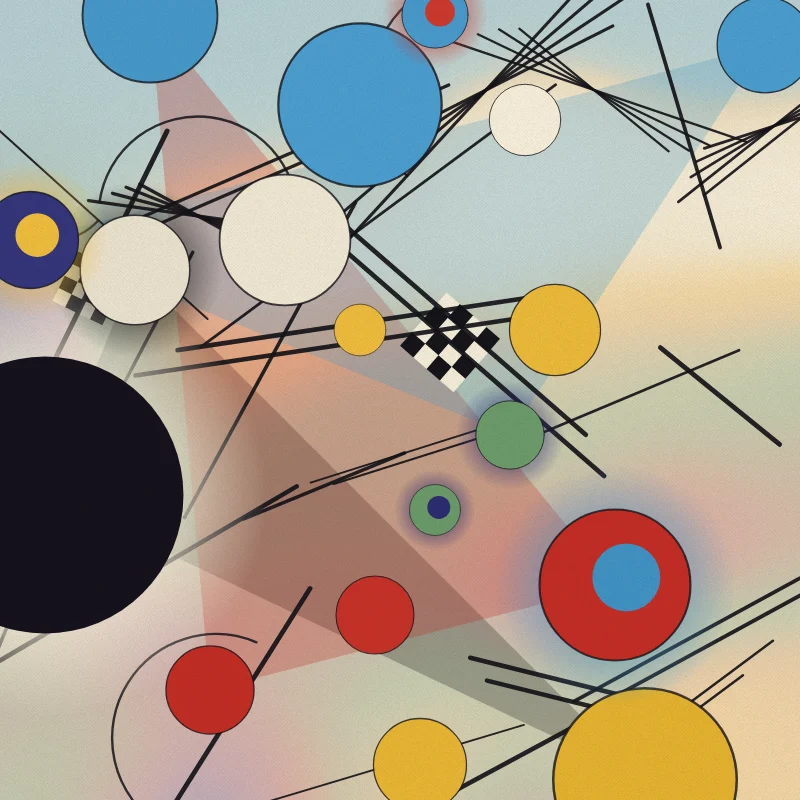
Filtro fotográfico Kandinsky - círculos, líneas y color
Convierte una foto en una abstracción al estilo de Vasili Kandinski en el navegador: círculos y líneas de Composición VIII, cuadrados con círculos concéntricos, Varios círculos sobre negro o una Improvisación libre.
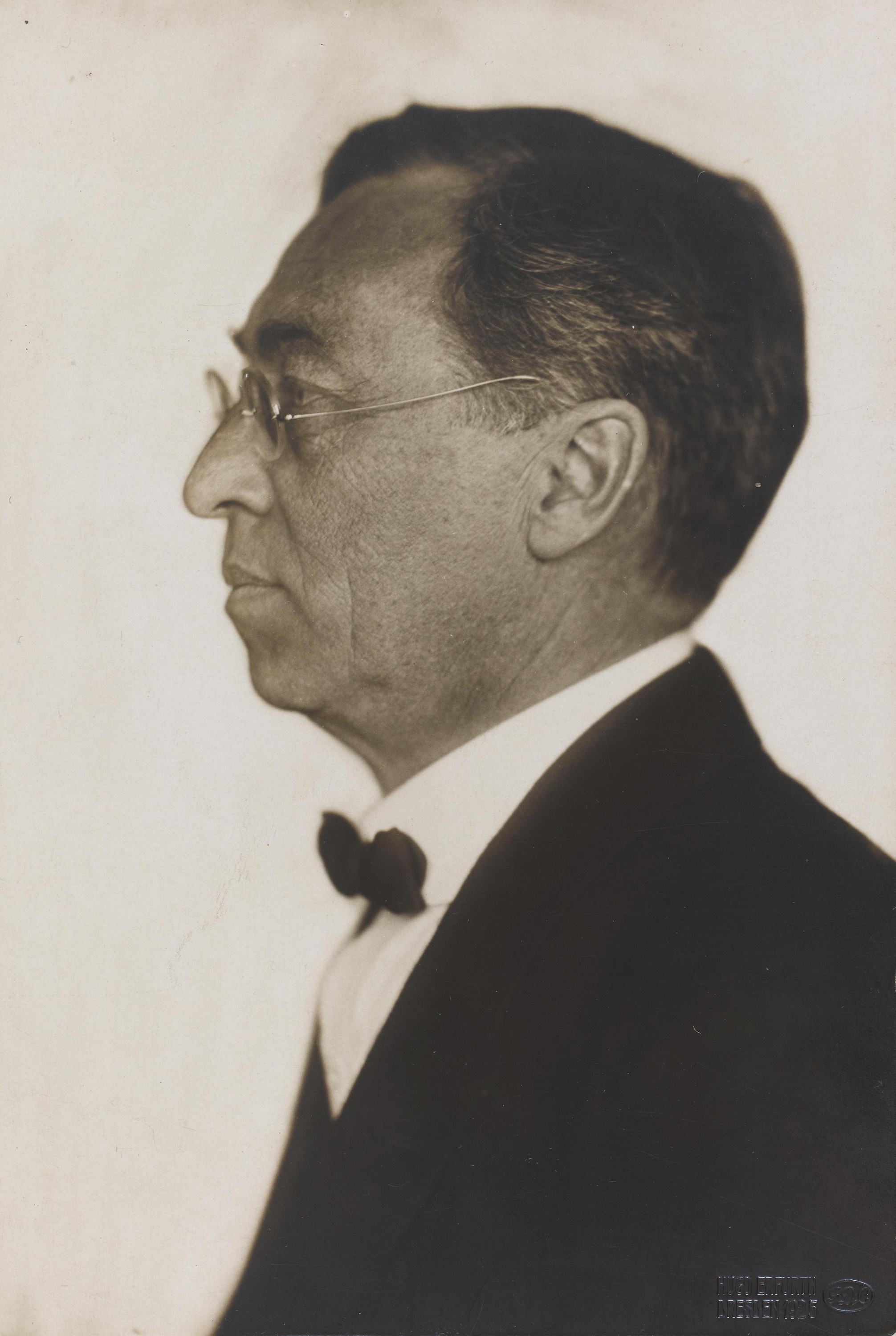
Vasili Kandinski
¿Quién fue Vasili Kandinski? Pionero de la abstracción: El Jinete Azul, color y sonido, Cuadrados con círculos concéntricos, Composición VIII, Varios círculos.
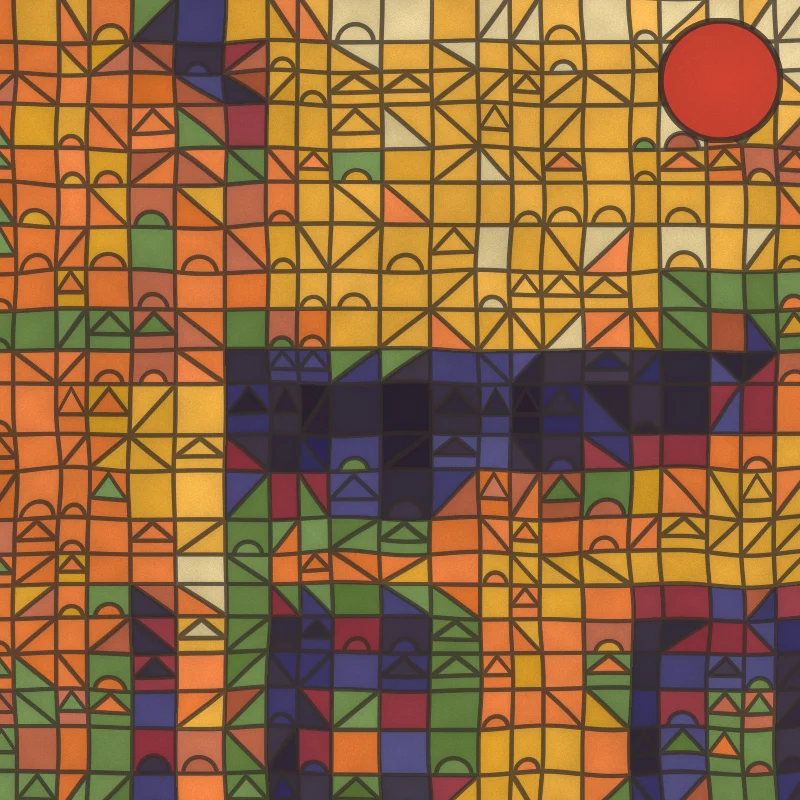
Filtro fotográfico Paul Klee - cuadrados mágicos, castillos y líneas
Convierte una foto en una pintura al estilo de Paul Klee en el navegador: cuadrados mágicos de color, teselas de Castillo y sol, puntos de Ad Parnassum, una línea que sale a pasear o acuarelas tunecinas.
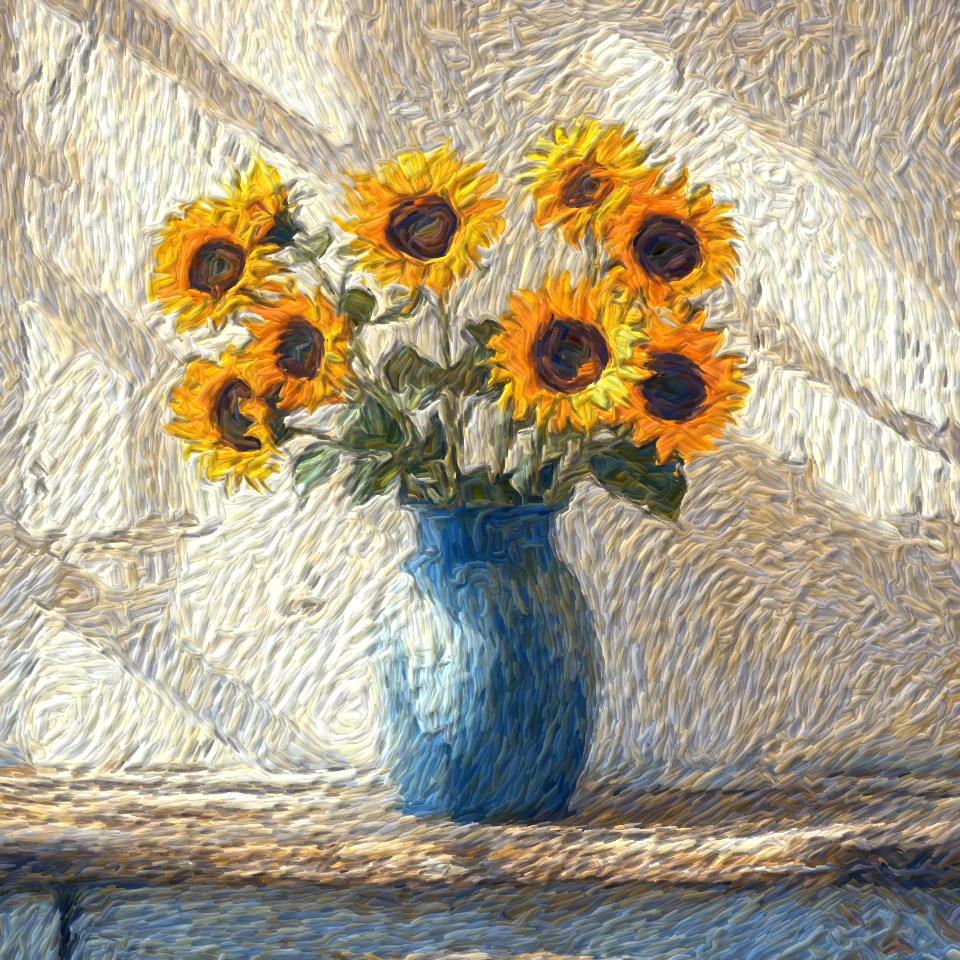
Pinta una foto con pinceladas de Van Gogh
Convierte una foto en pinceladas arremolinadas al estilo de Noche estrellada en el navegador. Un homenaje digital al impasto de Van Gogh—no una reproducción de museo.
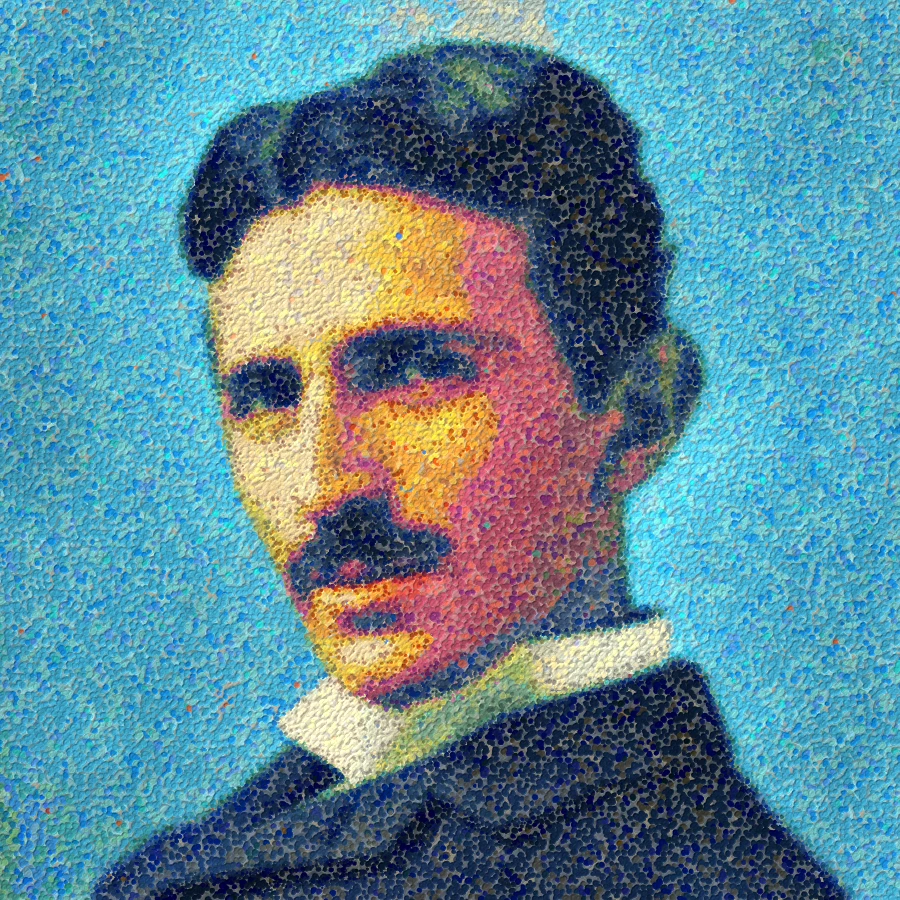
Filtro de puntillismo
Convierte una foto en una pintura puntillista al estilo de Seurat, Signac, Cross o los fauvistas. Elige paleta, ajusta tamaño de punto y mezcla óptica.
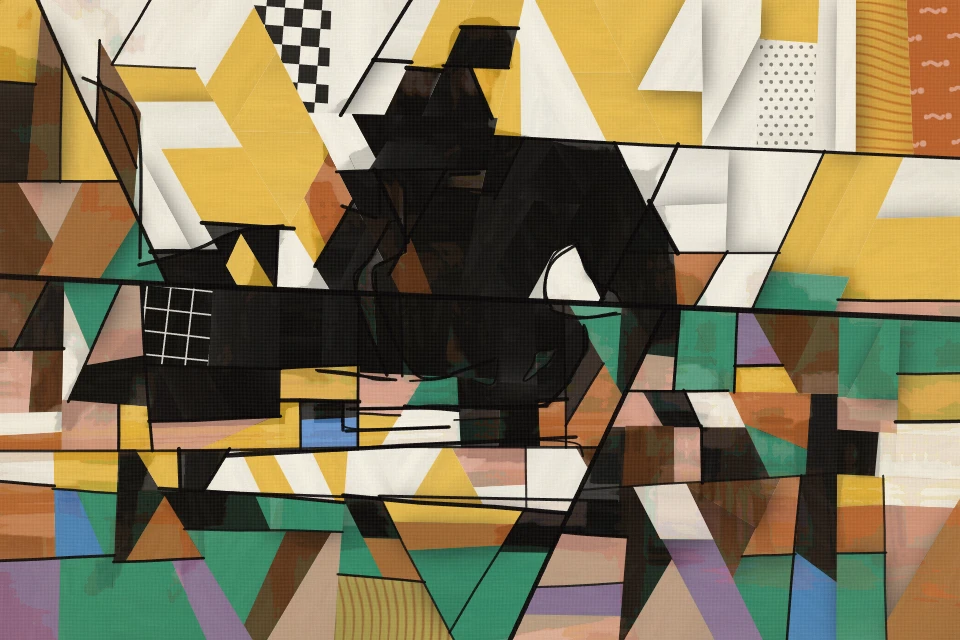
Pablo Picasso y el cubismo
Convierte una foto en Pablo Picasso y el cubismo en el navegador: los períodos azul y rosa, el cubismo analítico o sintético, un retrato cubista, papier collé, cubismo cristal, los retratos fragmentados de la Mujer llorando o los fragmentos en blanco y negro del Guernica.
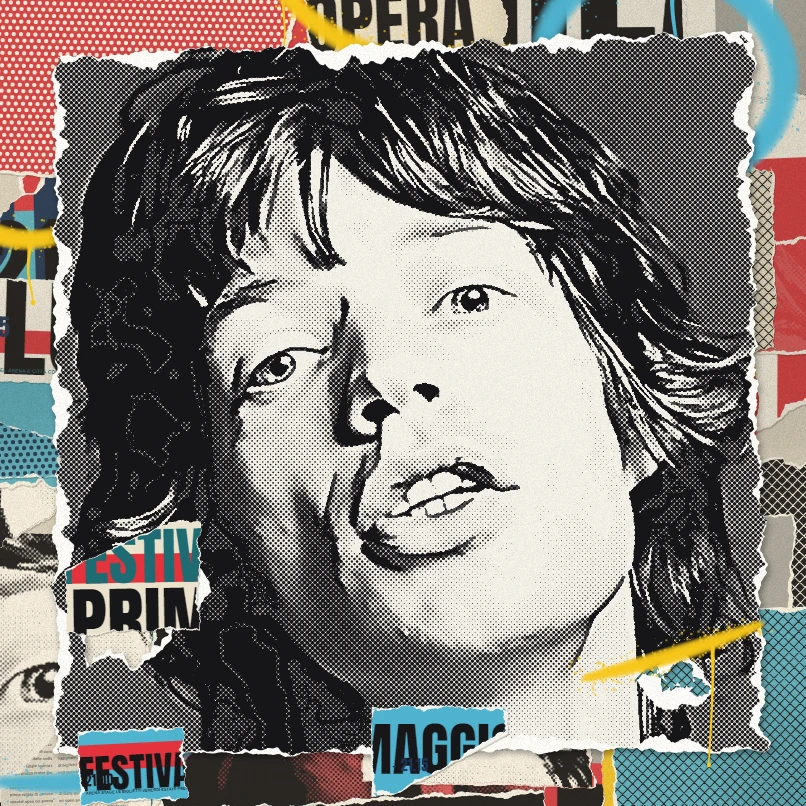
Filtro fotográfico Pop Art
Convierte una foto en pop art en tu navegador: un póster retro pop, un patrón pop, un retrato WPAP en facetas de arcoíris, un collage urbano, una salpicadura de tinta, pan de oro, una silueta, unos rayos de sol o una cuadrícula de emblemas pop.
Efectos artísticos
Transforme fotografías con pintura al óleo, acuarela, lápiz, tinta de cómic, pasteles, recortes de papel y otros estilos de arte de estudio.
¿Listo para probarlo?
Abre PictorX en tu navegador: sin instalación ni tarjeta de crédito para empezar.
Ir al editor