
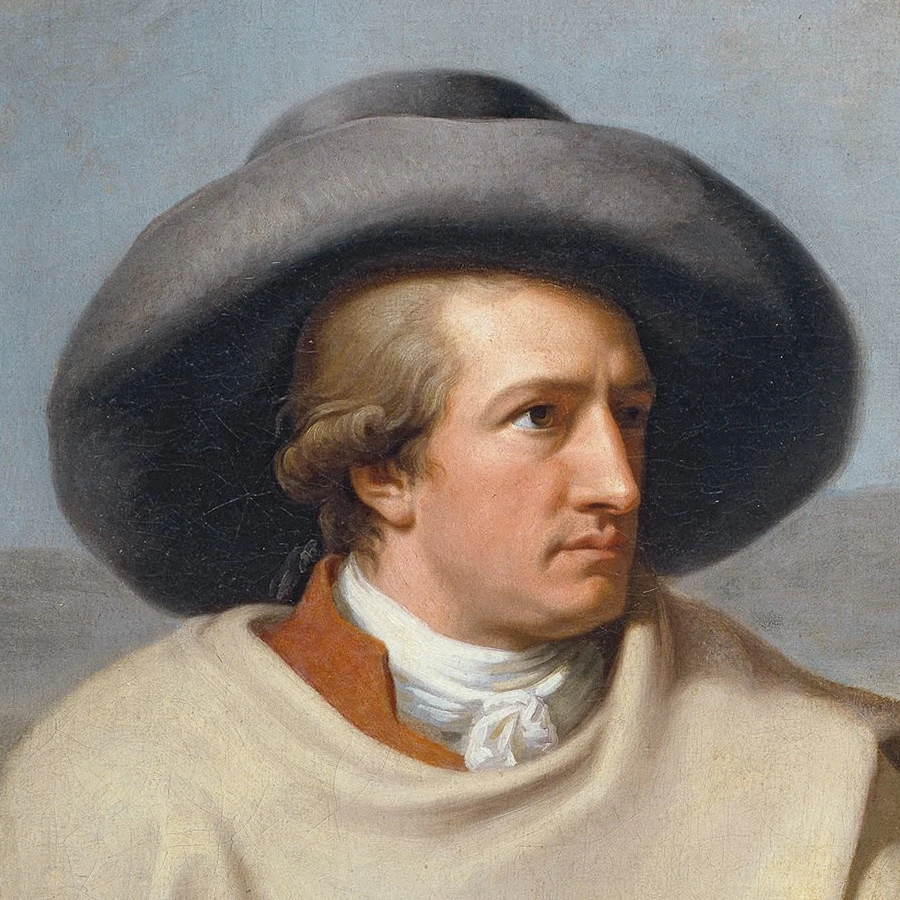
Превратите фото в вырезки, фовистский цвет или одну плавную линию Матисса — выберите стиль и палитру, затем настройте размер форм.
Женщина в шляпе – Анри Матисс и фовизм
Matisse simplified the world into a few flat, singing shapes, and in 1905 he led the Fauves—the “wild beasts” who set colour free from nature. This app follows both: it reduces your photo to a handful of colour shapes and cuts them from painted paper, sets them in a red room or draws them with a single brush line, or repaints it in the bold, arbitrary colour of Matisse, Derain and Vlaminck, with cool shadows, hot lights and visible strokes. All processed on-device. Превратите фото в вырезки, фовистский цвет или одну плавную линию Матисса — выберите стиль и палитру, затем настройте размер форм.
Как это работает
- Open PictorX in your browser and load a photo — portraits, landscapes and still lifes with a few clear shapes work best.
- Pick a Style—Matisse's Cut-Outs, Fauve, Harmony in Red or Line Drawing, or the Fauvism styles Woman with a Hat, Collioure, London or Vlaminck—and a Palette, then adjust Shape Size, Colors, Ornaments and Line Work for Matisse, or Brush Size, Color Boldness, Brushwork and Outlines for Fauvism.
- Export the picture, or keep editing with layers and other effects in the same workspace.
From Fauve colour to the cut-outs in one app
The Style list holds two effects. Henri Matisse follows the painter through his whole career, from Fauve colour and the red room of 1908 to his line drawings and the paper cut-outs of his last years. Fauvism follows the movement he led in 1905 with André Derain and Maurice de Vlaminck, with styles after each of them; pick one of its styles and the panel switches to its own sliders.
Why few, flat shapes read as Matisse
Matisse spent his life simplifying: fewer colours, larger areas, firmer outlines. The filter groups your photo into a handful of colour shapes and smooths every outline into a calm curve, so the picture keeps its composition while losing photographic detail. Colors sets how many shapes there are; Shape Size sets how simple their outlines become.
Four Matisse styles and six palettes
Cut-Outs cuts the shapes from gouache-painted paper with scissor-like edges and scatters seaweed and leaf forms on the ground, as in Jazz and the late cut-outs. Fauve paints in broad strokes of arbitrary colour, after Woman with a Hat (1905). Harmony in Red sets the shapes in a flat red room with dark-blue arabesques, after The Dessert: Harmony in Red (1908), and Line Drawing reduces everything to a few fluent brush lines. Palettes: Photo, Jazz, Blue Nudes, Fauve, Harmony in Red and Nice.
Four Fauve painters
Woman with a Hat follows Matisse's scandalous portrait of 1905: broad patches of arbitrary colour, green and violet shadows across the face and loose blue-green contours. Collioure follows the summer Matisse and André Derain spent in that harbour, building pictures from separate dabs of pure colour with the canvas showing between them. London follows Derain's views of the Thames, with flat complementary blocks, horizontal broken strokes and dark outlines, and Vlaminck lays on long, thick, swirling strokes of hot reds, oranges and blues.
Colour that describes feeling, not nature
Color Boldness sets how far the colours depart from the photo: at low values the photo's own hues are simply intensified; at high values every zone receives an arbitrary Fauve colour, lights turn warm and shadows cool and complementary. Palette chooses the pigments—Fauve for each painter's own colours, Photo to keep your hues, Hot, Cool, or Complementary to flip every colour to its opposite. Brush Size, Brushwork and Outlines control the stroke size, how loose the hand is, and the weight of the painted contours.
Privacy and keep editing
Processing stays in your browser—photos are not uploaded to PictorX servers for this filter. After Henri Matisse and Fauvism, continue with layers, text, Kandinsky, Paul Klee, Vincent van Gogh, Pointillism, or export.
Часто задаваемые вопросы
Что делает приложение «Анри Матисс и фовизм»?
Оно превращает фото в картину в манере Анри Матисса — вырезки из бумаги, фовистский цвет, «Красная комната» или линейный рисунок — или переписывает его в диком, произвольном цвете фовистов, которых он возглавлял: «Женщина в шляпе» Матисса, «Коллиур», «Лондон» Дерена или «Вламинк». Образ строится из форм вашего фото, а не копирует музейную картину.
Что такое фовизм?
Недолгое направление примерно 1905–1908 годов, использовавшее чистый, неестественный цвет, чтобы выражать чувство, а не описывать предметы. На Осеннем салоне 1905 года в Париже критик Луи Воксель назвал этих художников «fauves» — «дикими зверями».
Какие стили фовизма включены?
«Женщина в шляпе» — по мотивам портрета Матисса 1905 года; «Коллиур» — по мотивам лета, которое Матисс и Андре Дерен провели в этой гавани; «Лондон» — по мотивам видов Темзы Дерена; и «Вламинк» с его густыми, горячими мазками. У каждого свои ползунки — «Размер кисти», «Выразительность цвета», «Мазок» и «Контуры» — и палитры «Фовизм», «Фото», «Горячий», «Холодный» и «Дополнительные».
Это настоящий Матисс или Дерен?
Нет. Это цифровой оммаж для ваших собственных фото. Работы самого Матисса хранятся в таких музеях, как Центр Помпиду в Париже, Музей Матисса в Ницце и Музей современного искусства в Нью-Йорке; фовистские картины Дерена и Вламинка находятся в музеях и коллекциях по всему миру.
Какие фото подходят лучше всего?
Фото с несколькими крупными, чёткими формами: портреты подходят для стилей «Линейный рисунок», «Фовизм» и «Женщина в шляпе», пейзажи и растения — для «Вырезок» и «Коллиура», города и реки — для «Лондона», деревья и деревни — для «Вламинка», а интерьеры или натюрморты — для «Красной комнаты». Фото с чётким светом и тенью дают самый яркий фовистский цвет.
Можно ли продолжить редактирование после эффекта «Анри Матисс и фовизм»?
Да. Продолжайте работать со слоями, текстом и другими художественными стилями или экспортируйте результат в том же рабочем пространстве PictorX.
Сопутствующие инструменты
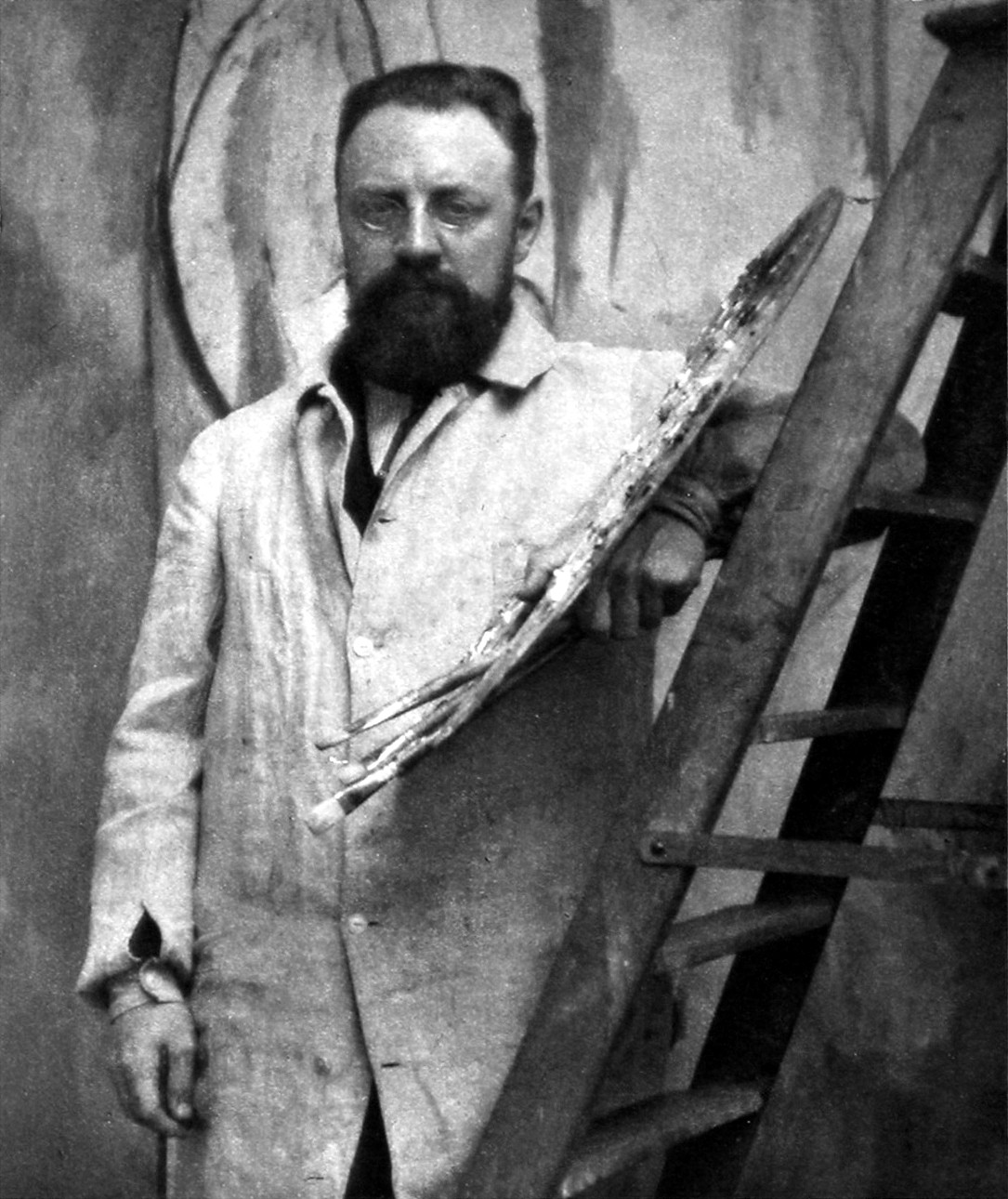
Анри Матисс
Кто такой Анри Матисс? От клерка до художника, фовисты 1905 года, «Красная комната» и «Танец», годы в Ницце, рисунки одной линией и вырезки из бумаги.
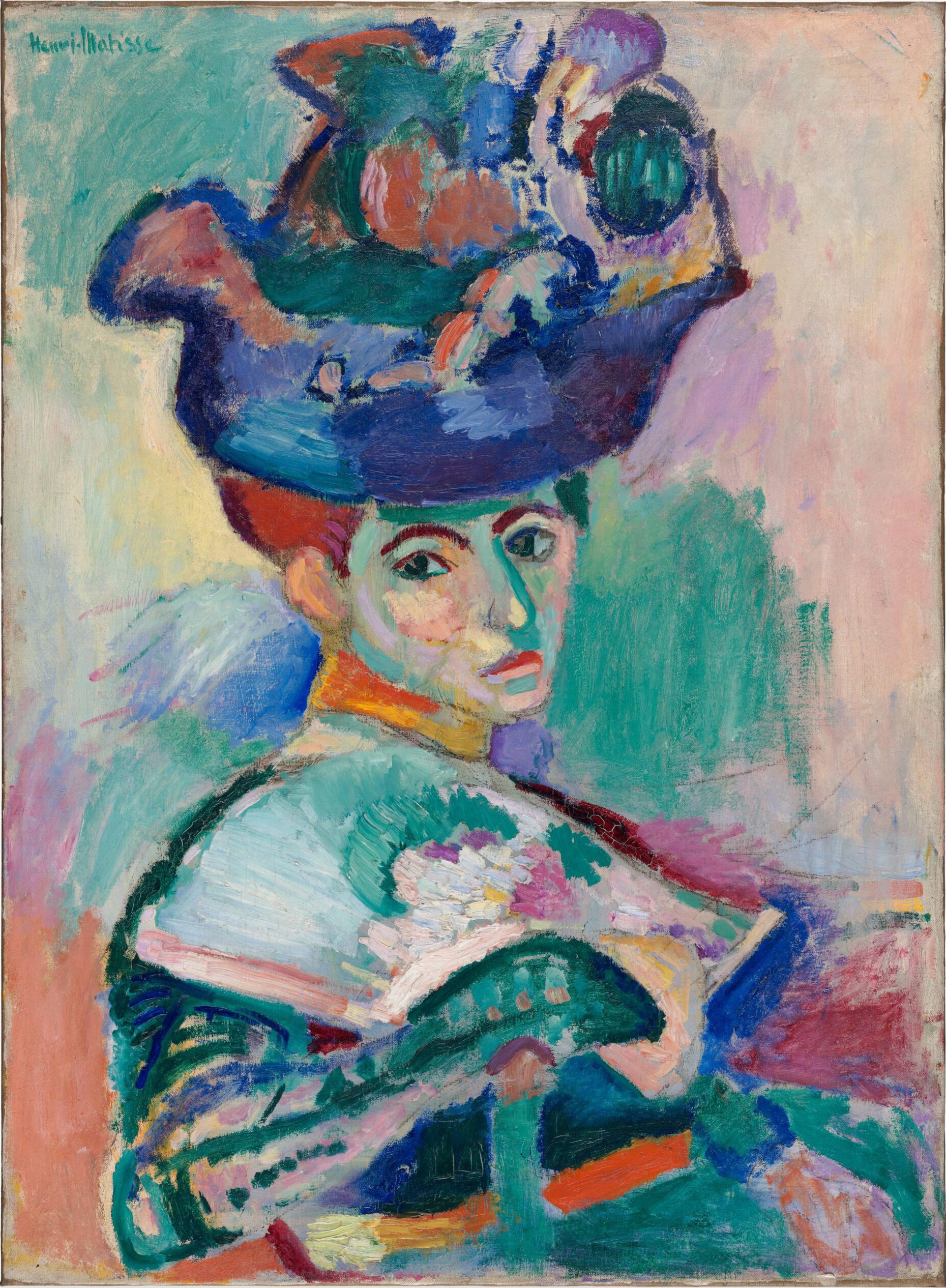
Фовизм
Что такое фовизм? «Дикие звери» 1905 года, писавшие чистым ярким цветом: корни в творчестве Ван Гога и Гогена, Матисс и Дерен в Коллиуре, ключевые картины.
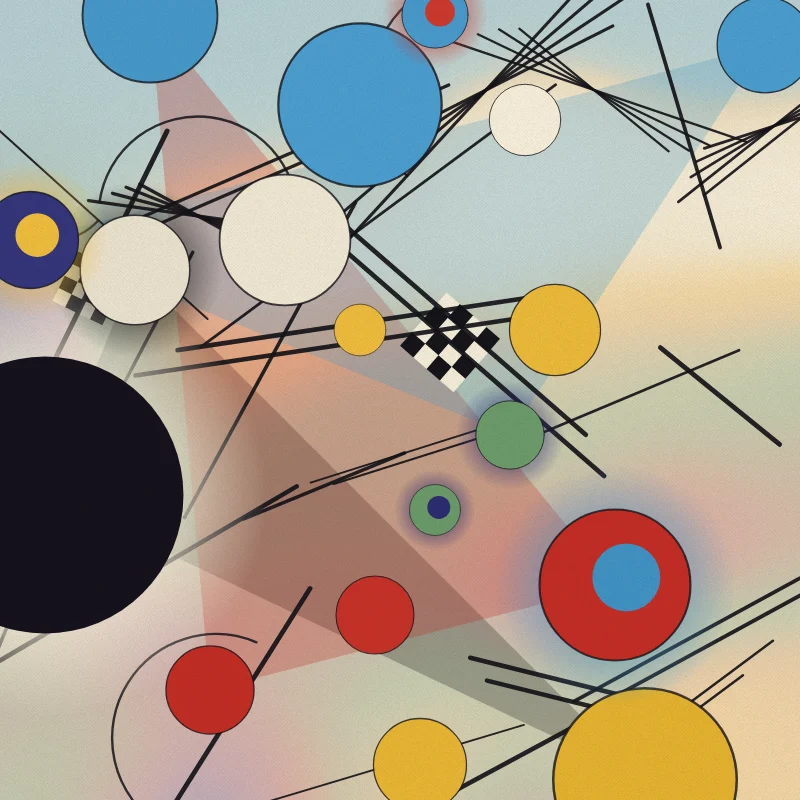
Фотофильтр «Кандинский» - круги, линии и цвет
Превратите фото в абстракцию в стиле Василия Кандинского прямо в браузере: круги и линии «Композиции VIII», квадраты с концентрическими кругами, «Несколько кругов» на чёрном или свободная «Импровизация».
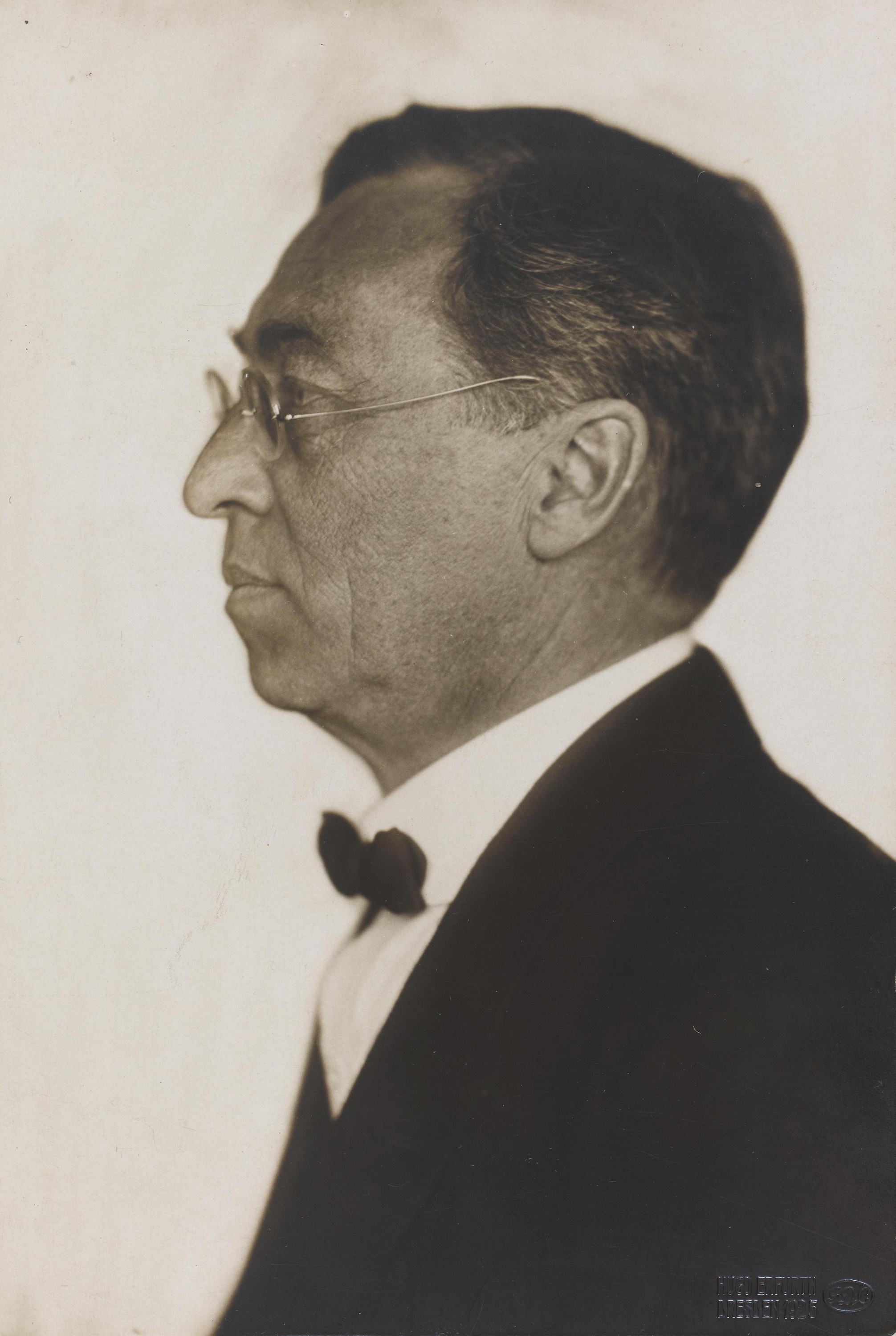
Василий Кандинский
Кто такой Василий Кандинский? Пионер абстракции: «Синий всадник», цвет как музыка, «Квадраты с концентрическими кругами», «Композиция VIII», «Несколько кругов».
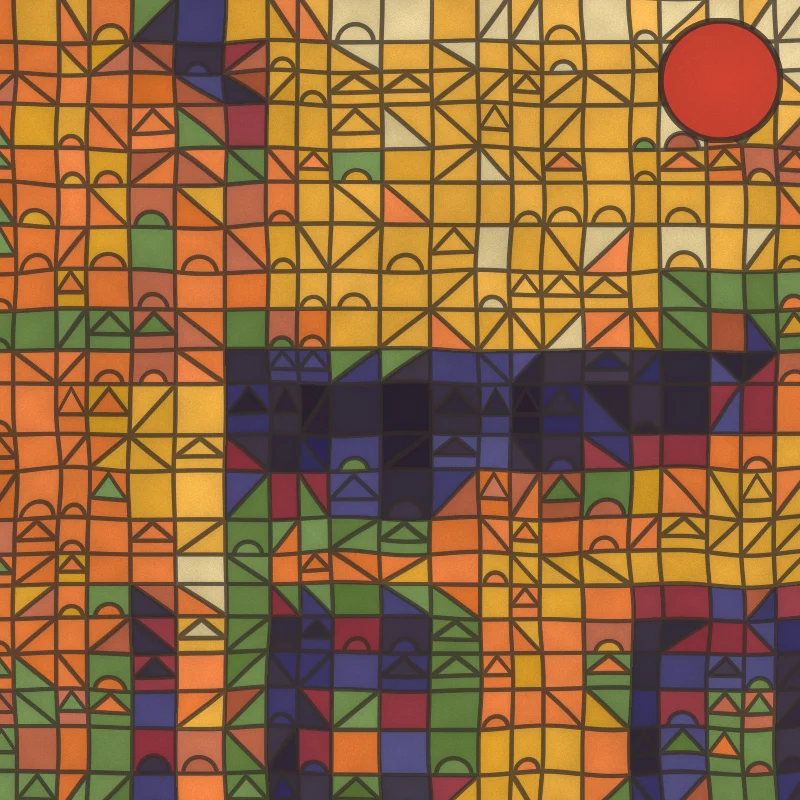
Фотофильтр «Пауль Клее» - магические квадраты, замки и линии
Превратите фото в картину в стиле Пауля Клее прямо в браузере: магические цветные квадраты, мозаика «Замок и солнце», точки «Ad Parnassum», линия на прогулке или тунисские акварели.
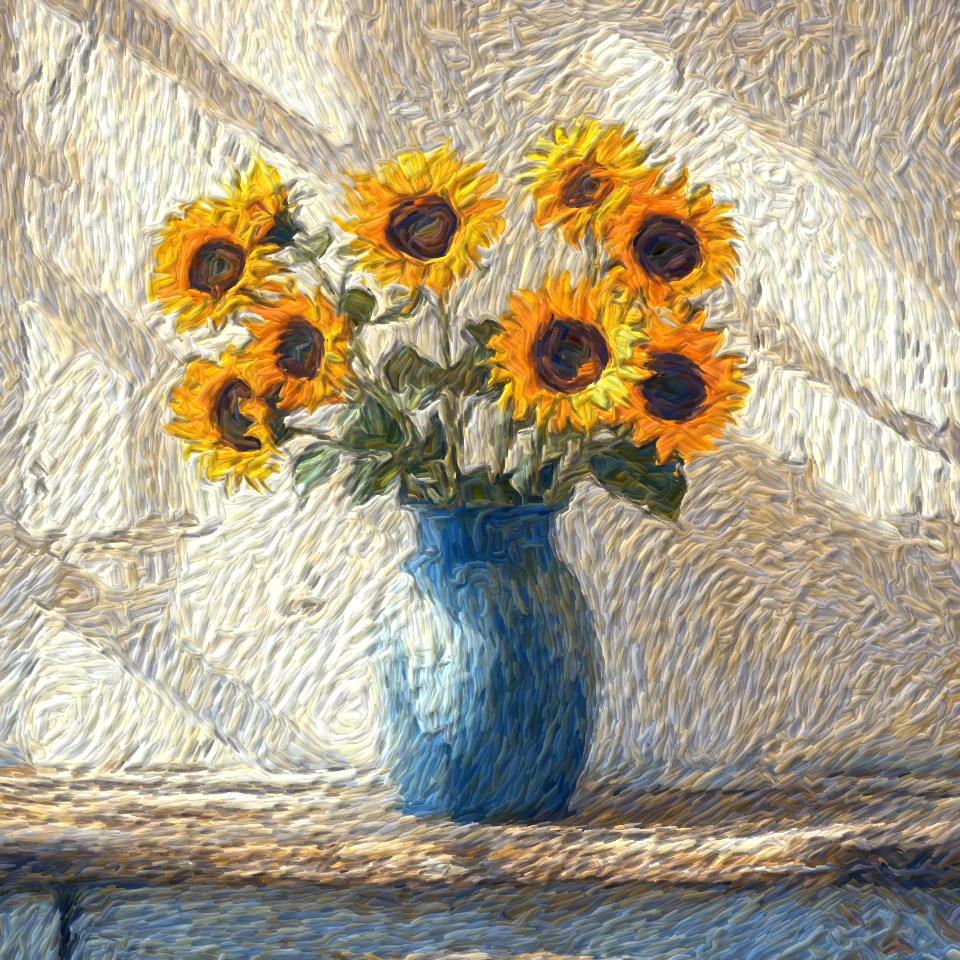
Напишите фото мазками Ван Гога
Превратите фото в кружащиеся мазки в духе «Звёздной ночи» прямо в браузере. Цифровая дань импасто Ван Гога—не музейная репродукция.
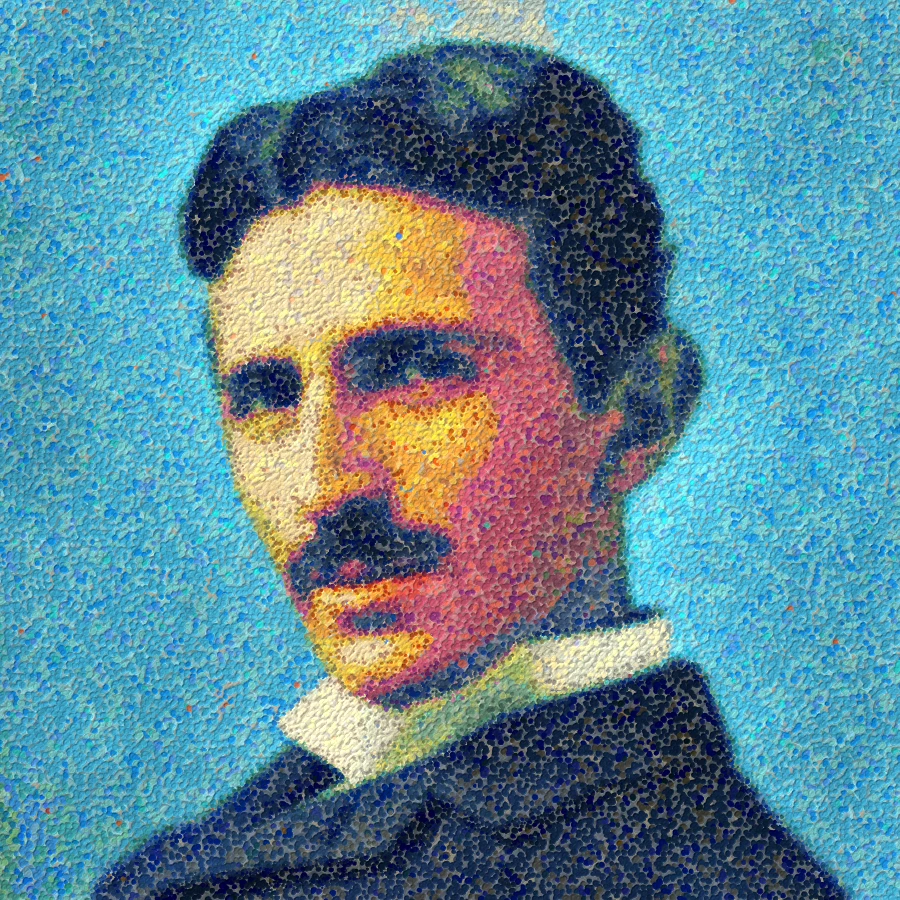
Фильтр пуантилизма
Превратите фото в пуантилистскую картину в стиле Сёра, Синьяка, Кросса или фовистов. Выберите палитру, задайте размер точек и оптическое смешение, сохраните.
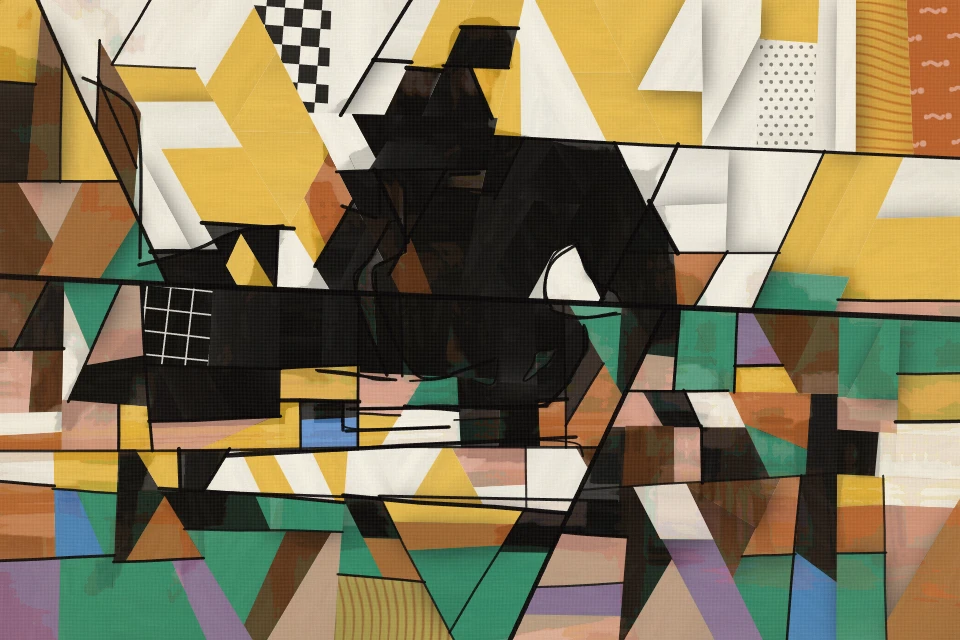
Пабло Пикассо и кубизм
Превратите фото в Пабло Пикассо и кубизм прямо в браузере: голубой и розовый периоды, аналитический или синтетический кубизм, кубистический портрет, папье-колле, кристаллический кубизм, раздробленные портреты «Плачущей женщины» или чёрно-белые осколки «Герники».
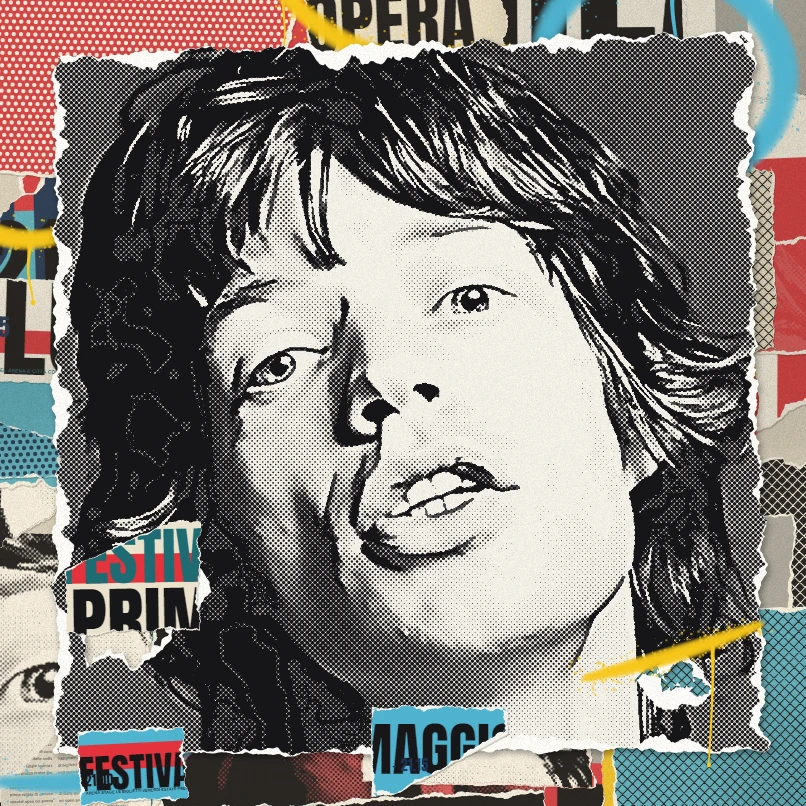
Фотофильтр «Поп-арт»
Превратите фото в поп-арт прямо в браузере: ретро-постер в поп-стилистике, поп-узор, портрет WPAP из радужных граней, уличный коллаж, брызги туши, сусальное золото, силуэт, солнечные лучи или сетку из поп-эмблем.
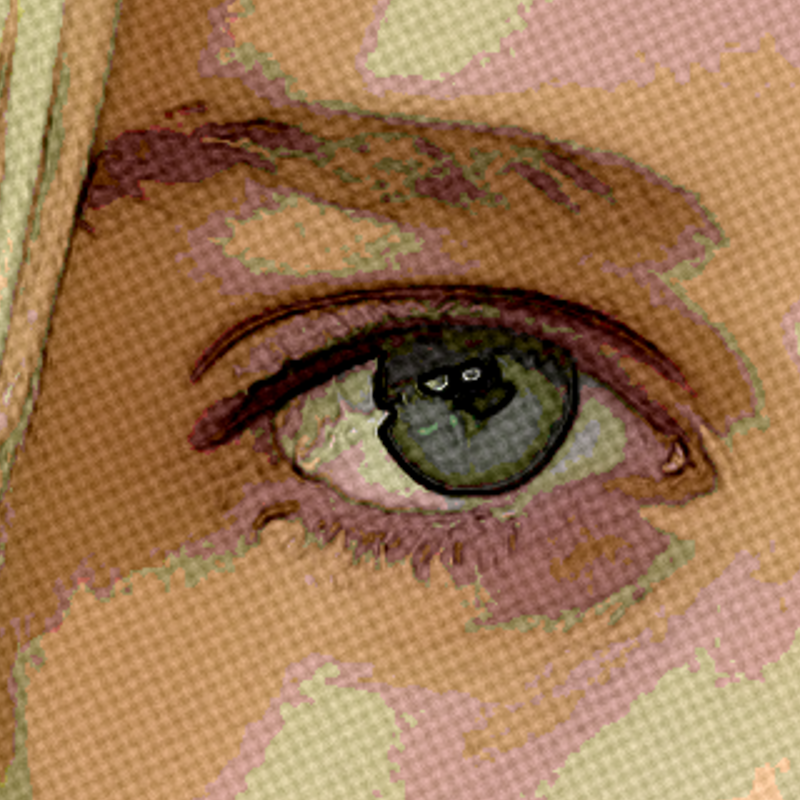
Художественные эффекты
Преобразуйте фотографии с помощью масляной живописи, акварели, карандаша, комиксной туши, пастели, вырезок из бумаги и других студийных художественных образов.
Готовы попробовать?
Откройте PictorX в своем браузере — установка не требуется, для запуска не требуется кредитная карта.
Перейти в редактор