
Gør et foto til Matisse-papirklip, fauvistiske farver eller én flydende linje — vælg stil og palette, og juster derefter formstørrelsen.
Kvinde med hat – Henri Matisse og fauvismen
Matisse simplified the world into a few flat, singing shapes, and in 1905 he led the Fauves—the “wild beasts” who set colour free from nature. This app follows both: it reduces your photo to a handful of colour shapes and cuts them from painted paper, sets them in a red room or draws them with a single brush line, or repaints it in the bold, arbitrary colour of Matisse, Derain and Vlaminck, with cool shadows, hot lights and visible strokes. All processed on-device. Gør et foto til Matisse-papirklip, fauvistiske farver eller én flydende linje — vælg stil og palette, og juster derefter formstørrelsen.
Sådan virker det
- Open PictorX in your browser and load a photo — portraits, landscapes and still lifes with a few clear shapes work best.
- Pick a Style—Matisse's Cut-Outs, Fauve, Harmony in Red or Line Drawing, or the Fauvism styles Woman with a Hat, Collioure, London or Vlaminck—and a Palette, then adjust Shape Size, Colors, Ornaments and Line Work for Matisse, or Brush Size, Color Boldness, Brushwork and Outlines for Fauvism.
- Export the picture, or keep editing with layers and other effects in the same workspace.
From Fauve colour to the cut-outs in one app
The Style list holds two effects. Henri Matisse follows the painter through his whole career, from Fauve colour and the red room of 1908 to his line drawings and the paper cut-outs of his last years. Fauvism follows the movement he led in 1905 with André Derain and Maurice de Vlaminck, with styles after each of them; pick one of its styles and the panel switches to its own sliders.
Why few, flat shapes read as Matisse
Matisse spent his life simplifying: fewer colours, larger areas, firmer outlines. The filter groups your photo into a handful of colour shapes and smooths every outline into a calm curve, so the picture keeps its composition while losing photographic detail. Colors sets how many shapes there are; Shape Size sets how simple their outlines become.
Four Matisse styles and six palettes
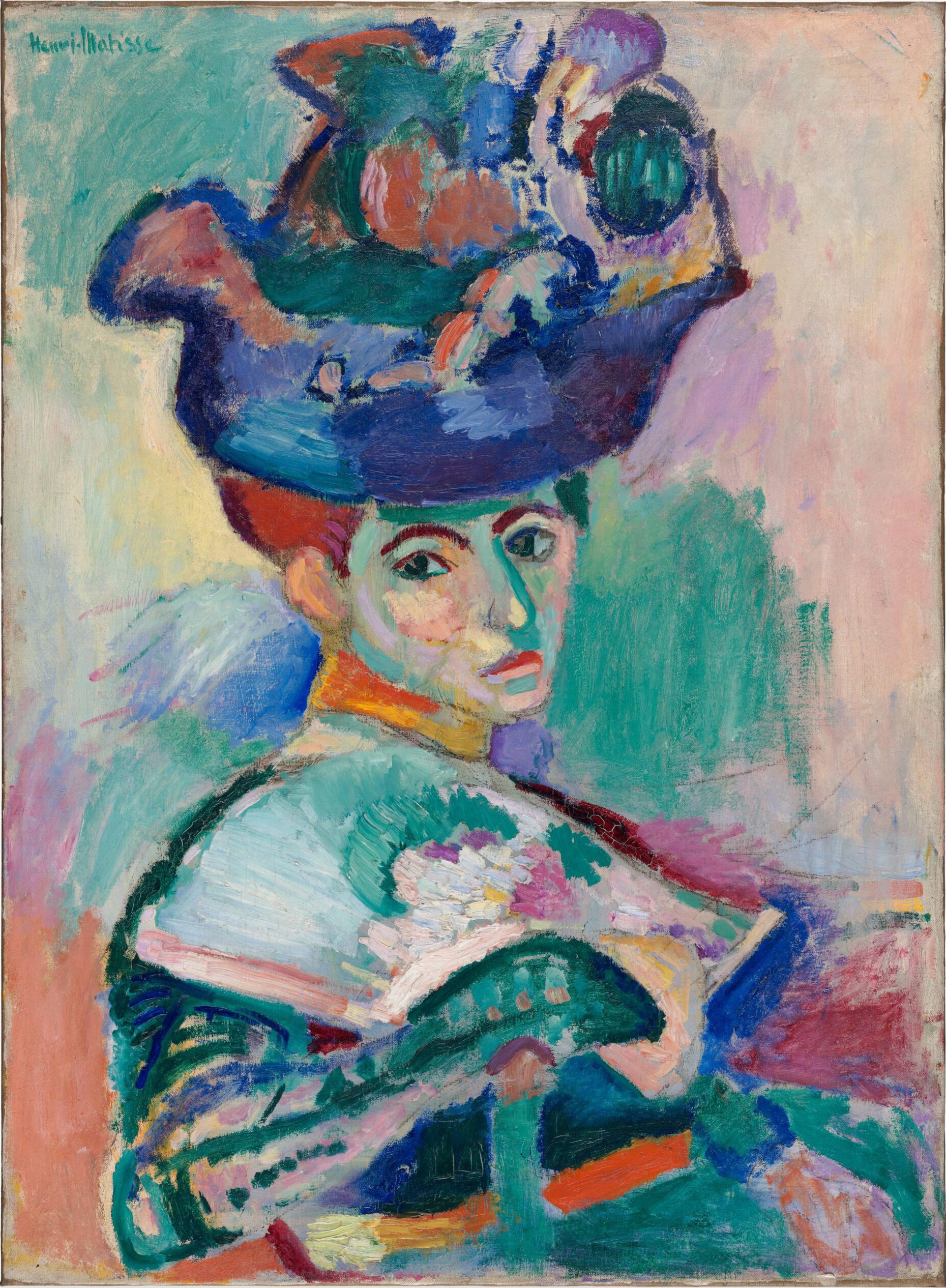
Cut-Outs cuts the shapes from gouache-painted paper with scissor-like edges and scatters seaweed and leaf forms on the ground, as in Jazz and the late cut-outs. Fauve paints in broad strokes of arbitrary colour, after Woman with a Hat (1905). Harmony in Red sets the shapes in a flat red room with dark-blue arabesques, after The Dessert: Harmony in Red (1908), and Line Drawing reduces everything to a few fluent brush lines. Palettes: Photo, Jazz, Blue Nudes, Fauve, Harmony in Red and Nice.
Four Fauve painters
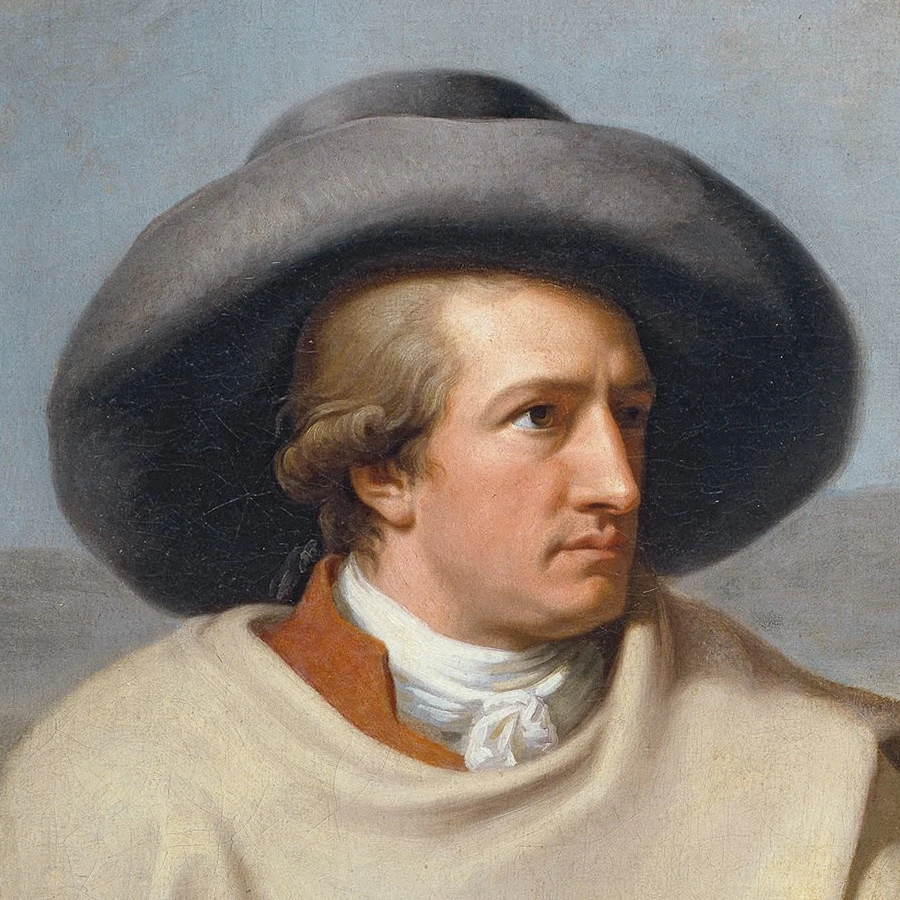
Woman with a Hat follows Matisse's scandalous portrait of 1905: broad patches of arbitrary colour, green and violet shadows across the face and loose blue-green contours. Collioure follows the summer Matisse and André Derain spent in that harbour, building pictures from separate dabs of pure colour with the canvas showing between them. London follows Derain's views of the Thames, with flat complementary blocks, horizontal broken strokes and dark outlines, and Vlaminck lays on long, thick, swirling strokes of hot reds, oranges and blues.
Colour that describes feeling, not nature
Color Boldness sets how far the colours depart from the photo: at low values the photo's own hues are simply intensified; at high values every zone receives an arbitrary Fauve colour, lights turn warm and shadows cool and complementary. Palette chooses the pigments—Fauve for each painter's own colours, Photo to keep your hues, Hot, Cool, or Complementary to flip every colour to its opposite. Brush Size, Brushwork and Outlines control the stroke size, how loose the hand is, and the weight of the painted contours.
Privacy and keep editing
Processing stays in your browser—photos are not uploaded to PictorX servers for this filter. After Henri Matisse and Fauvism, continue with layers, text, Kandinsky, Paul Klee, Vincent van Gogh, Pointillism, or export.
Ofte stillede spørgsmål
Hvad gør appen Henri Matisse og fauvismen?
Den forvandler et foto til et billede i Henri Matisses stil – papirklip, fauvistiske farver, Harmoni i rødt eller en stregtegning – eller maler det om i de vilde, vilkårlige farver hos fauvisterne, som han stod i spidsen for: Matisses Kvinde med hat, Collioure, Derains London eller Vlaminck. Det er bygget ud fra dit fotos egne former, ikke en kopi af et museumsmaleri.
Hvad var fauvisme?
En kortlivet bevægelse fra ca. 1905–1908, der brugte rene, unaturlige farver til at udtrykke følelser frem for at beskrive ting. På Salon d'Automne i Paris i 1905 kaldte kritikeren Louis Vauxcelles malerne ”fauves”, vilde dyr.
Hvilke fauvistiske stilarter er med?
Kvinde med hat, efter Matisses portræt fra 1905; Collioure, efter den sommer, Matisse og André Derain tilbragte i den havneby; London, efter Derains billeder af Themsen; og Vlaminck med hans tykke, varme strøg. Hver har sine egne skydere – Penselstørrelse, Farvedristighed, Penselføring og Konturer – og paletterne Fauvisme, Foto, Varm, Kølig og Komplementær.
Er det en rigtig Matisse eller Derain?
Nej. Det er en digital hyldest til dine egne fotos. Matisses egne værker findes på museer som Centre Pompidou i Paris, Musée Matisse i Nice og Museum of Modern Art i New York; Derains og Vlamincks fauvistiske malerier hænger på museer og i samlinger over hele verden.
Hvilke billeder virker bedst?
Fotos med få store, tydelige former: portrætter passer til Stregtegning, Fauvisme og Kvinde med hat, landskaber og planter passer til Papirklip og Collioure, byer og floder passer til London, træer og landsbyer passer til Vlaminck, og interiører eller stilleben passer til Harmoni i rødt. Fotos med tydeligt lys og skygge giver de stærkeste fauvistiske farver.
Kan jeg redigere videre efter Henri Matisse og fauvisme?
Ja. Fortsæt med lag, tekst og andre kunstneriske looks, eller eksportér fra det samme PictorX-arbejdsområde.
Relaterede værktøjer
Henri Matisse
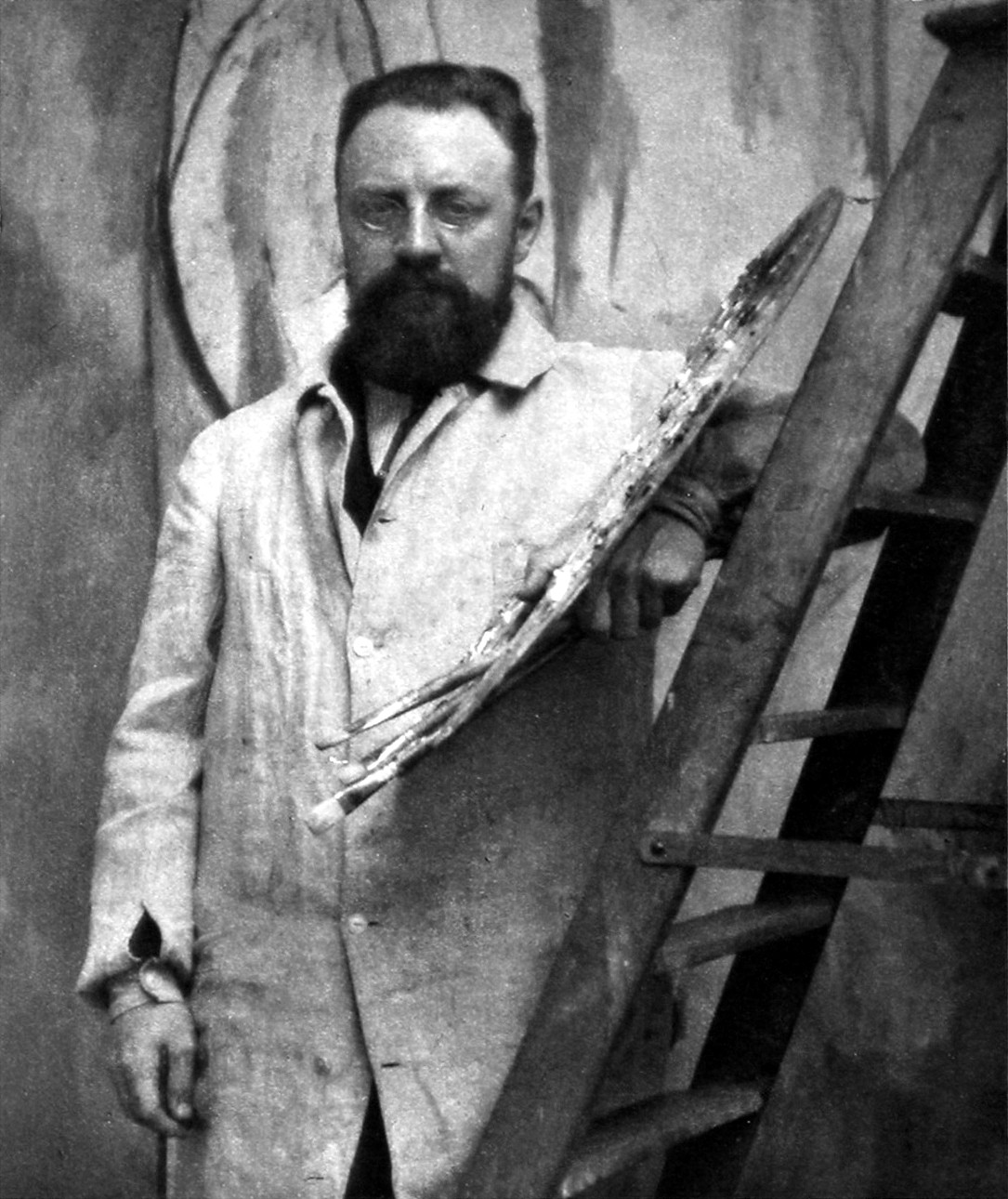
Hvem var Henri Matisse? Fra advokatfuldmægtig til maler, fauvisterne i 1905, Harmoni i rødt og Dansen, årene i Nice, enkeltstregstegninger og papirklippene.
Fauvisme
Hvad var fauvismen? De »vilde dyr« fra 1905, der malede med ren, klar farve: rødder hos Van Gogh og Gauguin, Matisse og Derain i Collioure, hovedværker.
Kandinsky-fotofilter - cirkler, linjer og farve
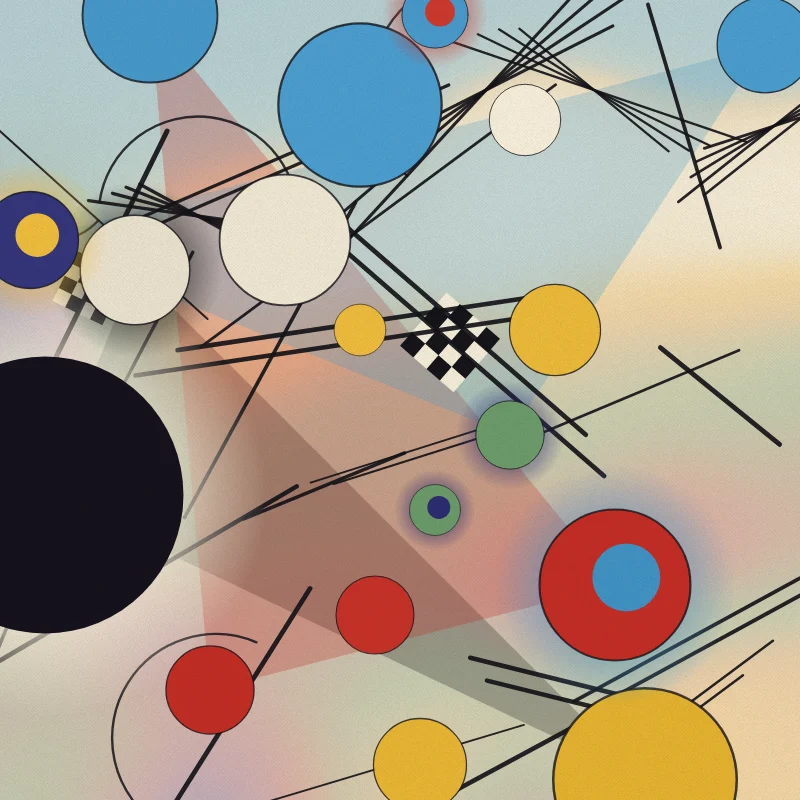
Gør et foto til en abstraktion i Wassily Kandinskys stil i browseren: cirkler og linjer fra Komposition VIII, kvadrater med koncentriske cirkler, Flere cirkler på sort eller en fri Improvisation.
Wassily Kandinsky
Hvem var Wassily Kandinsky? Pioner i abstrakt kunst: Der Blaue Reiter, farve som musik, Kvadrater med koncentriske cirkler, Komposition VIII, Flere cirkler.
Paul Klee-fotofilter - magiske kvadrater, borge og linjer
Gør et foto til et maleri i Paul Klees stil i browseren: magiske farvekvadrater, Borg og sol-fliser, Ad Parnassum-prikker, en linje på gåtur eller tunesiske akvareller.
Mal et foto i Van Gogh-penselstrøg
Gør et foto til hvirvlende penselstrøg i Stjernenatten-stil i browseren. En digital hyldest til Van Goghs impasto—ikke en museumsreproduktion.
Pointillisme-filter
Gør et foto til et pointillistisk maleri i stil med Seurat, Signac, Cross eller fauvisterne. Vælg en palet, indstil Punktstørrelse og Optisk blanding, og gem.
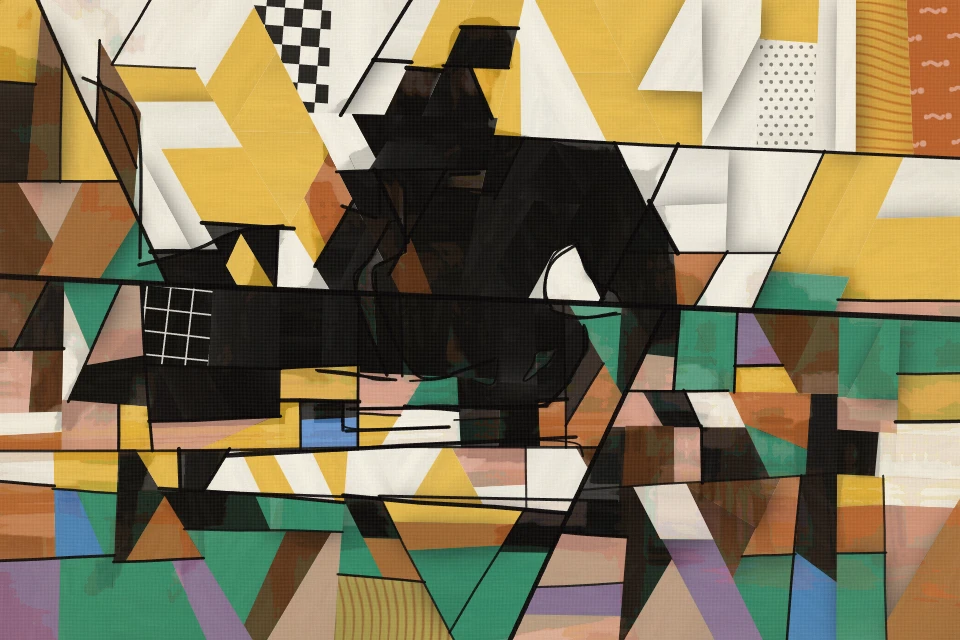
Pablo Picasso og kubismen
Gør et foto til Pablo Picasso og kubismen i browseren: den blå og den rosa periode, analytisk eller syntetisk kubisme, et kubistisk portræt, papier collé, krystalkubisme, de splintrede portrætter af Grædende kvinde eller Guernicas sort-hvide skår.
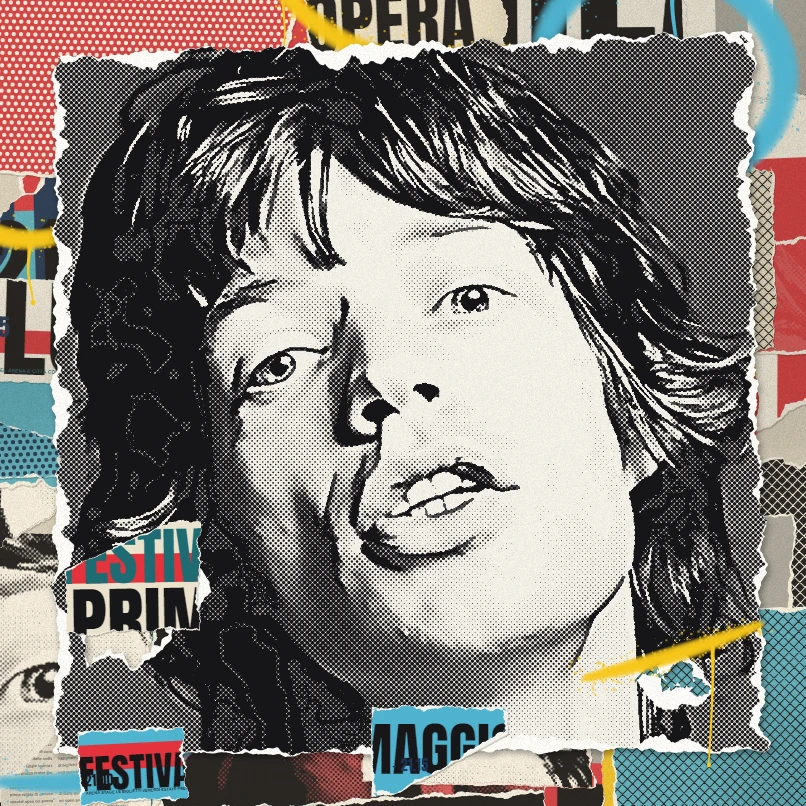
Popkunst-fotofilter
Gør et foto til popkunst i browseren: en popplakat i retrostil, et popmønster, et WPAP-portræt i regnbuefacetter, en gadekollage, blækstænk, bladguld, en silhuet, solstråler eller et gitter af popemblemer.
Kunstneriske effekter
Forvandl fotos med oliemaleri, akvarel, blyant, tegneserieblæk, pastel, papirklip og andre kunstneriske studielooks.
Er du klar til at prøve?
Åbn PictorX i din browser – ingen installation og intet kreditkort for at komme i gang.
Gå til Editor