
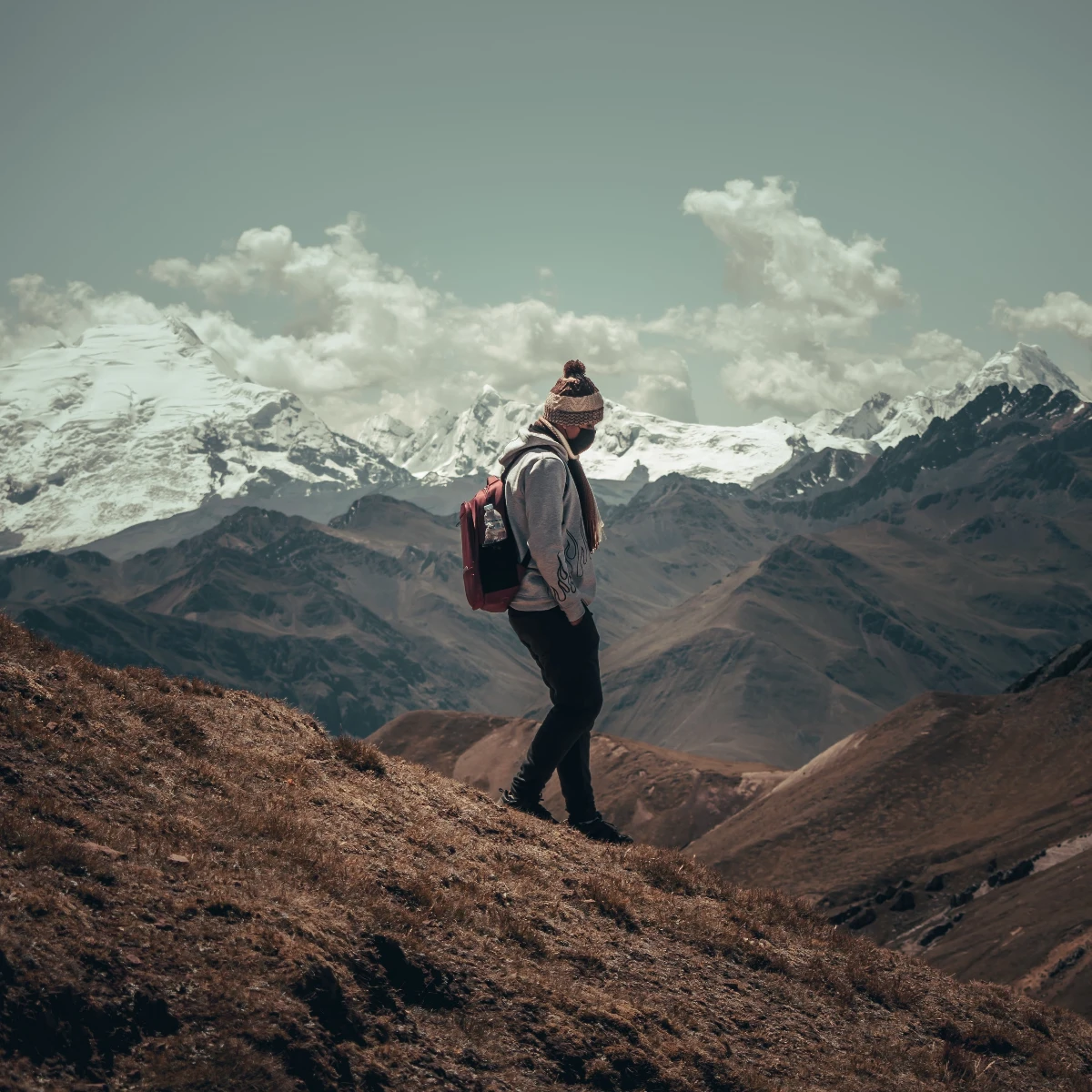
Open a photo, or use the sample, then click Start. The 3D loop plays at once; press Record to save it as a video.
Turn a photo into a 3D video
3D photo estimates how far away every part of your photo is with Depth Anything V2, an AI model that runs on your device, so the photo is not uploaded. Then the camera moves through the scene: near things shift more than far ones and pass in front of them, as in real 3D. Pick a motion, set the strength and focus, and record one seamless loop as a video. Open a photo, or use the sample, then click Start. The 3D loop plays at once; press Record to save it as a video.
How it works
- Open a photo with something near and something far, such as a person in a landscape, a car on a road or a building, or use the sample.
- Click Start. On-device AI estimates the depth, and the 3D loop starts playing.
- Pick Circle, Swing, Up and down, Zoom or Dolly zoom, set Strength, Focus and Duration, then press Record to save the video.
Depth from one photo
Depth Anything V2 (Apache-2.0) is a depth estimation model trained on millions of images. It runs in your browser with WebGPU or WebAssembly and tells, for every pixel, how near it is. The depth map is aligned to the edges in the photo and widened a little around near things, so faces, cars and branches keep clean outlines when the camera moves.
A camera that moves through the scene
Each frame is drawn with WebGL: for every pixel the renderer follows the line of sight through the depth map and shows the first surface it meets, so near things cover far ones, as in real parallax. Circle orbits gently, Swing moves left and right, Up and down rises and falls, Zoom pushes in towards the scene, and Dolly zoom stretches the background behind a subject that keeps its size. Focus sets the depth that stays still; Strength how far the camera moves. Record makes one loop that joins up exactly, as MP4, WebM or an animated GIF, and Apply in the editor saves the video and adds the depth map as a hidden layer.
Frequently asked questions
How do I make a 3D photo from a normal photo?
Open the photo and click Start. On-device AI estimates the depth of every part of the picture and the 3D loop starts playing. Try Circle, Swing, Up and down, Zoom and Dolly zoom, set Strength, Focus and Duration, then press Record in the playback bar to save the video. The same effect is in the editor under AI → Effects → 3D photo.
Which photos give the best 3D effect?
Photos with clear layers of distance: a person or animal in front of a landscape, a car on a road, a statue against a building, a street with depth. Flat scenes such as a wall, a document or a sky give little parallax. Sharp photos with a defined subject work best.
What do Focus and Strength do?
Focus is the depth that stays still while the camera moves: low values keep the background still and move the foreground, high values do the opposite. Strength sets how far the camera moves. Lower Strength looks subtle and natural; higher Strength looks more dramatic but shows more stretching behind near objects.
What is a dolly zoom?
The famous "Vertigo" shot: the camera moves towards the subject while zooming out, so the subject keeps its size and the background seems to stretch away. Dolly zoom does this with the depth of your photo; set Focus on the subject's depth.
Which video formats can I save?
Record saves one seamless loop (or 5 to 30 seconds) as MP4, WebM or an animated GIF, in square, story, wide or the photo's own shape. Apply in the editor saves the loop as MP4 (WebM or GIF where the browser cannot make MP4) and adds the depth map as a hidden layer.
3D photo: how do I record a video?
Press the red Record button in the playback bar: it films what the stage shows. Press it again to stop, and the video is saved to your device. Recording is free; you only need to sign in. Without a subscription the video carries a small PictorX logo in a corner. The button beside Record opens the video options: the shape (as shown, square, story 9:16 or wide 16:9), the length (until you stop, one seamless loop, or 5, 10, 15 or 30 seconds for social media) and the file: MP4, WebM or an animated GIF. You can add one of three music tracks: calm, bright or beat. With a fixed length or One loop the video is made frame by frame, so it runs smoothly even on a slow device, and One loop joins its end to its start without a seam.
Related tools
Replace the sky in your photo
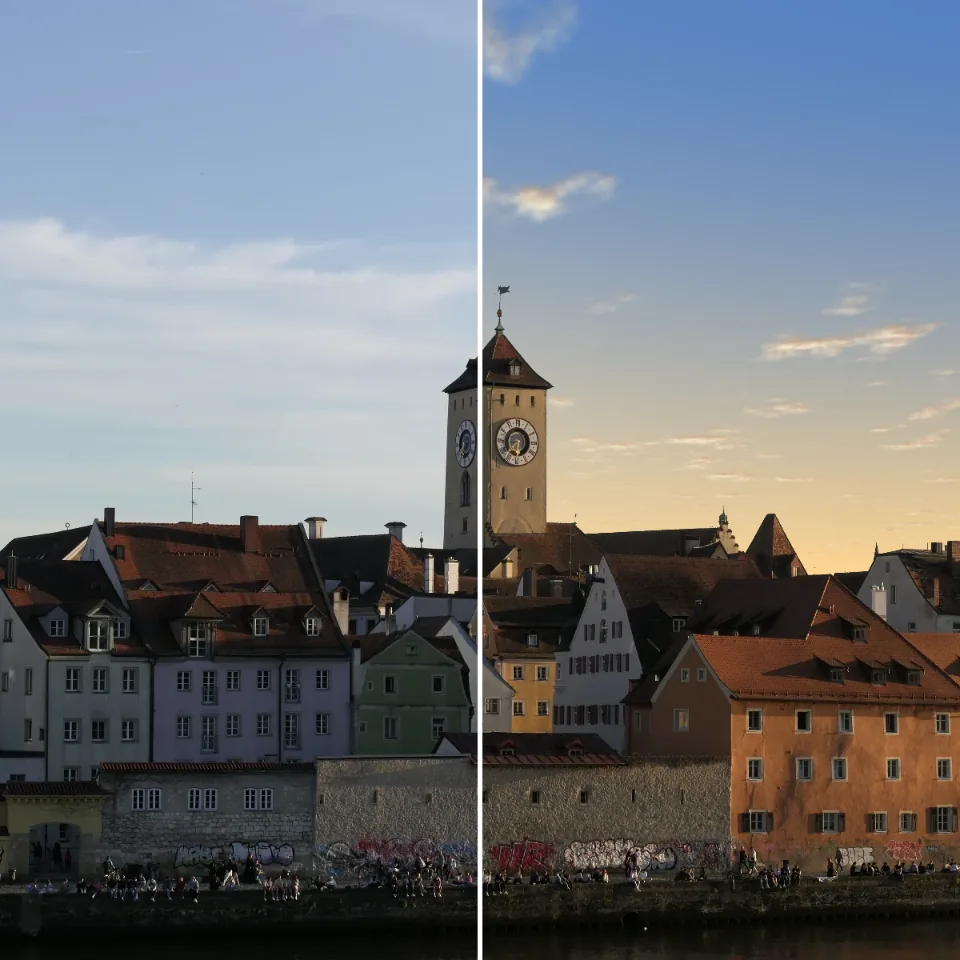
Replace the sky in a photo in your browser. On-device AI finds the sky, keeps trees, wires and rooftops sharp, paints a new blue sky, sunset or night sky and relights the landscape to match.
Turn a photo into a tiny planet
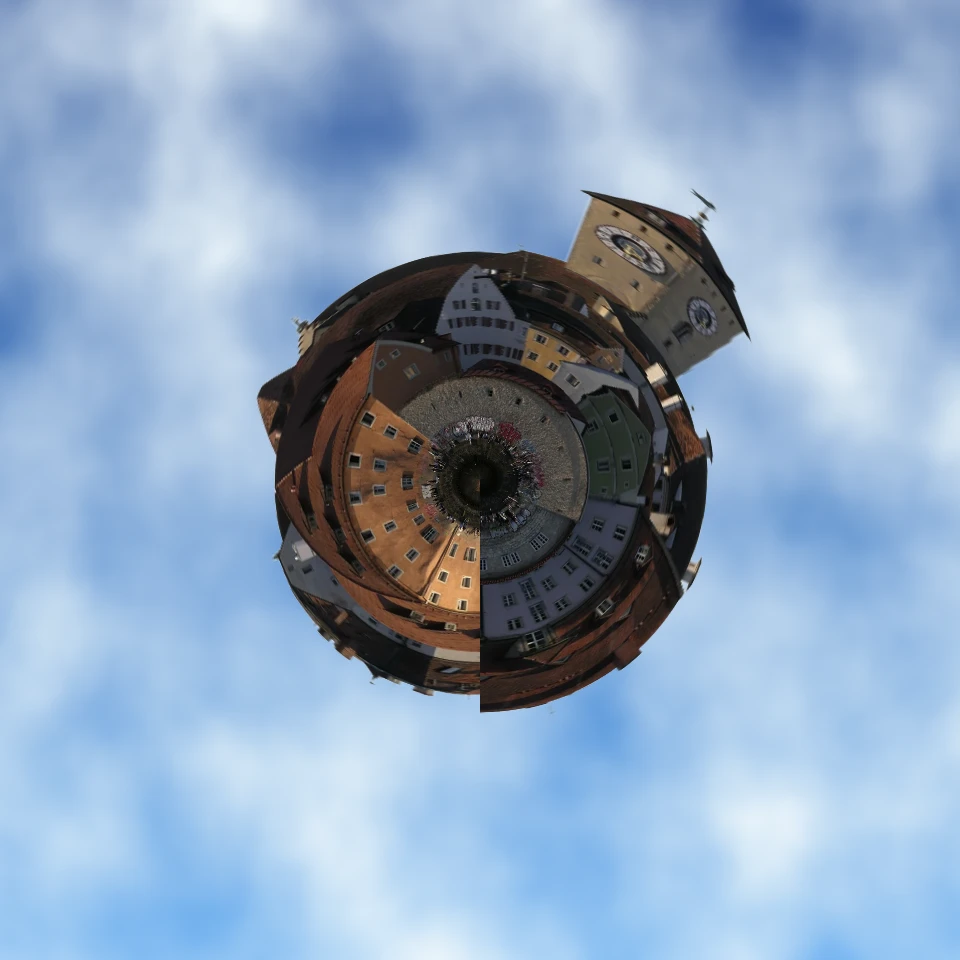
Turn a skyline or landscape into a tiny planet in your browser. On-device AI removes the sky, flips the scene, wraps it with polar coordinates, and sits it on clouds, stars, a gradient, or a solid color.
Blur background
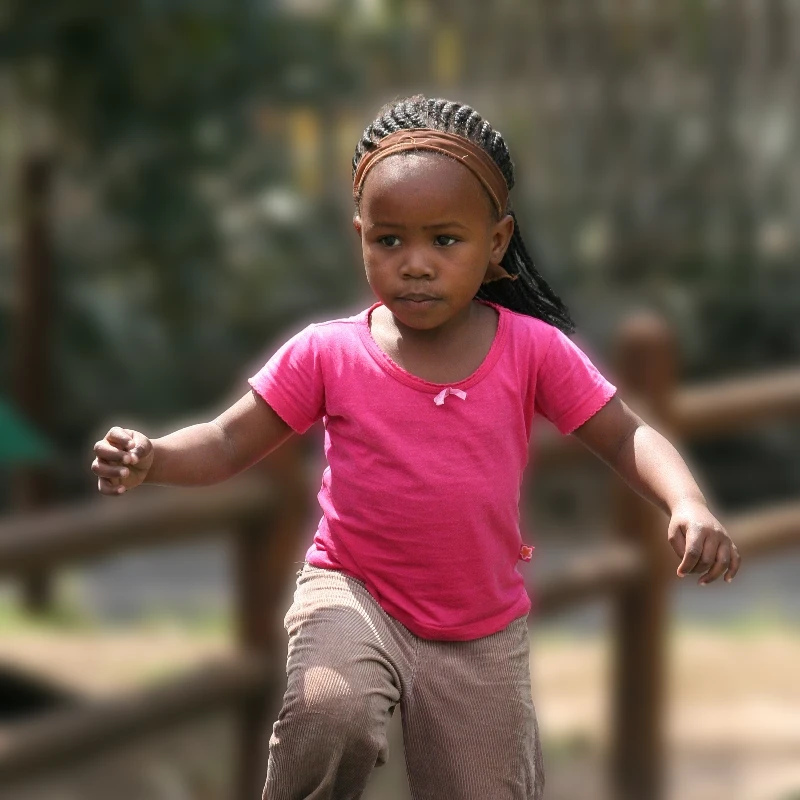
Keep the subject crisp while the backdrop softens—all on your device.
Online liquify tool
Liquify an image online for free: Move, Push Left, Grow, Shrink or Rotate pixels with a brush, and Reconstruct to undo part of a warp. No Photoshop needed.

AI models
What is an AI model? How models are trained and run, why size matters, on-device AI versus cloud APIs, and how AI removes backgrounds, inpaints and uncrops.
AI image editing
What is AI image editing? How it differs from retouching, the main jobs (cutouts, object removal, enhance, repair, uncrop), on-device privacy and limits.
Ready to try it?
Open PictorX in your browser — no install, no credit card required to start.
Go to Editor