
How it works
- Open PictorX in your browser and load an image or start a new design.
- Choose Lines from the editor tools and adjust the result to fit your composition.
- Continue editing with layers, effects, and text, then export when you are ready.
How to use the Lines tool
Add styled lines and connectors to layouts, diagrams, and visual designs. PictorX keeps the tool in the same browser workspace as your layers, photos, text, and design elements, so you can refine a composition without switching applications.
Keep creating in PictorX
Use Lines as one step in a complete editing workflow. Adjust the composition, add text or graphics, and keep every change editable while you turn an image into a finished design.
Frequently asked questions
What are Lines for?
Styled connectors and rules on diagrams, org charts, and layouts.
Can I change color and thickness?
Yes. Style the line so it matches the rest of the design.
Do these lines stay sharp when scaled?
Yes. They are design elements, not a raster scribble.
Can I use them as diagram connectors?
Yes. Draw rules between shapes, pictograms, or labels.
Related tools

A free Canva alternative for photo editing & design
Looking for a Canva alternative? PictorX is a free online photo editor and design studio with AI tools, layers, and templates in your browser.

Selection tool
Isolate exactly what you need—nothing more, nothing less. Use the free PictorX online editor in your browser.
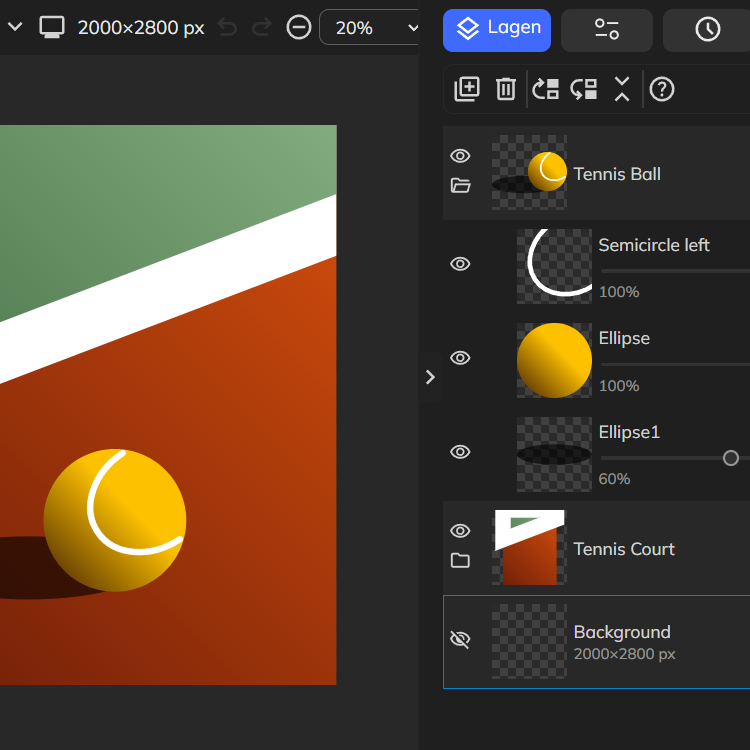
Layers & Blend Modes
Stack images, text, and shapes with full layer support. Use PictorX free in your browser with no software install required.
Ready to try it?
Open PictorX in your browser — no install, no credit card required to start.
Use Lines