
Contrast ratio
- AA normal text 4.5:1
- AA large text 3:1
- AAA normal text 7:1
- AAA large text 4.5:1
- UI components and graphics 3:1
Readable for everyone
A large subheading
Body text is where low contrast hurts most, because people read it for longer at a small size. A text link
Nearest passing colors
Saved colors
Color contrast checker
Check whether text is readable on its background before you ship a design. Pick or type a text color and a background color, and the checker shows the WCAG 2.x contrast ratio with pass or fail results for AA and AAA, for normal and large text and for UI components. A live preview, color blindness simulation and suggested fixes help you find a pair that works. Pick a text color and a background as HEX, RGB or HSL. The WCAG contrast ratio, the AA and AAA results and the preview update as you type, and the nearest passing colors are suggested. Everything is saved in this browser.
How it works
- Pick a text color and a background color, or type them as HEX, RGB or HSL. Set the text opacity if the text is semi transparent.
- Read the contrast ratio and the pass or fail badges for AA and AAA normal text, large text and UI components, and check the live preview.
- Apply a suggested color if the pair fails, save good pairs to your palette and copy the CSS into your project.
Fixes, not only scores
When a pair fails, the checker searches for the closest text color and the closest background color with the same hue and saturation that reaches AA and AAA, and one click applies it. Semi transparent text is blended over the background first, exactly as a browser draws it.
Private and portable
Your colors and saved palette are stored in this browser only. Save everything as JSON to back it up or move it to another device, or save the result as a PDF or image. Undo and redo cover every change.
Frequently asked questions
Is the color contrast checker free?
Yes. It is free, needs no account and works in any modern browser.
Which ratio do I need?
WCAG level AA asks for at least 4.5:1 for normal text and 3:1 for large text and for UI components such as input borders and icons. Level AAA asks for 7:1 for normal text and 4.5:1 for large text.
Why does 4.48 fail when it rounds to 4.5?
WCAG thresholds are exact. A ratio of 4.48:1 is below 4.5:1, so it fails AA for normal text. The checker compares the unrounded ratio, so the badges are always strict.
Related tools
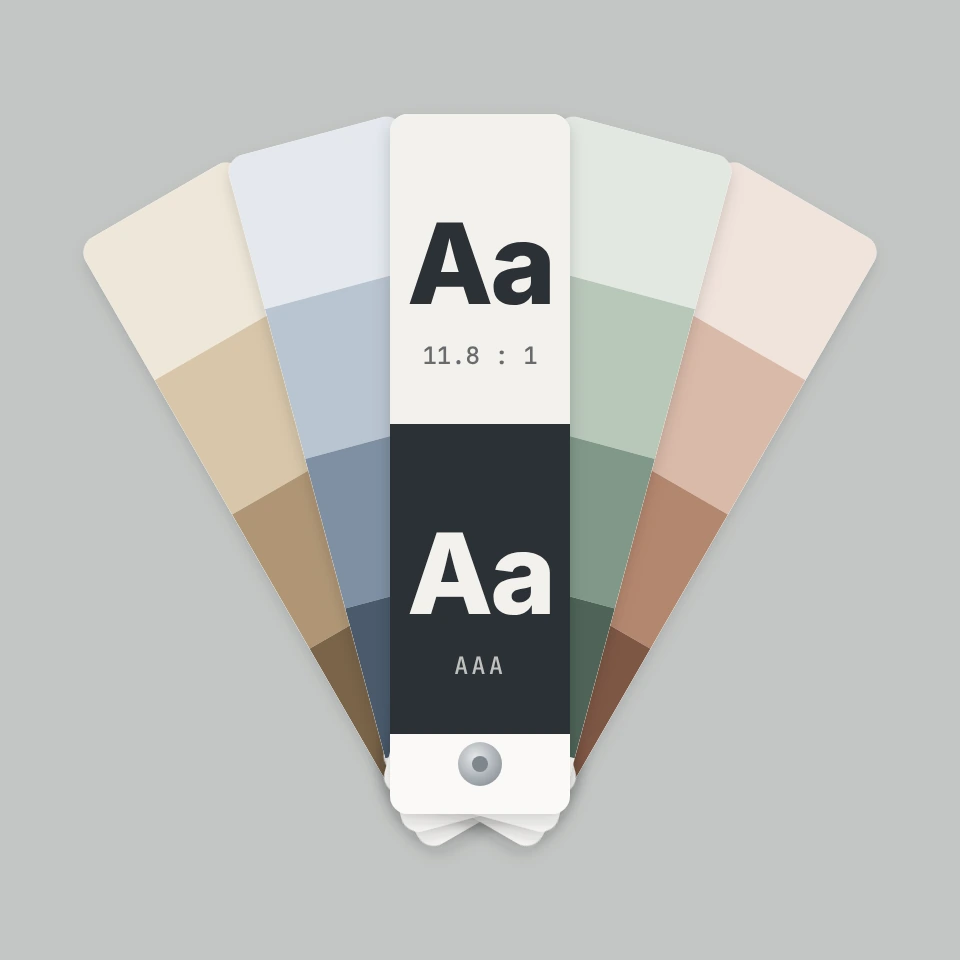
The story behind the color contrast checker
Where the WCAG contrast numbers come from: 4.5:1 and 7:1, relative luminance from sRGB, the 3:1 rule for UI components added in WCAG 2.1, color blindness and the APCA work for WCAG 3.
Color palette generator
Build, lock, and shuffle color palettes in your browser. Copy HEX, CSS variables, or JSON, export PNG or SVG, and extract colors from a photo.
Color wheel
Pick a color on an interactive wheel, generate complementary, analogous, triadic, and other palettes, and copy HEX, RGB, HSL, HSV, or CMYK.
Gradient editor
Build linear and radial CSS gradients in your browser. Drag color stops, set the angle, and copy CSS, HEX, RGB, HSL, HSV, or CMYK.

Colors
How color works on screens and in print: RGB, CMYK, HSL, hex, the color wheel, gradients, contrast, and PictorX tools.
Ready to try it?
Open PictorX in your browser — no install, no credit card required to start.
Go to Editor