
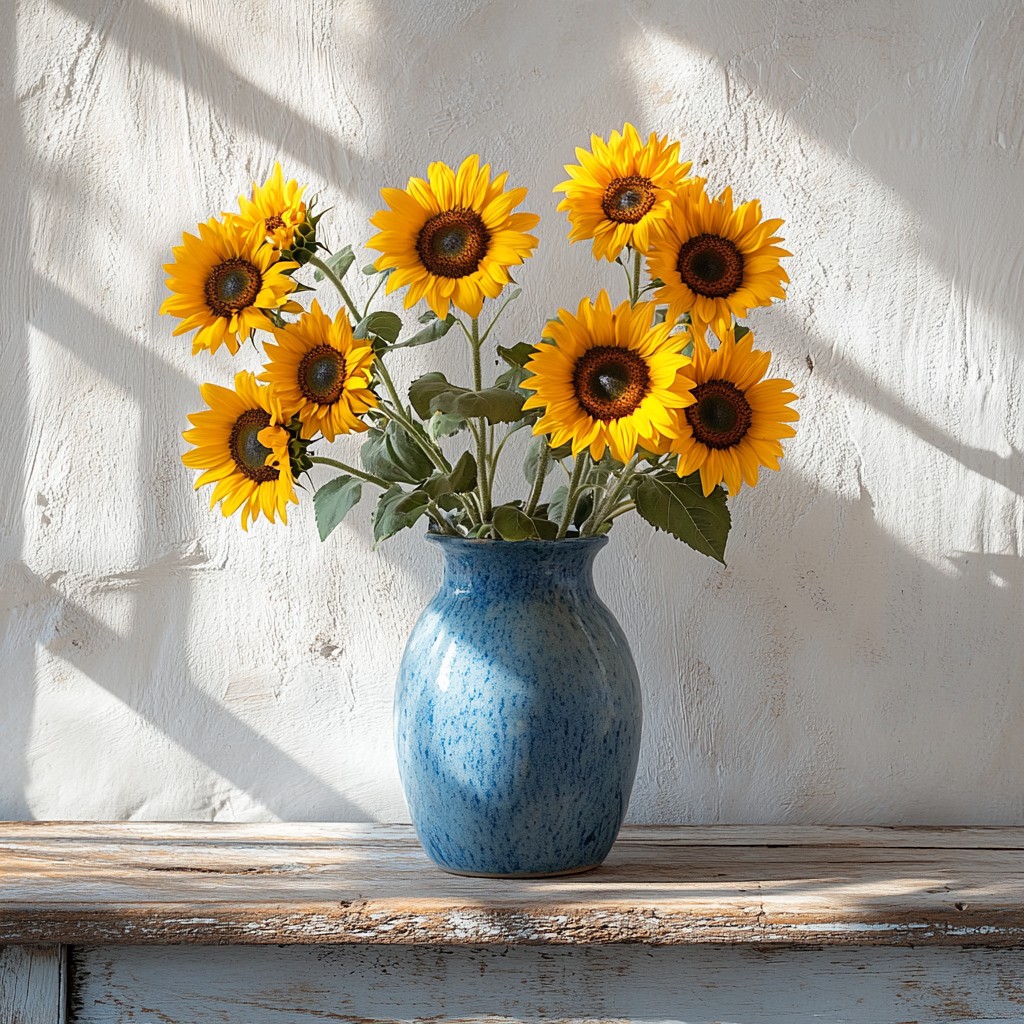
Vẽ ảnh bằng nét cọ Van Gogh
Flowing marks follow the forms in your photo, with swirl, density, stroke size, and palettes such as Starry Night or Sunflower. PictorX Vincent van Gogh runs in the browser, then lets you keep editing with layers, text, and other effects. Hãy thử kiểu Vincent van Gogh bên dưới, hoặc mở hình của bạn.
Cách nó hoạt động
- Open PictorX in your browser and load a photo.
- Choose Vincent van Gogh, then try a preset or adjust swirl, density, brush stroke, and palette.
- Export the painted look, or keep editing with layers and other effects in the same workspace.
Why the swirling brush look works
Landscapes, night scenes, flowers, and portraits with clear structure give the stroke field something to follow. Swirl pushes motion in open areas; denser strokes fill the canvas; palette moods such as Starry Night or Cypress shift colour without erasing your subject.
Stroke, palette, density, and swirl
Brush stroke picks Swirls, Dashes, Impasto, or Ribbon. Palette offers Photo plus Starry Night, Sunflower, Cypress, Ochre, and Irises. Stroke size and density control mark scale and coverage; swirl sets how strongly strokes orbit light and form.
Hỏi thường xuyên
What does the Vincent van Gogh filter do?
It repaints a photo with flowing brush marks inspired by Van Gogh's swirling impasto—not a copy of a museum canvas. Stroke, palette, density, and swirl shape the look.
Is this a real Van Gogh painting?
No. It is a digital homage for your own photos. Authentic works stay in museums and collections.
What photos work best?
Landscapes, night skies, flowers, and portraits with clear forms. Soft, flat photos still work; they become quieter fields of paint.
Can I keep editing after applying Vincent van Gogh?
Yes. Continue with layers, text, other artistic looks, or export from the same PictorX workspace.
Công cụ liên quan
Kính vạn hoa
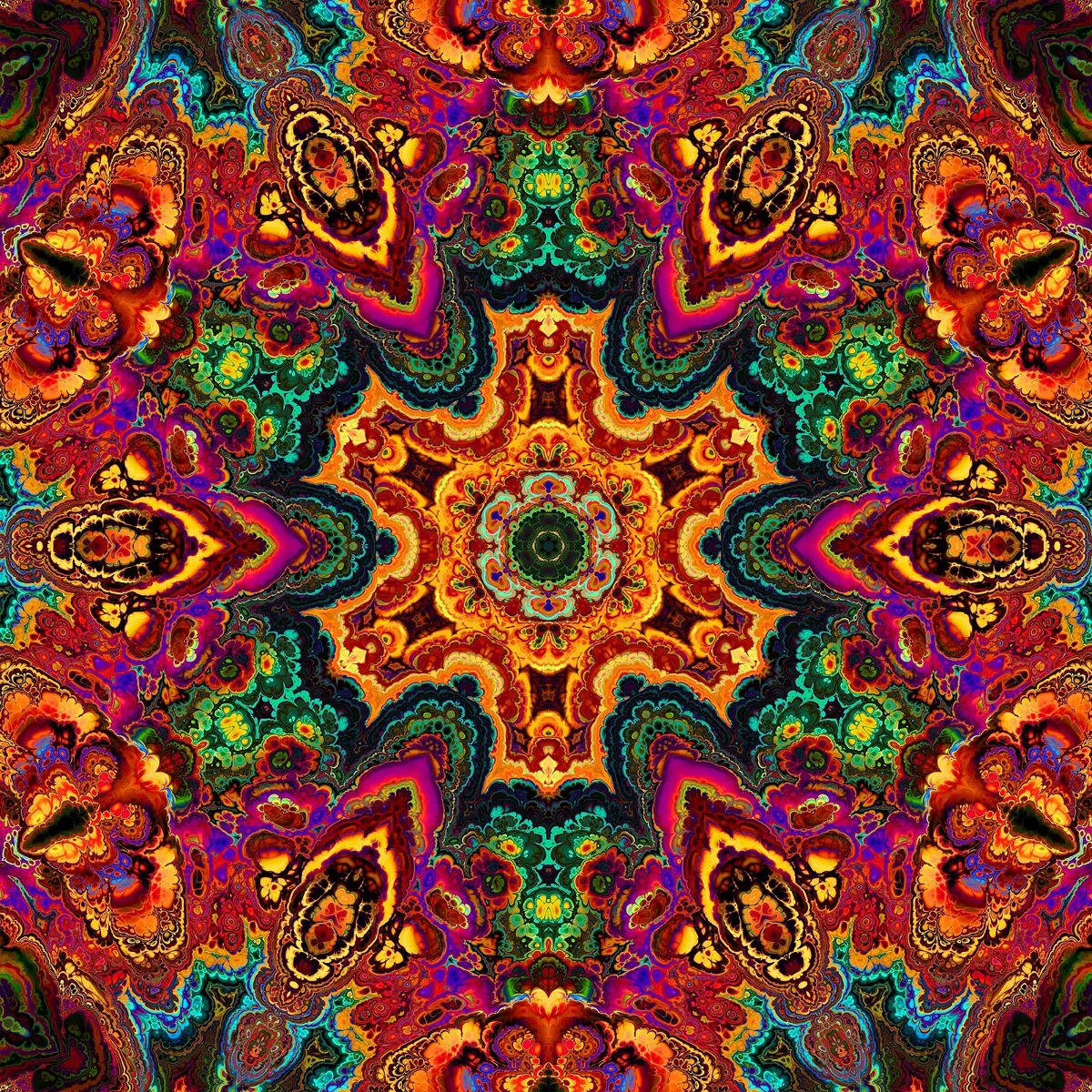
Kính vạn hoa hoạt động như thế nào: Những tấm gương, góc cạnh, kính thiên văn đối xứng và kính thiên văn kỹ thuật số bạn có thể thử một bức ảnh trong PictorX.
Hiệu ứng phản xạ
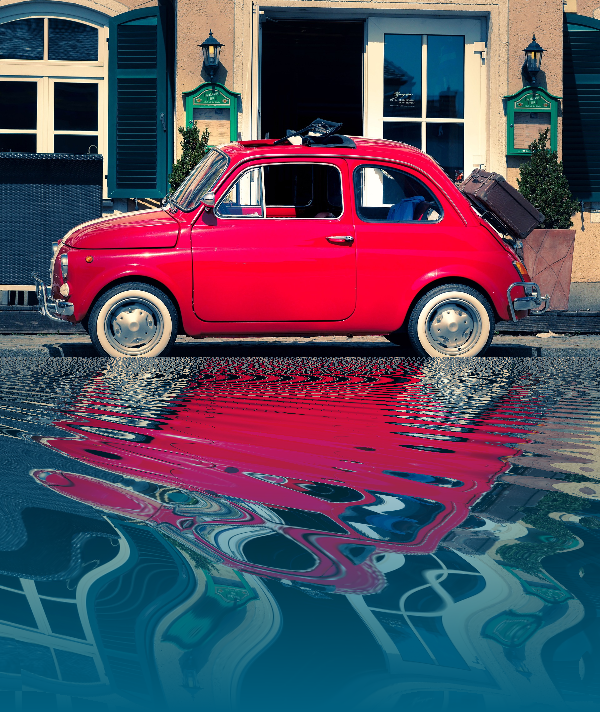
Gương, gạch lát, nước, sàn ướt, và kính vạn hoa trông có vẻ như có một bức ảnh được phản chiếu.

Spirograph
Vẽ hypotrochoid và epitrochoid trong trình duyệt. Chỉnh R, r và lệch bút, hoạt ảnh, ngẫu nhiên hóa và lưu PNG.
Khám phá thế giới phân dạng tuyệt vời
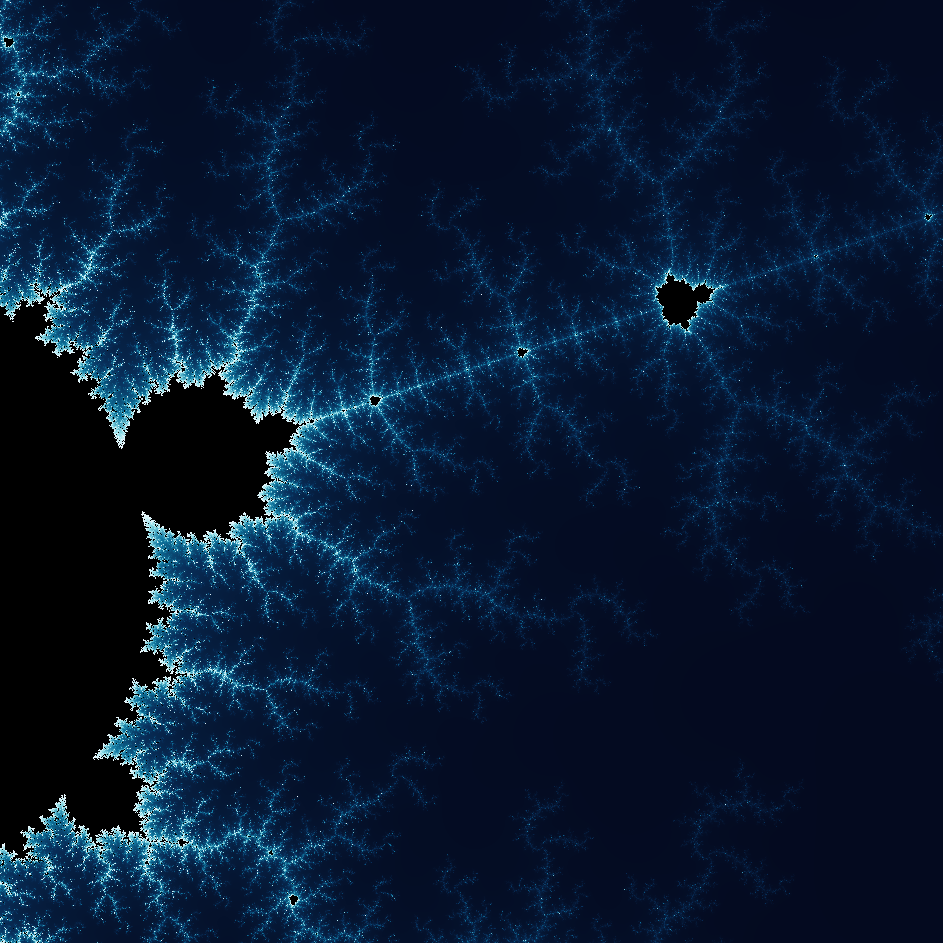
Khám phá thế giới phân dạng tuyệt vời. Phân dạng là những mẫu hình học phức tạp, chi tiết tìm thấy trong thế giới tự nhiên.
Sẵn sàng thử chưa?
Mở PictorX trong trình duyệt của bạn — không cài đặt, không cần thiết thẻ tín dụng để khởi động.
Tới bộ sửa