
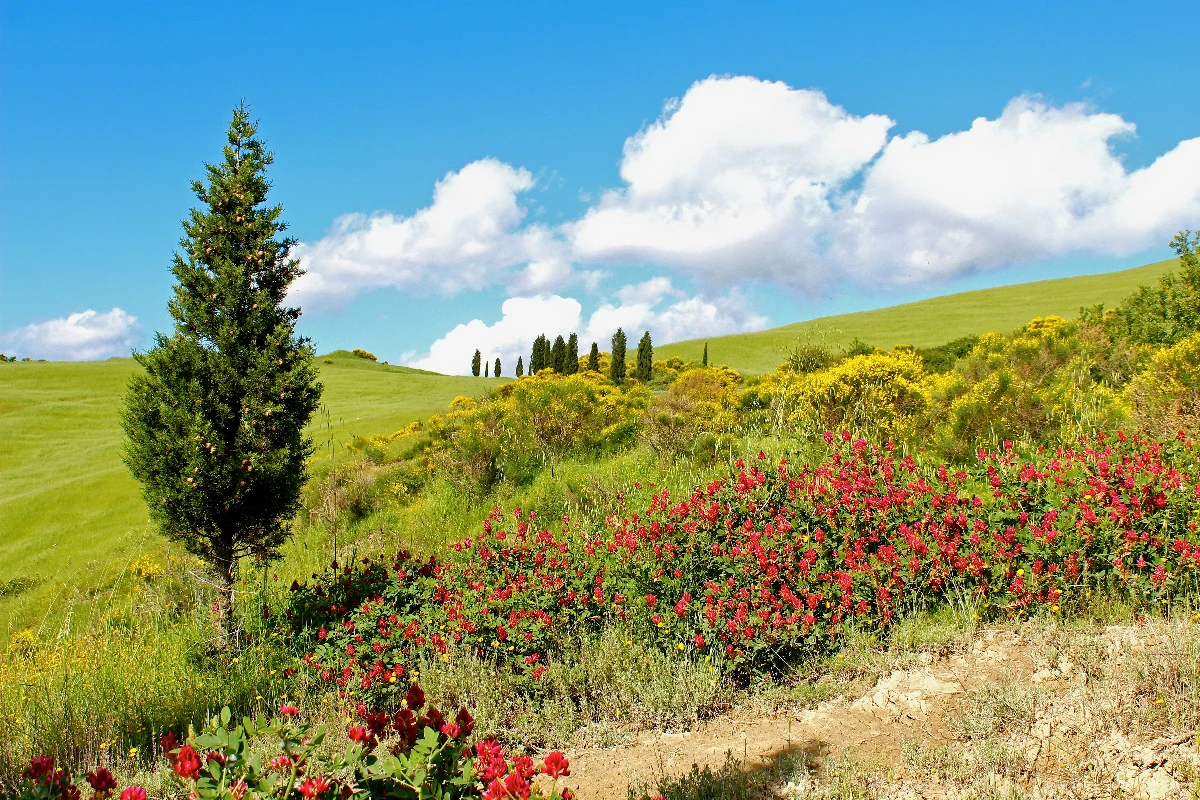
Biến ảnh thành tranh trừu tượng Kandinsky từ vòng tròn, đường nét và màu sắc — chọn phong cách và bảng màu, rồi chỉnh các phần tử.
Bộ lọc ảnh Kandinsky - vòng tròn, đường nét và màu sắc
Kandinsky built pictures from point, line and plane. This filter reads your photo the same way: its strongest light and dark blobs become circles, its strongest edges become straight lines, and its broad colour areas become washes and fields, all pulled into Kandinsky's palettes. Every photo gives a different composition. All processed on-device. Biến ảnh thành tranh trừu tượng Kandinsky từ vòng tròn, đường nét và màu sắc — chọn phong cách và bảng màu, rồi chỉnh các phần tử.
Cách nó hoạt động
- Open PictorX in your browser and load a photo — landscapes, portraits and street scenes all give different compositions.
- Choose Kandinsky, then pick a Style (Composition, Concentric Circles, Several Circles or Improvisation) and a Palette, and adjust Element Size, Elements, Line Work, Color Intensity and Canvas Texture.
- Export the abstraction, or keep editing with layers and other effects in the same workspace.
Point, line and plane — from your photo
In his Bauhaus book Point and Line to Plane (1926), Kandinsky described pictures as built from three elements. The filter takes them from the photo: blobs of strong contrast become circles sized by their importance, the strongest edges become thin straight lines along their own direction, and the broad colour areas become pale washes and translucent planes. The composition therefore follows your photo, even though nothing is traced.
Four styles and six palettes
Composition gathers circles with halos, fans of lines, arcs, triangles and small checkerboards on a light ground, after Composition VIII (1923). Concentric Circles fills a grid of squares with hand-painted rings, after his 1913 colour study. Several Circles (1926) floats translucent discs in a dark space, and Improvisation turns the photo into free colour patches with black calligraphic lines, like his paintings before 1914. Palettes: Photo, Composition VIII, Several Circles, Bauhaus, Blue Rider and Murnau.
Privacy and keep editing
Processing stays in your browser—photos are not uploaded to PictorX servers for this filter. After Kandinsky, continue with layers, text, Paul Klee, Cubism, Pointillism, or export.
Hỏi thường xuyên
What does the Kandinsky filter do?
It turns a photo into an abstract composition in the manner of Wassily Kandinsky—circles, lines, rings and colour fields taken from the photo's own shapes and colours—not a copy of a museum painting. Style, Palette, Element Size, Elements, Line Work and Color Intensity shape the look.
Is this a real Kandinsky painting?
No. It is a digital homage for your own photos. Kandinsky's own works are in museums such as the Centre Pompidou in Paris, the Lenbachhaus in Munich and the Guggenheim in New York.
What photos work best?
Photos with a few clear shapes and strong contrast give the boldest compositions; landscapes suit Composition and Concentric Circles, night or dark photos suit Several Circles, and portraits suit Improvisation.
Can I keep editing after applying Kandinsky?
Yes. Continue with layers, text, other artistic looks, or export from the same PictorX workspace.
Công cụ liên quan
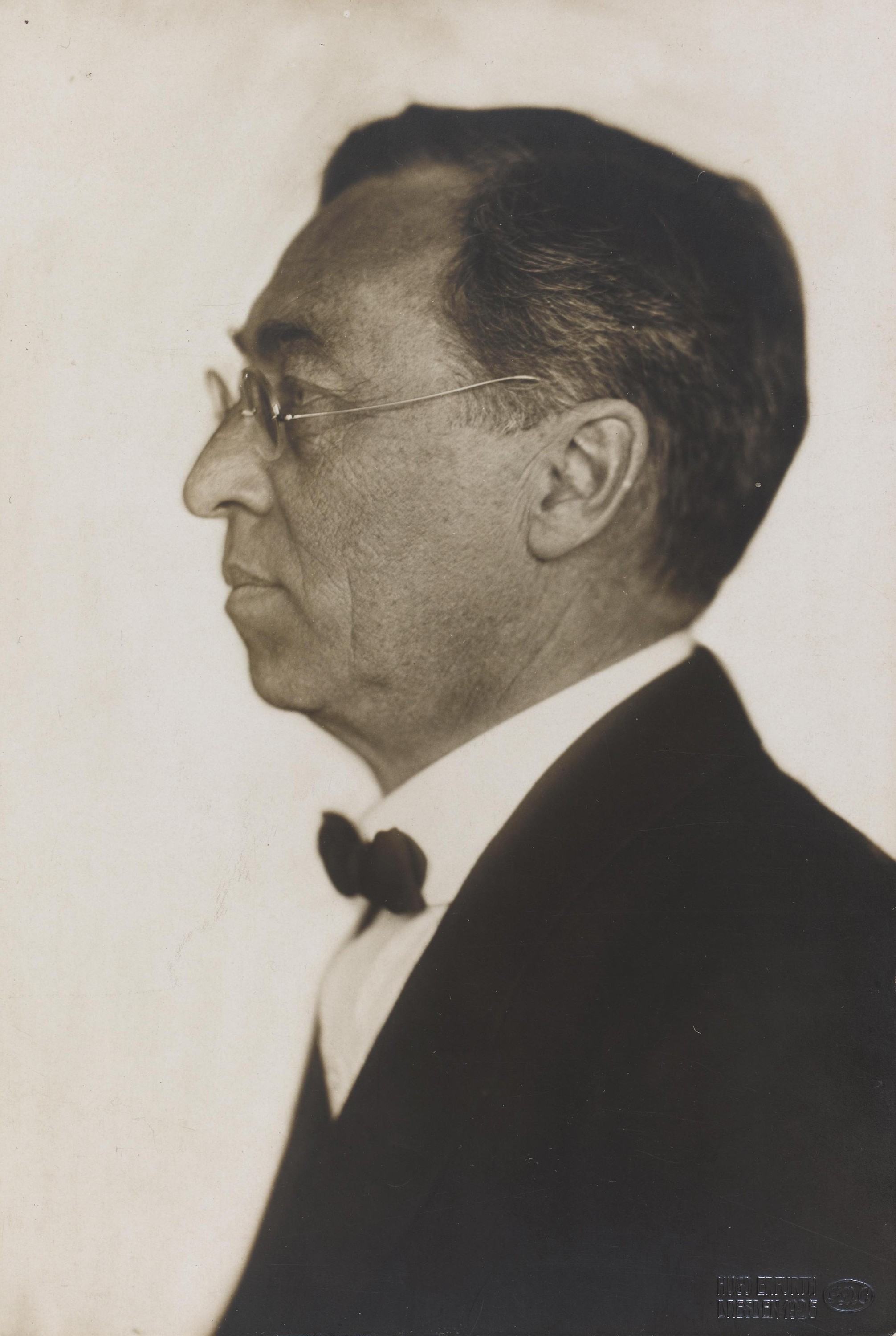
Wassily Kandinsky
Hướng dẫn ngắn về Wassily Kandinsky: từ Moskva đến München, Murnau và nhóm Der Blaue Reiter, màu sắc như âm nhạc, ô vuông với vòng tròn đồng tâm, Bauhaus và Bố cục VIII, Vài vòng tròn và một lời tri ân kỹ thuật số bạn có thể thử trong PictorX.
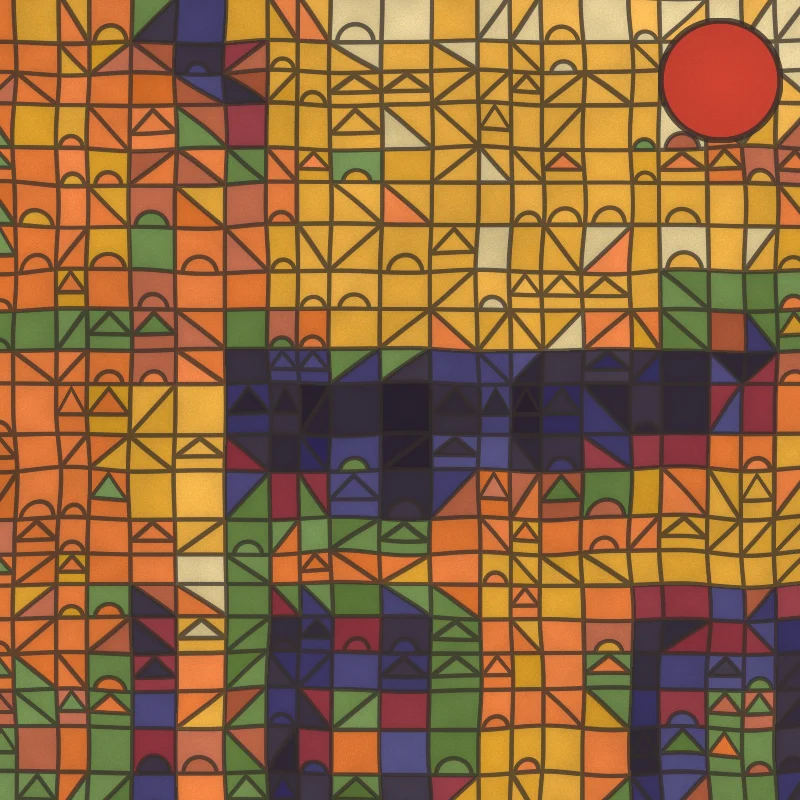
Bộ lọc ảnh Paul Klee - ô vuông kỳ diệu, lâu đài và đường nét
Biến ảnh thành tranh phong cách Paul Klee ngay trong trình duyệt: ô vuông màu kỳ diệu, ô gạch Lâu đài và Mặt trời, chấm Ad Parnassum, đường nét đi dạo hoặc màu nước Tunisia.
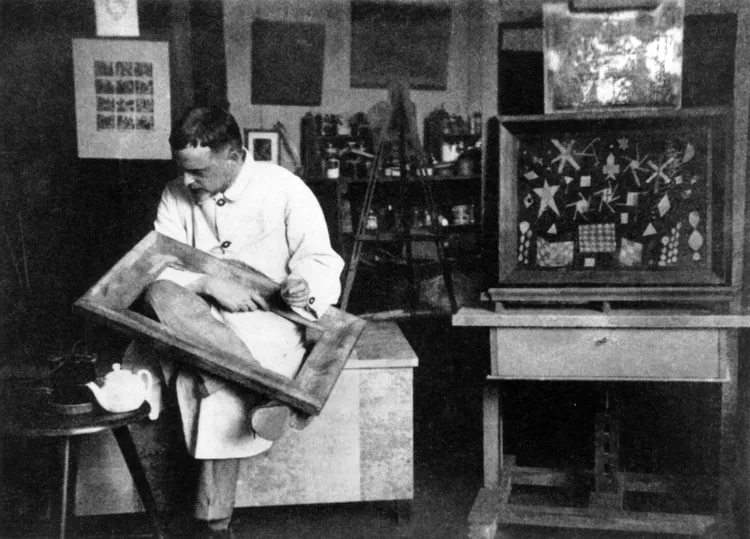
Paul Klee
Hướng dẫn ngắn về Paul Klee: Bern và nhóm Der Blaue Reiter, chuyến đi Tunisia năm 1914, những ô vuông màu kỳ diệu, đưa đường nét đi dạo, những năm ở Bauhaus và một lời tri ân kỹ thuật số bạn có thể thử trong PictorX.
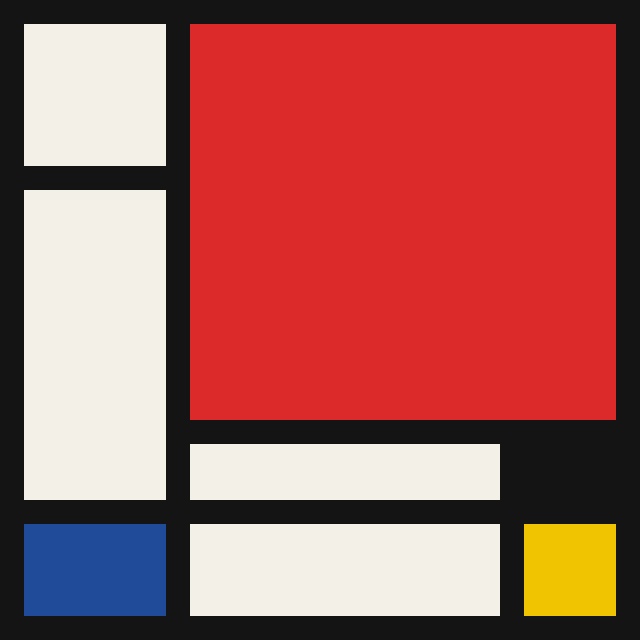
Mondriaan
Tạo lưới De Stijl cổ điển kiểu Mondriaan trong trình duyệt. Chỉnh độ phức tạp, độ dày nét và tô màu — nhấp ô để đổi màu, rồi lưu PNG.
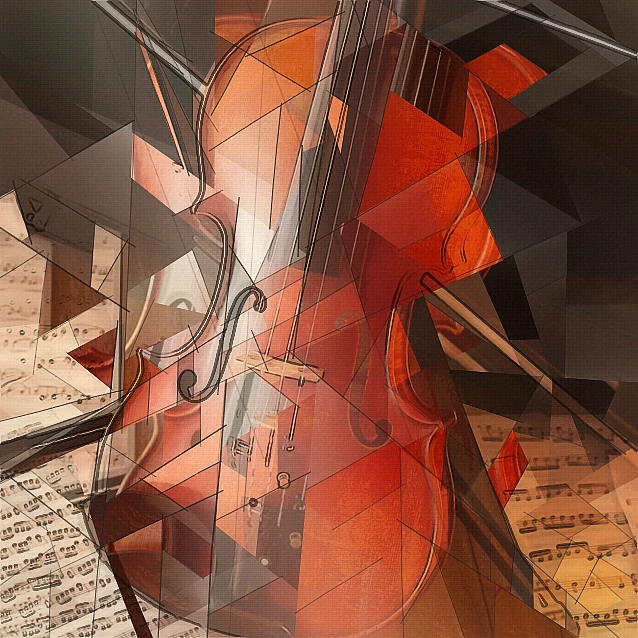
Bộ lọc ảnh lập thể - mặt hình học
Biến ảnh thành các mặt hình học lấy cảm hứng từ Lập thể phân tích trong trình duyệt. Chỉnh kích thước mặt, phối cảnh, làm phẳng, đường viền và tương phản.
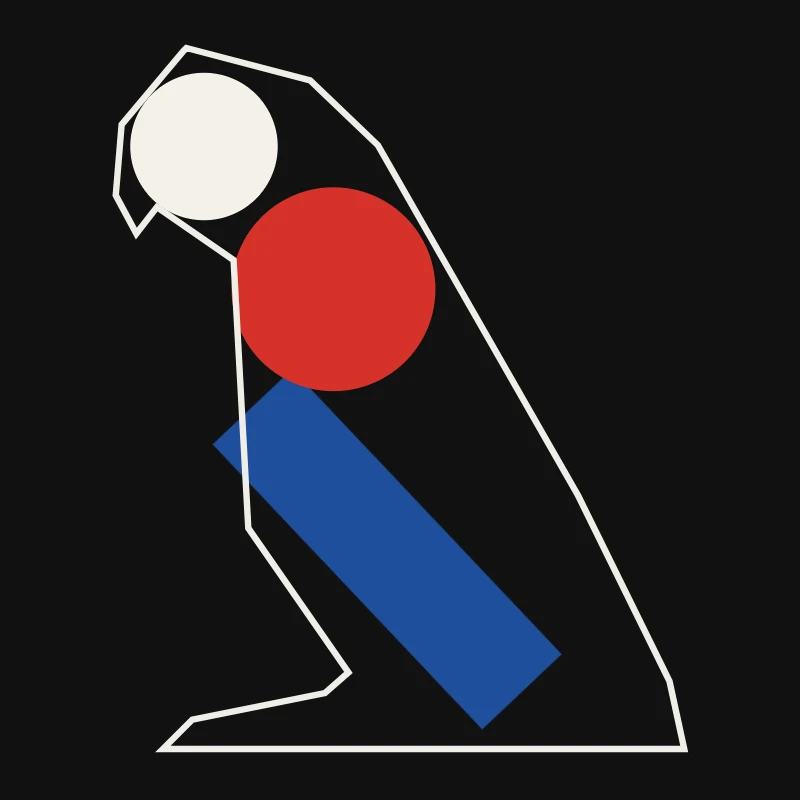
Chủ nghĩa tối giản
Biến ảnh thành nghệ thuật tối giản ngay trong trình duyệt: khối phẳng viền sắc, bóng hình, một đường nét, trường màu hoặc khối — tất cả lấy từ ảnh của bạn.

Hiệu ứng nghệ thuật
Biến hình bằng sơn dầu, màu nước, bút chì, mực truyện tranh, bánh xe, giấy cắt giấy, và các tác phẩm nghệ thuật khác.
Sẵn sàng thử chưa?
Mở PictorX trong trình duyệt của bạn — không cài đặt, không cần thiết thẻ tín dụng để khởi động.
Tới bộ sửa