
Connect Four
Connect Four (in Dutch: Vier op 'n rij) is a classic strategy game for two players. Take turns dropping red and yellow discs into an upright grid of seven columns and six rows. Each disc falls to the lowest free slot in its column, and the first player to get four discs in an unbroken line, across, down, or diagonally, wins. Play a friend on the same screen, or take on the computer from Easy to Hard. You can also choose Computer against computer and watch the computer play itself. Click a column to drop a disc: it falls to the lowest free slot. Get four in a row across, down, or diagonally to win. Play the computer or a friend on the same screen. Hint shows a good column, and Undo takes back the last move. You can also choose Computer against computer and watch the computer play itself.
How it works
- Choose Two players to play a friend on the same screen, or play against the computer and pick how well it plays. Computer against computer lets you watch it play itself.
- Click a column to drop a disc. It falls to the lowest free slot. Red moves first, and the players take turns.
- Get four discs in an unbroken line, across, down, or diagonally, before the other player does. Then save a PNG of the board.
How to play
The grid stands upright and has seven columns and six rows, 42 slots in all. Red moves first, then the players take turns, one disc at a time. You only choose the column: the disc drops to the lowest free slot in it. The first player with four discs in an unbroken line, across, down, or diagonally, wins, and the four are highlighted. When all 42 slots are full and nobody has four in a row, the game is a draw. To play with the keyboard, use the arrow keys and Enter, or the number keys 1 to 7.
Threats and the middle column
The middle column is the strongest place to play, because more lines of four pass through it than through any other column. A threat is an empty slot that would complete four of your discs. Make two threats at once and the other player can block only one of them. Watch the slot directly below a threat as well: if you fill it, the other player can drop a disc on top and win. Good players plan their threats so that, as the grid fills up, the opponent is eventually forced to play underneath one.
How the computer plays
The computer searches ahead with minimax and alpha-beta pruning. It imagines each move, every reply, every answer to that reply, and so on, and skips lines of play that cannot change its choice. It tries the middle columns first, remembers positions it has already seen, and scores the positions at the end of its search by the open lines of four each side still has. Easy looks two moves ahead and sometimes plays carelessly, Medium looks five moves ahead, and Hard searches as deep as it can in about a second, which is enough to see most traps long before they spring.
Computer against computer
Choose Computer against computer under Players to watch the computer play both Red and Yellow at the level you pick. Speed sets how quickly it drops its discs, and the score counts Red's wins, the draws, and Yellow's wins. Pause halts the game, and Undo steps back a move at a time. On Hard it thinks for about a second before each move.
Frequently asked questions
Is Connect Four a solved game?
Yes. In 1988 James D. Allen and Victor Allis independently showed that the first player can always win with perfect play by starting in the middle column. If the first disc goes anywhere else, the second player can at least draw.
Is it better to go first?
Yes. With perfect play the first player wins, as long as the first disc goes in the middle column. Against a person, or against Easy or Medium, going first is still an advantage, but most games are decided by mistakes.
How do I play with a friend?
Choose Two players. You take turns at the same screen, Red first, and the score counts Red's wins, Yellow's wins, and the draws. Undo takes back the last disc.
What do Undo and Hint do?
Against the computer, Undo takes back your last disc together with the computer's answer, and Redo plays them again. Hint highlights the column Hard would choose in your place.
Does this upload anything?
No. The game runs in your browser, and the board is drawn on a canvas. Save downloads a PNG. Edit opens that image in the PictorX editor.
Related tools
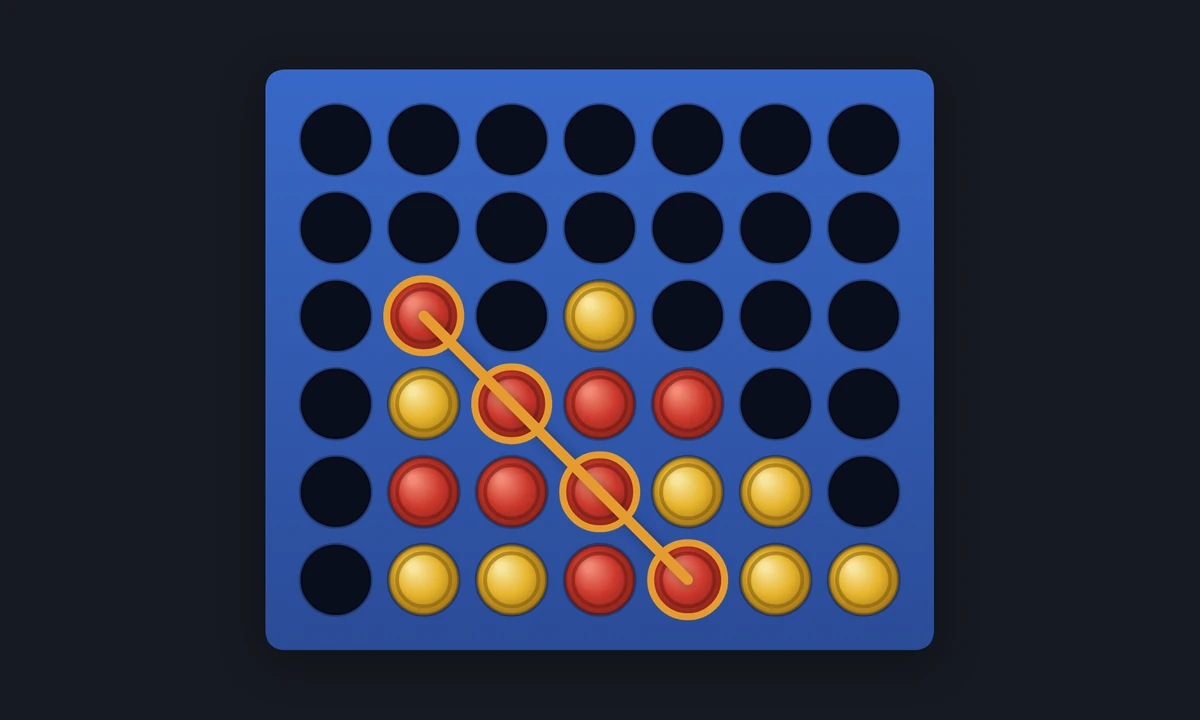
Connect Four - history, rules, and strategy
Connect Four, Vier op 'n rij in Dutch: its history since 1974, the rules, the strategy of threats and the middle column, and how James D. Allen and Victor Allis solved it in 1988.
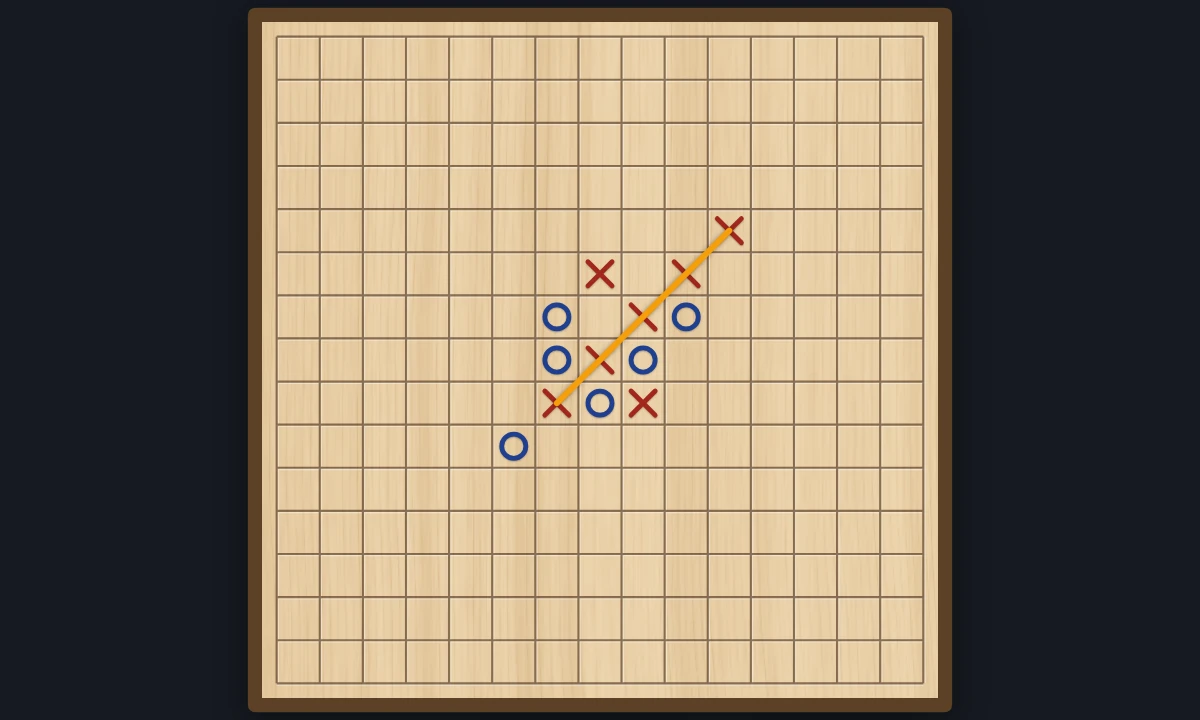
Five in a row
Play five in a row, also known as Gomoku, in your browser: with a friend on the same screen, or against the computer from Easy to Hard. Get five stones in an unbroken line to win. Or watch the computer play itself.
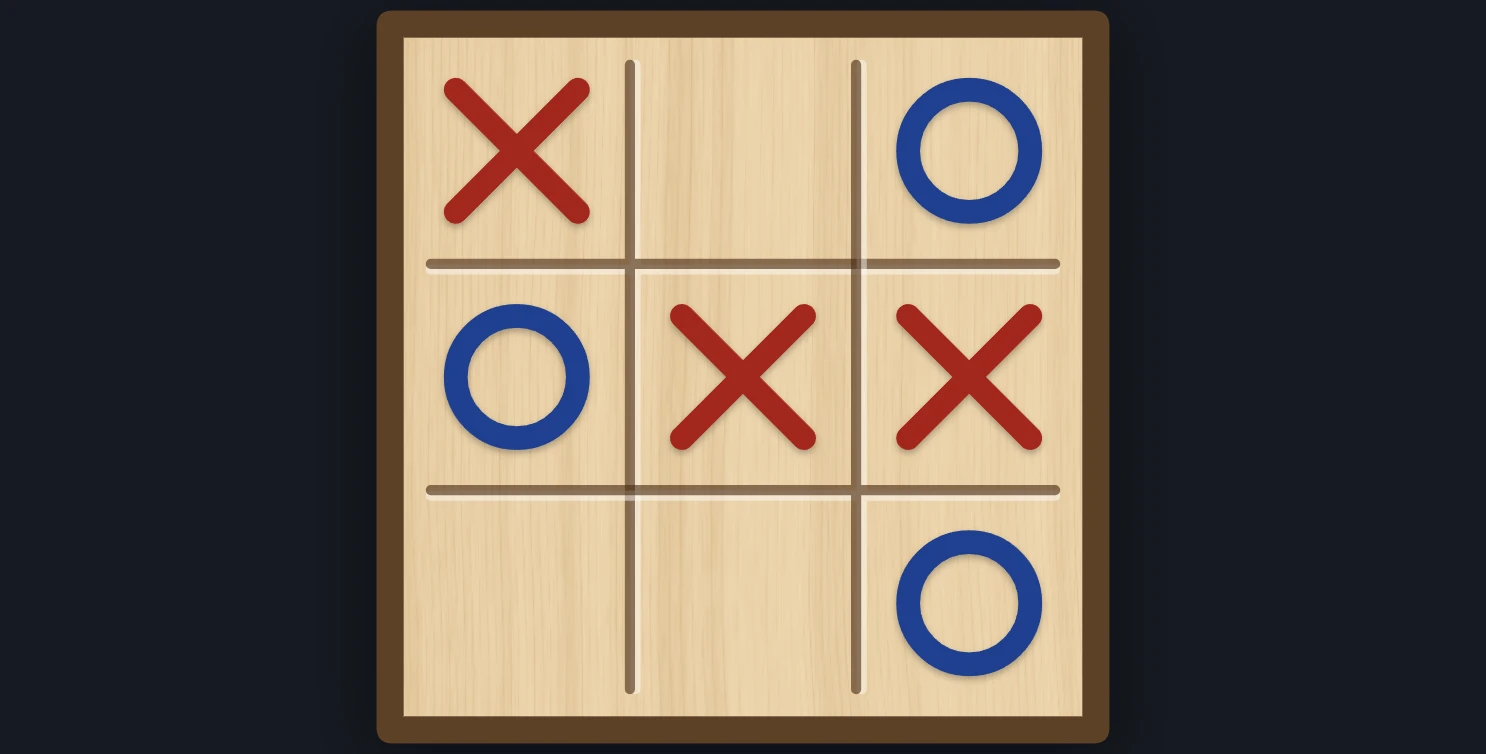
Tic-tac-toe
Play tic-tac-toe against the computer in your browser. Pick who starts and how well it plays, from Easy to Unbeatable, ask for a hint, or watch it play itself.
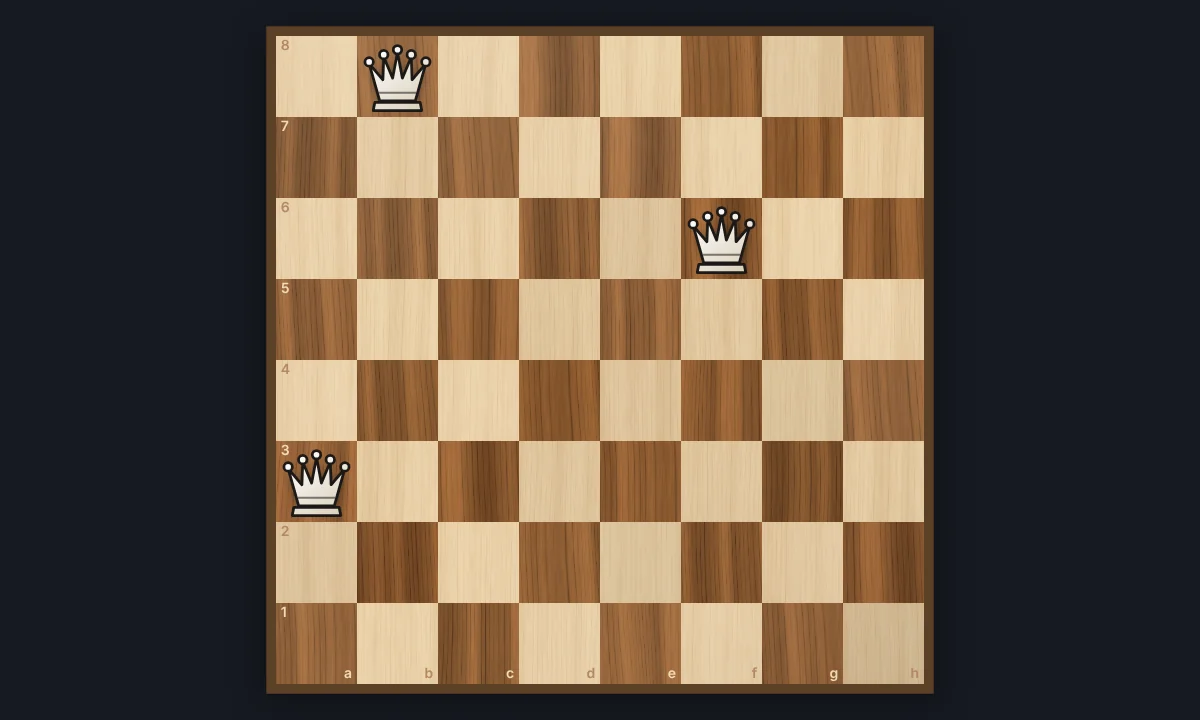
Eight Queens
Place eight queens on a chessboard so that none attacks another. Try it yourself, watch the backtracking search find a solution step by step, and go through all 92 solutions.
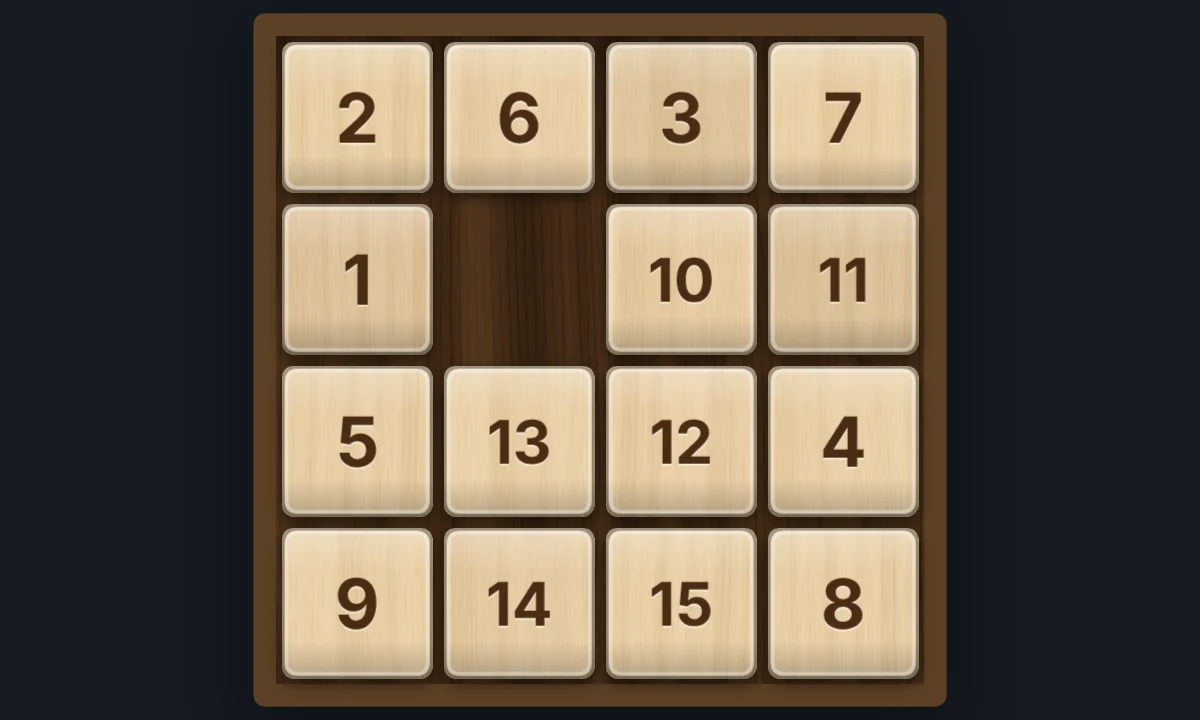
15 Puzzle
Play the classic 15 sliding puzzle in your browser on 3×3, 4×4, or 5×5 wooden tiles. Shuffle, slide whole rows at once, try Sam Loyd's impossible 14-15, or watch Solve finish it.
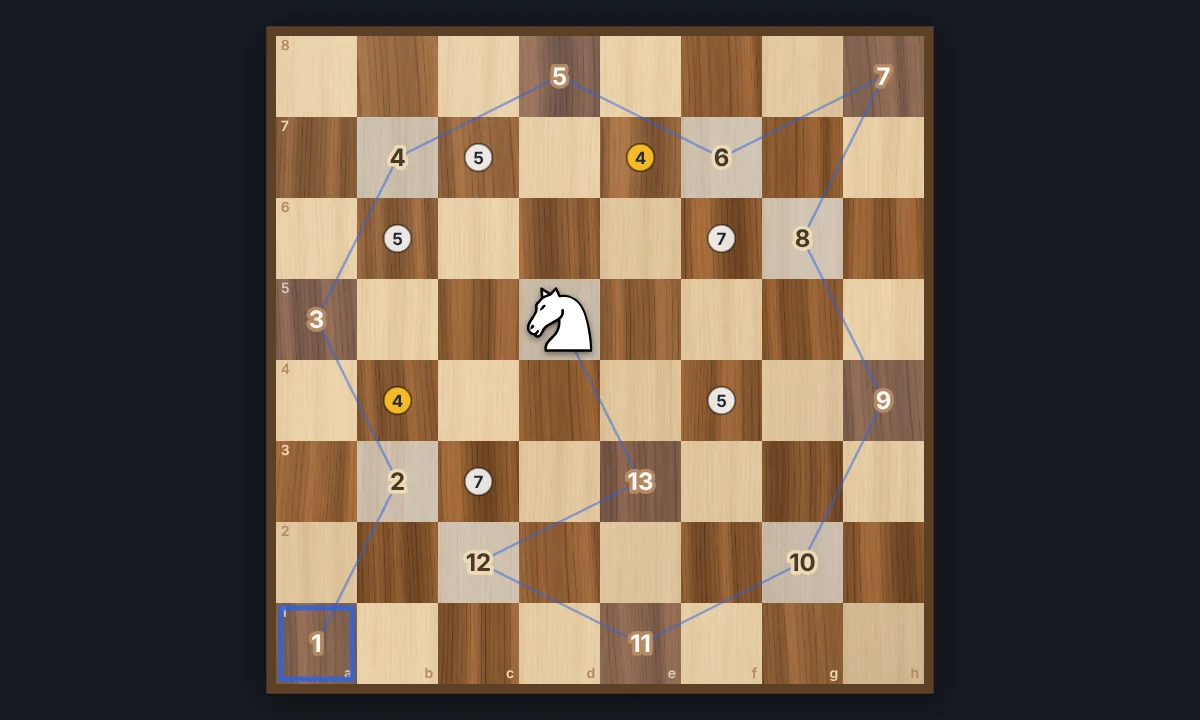
Knight's Tour
Jump a chess knight to every square of the board exactly once. Play it yourself with Warnsdorff hints, or watch Solve finish an open or closed tour. Save the path as a PNG.
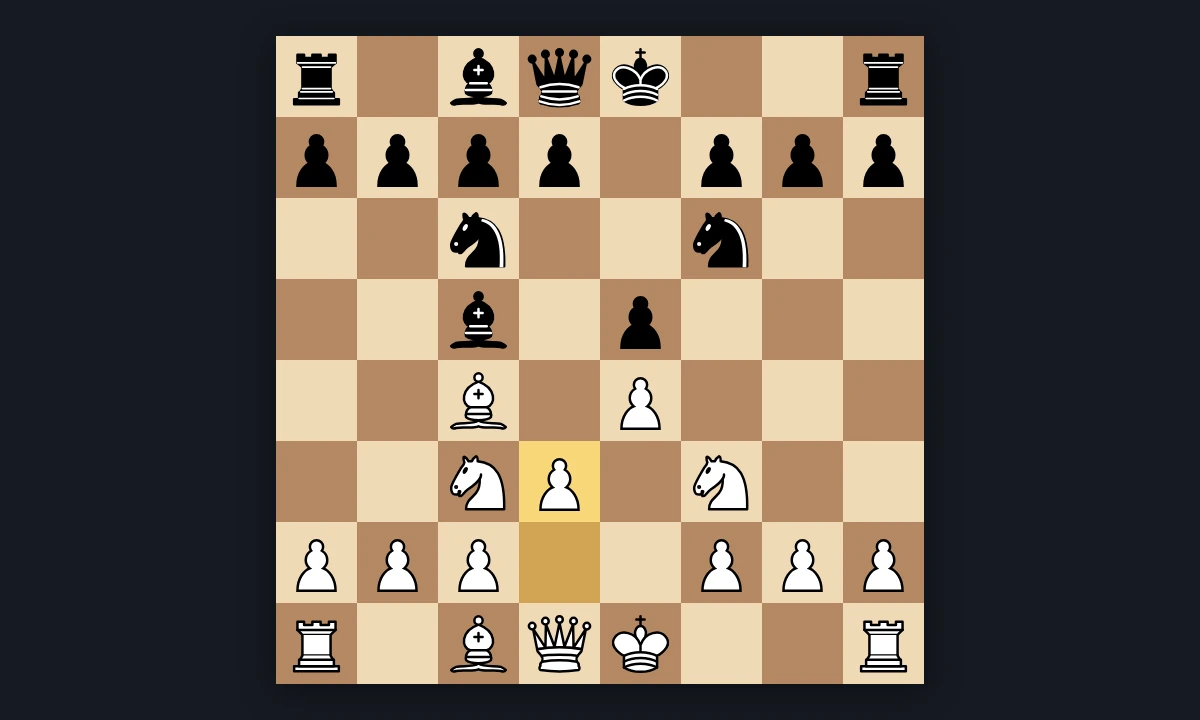
Chess
Play chess in your browser with all the rules: castling, en passant, promotion, check and checkmate. Play the computer from Easy to Expert, a friend on the same screen, or watch the computer play itself.
Ready to try it?
Open PictorX in your browser — no install, no credit card required to start.
Go to Editor