
Five in a row
Five in a row, often called Gomoku, is a classic strategy game for two players. The goal is simple: be the first to get five stones of your color in an unbroken line, across, down, or diagonally. Play a friend on the same screen, or take on the computer. You can also choose Computer against computer and watch the computer play itself. Place a stone where two lines cross, and be the first to get five in a row: across, down, or diagonally. Play against the computer, or with a friend on the same screen. Hint shows a good point, and Undo takes back the last move. You can also choose Computer against computer and watch the computer play itself.
How it works
- Choose Two players to play a friend on the same screen, or play against the computer and pick how well it plays. Computer against computer lets you watch it play itself.
- Click a point where two lines cross to place a stone. Black moves first, and the players take turns.
- Get five stones in an unbroken line, across, down, or diagonally, before the other player does. Then save a PNG of the board.
How to play
The board is a grid of 15 by 15 lines, and the stones go on the points where the lines cross, not in the squares. Black moves first, then the players take turns, one stone per turn, and a stone never moves. The first to make an unbroken line of five, across, down, or diagonally, wins. Board switches to 13×13 or to the 19×19 of a Go board. Rules decides whether a line of six or more counts: Five or more wins, as in freestyle Gomoku, or Exactly five wins, as in standard Gomoku. Crosses and circles under Colors draws the game as on paper, with an X or an O in each square instead of stones on the points.
Threats and forced wins
A four, four stones in a line with room for a fifth, must be blocked at once. An open three, three in a line with both ends free, must be blocked too, or it grows into an open four, which has two ends to finish and cannot be stopped. Strong players win by making two threats with one stone: a four and an open three, or two fours. The other player can block only one of them.
How the computer plays
For every empty point it looks at the lines of five points that pass through it. A line that holds stones of only one color is worth more the more stones it holds, so the same score counts what a stone builds and what it blocks. Easy plays one of its best few points, and Medium plays the best one. Hard wins or blocks a five at once, searches for a forced win made of fours, and otherwise tries its best points against your best replies and plays the one that leaves it best placed.
Computer against computer
Choose Computer against computer under Players to watch the computer play both Black and White at the level you pick. Speed sets how quickly it moves, and the score counts Black's wins, the draws, and White's wins. Pause halts the game, and Undo steps back a move at a time. On Medium and Hard, Black wins most games: moving first is a big advantage.
Frequently asked questions
Is five in a row the same as Gomoku and Renju?
Five in a row is Gomoku. Freestyle Gomoku lets a line of six or more win, and standard Gomoku counts exactly five. Renju is a variant for experts that forbids Black some moves, such as making two open threes at once, to make up for Black's first-move advantage. This app plays freestyle or standard Gomoku, not Renju.
Does the first player have an advantage?
A big one. In 1993, a computer search by Victor Allis showed that on a 15×15 board Black, who moves first, can always force a win. That is why Renju restricts Black, and why Take turns lets you and the computer start in turn.
How do I play with a friend?
Choose Two players. You take turns at the same screen, Black first, and the score counts Black's wins, White's wins, and the draws. Undo takes back the last stone.
What do Undo and Hint do?
Against the computer, Undo takes back your last stone together with the computer's answer, and Redo plays them again. Hint highlights the point Hard would choose for the player to move.
Does this upload anything?
No. The game runs in your browser, and the board is drawn on a canvas. Save downloads a PNG. Edit opens that image in the PictorX editor.
Related tools
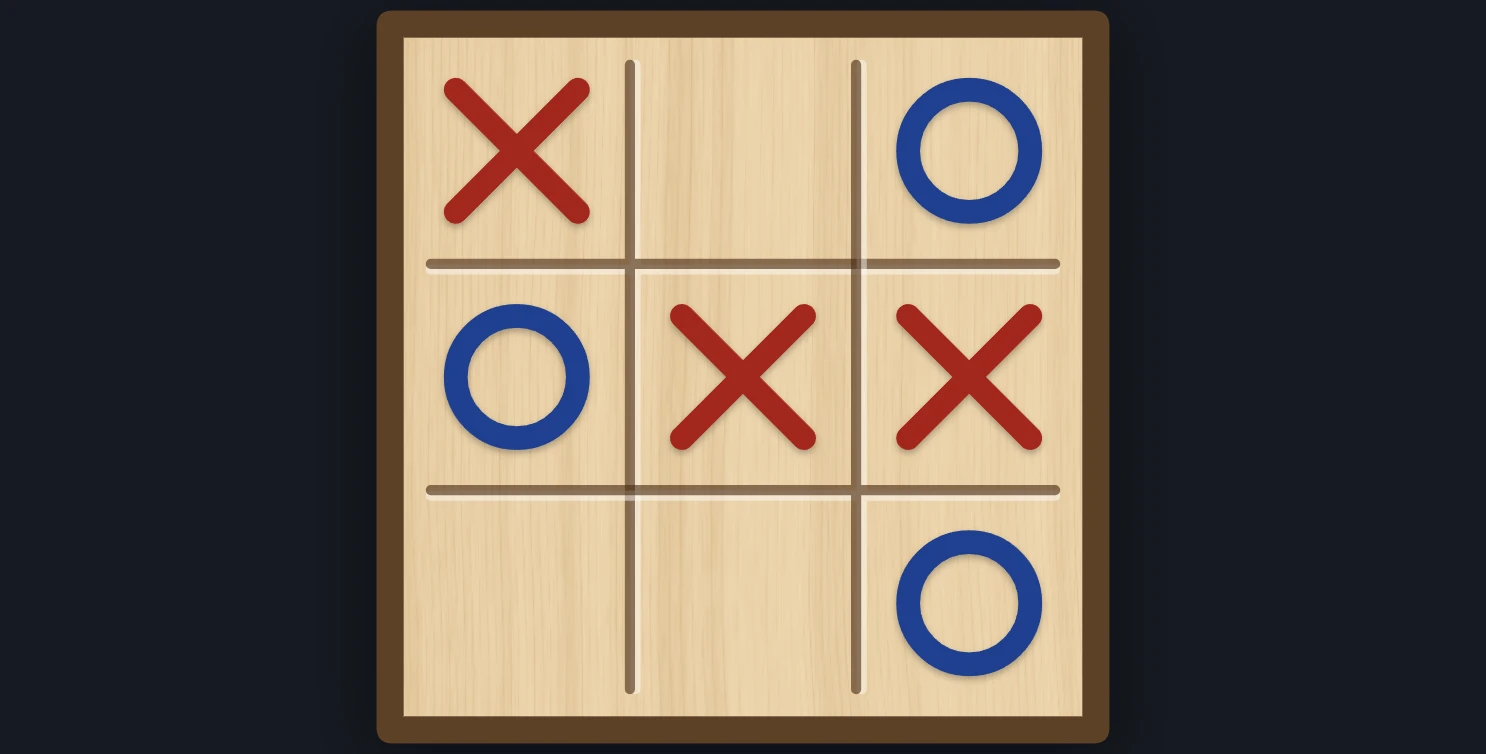
Tic-tac-toe
Play tic-tac-toe against the computer in your browser. Pick who starts and how well it plays, from Easy to Unbeatable, ask for a hint, or watch it play itself.

Tangram Puzzle
Play the old Chinese tangram puzzle in your browser. Drag, turn, and flip the seven tans to fill a cat, a swan, a runner, a sailboat, or the square, without overlaps. Ask for a hint, or watch it solve.
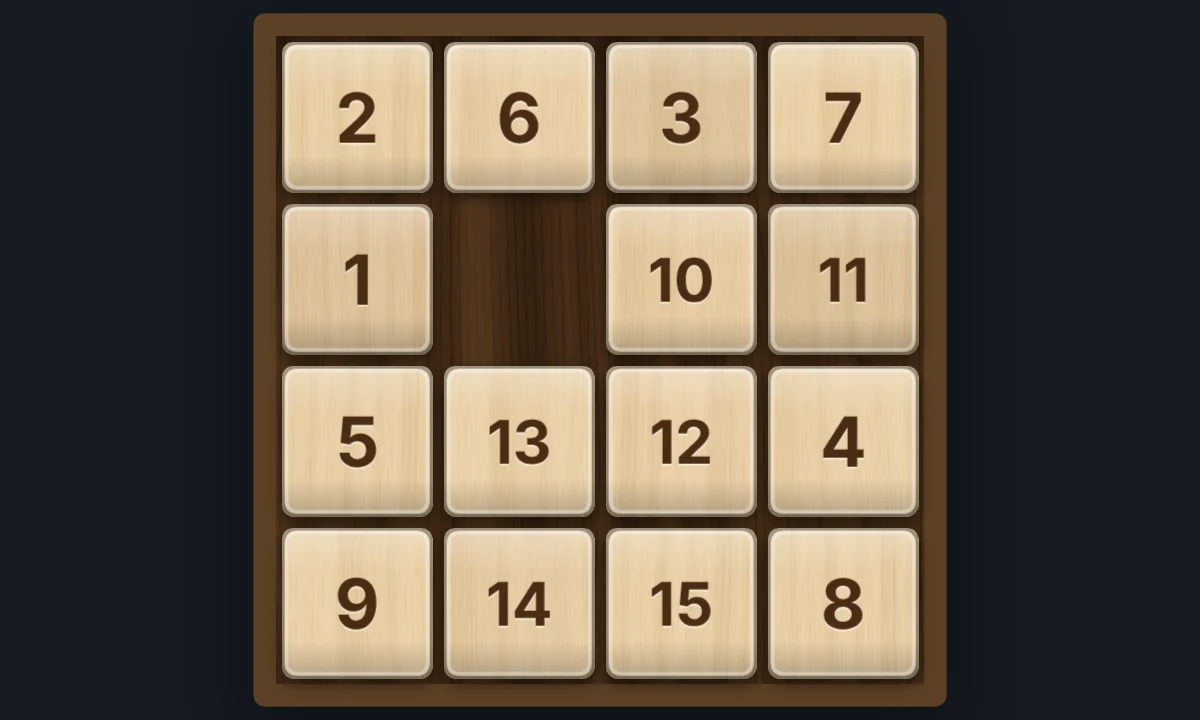
15 Puzzle
Play the classic 15 sliding puzzle in your browser on 3×3, 4×4, or 5×5 wooden tiles. Shuffle, slide whole rows at once, try Sam Loyd's impossible 14-15, or watch Solve finish it.
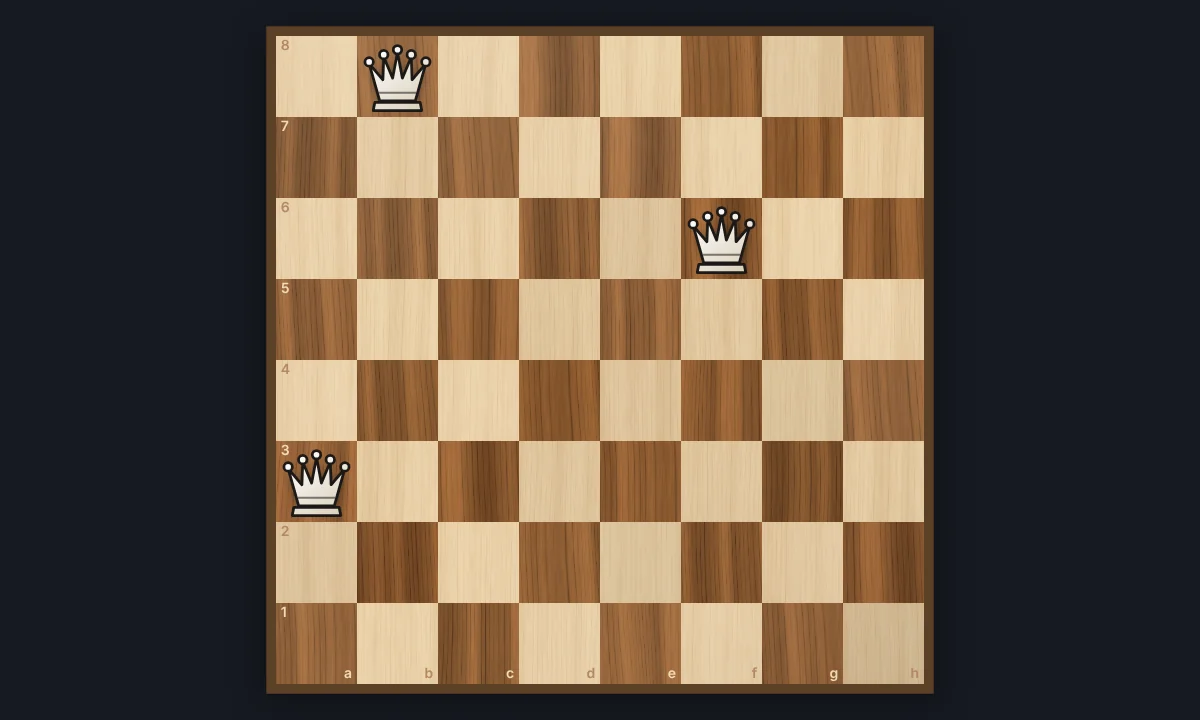
Eight Queens
Place eight queens on a chessboard so that none attacks another. Try it yourself, watch the backtracking search find a solution step by step, and go through all 92 solutions.
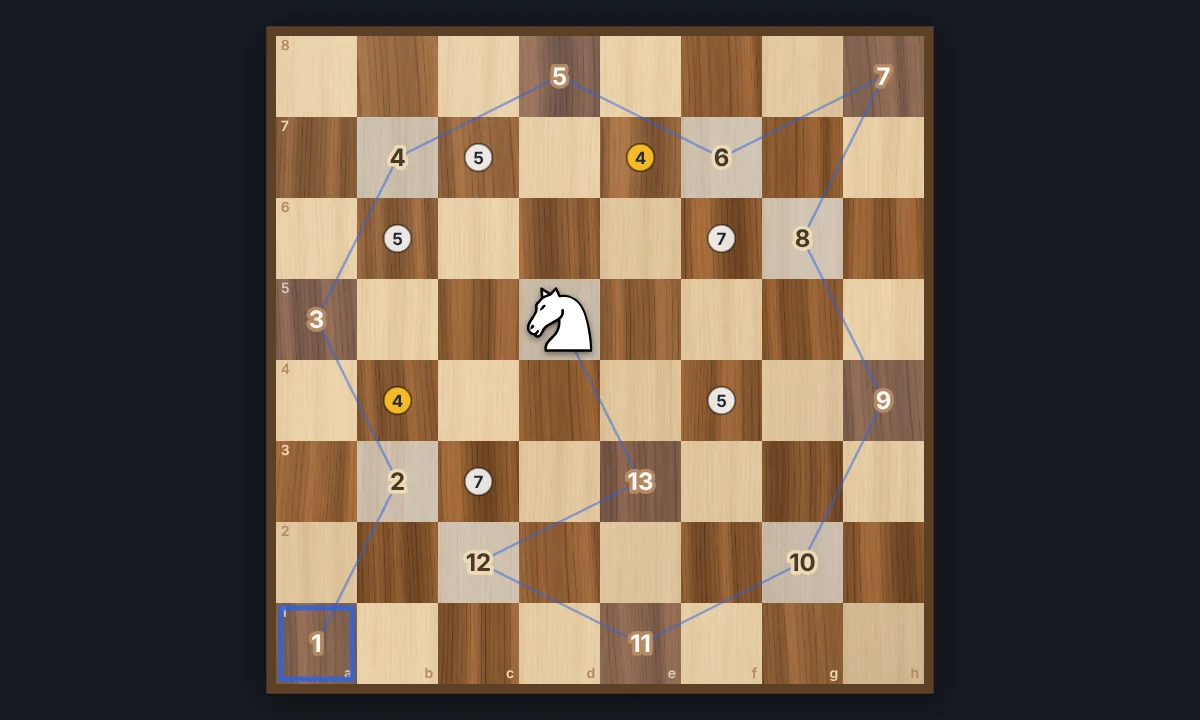
Knight's Tour
Jump a chess knight to every square of the board exactly once. Play it yourself with Warnsdorff hints, or watch Solve finish an open or closed tour. Save the path as a PNG.
Connect Four
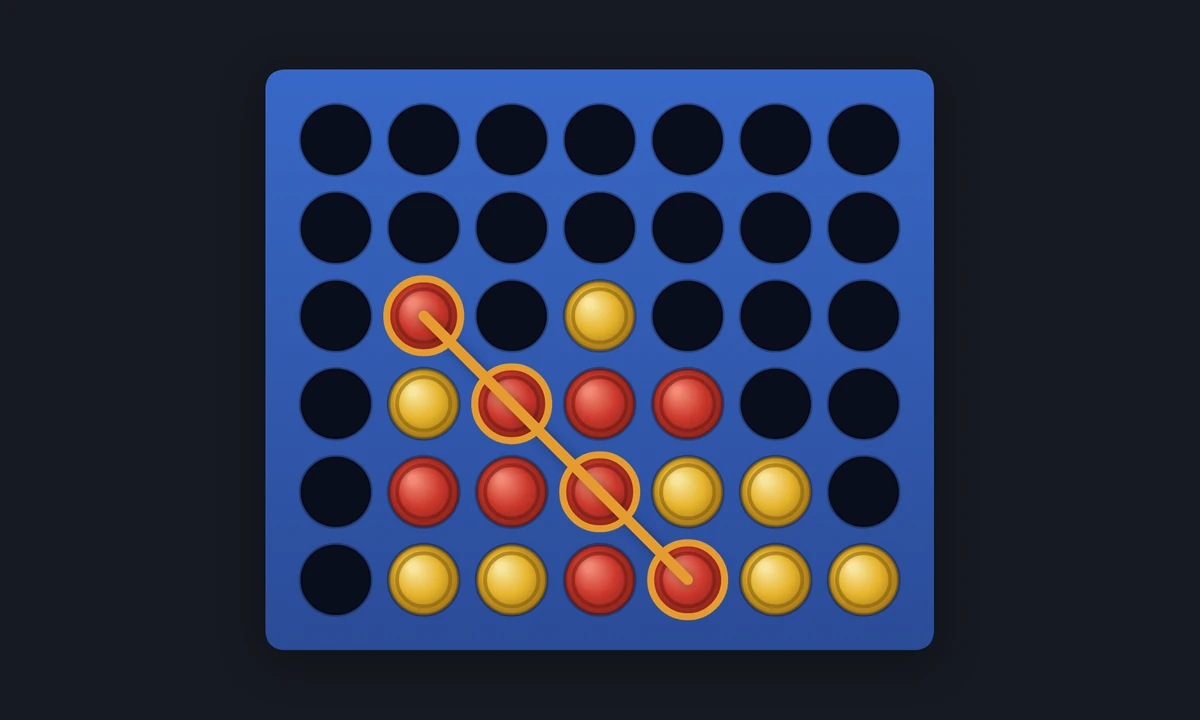
Play Connect Four in your browser: drop red and yellow discs and get four in a row to win. Play a friend on the same screen, or the computer from Easy to Hard. Or watch the computer play itself.
Ready to try it?
Open PictorX in your browser — no install, no credit card required to start.
Go to Editor